LFBBD Lead For Business vs Tomba: Bought Lists or Live Lookup?
LFBBD sells custom lead lists that its team researches and delivers to you. Tomba gives you a self-serve email finder and verifier. Here is how to decide which model fits your outbound, based on price, how fresh the data is, and how you work.
- LFBBD (Lead for Business Ltd) is a data vendor that researches and delivers lead lists for you. It covers B2B, eCommerce, Amazon seller and local business contacts, and lists include emails and direct dials. Pricing is quoted per project, and turnaround is 24 to 48 hours.
- Tomba is a self-serve platform for finding and verifying emails. You look up contacts by domain, name or LinkedIn profile, verify them on demand, and pay a flat monthly plan starting at $49/mo (a free tier gives you 25 searches/mo).
- Choose LFBBD for a one-off, tightly specified list, such as "Shopify stores in Germany doing $1M+" or "Amazon sellers in a given category", where you want a person to build it.
- Choose Tomba for continuous outbound, when you need to verify emails right before you send, or when you want enrichment inside your CRM, Sheets or API workflow.
- Plenty of teams use both: they buy a niche list once, then run every row through a verifier before the first send.
What is LFBBD Lead For Business?#
LFBBD is the domain and short name of Lead for Business Ltd, a lead-generation company that sells prepared contact databases. According to its official site and its Datarade provider profile, it offers:
- More than 250M business contacts, including roughly 200M B2B contacts, about 4M eCommerce leads and 200K+ Amazon seller contacts
- Emails, direct dials and mobile numbers for decision-makers
- 20+ filters, including job title, industry, location, revenue and tech stack
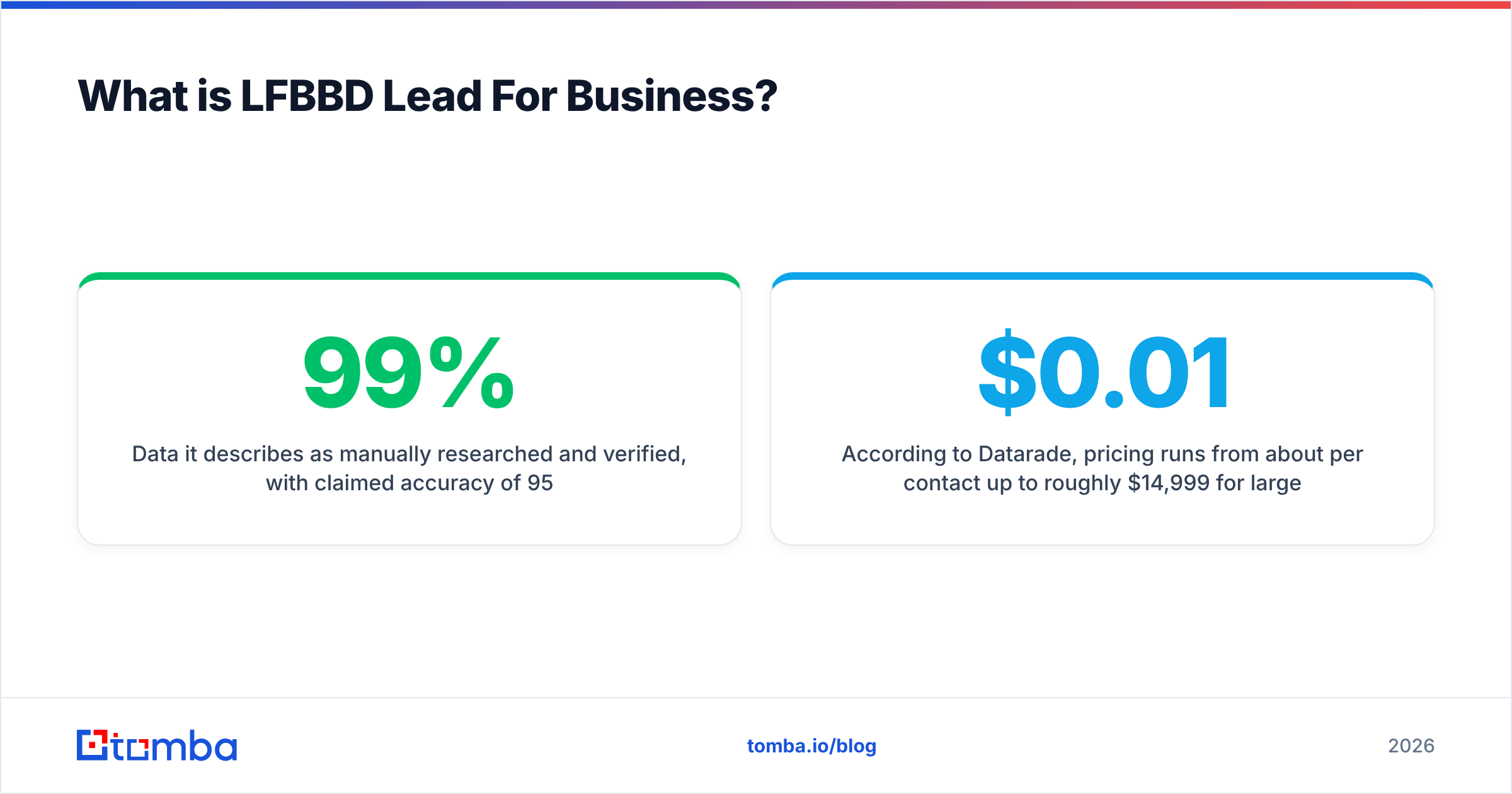
- Data it describes as manually researched and verified, with claimed accuracy of 95–99%
- Delivery within 24 to 48 hours, plus free samples before you buy
According to Datarade, pricing runs from about $0.01 per contact up to roughly $14,999 per year for larger datasets. What you actually pay depends on how specific your request is. On Trustpilot, reviewers score LFBBD around 4.5/5 and keep coming back to three points: prices are fair, delivery is fast, and the team answers quickly.
In short, LFBBD is a data-as-a-service vendor. You describe the audience you want, they build the list, and you get a spreadsheet.
What is Tomba?#
Tomba is a self-serve B2B email finder built around lookups you run yourself. You don't order a finished list. You query the data whenever you need a contact:
- Email finder: enter a first name, last name and company domain, and it returns the most likely professional address.
- Domain search: enter a domain and it lists the public emails it finds for that company, with sources and department tags.
- Email verifier: checks deliverability through syntax, MX and SMTP checks, and handles catch-all domains.
- Phone finder, data enrichment, LinkedIn finder and reverse email lookup round out the product.
Tomba is designed to run inside the tools you already use: a Chrome extension, Google Sheets and Excel add-ins, bulk CSV upload, a REST API, an MCP server, and native integrations with HubSpot, Salesforce, Pipedrive, Zapier and Make.
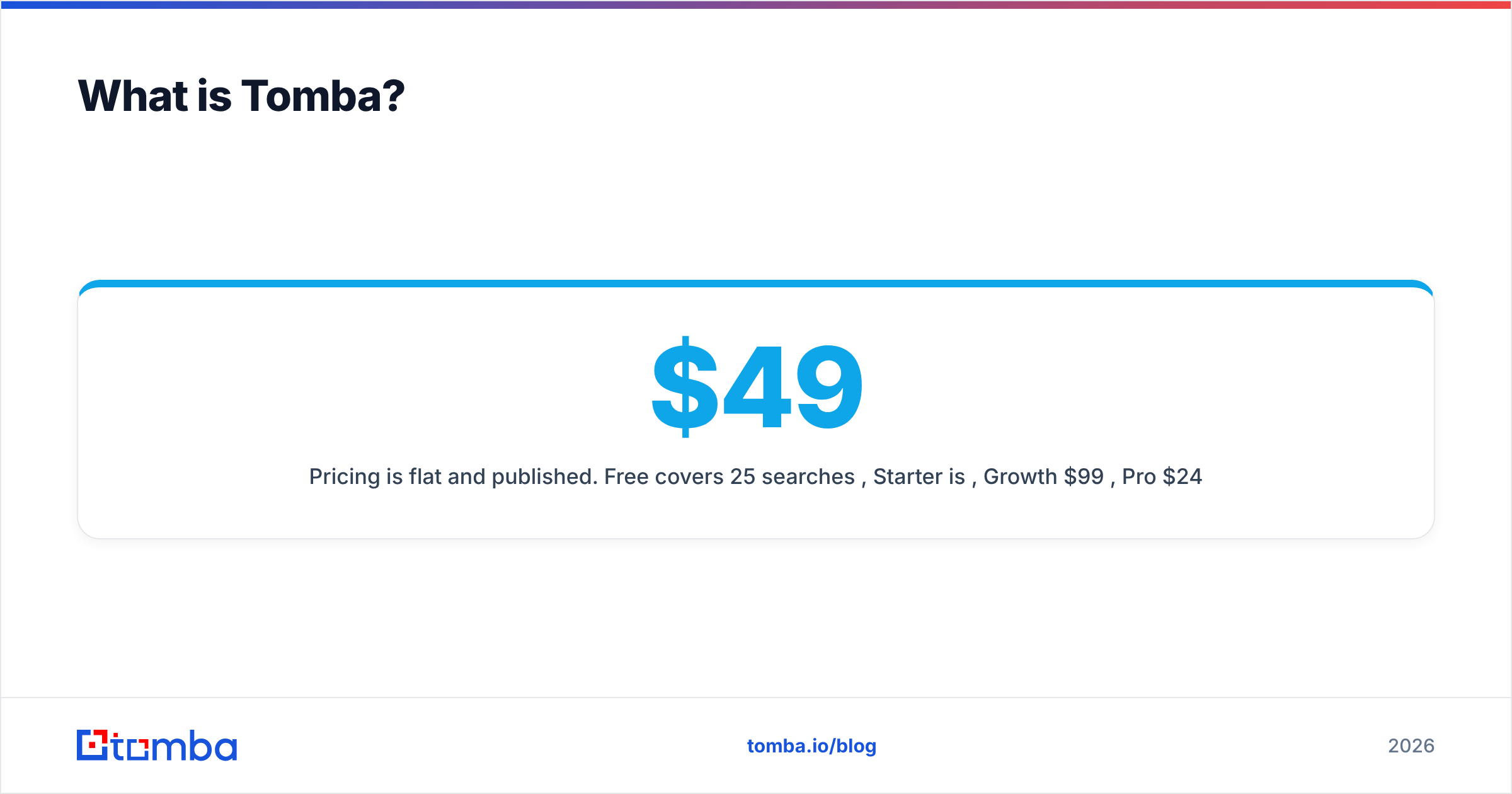
Pricing is flat and published. Free covers 25 searches/mo, Starter is $49/mo, Growth $99/mo, Pro $249/mo, and Enterprise is custom.
How do the two models actually differ?#
The main difference is the delivery model, not the feature list. LFBBD gives you a finished dataset. Tomba gives you a way to look up and verify contacts as you go.
- Who does the research: LFBBD's team builds the list against your brief. With Tomba, you or your automation run the lookups.
- When the data is checked: LFBBD verifies at delivery time. Tomba verifies at query time, and you can re-verify minutes before a send.
- How you pay: LFBBD charges per project or per contact. Tomba charges a monthly subscription with a fixed search allowance.
- How it fits your stack: an LFBBD delivery is a CSV you import. Tomba connects through its API, CRM integrations, Sheets and the browser extension.
- Where it's strongest: LFBBD is good at niche segments such as eCommerce, Amazon sellers and local businesses. Tomba is better when you already know the account or person and need their contact details.
Picture the difference like this. LFBBD is a caterer delivering a full spread for one event. Tomba is a stocked kitchen you cook from every day. Both feed people. Which one fits depends on how often you're hosting.
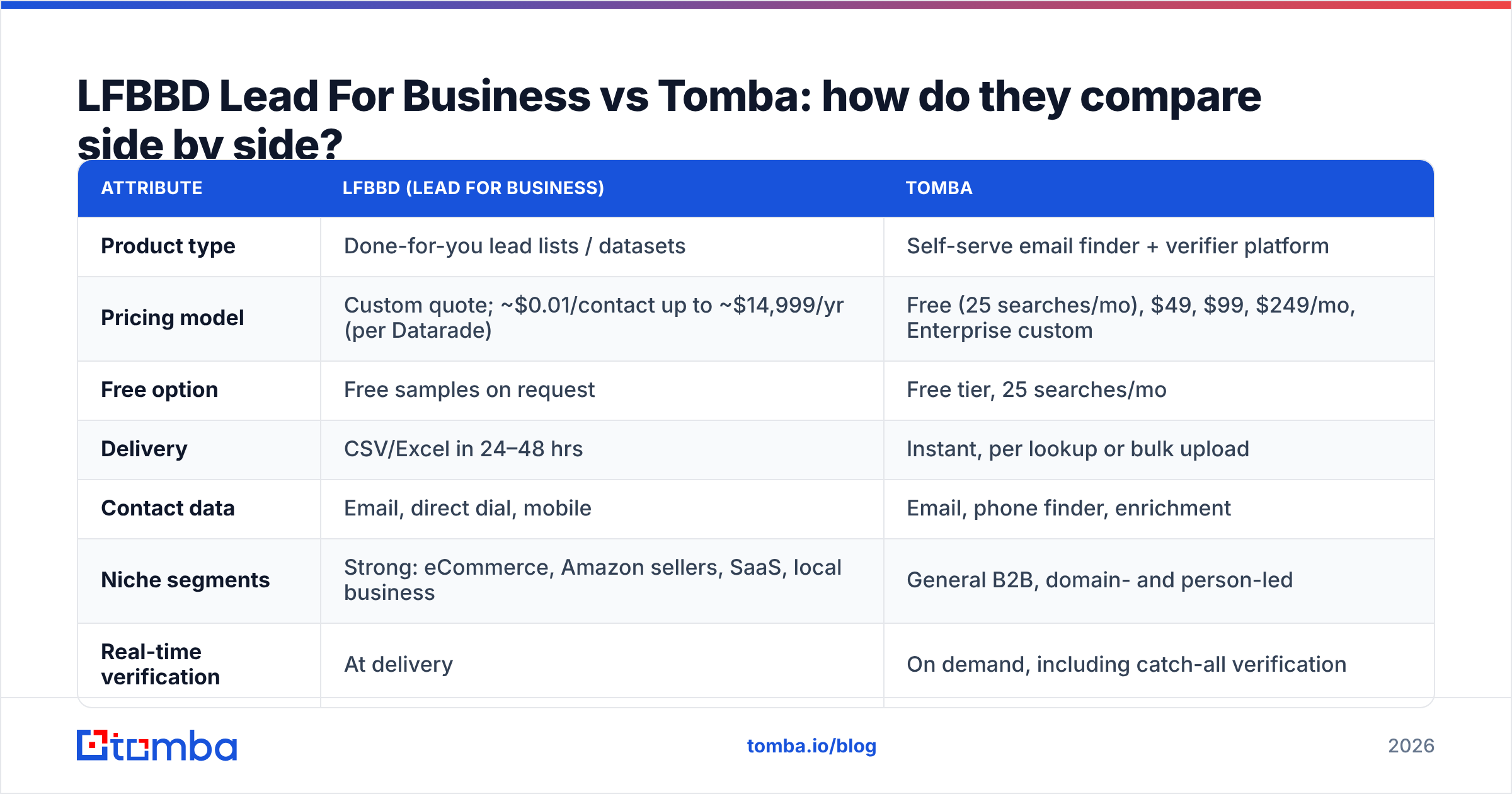
LFBBD Lead For Business vs Tomba: how do they compare side by side?#
| Attribute | LFBBD (Lead for Business) | Tomba |
|---|---|---|
| Product type | Done-for-you lead lists / datasets | Self-serve email finder + verifier platform |
| Pricing model | Custom quote; ~$0.01/contact up to ~$14,999/yr (per Datarade) | Free (25 searches/mo), $49, $99, $249/mo, Enterprise custom |
| Free option | Free samples on request | Free tier, 25 searches/mo |
| Delivery | CSV/Excel in 24–48 hrs | Instant, per lookup or bulk upload |
| Contact data | Email, direct dial, mobile | Email, phone finder, enrichment |
| Niche segments | Strong: eCommerce, Amazon sellers, SaaS, local business | General B2B, domain- and person-led |
| Real-time verification | At delivery | On demand, including catch-all verification |
| Integrations | File import | API, CLI, MCP, Chrome, Sheets, Excel, HubSpot, Salesforce, Pipedrive, Zapier, Make |
| Best for | One-off campaigns with a tightly specified ICP | Ongoing outbound, account-based prospecting, CRM hygiene |
| Main trade-off | List starts aging after delivery | You run the searches yourself |
Which is more accurate: a verified list or live lookup?#
If you measure on the day of delivery, the gap is small. Over time, how the data was built matters more.
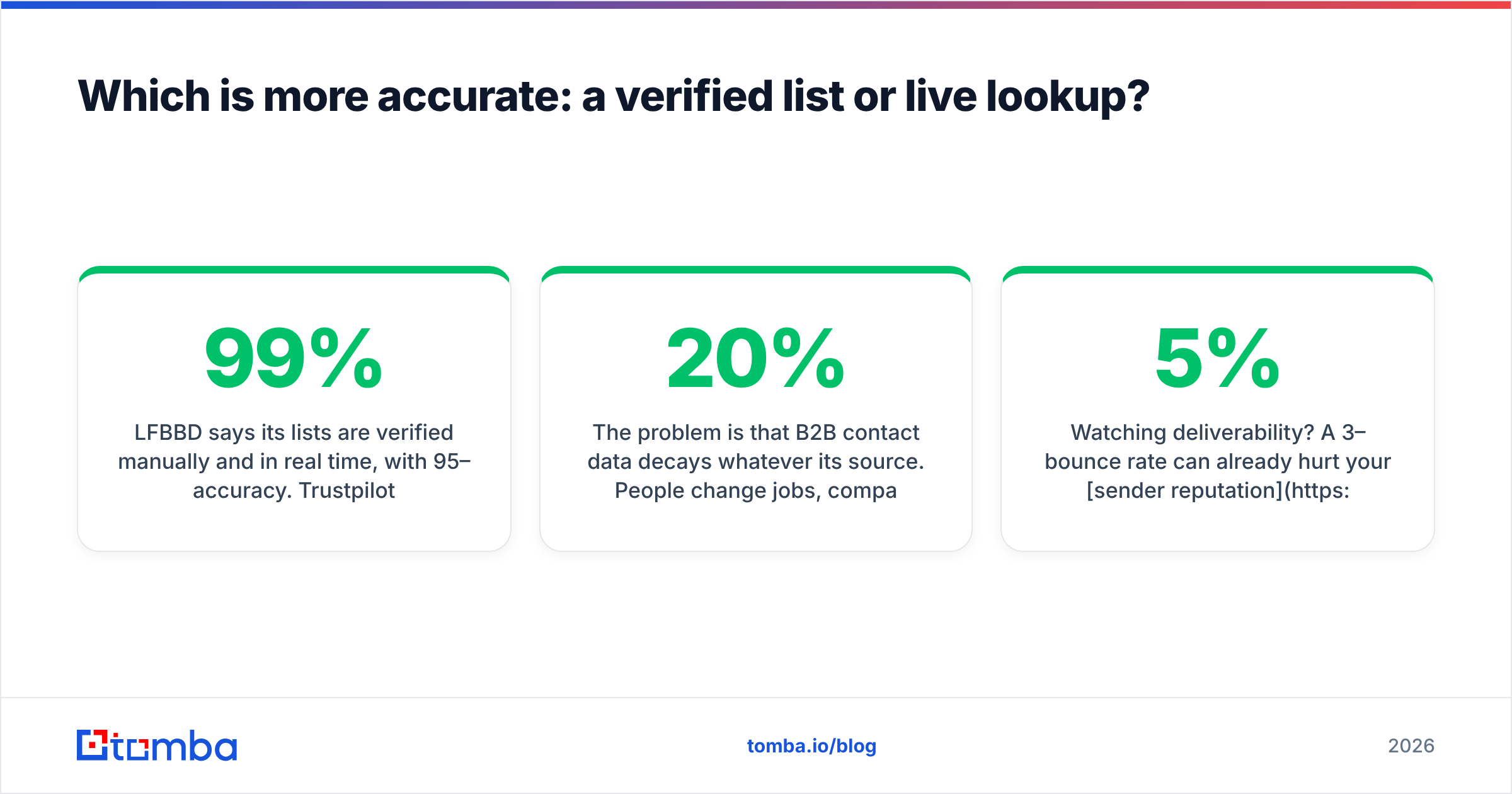
LFBBD says its lists are verified manually and in real time, with 95–99% accuracy. Trustpilot reviewers describe the leads as "very quality and very specific". A carefully built list can hit those numbers when it lands in your inbox.
The problem is that B2B contact data decays whatever its source. People change jobs, companies rebrand and domains move to new mail providers. Industry estimates usually put B2B data decay at somewhere between 20% and 30% a year, and it runs higher in high-turnover roles like sales and marketing. So a list that was 97% accurate on delivery day will be noticeably worse six months later if nobody re-verifies it. That isn't a flaw in LFBBD. It happens to every static dataset.
Tomba works differently because each lookup runs when you ask for it, and you can pass any address through the verifier just before it goes into a sequence. You also get a catch-all check. Catch-all domains accept mail for any address at the SMTP level, so a basic verifier often marks them "valid" even when the mailbox doesn't exist.
What to do in practice:
- Imported a bought list? Verify the whole file before your first send, and again if it sits unused for more than about 60 days.
- Prospecting continuously? Look contacts up and verify them close to send time, not months ahead.
- Watching deliverability? A 3–5% bounce rate can already hurt your sender reputation, so verifying is cheaper than repairing a domain.
Which one costs less?#
It depends on your volume and how often you run campaigns. Neither one is always cheaper.
LFBBD wins on cost when:
- You need one large list, say 5,000 to 20,000 contacts in a single niche, delivered once.
- Your segment is hard to build yourself, such as Amazon sellers by category or Shopify stores by revenue band.
- You'd otherwise pay an SDR or VA to research for days. At a few cents per contact, buying the list costs less than paying someone to build it.
Tomba wins on cost when:
- You prospect every week and need a steady flow of new contacts rather than one big dump.
- You mostly start from a known account list (target domains from your CRM, ABM lists, inbound sign-ups) and need the right person's email.
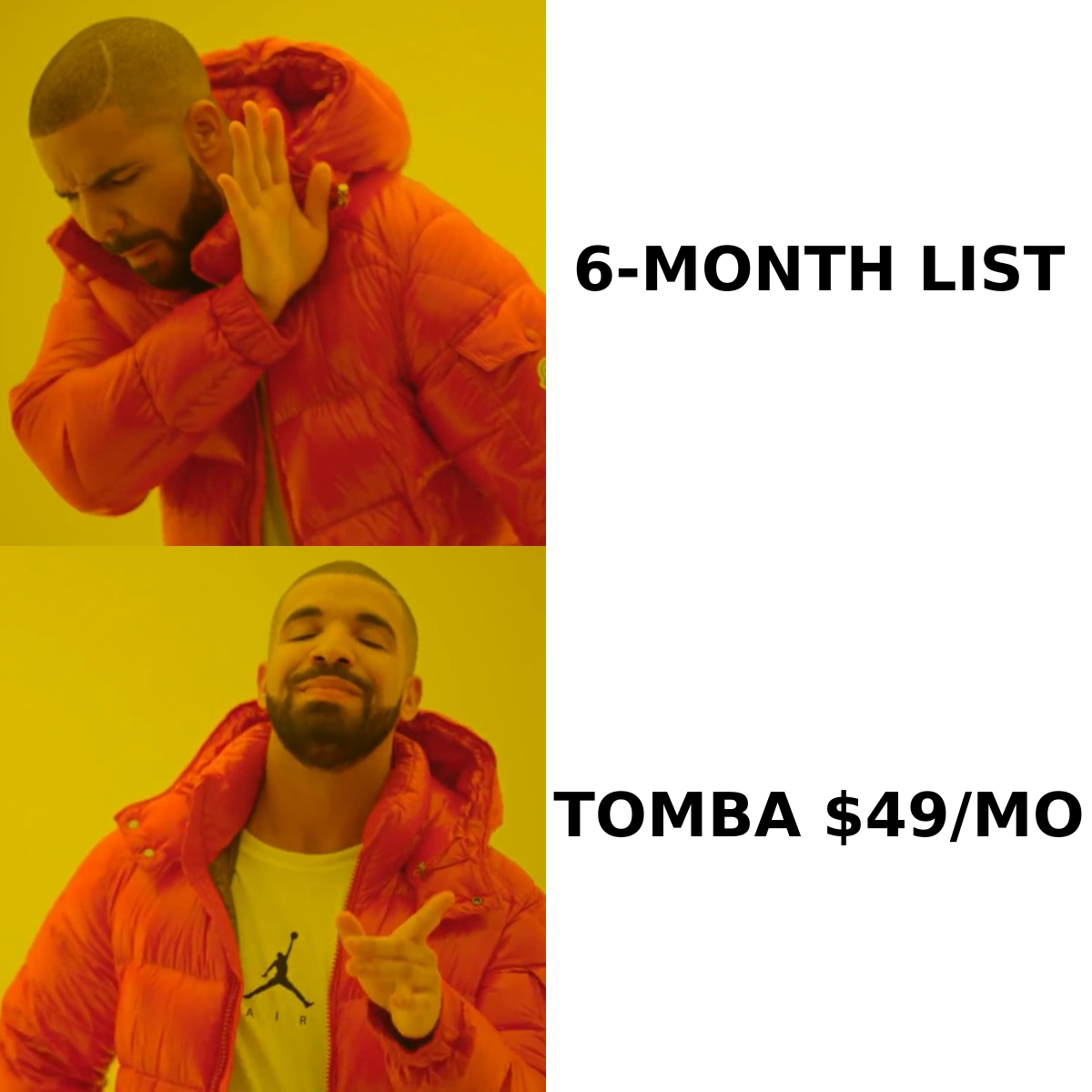
- You want predictable spend. $49 to $249/mo is easy to budget and doesn't need a new quote for every campaign.
- You need verification as well. A bought list still has to be verified before sending, and that's a second cost you can skip if one tool finds and verifies.
A simple way to decide: count how many campaigns you'll run in the next 12 months. With one or two big, specific campaigns, get an LFBBD quote. With something new every week, a subscription almost always costs less per useful contact. You can compare Tomba plans against your expected lookup volume.
How do they fit into a real outbound workflow?#
Most teams feel the difference here, well before they notice any accuracy gap.
A typical LFBBD workflow:
- Write a brief: industry, geography, titles, revenue, tech stack.
- Get a sample and check it.
- Agree on a quote and receive the full file in 24 to 48 hours.
- Clean, dedupe and import it into your CRM or sequencer.
- Verify it before you send.
This works well for campaigns with a clear start and end. It's slower when a rep spots a promising account on Tuesday afternoon and wants to email them that day.
A typical Tomba workflow:
- A rep opens a target company's website or LinkedIn profile, and the Chrome extension shows emails right there.
- Or RevOps runs a domain column through the Sheets add-on or bulk email finder.
- Results sync to HubSpot, Salesforce or Pipedrive, or go through Zapier/Make into a sequencer.
- Verification runs in the same pass.
If your team already works inside a CRM, fewer CSV exports and re-imports mean fewer duplicate records and fewer stale records.
What about compliance and data sourcing?#
Both vendors say they build contact data from publicly available sources. LFBBD says it combines web data, government open datasets, public information and manual research. Tomba indexes publicly available professional email addresses and shows the sources behind them.
Whichever you choose, compliance is your responsibility as the sender:
- GDPR (EU/UK): cold B2B email usually relies on legitimate interest. You need a documented basis, a clear opt-out and a way to handle erasure requests. The GDPR overview on Wikipedia is a useful primer.
- CAN-SPAM (US): include a physical address, send honest subject lines and honor unsubscribes.
- Bought lists: ask the vendor how and when each record was sourced. A reputable vendor, and LFBBD's reviews suggest it is responsive, should be able to answer.
- Suppression: load your unsubscribes and existing customers into your sequencer before importing any new list.
Which should you choose?#
Choose LFBBD Lead For Business if:
- You're running a defined campaign in a niche vertical such as eCommerce, Amazon sellers, SaaS startups or local businesses.
- You'd rather hand off the research and receive a finished file.
- Direct dials and mobiles in the same delivery matter for a calling campaign.
- You want to check a free sample before committing.
Choose Tomba if:
- You prospect continuously and want contact data inside your browser, CRM or spreadsheet.
- You already know your target accounts and need the right person's verified email.
- You care about verifying at send time, including catch-all domains.
- You want flat, published pricing and a free tier to test with.
- You're building automated enrichment through an API, CLI or MCP server.
Use both if: you buy an occasional niche list from LFBBD for a specific campaign and use Tomba for daily prospecting and to re-verify any list before it goes live. The two don't compete much in that setup. One supplies raw lists and the other keeps data clean and usable.
Frequently asked questions#
Is LFBBD Lead For Business legit?#
Based on public signals, yes. Lead for Business Ltd has a Trustpilot score of around 4.5/5, a Datarade provider profile and free samples, and reviewers mention quick responses and accurate niche data. As with any list vendor, check a sample before you pay for the full list.
Does Tomba sell pre-built lead lists like LFBBD?#
Not in the same done-for-you way. Tomba is self-serve. You search by domain, name, company or LinkedIn profile, or run bulk files through it. It has a searchable B2B database and bulk tools, but you control the queries.
Can I verify an LFBBD list with Tomba?#
Yes. Upload the CSV to Tomba's bulk verifier and it will flag invalid, risky and catch-all addresses before you send. This is worth doing for any purchased list, especially one that's more than a couple of months old.
Which is better for eCommerce and Amazon seller leads?#
LFBBD, because it offers dedicated eCommerce and Amazon seller datasets. Tomba is better suited to general B2B prospecting when you start from a company domain or a named person.
Which is better for a small sales team on a budget?#
For ongoing outreach, Tomba's free tier and $49/mo Starter plan are easy to try with no commitment. If you only need a single list for one campaign, a small LFBBD order at per-contact pricing could cost less. Get a quote and compare.
The bottom line#
LFBBD Lead For Business and Tomba solve different parts of the same problem. LFBBD is a reliable choice when you want a person to build a specific list and deliver it quickly. Tomba is the better fit when prospecting is a daily activity and you need contacts that are found, verified and synced into your stack on demand, so they're current when you send rather than when you bought them.
If your pipeline depends on reaching the right person at a known account this week, start with Tomba Email Finder. Enter a name and company domain, get a verified professional email in seconds, and test it on the free tier before choosing a plan.
Related guides#
// get started
Find, verify and enrich your first contacts today
Start on the free plan with 25 searches a month, then scale when your team is ready.
Free plan · No credit card required · GDPR & CCPA
// about the author