ListKit vs No2Bounce: Lead Database or Email Verifier in 2026?
ListKit sells you leads. No2Bounce cleans the leads you already have. Here's how their pricing, credit math and catch-all handling compare, and which one your outbound stack actually needs.
TL;DR
- ListKit and No2Bounce do different jobs. ListKit is a B2B lead database that gives you contacts that are already verified. No2Bounce is a standalone email verifier that cleans lists you already have.
- ListKit's pricing is based on credits and works out best on annual billing. Annual plans start around $83/mo, and every plan gets the same features. A verified business email costs 2 credits.
- No2Bounce is pay-as-you-go from about $16. Credits never expire, and new accounts get 100 free verifications.
- Buy ListKit if you have no list yet. Buy No2Bounce if you already have a list from a CRM, event or scraped source and need to protect your sender reputation.
- If you want finding and verifying under one account, look at a combined finder and verifier instead of paying for two tools.
What is the real difference between ListKit and No2Bounce?#
People search "ListKit vs No2Bounce" as if the two tools compete for the same budget line. Mostly they don't. Before you compare prices, get clear on what each one does.
Think of a restaurant supplier and a health inspector. The supplier (ListKit) delivers ingredients that have already been checked before they reach your kitchen. The inspector (No2Bounce) doesn't sell you food. It checks what's already in your fridge and tells you what to throw out.
In practice:
- ListKit is a prospecting database. You filter by job title, industry, headcount, location and similar fields, then export contacts. Emails come "triple-verified" if you pay the extra credit, and phone numbers are available at a higher credit cost.
- No2Bounce is an email verification service. You upload a CSV or call its API, and it sorts each address into valid, invalid, catch-all or risky. It doesn't find new contacts.
So the question isn't which tool is better. It's which problem you have right now: no leads, or leads you can't trust.
How do ListKit and No2Bounce compare side by side?#
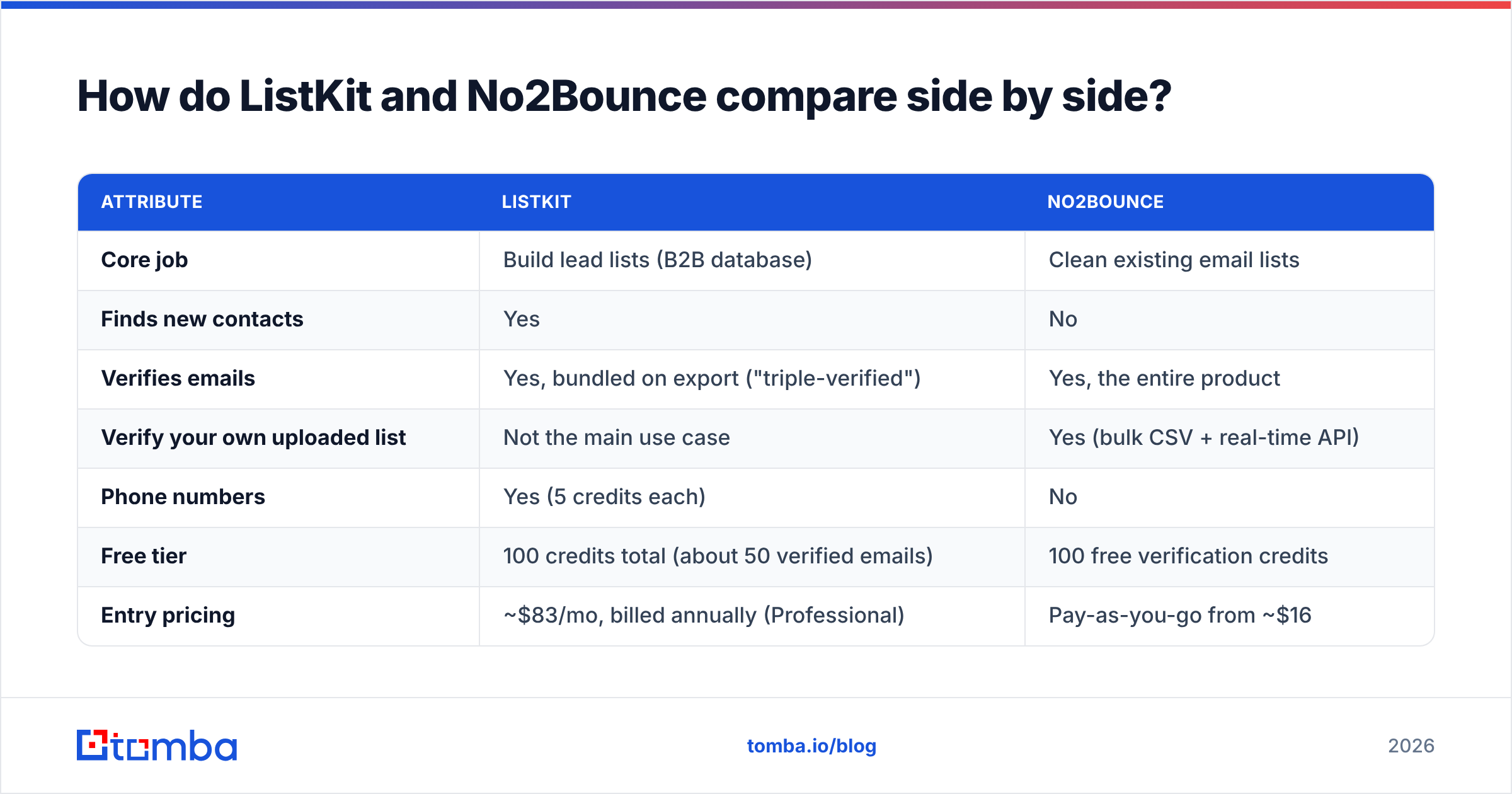
This table covers the attributes that matter when you're choosing:
| Attribute | ListKit | No2Bounce |
|---|---|---|
| Core job | Build lead lists (B2B database) | Clean existing email lists |
| Finds new contacts | Yes | No |
| Verifies emails | Yes, bundled on export ("triple-verified") | Yes, the entire product |
| Verify your own uploaded list | Not the main use case | Yes (bulk CSV + real-time API) |
| Phone numbers | Yes (5 credits each) | No |
| Free tier | 100 credits total (about 50 verified emails) | 100 free verification credits |
| Entry pricing | ~$83/mo, billed annually (Professional) | Pay-as-you-go from ~$16 |
| Credit expiry | Tied to your subscription term | Pay-as-you-go credits never expire |
| Catch-all handling | Filtered during export verification | Dedicated catch-all detection |
| Best for | Agencies and SDRs starting from zero | Teams with CRM, event or purchased lists |
Pricing and credit details come from public pricing pages and review listings on G2 and Capterra. Vendors change plans often, so check the live page before you buy.
How does ListKit's pricing actually work?#
ListKit sells credits, not feature tiers. Every plan has the same features. You only pay more for more credits.
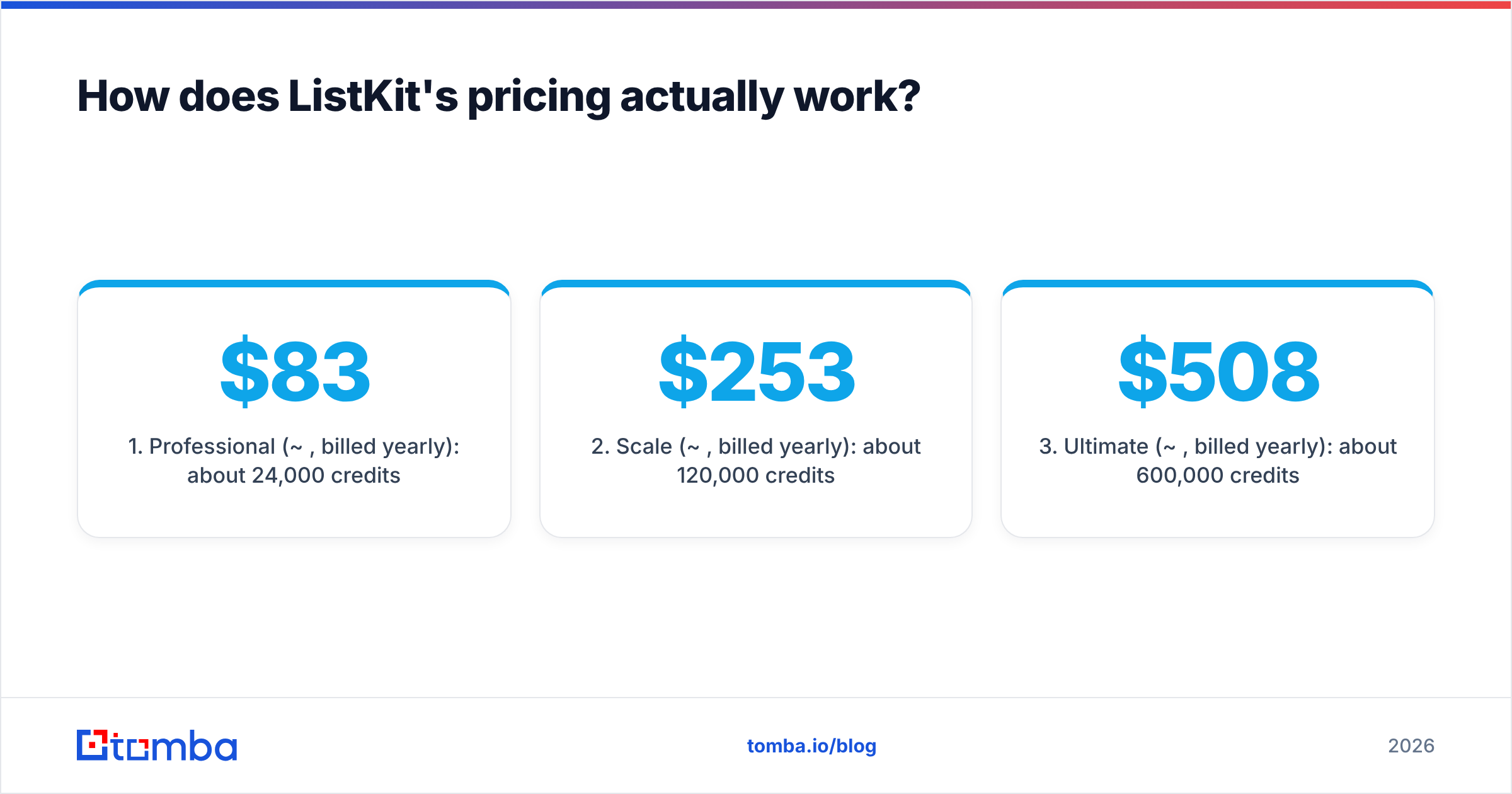
On annual billing, the plans roughly break down like this:
- Professional (~$83/mo, billed yearly): about 24,000 credits per year.
- Scale (~$253/mo, billed yearly): about 120,000 credits per year.
- Ultimate (~$508/mo, billed yearly): about 600,000 credits per year.
- Free: 100 credits in total, with full feature access.
The catch is the credit math. A business email costs 1 credit, and triple verification costs 1 more. Each verified contact therefore costs 2 credits, so the Professional plan's 24,000 credits give you roughly 12,000 verified emails a year, or about 1,000 a month. Phone numbers cost 5 credits each, so adding mobiles to a list uses up your allowance quickly.
Monthly billing exists, but you get noticeably fewer credits per dollar. If you're sure you'll use ListKit all year, annual is the version of the pricing that makes sense. If you're testing cold email for a quarter, you'll pay a premium for flexibility.
How does No2Bounce's pricing work?#
No2Bounce uses a simpler model built around pay-as-you-go credits:
- Starts at around $16 for a small credit pack.
- Credits never expire, so a list you clean once a quarter doesn't lose unused balance.
- 100 free credits when you sign up, enough to test accuracy on a sample of your own data.
- Monthly, annual and enterprise options for teams verifying at high volume.
All paid plans include bulk verification, the real-time API, catch-all verification, detailed reports and CRM integrations. There are no feature tiers to decode.
For most small teams that makes No2Bounce cheap to try. You only pay when you have a list to clean, and you aren't committing to a year of credits you might not use.
Which tool is more accurate?#
This is where the category difference matters most.
ListKit's accuracy is about the data it hands you. Its triple verification checks each email before export. You're trusting ListKit's database freshness plus its verification layer. When those emails bounce, the usual cause is job changes between when the record was verified and when you send.
No2Bounce's accuracy is about the data you hand it. It can't make a stale list fresh. It can only tell you which addresses to drop. What you care about is how it handles:
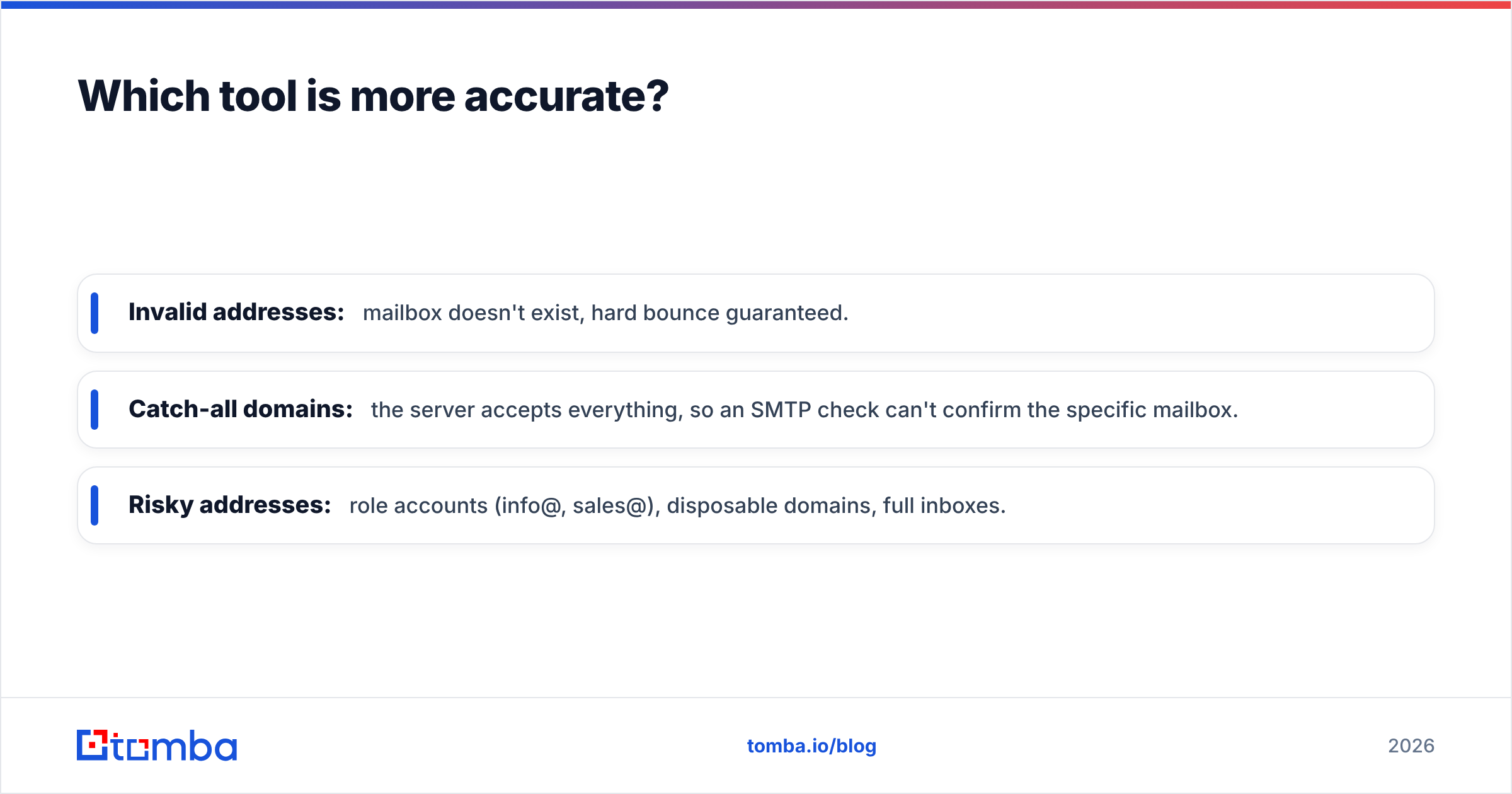
- Invalid addresses: mailbox doesn't exist, hard bounce guaranteed.
- Catch-all domains: the server accepts everything, so an SMTP check can't confirm the specific mailbox.
- Risky addresses: role accounts (info@, sales@), disposable domains, full inboxes.
Catch-all is the hard category for every verifier. On B2B lists, a large share of company domains accept all mail, so one tool labelling 30% of your list "unknown" while another labels 10% the same way makes a big difference to how many contacts you can actually send to. No2Bounce advertises dedicated catch-all detection, and ListKit filters risky addresses during export. Neither can guarantee a catch-all mailbox exists. They can only reduce the risk.
The honest takeaway: run the same 500-row sample through any tool before you commit. Both give you 100 free credits, enough for a small but real test.
Is ListKit better than No2Bounce for cold email?#
For a team starting cold email from nothing, ListKit is usually the better first purchase. You need contacts before you need verification, and ListKit sells them already verified.
ListKit works well when:
- You're an agency building fresh lists for several clients each month.
- You want phone numbers in the same export for multichannel sequences.
- You need filters (titles, headcount, industry) more than you need a clean-up tool.
- You'll use most of the credits on an annual plan.
No2Bounce is the better purchase when:
- You already have a CRM full of contacts from inbound, events or past deals.
- You bought or scraped a list and don't trust it.
- You verify on signup, for example form submissions or trial accounts through the API.
- Your volume is irregular and credits that never expire suit how you work.
Plenty of teams end up using both: pull leads from a database, then run them through an independent verifier before a big send. That's defensible, because a second opinion on catch-alls is worth something. It also means two bills, two logins and two credit systems.
What does the workflow look like in each tool?#
A typical ListKit flow:
- Set filters in the lead search (for example, "VP Sales, SaaS, 50-200 employees, US").
- Preview the count and credit cost.
- Toggle verification on and export to CSV or push to your sequencer.
- Load the list into your cold email tool and send.
A typical No2Bounce flow:
- Export your list from HubSpot, Salesforce or a spreadsheet.
- Upload the CSV, or connect through a CRM integration.
- Wait for processing, then download the results split into valid, invalid, catch-all and risky.
- Send to "valid", decide on "catch-all" case by case, and suppress the rest.
The ListKit flow ends with new contacts. The No2Bounce flow ends with fewer, cleaner contacts. That difference should drive your decision more than any feature checklist.
How do the two tools affect deliverability?#
Both tools exist to protect your sender reputation. They just step in at different points.
Mailbox providers watch bounce rates closely. Once hard bounces climb past a few percent, your domain's reputation drops and your good emails start going to spam too. HubSpot's guidance on bounce rates is a good plain-English primer if you want the thresholds.
- ListKit lowers bounces at the source by not exporting unverified contacts.
- No2Bounce lowers bounces at the gate by catching bad addresses just before you send.
The risk with a database-only approach is age. A contact verified three months ago may have left the company since. The risk with a verifier-only approach is that you're still relying on whatever list you started with. If you send at high volume from a new domain, re-verifying right before each campaign is cheap insurance whichever tool the list came from. A dedicated email verifier run just before sending catches the job changes that happened after export.

What are the pros and cons of each?#
ListKit pros
- Finds contacts and verifies them in a single export.
- Every plan gets the same features, so you never hit a feature paywall.
- Phone numbers are available for multichannel outreach.
- Well known among cold email agencies.
ListKit cons
- Annual billing is effectively required for good value.
- A verified email costs 2 credits, which halves the headline credit count.
- Phones at 5 credits each add up quickly.
- Not built to clean lists you bring from elsewhere.
No2Bounce pros
- Low entry price and pay-as-you-go credits that never expire.
- Dedicated catch-all and risky-address detection.
- Real-time API for signup forms.
- CRM integrations on every paid plan.
No2Bounce cons
- Doesn't find new contacts. You need a separate data source.
- Can't fix a stale list, only filter it.
- A smaller brand than the long-established verifiers, so fewer third-party benchmarks exist.
Is there a way to avoid paying for both?#
Yes. The alternative is a platform that does finding and verification under one credit system. That's the category Tomba sits in. Its core product is an email finder that looks up addresses by name plus domain or company. The verifier, a dedicated catch-all verifier, domain search and enrichment all run from the same account.
The tradeoff is different from ListKit's. Tomba is better for finding specific people you've already identified (from LinkedIn, a target account list or a conference attendee page) than for browsing a large filtered database. If your workflow starts with "I know who I want to reach, I need their email," a finder plus verifier fits better. If it starts with "give me 5,000 VPs of Sales in fintech," a database like ListKit fits better.
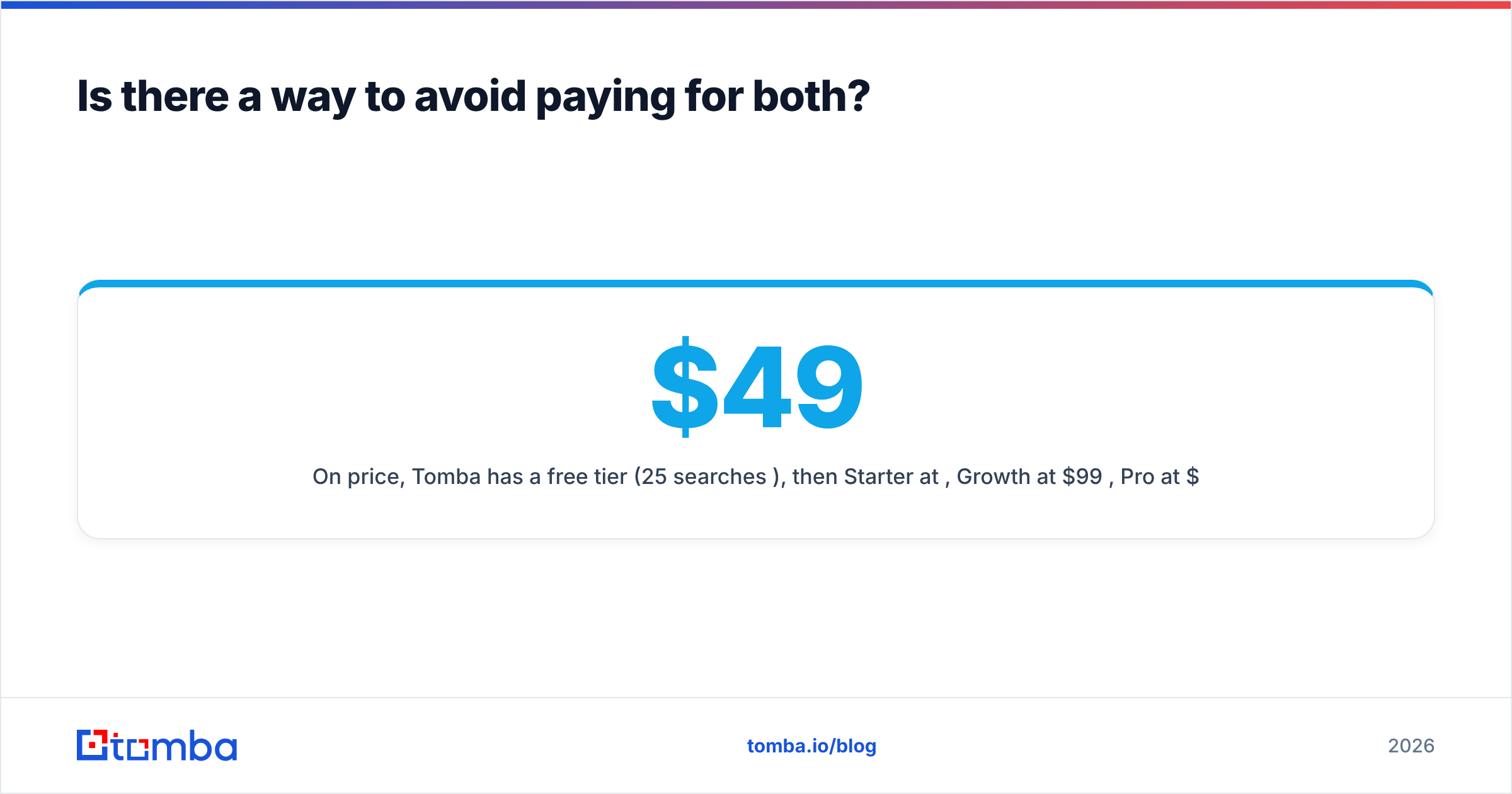
On price, Tomba has a free tier (25 searches/mo), then Starter at $49/mo, Growth at $99/mo, Pro at $249/mo, and custom Enterprise. Full details are on the Tomba pricing page. You can also verify an existing list inside the same account, which covers the No2Bounce use case without a second subscription.
So which should you choose?#
Here's the short version:
- Choose ListKit if you need new B2B contacts in volume, want filters and phone numbers, and will use an annual credit allowance.
- Choose No2Bounce if you already have lists and need cheap, flexible verification with credits that don't expire.
- Use both if you send at high volume and want a second verification pass on database exports before big campaigns.
- Choose a combined finder and verifier if your targets are named people and you'd rather manage one tool and one bill.
Whatever you pick, test it on your own data first. A 500-row sample tells you more than any comparison page, including this one.
If your prospecting starts with names and companies rather than database filters, try the Tomba Email Finder. Enter a name and domain, get the professional address with a confidence score, and verify it in the same account before it reaches your sequencer. The free tier gives you 25 searches a month to check the results against your own list.
Related guides#
// get started
Find, verify and enrich your first contacts today
Start on the free plan with 25 searches a month, then scale when your team is ready.
Free plan · No credit card required · GDPR & CCPA
// about the author