7 Best Macaws.ai Alternatives in 2026 for AI Call Answering
Macaws.ai answers inbound calls, qualifies leads and books meetings for a flat monthly fee. We compare seven Macaws.ai alternatives on pricing model, human backup, integrations and who each one suits best.
TL;DR
- Macaws.ai is an AI phone receptionist for small and mid-sized businesses. It answers inbound calls, qualifies callers and books meetings. Third-party reviews list three flat monthly tiers, from about £99 to £499.
- The best Macaws.ai alternatives fall into three groups: ready-made AI receptionists (Goodcall, Rosie), hybrid AI plus human services (Smith.ai, Ruby) and voice-agent platforms you build on (Synthflow, Retell AI, Bland AI).
- If you want the cheapest setup that just works, look at Rosie or Goodcall. If you need a human to step in on high-value calls, Smith.ai is the safest pick. If you have developers and need custom call logic, use Synthflow or Retell AI.
- No AI receptionist fixes thin lead data. A caller gives you a name and a company. You still need a verified email and a clean CRM record before anyone can follow up.
What is Macaws.ai, and why are people looking for alternatives?#
Macaws.ai sells a custom-trained AI phone receptionist aimed at small and mid-sized businesses. It picks up inbound calls, answers common questions, qualifies the caller and books a slot in your calendar. According to Prospeo's Macaws.ai review, it uses three flat-rate monthly tiers with no per-minute charges and no setup fees, and you can cancel with 30 days' notice:
- Virtual Front Desk: about £99/month
- Integrated Associate: about £249/month
- Growth Engine: about £499/month
The same review says setup takes about 48 hours and the tool connects to more than 4,000 apps, including Google Calendar, HubSpot, Salesforce and Calendly.
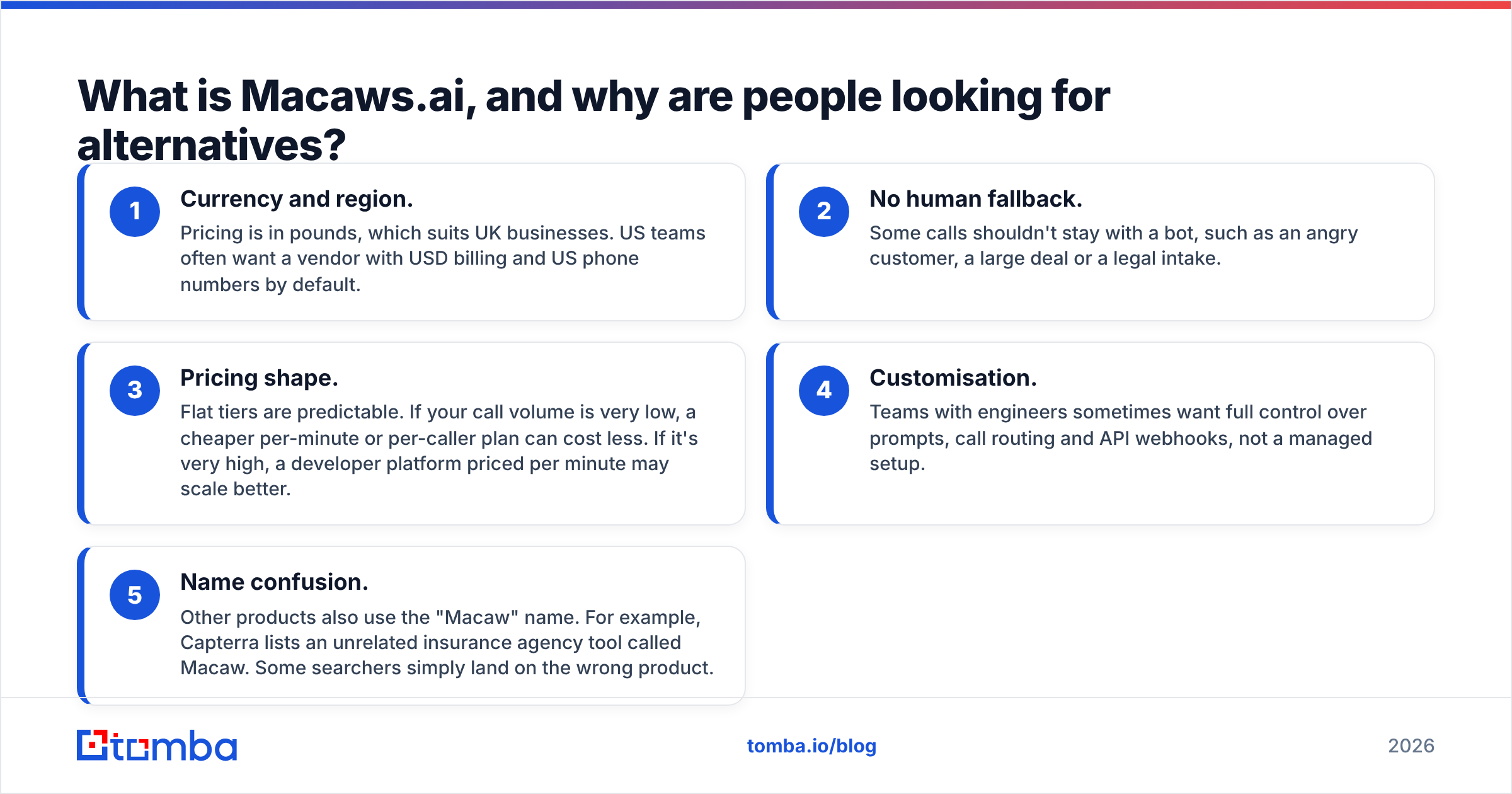
That's a reasonable package. People shopping for Macaws.ai alternatives usually give one of these reasons:
- Currency and region. Pricing is in pounds, which suits UK businesses. US teams often want a vendor with USD billing and US phone numbers by default.
- No human fallback. Some calls shouldn't stay with a bot, such as an angry customer, a large deal or a legal intake.
- Pricing shape. Flat tiers are predictable. If your call volume is very low, a cheaper per-minute or per-caller plan can cost less. If it's very high, a developer platform priced per minute may scale better.
- Customisation. Teams with engineers sometimes want full control over prompts, call routing and API webhooks, not a managed setup.
- Name confusion. Other products also use the "Macaw" name. For example, Capterra lists an unrelated insurance agency tool called Macaw. Some searchers simply land on the wrong product.
One caveat before you compare anything: AI receptionist pricing changes often, and published figures vary between review sites. Treat every price below as a starting point and confirm it on the vendor's own pricing page before you sign.
How should you evaluate an AI receptionist?#
Before you look at specific vendors, decide which criteria matter for your calls. Five factors separate a tool that books meetings from one that annoys callers:
- Pricing model. Is it flat, per minute or per unique caller? Map it to your real monthly call volume, not the vendor's example.
- Human escalation. Can a live person take over mid-call, and what does each escalation cost?
- Calendar and CRM sync. Does a booked call create a contact, a deal and a calendar event without a Zapier patch?
- Training effort. How long does it take to load your FAQs, pricing and qualification rules, and who keeps them up to date?
- Call quality. Does it handle latency, interruptions and accents well? Listen to recorded demos with your own scripts, not the vendor's showcase calls.
Picture a busy restaurant host. A good one seats you quickly, answers "is there parking?" without fetching the manager, and knows when a complaint needs the manager now. Your AI receptionist has the same job, and each of the criteria above maps to part of it.
Which Macaws.ai alternatives are worth considering in 2026?#
Here are seven options, grouped by how they work rather than ranked by hype.
1. Smith.ai: best for AI with a human safety net#
Smith.ai combines AI call answering with live North America-based receptionists. The AI handles routine calls and transfers tricky ones to a person. That makes it popular with law firms, agencies and professional services, where one mishandled call can lose a client.
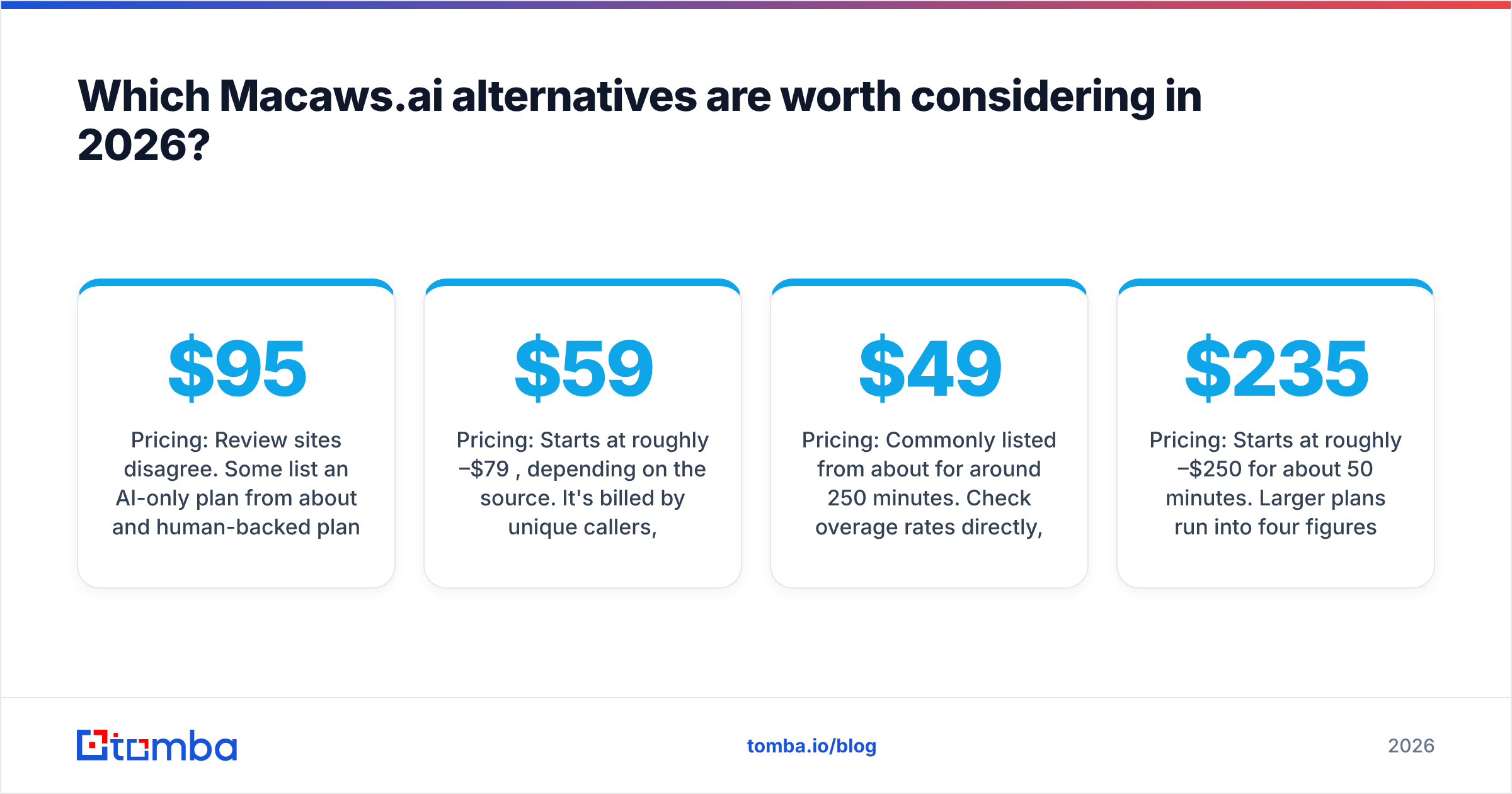
- Pricing: Review sites disagree. Some list an AI-only plan from about $95/month and human-backed plans from about $290/month. Others say Smith.ai quotes per account. Expect escalation and add-on fees on top.
- Strengths: Human backup, strong intake workflows and native CRM integrations.
- Trade-offs: Costs climb with volume and escalations, so budget for your worst-case month.
2. Goodcall: best for local service businesses#
Goodcall is built for appointment-heavy small businesses such as salons, clinics and home services. You set it up through a guided flow, connect a calendar, and it answers FAQs and takes bookings.
- Pricing: Starts at roughly $59–$79/month, depending on the source. It's billed by unique callers, not minutes, which favours businesses with long but infrequent calls.
- Strengths: Fast setup and a simple pricing logic.
- Trade-offs: It offers less depth for complex B2B qualification than Macaws.ai's higher tiers.
3. Rosie: best budget AI receptionist#

Rosie is one of the lowest-cost ways to stop sending calls to voicemail. It answers, takes messages, books appointments and sends call summaries by text or email.
- Pricing: Commonly listed from about $49/month for around 250 minutes. Check overage rates directly, because some reviews note they aren't published.
- Strengths: Price and simplicity.
- Trade-offs: It's lighter on custom qualification logic and deep CRM workflows.
4. Ruby: best when you want humans, not AI#
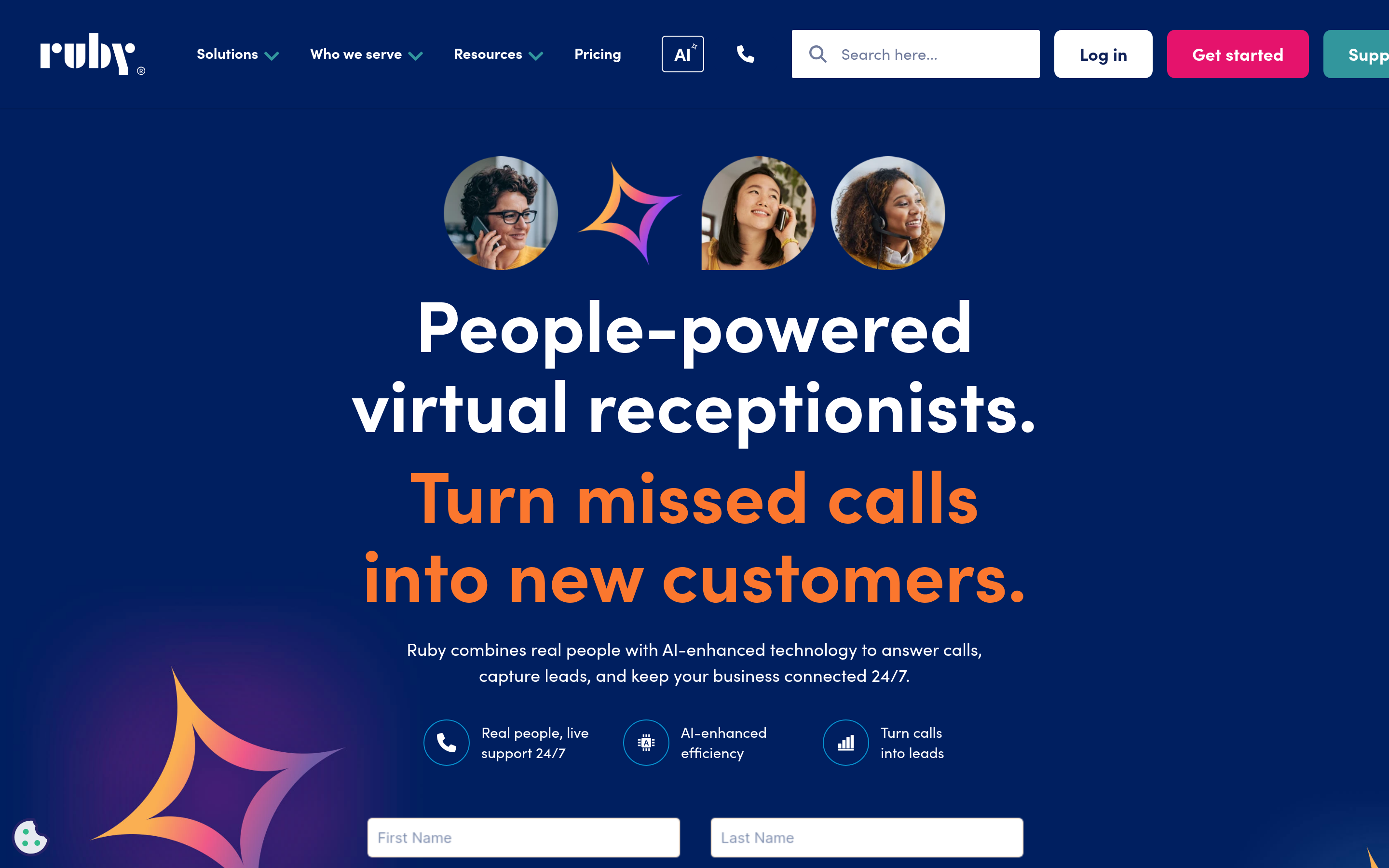
Ruby is a long-standing US virtual receptionist service staffed by people. If your callers expect a human voice every time, as with high-end legal or wealth management firms, Ruby is the benchmark Macaws.ai is quietly competing against.
- Pricing: Starts at roughly $235–$250/month for about 50 minutes. Larger plans run into four figures.
- Strengths: Human warmth and consistent call quality.
- Trade-offs: It's the most expensive option per minute by a wide margin, and it doesn't scale for high-volume lines.
5. Synthflow: best no-code voice agent builder#
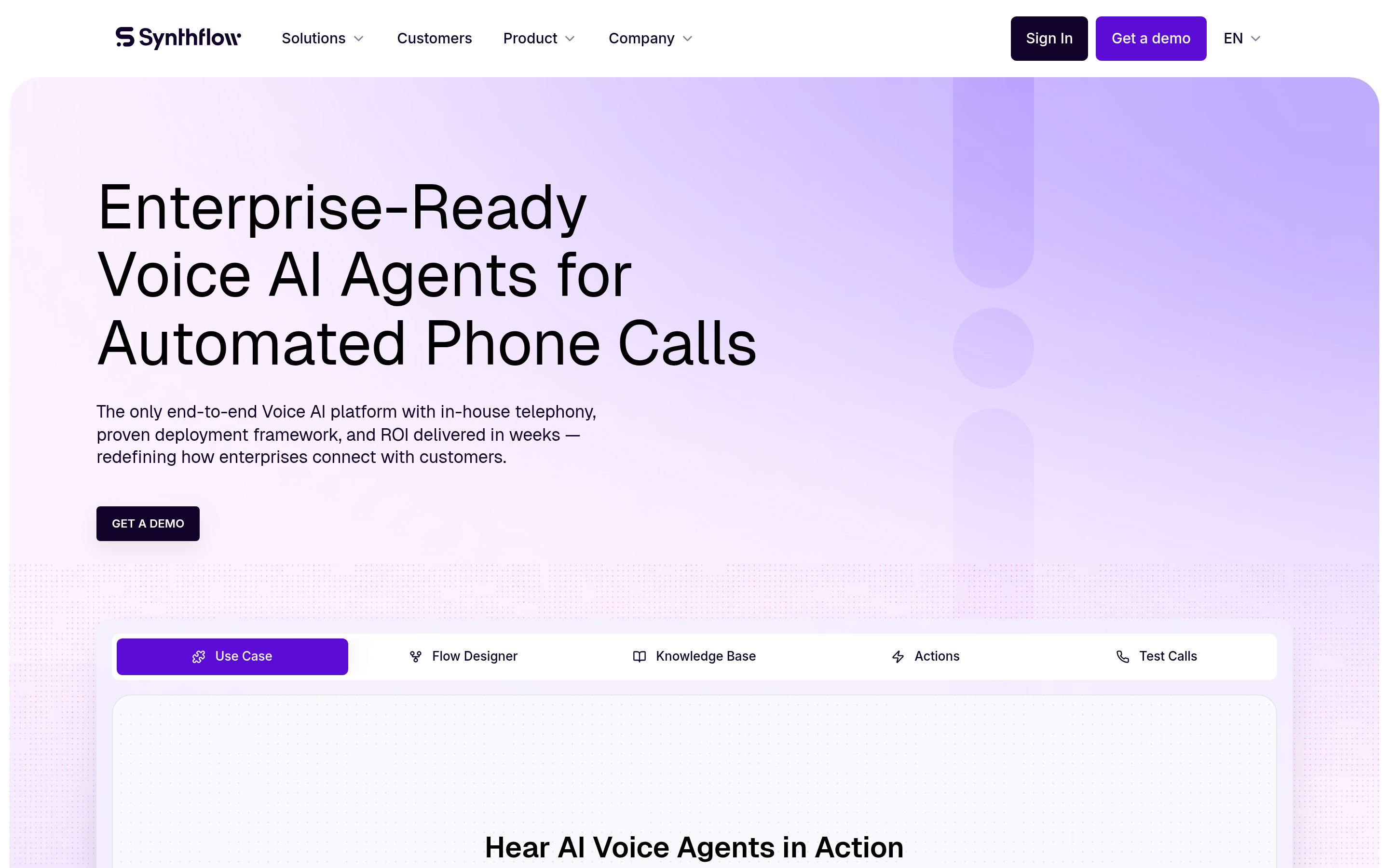
Synthflow sits between a managed receptionist and a raw developer platform. You design call flows visually, connect calendars and CRMs, and deploy agents for inbound or outbound calls.
- Pricing: Usage-based, with per-minute rates that depend on plan and volume. Get a quote that matches your call minutes.
- Strengths: Flexible, handles both inbound and outbound calls, and doesn't require code for most flows.
- Trade-offs: You own the configuration. If your offer changes, someone on your team has to update the agent.
6. Retell AI: best for engineering-led teams#
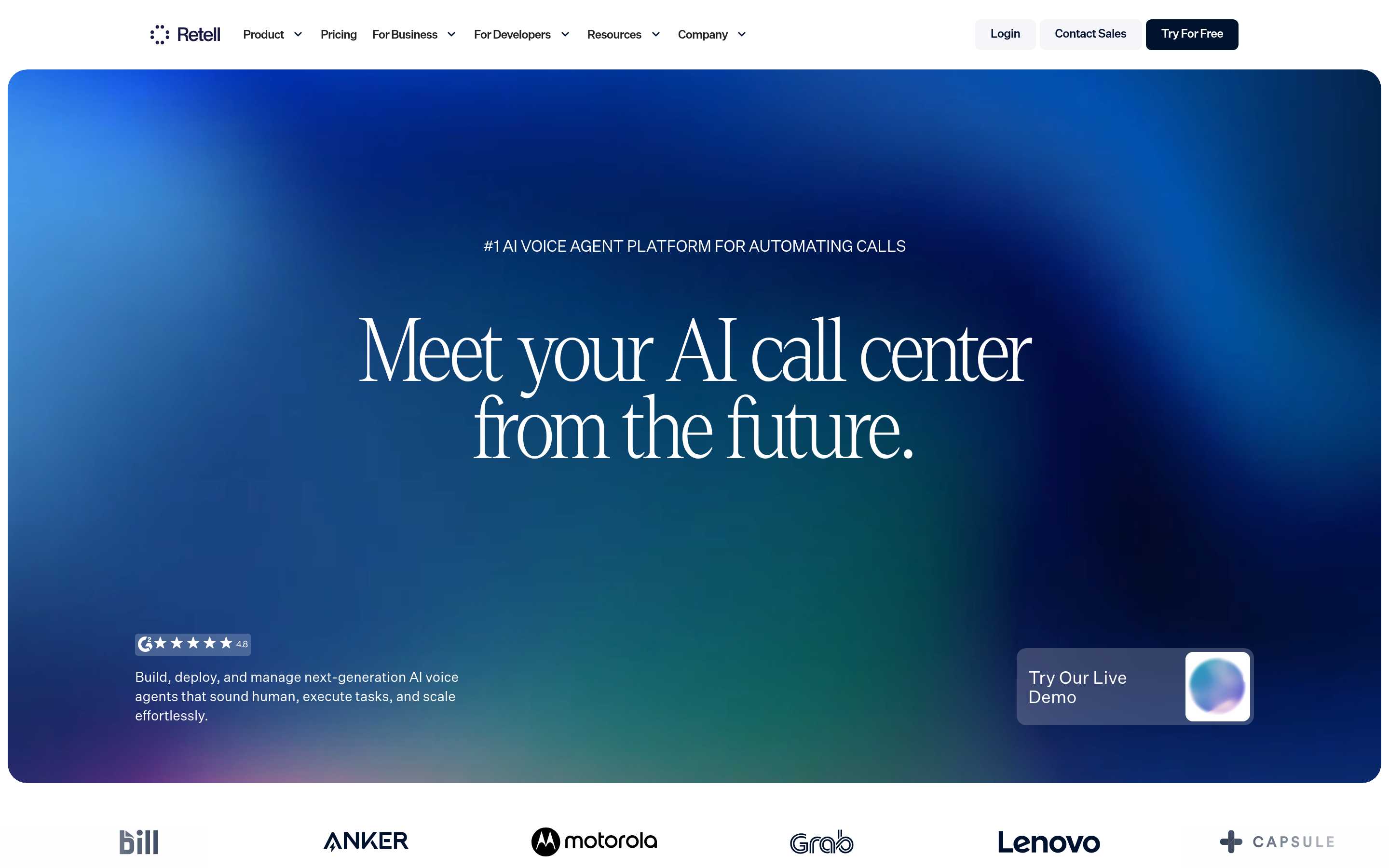
Retell AI is a developer platform for building low-latency voice agents. Teams use it when they want full control over prompts, function calls and integrations, often behind their own product.
- Pricing: Pay-as-you-go per minute. Model and telephony choices affect the final rate.
- Strengths: Fine-grained control, good latency and an API-first design.
- Trade-offs: It's not plug-and-play, so plan on engineering time to build and maintain it.
7. Bland AI: best for high-volume enterprise calling#
Bland AI targets enterprises running large volumes of automated calls. It covers inbound support, outbound qualification and appointment confirmations at scale.
- Pricing: Per-minute with enterprise plans. Talk to sales for volume pricing.
- Strengths: Built for scale, with programmable call logic.
- Trade-offs: It's more than a typical SMB needs, and setup is more technical.
How do the Macaws.ai alternatives compare side by side?#
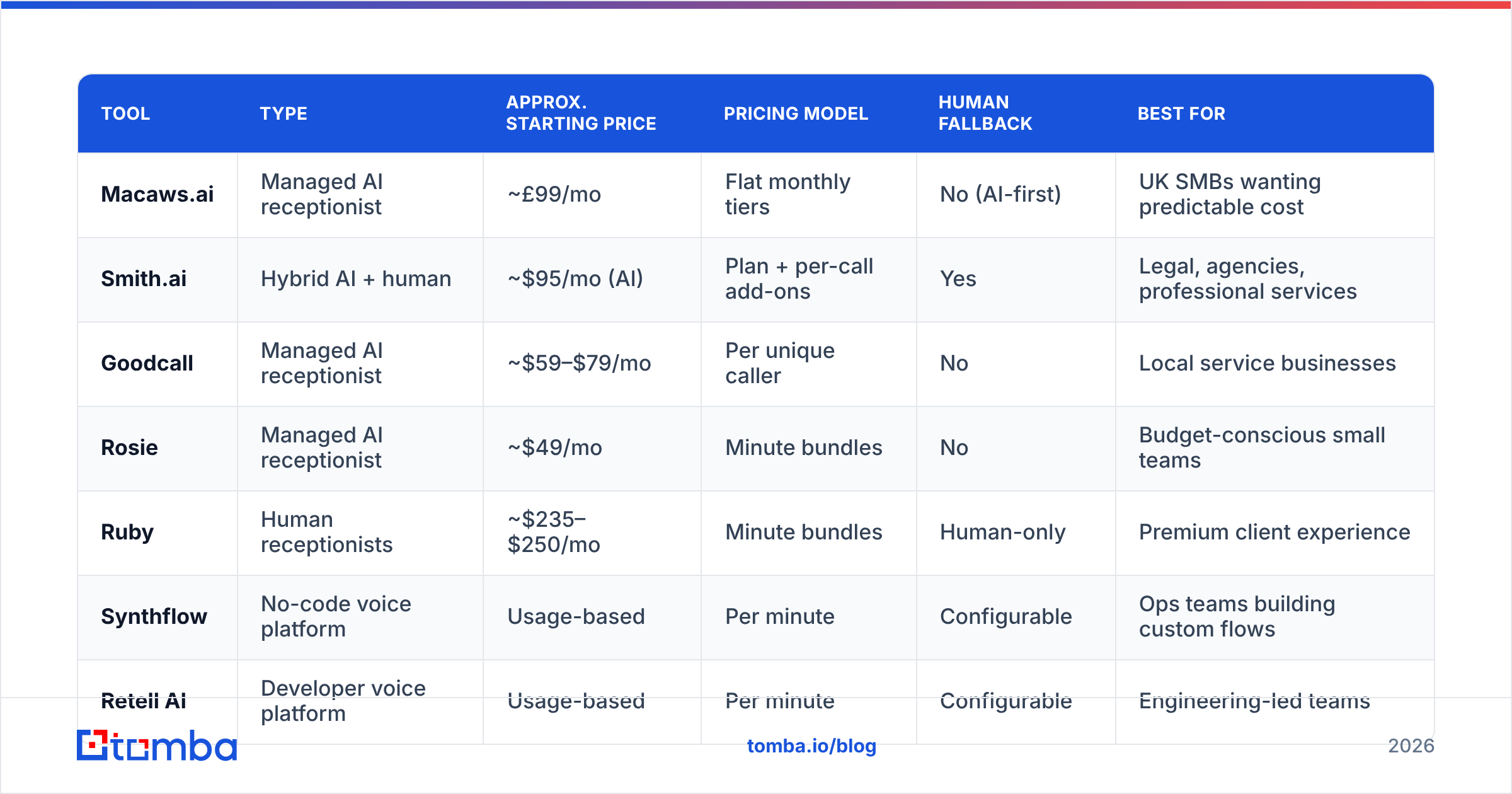
The table below shows the practical differences. Prices are approximate starting points gathered from public reviews in 2026, so verify each one before you buy.
| Tool | Type | Approx. starting price | Pricing model | Human fallback | Best for |
|---|---|---|---|---|---|
| Macaws.ai | Managed AI receptionist | ~£99/mo | Flat monthly tiers | No (AI-first) | UK SMBs wanting predictable cost |
| Smith.ai | Hybrid AI + human | ~$95/mo (AI) | Plan + per-call add-ons | Yes | Legal, agencies, professional services |
| Goodcall | Managed AI receptionist | ~$59–$79/mo | Per unique caller | No | Local service businesses |
| Rosie | Managed AI receptionist | ~$49/mo | Minute bundles | No | Budget-conscious small teams |
| Ruby | Human receptionists | ~$235–$250/mo | Minute bundles | Human-only | Premium client experience |
| Synthflow | No-code voice platform | Usage-based | Per minute | Configurable | Ops teams building custom flows |
| Retell AI | Developer voice platform | Usage-based | Per minute | Configurable | Engineering-led teams |
| Bland AI | Enterprise voice platform | Custom | Per minute / enterprise | Configurable | High-volume call operations |
For peer reviews and recent user feedback on any of these, G2 is the most useful place to check how support and call quality hold up after the first month.
Is Macaws.ai better than Smith.ai or Goodcall?#
It depends on what a bad call costs you.
- Choose Macaws.ai if you're a UK or European SMB, want one predictable monthly bill, and want a vendor to handle setup in about two days.
- Choose Smith.ai if a mishandled call costs you a client worth thousands. Paying for human escalation is cheap insurance in that case.
- Choose Goodcall or Rosie if most calls are "are you open Saturday?" and "can I book Tuesday?", and you want the lowest monthly cost.
- Choose Synthflow, Retell AI or Bland AI if your call flow is unusual, such as multi-step qualification, outbound callbacks or product-specific logic, and you have someone to own it.
Don't decide from feature lists alone. Run each shortlisted tool on 20 real calls, including at least five difficult ones like an interrupting caller, a strong accent or an off-script question. Then compare booking rate, transfer rate and how many call summaries a rep could act on without calling back.
What happens to a lead after the AI receptionist hangs up?#
This is where most AI receptionist rollouts quietly leak revenue. The bot does its job: it qualifies the caller and books a meeting. But the CRM record usually has only:
- A first name and maybe a last name
- A company name, often misheard or misspelled
- A phone number
- A free-text call summary
That's not enough for proper follow-up. Your rep needs a verified work email to send the agenda, a confirmed company domain to research the account, and ideally a job title to route the lead correctly. If the caller spells out a Gmail address, or the bot hears "Acme Logistics" as "Acne Logistics", you send emails into the void.
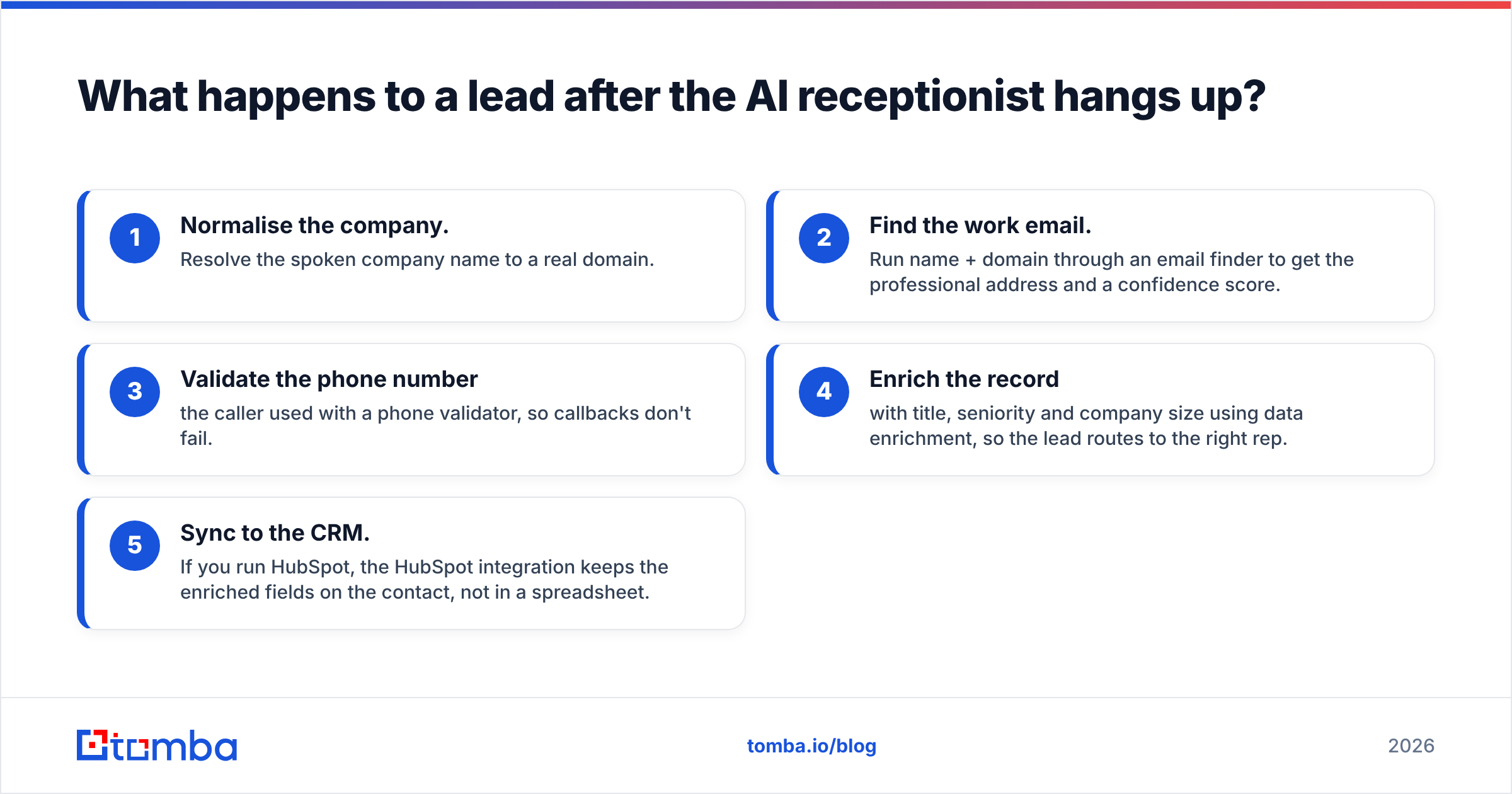
A simple post-call enrichment loop fixes this:
- Normalise the company. Resolve the spoken company name to a real domain.
- Find the work email. Run name + domain through an email finder to get the professional address and a confidence score.
- Validate the phone number the caller used with a phone validator, so callbacks don't fail.
- Enrich the record with title, seniority and company size using data enrichment, so the lead routes to the right rep.
- Sync to the CRM. If you run HubSpot, the HubSpot integration keeps the enriched fields on the contact, not in a spreadsheet.
Most of the receptionists above can fire a webhook or Zapier trigger when a call ends, so you can automate this loop in an afternoon. HubSpot's own guidance on lead management makes the same point: speed-to-follow-up only helps when the contact data is accurate.
Which mistakes should you avoid when switching from Macaws.ai?#
Switching receptionists looks simple: point your number somewhere else and you're done. In practice, teams hit the same four problems:
- Losing call history. Export call logs, recordings and summaries before you cancel. Note the 30-day notice period, and run both tools side by side during it.
- Rebuilding FAQs from memory. Your current setup holds months of fixes for odd caller questions. Export the knowledge base and prompt rules first.
- Breaking calendar rules. Buffer times, round-robin assignment and time-zone handling often reset to defaults in the new tool. Test bookings across time zones before going live.
- Ignoring number porting time. Porting a business number can take days. Use call forwarding as a bridge so there's no gap in coverage.
Which Macaws.ai alternative should you pick?#
Here's the short version:
- Lowest cost: Rosie
- Simplest for local services: Goodcall
- Safest for high-value calls: Smith.ai
- Most human: Ruby
- Most flexible without code: Synthflow
- Most control for developers: Retell AI
- Built for enterprise volume: Bland AI
Macaws.ai remains a solid choice if you're a UK SMB that values flat, predictable pricing and done-for-you setup. The right alternative is whichever one matches your call mix, your budget and how much you want to manage yourself.
Whichever receptionist you pick, the call is only half the job. The other half is turning "Sarah from Acme, wants a demo Thursday" into a contact your team can actually reach. Tomba Email Finder takes the name and company your AI receptionist captured, returns the verified professional email, and pushes it into your CRM, so every booked call has a real follow-up path. You can start on the free tier (25 searches a month) and move to Starter at $49/month when call volume grows. See the full Tomba pricing for the larger plans.
Related guides#
// start free
See who Tomba finds at any company
Type a company's domain to see its people, their roles and verified work emails, each with the pages it was found on. Free account, no card.
Free plan · No credit card required · GDPR & CCPA
// about the author