CloduraAI vs QuickMail (2026): Which Wins for Cold Outreach?
Clodura.AI bundles a B2B database with sequences; QuickMail is a deliverability-first sending engine. Here's an honest breakdown of which fits your outbound stack in 2026 — and where a dedicated data layer beats both.
A CloduraAI vs QuickMail choice feels like apples versus oranges. And it mostly is. One tool is a data-and-sequencing platform. It wants to be your prospecting home base. The other is a lean sending engine built for deliverability. It assumes you already have a list. Pick wrong, and you pay for features you never touch. Or you bolt on three more tools to fix a gap you missed.
This guide cuts through the marketing pages. It helps you match each tool to the way you actually work.
TL;DR — CloduraAI vs QuickMail at a glance#
- Clodura.AI is a B2B sales intelligence platform. You get a built-in contact database, org charts, buyer intent, email sequences, and a basic dialer. It is best when you want data and outreach under one login.
- QuickMail is a cold email tool focused on deliverability, inbox rotation, and reply handling. It is best when you already source your own leads. You just want to land in the primary inbox.
- They don't fully overlap. Clodura tells you who to contact. QuickMail is the engine that reaches them at scale without burning your domain.
- Data accuracy is the weak point of all-in-one tools. When open and reply rates drop, the fix is usually cleaner data. It is rarely another sending feature.
- The smart 2026 stack often splits the job. A dedicated data layer (like Tomba Email Finder) feeds a focused sender. That beats trusting one bundle to do it all.
What is Clodura.AI?#
Clodura.AI is an all-in-one sales prospecting platform. Think of it as a grocery store that also delivers. You walk in for the ingredients, a B2B contact database of 600M+ contacts by their claim. On the way out, it hands you the delivery van too: email sequences, a dialer, and buyer-intent signals.
Its core pitch is simple: put everything in one place. Instead of paying for a data provider, a sequencer, and an intent tool, you get one bundle:
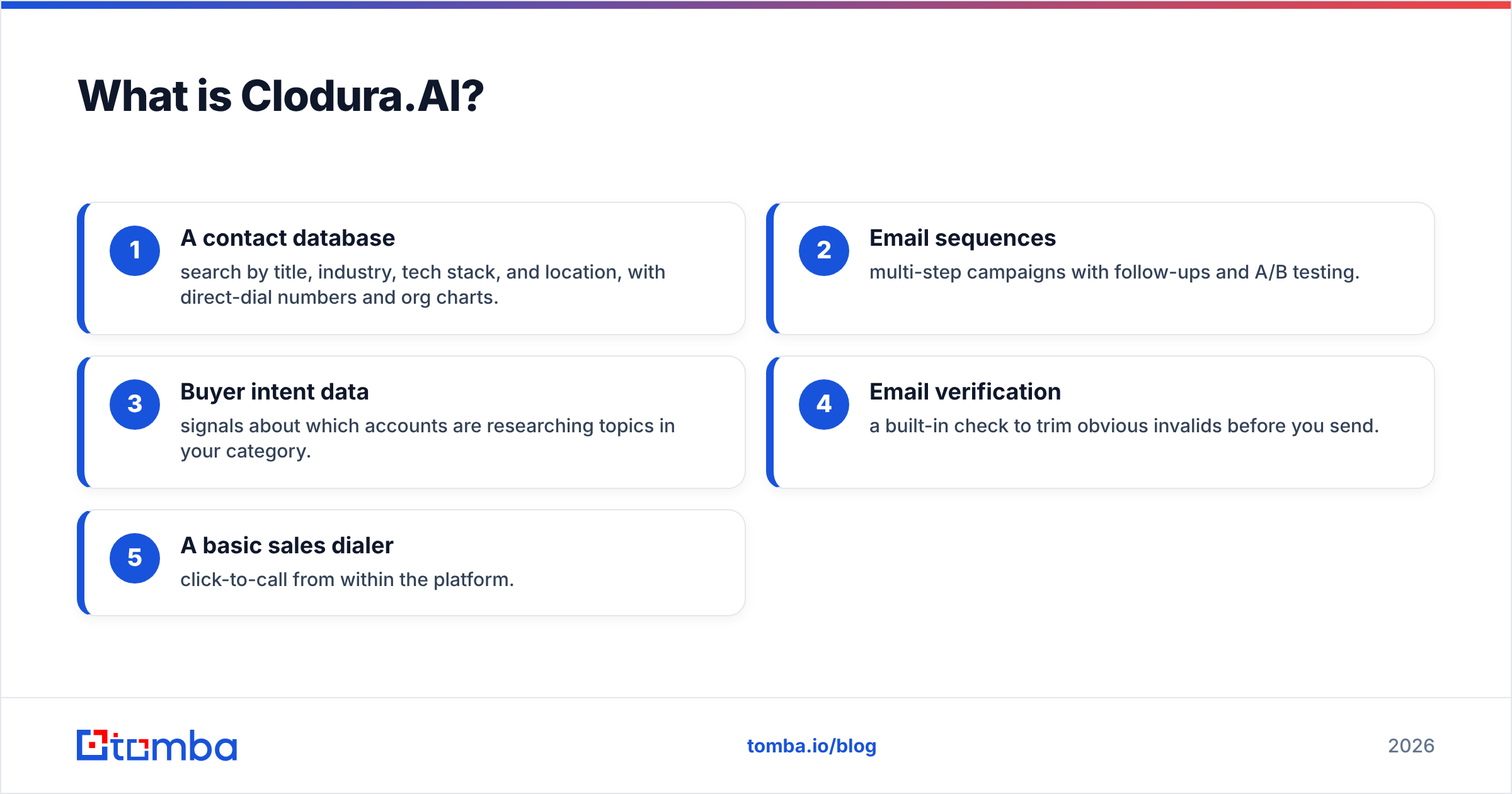
- A contact database — search by title, industry, tech stack, and location. It includes direct-dial numbers and org charts.
- Email sequences — multi-step campaigns with follow-ups and A/B testing.
- Buyer intent data — signals about which accounts research topics in your category.
- Email verification — a built-in check that trims obvious invalids before you send.
- A basic sales dialer — click-to-call from inside the platform.
Every bundle has one trade-off: depth. A tool spread across data, sending, and intent rarely beats a specialist in any single lane. You can read the feature list on the official Clodura.AI site. But treat the database-size number like any vendor stat. It is a ceiling, not a promise of accuracy for your niche.

What is QuickMail?#
QuickMail is a cold email tool with one obsession: reaching the primary inbox. If Clodura is the grocery store, QuickMail is the delivery fleet. It doesn't grow the produce. It just makes sure the package arrives fresh and on time.
QuickMail stays narrow on purpose. Here are its standout features:
- Inbox rotation — spread sends across many mailboxes in one campaign. This protects sender reputation and lifts volume without spiking spam complaints.
- Auto Warmer (MailFlow) — a free warmup network. It builds sending reputation before and during campaigns.
- Reply detection and threading — real conversation handling, not just open tracking.
- Deep analytics — deliverability dashboards, per-step reply rates, and a "Deliverability Score."
- Native integrations — HubSpot, Pipedrive, and a solid API for custom workflows.
What QuickMail does not do is find leads. There is no built-in contact database. You bring the list, and QuickMail sends it well. That is a strength when you already have a data source. It is a gap when you don't.
CloduraAI vs QuickMail: full comparison table#
Here is the head-to-head on the things that change your buying decision.
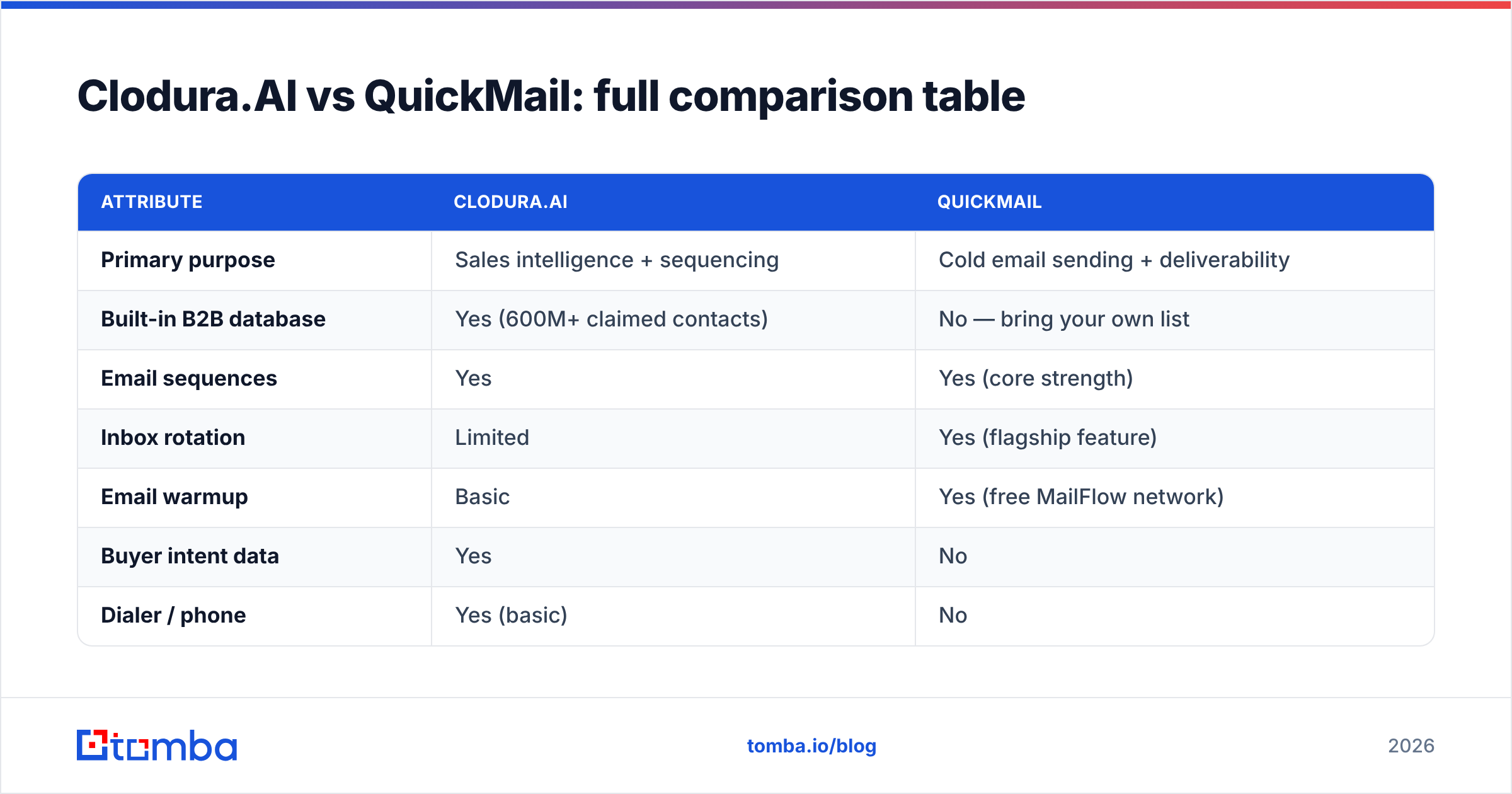
| Attribute | Clodura.AI | QuickMail |
|---|---|---|
| Primary purpose | Sales intelligence + sequencing | Cold email sending + deliverability |
| Built-in B2B database | Yes (600M+ claimed contacts) | No — bring your own list |
| Email sequences | Yes | Yes (core strength) |
| Inbox rotation | Limited | Yes (flagship feature) |
| Email warmup | Basic | Yes (free MailFlow network) |
| Buyer intent data | Yes | No |
| Dialer / phone | Yes (basic) | No |
| Reply handling | Basic | Advanced threading |
| Starting price (approx.) | ~$33/user/mo (annual) | $49/mo |
| Free plan | Limited free tier | 14-day trial, no free tier |
| Best for | Teams wanting data + outreach in one | Teams with lists who need deliverability |
Prices shift, so check the current tiers on each vendor's page first. The pattern rarely changes, though. Clodura sells breadth. QuickMail sells depth in one lane.
Is Clodura.AI better than QuickMail?#
It depends on what you already have. Say you have no lead source and a small team. Then Clodura's all-in-one model saves you from stitching tools together. But say you already own a clean list, or a data provider. Then QuickMail will likely out-deliver Clodura's sequencing. That is the one job QuickMail is built for.
Ask yourself three questions:
- Do I have a reliable source of accurate contact data? If not, Clodura's database is genuinely useful. If you do, you pay for a database you won't rely on.
- Is deliverability my current bottleneck? Maybe your emails land in spam or bounce. Then QuickMail's inbox rotation and warmup solve a problem Clodura only half addresses.
- Do I need intent data and a dialer? Those are Clodura-only. QuickMail won't offer them, by design.
No tool is "better" here. There is only a better fit. Most cold campaigns don't fail on the sender or the sequencer. They fail on the list.
Why data accuracy quietly decides the winner#
Here is the part neither product page leads with. Your results live or die on data quality. And bundled databases are the most common weak spot.
An all-in-one platform has a lot to maintain. It runs a huge database, a sequencer, intent scoring, and a dialer. Something gets less attention. Usually it is the freshness of contact records. Stale data means hard bounces. Hard bounces wreck the email deliverability that QuickMail works so hard to protect. You can own the best sending engine on earth. You will still tank your domain if 30% of your list is invalid.

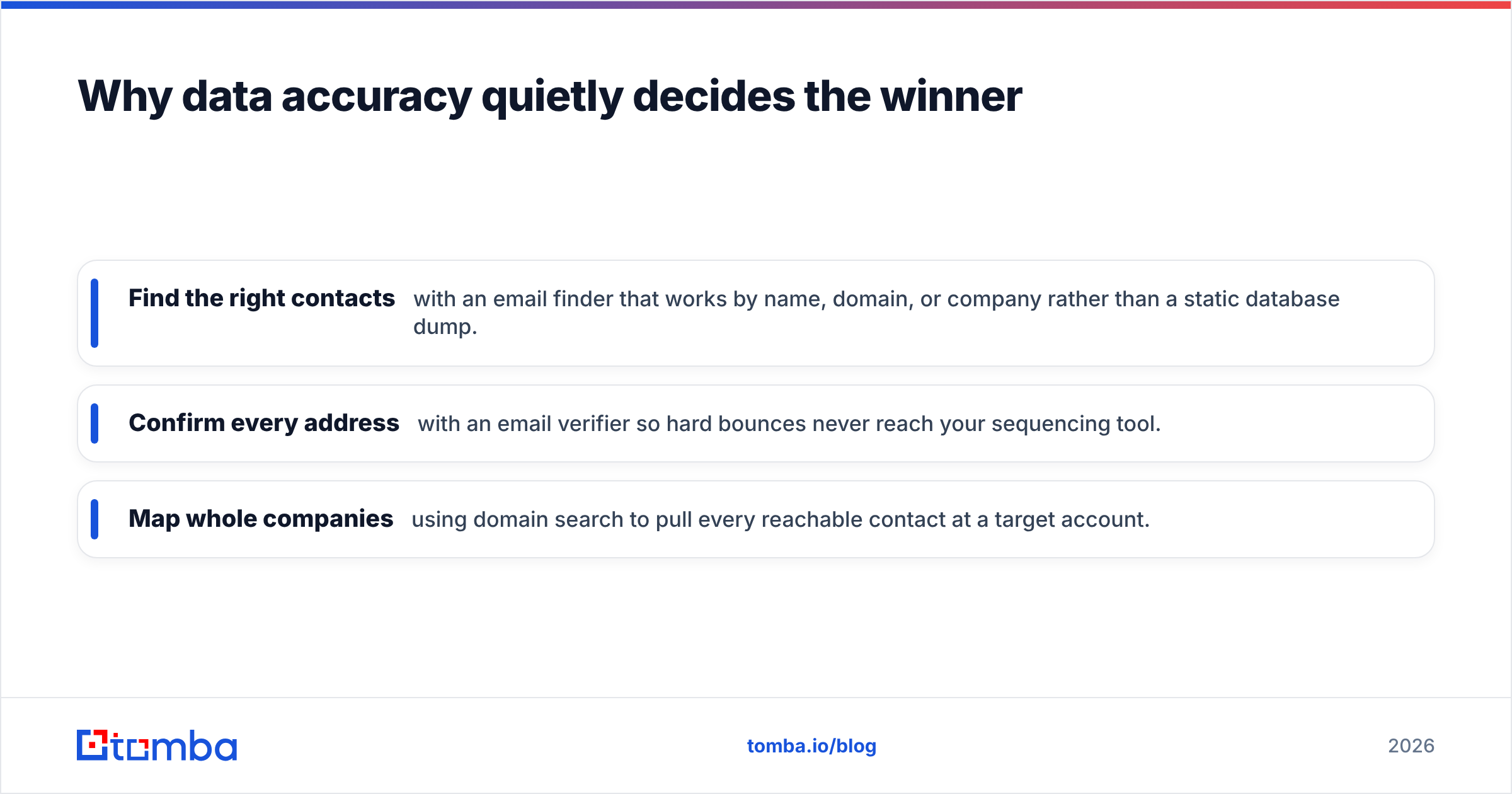
This is why many teams split the data choice from the sending choice. A specialist find-and-verify layer keeps your list clean before it hits a sender:
- Find the right contacts with an email finder. It works by name, domain, or company, not a static dump.
- Confirm every address with an email verifier. Hard bounces never reach your sequencing tool.
- Map whole companies with domain search. Pull every reachable contact at a target account.
Clean the list first. Then let QuickMail or Clodura's sequencer do its job. The order matters more than the brand.
CloduraAI vs QuickMail: pricing reality#
Pricing is where the "one tool vs specialist stack" math gets real.
Clodura bundles everything into per-seat plans. So a five-person team pays for five database seats, five sequencing seats, and intent. That holds whether or not everyone uses it all. QuickMail charges by sending volume and mailboxes. That scales cleanly when your bottleneck is throughput, not headcount.
Here is a rough way to think about total cost:
- Clodura all-in-one: one bill, but you pay for the weakest part too. If the database underdelivers for your niche, you fund a feature you'll replace anyway.
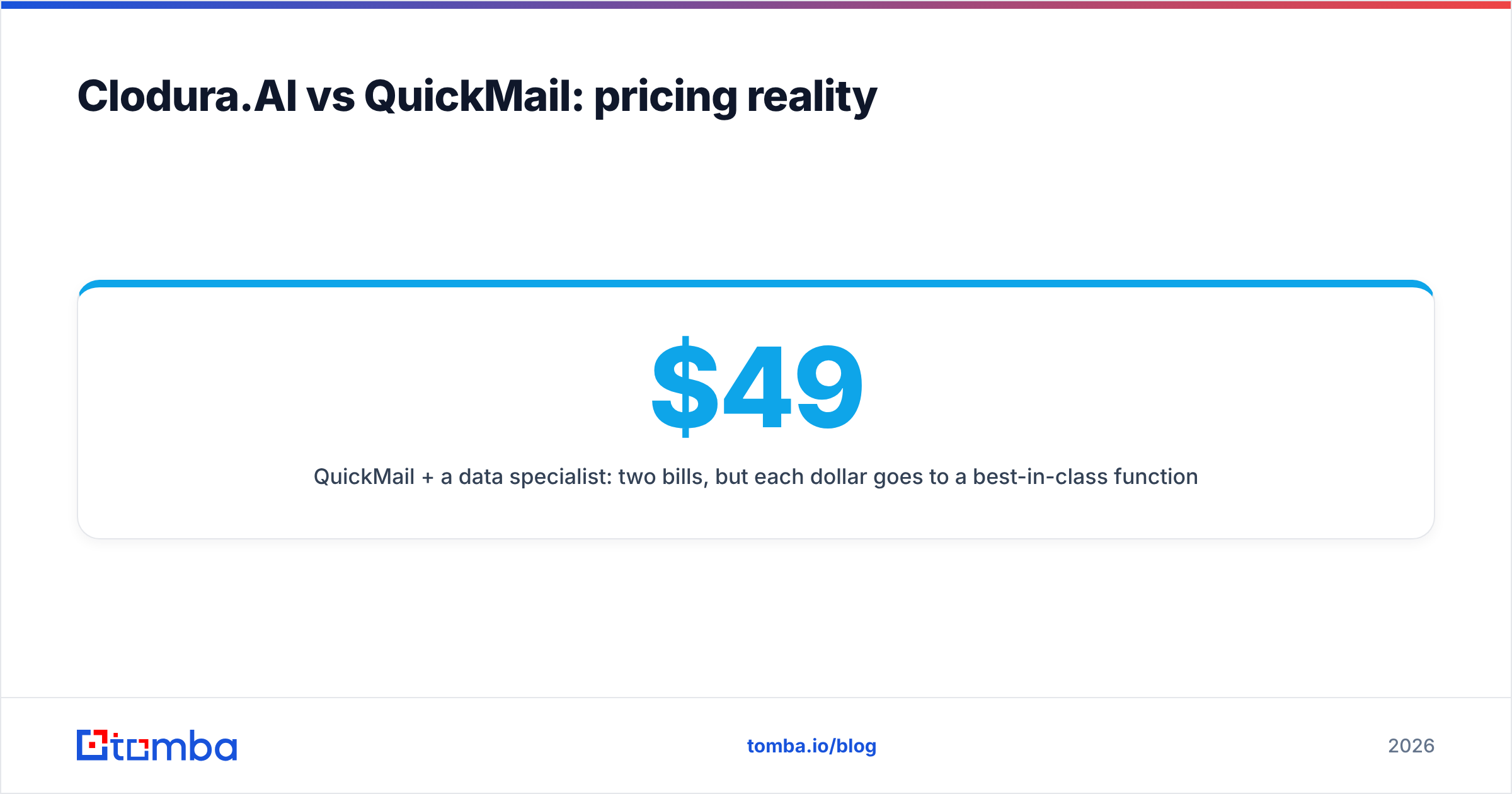
- QuickMail plus a data specialist: two bills, but each dollar buys a best-in-class function. A verify-first tool like Tomba starts free (25 searches/mo). Starter is $49/mo and Growth is $99/mo — see full Tomba pricing. It pairs cleanly with QuickMail's $49/mo entry plan.
For serious outbound, the specialist stack often costs the same or less. It also performs better. You are not paying for a mediocre bundled database. Cross-check current numbers and reviews on G2 before you sign an annual deal.
Which should you choose in 2026?#
Match the tool to your reality:
- Choose Clodura.AI if you're a small team with no data source. You want prospecting and outreach under one login. Buyer intent or a light dialer matters to you. The convenience is real.
- Choose QuickMail if deliverability is your live problem. You send at volume across many mailboxes. You already have, or can build, a clean list. Nothing sends cold email more carefully.
- Choose a specialist stack if you're scaling outbound hard. Pair a data-and-verify layer with a focused sender. You get better accuracy, cleaner deliverability, and usually a lower blended cost.
The honest verdict: neither tool is a mistake. But both share one failure mode, a list that is out of date. QuickMail can't fix bad data. And Clodura's bundled database is the part most likely to age fast.
The data layer that makes either tool work#
Whichever sender you pick, your campaign is only as good as its addresses. That is the piece worth getting right first.
Tomba Email Finder gives you accurate, verified professional emails by name, company, or domain. So the list you hand to QuickMail or Clodura is clean before the first send. Verify in bulk. Map whole companies with domain search. Stop hard bounces before they reach your sequencer. Start free with 25 searches a month. Then scale on a plan that costs less than most bundled databases you'd never fully trust. Fix the data, and both tools finally perform the way their demos promise.
Related guides#
// get started
Find, verify and enrich your first contacts today
Start on the free plan with 25 searches a month, then scale when your team is ready.
Free plan · No credit card required · GDPR & CCPA
// about the author