Clodura.ai vs Sales Automation Systems: 2026 Comparison
Clodura.ai bundles prospecting data with automation, but is an all-in-one suite the right call? Here's how it stacks up against purpose-built sales automation systems on accuracy, cost, and deliverability.
You have a decision to make before your next outbound quarter. Do you buy one platform that promises to do everything? Or do you assemble a focused stack from best-in-class parts? That is the heart of Clodura.ai vs sales automation systems. Clodura.ai sits on the "everything" side. It bundles a contact database, email sequencing, and buyer-intent signals into one suite. A "sales automation system" means something else. It can be a dedicated sequencer, or a CRM-plus-cadence setup where you pick each piece on merit.
This post breaks down the real trade-offs. You can then pick the approach that fits your team — not the one with the loudest feature list.
TL;DR#
- Clodura.ai is an all-in-one platform. It puts a B2B database, email and LinkedIn sequences, and intent data under one login. That is convenient. But you inherit its data quality and its ceiling on every function.
- A modular sales automation system pairs a purpose-built sequencer with a best-in-class data source. It takes more setup. In return you get higher accuracy and usually a lower blended cost.
- The single biggest variable is data accuracy. Bounced emails wreck deliverability, no matter how good your automation is.
- When you weigh Clodura.ai vs sales automation systems, most lean teams win with a dedicated email finder plus a focused sequencer. It beats a bundled suite on cost-per-valid-contact.
- Use the comparison table and decision checklist below. They help you match the model to your team size, budget, and volume.
What is Clodura.ai?#
Clodura.ai is a sales prospecting and engagement platform. It targets outbound teams that want their data and their outreach in one place. Its pitch is breadth. You get a claimed database of hundreds of millions of contacts, org charts, and technographic and intent signals. It also adds native email cadences and LinkedIn touches. You research an account, pull contacts, load them into a sequence, and track replies without leaving the tool.
That consolidation is the appeal. One vendor, one invoice, one onboarding. Say you are a founder or a small SDR team. You may not want to wire five tools together. An all-in-one suite removes a lot of friction on day one.
The catch is simple. "One tool for everything" means one tool's quality applies to everything. Maybe the database is thin in your niche. Maybe the verification is loose. That weakness flows straight into your sequences as bounces and dead ends. You cannot swap out just the weak part. You are locked to the whole package.

What counts as a "sales automation system"?#
A sales automation system is any stack that automates the repetitive parts of outbound. It finds contacts, sends sequenced touches, logs activity, and routes replies. The key word is stack. You decide which component does each job.
A typical modular setup looks like this:
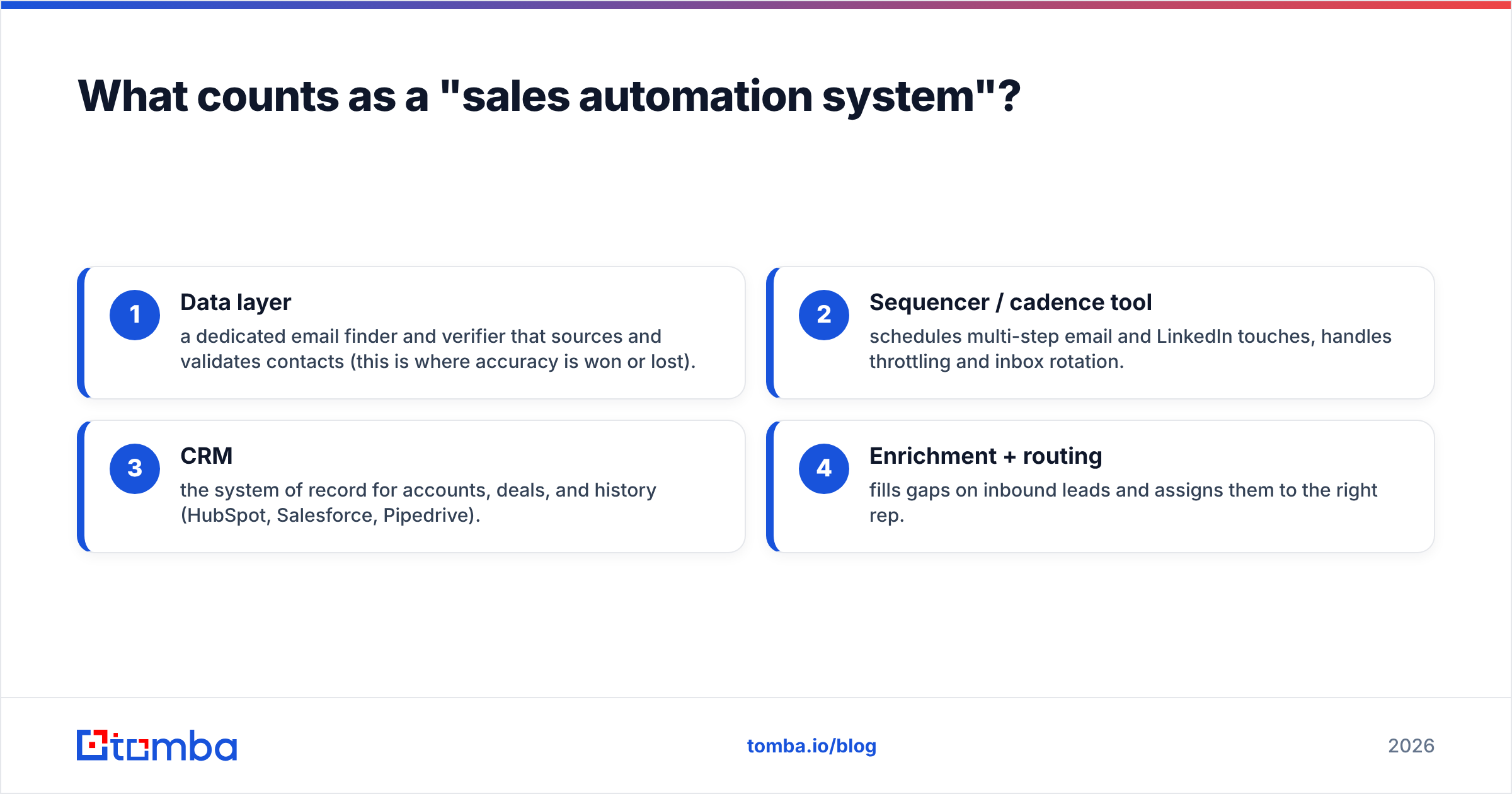
- Data layer — a dedicated email finder and verifier that sources and validates contacts. This is where accuracy is won or lost.
- Sequencer / cadence tool — schedules multi-step email and LinkedIn touches. It handles throttling and inbox rotation.
- CRM — the system of record for accounts, deals, and history (HubSpot, Salesforce, Pipedrive).
- Enrichment + routing — fills gaps on inbound leads and assigns them to the right rep.
The advantage is optionality. Suppose your sequencer is great but your data is weak. You replace the data source alone. Each layer competes on its own merits. So you tend to get higher accuracy and better deliverability than a jack-of-all-trades suite delivers. The cost is integration work and more than one invoice. But tools like Zapier and native connectors have made that far less painful than it was a few years ago.
Clodura.ai vs Sales Automation Systems: Side by Side#
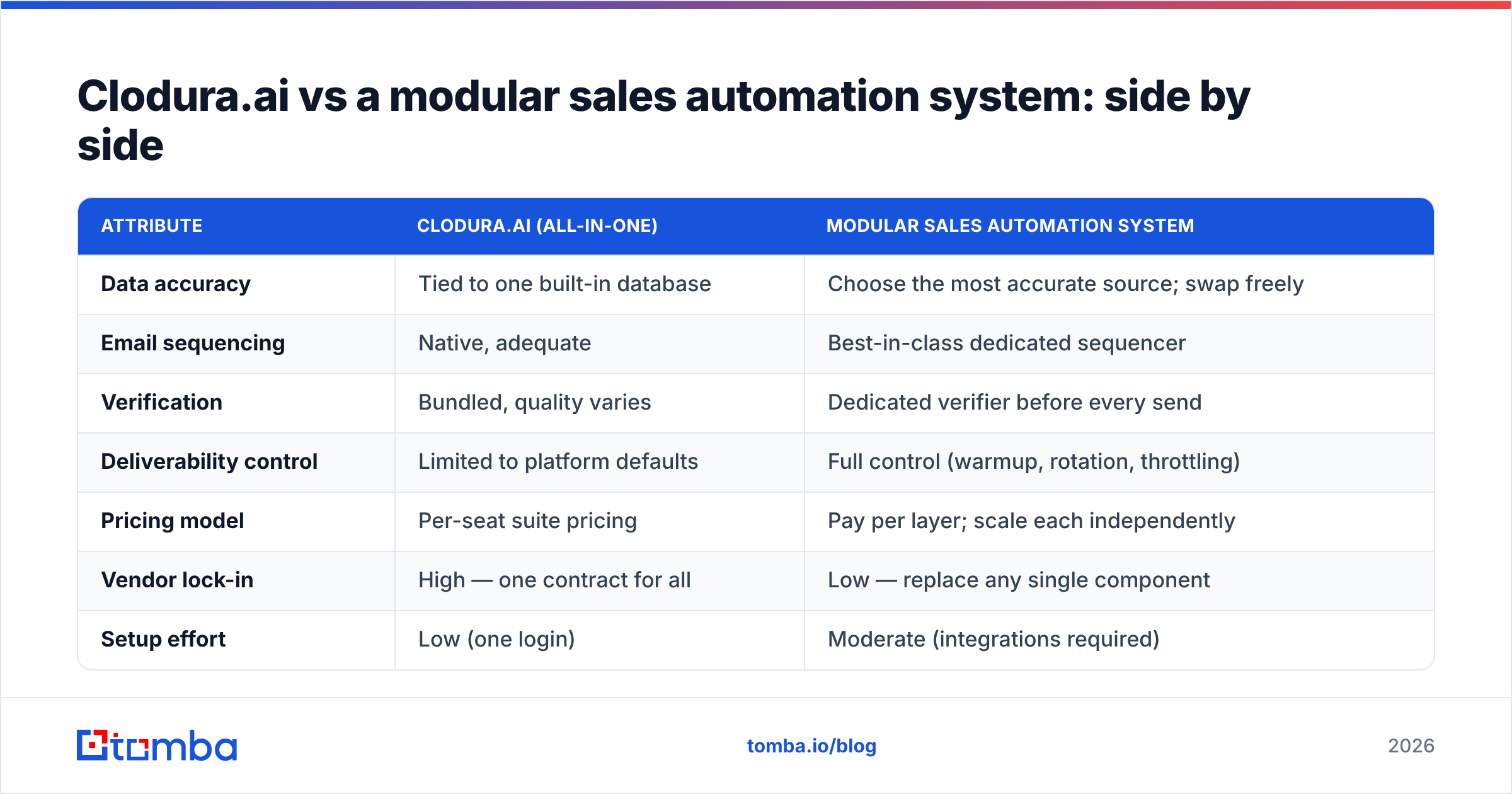
Here is how the all-in-one model compares to a focused, best-of-breed stack. These are the attributes that actually move pipeline.
| Attribute | Clodura.ai (all-in-one) | Modular sales automation system |
|---|---|---|
| Data accuracy | Tied to one built-in database | Choose the most accurate source; swap freely |
| Email sequencing | Native, adequate | Best-in-class dedicated sequencer |
| Verification | Bundled, quality varies | Dedicated verifier before every send |
| Deliverability control | Limited to platform defaults | Full control (warmup, rotation, throttling) |
| Pricing model | Per-seat suite pricing | Pay per layer; scale each independently |
| Vendor lock-in | High — one contract for all | Low — replace any single component |
| Setup effort | Low (one login) | Moderate (integrations required) |
| Best for | Teams wanting one invoice | Teams optimizing cost-per-valid-contact |
The pattern is consistent. The suite wins on convenience and single-vendor simplicity. The modular stack wins on accuracy, control, and long-run cost. Which matters more depends on your constraints.
Why does data accuracy decide the whole thing?#
Accuracy is the hinge. Everything downstream depends on it. You can have the slickest sequencer on the market. But if 20% of your list bounces, your sender reputation tanks. Your good emails start landing in spam. The whole campaign underperforms — no matter how clever the automation is.
Bundled suites face a structural tension here. Their incentive is to show large database numbers. That encourages breadth over freshness. A dedicated data provider lives or dies on hit rate and low bounce rates. So it invests specifically in sourcing and re-verification. That is why a purpose-built email finder plus a separate email verifier usually beats a suite's "already verified" claim.
Here is a practical rule. Never load a list into any sequencer without verifying it first. Even a strong database drifts. People change jobs. Domains get retired. Catch-all servers accept everything and confirm nothing. Say your platform cannot verify catch-all addresses or show real confidence scores. Then you are flying blind on your riskiest contacts.
Is an all-in-one suite ever the right call?#
Yes — in specific situations. Convenience has real value. Pretending otherwise is dishonest.
Choose an all-in-one platform like Clodura.ai when:
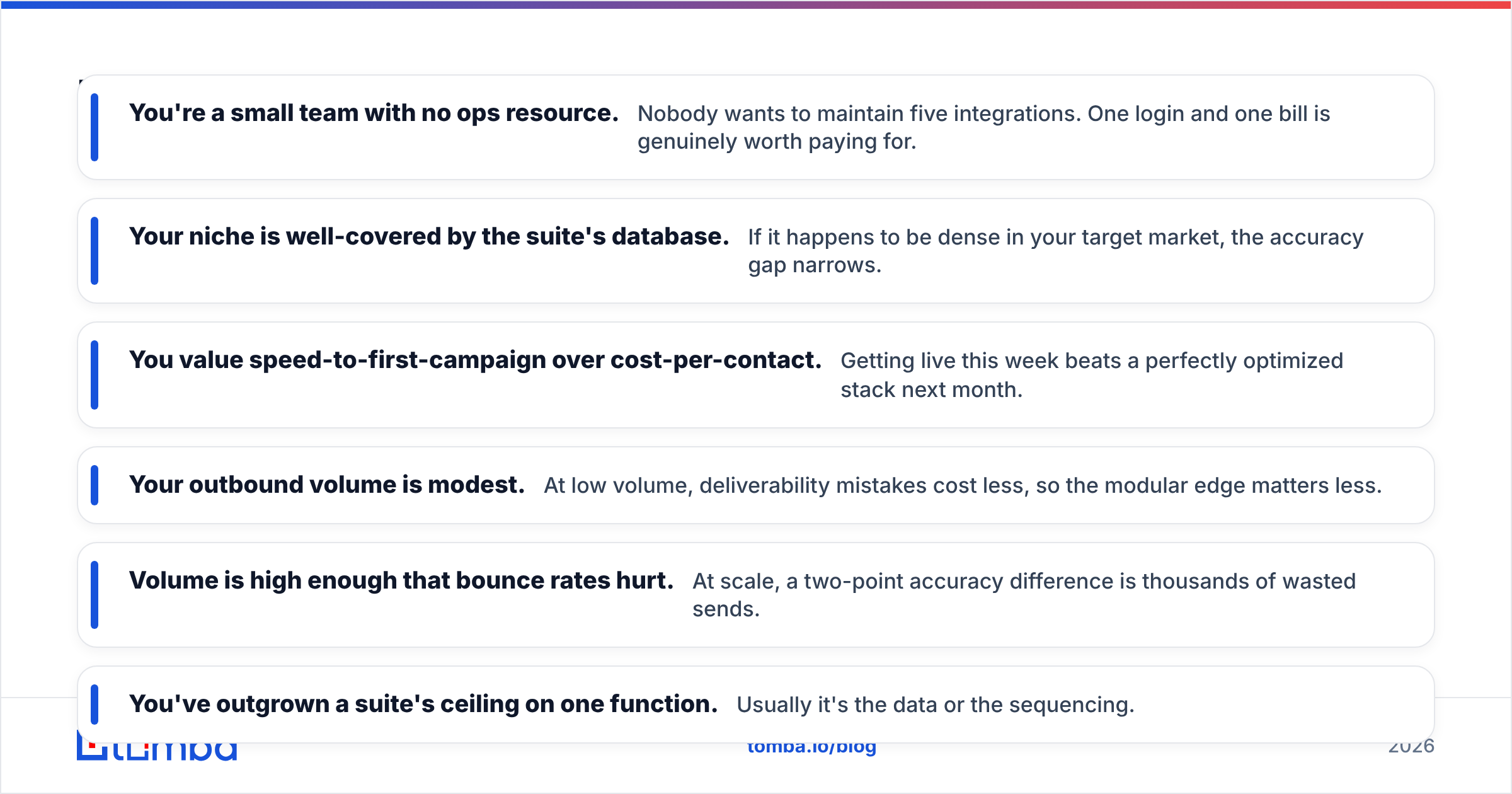
- You're a small team with no ops resource. Nobody wants to maintain five integrations. One login and one bill is worth paying for.
- Your niche is well-covered by the suite's database. If it is dense in your target market, the accuracy gap narrows.
- You value speed-to-first-campaign over cost-per-contact. Getting live this week beats a perfect stack next month.
- Your outbound volume is modest. At low volume, deliverability mistakes cost less. So the modular edge matters less.
Choose a modular sales automation system when:
- Volume is high enough that bounce rates hurt. At scale, a two-point accuracy gap is thousands of wasted sends.
- You've outgrown a suite's ceiling on one function. Usually it is the data or the sequencing.
- You want to control deliverability directly. That means warmup, inbox rotation, and send throttling on your terms.
- Cost-per-valid-contact is a tracked metric. Paying per layer almost always beats a flat suite fee once you do the math.
How do the costs actually compare?#
Compare cost-per-valid-contact, not sticker price. A suite can look cheaper per seat. But it can cost more per usable email if a chunk of its data bounces.
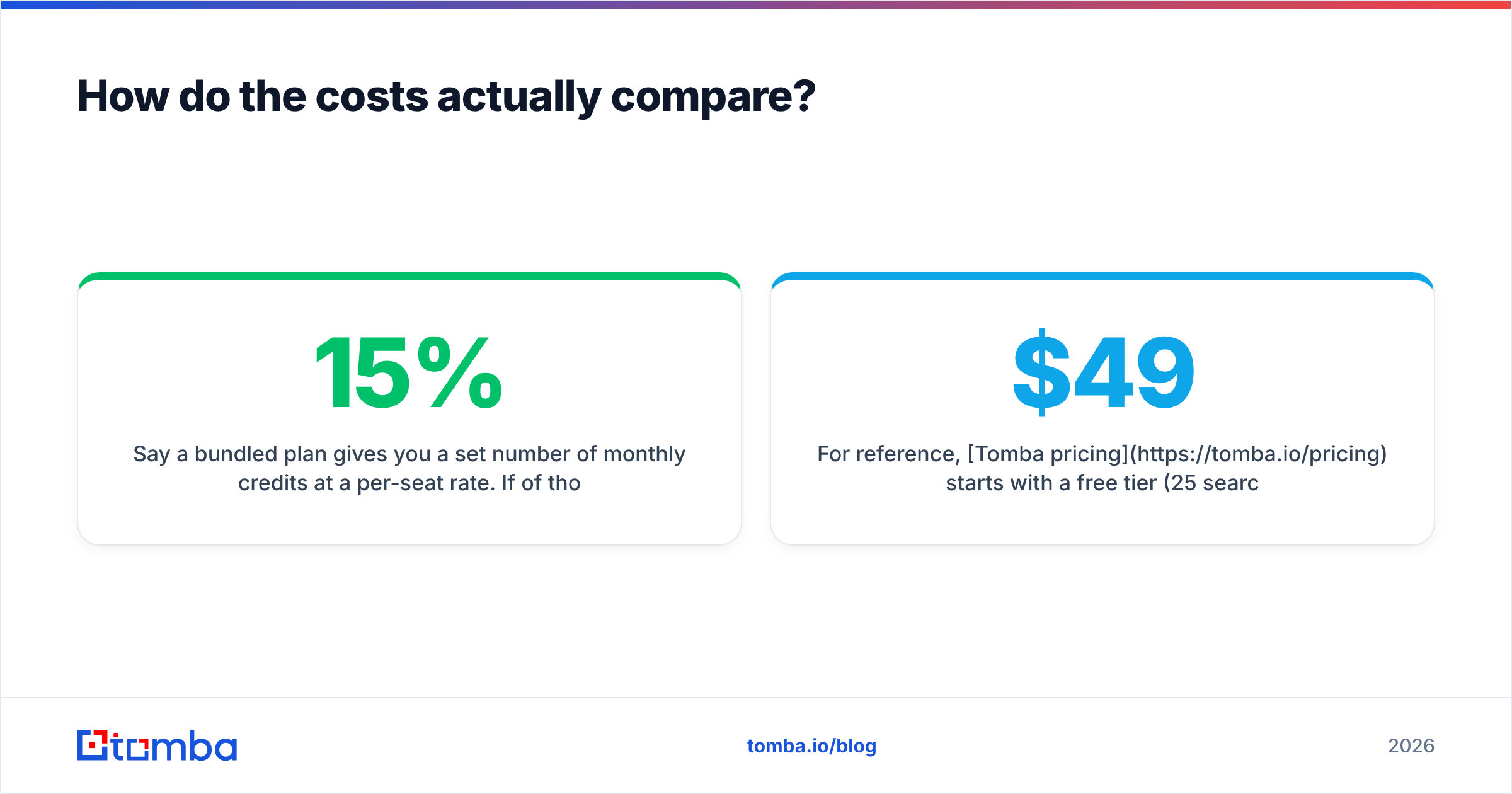
Say a bundled plan gives you a set number of monthly credits at a per-seat rate. Now suppose 15% of those contacts are stale or unverifiable. Your effective cost per valid contact is much higher than the headline. A modular stack lets you spend precisely. You pay for a focused email finder on real usage. You pay for a sequencer on seats or sends. You skip any premium for features you will never touch.
For reference, Tomba pricing starts with a free tier (25 searches/month). Then Starter is $49/mo, Growth is $99/mo, and Pro is $249/mo. You only add a sequencer and CRM if and when you need them. That pay-per-layer model is what makes the modular approach cheaper as you scale. Each component grows on its own curve. You are not forced into the next suite tier to unlock one feature.
It is worth checking independent reviews on G2 first. They show real-world accuracy and support experiences before you commit. Vendor-reported database sizes rarely match on-the-ground hit rates. And if you want to keep your CRM as the hub, both models plug into systems like HubSpot cleanly.
What does a lean modular stack look like in practice?#
You do not need ten tools. A tight, high-accuracy stack usually has three moving parts:
- Find and verify contacts — Use a dedicated finder to pull emails by name or domain. Then verify them, so only deliverable addresses reach your sequencer. Tools like domain search map every reachable contact at a target company in one pass.
- Enrich and route — Add firmographic and role context with data enrichment. Your messaging stays relevant, and leads land with the right rep.
- Sequence and track — Load the clean, enriched list into your cadence tool. Control warmup and throttling. Let replies flow back to your CRM.
The whole point is that each stage is independently upgradeable. Say your reply rates dip. You diagnose which layer is failing and fix that one. You do not renegotiate a suite contract or migrate everything at once.
For teams weighing a switch, the honest framing is simple. Clodura.ai is a reasonable choice if you value one-vendor simplicity and your market is well-covered by its database. But suppose outbound is core to your revenue and you are measured on efficiency. Then a modular system built around an accurate data source will almost always deliver better deliverability and a lower cost-per-valid-contact.
The verdict#
There is no universal winner. There is a winner for your situation. Say you are a small team that wants to be live this week, with one invoice and modest volume. An all-in-one suite like Clodura.ai is a defensible, low-friction choice. But suppose outbound is central to your pipeline, your volume is climbing, or your boss asks about cost-per-valid-contact. Then the Clodura.ai vs sales automation systems call tips the other way. A modular stack built on a purpose-built data layer will out-perform the suite where it counts: accuracy, deliverability, and long-run cost.
Whichever model you pick, the data layer is the part you cannot afford to get wrong. Start there.
Build your stack on data you can trust#
Are you leaning toward a focused, high-accuracy setup? Then start with the layer that decides everything else. The Tomba Email Finder finds professional email addresses by name, domain, or company. It verifies them before they ever hit your sequencer. And it plugs into the CRM and cadence tools you already use. So you get suite-level convenience without inheriting suite-level data compromises. Try the free tier. Run your target account list through it. Then compare the bounce rate to whatever you use now. The numbers will make the decision for you.
Related guides#
// get started
Find, verify and enrich your first contacts today
Start on the free plan with 25 searches a month, then scale when your team is ready.
Free plan · No credit card required · GDPR & CCPA
// about the author