Clodura.ai vs UpLead (2026): B2B Data Platform Comparison
Clodura.ai and UpLead both promise verified B2B contacts, but they charge and deliver very differently. Here's an honest, side-by-side breakdown of pricing, data accuracy, and which one fits your outbound.
Choosing between Clodura.ai vs UpLead comes down to one question. Do you want an all-in-one sales-intelligence suite with automation built in? Or a lean, pay-for-verified-contacts database you can trust to hit the inbox? Both tools sell "accurate B2B data." But they price it, deliver it, and bundle it in very different ways.
This is a neutral, hands-on comparison. No vendor spin. We just cover what each platform does well, where it falls short, and how to decide.
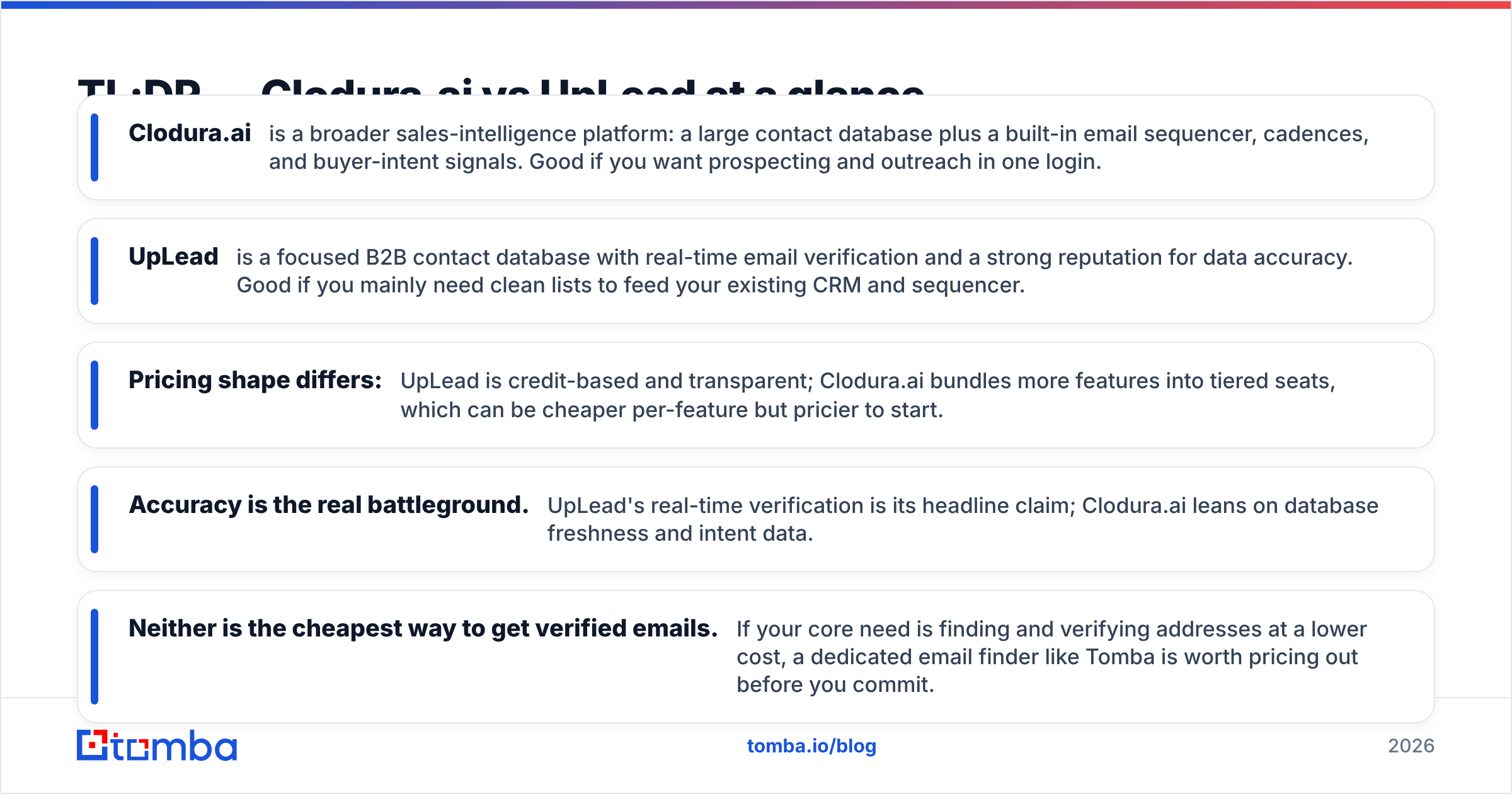
TL;DR — Clodura.ai vs UpLead at a glance#
- Clodura.ai is a broader sales-intelligence platform. You get a large contact database plus a built-in email sequencer, cadences, and buyer-intent signals. It's a good fit if you want prospecting and outreach in one login.
- UpLead is a focused B2B contact database. It offers real-time email verification and a strong name for data accuracy. It's a good fit if you mainly need clean lists to feed your CRM and sequencer.
- Pricing shapes differ. UpLead is credit-based and clear. Clodura.ai bundles more features into tiered seats. That can be cheaper per feature, but pricier to start.
- Accuracy is the real battleground. UpLead's real-time check is its headline claim. Clodura.ai leans on database freshness and intent data.
- Neither is the cheapest way to get verified emails. Say your core need is finding and verifying addresses at a lower cost. Then a dedicated email finder like Tomba is worth pricing out first.
What is Clodura.ai?#
Clodura.ai is a sales-intelligence and prospecting platform. It targets outbound teams that want more than a static list. Its contact database holds company records, direct dials, and business emails. On top of that, it ships an email sequencer, cadence automation, and buyer-intent signals. Those signals flag accounts that show buying behavior.
The pitch is consolidation. Instead of paying for a database, a sequencer, and an intent tool on their own, you run prospecting-to-outreach in one product. That appeals to smaller teams who don't want to build a stack. The tradeoff is simple. A jack-of-all-trades suite rarely beats a specialist on any single axis. The sequencer isn't as deep as a dedicated cadence tool. The database competes with providers who do nothing but data.
Clodura.ai also offers a free tier. That lowers the barrier to testing it on your own territory before you pay.
What is UpLead?#
UpLead is a B2B contact and company database. It's built around one promise: real-time email verification at the moment you export. Many tools hand you a stored address that may be stale. UpLead instead re-checks the email against the mail server before it spends your credit. So you pay for data that should deliver.
That verification-first approach has earned UpLead a solid name on review sites like G2 for data quality. It's a cleaner, narrower product than Clodura.ai. You get search filters (industry, title, tech stack, revenue), enrichment, and exports. But you bring your own outreach tool. Many teams already run Instantly, Smartlead, or a CRM sequencer. For them, that split is a feature, not a gap.

Clodura.ai vs UpLead: side-by-side comparison#
Here's how the two stack up on the things that change your workflow and your bill.
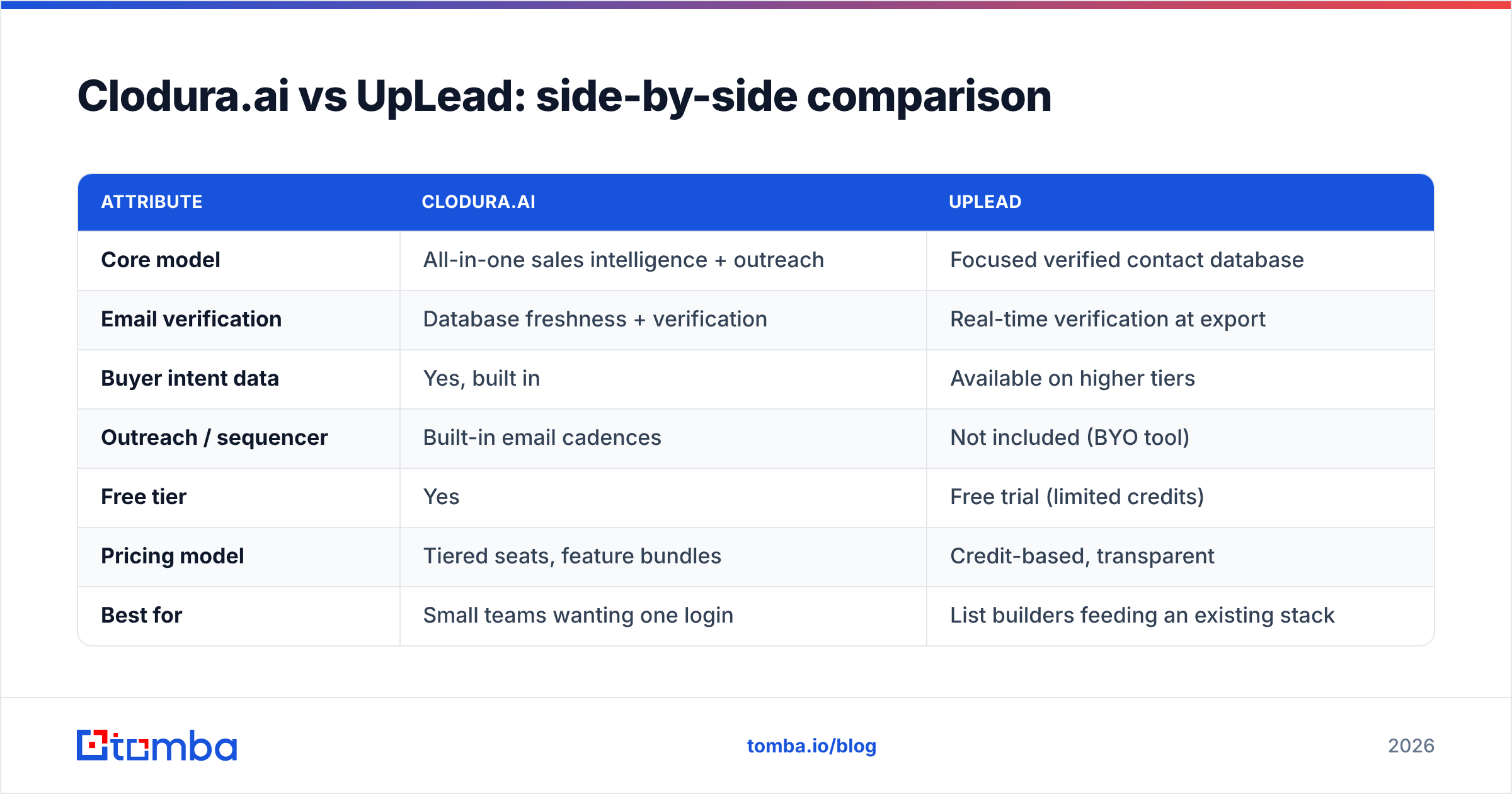
| Attribute | Clodura.ai | UpLead |
|---|---|---|
| Core model | All-in-one sales intelligence + outreach | Focused verified contact database |
| Email verification | Database freshness + verification | Real-time verification at export |
| Buyer intent data | Yes, built in | Available on higher tiers |
| Outreach / sequencer | Built-in email cadences | Not included (BYO tool) |
| Free tier | Yes | Free trial (limited credits) |
| Pricing model | Tiered seats, feature bundles | Credit-based, transparent |
| Best for | Small teams wanting one login | List builders feeding an existing stack |
| CRM export | Yes | Yes (native + integrations) |
The headline: Clodura.ai wins on breadth, UpLead wins on focus. Want fewer tools? Clodura.ai's bundle is compelling. Want the cleanest possible list, and you already own your outreach layer? UpLead's focus pays off.
Is Clodura.ai or UpLead more accurate?#
Accuracy is where this comparison earns its keep. A "cheap" contact that bounces is the most expensive data you can buy. It burns your sender reputation and drags every future campaign down.
UpLead's edge is process. It checks the address when you export, not months ago when it was scraped. That directly cuts the bounce rate on fresh pulls. It's the single strongest reason teams pick UpLead over a static database.
Clodura.ai's edge is signal. Its intent data and enrichment do more than hand you a valid email. They tell you which accounts are worth emailing now. The address quality is solid. But the check is less of a hard, at-export guarantee than UpLead's.
Here's the honest caveat both vendors skip. No database is 100% accurate, and catch-all domains break most verification. Many corporate domains accept every address at the SMTP layer. So "verified" often just means "the server didn't reject it." That's why serious teams run a second-pass check with a dedicated catch-all verifier or email verifier before launch. This holds true no matter which platform sourced the list.

How do Clodura.ai and UpLead price their plans?#
Pricing is where the two philosophies split the most.
UpLead is credit-based and clear. You buy a plan with a monthly credit allotment. Each verified contact you export costs one credit. That makes budgeting easy and ties your spend to usable data. Verification happens before the credit is spent, so you rarely pay for a dead address.
Clodura.ai bundles features into tiered seats. You pay for the platform — database, sequencer, intent — not just contacts. Per feature, that can be a better deal if you'd buy those tools on their own. But the entry price is higher than "just give me some emails." And you may pay for features you don't use.
A few structural things to weigh before you sign:
- Credit rollover. Check whether unused credits expire each month. Credit-based tools often reset. That quietly inflates real cost when your volume is uneven.
- Seat minimums. Bundled suites sometimes need multiple seats or annual deals to hit the advertised price.
- Export caps. "Unlimited search" rarely means unlimited export. The export limit is the number that matters.
- Overage rates. Know the per-contact cost once you pass your plan. That's your true marginal price.
- What you're double-paying for. If you already own a sequencer, Clodura.ai's bundled outreach is spend you don't need.
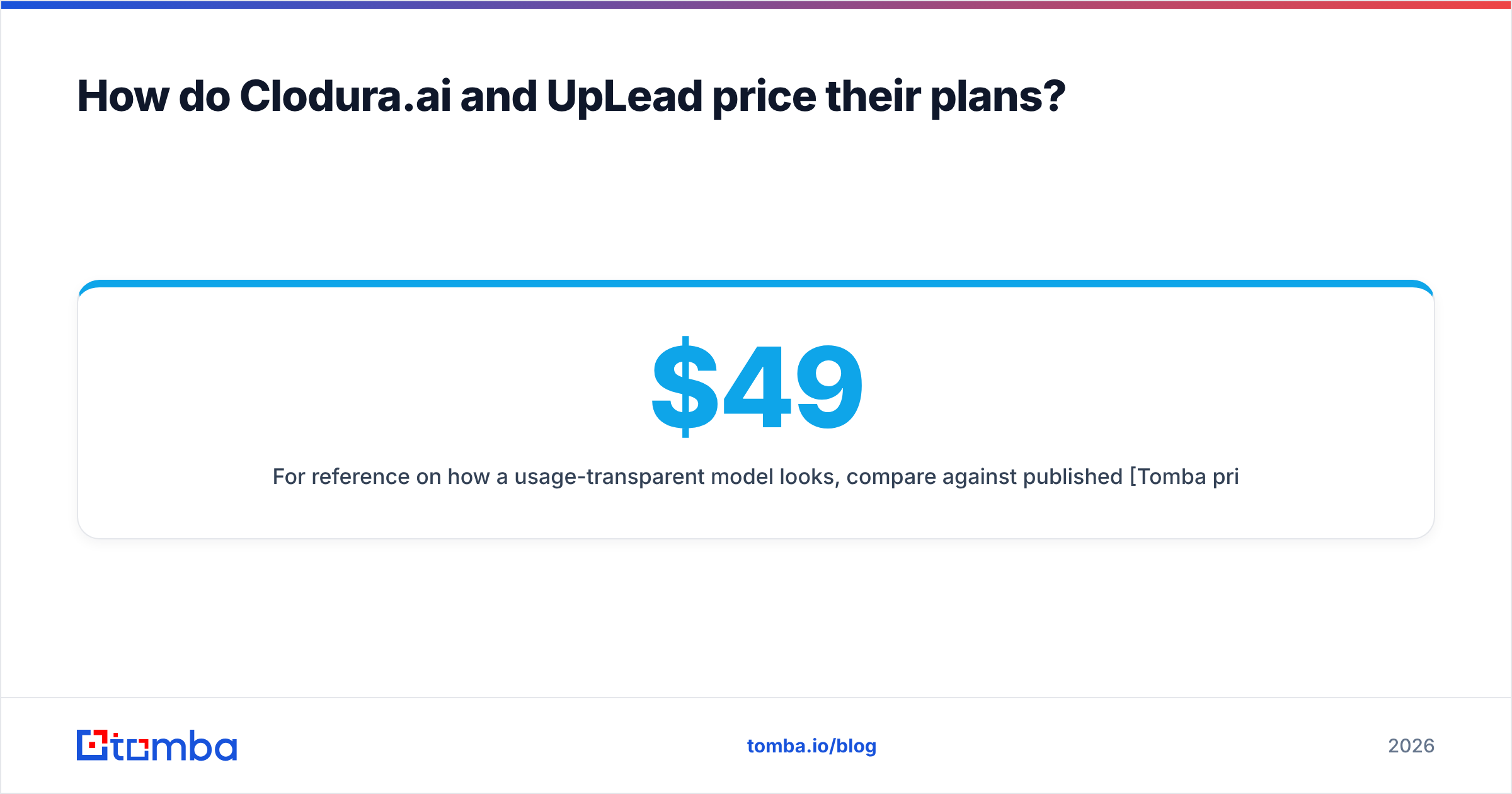
For a look at how a usage-transparent model works, compare against published Tomba pricing. It runs a Free tier at 25 searches/mo, Starter at $49/mo, Growth at $99/mo, and Pro at $249/mo. It's credit-clear, with the email finder and verifier in the same account.
Which one should you choose?#
Match the tool to your real bottleneck, not the longest feature list.
Choose Clodura.ai if:
- You're a small team that wants prospecting and outreach in one login.
- Buyer-intent signals truly change who you target.
- You'd otherwise pay for a database and a separate sequencer.
- You value a free tier to test before you commit.
Choose UpLead if:
- Data cleanliness is your top priority, and you'll feed lists into an existing stack.
- You want credit-transparent, pay-for-verified pricing.
- You already run a cold-email tool and don't want a bundled one.
- Predictable per-contact budgeting matters more than breadth.

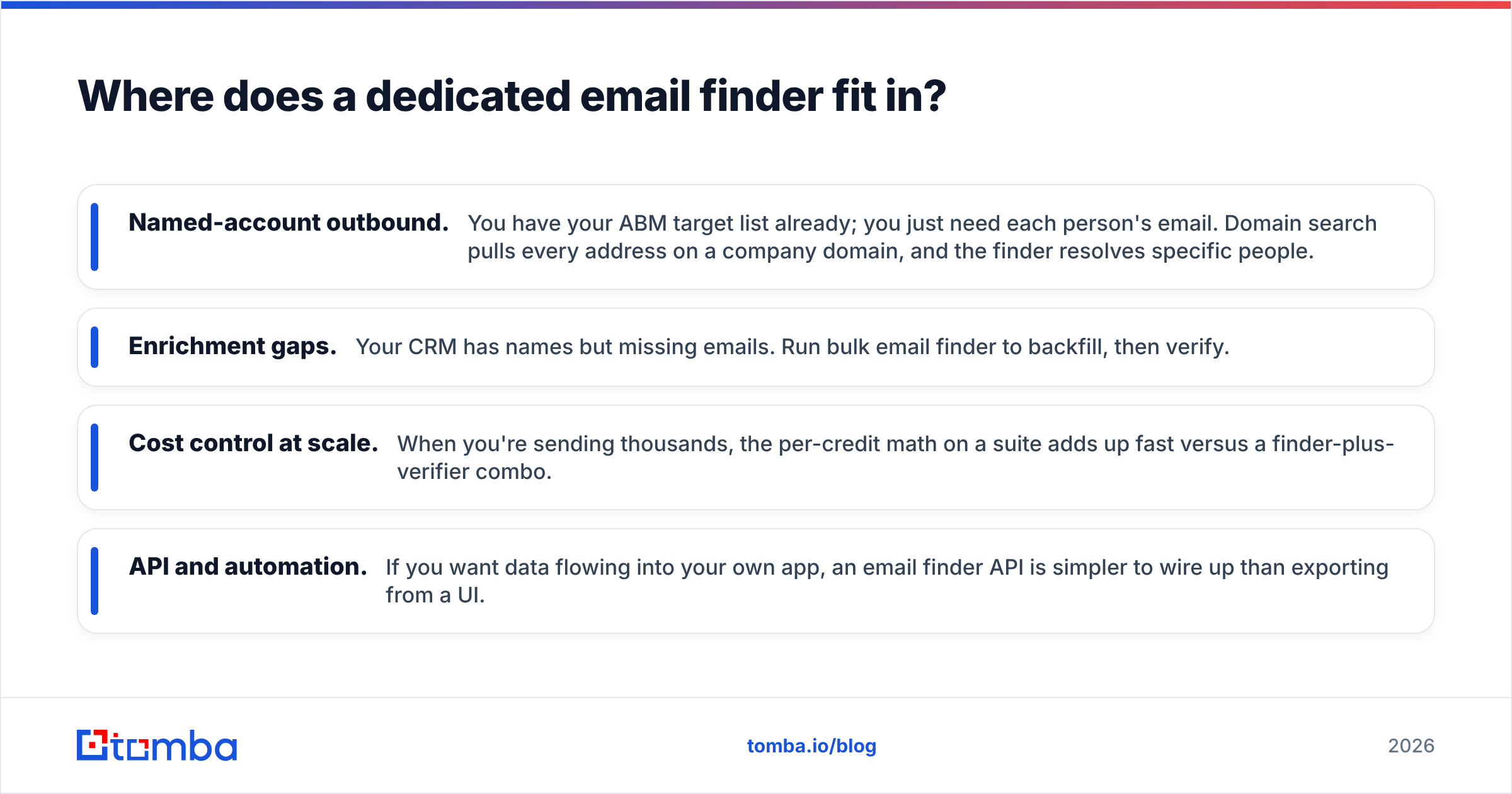
Where does a dedicated email finder fit in?#
Both Clodura.ai and UpLead are database-first. You search their inventory and export what they have. That works until the person you need isn't in the database. Or until the price-per-contact for a niche list stops making sense.
That's the gap a dedicated finder fills. You don't browse inventory. You go from a name and company — or just a domain — straight to the verified address. It's a different motion. And it's usually cheaper per contact, because you're not paying for a whole intelligence suite.
A few workflows where a finder beats a database:
- Named-account outbound. You already have your ABM target list. You just need each person's email. Domain search pulls every address on a company domain, and the finder resolves specific people.
- Enrichment gaps. Your CRM has names but missing emails. Run bulk email finder to backfill, then verify.
- Cost control at scale. When you send thousands, the per-credit math on a suite adds up fast. A finder-plus-verifier combo is leaner.
- API and automation. Want data flowing into your own app? An email finder API is simpler to wire up than exporting from a UI.
None of this means you drop your database tool. It means you stop overpaying it for jobs a specialist does better and cheaper.
Common questions#
Is UpLead better than Clodura.ai? For pure list quality and clear pricing, UpLead is the stronger pick. For an all-in-one prospecting-plus-outreach flow, Clodura.ai does more under one roof. Neither is universally "better." It depends on whether you value focus or breadth.
Do I still need to verify emails from these tools? Yes, especially on catch-all domains. Even real-time checks can't fully resolve catch-alls. So a second-pass email verification step before launch is cheap insurance against bounces.
Are there cheaper alternatives? For the specific job of finding and verifying professional emails, dedicated finders are usually cheaper per contact than a full suite. If you're after B2B database breadth, respected providers like BookYourData are also worth a look alongside these two.
Can I use these with my CRM? Both export to major CRMs. Check native integrations versus needing a Zapier bridge. That affects your ongoing workflow friction.
The bottom line#
Clodura.ai and UpLead solve overlapping problems from opposite ends. Clodura.ai is the consolidation play — one platform to find, target, and email. UpLead is the precision play — the cleanest verified list, priced clearly, feeding a stack you already own. Pick based on your real pain: too many tools or dirty data.
But strip the question down to "I need accurate professional emails without paying for a whole suite." Then start smaller and cheaper. The Tomba Email Finder goes from a domain or a name to a verified address. It has a built-in verifier, catch-all handling, and an email finder API. There's a Free tier you can test today and a $49/mo Starter plan when you scale. Find the people your database misses. Verify before you send. Keep your sender reputation clean. That's the foundation every outbound campaign needs, whichever platform you build on top.
Related guides#
Ready to find emails that actually work?
Join 150,000+ professionals who stopped guessing and started sending. Free credits on signup — no credit card required.
Get the Tomba newsletter
Practical outbound tactics and product updates — once every two weeks.
About the author