Close Pricing Reviews Pros and Cons: 2026 Buyer Guide
A straight-talking breakdown of Close CRM pricing, real reviews, and the pros and cons every sales team should weigh before paying per seat in 2026.
This Close pricing reviews pros and cons guide gives you the real numbers, not hype. Close is one of the best-known CRMs for fast-moving sales teams. It puts calling, emailing, and pipeline management in one window. Most buyers do not just ask "is Close good?" They ask, "what does Close really cost once you add seats, and is it worth it?"
This review answers that. You get the real per-seat math, what reviewers praise and criticize, and where Close fits (and where it does not) in a modern outbound stack.
Close pricing reviews pros and cons: the TL;DR#
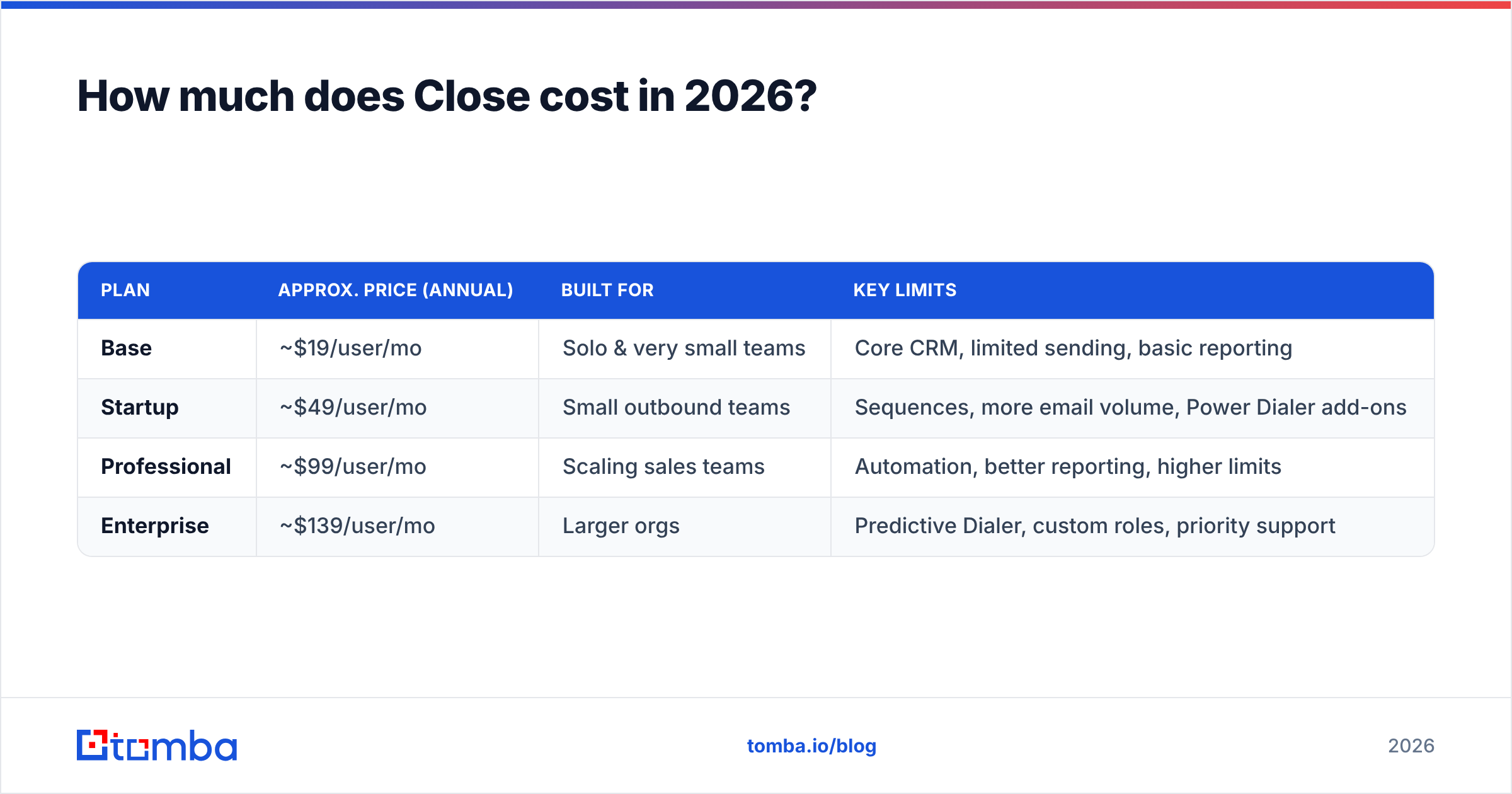
- Close is per-seat. Plans run from a Base tier around $19/user/month up to Enterprise near $139/user/month (billed annually). The headline price is not the number your finance team pays — multiply by seats.
- It's a genuinely great calling + emailing CRM. Built-in Power Dialer, Predictive Dialer, and email sequencing are the standout reasons teams pick it over HubSpot or Salesforce.
- The cons are cost creep and feature-gating. The best automation and reporting live on higher tiers, so small teams often outgrow the cheap plan fast.
- Close does not find or verify contact data. You still need a top-of-funnel source of accurate emails and phone numbers to feed it.
- Best-fit verdict: worth it for outbound teams that live in the dialer; overkill for solo founders who just need a lightweight pipeline. Either way, pair it with a dedicated data tool like Tomba Email Finder so the CRM isn't full of bounces.
What is Close and who is it for?#
Close (close.com) is a sales-focused CRM aimed at SMBs, startups, and inside-sales teams that make a lot of calls and send a lot of email. Instead of bolting a phone dialer and email tool onto a generic CRM, Close bakes them into the core product. A rep can move through a call list, log outcomes, fire off a follow-up sequence, and update the pipeline without switching tabs.
That focus is the whole pitch. If your motion is "dial 60 prospects a day and send a three-touch sequence," Close removes friction. If your motion is complex enterprise deals with 15 stakeholders and heavy custom objects, you'll feel the ceiling.
How much does Close cost in 2026?#
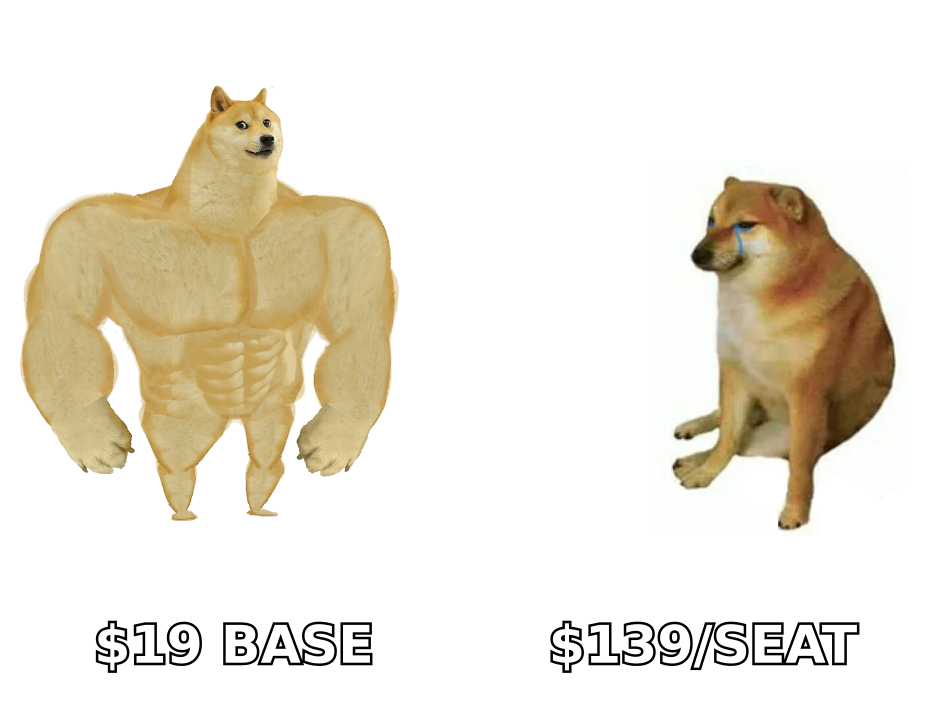
Close uses per-user, per-month pricing, and the gap between the cheapest and most expensive tier is wide. Annual billing is meaningfully cheaper than monthly, and the most-wanted features — advanced automation, custom reporting, and higher sending limits — sit on the upper plans.
Here's the shape of it. Always confirm live numbers on the official Close pricing page, since SaaS vendors adjust tiers frequently.
| Plan | Approx. price (annual) | Built for | Key limits |
|---|---|---|---|
| Base | ~$19/user/mo | Solo & very small teams | Core CRM, limited sending, basic reporting |
| Startup | ~$49/user/mo | Small outbound teams | Sequences, more email volume, Power Dialer add-ons |
| Professional | ~$99/user/mo | Scaling sales teams | Automation, better reporting, higher limits |
| Enterprise | ~$139/user/mo | Larger orgs | Predictive Dialer, custom roles, priority support |
The key takeaway is simple. A five-person team on the Professional plan is roughly $500/month. Ten seats on Enterprise push past $1,300/month. Close's per-seat model is normal for CRMs. But your cost still grows with every new hire, so model it before you commit annually.
What drives the real cost up#
- Seat count. The single biggest multiplier. Every new rep is a full monthly line item.
- Tier gating. If you need call automation or the Predictive Dialer, you're pushed toward Professional or Enterprise regardless of team size.
- Telephony usage. Calling minutes and phone numbers are billed on top of the subscription in many regions.
- Annual lock-in. The best rates require yearly commitment, which reduces flexibility if your team shrinks.
Is Close worth it? What reviewers actually say#
Aggregate reviews on G2 and Capterra land Close in "well-loved but not cheap" territory. The sentiment is consistent enough to summarize honestly.
What reviewers praise:
- The dialer. The Power Dialer and Predictive Dialer come up constantly as the reason teams switched from HubSpot or Pipedrive.
- Speed and simplicity. Reps can be productive on day one; onboarding is light compared to Salesforce.
- Email + calling in one view. Fewer tabs, fewer dropped follow-ups.
- Reporting for activity-based teams. Good visibility into calls made, emails sent, and sequence performance.
What reviewers criticize:
- Price at scale. The most common complaint: it gets expensive fast as you add seats and move up tiers.
- Feature gating. Automation and advanced reporting feel locked behind higher plans.
- Fewer native integrations than the HubSpot/Salesforce ecosystems, so teams lean on Zapier.
- Not a marketing CRM. Thin on landing pages, forms, and nurture — it's a sales execution tool, full stop.
How does Close pricing compare to HubSpot and Pipedrive?#
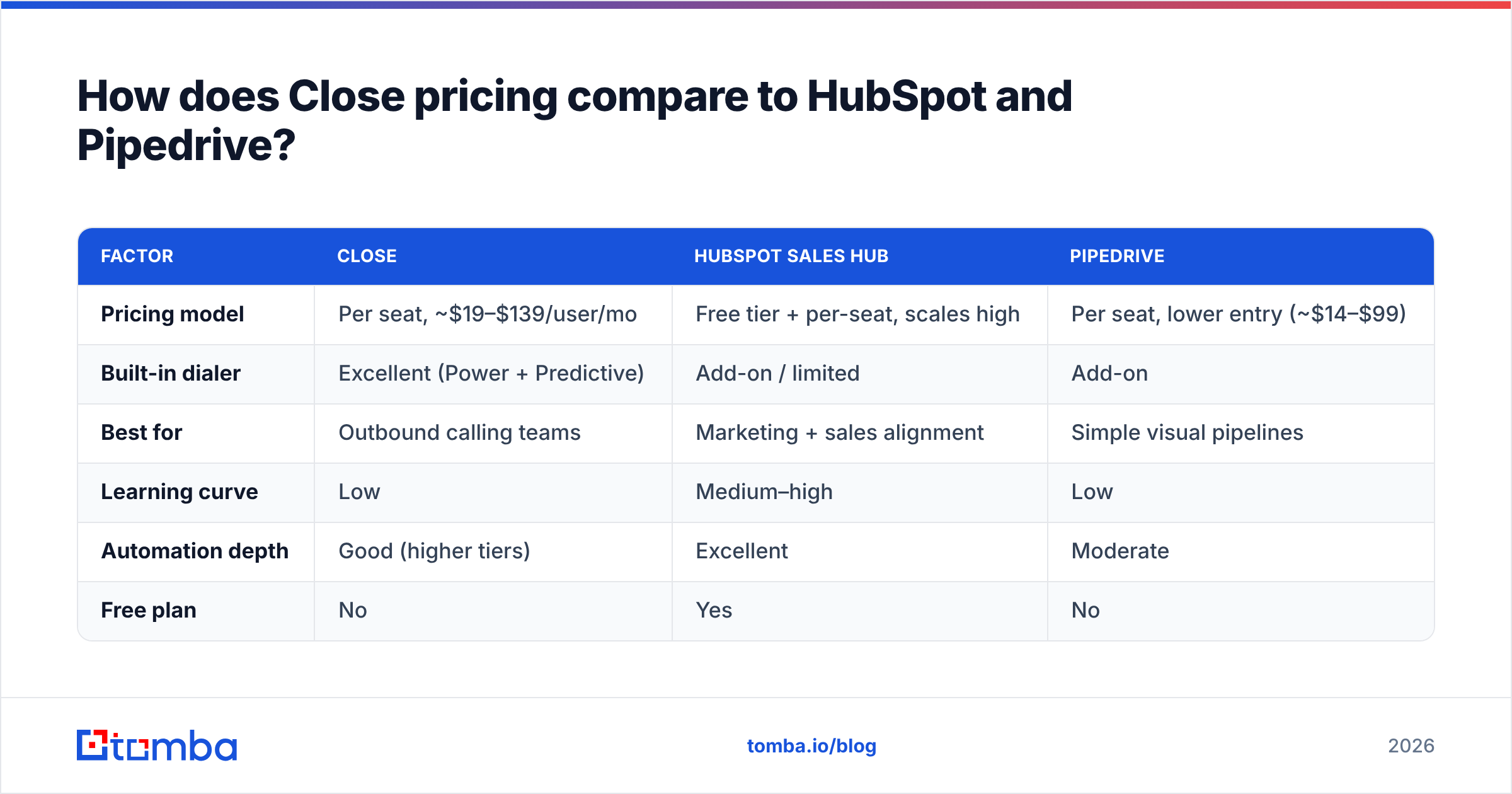
Close sits in the middle of the market: pricier and more specialized than Pipedrive, cheaper and lighter than a fully loaded HubSpot Sales Hub. The right choice depends on whether calling volume or marketing/automation breadth matters more to you.
| Factor | Close | HubSpot Sales Hub | Pipedrive |
|---|---|---|---|
| Pricing model | Per seat, ~$19–$139/user/mo | Free tier + per-seat, scales high | Per seat, lower entry (~$14–$99) |
| Built-in dialer | Excellent (Power + Predictive) | Add-on / limited | Add-on |
| Best for | Outbound calling teams | Marketing + sales alignment | Simple visual pipelines |
| Learning curve | Low | Medium–high | Low |
| Automation depth | Good (higher tiers) | Excellent | Moderate |
| Free plan | No | Yes | No |
If your team's day is 80% dialing and sequencing, Close usually wins on workflow even when it costs more per seat. If you need marketing automation under the same roof, HubSpot's breadth justifies its complexity. If you want the cheapest clean pipeline, Pipedrive undercuts both.
What Close pricing doesn't cover: the data problem#
Here's the pro-and-con that most reviews skip. No CRM — Close included — finds or verifies your contact data. Close is where deals live once you have someone to call. It won't tell you the prospect's correct work email, whether that address still bounces, or the direct dial that actually rings.
That gap has a real cost. Reps burn costly seat-time chasing dead contacts. Sequences hit spam traps. Bad records water down your per-seat CRM spend. The fix is a dedicated top-of-funnel data layer that feeds clean contacts into Close.
That's the honest place a tool like Tomba fits alongside Close, not against it:
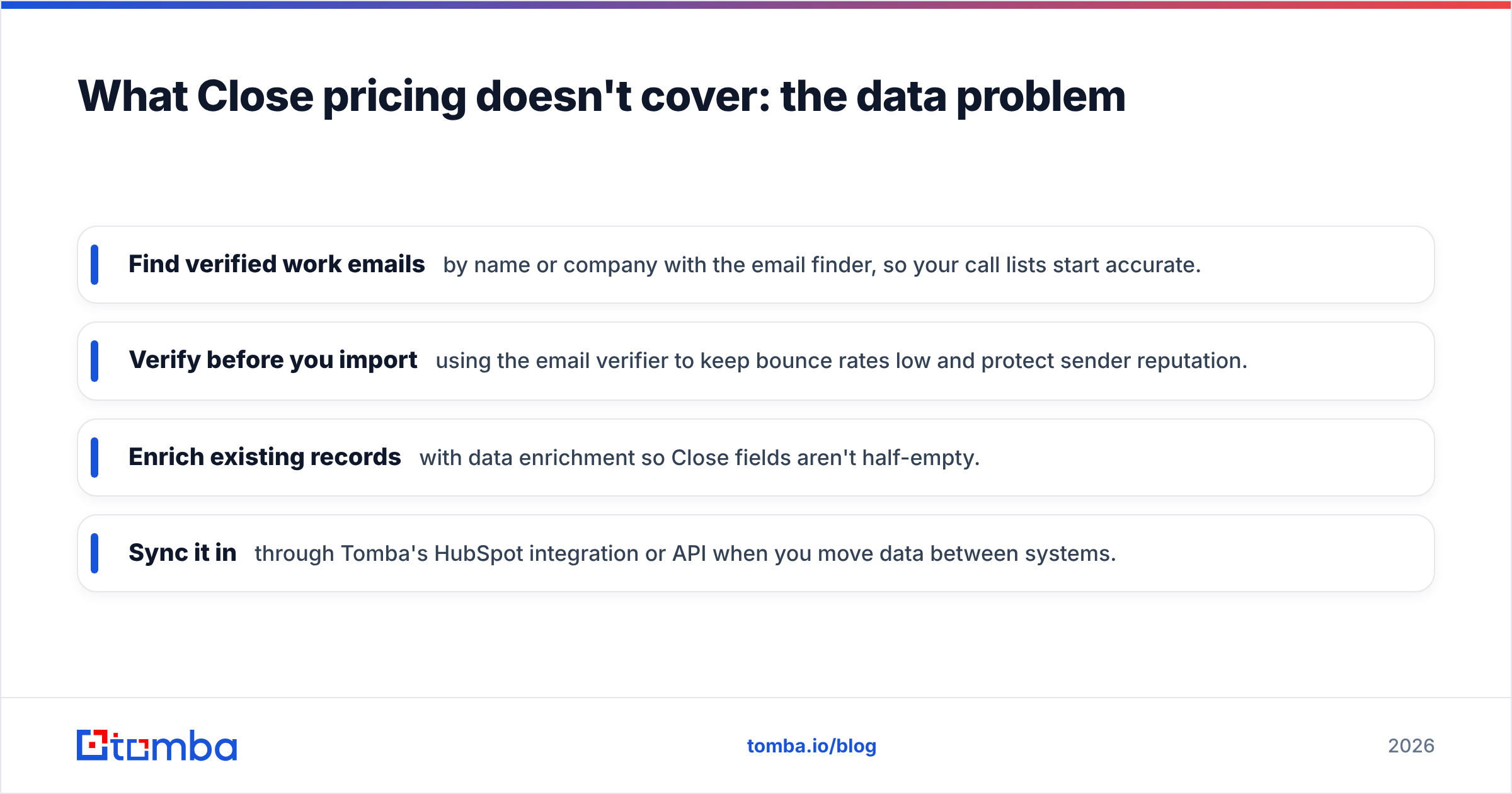
- Find verified work emails by name or company with the email finder, so your call lists start accurate.
- Verify before you import using the email verifier to keep bounce rates low and protect sender reputation.
- Enrich existing records with data enrichment so Close fields aren't half-empty.
- Sync it in through Tomba's HubSpot integration or API when you move data between systems.
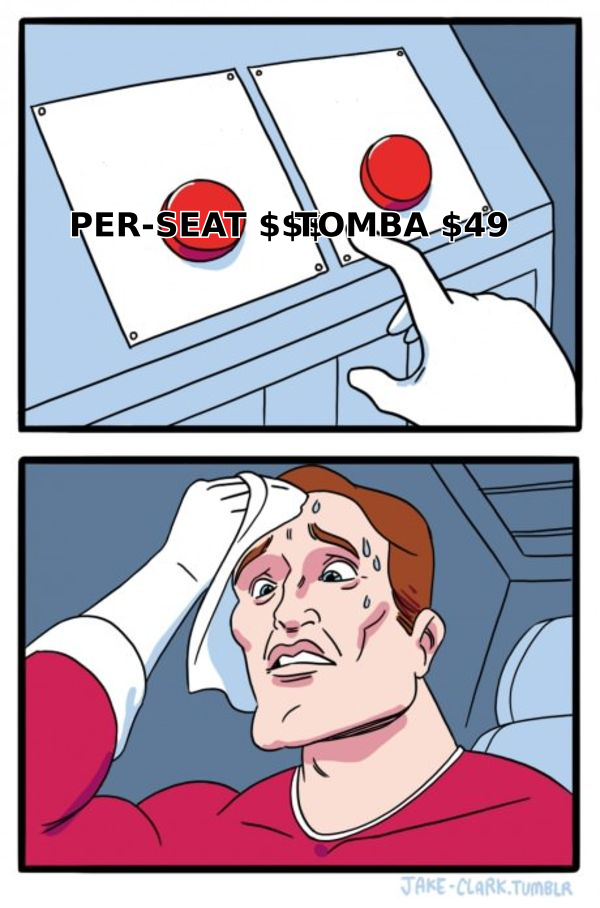
Compared with Close's per-seat model, Tomba's flat plans — a free tier at 25 searches/month, then Starter at $49/mo — are usage-based, not headcount-based (see full Tomba pricing). That combination is common: pay Close for execution, pay a data tool for accurate inputs.
Close pros and cons at a glance#
Pros
- Best-in-class built-in calling for outbound teams
- Fast onboarding and a clean, single-window workflow
- Strong activity reporting for call- and email-heavy motions
- Solid sequencing without a separate outreach tool
Cons
- Per-seat cost climbs quickly with headcount and tier
- Key automation and reporting are gated to higher plans
- Fewer native integrations than HubSpot or Salesforce
- No lead sourcing, email finding, or verification built in
- Annual commitment needed for the best rates
How to decide if Close is worth the price#
Run this quick test before you sign an annual contract:
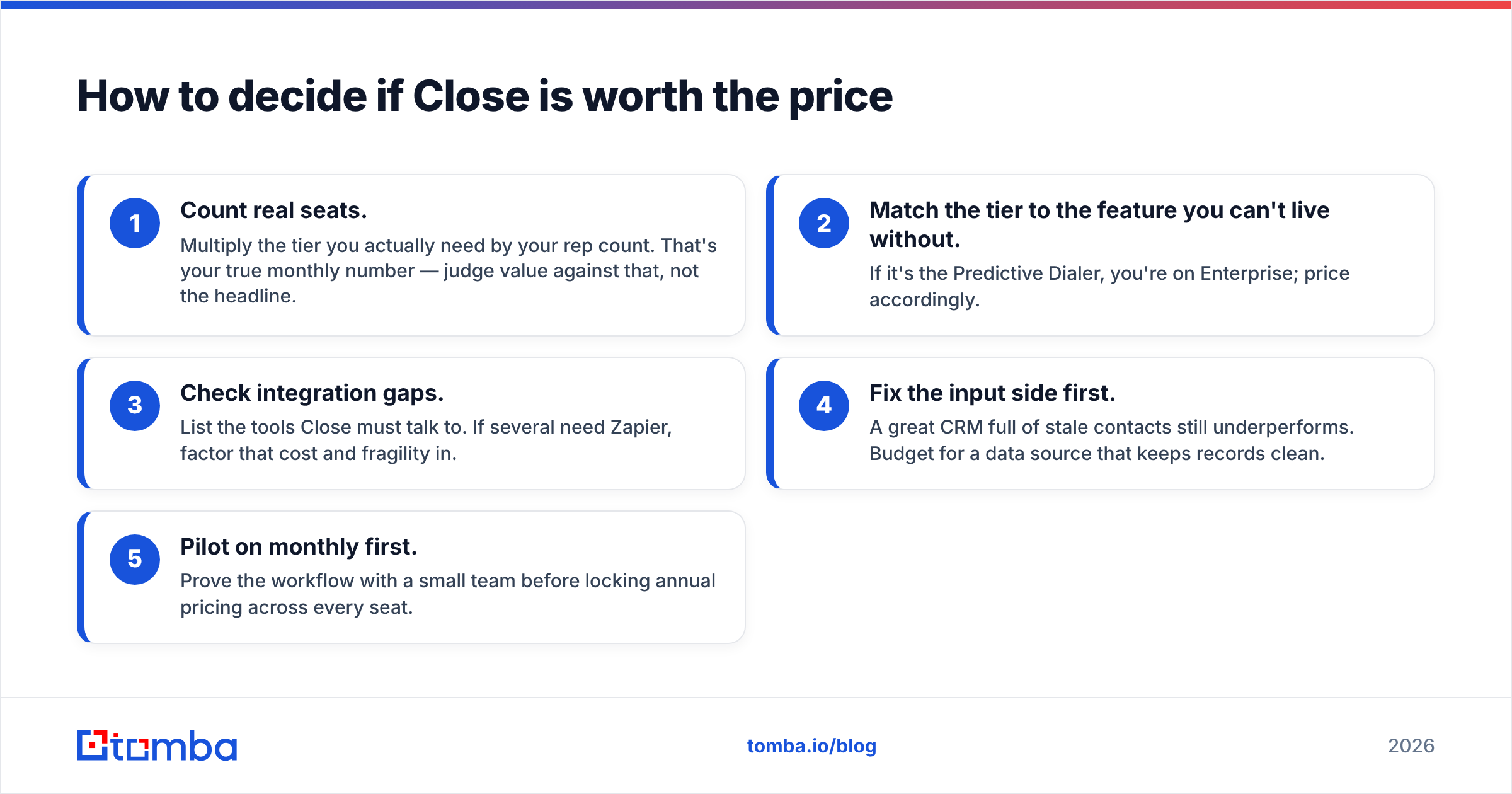
- Count real seats. Multiply the tier you actually need by your rep count. That's your true monthly number — judge value against that, not the headline.
- Match the tier to the feature you can't live without. If it's the Predictive Dialer, you're on Enterprise; price accordingly.
- Check integration gaps. List the tools Close must talk to. If several need Zapier, factor that cost and fragility in.
- Fix the input side first. A great CRM full of stale contacts still underperforms. Budget for a data source that keeps records clean.
- Pilot on monthly first. Prove the workflow with a small team before locking annual pricing across every seat.
If Close clears that test, it's one of the strongest execution CRMs for outbound teams — genuinely worth it. If your team is small, non-calling, or marketing-led, a lighter or free-tier CRM will serve you at a fraction of the cost.
The bottom line#
That is the honest Close pricing reviews pros and cons verdict. Close is a specialist, and specialists are worth paying for when their work is your core motion. For dial-heavy inside-sales teams, the per-seat price buys a workflow that generic CRMs can't match. For everyone else, the cons — cost creep, feature gating, and the missing data layer — deserve a hard look before you commit annually.
Whatever CRM you land on, the deals still start with a correct contact. Feed your pipeline with accurate, verified emails using Tomba Email Finder — start free with 25 searches a month, verify before you import, and make sure every dollar you spend per seat is aimed at a real, reachable prospect. Your CRM is only as good as the data you put in it.
Related guides#
Ready to find emails that actually work?
Join 150,000+ professionals who stopped guessing and started sending. Free credits on signup — no credit card required.
Get the Tomba newsletter
Practical outbound tactics and product updates — once every two weeks.
About the author