Cold Calling From Home: The 2026 Remote Rep's Playbook
Cold calling from home can outperform the bullpen if you fix three things: your list, your setup, and your call blocks. Here's the honest playbook for 2026.
Cold calling from home sounds like a downgrade — no manager walking the floor, no ambient energy of 20 reps dialing at once, no one to high-five after a booked meeting. In practice, remote reps who set it up correctly often out-dial and out-book their in-office peers. The difference is not willpower. It's system design.
This guide is the practical version: what actually changes when your desk moves home, what to buy, how to structure the day, and where most remote dialers quietly fall apart.
TL;DR#
- Cold calling from home works when you replace the office's built-in structure (list, cadence, accountability) with your own systems — not when you just relocate the same habits.
- Your list is the single biggest lever. A clean, accurate contact list beats a better script every time. Bad phone data is the #1 reason home dialers stall.
- Buy three things: a real USB headset, a wired or reliable connection, and a dialer that logs to your CRM automatically.
- Time-block ruthlessly. Two 90-minute call blocks beat eight hours of "always available" dialing that never happens.
- Track leading metrics (dials, connects, conversations) — not just meetings — so you can fix the funnel before your pipeline dries up.
Does cold calling from home actually work?#
Yes — and the data on remote sales is no longer ambiguous. The question was settled somewhere around 2021, and by 2026 the debate has shifted from "can reps sell from home?" to "how do you structure a home desk so it beats the bullpen?"
The office gave you three things for free: a curated call list handed down by ops, a cadence enforced by your manager's calendar, and social accountability. Take those away and unprepared reps drift. Reps who rebuild those three things deliberately tend to gain productivity, because they also lose the office's biggest tax — interruptions, hallway conversations, and back-to-back internal meetings.
So the honest answer is: cold calling from home works if you treat "structure" as something you now own, not something the building provides.
What do you actually need to cold call from home?#
You need less than most gear guides claim, but the few things that matter, matter a lot. A dropped call at the moment a prospect says "sure, tell me more" costs you the meeting.
Here's the minimum viable home cold-calling stack:
- A wired USB headset with a noise-canceling boom mic. Not AirPods. A boom mic sits close to your mouth and rejects room noise, so prospects hear a clear, professional voice — and you hear them. This is the single cheapest upgrade with the biggest perception payoff.
- A stable connection, ideally wired. If you dial over VoIP, jitter and packet loss are your enemy. An Ethernet cable to the router removes the most common cause of "you're breaking up."
- A power dialer or auto-dialer that logs to your CRM. Manual dialing wastes 30–40% of a call block on typing numbers and updating records. A dialer that auto-logs every attempt gives you back that time and your data stays clean.
- A quiet, dedicated space. It doesn't need to be an office. It needs a door, or at least a corner where a barking dog won't derail your best conversation of the day.
- A verified contact list. More on this below — it's the part people skip and then blame the script.
Home cold-calling stack: what to prioritize#
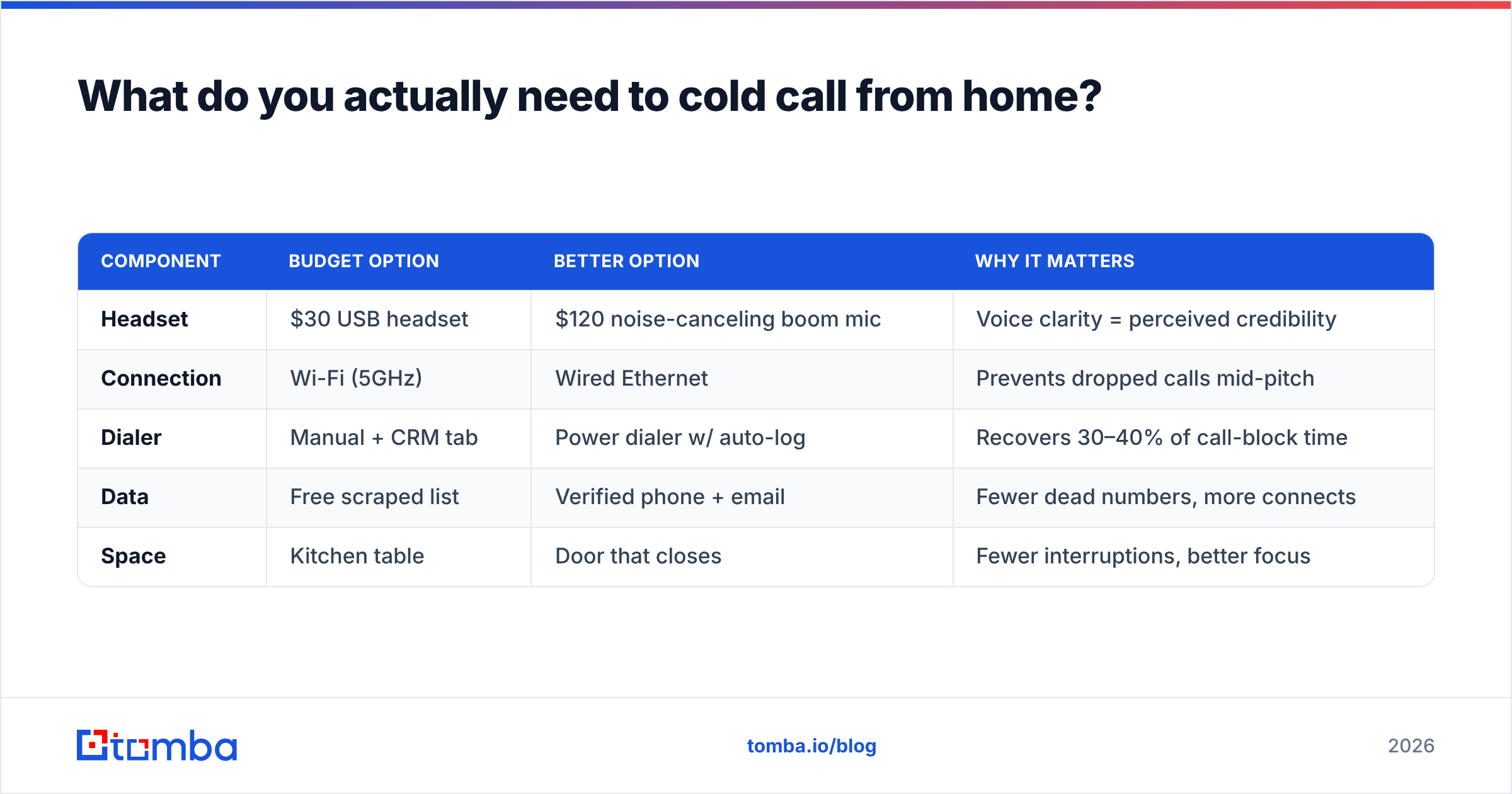
| Component | Budget option | Better option | Why it matters |
|---|---|---|---|
| Headset | $30 USB headset | $120 noise-canceling boom mic | Voice clarity = perceived credibility |
| Connection | Wi-Fi (5GHz) | Wired Ethernet | Prevents dropped calls mid-pitch |
| Dialer | Manual + CRM tab | Power dialer w/ auto-log | Recovers 30–40% of call-block time |
| Data | Free scraped list | Verified phone + email | Fewer dead numbers, more connects |
| Space | Kitchen table | Door that closes | Fewer interruptions, better focus |
Notice that four of the five line items are about removing friction, not adding features. That's the theme of a good home setup.
Why is your contact list more important than your script?#
Because you can have the best 30-second opener ever written and it produces zero meetings if half your numbers are disconnected, wrong, or belong to someone who left the company 18 months ago.
Remote reps feel this pain harder than office reps. In the office, ops often hands you a scrubbed list. At home, you're frequently sourcing your own data — and free or scraped lists are graveyards of dead numbers. Every dead number is a dial that felt like work but moved nothing.
The fix is a verified data source. Before you load a list into your dialer, you want confidence that the phone numbers are current and the contacts still hold the role you're targeting. This is where pairing a phone source with an email finder pays off: multi-channel prospects (call, then email, then call again) convert far better than single-channel lists, and you want both data points verified before you spend a call block on them.
A few data hygiene habits that separate top home dialers from the rest:
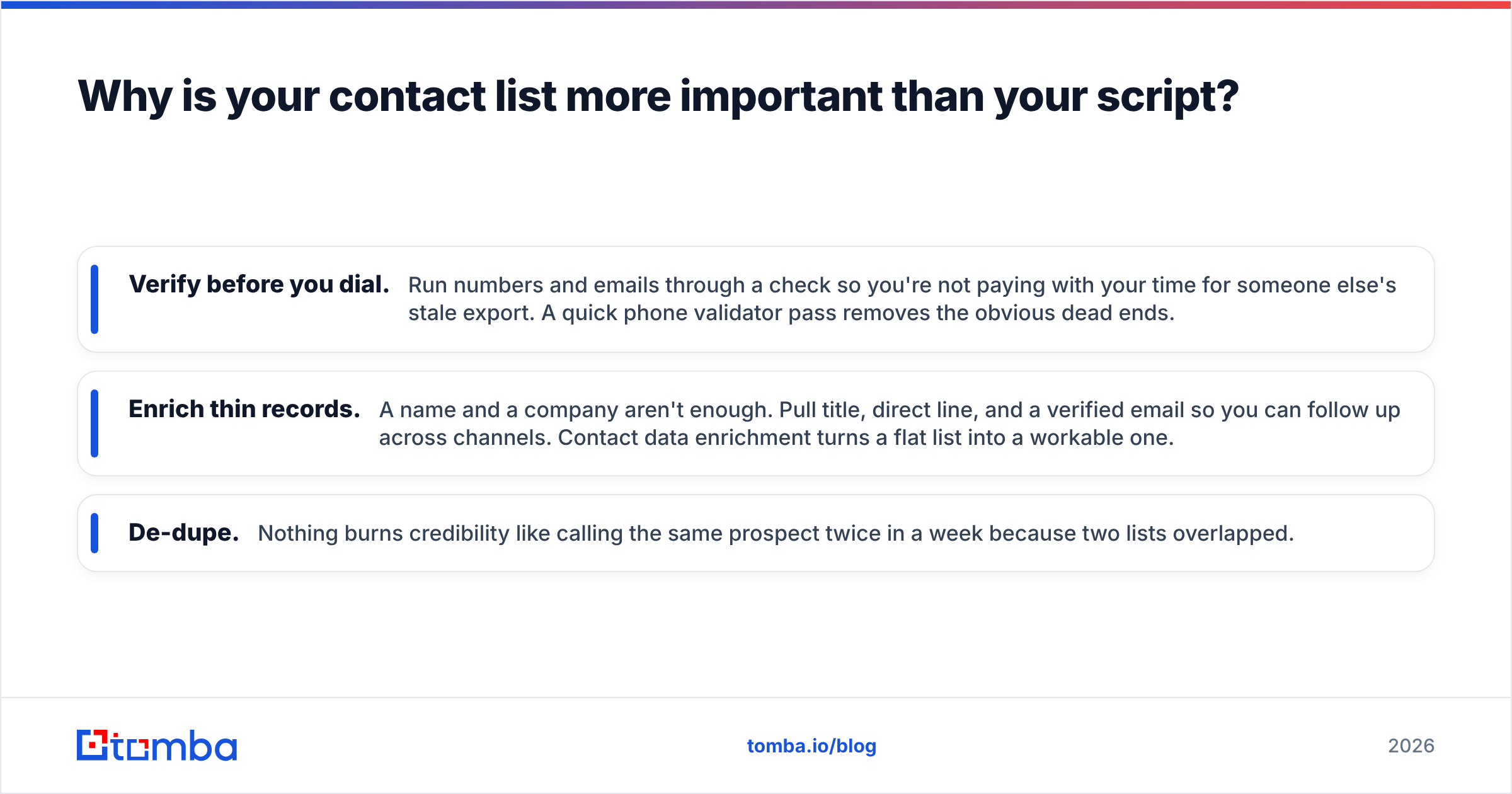
- Verify before you dial. Run numbers and emails through a check so you're not paying with your time for someone else's stale export. A quick phone validator pass removes the obvious dead ends.
- Enrich thin records. A name and a company aren't enough. Pull title, direct line, and a verified email so you can follow up across channels. Contact data enrichment turns a flat list into a workable one.
- De-dupe. Nothing burns credibility like calling the same prospect twice in a week because two lists overlapped.
Get this right and your connect rate climbs without you changing a single word of your pitch.
How should you structure a cold-calling day from home?#
Time-block it, and protect those blocks like customer meetings — because they are your pipeline.
The failure mode of remote dialing is "I'll make calls throughout the day." That day ends with 11 dials and a lot of Slack. Prospects are humans on a schedule; you get them at predictable windows, so batch your calling into those windows and do everything else around them.
A proven remote structure looks like this:
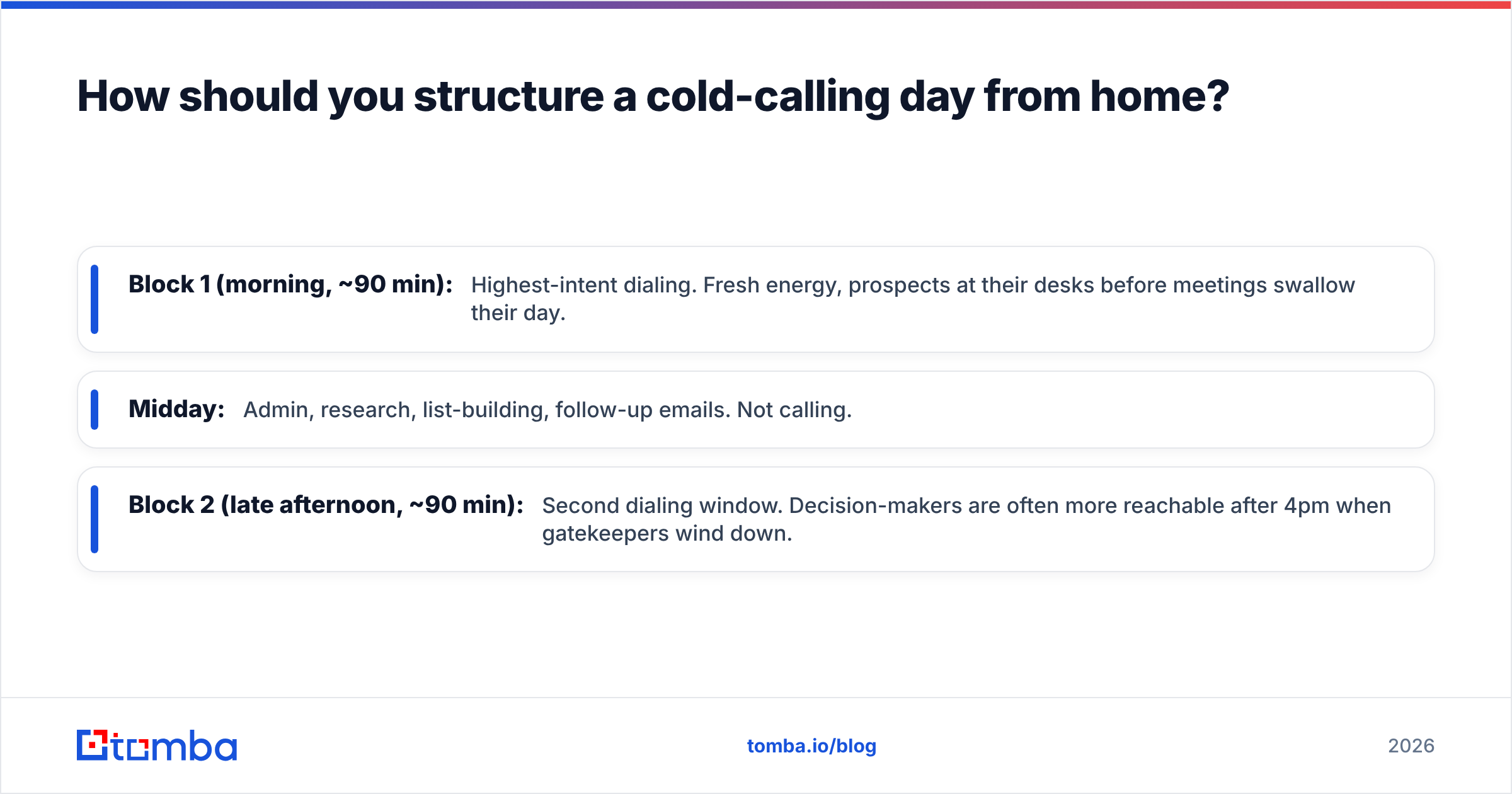
- Block 1 (morning, ~90 min): Highest-intent dialing. Fresh energy, prospects at their desks before meetings swallow their day.
- Midday: Admin, research, list-building, follow-up emails. Not calling.
- Block 2 (late afternoon, ~90 min): Second dialing window. Decision-makers are often more reachable after 4pm when gatekeepers wind down.
Two focused 90-minute blocks with a real dialer will out-produce eight hours of ambient "availability." The reason is simple: cold calling is emotionally taxing, and sprint-and-recover beats a slow all-day grind that never builds momentum.

One more remote-specific tip: stand up. A standing desk or even a laptop on a counter changes your vocal energy on the phone. Prospects can hear posture. It sounds absurd until you A/B test it on yourself.
In-office vs. remote cold calling: what really changes?#
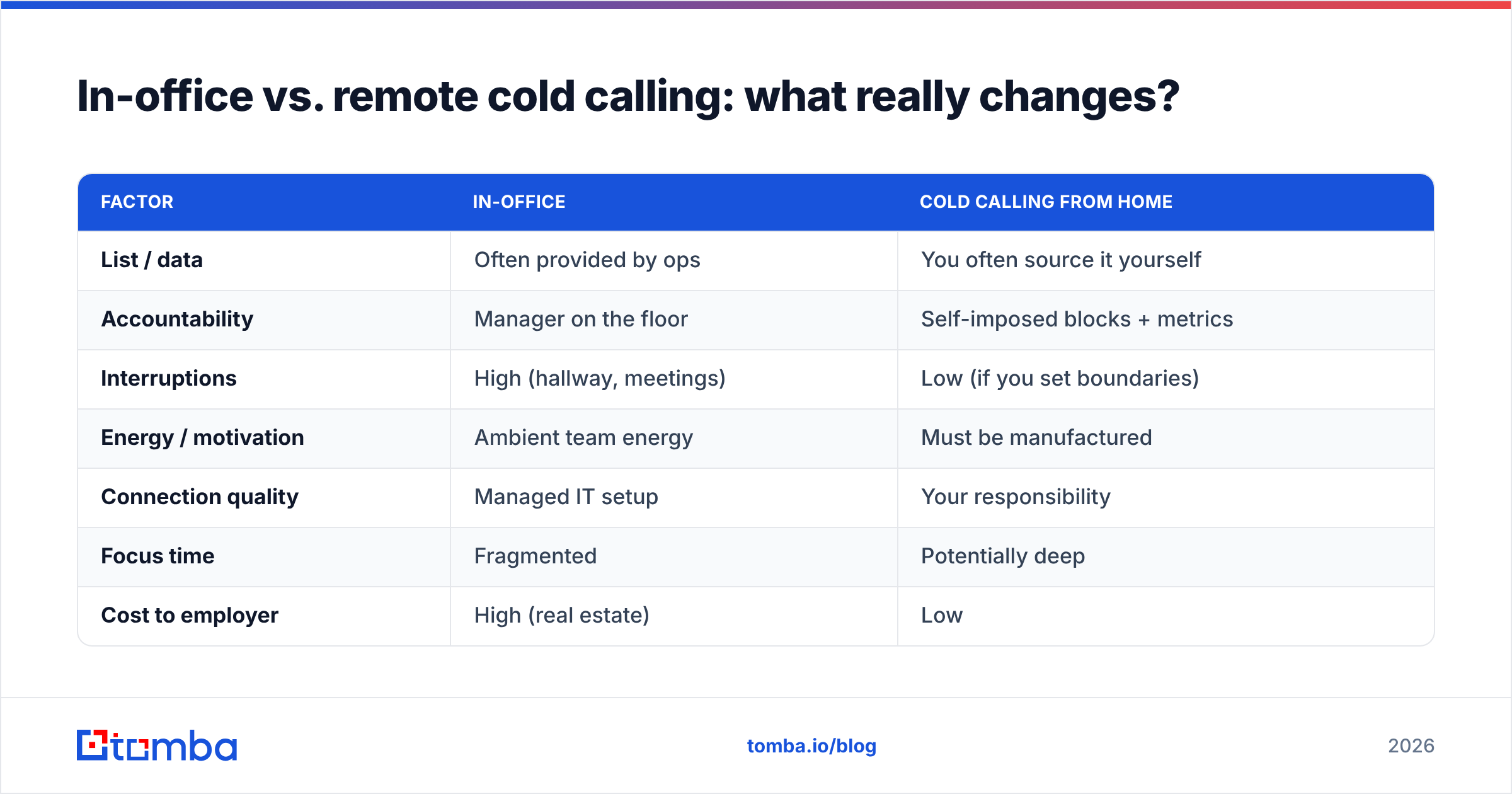
The core skill — a good conversation — doesn't change. What changes is the scaffolding around it. Here's the honest comparison:
| Factor | In-office | Cold calling from home |
|---|---|---|
| List / data | Often provided by ops | You often source it yourself |
| Accountability | Manager on the floor | Self-imposed blocks + metrics |
| Interruptions | High (hallway, meetings) | Low (if you set boundaries) |
| Energy / motivation | Ambient team energy | Must be manufactured |
| Connection quality | Managed IT setup | Your responsibility |
| Focus time | Fragmented | Potentially deep |
| Cost to employer | High (real estate) | Low |
Read that table honestly and you'll see remote cold calling isn't easier or harder — it's a trade. You give up ambient energy and hand-fed lists; you gain focus and control. Reps who win at home are the ones who rebuild the two columns they lost: data and accountability.
What metrics should a remote cold caller track?#
Track leading indicators, not just meetings, because meetings are a lagging metric that tells you about a problem two weeks too late.
Your daily and weekly scoreboard should include:
- Dials — raw activity. Low dials means the funnel is starved before anything else matters.
- Connects — how many dials reached a live human. A low connect rate almost always points to bad data, not a bad rep.
- Conversations — connects that went past the opener. This measures your first 20 seconds.
- Meetings booked — the outcome.
- Connect rate and conversation rate — the ratios that tell you where the funnel leaks.
Here's the diagnostic logic: if dials are high but connects are low, fix your list. If connects are high but conversations are low, fix your opener. If conversations are high but meetings are low, fix your qualifying and your ask. Each symptom points to a different fix — which is why "just make more calls" is usually the wrong advice.
For a deeper look at how these ratios map to pipeline, the concept of response rate applies across channels and is worth benchmarking against your email follow-ups too.
How do you stay motivated cold calling alone?#
Manufacture the accountability the office used to provide, because motivation is a system, not a mood.
Tactics that work for remote dialers:
- Body-double over video. Hop on a silent Zoom with a teammate and both dial. You get the ambient accountability of the bullpen without the commute.
- Gamify your blocks. Set a target — 50 dials or 5 conversations — per block, and don't stand up until you hit it.
- Post your numbers publicly. A shared team channel where everyone drops their daily dials creates gentle peer pressure.
- Reset between rejections. Rejection stings more when you're alone. Build a 30-second reset ritual — stand, breathe, sip coffee — so one bad call doesn't poison the next five.
Rejection resilience is the real skill of cold calling, and it's harder without a team around you. Naming that openly is more useful than pretending remote reps just need better discipline.
Recommended tools authorities agree on#
You don't have to take a vendor's word for setup advice. Sales orgs and buyers cross-check tools on peer-review sites like G2 and Capterra, and CRM leaders such as HubSpot publish free guides on call cadence and blocking. Use those to validate your dialer and CRM choices; use a dedicated data provider to keep your list clean. The two decisions are separate, and conflating them is why some reps overpay for a dialer while feeding it garbage numbers.
The one thing that separates good home dialers from great ones#
It's not the headset. It's not even the script. It's the quality of the list they load into the dialer each morning.
A great remote cold caller treats data as a daily discipline: verified numbers, enriched records, current titles, de-duped lists. When your data is clean, every other part of the system — your blocks, your metrics, your energy — actually pays off, because you're spending your finite call-block minutes on people who exist, hold the role, and can pick up the phone.
If your home cold-calling results have plateaued, audit your list before you rewrite your pitch. Nine times out of ten, that's where the leak is.
Start with better data#
Cold calling from home rewards preparation more than any other selling environment, and preparation starts with who you call. Before your next call block, build a verified, enriched list instead of dialing a scraped export and hoping. Tomba's Email Finder helps you find and verify professional contacts by domain, name, or company — so you can pair every phone number with a verified email and run true multi-channel outreach. It starts free (25 searches a month), with paid Tomba plans from $49/mo when you're ready to scale your list-building.
Fix the data, protect the blocks, watch the ratios — and cold calling from home stops being a compromise and starts being your edge.
Related guides#
// get started
Find, verify and enrich your first contacts today
Start on the free plan with 25 searches a month, then scale when your team is ready.
Free plan · No credit card required · GDPR & CCPA
// about the author