Cold Email Pitch Template: 7 Frameworks That Get Replies
Most cold email pitch templates fail because they pitch. Here are 7 frameworks, when to use each, and the structural rules that separate a 1% reply rate from a 9% one.
TL;DR
- A cold email pitch template is a reusable skeleton — opener, relevance line, value claim, proof, single ask — not a script you send unedited to 3,000 people.
- The seven frameworks below (PAS, BAB, AIDA, Trigger-Event, Referral, Teardown, Contrarian) each fit a specific buying situation. Picking the wrong one is why "good" copy gets 0.4% replies.
- Structure beats cleverness: 75–120 words, one ask, one idea, plain-text formatting, and a subject line under 40 characters.
- Personalization only pays when it maps to a business consequence. "Loved your podcast episode" is decoration. "You just opened a Denver office and your careers page lists 6 SDR roles" is a reason to reply.
- None of this matters if the address bounces. Verified sending data is the floor, not the finish line.
What is a cold email pitch template, really?#
A cold email pitch template is a fixed structure with variable slots. The structure carries the persuasion logic — why this person, why now, why you. The slots carry the specifics.
Think of it like a restaurant's recipe card versus the dish. The recipe fixes the sequence and the ratios. The dish still depends on whether the tomatoes are any good. Reps who treat the template as the dish end up sending 2,000 identical emails with a merge field where a reason should be.
Every template that works contains the same five load-bearing parts:
- The subject line — 3 to 6 words, lowercase or sentence case, no brackets, no "Quick question about {{Company}}". It should read like something a colleague would type.
- The relevance line — the first sentence proves you did not spray. It cites a fact only true of this account: a hiring signal, a funding round, a product change, a public comment.
- The value claim — one sentence, one outcome, expressed in their metric. Not "we help companies grow." Rather "we cut list-cleaning time from 6 hours a week to under 30 minutes."
- The proof — a named comparable, a number, or a specific mechanism. Vague social proof ("used by 3,000 teams") is wallpaper.
- The ask — exactly one, and the smallest one that moves things forward.
That last one is where most templates die. A pitch email with two asks has zero asks, because the reader has to make a decision about your decision before they can answer.
Why do most cold email pitch templates fail?#
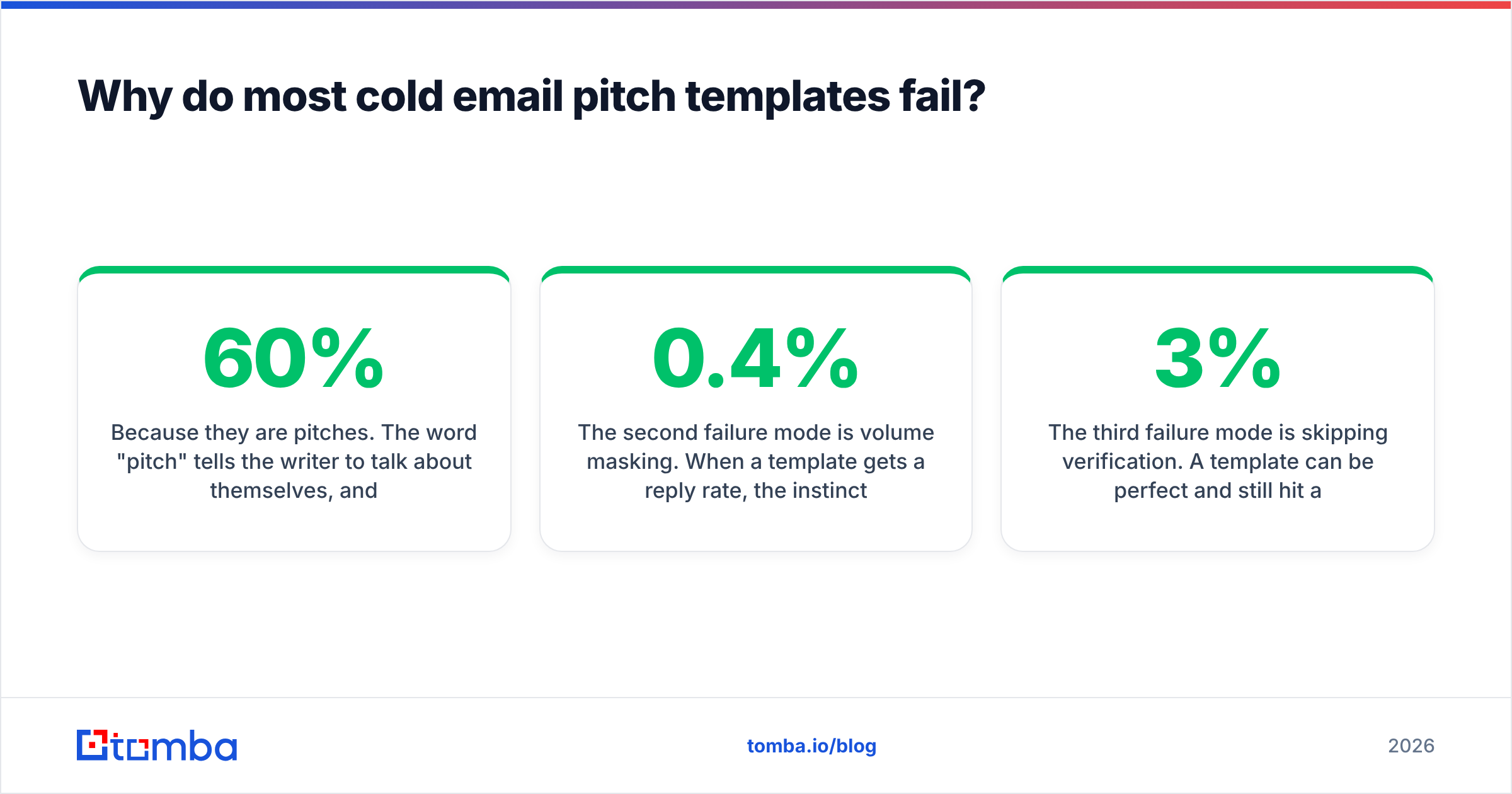
Because they are pitches. The word "pitch" tells the writer to talk about themselves, and the template dutifully allocates 60% of its word count to the sender's company.
Read a failing template closely and you will find a predictable pattern. Line one is a fake compliment. Line two is a company description. Line three is a feature list. Line four asks for 15 minutes. Nothing in the email establishes why this person, at this company, on this day, has a problem worth 15 minutes.
The second failure mode is volume masking. When a template gets a 0.4% reply rate, the instinct is to send more of it. Sending 10x the volume produces 10x the replies and 10x the damage to your sending domain. Gartner's B2B buying research has consistently found that buyers spend a small fraction of their evaluation time with any single vendor rep — you are not competing for attention against other emails, you are competing against the buyer's decision to not think about this category at all.
The third failure mode is skipping verification. A template can be perfect and still hit a dead mailbox. Bounce rates above roughly 3% start damaging sender reputation, and a damaged domain means even your good emails land in spam. Run addresses through an email verifier before the sequence starts, not after the first bounce report.
Which cold email pitch template should you use?#
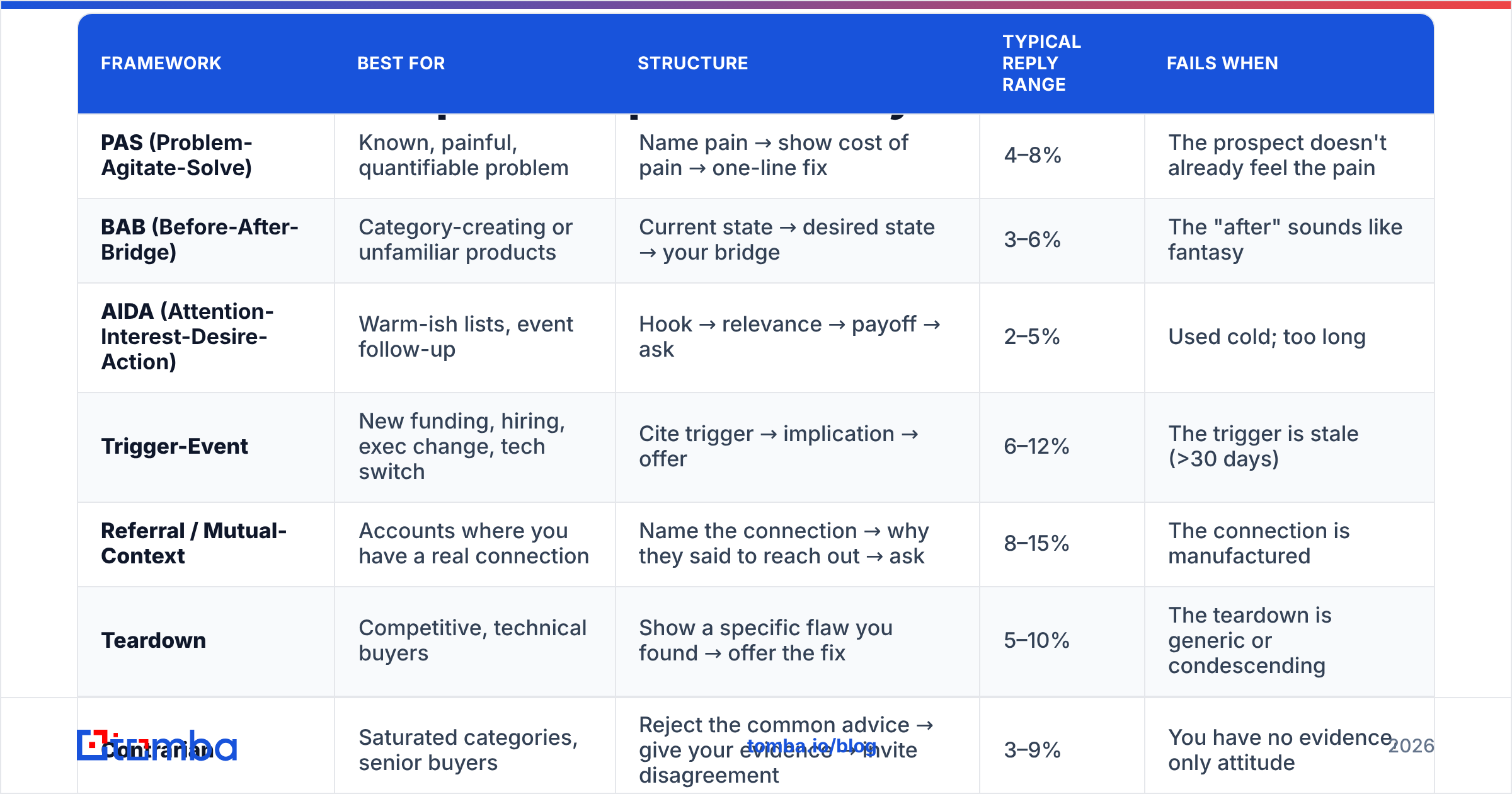
Seven frameworks cover almost every B2B situation. The table below maps each to the buying context where it outperforms, plus the honest reply-rate range you should expect on a clean, verified list of 200–500 well-targeted prospects. Treat these as directional — segment quality moves them more than copy does.
| Framework | Best for | Structure | Typical reply range | Fails when |
|---|---|---|---|---|
| PAS (Problem-Agitate-Solve) | Known, painful, quantifiable problem | Name pain → show cost of pain → one-line fix | 4–8% | The prospect doesn't already feel the pain |
| BAB (Before-After-Bridge) | Category-creating or unfamiliar products | Current state → desired state → your bridge | 3–6% | The "after" sounds like fantasy |
| AIDA (Attention-Interest-Desire-Action) | Warm-ish lists, event follow-up | Hook → relevance → payoff → ask | 2–5% | Used cold; too long |
| Trigger-Event | New funding, hiring, exec change, tech switch | Cite trigger → implication → offer | 6–12% | The trigger is stale (>30 days) |
| Referral / Mutual-Context | Accounts where you have a real connection | Name the connection → why they said to reach out → ask | 8–15% | The connection is manufactured |
| Teardown | Competitive, technical buyers | Show a specific flaw you found → offer the fix | 5–10% | The teardown is generic or condescending |
| Contrarian | Saturated categories, senior buyers | Reject the common advice → give your evidence → invite disagreement | 3–9% | You have no evidence, only attitude |
The pattern in that table is worth naming: the two highest-performing frameworks — Trigger-Event and Referral — win on information, not on writing. They perform because the sender knows something the other 40 emails in that inbox do not. Copy technique is the smaller lever.
What does a good cold email pitch template actually look like?#
Here are three, written out. Read them for structure, not for phrasing — copy the phrasing and you become the 41st email.
1. Trigger-Event (highest reply rate, hardest to scale)
Subject: your 6 new SDR reqs
Hi Priya —
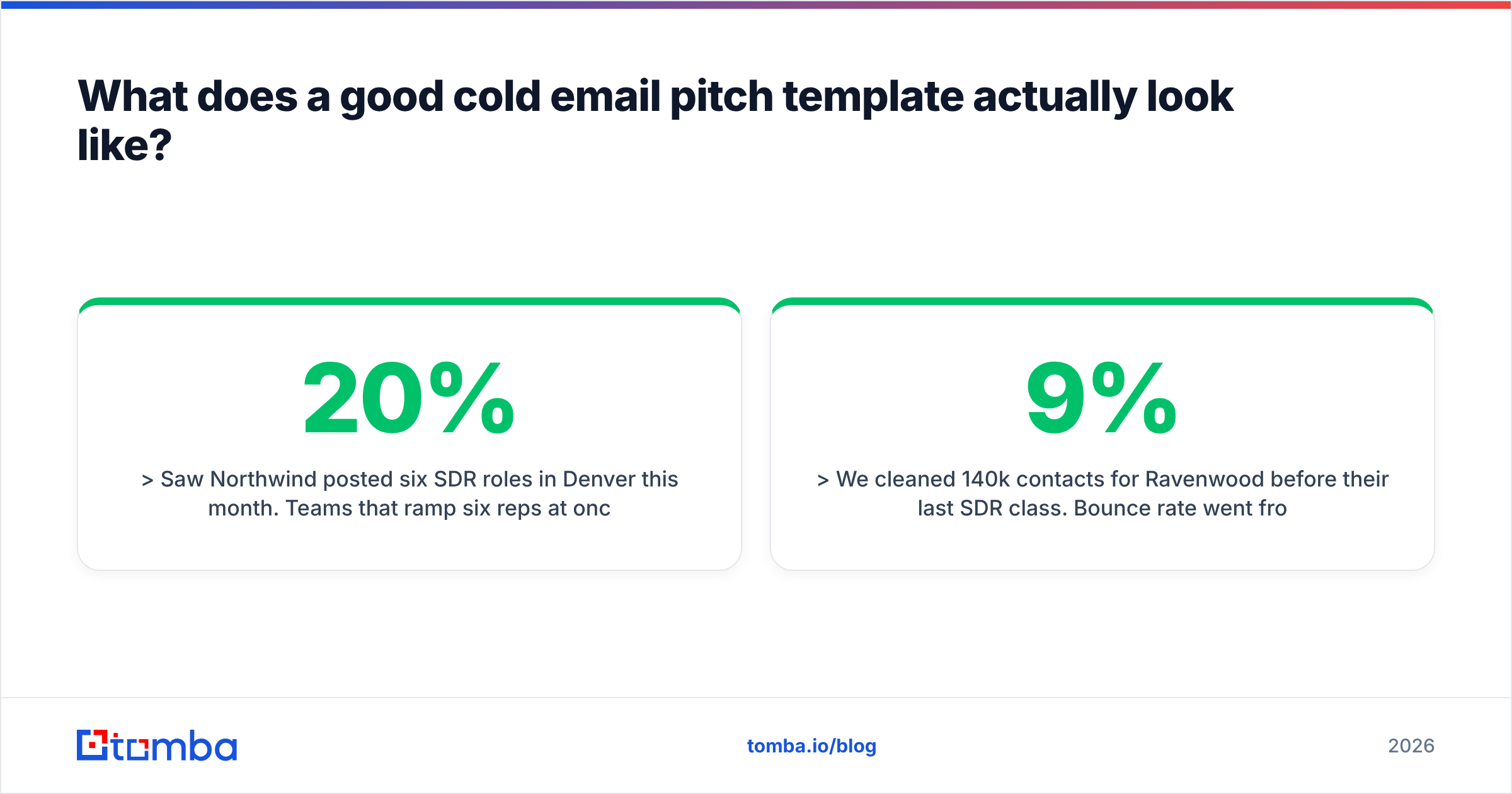
Saw Northwind posted six SDR roles in Denver this month. Teams that ramp six reps at once usually hit the same wall around week three: the list they're handed is 20% dead, so new reps burn their first month on bounces instead of conversations.
We cleaned 140k contacts for Ravenwood before their last SDR class. Bounce rate went from 9% to 1.4%, and their reps hit quota a month earlier than the previous cohort.
Worth a 10-minute look at your current list health before the class starts?
— Dan
Word count: 93. One trigger, one implication, one named proof, one ask.
2. PAS (workhorse, use on a well-defined pain)
Subject: 6 hours a week on list cleaning
Hi Marco —
Most RevOps leads I talk to spend five or six hours a week manually de-duping and re-verifying prospect lists before they'll let a sequence run.
The cost isn't the six hours. It's that the sequence goes out anyway on week two when nobody has time, and the domain takes the hit.
We automate the verify step at the point of import — bulk verification runs before the record ever reaches your CRM.
Open to seeing what your current import flow would look like with that step in it?
— Dan
3. Teardown (technical buyers, high effort)
Subject: your signup form accepts typos
Hi Elena —
I entered elena@gmial.com on your trial signup and it went through. Your welcome sequence is sending to an address that will never resolve, and those bounces count against your domain, not the typo'd one.
Two other typo domains got through too. Happy to send the list.
One-line API call fixes it at the form. Want the list either way?
— Dan
Notice what none of these do: no "I hope this email finds you well," no company boilerplate, no calendar link, no P.S. stuffed with a case study PDF. The ask in each is smaller than a meeting — a look, a list, a yes-or-no.
How long should a cold email pitch be?#
Between 75 and 120 words. Below 75 you usually have not earned the ask. Above 120 you are writing a document, and documents get archived.
A few structural rules that hold up across categories:
- One idea per email. If you have two value props, you have two emails, sent two weeks apart.
- Sentences under 20 words. Read it aloud; where you run out of breath, cut.
- No images, no tracking pixels, no HTML signature blocks. Plain text and a text signature. Every embedded asset is a spam-filter coin flip.
- Subject lines under 40 characters. They render fully on mobile, and lowercase subjects consistently out-open title-case ones. Test yours in a subject line tester before you commit a sequence to it.
- No link in the first email. Links in a cold first touch depress deliverability and give a filter one more thing to score. Save them for the reply.
- Sign with a first name. Not "Best regards, Daniel Whitmore, Senior Account Executive, Enterprise West."
If you want a sanity check before launch, run the draft through a spam checker — spam-trigger words matter far less than people think, but link count, image ratio, and authentication failures matter more than people think.
How do you personalize a template without spending 20 minutes per email?#
Personalization has three tiers, and only one of them is worth your time at scale.
Tier 1 — Cosmetic. Merge fields. {{FirstName}}, {{Company}}, {{City}}. Zero lift. Every sender does it. It does not read as personalization; it reads as the absence of a bug.
Tier 2 — Observational. "Congrats on the Series B." "Great post on RevOps hiring." Reads as effort, but carries no argument. It buys you one more sentence of attention and nothing else. Most reps stop here, which is why most reps get Tier 1 results.
Tier 3 — Consequential. You cite a fact about their business and state what it implies for them. The Series B means they'll triple headcount, which means their onboarding docs are about to break. The six SDR reqs mean list quality is about to become a bottleneck. This is the only tier that moves reply rates, and it is researchable in about four minutes per account: careers page, recent press, product changelog, LinkedIn activity of the person you're writing to.
Tier 3 is also the tier you cannot fully automate — but you can automate the inputs. Pull the account list and the contact data programmatically, then spend your human minutes on the implication, not the lookup. A domain search surfaces the right contact at the right company; the Tomba API drops that into whatever enrichment flow you already run. What it cannot do is tell you why six SDR reqs matter. That part is your job, and it is the only part that is actually scarce.
How do you know if your template is working?#
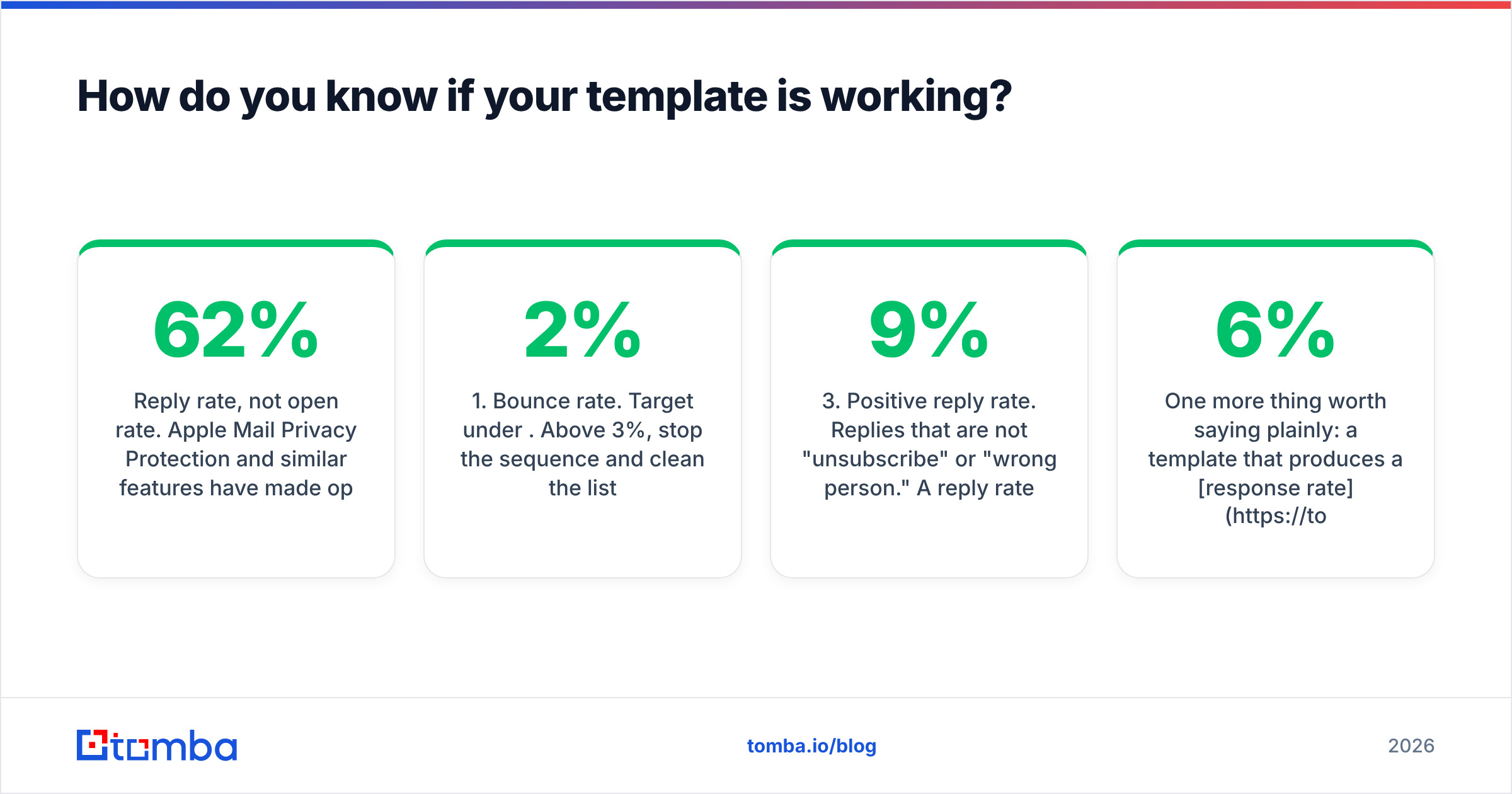
Reply rate, not open rate. Apple Mail Privacy Protection and similar features have made open rate mostly noise since 2021 — a template that "opens at 62%" tells you approximately nothing.
Track four numbers per template variant:
- Bounce rate. Target under 2%. Above 3%, stop the sequence and clean the list.
- Reply rate. The number that matters. Compare against the ranges in the table above, segmented by framework.
- Positive reply rate. Replies that are not "unsubscribe" or "wrong person." A 9% reply rate with a 1% positive rate means your targeting is wrong, not your copy.
- Meeting-to-reply ratio. If people reply but never book, your ask is too big or your proof is too thin.
Run one variable at a time. Changing the subject line, the framework, and the CTA in the same test tells you a variant won and nothing about why. Peer reviews on G2's sales engagement category are a decent read on which tools actually report positive-reply data versus which just count opens — the distinction is more consequential than the feature lists suggest. And if you want a fuller breakdown of the denominators, HubSpot's sales blog publishes benchmark data with the methodology attached, which is rarer than it should be.
One more thing worth saying plainly: a template that produces a 6% response rate on 200 well-chosen accounts beats one producing 1.5% on 2,000 poorly-chosen ones — same replies, a fifth of the domain risk, and a list you can email again next quarter. Volume is the cheapest lever and the most expensive mistake.
What should you do before you send anything?#
Fix the inputs. In order:
- Define the segment narrowly enough that one template can be honest about all of it. If your framework's relevance line doesn't apply to every account on the list, the segment is too broad.
- Find and verify the addresses. Guessing patterns produces bounces; bounces produce spam folders.
- Pick the framework from the table based on what you actually know about the account, not what you find easiest to write.
- Write Tier 3 personalization for the first sentence. Every other sentence can be reused.
- Cut to under 120 words. Then cut the ask down to something answerable with one word.
- Send a batch of 50 before you send 500. Read the replies. The replies will tell you what the template is actually saying.
Steps 2 is the one that quietly determines whether steps 3 through 6 mattered at all. The Tomba Email Finder returns professional addresses by name and domain with a confidence score attached, so you know which contacts are safe to send to before you spend an hour writing to them. The free tier covers 25 searches a month if you want to sanity-check a sample of your list first; paid plans start at $49/mo, and you can see the full breakdown on Tomba pricing. Get the addresses right, then let the template do the smaller job it was always meant to do.
Related guides#
Ready to find emails that actually work?
Join 150,000+ professionals who stopped guessing and started sending. Free credits on signup — no credit card required.
Get the Tomba newsletter
Practical outbound tactics and product updates — once every two weeks.
About the author