Cold Email Script To Get Appointment: 7 Templates That Book Meetings
Most meeting requests die unread. Here are seven cold email scripts that actually book appointments, the structure behind them, and the deliverability checks that decide whether anyone sees them at all.
TL;DR
- A cold email script to get appointment replies works because of structure, not clever words: one relevant trigger, one specific claim, one low-friction ask.
- The single biggest lever is not the copy. It is whether the address is real and the sender domain is trusted. Bad data kills good scripts.
- Ask for a reply, not a calendar slot. "Worth a look?" outperforms "Book 30 minutes here" in nearly every list we've seen tested.
- Seven scripts below cover cold outbound, warm referral, trigger events, competitor switches, re-engagement, event follow-up, and the breakup.
- Send fewer, better emails. 200 verified, well-researched sends beat 5,000 sprayed ones on meetings booked — and on your domain reputation.
What Makes a Cold Email Script Get Appointments?#
A meeting is a transaction. The prospect spends 30 minutes of a finite workday and gets, in return, a chance that you solve something that annoys them. Your email has about eight seconds to make that trade look fair.
Most scripts fail because they invert the trade. They spend four paragraphs on the sender ("We're a leading provider of...") and one line on the buyer ("Do you have 15 minutes Tuesday?"). The prospect reads a request for their time backed by nothing.
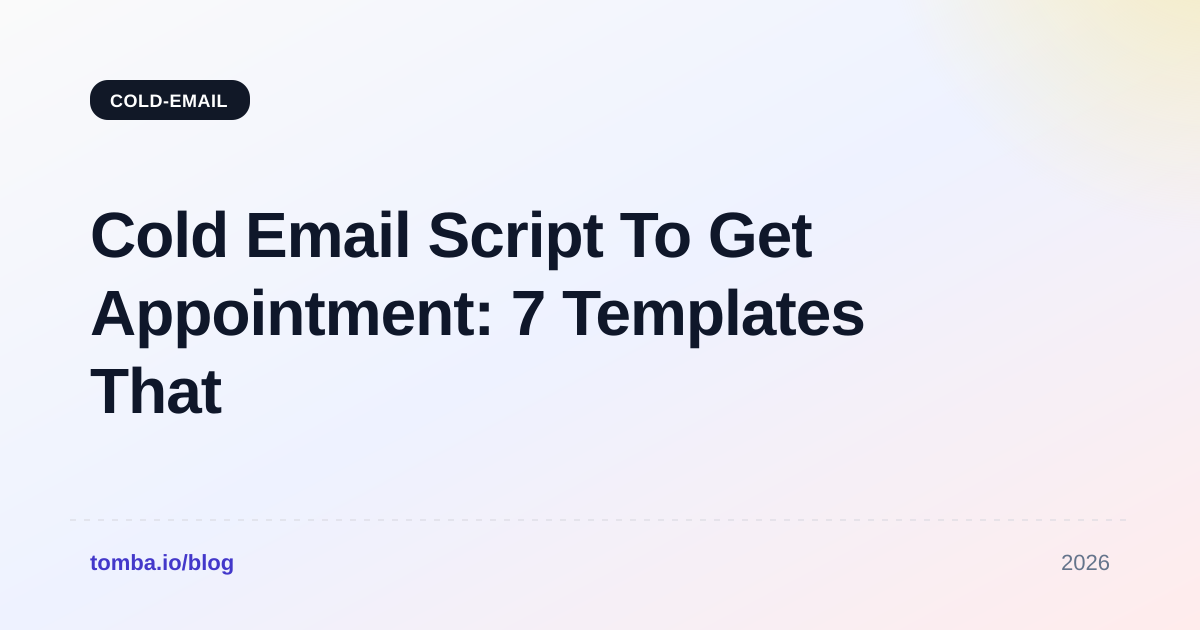
Every cold email script to get appointment traction has the same four parts, in the same order:
- The trigger — a specific, checkable reason you are writing to this person right now. A funding round, a job posting, a new integration on their site, a competitor they just lost a deal to.
- The claim — what changes for someone in their role, stated with a number and a comparable company. Not "improve efficiency." Something like "cut their SDR research time from 12 minutes a lead to under two."
- The proof — one sentence, one artifact. A named customer, a metric, a screenshot reference. Anything unfalsifiable is noise.
- The ask — the smallest possible next step. A yes/no question beats a calendar link, because a calendar link asks for commitment before you've earned it.
Delete anything that does not serve one of those four. Most first drafts lose 40% of their words this way and gain reply rate doing it.
Wait — that's the wrong syntax. Here it is properly:

Which Cold Email Script Structure Performs Best?#
There is no universal winner, but structures cluster into recognizable families, and each one fits a different buying situation. Here is how they compare on the things that matter.
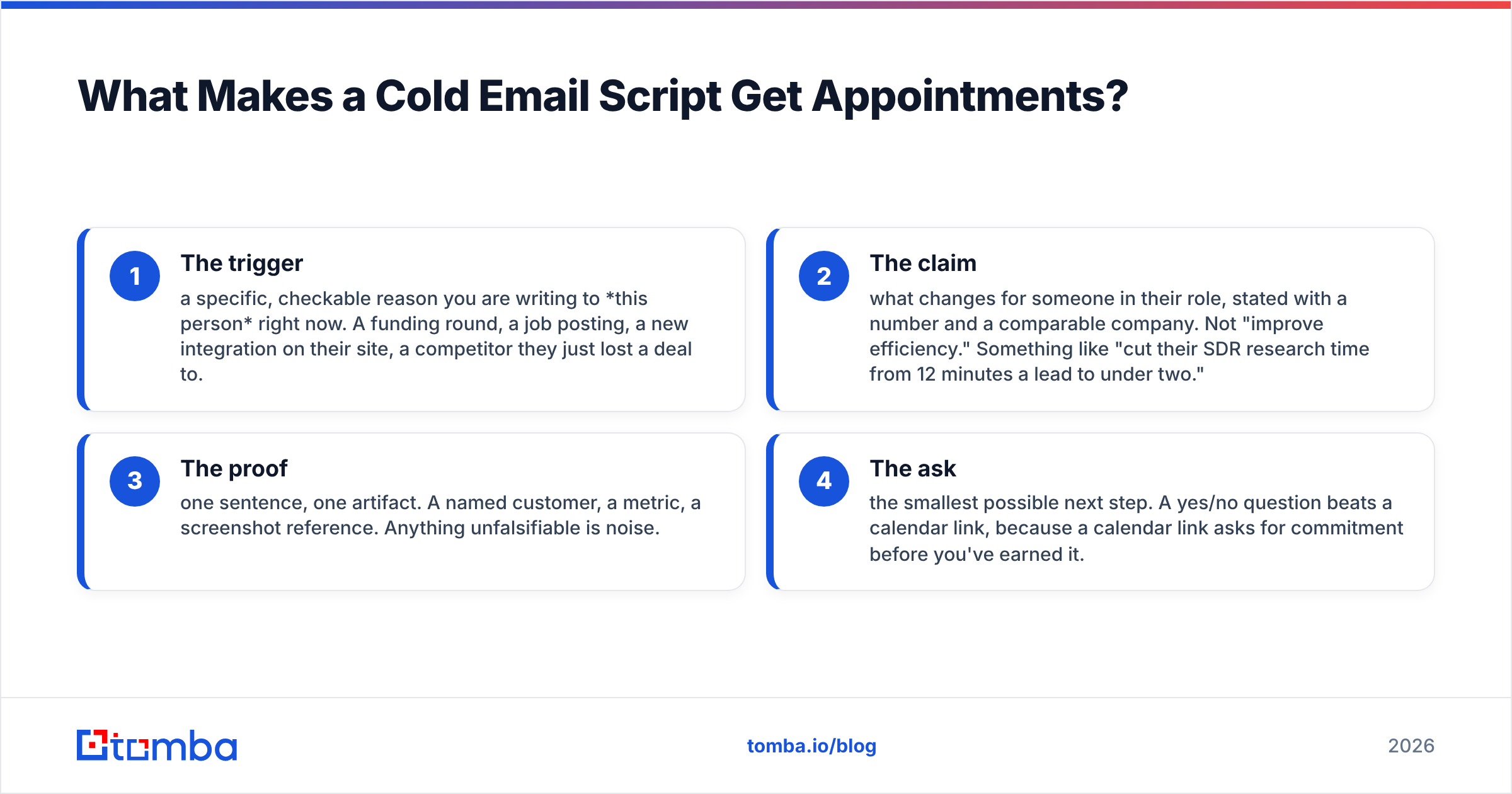
| Script type | Best used when | Typical reply rate | Meeting conversion | Research cost per lead |
|---|---|---|---|---|
| Trigger event | Prospect just did something public | 8–14% | High | 6–10 min |
| Referral / mutual connection | You share a real contact | 15–25% | Very high | 3–5 min |
| Problem-agitate-solve | Pain is well known in the segment | 4–7% | Medium | 2–4 min |
| Competitor switch | They use a rival you displace often | 6–10% | High | 5–8 min |
| Value-first (no ask) | Long sales cycle, senior buyer | 5–9% | Medium-high | 8–15 min |
| Breakup / last touch | Sequence is ending, no reply | 3–6% | Medium | 0 min |
Two things stand out. First, reply rate and research cost track together almost perfectly — there is no free lunch. Second, the breakup email, which costs nothing to write, still pulls a respectable share of replies. It is the highest ROI email in most sequences and the one teams most often skip.
Reply rates here assume a verified list and an authenticated sending domain. On an unverified list, halve them. On a domain with no SPF or DKIM, halve them again, if the messages arrive at all.
What Are the 7 Cold Email Scripts That Book Meetings?#
Each script below is written to be copied and then destroyed by your own edits. Bracketed fields are the parts you must not automate lazily.
Script 1 — The trigger event#
Subject: [Company]'s new [thing they launched]
[Name] — saw [Company] shipped [specific feature/announcement] last week. Congrats.
Usually when a team ships that, the next quarter's problem is [specific downstream consequence]. [Comparable company] hit exactly that and ended up [outcome, with number].
Worth a short conversation about how they handled it?
[Your name]
Why it works: the trigger proves you looked. The comparable company proves you've seen this movie before. The ask is a yes/no.
Script 2 — The referral#
Subject: [Mutual contact] suggested I reach out
[Name] — [Mutual contact] and I were talking about [topic]; your name came up as someone dealing with [problem].
We help [role] at [company type] do [specific outcome]. [Mutual contact] thought the overlap was obvious enough to be worth 15 minutes.
Open to it? Happy to loop them in.
[Your name]
Never fake this. One fabricated referral, discovered, ends the account and travels through the buyer's network faster than any campaign you'll ever send.
Script 3 — Problem-agitate-solve#
Subject: [Painful metric] at [Company]?
[Name] — most [role] I speak with are losing roughly [number/unit] a month to [problem]. It compounds: [second-order effect].
We fixed exactly that for [customer], who went from [before] to [after] in [timeframe].
Is this on your list this quarter, or is something else louder?
[Your name]
The closing question is doing quiet work. "Or is something else louder?" gives an easy out, which makes people answer honestly — and an honest "no, we're focused on X" is a qualified lead you didn't have yesterday.
Script 4 — The competitor switch#
Subject: Switching off [Competitor]
[Name] — noticed [Company] runs [Competitor]. Not a knock; it's a solid product.
The teams that move to us usually do it for one reason: [specific, narrow differentiator]. [Customer] made the switch and [outcome].
If that gap isn't costing you anything, ignore this. If it is, worth 20 minutes?
[Your name]
Never disparage the incumbent. The buyer chose it. Attacking the choice attacks the buyer. Name a narrow gap and let them decide whether it hurts.
Script 5 — Value-first, no ask#
Subject: [Specific observation] on [Company]'s [page/process]
[Name] — ran your [checkout / signup / careers page] through [tool] and found [concrete finding]. Screenshot attached.
Nothing to sell here. Fix is roughly [approach]. If it's useful I have three more.
[Your name]
This one costs the most and pays the most on enterprise. It also fails badly when the observation is generic. If the finding could apply to any company, don't send it.
Script 6 — Event follow-up#
Subject: Your question at [Event]
[Name] — you asked [Speaker] about [specific question] during the [session]. It stuck with me because we ran into it at [Customer].
Their answer was [short answer]. Result: [number].
Want the longer version? 15 minutes next week.
[Your name]
Script 7 — The breakup#
Subject: Closing the loop
[Name] — I've written three times about [problem] and heard nothing, which is usually a clear answer.
Closing your file. If [problem] moves up the list in Q[next], reply "later" and I'll check back then.
[Your name]
No guilt, no false scarcity, no "I'll assume you're not interested." Just a door left open. It routinely outperforms the emails before it.
Why Does the Best Script Still Fail?#
Because the email never arrived, or it arrived at nobody.
This is the part of cold outbound that copywriting advice ignores. You can A/B test a subject line into perfection and still book zero meetings if 30% of your addresses bounce and your domain lands in spam by day four.
Three failure modes, in order of how often they wreck campaigns:
- Invalid addresses. A bounce rate above 3% signals mailbox providers that you don't know who you're emailing. Google and Microsoft respond by throttling you. Run every list through an email verifier before the first send. Not the day after the first bounce report.
- Unauthenticated domains. No SPF, no DKIM, no DMARC record means Gmail and Yahoo treat bulk mail from your domain as suspicious by default — a policy both formalized in 2024 and have only tightened since. Google's own sender guidelines spell out the minimum bar.
- Volume without warmup. A domain that sent 4 emails last month and 4,000 this month is, statistically, a compromised account. Ramp over weeks, not days.
Fix those three and mediocre copy books meetings. Skip them and Hemingway wouldn't help you.
How Do You Find the Right Person to Send It To?#
The script assumes you have three things: a real human, their real address, and a reason to think they own the problem. Most teams have one of the three and improvise the rest.
Work in this order:
- Define the trigger before the list. "VP Sales at Series B SaaS" is a demographic, not a reason. "VP Sales at Series B SaaS that posted an SDR role in the last 30 days" is a reason. The second list is smaller and converts several times better.
- Find the person, then the address. Identify by role and evidence — a conference talk, a LinkedIn post, a hiring page — and only then resolve the email. A domain search gives you the company's addresses and the pattern behind them, so you can predict the rest of the org from one confirmed contact.
- Verify before you send, always. Catch-all domains lie: they accept everything at the SMTP layer and bin most of it. Treat "accepted" as "unknown" unless you've run a proper catch-all check.
- Enrich for personalization, not for volume. Firmographics tell you which script family to use. Signals tell you what to put in the first line. If enrichment isn't changing what you write, you're paying for decoration.
- Cap the send. A rep who sends 40 researched emails a day and books three meetings beats a rep who sends 400 and books one — and doesn't burn the domain doing it.
Tools matter less than sequence here, but they compound. Pulling verified addresses with an email finder directly into your sequencer removes the CSV round-trip where most list rot happens. And tightening the first thing they see — the subject — with a subject line tester is a five-minute check that regularly moves open rate by double digits.
How Should You Measure Whether the Script Works?#
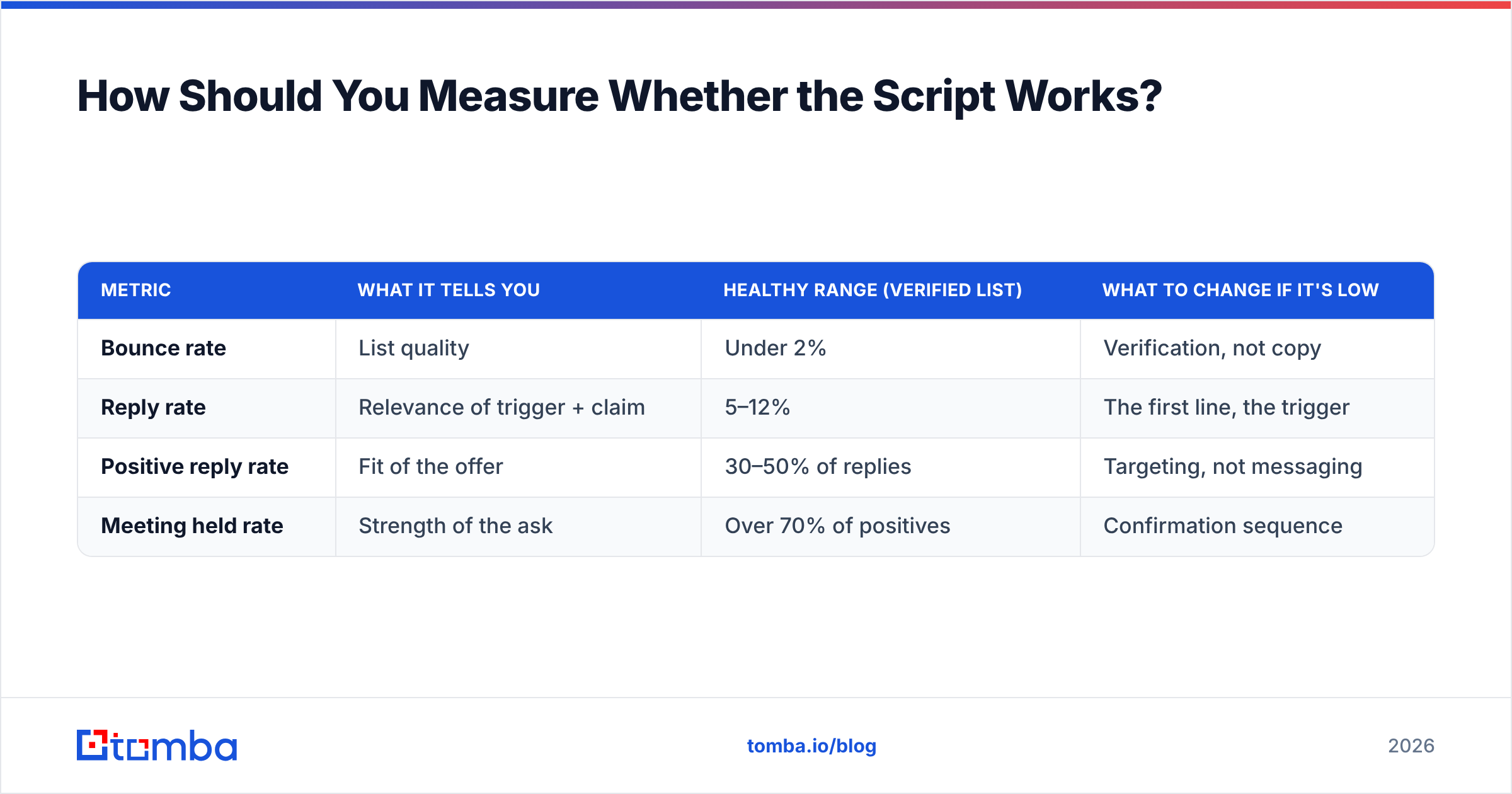
Reply rate, not open rate. Apple Mail Privacy Protection made open rate a fiction in 2021 and it has not recovered. Any vendor still leading with open-rate benchmarks is selling you a metric they know is broken.
Track four numbers per script, per segment:
| Metric | What it tells you | Healthy range (verified list) | What to change if it's low |
|---|---|---|---|
| Bounce rate | List quality | Under 2% | Verification, not copy |
| Reply rate | Relevance of trigger + claim | 5–12% | The first line, the trigger |
| Positive reply rate | Fit of the offer | 30–50% of replies | Targeting, not messaging |
| Meeting held rate | Strength of the ask | Over 70% of positives | Confirmation sequence |
The diagnostic value is in the ratios. High reply rate with low positive reply rate means you're interesting to the wrong people — a targeting problem dressed as a copy problem. Low reply rate with high positive reply rate means your list is good and your first line is weak. Fix the line, not the list.
Benchmark against your own last quarter, not against a blog post. Segment-level response rate varies enormously between, say, mid-market ops leaders and enterprise CISOs. Public averages, including the ones on HubSpot's sales research and buyer-review aggregates like G2, are useful directionally and dangerous absolutely.
What Should You Do in the First 48 Hours?#
Concretely, if you're starting from zero:
- Hour 1–2: Pick one segment and one trigger. Write it down as a sentence a colleague could verify.
- Hour 3–6: Build a list of 50 accounts that meet the trigger. Not 500. Fifty.
- Day 1 evening: Resolve and verify contacts. Discard anything unverifiable rather than "sending it anyway to see."
- Day 2 morning: Confirm SPF, DKIM, and DMARC on the sending domain. If any is missing, stop and fix it before a single send.
- Day 2 afternoon: Write one script from the seven above, adapted to your trigger. Send 25. Hold the other 25 as a control for your next variant.
- Day 5: Read the replies — all of them, including the rude ones. They tell you more about your positioning than any dashboard will.
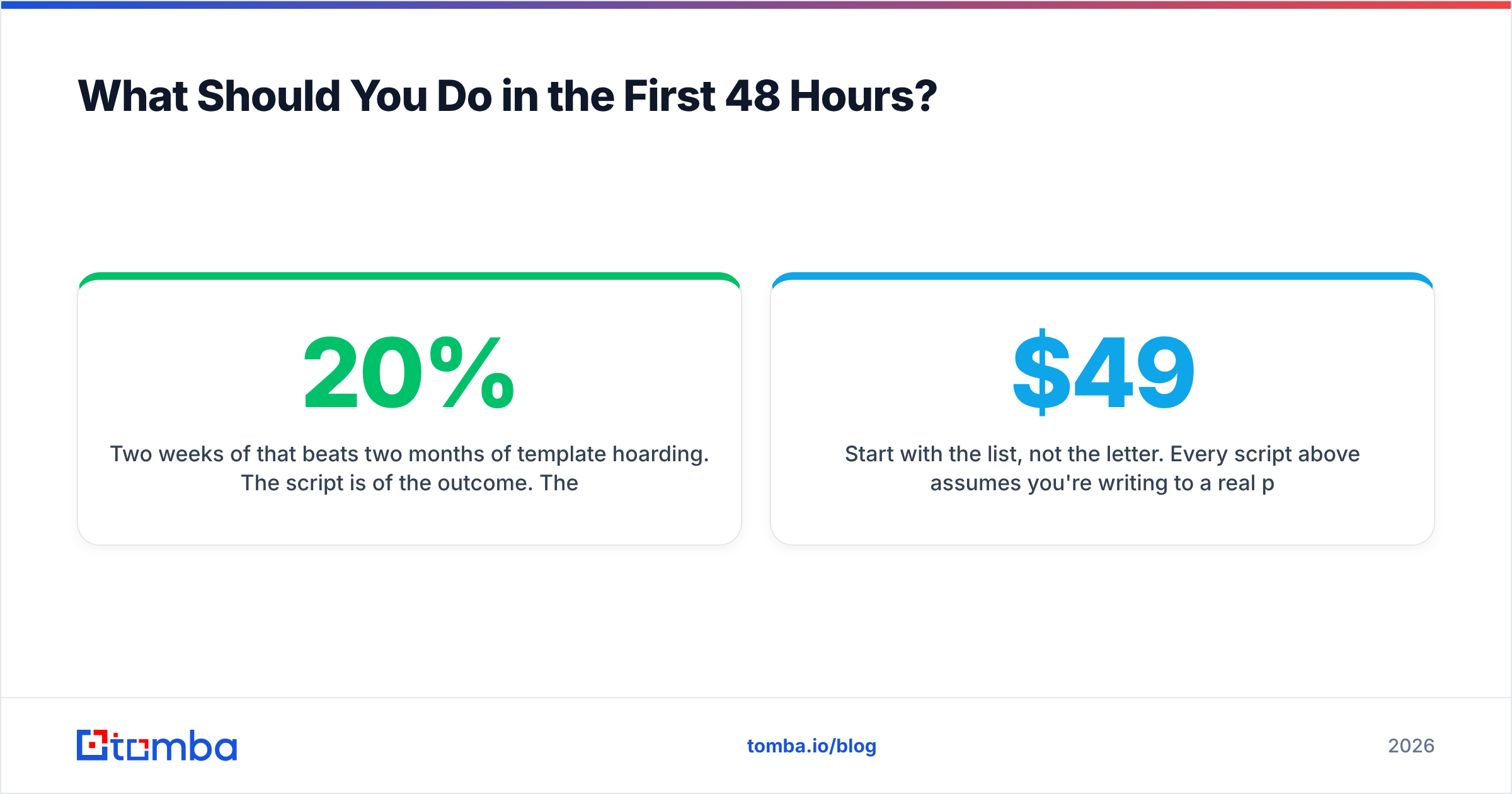
Two weeks of that beats two months of template hoarding. The script is 20% of the outcome. The list, the domain, and the trigger are the other 80%, and they are the parts nobody wants to do.
Start with the list, not the letter. Every script above assumes you're writing to a real person at a real address who has a real reason to care. Tomba's Email Finder resolves professional addresses by name and domain, flags catch-alls before they bounce, and hands you a verified list you can send against on day one — with a free tier at 25 searches a month and paid plans starting at $49/mo. Get the data right, then the seven scripts above have something to work with.
Related guides#
Ready to find emails that actually work?
Join 150,000+ professionals who stopped guessing and started sending. Free credits on signup — no credit card required.
Get the Tomba newsletter
Practical outbound tactics and product updates — once every two weeks.
About the author