ContactOut vs Conversion Blitz (2026): Which Wins for B2B Data?
ContactOut and Conversion Blitz solve lead generation from opposite ends. See how coverage, accuracy, pricing, and workflow fit compare — plus where a dedicated email finder beats both.
ContactOut vs Conversion Blitz: Which B2B Data Tool Wins in 2026?
Picking between ContactOut and Conversion Blitz is really a choice between two philosophies. One is a LinkedIn-first contact finder built for recruiters and sales reps who live inside a browser tab. The other is an all-in-one AI sales suite that bundles email finding with sending, chatbots, and review tools. They overlap just enough to confuse a buyer — and differ enough that picking wrong wastes a quarter of budget.
This comparison breaks down what each tool actually does, where the data holds up, what you pay, and which team profile each one fits. No vendor spin — just the trade-offs.
TL;DR#
- ContactOut is a LinkedIn email and phone finder with a strong Chrome extension. Best if your prospecting starts on LinkedIn profiles and you want personal + work emails on demand.
- Conversion Blitz is a bundled AI sales suite (email finder, sender, chatbot, review widgets). Best if you want many low-cost tools under one login and can accept "good enough" data quality.
- Data depth vs breadth: ContactOut goes deep on LinkedIn contact data; Conversion Blitz goes wide across mini-tools but is shallower on any single one.
- Pricing: Both use credit models that get expensive at scale. ContactOut skews pricier per verified contact; Conversion Blitz is cheaper but noisier.
- The third option: A dedicated email finder like Tomba Email Finder often beats both on verified accuracy and cost-per-valid-email — worth benchmarking before you commit.
What is ContactOut?#
ContactOut is a contact-intelligence platform built around LinkedIn. Its core value is the browser extension: open a LinkedIn or Sales Navigator profile and ContactOut surfaces work emails, personal emails, and phone numbers in a side panel. It also ships a web-based search portal and a data-export flow for building lists.
The audience is heavily weighted toward recruiters and SDRs who source people one profile at a time. ContactOut leans on a large stored database of profiles plus real-time enrichment, and it markets dual-email coverage (personal and professional) as a differentiator — useful when a work address bounces or a prospect has changed jobs.
Where ContactOut is strong:
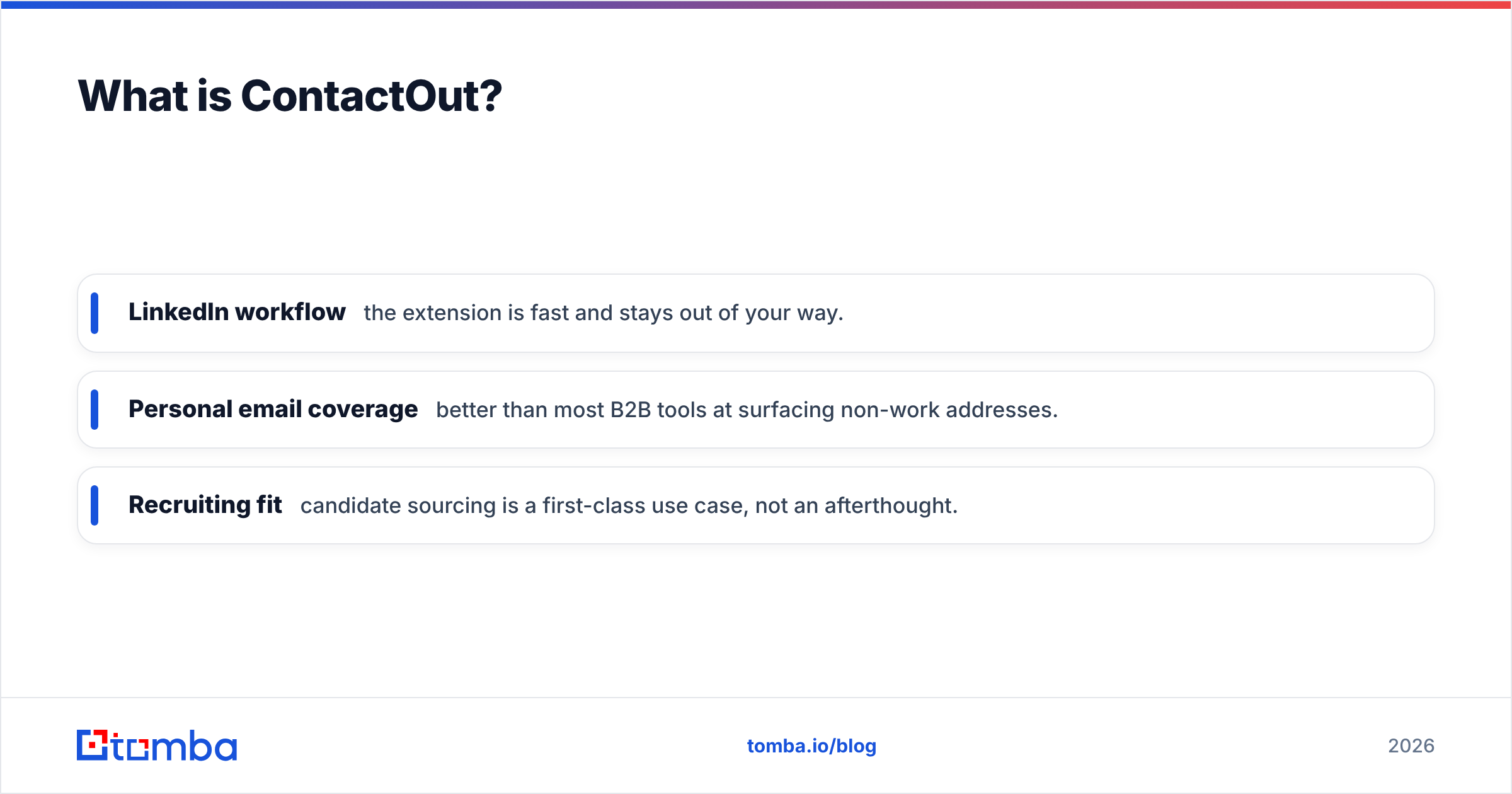
- LinkedIn workflow — the extension is fast and stays out of your way.
- Personal email coverage — better than most B2B tools at surfacing non-work addresses.
- Recruiting fit — candidate sourcing is a first-class use case, not an afterthought.
Where it gets thin: coverage outside LinkedIn is weaker, credit costs climb quickly on team plans, and personal-email data raises compliance questions you need to handle deliberately.
What is Conversion Blitz?#
Conversion Blitz (sometimes styled as a "lead generation and sales automation suite") is a bundle of small tools sold under one subscription. Instead of doing one thing deeply, it spreads across the funnel: an email finder, an email-sending/sequencing tool, a chatbot builder, review-collection widgets, a daily-leads feed, and a few enrichment utilities.
The pitch is consolidation — pay once, get a toolbox. For a solo founder or a small agency that would otherwise stitch together five separate SaaS subscriptions, that math can be attractive.
The catch is that bundles rarely match best-of-breed on any single tool. The email finder inside Conversion Blitz is serviceable for volume but tends to lag standalone finders on verified accuracy, and the sending features are basic next to dedicated cold-email platforms. You are trading depth for breadth and a single invoice.

How do ContactOut and Conversion Blitz compare head to head?#
Here is the side-by-side on the attributes that actually change your results.
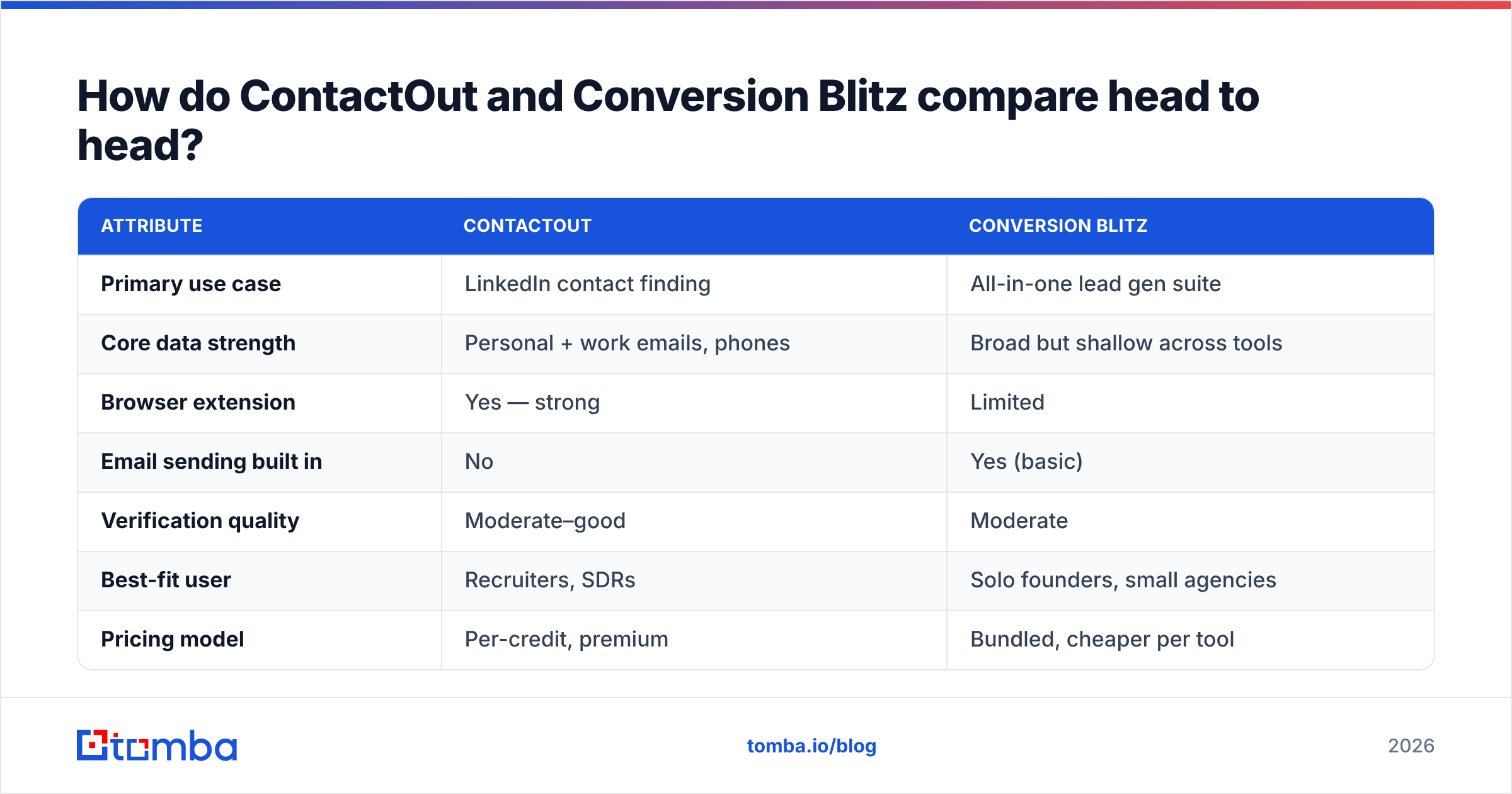
| Attribute | ContactOut | Conversion Blitz |
|---|---|---|
| Primary use case | LinkedIn contact finding | All-in-one lead gen suite |
| Core data strength | Personal + work emails, phones | Broad but shallow across tools |
| Browser extension | Yes — strong | Limited |
| Email sending built in | No | Yes (basic) |
| Verification quality | Moderate–good | Moderate |
| Best-fit user | Recruiters, SDRs | Solo founders, small agencies |
| Pricing model | Per-credit, premium | Bundled, cheaper per tool |
| Learning curve | Low | Medium (many tools) |
The pattern is clear. ContactOut is a specialist — it does LinkedIn-driven contact discovery well and charges accordingly. Conversion Blitz is a generalist — it covers more of the funnel for less money per feature but asks you to accept compromises on each one.
Neither is "better" in the abstract. The right pick depends on whether your bottleneck is finding accurate contacts or owning fewer subscriptions.
Which tool has better data accuracy?#
Accuracy is where most buyers get burned, because both vendors quote database size, not verified deliverability — and those are different numbers.
ContactOut generally returns higher-confidence contacts on LinkedIn-sourced searches, especially personal emails. Because it enriches from a live profile, the match rate on active professionals is solid. The weak spots are stale records for people who have moved roles and inconsistent phone coverage outside major markets.
Conversion Blitz casts a wider net but with more noise. Its finder is fine for bulk top-of-funnel lists where you expect to verify afterward, but you should not send to its output without a verification pass. Treating any finder's raw export as "clean" is how you tank a domain's sender reputation.
Two rules apply no matter which tool you choose:
- Always run a separate verification step. Finders find; verifiers confirm. Use a dedicated email verifier before any campaign so you are not paying in bounces.
- Watch catch-all domains. A large share of B2B domains accept all mail, so a "valid" result can still bounce. A proper catch-all verifier is the only way to grade those honestly.
This is also where a third-party benchmark matters. Independent reviews on G2 consistently show that verified-accuracy leaders are usually purpose-built finders, not bundled suites — which is why many teams pair one of these tools with a dedicated finder rather than betting everything on a single vendor.
How does pricing compare?#
Both tools use credit-based pricing, and both get more expensive than the sticker suggests once your team scales.
- ContactOut positions itself at the premium end. Individual plans look reasonable, but team tiers with export volume and phone credits add up. You pay for the LinkedIn-native convenience and personal-email coverage.
- Conversion Blitz is cheaper on paper because you get many tools in one bundle. The cost efficiency depends on how many of those tools you actually use — if you only touch the finder, you are subsidizing chatbots and review widgets you never open.
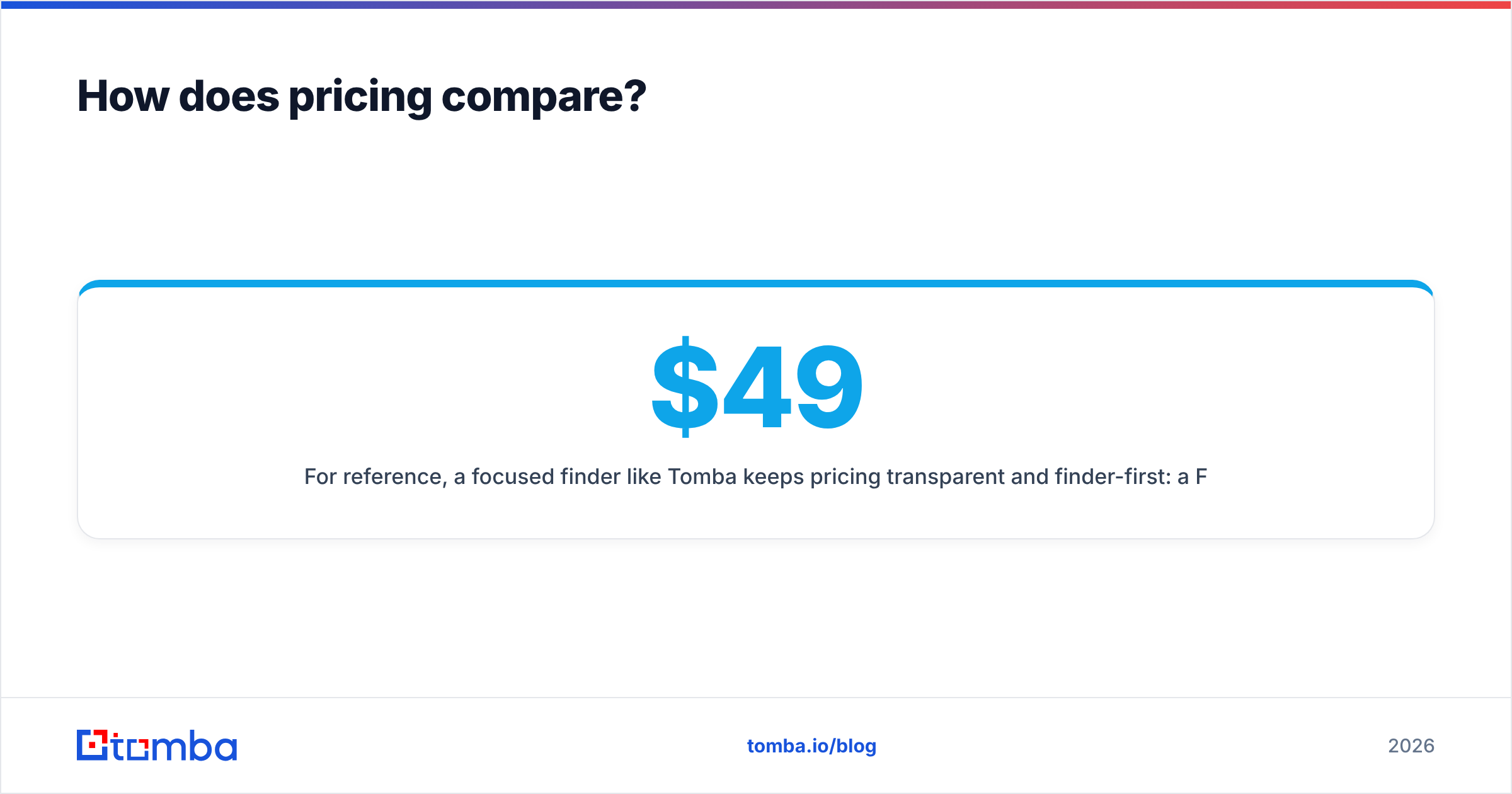
For reference, a focused finder like Tomba keeps pricing transparent and finder-first: a Free tier at 25 searches/month, Starter at $49/month, Growth at $99/month, and Pro at $249/month. You can see full Tomba pricing without decoding a bundle. The point is not that one number wins — it is that you should calculate cost per verified email, not cost per credit or cost per bundle. That single metric reorders most comparisons.

Which one fits your workflow?#
Match the tool to how your team actually prospects.
Choose ContactOut if:
- Your reps source contacts directly from LinkedIn and Sales Navigator.
- You need personal emails as a fallback when work addresses bounce.
- You are recruiting and candidate coverage matters more than funnel breadth.
- Budget for a premium specialist is acceptable.
Choose Conversion Blitz if:
- You are a solo founder or small agency wanting one login instead of five.
- You value tool breadth (finding + sending + chat) over best-in-class accuracy.
- Your outreach volume is modest and you will verify lists separately anyway.
- Cutting the number of vendor invoices is a real priority.
Choose a dedicated finder (like Tomba) if:
- Accuracy and cost-per-valid-email are your top constraints.
- You want to enrich at scale via API, bulk email finder, or a Google Sheets add-on rather than one profile at a time.
- You need clean data flowing into a CRM through native integrations.
Most healthy stacks end up combining approaches: a LinkedIn tool for profile-level sourcing, plus a verification-grade finder to confirm and enrich in volume.
What about integrations and scale?#
This is the quiet differentiator once you move past a handful of manual lookups.
ContactOut integrates with major CRMs and ATS platforms, which suits its recruiting and sales-rep audience. Conversion Blitz keeps most workflows inside its own suite, which is convenient until you need to push clean data into an external system your team already runs on.
If your process is programmatic — enriching thousands of records, syncing to HubSpot or Salesforce, or triggering lookups from your own app — you want an API-first tool. A documented email finder API with predictable rate limits and verification built in scales far better than a browser extension you have to click through profile by profile. For repeatable list-building, bulk verification and CRM connectors matter more than the polish of any single side panel.
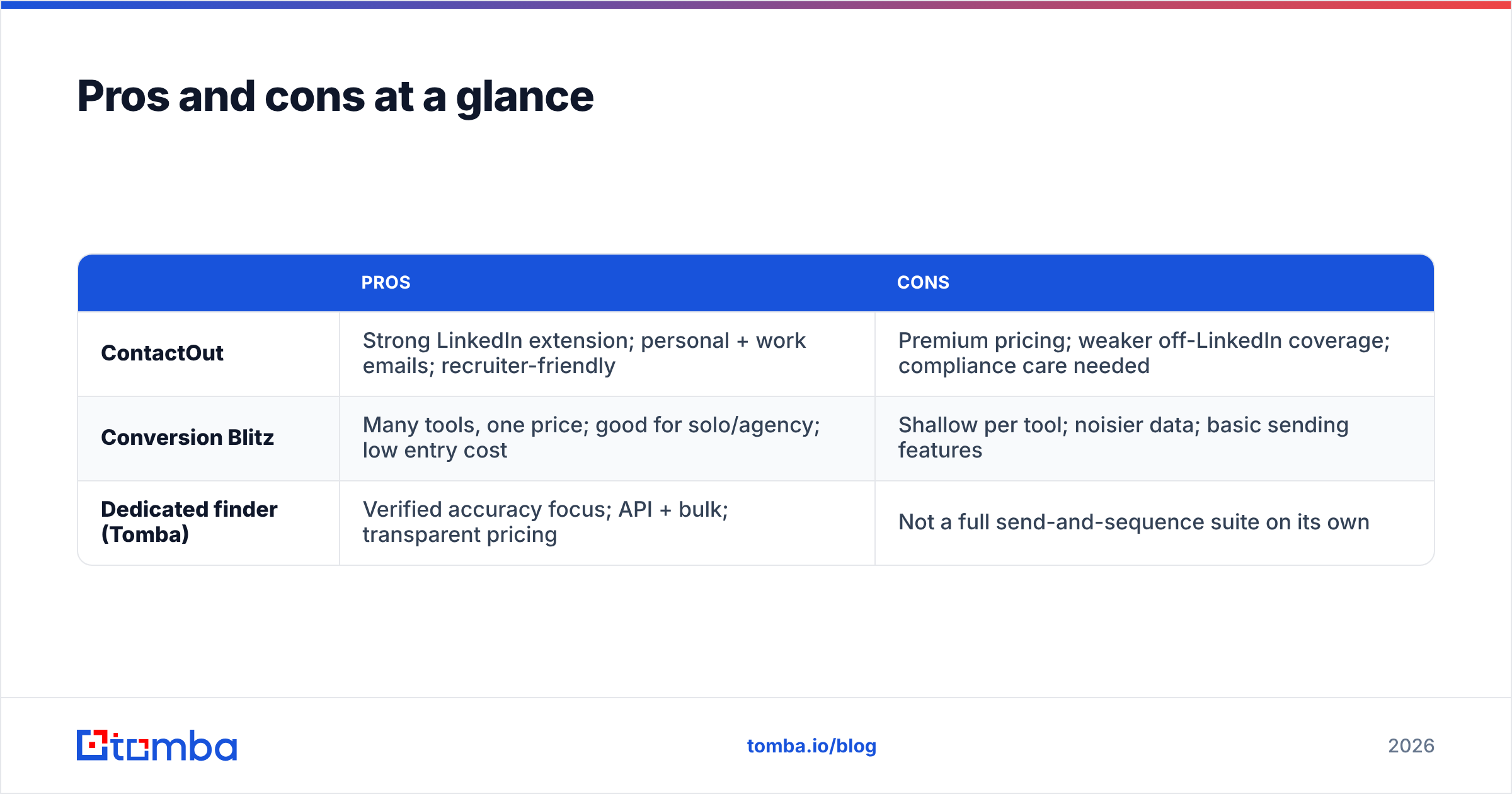
Pros and cons at a glance#
| Pros | Cons | |
|---|---|---|
| ContactOut | Strong LinkedIn extension; personal + work emails; recruiter-friendly | Premium pricing; weaker off-LinkedIn coverage; compliance care needed |
| Conversion Blitz | Many tools, one price; good for solo/agency; low entry cost | Shallow per tool; noisier data; basic sending features |
| Dedicated finder (Tomba) | Verified accuracy focus; API + bulk; transparent pricing | Not a full send-and-sequence suite on its own |
The verdict#
If you are LinkedIn-native and accuracy on individual profiles is your priority, ContactOut is the better specialist. If you want the widest toolset for the lowest single invoice and can live with verify-after-export data, Conversion Blitz makes sense — with a nod to the reality that bundled suites trade depth for breadth.
But before you sign either annual contract, run a real bake-off. Export 100 target contacts from each tool, verify them independently, and count how many are genuinely deliverable. That test almost always reshuffles the ranking — and it frequently reveals that a purpose-built finder wins on the only metric that pays your bills: verified emails per dollar.
Try a verification-first alternative#
If your goal is clean, deliverable B2B contacts at a predictable cost, start with Tomba Email Finder. Find professional emails by name, company, or domain search, confirm them with a built-in email verifier, and scale through the API, bulk tools, and native CRM integrations. Begin on the free tier — 25 searches a month, no card — and benchmark it head-to-head against ContactOut and Conversion Blitz on your own list. Let the deliverability numbers pick the winner.
Related guides#
Ready to find emails that actually work?
Join 150,000+ professionals who stopped guessing and started sending. Free credits on signup — no credit card required.
Get the Tomba newsletter
Practical outbound tactics and product updates — once every two weeks.
About the author