ContactOut vs DiscoverOrg: Accuracy, Pricing, and Coverage
ContactOut leans on LinkedIn-sourced personal emails; DiscoverOrg (now ZoomInfo) sells enterprise firmographics at enterprise prices. Here is how they actually compare in 2026 — and a cheaper way to get verified emails.
You are choosing between two very different tools that both promise to fill your CRM with contactable buyers. ContactOut is a LinkedIn-first email and phone extractor. DiscoverOrg — long since folded into ZoomInfo — is a heavyweight sales-intelligence platform sold on annual contracts. Picking wrong costs you either data quality or a five-figure invoice.
This is a neutral, head-to-head breakdown of ContactOut vs DiscoverOrg across accuracy, coverage, pricing, workflow, and compliance, plus where a leaner tool beats both.
TL;DR: ContactOut vs DiscoverOrg at a glance#
- ContactOut is best for recruiters and small sales teams who live inside LinkedIn and want personal emails and mobile numbers on demand. Self-serve, credit-based, LinkedIn-dependent.
- DiscoverOrg / ZoomInfo is best for enterprise revenue teams that need org charts, intent data, firmographics, and deep account intelligence — and can absorb annual contracts that routinely start in the tens of thousands.
- Accuracy: ContactOut wins on personal/consumer emails; DiscoverOrg wins on verified business emails, direct dials, and org structure.
- Pricing: ContactOut is cheaper and month-to-month friendly; DiscoverOrg is opaque, seat-gated, and annual-only.
- The overlooked third option: a dedicated email finder like Tomba gets you verified business emails at $49/mo without a LinkedIn dependency or an annual lock-in.

What is ContactOut and who is it for?#
ContactOut is a contact-data tool built around a Chrome extension that overlays LinkedIn and GitHub profiles. When you land on a prospect's profile, it surfaces personal email addresses, work emails, and mobile numbers pulled from its cached index. It also ships a web-based search portal and an API.
Its core strength is personal email coverage. Because ContactOut has spent years indexing profiles, it tends to return the Gmail/Outlook personal address a professional actually reads — valuable for recruiters chasing passive candidates who ignore their work inbox.
Where it gets thinner:
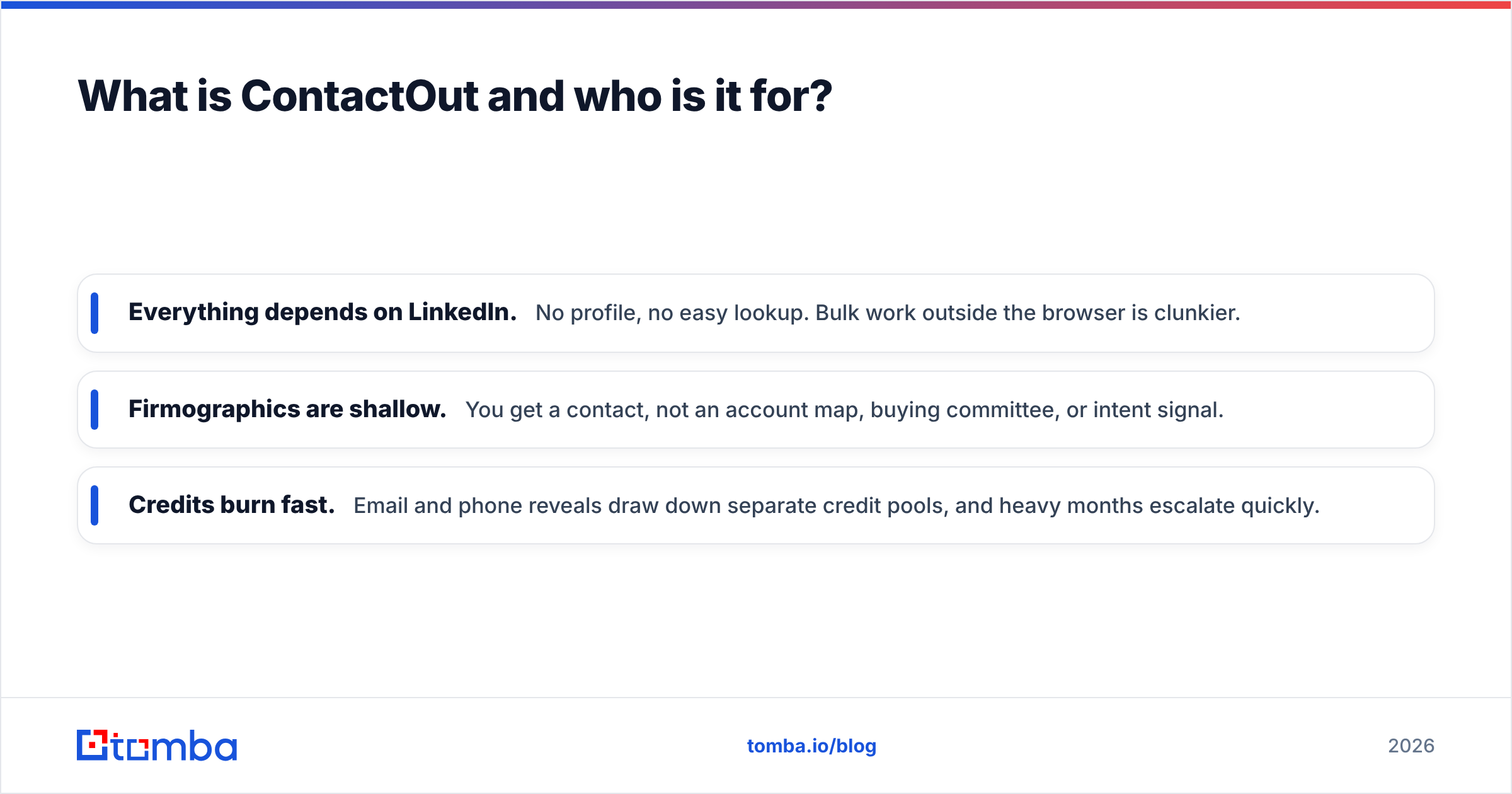
- Everything depends on LinkedIn. No profile, no easy lookup. Bulk work outside the browser is clunkier.
- Firmographics are shallow. You get a contact, not an account map, buying committee, or intent signal.
- Credits burn fast. Email and phone reveals draw down separate credit pools, and heavy months escalate quickly.
ContactOut is a scalpel: precise for one-at-a-time sourcing, less suited to programmatic, database-scale prospecting.
What is DiscoverOrg (now ZoomInfo) and who is it for?#
DiscoverOrg was a research-heavy B2B intelligence provider known for human-verified org charts and technographics. In 2019 it merged with ZoomInfo, and the DiscoverOrg brand was absorbed. Today, buying "DiscoverOrg" means buying ZoomInfo, which combines both companies' datasets.
What you get is genuinely enterprise-grade:
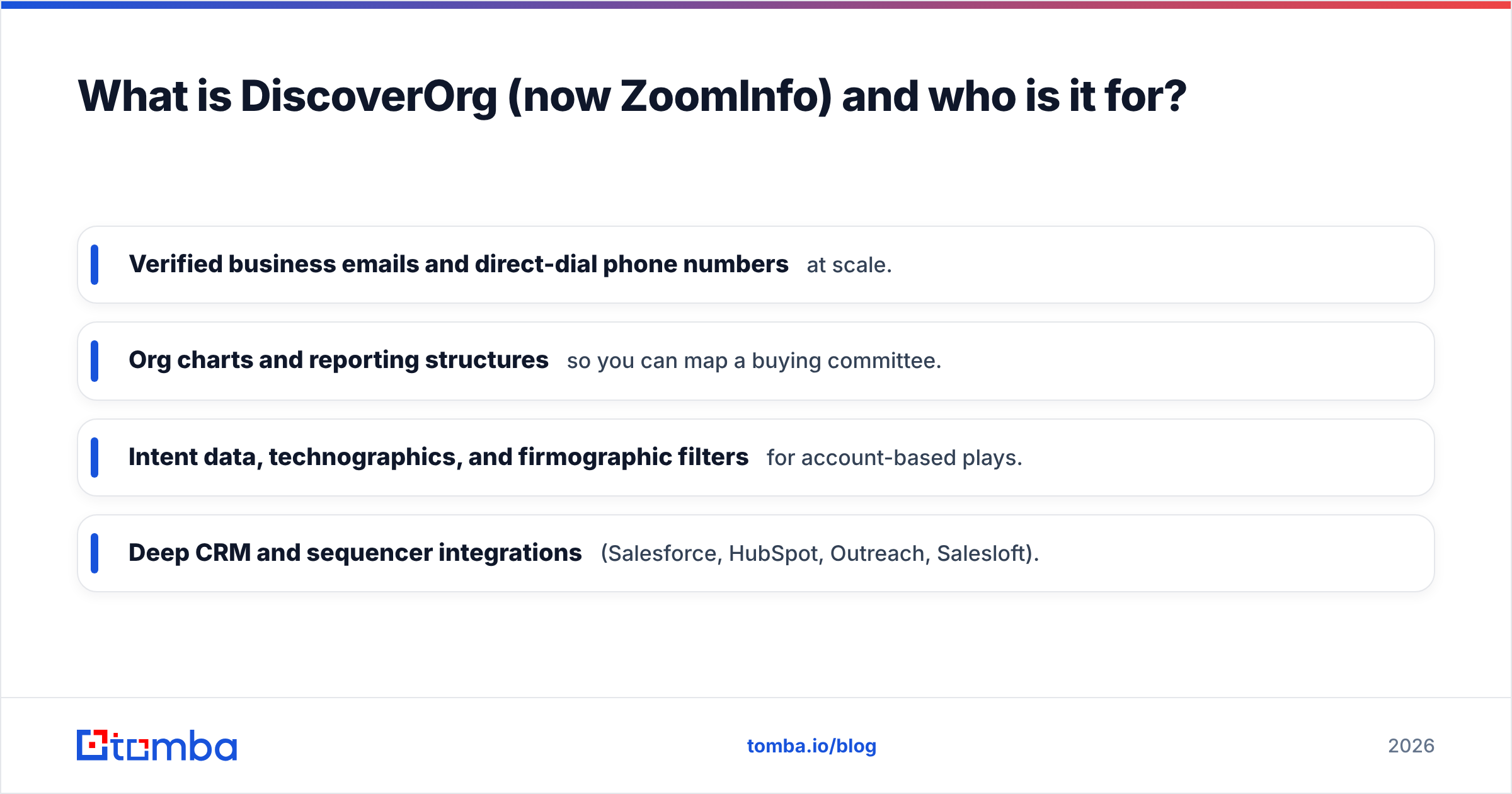
- Verified business emails and direct-dial phone numbers at scale.
- Org charts and reporting structures so you can map a buying committee.
- Intent data, technographics, and firmographic filters for account-based plays.
- Deep CRM and sequencer integrations (Salesforce, HubSpot, Outreach, Salesloft).
The catch is the commercial model. ZoomInfo sells annual contracts, gates features behind tiers and seats, meters bulk exports, and rarely publishes list pricing. Entry deals commonly land in the low-to-mid five figures per year, and the platform is famous for aggressive renewals. For a two-person startup, it is overkill; for a 200-rep enterprise org, it can be the backbone of go-to-market.
ContactOut vs DiscoverOrg: the core comparison table#
Near the decision point, here is the side-by-side. Treat pricing as directional — DiscoverOrg/ZoomInfo quotes vary widely by seat count and modules.
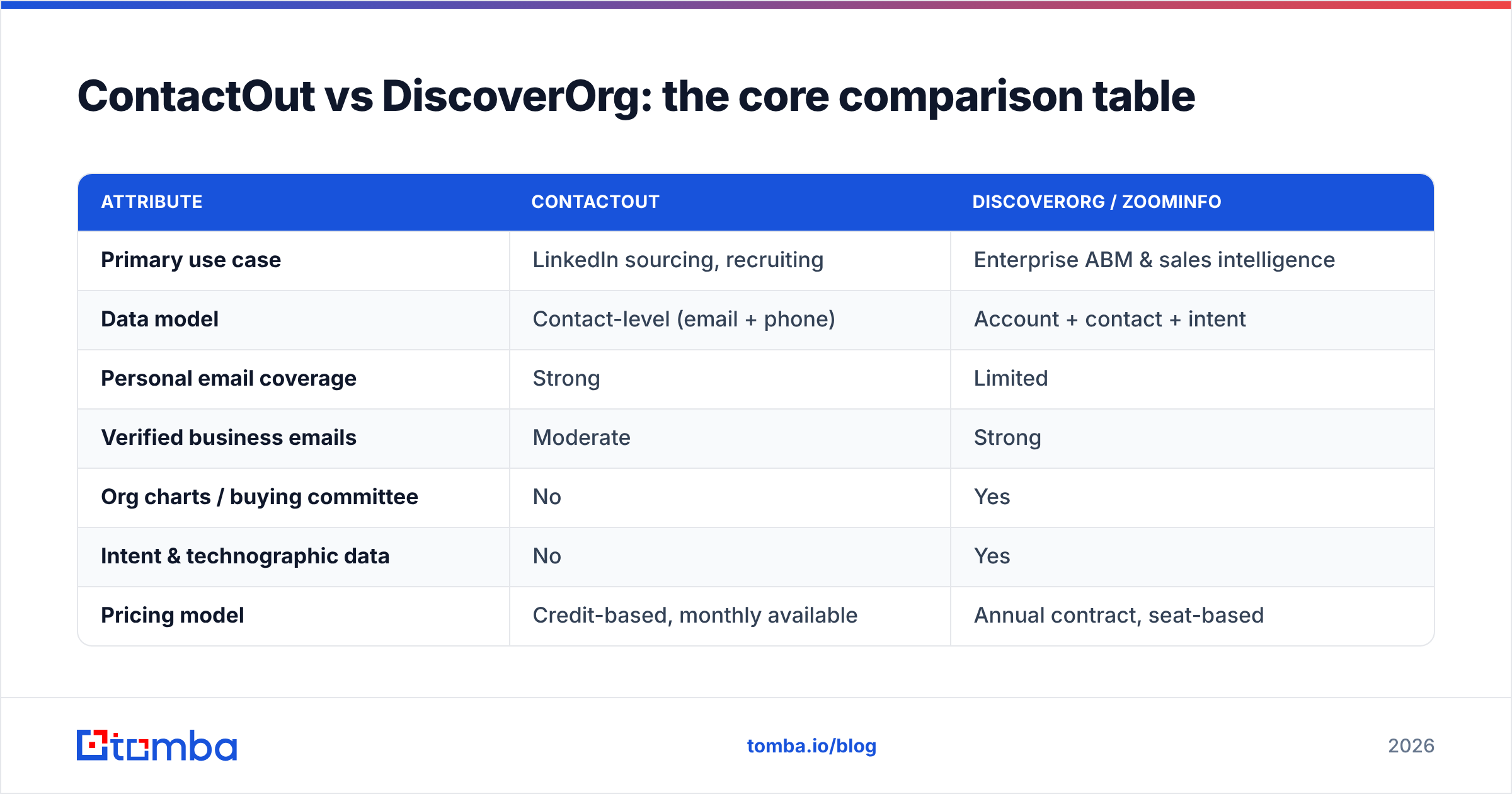
| Attribute | ContactOut | DiscoverOrg / ZoomInfo |
|---|---|---|
| Primary use case | LinkedIn sourcing, recruiting | Enterprise ABM & sales intelligence |
| Data model | Contact-level (email + phone) | Account + contact + intent |
| Personal email coverage | Strong | Limited |
| Verified business emails | Moderate | Strong |
| Org charts / buying committee | No | Yes |
| Intent & technographic data | No | Yes |
| Pricing model | Credit-based, monthly available | Annual contract, seat-based |
| Entry cost | ~$29–$99/mo self-serve tiers | Typically five figures/year |
| Contract flexibility | High | Low (annual lock-in) |
| Best team size | 1–20 | 50+ |
The pattern is clear: ContactOut competes on access and price, DiscoverOrg competes on depth and scale. They rarely lose a deal to each other because they serve different buyers.
Which has better data accuracy?#
It depends on the email type — and this is where most comparisons oversimplify.
For personal/consumer emails, ContactOut leads. Its LinkedIn-sourced index is tuned to surface the address a person actually checks, which is why recruiters favor it. If your outreach targets passive candidates or founders who route work mail to a personal account, ContactOut's hit rate is hard to beat.
For verified business emails and direct dials, DiscoverOrg leads. ZoomInfo's human-plus-machine verification pipeline and larger contributory network produce cleaner corporate records, and its phone data (a DiscoverOrg legacy strength) is a genuine differentiator for callers.

Two accuracy caveats apply to both tools:
- Decay is universal. B2B contact data rots at roughly 22–30% per year as people change jobs. Neither vendor is immune, so re-verification matters more than raw database size. Running any list through an email verifier before send protects your sender reputation regardless of source.
- Catch-all domains distort "verified" claims. Many corporate domains accept every address, so a tool can mark an email "valid" when it is merely undeliverable-unknown. A dedicated catch-all verifier resolves what generic checks cannot.
Net: if you send cold email to work addresses, DiscoverOrg's verification is stronger; if you source personal contacts, ContactOut is stronger. Neither removes the need to verify before you send.
Which is more affordable — and where do costs hide?#
ContactOut is materially cheaper and far more flexible. Self-serve tiers start low, you can go month-to-month, and you pay for credits you use. The hidden cost is credit exhaustion: reveal-heavy months push you into higher tiers faster than expected, and email versus phone credits are metered separately.
DiscoverOrg/ZoomInfo's cost structure is the opposite problem — powerful but expensive and rigid:
- Annual commitment with limited monthly options.
- Seat-based pricing that scales painfully as you add reps.
- Export/credit caps that throttle bulk workflows unless you buy up.
- Add-on modules (intent, Engage, Enrich) that inflate the quoted number.
- Renewal pressure that has generated a large trail of buyer complaints on G2.
If your only real need is verified emails — not org charts or intent — you are overpaying with either tool. That is the gap a focused finder fills.
Where does a dedicated email finder fit in?#
If the job is "get me verified, deliverable emails for a list of people or domains," a specialist tool is faster and cheaper than either platform. This is where Tomba slots in as a practical third option.
Consider the recurring outbound task: you have a company domain and a name, and you need the address. Tomba's domain search returns every discoverable address on a company domain with confidence scores and sources, while the email finder resolves individual name-plus-domain lookups. Every result can be verified in the same workflow, and data enrichment appends the firmographic fields you actually use.
Here is how the three approaches line up on the narrow job of sourcing verified business emails:
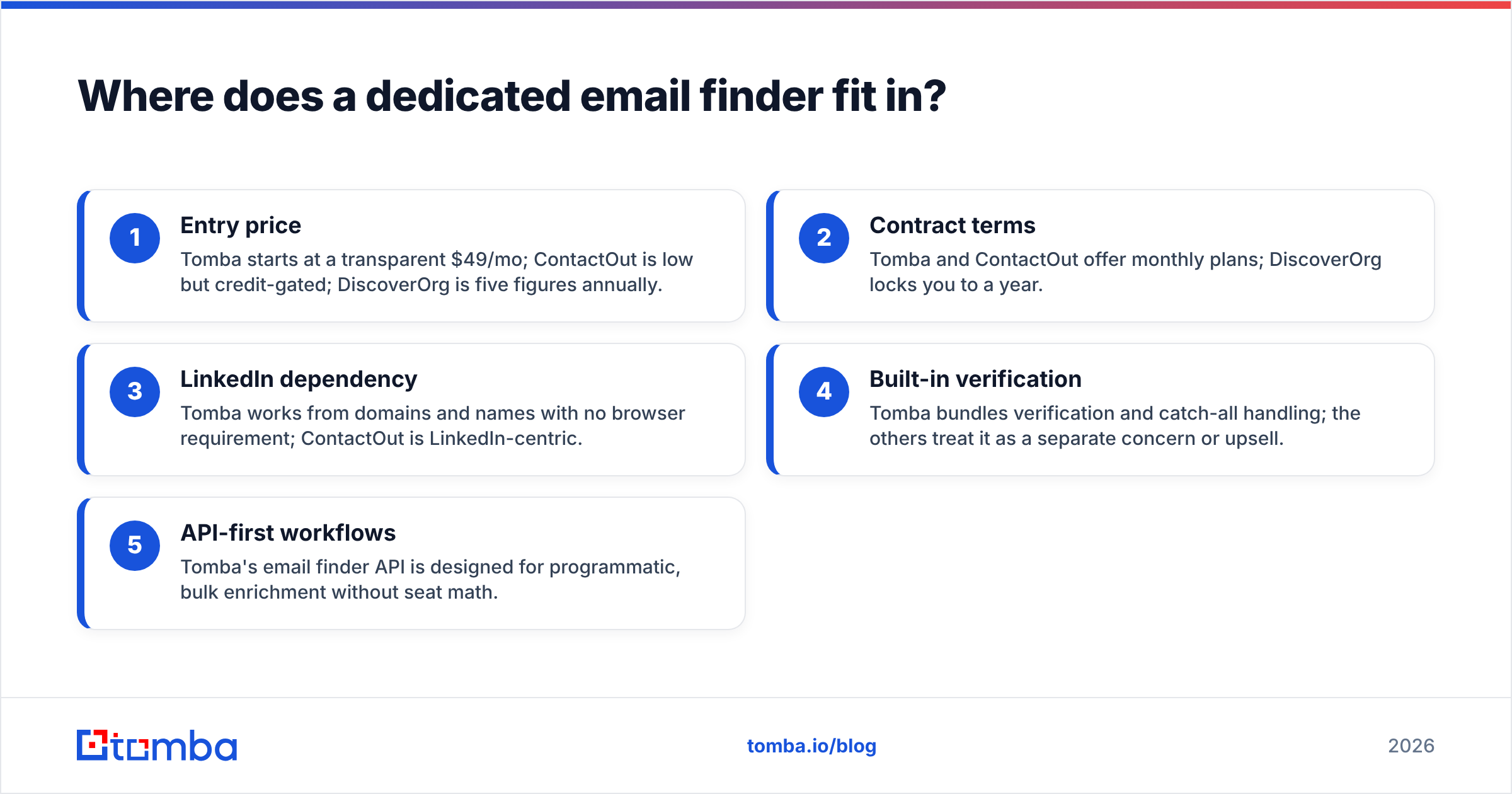
- Entry price — Tomba starts at a transparent $49/mo; ContactOut is low but credit-gated; DiscoverOrg is five figures annually.
- Contract terms — Tomba and ContactOut offer monthly plans; DiscoverOrg locks you to a year.
- LinkedIn dependency — Tomba works from domains and names with no browser requirement; ContactOut is LinkedIn-centric.
- Built-in verification — Tomba bundles verification and catch-all handling; the others treat it as a separate concern or upsell.
- API-first workflows — Tomba's email finder API is designed for programmatic, bulk enrichment without seat math.

None of this means Tomba replaces ZoomInfo's intent engine or ContactOut's personal-email index. It means that for the most common outbound need — verified work emails at predictable cost — a dedicated finder is the efficient choice, and you can layer it alongside a heavier platform.
ContactOut vs DiscoverOrg: pros and cons#
ContactOut pros
- Excellent personal email coverage for recruiting
- Fast LinkedIn-native workflow via Chrome extension
- Self-serve, month-to-month friendly pricing
ContactOut cons
- Heavily dependent on LinkedIn profiles existing
- Separate, fast-burning email and phone credit pools
- Shallow firmographics and no account intelligence
DiscoverOrg / ZoomInfo pros
- Deep org charts, intent data, and technographics
- Strong verified business emails and direct dials
- Enterprise-grade CRM and sequencer integrations
DiscoverOrg / ZoomInfo cons
- Opaque, expensive, annual-only contracts
- Seat-based scaling and export caps
- Renewal friction reported widely by buyers
How to choose between ContactOut and DiscoverOrg#
Use this quick decision guide:
- You are a recruiter or founder-led team living in LinkedIn → ContactOut. Its personal-email hit rate is the differentiator, and the price fits.
- You are an enterprise ABM org needing org charts, intent, and dials at scale → DiscoverOrg/ZoomInfo, budget permitting. Nothing else matches its account depth.
- You mainly need verified business emails at predictable cost → skip both platforms' overhead and use a focused email finder like Tomba, optionally alongside one of them.
- You are unsure and cost-sensitive → start with a free tier, test hit rate on your own list, and only scale into an annual contract once the ROI is proven.
The most common expensive mistake is buying DiscoverOrg for a job a $49 finder does. The second most common is expecting ContactOut to deliver enterprise account intelligence it was never built for. Match the tool to the job, not to the brand.
The bottom line#
ContactOut and DiscoverOrg do not really compete — one is a LinkedIn sourcing scalpel, the other an enterprise data platform. Choose ContactOut for personal emails and recruiting flexibility; choose DiscoverOrg/ZoomInfo for account depth, intent, and dials if the budget clears. And if your actual need is simply verified, deliverable business emails without a LinkedIn dependency or an annual contract, a dedicated finder wins on both price and focus.
Want verified emails today without a five-figure commitment? Try the Tomba Email Finder — free to start with 25 searches a month, transparent Tomba pricing from $49/mo, and built-in verification so your list is deliverable before you hit send.
Related guides#
Ready to find emails that actually work?
Join 150,000+ professionals who stopped guessing and started sending. Free credits on signup — no credit card required.
Get the Tomba newsletter
Practical outbound tactics and product updates — once every two weeks.
About the author