ContactOut vs EmailVerify.io: Finder and Verifier Compared
ContactOut finds emails; EmailVerify.io cleans them. They solve different halves of the same problem. Here's which one you actually need in 2026 — and where a single tool beats running both.
Most "ContactOut vs EmailVerify.io" comparisons make a quiet mistake: they treat the two tools as rivals. They aren't. One finds contact data. The other checks whether email addresses are deliverable. Pit them head-to-head and you end up asking the wrong question — "which is better?" — when the real question is "which job am I trying to do, and do I need both?"
This guide fixes that. We'll define what each tool actually does, compare them on price and accuracy, show where they overlap, and explain when running a separate finder and verifier is worth the extra subscription — versus when a single platform that does both is the cheaper, cleaner call.
TL;DR: ContactOut vs EmailVerify.io at a glance#
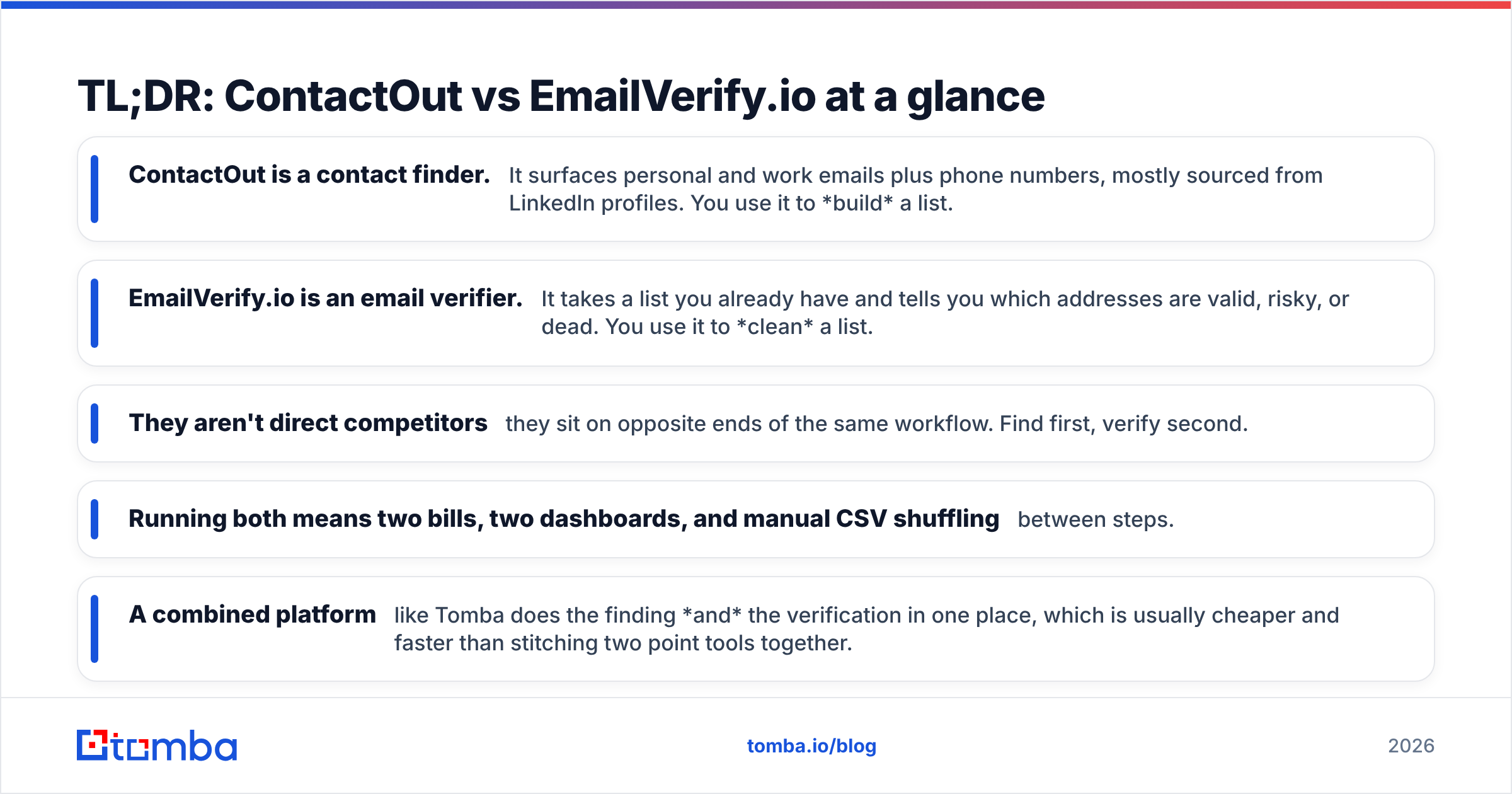
- ContactOut is a contact finder. It surfaces personal and work emails plus phone numbers, mostly sourced from LinkedIn profiles. You use it to build a list.
- EmailVerify.io is an email verifier. It takes a list you already have and tells you which addresses are valid, risky, or dead. You use it to clean a list.
- They aren't direct competitors — they sit on opposite ends of the same workflow. Find first, verify second.
- Running both means two bills, two dashboards, and manual CSV shuffling between steps.
- A combined platform like Tomba does the finding and the verification in one place, which is usually cheaper and faster than stitching two point tools together.

What does ContactOut actually do?#
ContactOut is a B2B contact-data platform built around a LinkedIn Chrome extension. You browse a prospect's profile, click the extension, and it returns their work email, personal email, and often a phone number. It also offers a search portal and an API for pulling contacts at scale without manually visiting profiles.
Its core promise is coverage of hard-to-find personal data — the Gmail address a decision-maker actually reads, not just the info@ inbox. That's genuinely useful for recruiters and founders doing high-touch outreach to a short list of named people.
Where ContactOut is weaker: it's a finder, not a hygiene tool. It'll tell you an email exists, but it doesn't run the deep, ongoing deliverability checks that keep your sender reputation clean. If you push ContactOut data straight into a cold-email sequence without a verification pass, you're trusting its match confidence blind. You can read more on their official site.
What does EmailVerify.io actually do?#
EmailVerify.io is a dedicated email verification service. You upload a list — from a lead magnet, an old CRM export, a scraped set, or a finder like ContactOut — and it validates each address through syntax checks, MX-record lookups, and SMTP pings. The output flags addresses as valid, invalid, catch-all, disposable, or role-based.
The point is protecting deliverability. Every hard bounce chips away at your sender reputation, and mailbox providers punish senders whose bounce rates climb past ~2–3%. A verifier is the seatbelt: it strips the dead weight before you hit send.
What EmailVerify.io does not do is find new contacts. Give it an empty list and it has nothing to work with. It's the second half of the workflow, not the first. Their capabilities are documented on their homepage.
ContactOut vs EmailVerify.io: side-by-side comparison#
Because the two tools do different jobs, the honest comparison is about fit, not a single winner. Here's how they line up.
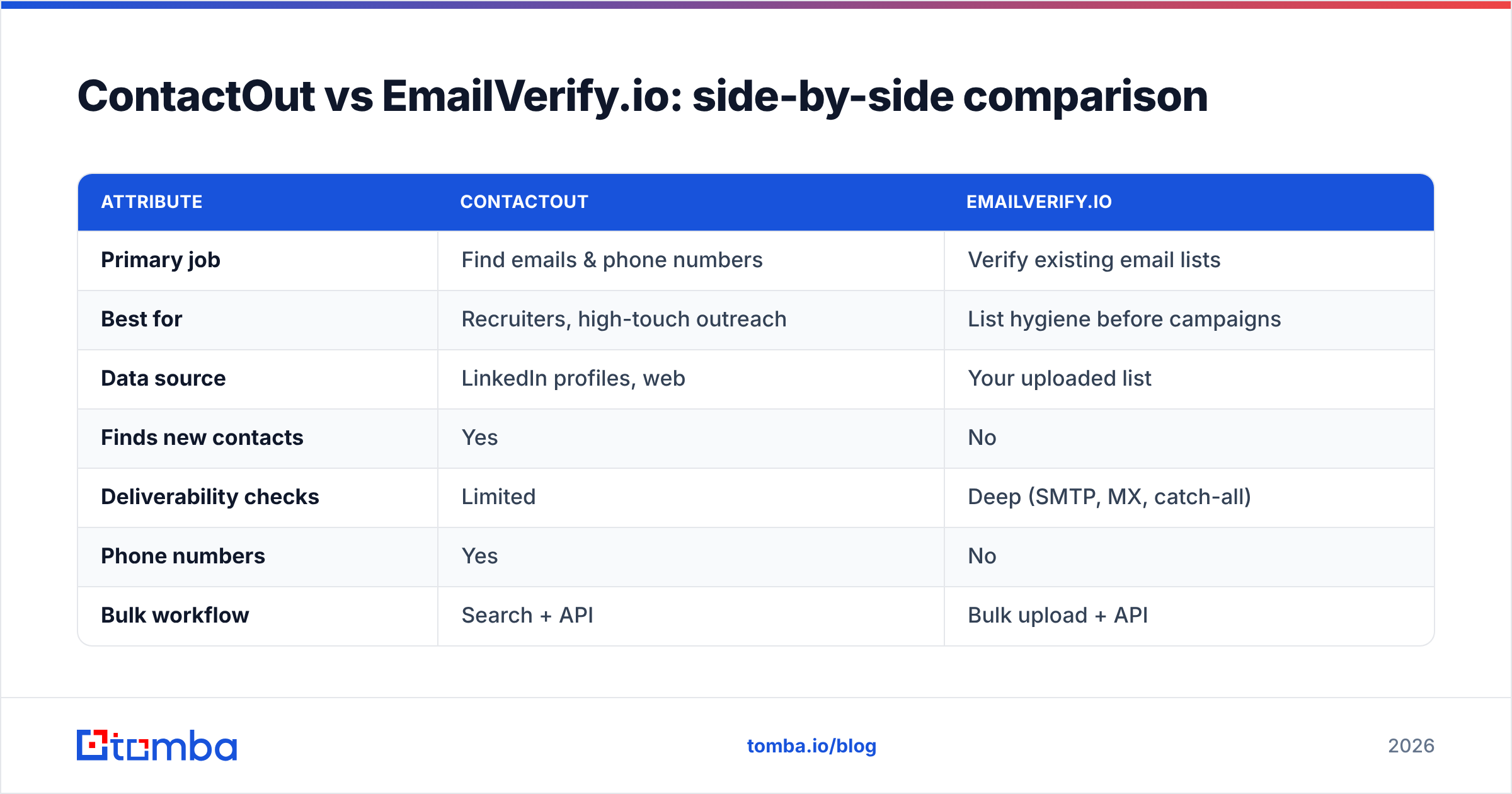
| Attribute | ContactOut | EmailVerify.io |
|---|---|---|
| Primary job | Find emails & phone numbers | Verify existing email lists |
| Best for | Recruiters, high-touch outreach | List hygiene before campaigns |
| Data source | LinkedIn profiles, web | Your uploaded list |
| Finds new contacts | Yes | No |
| Deliverability checks | Limited | Deep (SMTP, MX, catch-all) |
| Phone numbers | Yes | No |
| Bulk workflow | Search + API | Bulk upload + API |
| Where it sits in workflow | Step 1 (build) | Step 2 (clean) |
Read that table and the real conclusion jumps out: choosing between them is like choosing between a hammer and a tape measure. If you have zero contacts, EmailVerify.io can't help you. If your list is already dirty, ContactOut won't clean it.
Is ContactOut better than EmailVerify.io?#
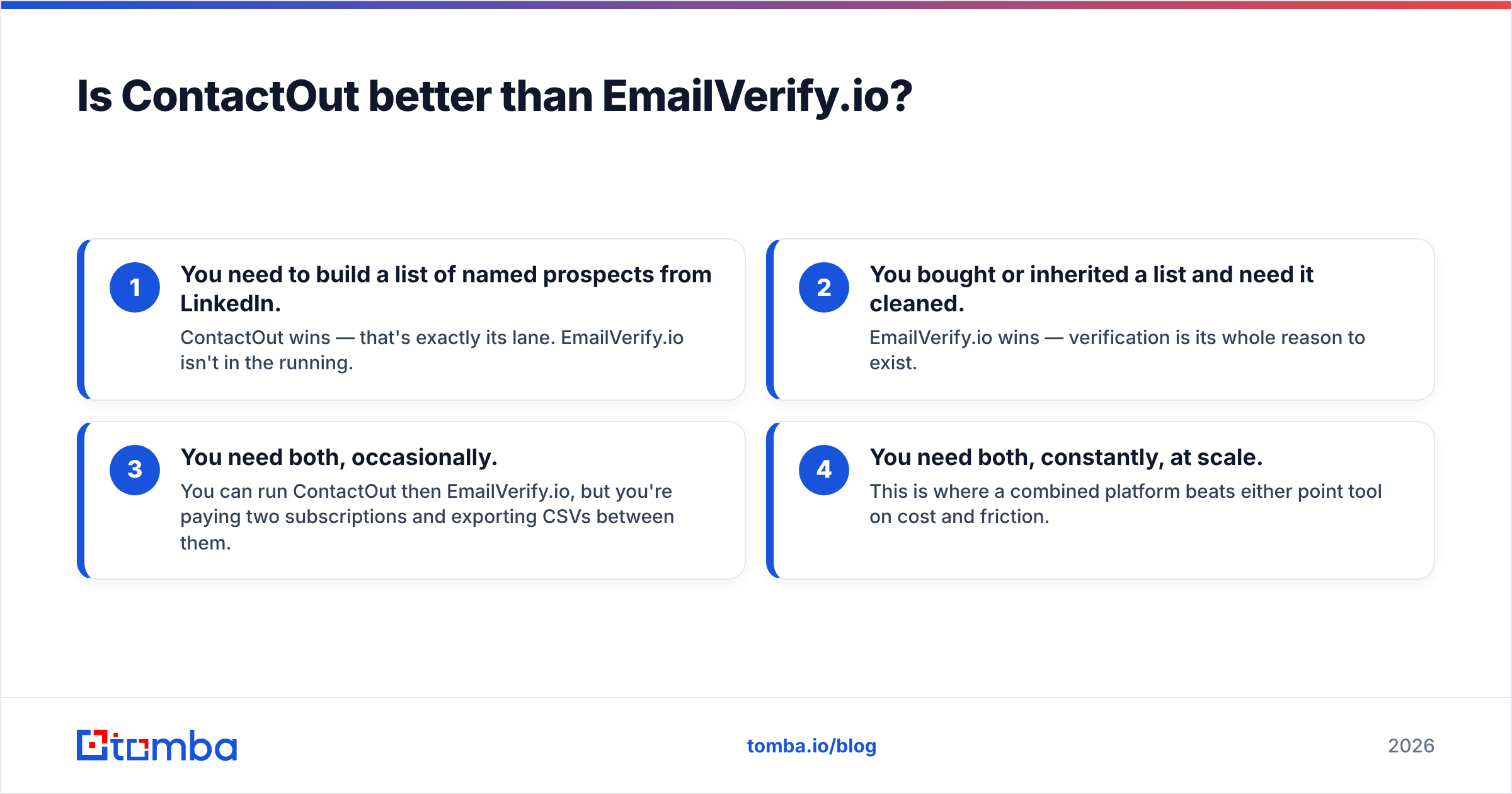
Only for its own job. Here's the decision in four cases:
- You need to build a list of named prospects from LinkedIn. ContactOut wins — that's exactly its lane. EmailVerify.io isn't in the running.
- You bought or inherited a list and need it cleaned. EmailVerify.io wins — verification is its whole reason to exist.
- You need both, occasionally. You can run ContactOut then EmailVerify.io, but you're paying two subscriptions and exporting CSVs between them.
- You need both, constantly, at scale. This is where a combined platform beats either point tool on cost and friction.
Notice that in three of four cases you actually want finding and verification together. That's the pattern most outbound teams fall into — and it's the argument for not splitting the workflow across two vendors.
Why the "finder vs verifier" split costs you#
Running separate tools looks fine on paper and gets annoying in practice. Every list becomes a relay race: find in ContactOut, export to CSV, upload to EmailVerify.io, wait, download, re-import to your CRM or sequencer. Multiply that by every campaign and every teammate.
You also pay twice, and the two credit systems rarely align. You might have finder credits left but verification credits gone — or the reverse — right when you need to ship a campaign.

The manual CSV hop is the quiet tax. Data gets stale between steps, columns get mismatched, and someone eventually emails a list that was found weeks ago and never re-verified. A single pipeline removes the seams.
How does Tomba compare to running both?#
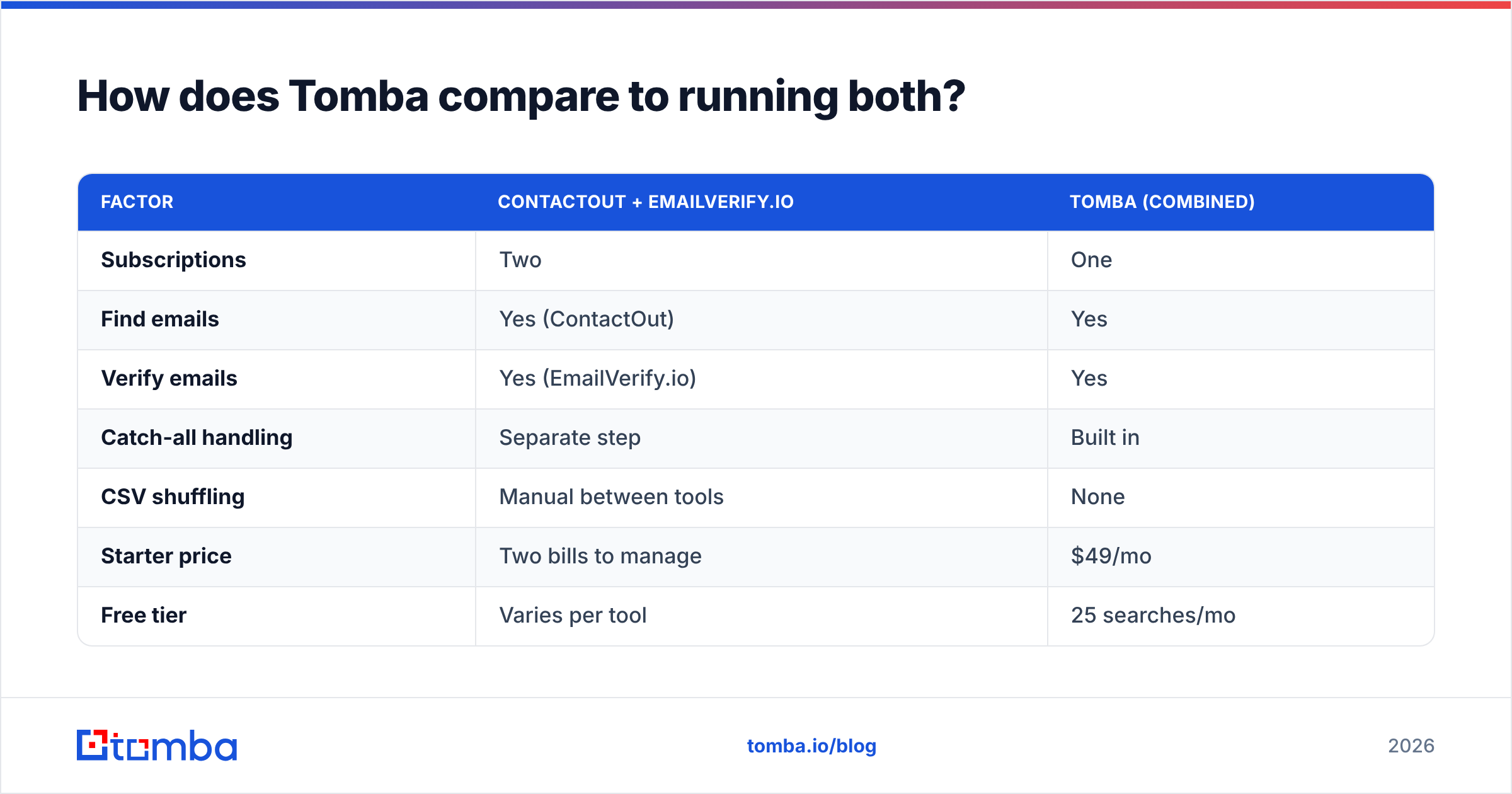
Tomba collapses the two-tool workflow into one. You find email addresses by domain, name, or company, and you verify emails in the same account — including a dedicated catch-all verifier for the tricky domains that trip up generic checkers. For volume work, the bulk email finder handles finding and verifying a whole list in one pass.
Here's how the three approaches stack up for a team that needs both jobs done.
| Factor | ContactOut + EmailVerify.io | Tomba (combined) |
|---|---|---|
| Subscriptions | Two | One |
| Find emails | Yes (ContactOut) | Yes |
| Verify emails | Yes (EmailVerify.io) | Yes |
| Catch-all handling | Separate step | Built in |
| CSV shuffling | Manual between tools | None |
| Starter price | Two bills to manage | $49/mo |
| Free tier | Varies per tool | 25 searches/mo |
| Single API | No | Yes |
Tomba's plans run from a free tier (25 searches/mo) to Starter at $49/mo, Growth at $99/mo, and Pro at $249/mo, with Enterprise custom — full Tomba pricing is public. The pitch isn't "Tomba beats ContactOut at finding" or "Tomba beats EmailVerify.io at verifying" in isolation. It's that most teams need both, and paying for and syncing two tools is worse than paying for one that does the whole loop.
What about accuracy — does combining tools hurt quality?#
Reasonable worry, wrong conclusion. Accuracy in this workflow comes from two things: how well the finder matches a real person to a real address, and how well the verifier confirms that address is live. A combined tool that does both to a high standard removes an accuracy leak — the gap where found-but-unverified data sits in your list pretending to be clean.
The failure mode with split tools isn't that either one is bad. It's that people skip the verification step when it lives in a separate login. A finder-plus-verifier in one place makes "verify before you send" the default, not an extra chore. Independent reviews on directories like G2 are a good sanity check on any vendor's real-world accuracy before you commit.
Which should you choose in 2026?#
- Choose ContactOut if your job is sourcing named individuals off LinkedIn and you already have a separate way to verify — recruiting and founder-led sales are its sweet spot.
- Choose EmailVerify.io if you have lists coming in from many sources and your only need is deliverability hygiene.
- Choose a combined platform like Tomba if you regularly do both — find and verify — and you'd rather run one pipeline, one API, and one bill than glue two point tools together with spreadsheets.
The framing that started this piece is the takeaway: ContactOut vs EmailVerify.io isn't a duel. It's two halves of the same job. Once you see it that way, the question stops being "which tool wins" and becomes "do I want two tools or one."
Ready to stop juggling two subscriptions?#
If your team finds contacts and needs them verified before every send, running ContactOut and EmailVerify.io side by side means two logins, two invoices, and a CSV relay in between. Tomba's Email Finder closes that loop — find professional emails by domain, name, or company, then verify them without leaving the app. Start on the free tier (25 searches/mo) and see whether one pipeline beats two. When you outgrow it, Tomba plans scale from $49/mo without adding a second vendor to manage.
Related guides#
Ready to find emails that actually work?
Join 150,000+ professionals who stopped guessing and started sending. Free credits on signup — no credit card required.
Get the Tomba newsletter
Practical outbound tactics and product updates — once every two weeks.
About the author