ContactOut vs Gumbamail: Email Finder vs Email Marketing
ContactOut finds B2B contacts; Gumbamail sends email campaigns. They solve different halves of outreach — here's which you actually need, and where a finder like Tomba fits.
Most "ContactOut vs Gumbamail" searches start from a wrong assumption: that these two tools do the same job and you have to pick one. They don't, and you probably don't. One finds the people you want to email. The other sends email to people you already have. Confusing them is how teams end up paying for two tools that don't talk to each other — or worse, blasting a scraped list through a marketing platform and torching their domain reputation in a week.
This guide untangles the two, shows where each genuinely wins, and explains where a dedicated email finder like Tomba belongs in the picture.
TL;DR#
- ContactOut is a B2B contact-data tool: it finds personal and work emails plus phone numbers, mostly off LinkedIn profiles. It's built for recruiters and sales prospecting.
- Gumbamail is an email-marketing platform: it sends newsletters and campaigns to lists you already own, with templates, automation, and open/click reporting.
- They are complementary, not competitors — you find contacts with one category of tool and send with another.
- If your bottleneck is getting accurate emails at scale, ContactOut is the closer comparison — and tools like Tomba match or beat it on verified-email accuracy and API access.
- If your bottleneck is sending to an existing opted-in list, Gumbamail is the relevant tool and ContactOut is irrelevant.
What is ContactOut?#
ContactOut is a contact-intelligence platform aimed at recruiters, sales reps, and anyone doing cold outreach. Its core promise is finding a person's contact details — work email, personal email, and phone number — from a LinkedIn profile or a name-plus-company. It ships a Chrome extension that overlays contact data on LinkedIn, a searchable database, and bulk export tools.
The typical ContactOut workflow: you're on a prospect's LinkedIn page, click the extension, and it surfaces candidate emails. You export a batch, drop them into a CRM or sequencer, and start outreach. It's a top-of-funnel tool — its job ends the moment you have the address.
Because it leans heavily on personal emails, ContactOut is popular with recruiters who want to reach candidates outside of work channels. That same personal-email focus is a double-edged sword for B2B sales, where a verified work email usually deliverables better and looks less intrusive.
What is Gumbamail?#
Gumbamail (originally a Spanish-market product) is an email and SMS marketing platform. Think Mailchimp-style: you import a list of subscribers, design a campaign with a drag-and-drop editor, schedule it, and read the open/click/bounce report afterward. It supports automations, autoresponders, and list segmentation.
Crucially, Gumbamail assumes you already have permission to email these people. It's built around opt-in subscriber lists — newsletter signups, customers, event registrants. It does not find new contacts. If you feed it a cold, scraped list, you'll trip spam complaints and get your account limited fast, because that's not what the platform (or email law like GDPR/CAN-SPAM) is designed for.

ContactOut vs Gumbamail: what's the actual difference?#
The cleanest way to see it is to line up what each tool is for, not just feature-by-feature. These sit at opposite ends of the outreach pipeline.
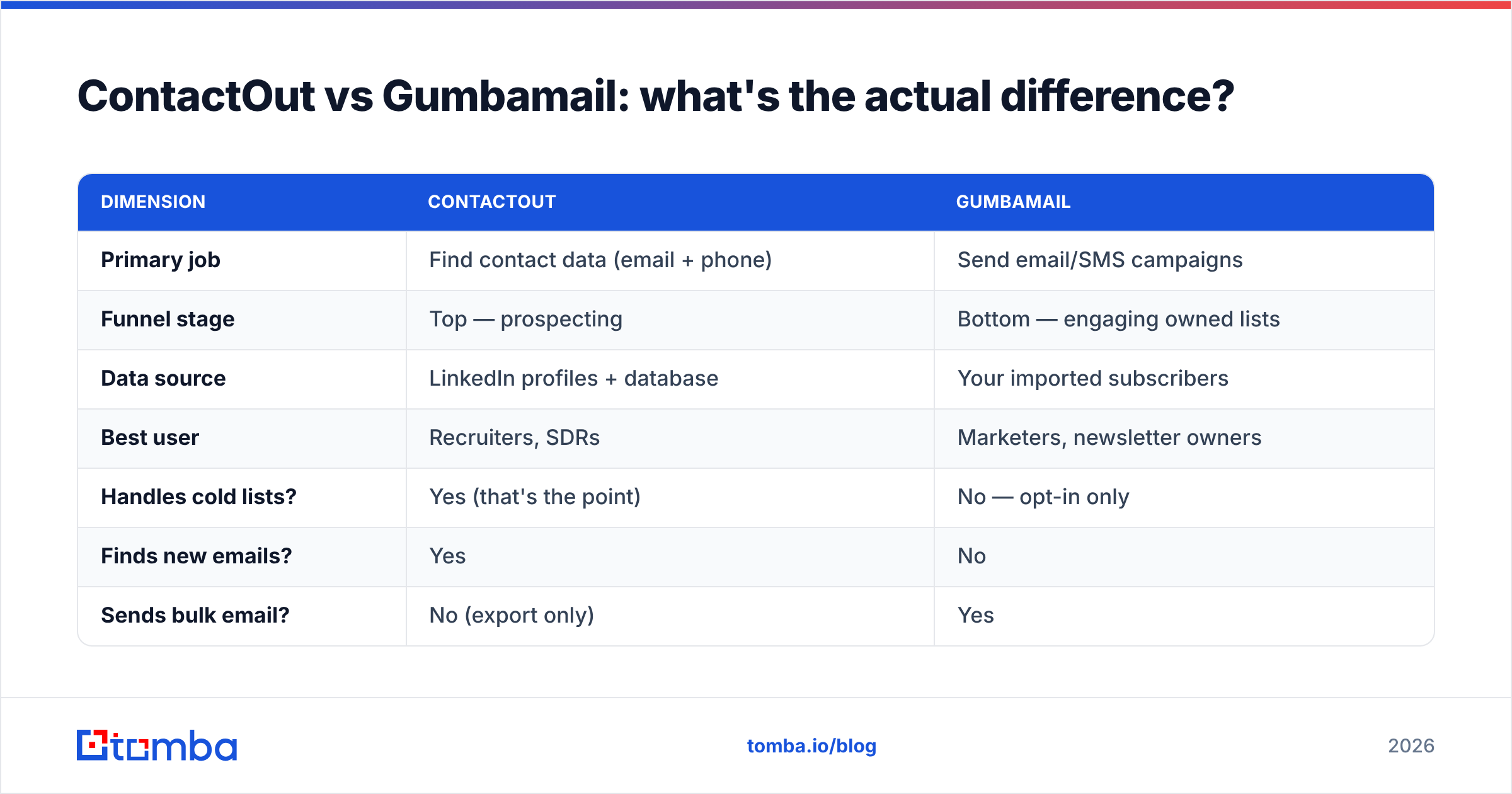
| Dimension | ContactOut | Gumbamail |
|---|---|---|
| Primary job | Find contact data (email + phone) | Send email/SMS campaigns |
| Funnel stage | Top — prospecting | Bottom — engaging owned lists |
| Data source | LinkedIn profiles + database | Your imported subscribers |
| Best user | Recruiters, SDRs | Marketers, newsletter owners |
| Handles cold lists? | Yes (that's the point) | No — opt-in only |
| Finds new emails? | Yes | No |
| Sends bulk email? | No (export only) | Yes |
| Verification built in? | Limited | Bounce handling on send |
| API for developers | Yes (paid tiers) | Yes |
Read that table and the "vs" dissolves. Asking whether ContactOut is better than Gumbamail is like asking whether a fishing rod is better than a frying pan. You use them in sequence: find the contacts, then (only with proper consent for marketing sends) reach them.
Which one do you actually need?#
Work backward from your bottleneck. Here's a quick decision framework.
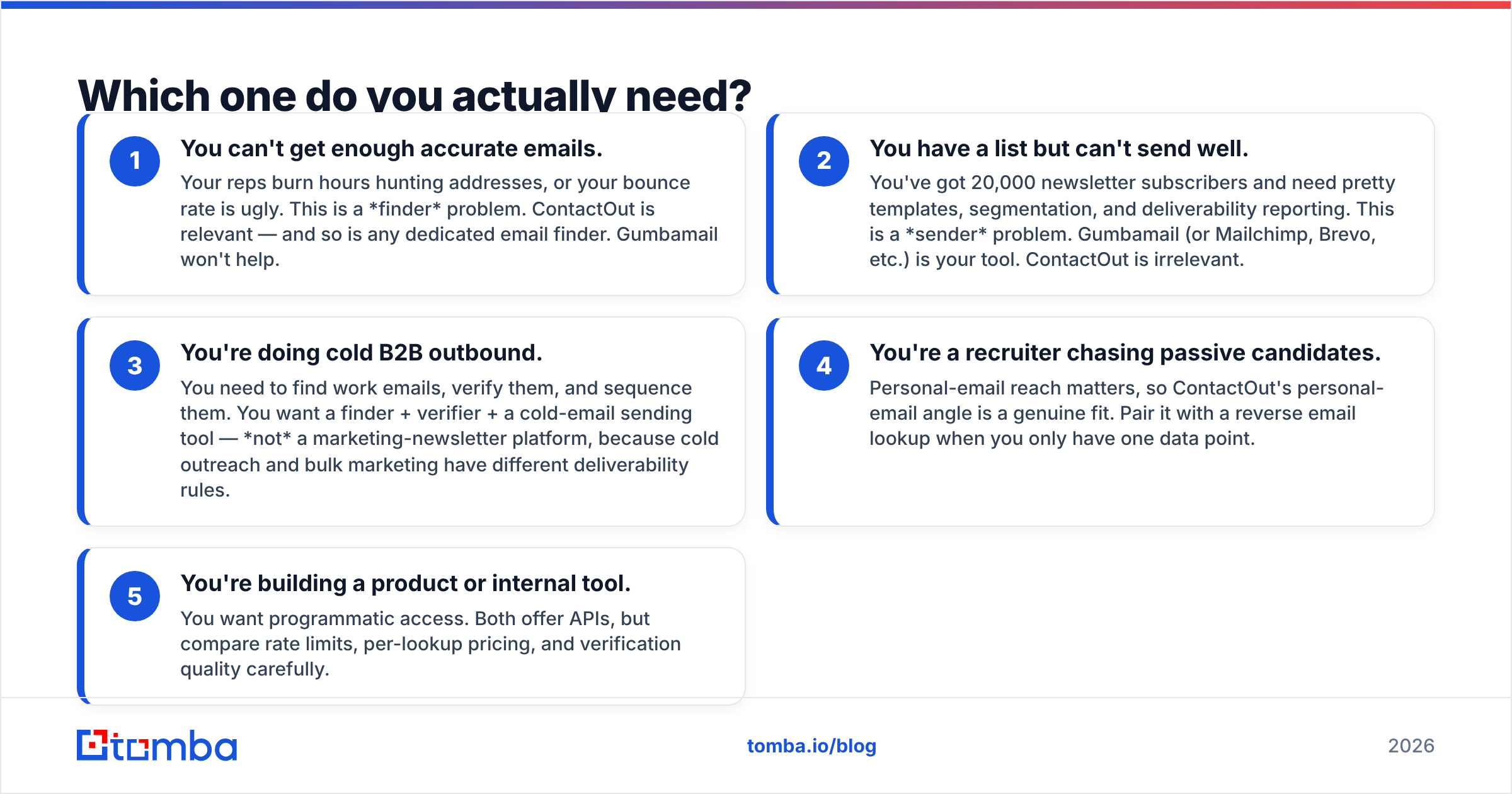
- You can't get enough accurate emails. Your reps burn hours hunting addresses, or your bounce rate is ugly. This is a finder problem. ContactOut is relevant — and so is any dedicated email finder. Gumbamail won't help.
- You have a list but can't send well. You've got 20,000 newsletter subscribers and need pretty templates, segmentation, and deliverability reporting. This is a sender problem. Gumbamail (or Mailchimp, Brevo, etc.) is your tool. ContactOut is irrelevant.
- You're doing cold B2B outbound. You need to find work emails, verify them, and sequence them. You want a finder + verifier + a cold-email sending tool — not a marketing-newsletter platform, because cold outreach and bulk marketing have different deliverability rules.
- You're a recruiter chasing passive candidates. Personal-email reach matters, so ContactOut's personal-email angle is a genuine fit. Pair it with a reverse email lookup when you only have one data point.
- You're building a product or internal tool. You want programmatic access. Both offer APIs, but compare rate limits, per-lookup pricing, and verification quality carefully.
If you landed on #1 or #3, keep reading — that's where the finder choice matters, and where ContactOut has real competition.
Where does Tomba fit in this comparison?#
If your real question is "how do I get accurate B2B emails," then the honest comparison isn't ContactOut vs Gumbamail — it's ContactOut vs a purpose-built finder-and-verifier. That's the lane Tomba plays in.
Tomba's stack is designed around the top-of-funnel job ContactOut does, with a few differences that matter for B2B specifically:
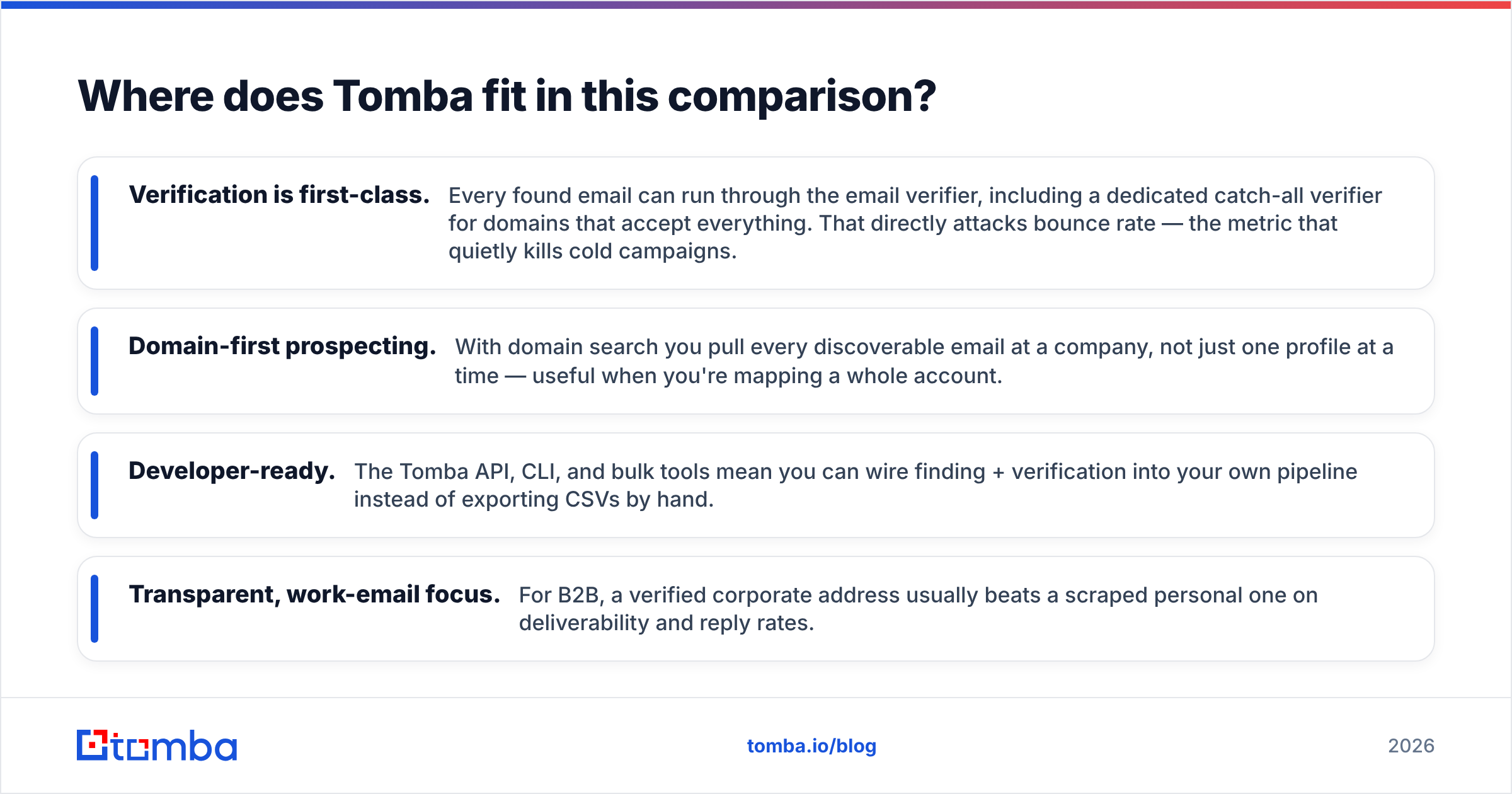
- Verification is first-class. Every found email can run through the email verifier, including a dedicated catch-all verifier for domains that accept everything. That directly attacks bounce rate — the metric that quietly kills cold campaigns.
- Domain-first prospecting. With domain search you pull every discoverable email at a company, not just one profile at a time — useful when you're mapping a whole account.
- Developer-ready. The Tomba API, CLI, and bulk tools mean you can wire finding + verification into your own pipeline instead of exporting CSVs by hand.
- Transparent, work-email focus. For B2B, a verified corporate address usually beats a scraped personal one on deliverability and reply rates.
None of this makes ContactOut "bad" — its LinkedIn overlay and personal-email coverage are genuinely strong for recruiting. It's about matching the tool to the job. For teams that measure success in verified work emails per dollar, a specialist finder is often the better fit, and worth benchmarking side by side. If you're specifically weighing ContactOut, we keep a running breakdown on the ContactOut alternative page.

How do the three compare on price and value?#
Pricing shapes the decision more than feature lists do, so here's a grounded view. (Always check each vendor's current page — plans change.)
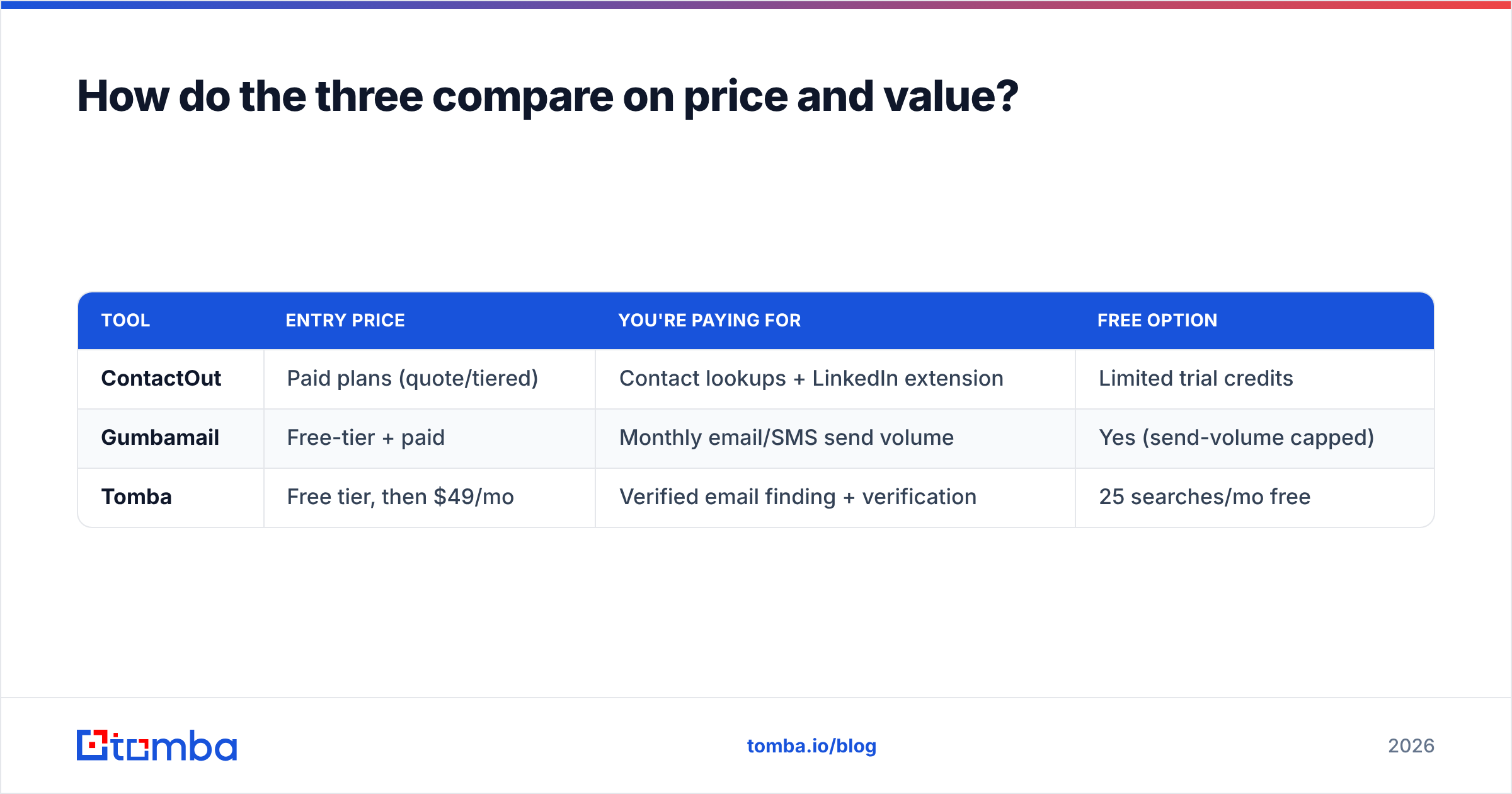
| Tool | Entry price | You're paying for | Free option |
|---|---|---|---|
| ContactOut | Paid plans (quote/tiered) | Contact lookups + LinkedIn extension | Limited trial credits |
| Gumbamail | Free-tier + paid | Monthly email/SMS send volume | Yes (send-volume capped) |
| Tomba | Free tier, then $49/mo | Verified email finding + verification | 25 searches/mo free |
Tomba's pricing is straightforward: a free tier with 25 searches per month, then Starter at $49/mo, Growth at $99/mo, Pro at $249/mo, and custom Enterprise. Note the model difference — Gumbamail charges by how much you send, while ContactOut and Tomba charge by how many contacts you look up. That's another reminder these tools live in different budget lines. You will likely pay for a finder and a sender if you run a full outbound-plus-marketing motion; they're not substitutes.
A common, costly mistake: buying only a marketing platform, importing a purchased list, and hitting send. Marketing platforms are tuned for engaged subscribers, so a cold list produces spam complaints and throttling. If you must email cold prospects, find and verify the addresses first, then use a tool built for cold sending — not a newsletter platform. Running a list through a bulk email finder with verification before it ever touches a sender is the cheapest insurance you can buy against a wrecked domain.
Can you use ContactOut and Gumbamail together?#
Technically yes, with a big caveat. You could find contacts in ContactOut, export them, and load them into Gumbamail. But you should only send marketing email to people who opted in. Cold-scraped B2B contacts are for cold outreach (one-to-one, permission-adjacent, following outbound rules) — not for bulk marketing newsletters, which have stricter consent expectations under GDPR and similar laws.
A cleaner architecture for most B2B teams:
- Find + verify: a specialist finder/verifier (Tomba, or ContactOut for personal-email-heavy recruiting).
- Sequence cold outreach: a dedicated cold-email tool with warmup and deliverability controls.
- Market to opted-in lists: Gumbamail (or Mailchimp/Brevo) for people who chose to hear from you.
Keep those three jobs — and their consent bases — separate, and your deliverability, compliance, and reporting all get easier. You can compare independent reviews of each tool on G2 to sanity-check vendor claims before you commit budget.
The verdict#
There's no single winner in ContactOut vs Gumbamail, because they aren't in the same race. Pick by the job in front of you:
- Need to find accurate B2B emails and phones? ContactOut is a legitimate contender — and you should benchmark it against a dedicated finder-and-verifier like Tomba, especially if verified work emails and API access matter.
- Need to send campaigns to an existing opted-in list? Gumbamail is your tool; ContactOut doesn't send anything.
- Doing full-cycle outbound? You'll want a finder, a verifier, and a cold-sending tool — likely two or three products, budgeted separately.
If the part that's actually slowing you down is turning names and companies into verified, deliverable emails, that's exactly what Tomba's Email Finder is built for — with a free tier of 25 searches a month so you can test accuracy on your own target accounts before spending a cent. Find the right contacts first; the sending gets a lot easier once the list is clean.
Related guides#
Ready to find emails that actually work?
Join 150,000+ professionals who stopped guessing and started sending. Free credits on signup — no credit card required.
Get the Tomba newsletter
Practical outbound tactics and product updates — once every two weeks.
About the author