ContactOut vs Interseller (2026): Which Wins for Sourcing?
ContactOut is a contact database with a Chrome extension; Interseller is a sourcing-plus-outreach engine. Here's an honest breakdown of which fits recruiters, SDRs, and lean teams in 2026 — and where a cheaper stack beats both.
Choosing between ContactOut and Interseller is really a choice between two philosophies. One is a contact-data engine you bolt onto LinkedIn. The other is a sourcing-and-outreach machine that finds the person and emails them for you. Picking the wrong one means paying for half a workflow you don't use.
This is a neutral, hands-on comparison — coverage, automation, pricing, and the exact situations where each tool wins. And because both carry per-seat pricing that adds up fast, we'll also show where a leaner data stack undercuts both without losing accuracy.
TL;DR: ContactOut vs Interseller in one screen#
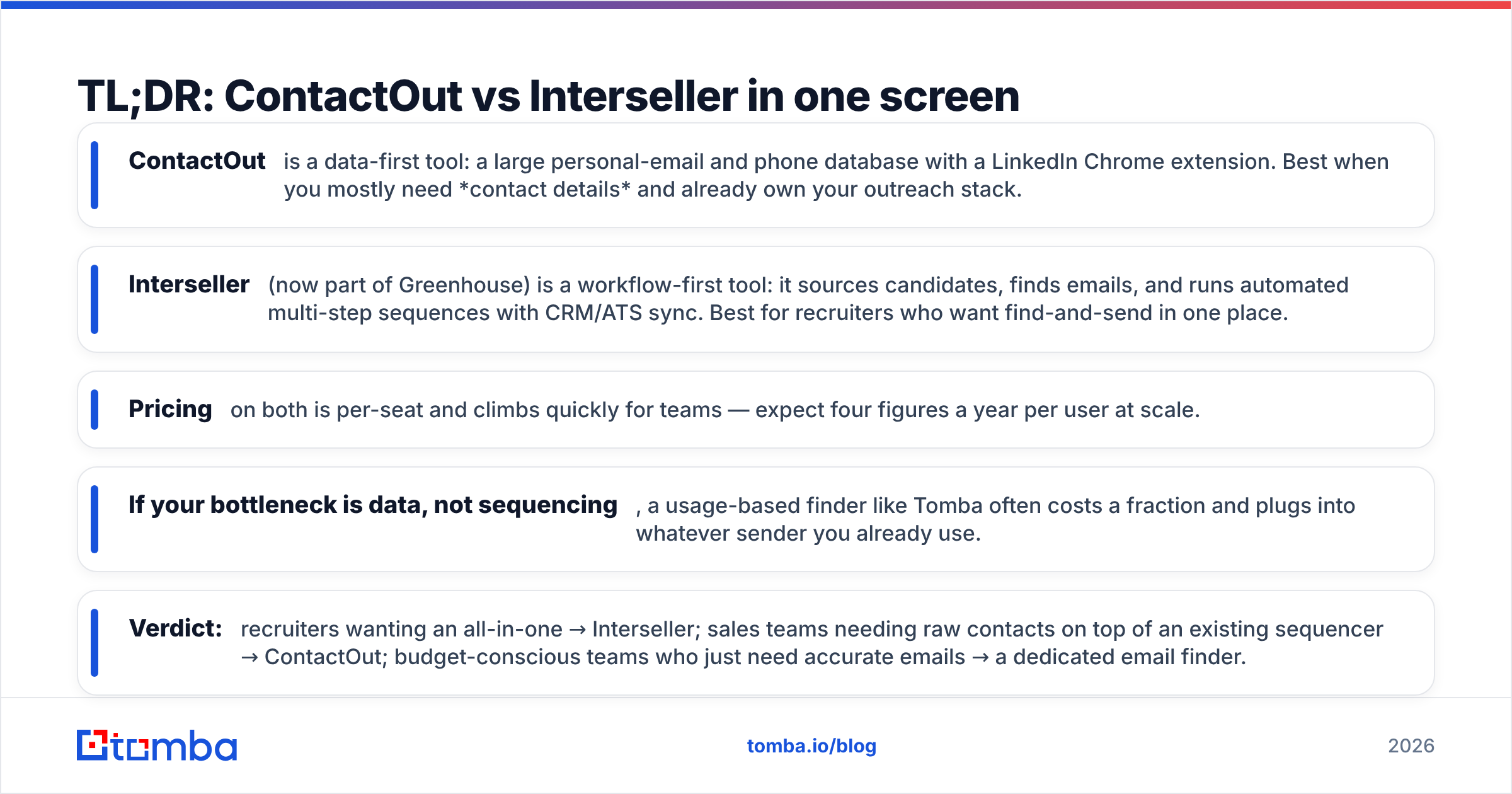
- ContactOut is a data-first tool: a large personal-email and phone database with a LinkedIn Chrome extension. Best when you mostly need contact details and already own your outreach stack.
- Interseller (now part of Greenhouse) is a workflow-first tool: it sources candidates, finds emails, and runs automated multi-step sequences with CRM/ATS sync. Best for recruiters who want find-and-send in one place.
- Pricing on both is per-seat and climbs quickly for teams — expect four figures a year per user at scale.
- If your bottleneck is data, not sequencing, a usage-based finder like Tomba often costs a fraction and plugs into whatever sender you already use.
- Verdict: recruiters wanting an all-in-one → Interseller; sales teams needing raw contacts on top of an existing sequencer → ContactOut; budget-conscious teams who just need accurate emails → a dedicated email finder.
What is ContactOut and who is it for?#
ContactOut is a contact-intelligence platform built around a Chrome extension that reveals personal and work emails plus phone numbers directly on LinkedIn and GitHub profiles. It markets a large database of professional contacts and leans heavily on personal email coverage, which is why recruiters like it for reaching passive candidates who ignore work inboxes.
The core loop: browse a profile, click the extension, get contact details, export to CSV or push to your CRM. ContactOut also offers a search portal and an API for programmatic lookups. What it deliberately does not try to be is your outreach tool. There's light email functionality, but sequencing, deliverability tooling, and reply management are not the point. You bring your own sender.
That makes ContactOut a strong fit if you already run Outreach, Salesloft, or a cold-email platform and simply need a reliable contact tap feeding it.

What is Interseller and who is it for?#
Interseller is an end-to-end sourcing and outreach platform, acquired by Greenhouse and pointed squarely at agency and in-house recruiters. It combines three jobs most teams stitch together with separate tools:
- Sourcing — find candidates or prospects from LinkedIn and other sources.
- Email discovery — resolve and verify a reachable address for each person.
- Automated outreach — drop contacts into multi-step, drip-style email sequences that stop automatically on reply.
On top of that, Interseller syncs two-way with major ATS and CRM systems, so a candidate who replies updates the record you already track. For a recruiter running high-volume passive outreach, that single-pane workflow is the whole pitch: you never leave the tool between finding someone and emailing them.
The trade-off is scope. Interseller is optimized for recruiting-style outreach. If you're a sales org with an existing revenue stack, you may be paying for a sequencer you'd rather not replace.
ContactOut vs Interseller: the core differences#
The cleanest way to see the split is by what each tool owns in your workflow.
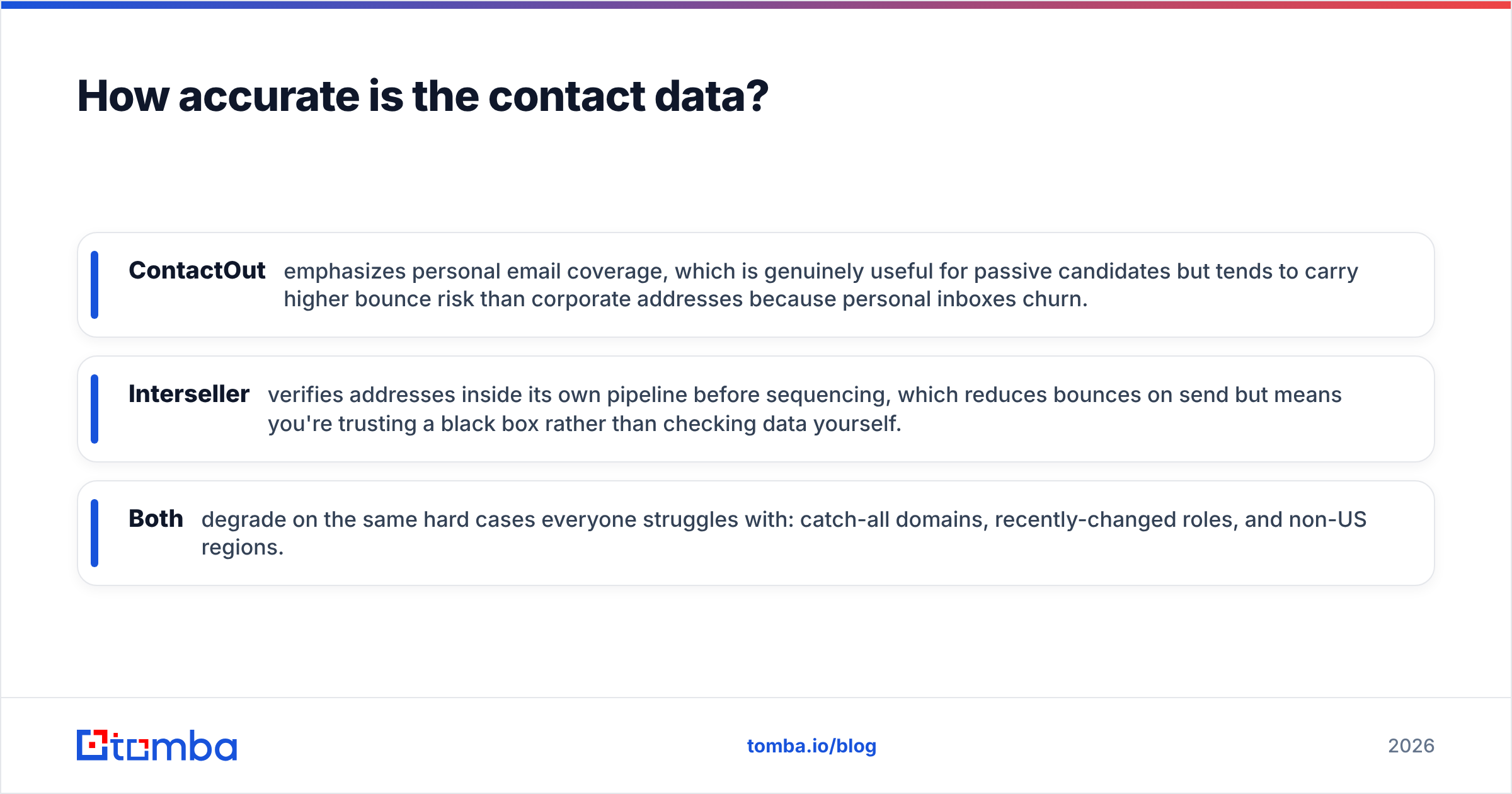
| Dimension | ContactOut | Interseller |
|---|---|---|
| Primary job | Contact data + phone lookup | Sourcing + automated outreach |
| Best user | SDRs, recruiters with own sender | Recruiters wanting all-in-one |
| Email sequencing | Minimal / bring your own | Built-in multi-step drips |
| Personal email focus | Strong selling point | Available, secondary |
| ATS/CRM sync | Export + integrations | Deep two-way sync |
| Chrome extension | Core of the product | Supporting tool |
| Pricing model | Per-seat, credit-tiered | Per-seat subscription |
| Free entry | Limited free tier | Trial-based |
The short version: ContactOut sells you data; Interseller sells you a workflow. If you already have a sequencing engine and a clean list-to-CRM pipe, ContactOut slots in as the data layer. If you're starting from a blank slate and want find-source-send in one login, Interseller removes the integration work.
Neither, notably, is primarily a sales-email deliverability tool. Both help you get an address; keeping that address out of spam is still on you — which is why sender reputation and list hygiene matter regardless of which you pick.
How accurate is the contact data?#
Data quality is where these tools live or die, and it's also where honest comparison gets hard — published accuracy numbers come from vendor marketing, not neutral labs. A few grounded points instead of hype:
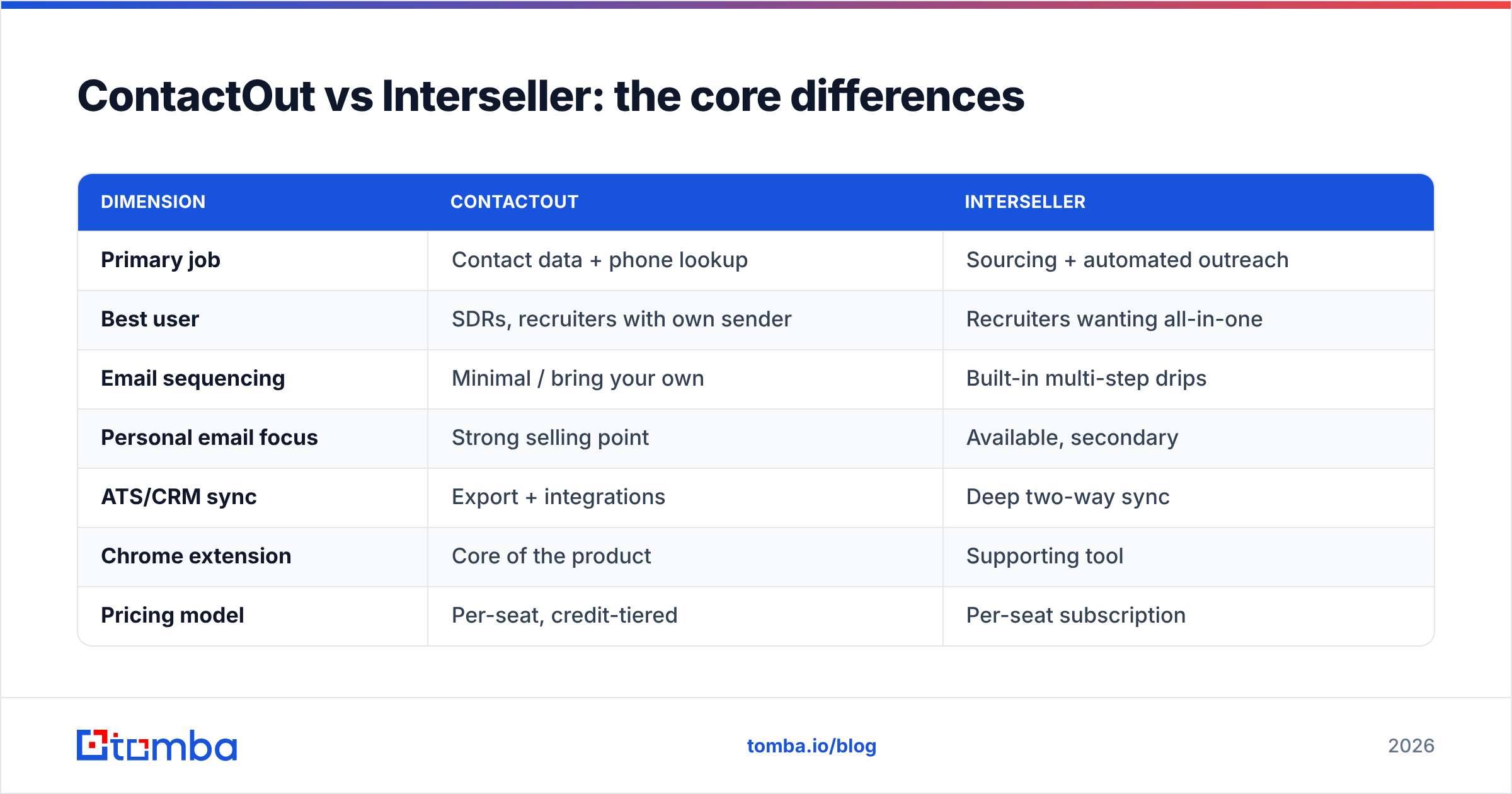
- ContactOut emphasizes personal email coverage, which is genuinely useful for passive candidates but tends to carry higher bounce risk than corporate addresses because personal inboxes churn.
- Interseller verifies addresses inside its own pipeline before sequencing, which reduces bounces on send but means you're trusting a black box rather than checking data yourself.
- Both degrade on the same hard cases everyone struggles with: catch-all domains, recently-changed roles, and non-US regions.
The practical takeaway is to never trust a single source blindly. Whatever tool surfaces an address, run it through an independent email verifier before a real campaign, and treat catch-all domains with a dedicated catch-all verifier rather than assuming valid. A two-step "find, then verify with a second vendor" habit beats arguing over whose marketing page claims the higher percentage.

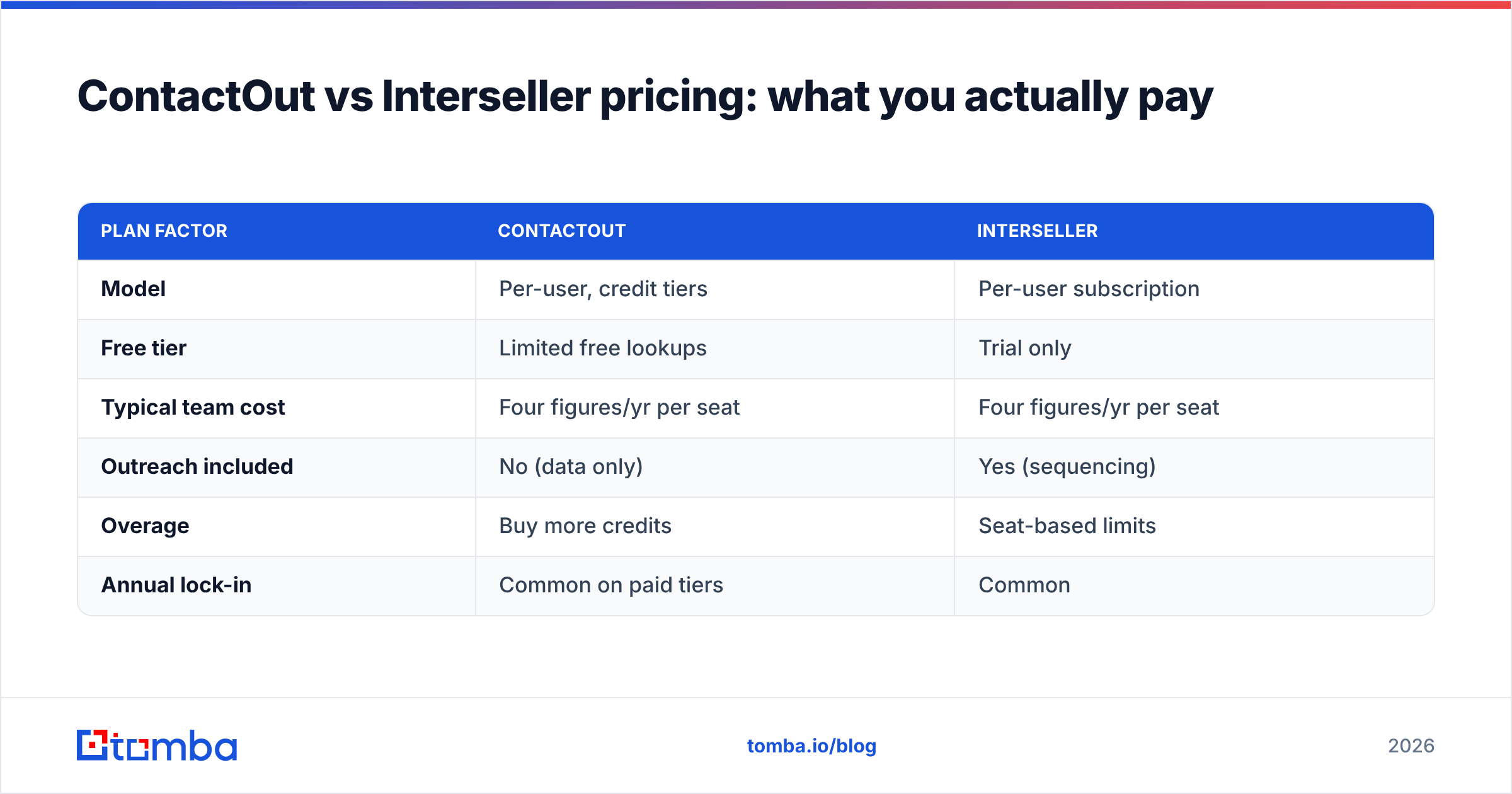
ContactOut vs Interseller pricing: what you actually pay#
Both tools are per-seat and quote-heavy, so exact numbers shift, but the shape of the cost is what matters for a buying decision.
| Plan factor | ContactOut | Interseller |
|---|---|---|
| Model | Per-user, credit tiers | Per-user subscription |
| Free tier | Limited free lookups | Trial only |
| Typical team cost | Four figures/yr per seat | Four figures/yr per seat |
| Outreach included | No (data only) | Yes (sequencing) |
| Overage | Buy more credits | Seat-based limits |
| Annual lock-in | Common on paid tiers | Common |
The honest budgeting note: with either tool, a five-person team is looking at a meaningful annual commitment, and per-seat pricing punishes you for adding occasional users. Interseller's cost bundles outreach you'd otherwise pay for separately, so it can be cheaper in total for a recruiting team with no existing sequencer. ContactOut can be more expensive in total if you still have to pay for a sender on top.
This is exactly where a usage-based finder changes the math. Instead of paying per seat whether or not someone searches, you pay for lookups. Tomba's pricing runs a free tier at 25 searches/month, Starter at $49/mo, Growth at $99/mo, and Pro at $249/mo — and every seat on the team can share the pool. For a team whose real need is accurate emails feeding an existing sender, that structure often beats both tools here on cost per usable contact.
When should you pick ContactOut?#
Pick ContactOut when:
- Your outreach stack already exists. You run a sequencer or cold-email tool and just need a dependable contact tap.
- Personal emails and phone numbers matter. Recruiting passive candidates, or sales into people who never read work inboxes.
- You live in the browser. The extension-on-LinkedIn workflow matches how your team already prospects.
- You want raw data, not opinions. You'd rather export and control the downstream flow yourself.
ContactOut is a poor fit if you have no way to send at scale, because it won't sequence for you — you'd be buying half a machine.
When should you pick Interseller?#
Pick Interseller when:
- You're a recruiter — agency or in-house — running high-volume passive outreach.
- You want one login for source → find → send, with no integration project.
- ATS/CRM sync is non-negotiable. Two-way sync into Greenhouse-style systems is a genuine differentiator.
- You don't already own a sequencer and would otherwise pay for one separately.
Interseller is a poor fit for a sales org with an established revenue stack, because you'd be replacing tools that work to adopt a recruiting-shaped workflow.
Is there a cheaper alternative to both?#
Yes — if your real bottleneck is data, not sequencing. Many teams buy ContactOut or Interseller to solve "I can't find reliable emails," then pay a premium for outreach features they either don't use or already own elsewhere.
A focused stack often wins on both cost and control:
- Find the email with a usage-based finder that charges per lookup, not per seat.
- Verify independently so bounces stay low regardless of the source.
- Send from the tool you already trust — Instantly, Smartlead, HubSpot, whatever's live.
That's the case for a dedicated finder. Tomba covers domain search for whole-company lookups, a LinkedIn finder for profile-based prospecting, a bulk email finder for list building, and a Tomba API for programmatic enrichment — while leaving your sender untouched. You'd compare it against the pure-data side of this matchup much like you'd weigh a ContactOut alternative, not against a full outreach suite.
For teams already committed to an outreach platform, this split is almost always the lower-cost path: pay for accurate data by usage, keep the sequencer you like, and skip the per-seat tax on both.
ContactOut vs Interseller: the verdict#
There's no single winner — there's a winner per situation:
- Recruiter with no outreach stack → Interseller. The all-in-one workflow and ATS sync justify the price.
- Sales/recruiting team with an existing sequencer → ContactOut. Best as a clean data layer feeding what you run.
- Any team whose true pain is accurate emails, not sequencing → a dedicated finder plus independent verification, which undercuts both on cost per usable contact.
Compare the products directly on their own terms first — ContactOut, Interseller, and third-party reviews on G2 — then map the choice to the workflow you actually have, not the one the pricing page assumes.
Get accurate emails without the per-seat tax#
If you strip these tools down, most teams are really paying for one thing: a reliable email address they can trust to land. That's the job the Tomba Email Finder is built for — find professional emails by name, domain, or company, verify them in the same flow, and feed them into whatever sequencer you already run. Start on the free tier at 25 searches a month, and scale by usage instead of by seat. When your bottleneck is data, buy data — and keep the outreach stack you already trust.
Related guides#
Ready to find emails that actually work?
Join 150,000+ professionals who stopped guessing and started sending. Free credits on signup — no credit card required.
Get the Tomba newsletter
Practical outbound tactics and product updates — once every two weeks.
About the author