7 Best ControlHippo Alternatives in 2026: Compared by Cost
ControlHippo is a solid WhatsApp-first shared inbox, but it is not the only one — and per-seat pricing adds up fast. Here are seven alternatives compared on channels, automation, CRM sync, and real cost.
TL;DR
- ControlHippo is a WhatsApp-first shared inbox that lets several reps work one number, with Telegram, Instagram, SMS, and CRM sync bolted on. It is decent, cheap-ish, and deliberately simple.
- Teams usually leave for one of four reasons: per-seat pricing that scales badly, thin automation, limited reporting, or a need for a proper WhatsApp Business API setup instead of a QR-code session.
- The seven strongest alternatives in 2026: Respond.io, Trengo, Rasayel, TimelinesAI, Chatwoot, Front, and Kommo.
- Pick by channel mix and automation depth, not by sticker price. A $15/seat tool that forces manual routing costs more than a $30/seat tool that doesn't.
- A shared inbox only closes the loop. It doesn't tell you who to message — that comes from your contact data layer.
What is ControlHippo, and who is it actually for?#
ControlHippo is a shared inbox for conversational channels. The pitch is straightforward: connect a WhatsApp number (or Telegram, Instagram, Facebook Messenger, SMS, or a calling provider), let multiple agents work the same thread, assign chats, add internal notes, and push activity into a CRM like HubSpot or Pipedrive. You can see the current channel list and plan structure on the official ControlHippo site.
Think of it as a hotel front desk. Guests walk up to one counter; behind that counter, several staff share the same guestbook so nobody greets the same person twice. That's the whole value proposition — one number, many hands, no lost message.
It fits best for:
- Small sales or support teams (3–15 seats) who live in WhatsApp and are currently passing a phone around.
- Agencies and local service businesses that need chat history and assignment, not a full contact center.
- Teams on tight budgets who want per-seat pricing in the low-$20s rather than enterprise contact-center licensing.
It fits worst for teams that need serious automation, multi-brand routing, audited compliance, or WhatsApp Business API scale (template messages, message tiers, official green-tick verification). That's where the search for ControlHippo alternatives usually begins.
Actually, that image should render as:

Why do teams look for ControlHippo alternatives?#
Four complaints show up repeatedly in review threads on G2 and in vendor-switching conversations:
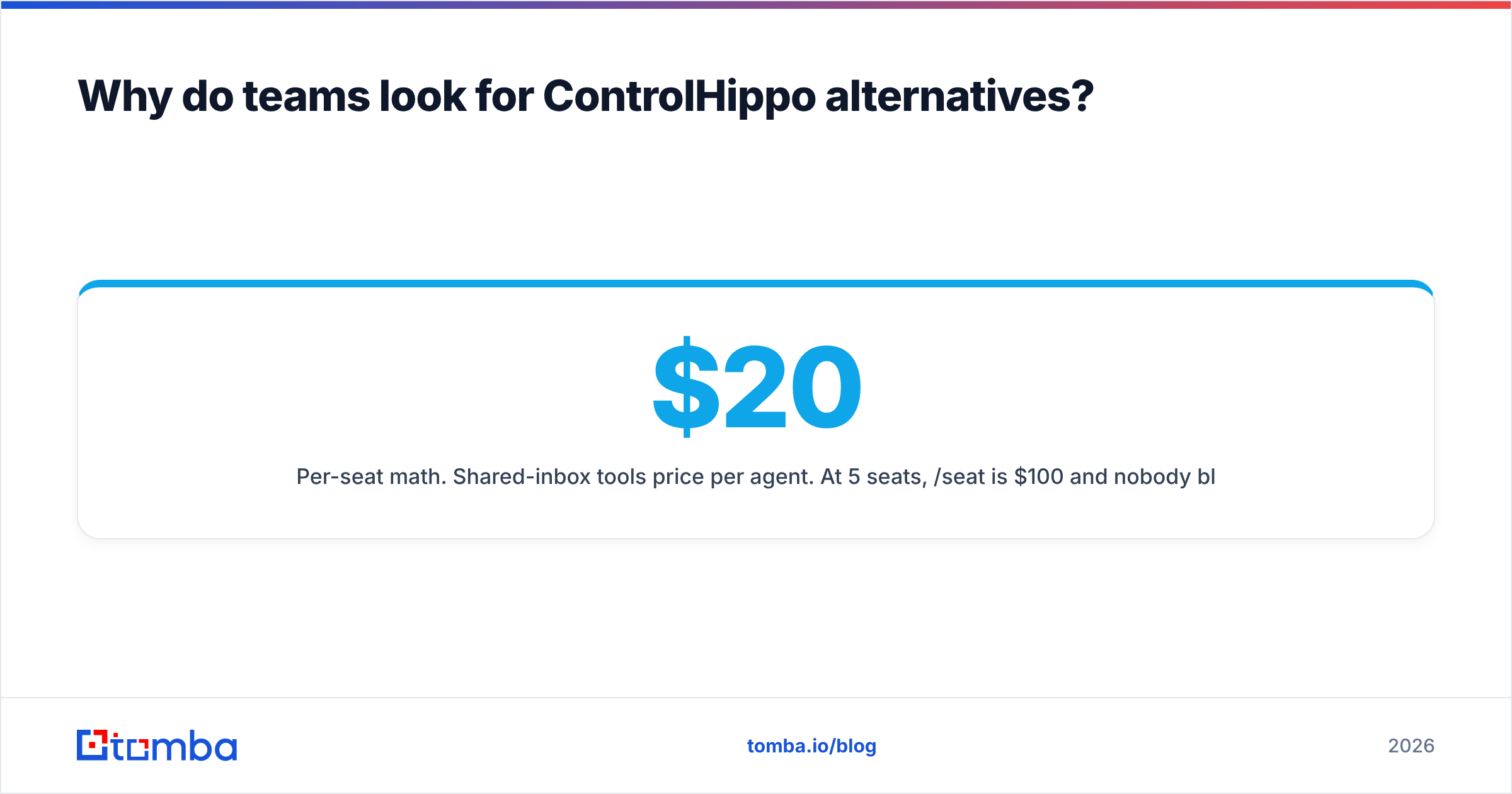
- Per-seat math. Shared-inbox tools price per agent. At 5 seats, $20/seat is $100/month and nobody blinks. At 30 seats, the same tool is $7,200/year — and now you're paying agent pricing for people who read three chats a week.
- Automation ceiling. Basic assignment rules and canned replies are fine until you need conditional routing, working-hours logic, drip sequences, or an AI agent that handles tier-1 questions. Lightweight inboxes hit a wall fast.
- QR-session vs. official API. Tools that connect WhatsApp by scanning a QR code from a phone are convenient and fragile. Sessions drop. Numbers get flagged. If WhatsApp is a revenue channel, you eventually want a Business Solution Provider and official API access.
- Reporting. "How many conversations did we resolve, in what median time, by rep, by channel?" is a question a lot of budget-tier inboxes answer badly or not at all.
If none of those hurt you, staying put is a perfectly rational choice. Switching an inbox is a migration, not a swap.
How should you compare ControlHippo alternatives?#
Score every candidate on the same six axes before you look at price:
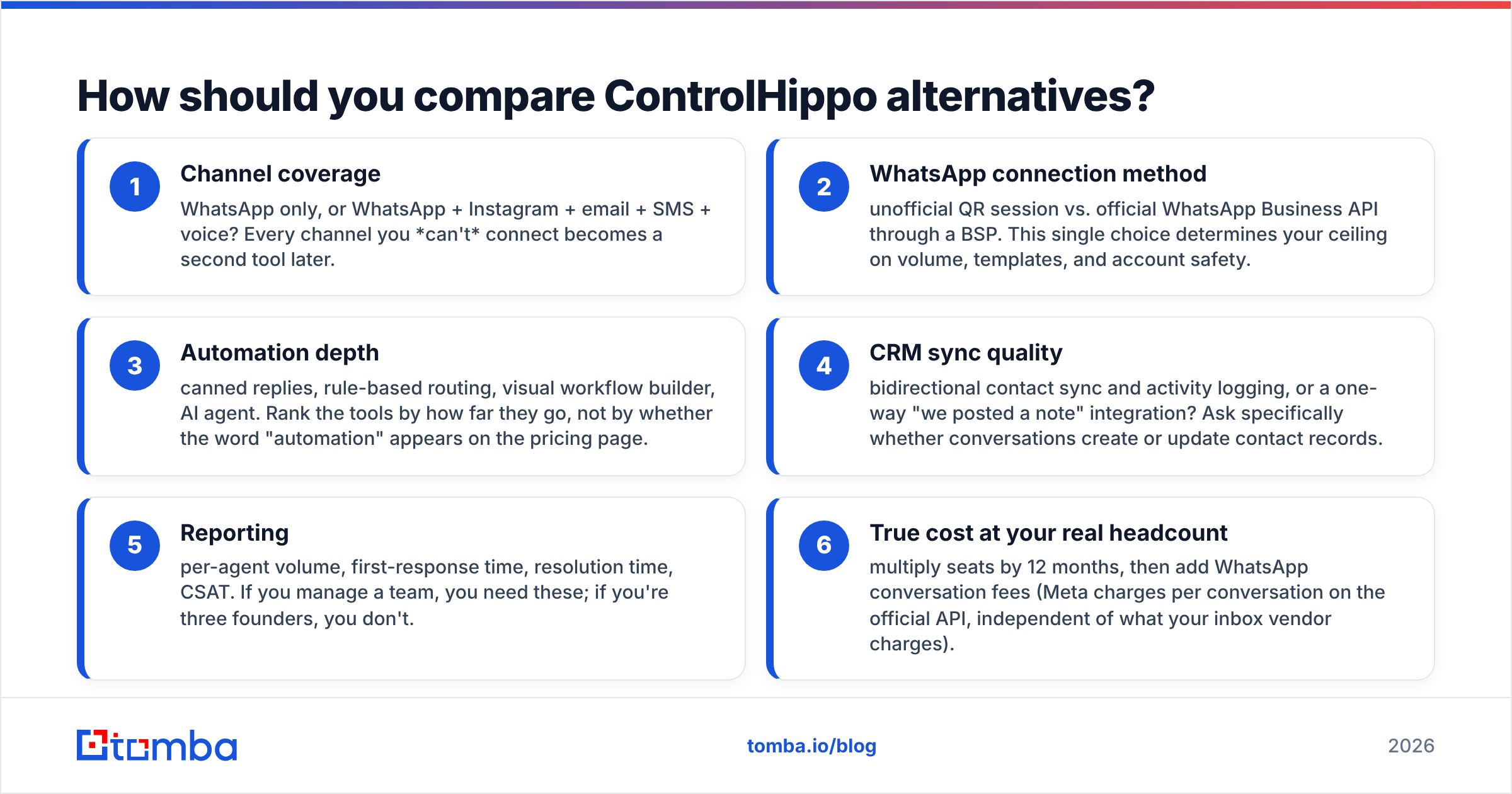
- Channel coverage — WhatsApp only, or WhatsApp + Instagram + email + SMS + voice? Every channel you can't connect becomes a second tool later.
- WhatsApp connection method — unofficial QR session vs. official WhatsApp Business API through a BSP. This single choice determines your ceiling on volume, templates, and account safety.
- Automation depth — canned replies, rule-based routing, visual workflow builder, AI agent. Rank the tools by how far they go, not by whether the word "automation" appears on the pricing page.
- CRM sync quality — bidirectional contact sync and activity logging, or a one-way "we posted a note" integration? Ask specifically whether conversations create or update contact records.
- Reporting — per-agent volume, first-response time, resolution time, CSAT. If you manage a team, you need these; if you're three founders, you don't.
- True cost at your real headcount — multiply seats by 12 months, then add WhatsApp conversation fees (Meta charges per conversation on the official API, independent of what your inbox vendor charges).
Which ControlHippo alternative fits which team?#
Pricing below reflects publicly listed entry tiers at the time of writing. Vendors change plans often — verify on their pricing page before you budget.
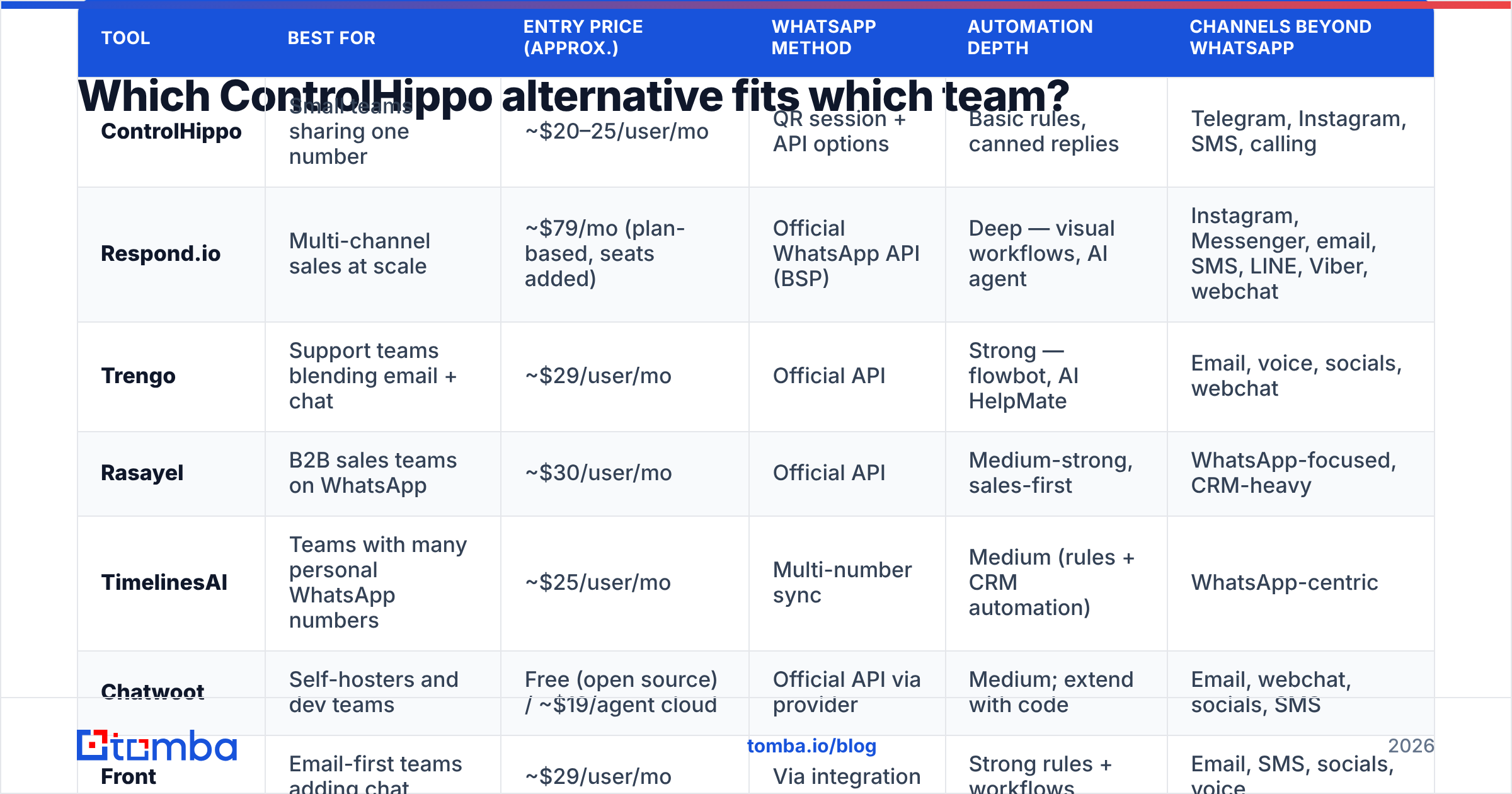
| Tool | Best for | Entry price (approx.) | WhatsApp method | Automation depth | Channels beyond WhatsApp |
|---|---|---|---|---|---|
| ControlHippo | Small teams sharing one number | ~$20–25/user/mo | QR session + API options | Basic rules, canned replies | Telegram, Instagram, SMS, calling |
| Respond.io | Multi-channel sales at scale | ~$79/mo (plan-based, seats added) | Official WhatsApp API (BSP) | Deep — visual workflows, AI agent | Instagram, Messenger, email, SMS, LINE, Viber, webchat |
| Trengo | Support teams blending email + chat | ~$29/user/mo | Official API | Strong — flowbot, AI HelpMate | Email, voice, socials, webchat |
| Rasayel | B2B sales teams on WhatsApp | ~$30/user/mo | Official API | Medium-strong, sales-first | WhatsApp-focused, CRM-heavy |
| TimelinesAI | Teams with many personal WhatsApp numbers | ~$25/user/mo | Multi-number sync | Medium (rules + CRM automation) | WhatsApp-centric |
| Chatwoot | Self-hosters and dev teams | Free (open source) / ~$19/agent cloud | Official API via provider | Medium; extend with code | Email, webchat, socials, SMS |
| Front | Email-first teams adding chat | ~$29/user/mo | Via integration | Strong rules + workflows | Email, SMS, socials, voice |
| Kommo | Teams wanting CRM + inbox in one | ~$15/user/mo | Official + unofficial | Medium (Salesbot) | Full CRM pipeline, socials |
1. Respond.io — the upgrade path when volume gets real#

Respond.io is where most teams land when they outgrow a budget shared inbox. It runs on the official WhatsApp Business API, supports a genuinely long channel list, and its workflow builder handles conditional routing, lead qualification, and AI-agent handoff. The trade-off is pricing that starts around $79/month on a plan basis — cheap at 20 seats, expensive at 3.
Choose it if WhatsApp is a primary revenue channel and you need automation that survives audit.
2. Trengo — best for support teams that also do email#
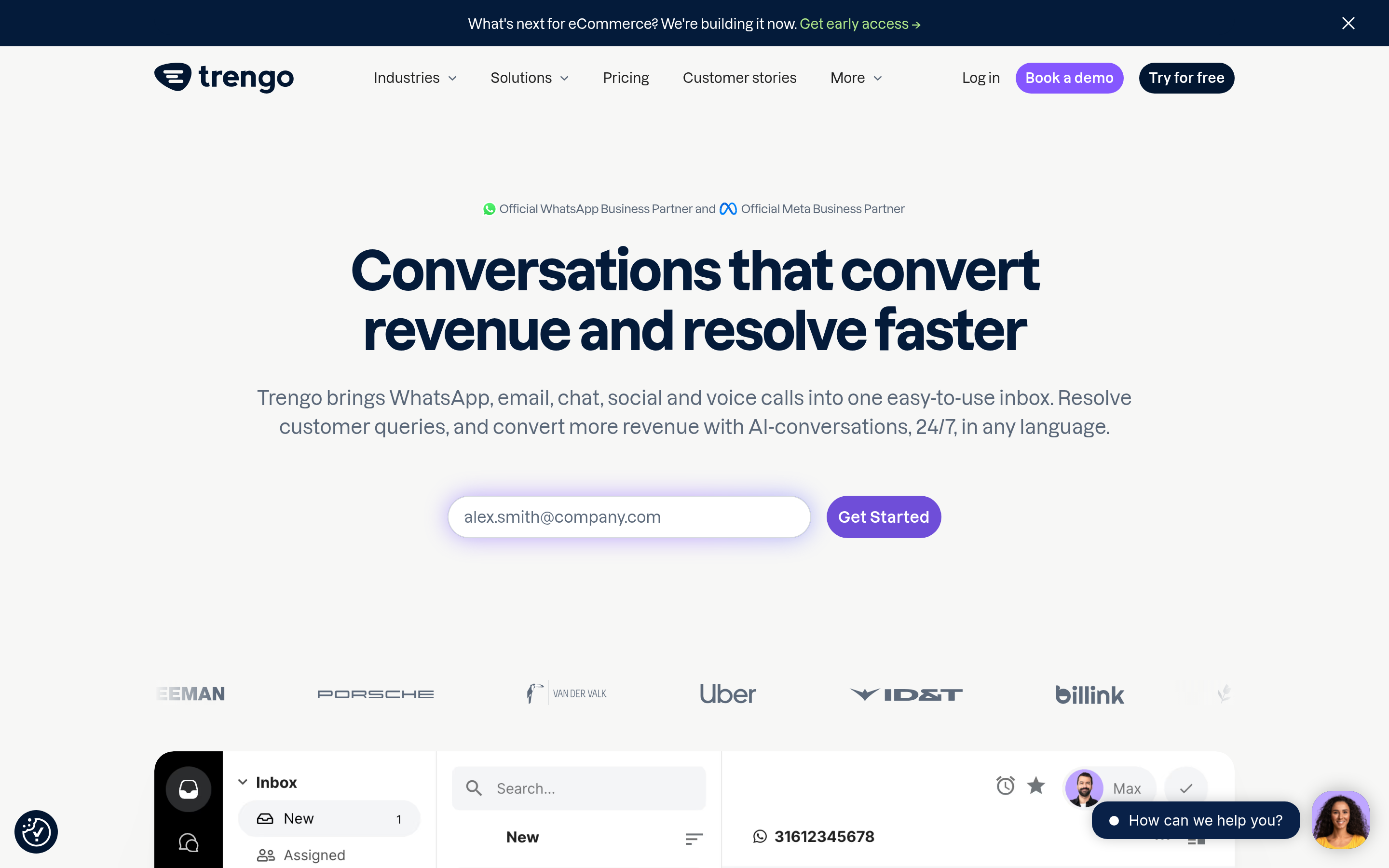
Trengo blends email, WhatsApp, voice, and socials into a single queue with solid SLA reporting and an AI assistant. It reads more like a helpdesk than a sales inbox, which is exactly right if your inbound is 70% support, 30% sales.
Choose it if your ticket volume matters more than your pipeline volume.
3. Rasayel — WhatsApp for B2B sellers specifically#
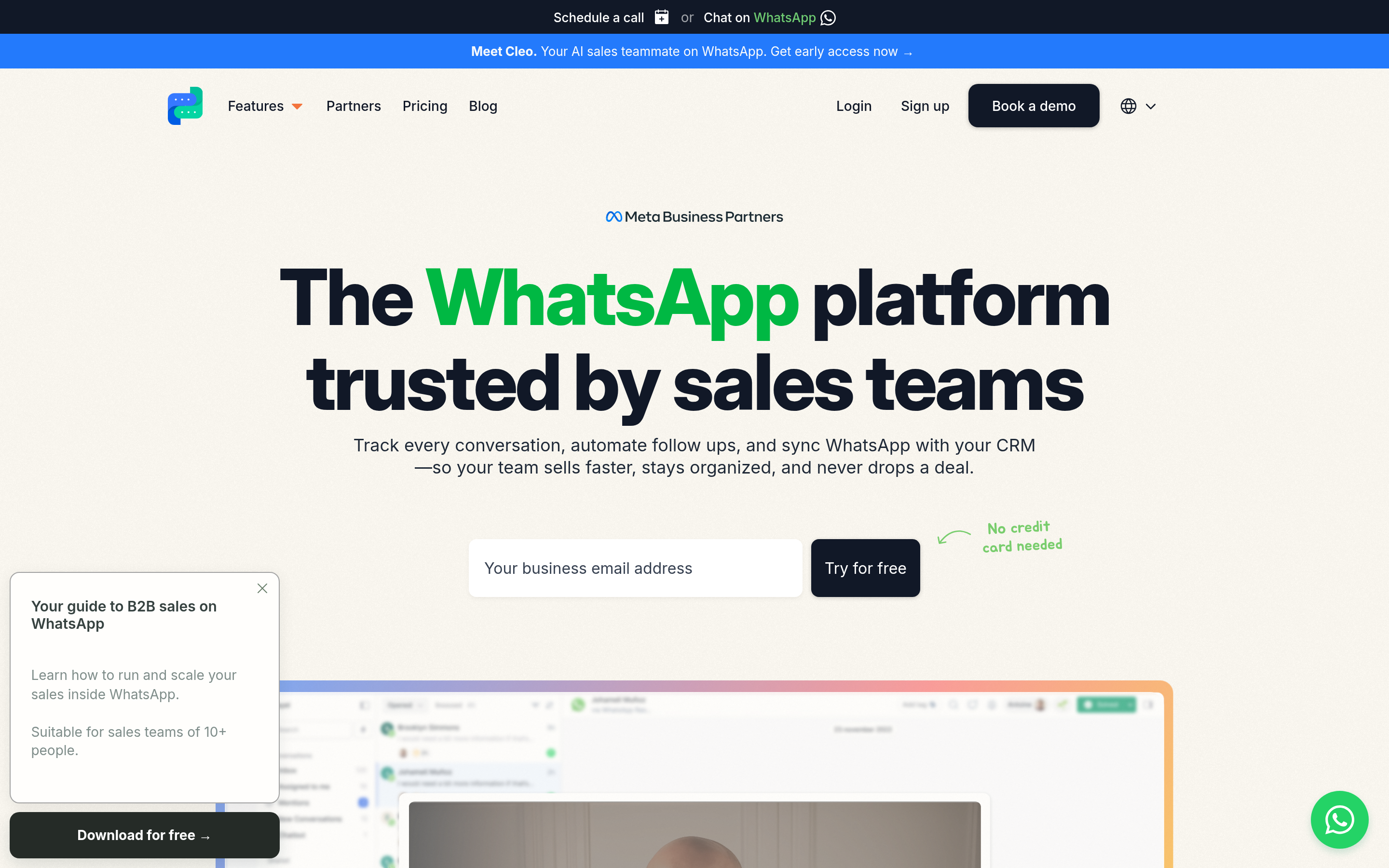
Rasayel is narrower and better for it: WhatsApp-first, built for sales conversations, with strong HubSpot and Pipedrive syncing and broadcast tooling that respects template rules. Fewer channels, deeper sales workflow.
Choose it if your reps sell over WhatsApp and log everything to a CRM.
4. TimelinesAI — best for "we have twelve reps with twelve numbers"#
Most inboxes assume one shared number. TimelinesAI assumes the opposite: every rep already has a WhatsApp number, and management needs visibility across all of them. It syncs multiple numbers into one dashboard and pushes conversations into your CRM.
Choose it if you can't consolidate to a single number and never will.
5. Chatwoot — the open-source escape hatch#
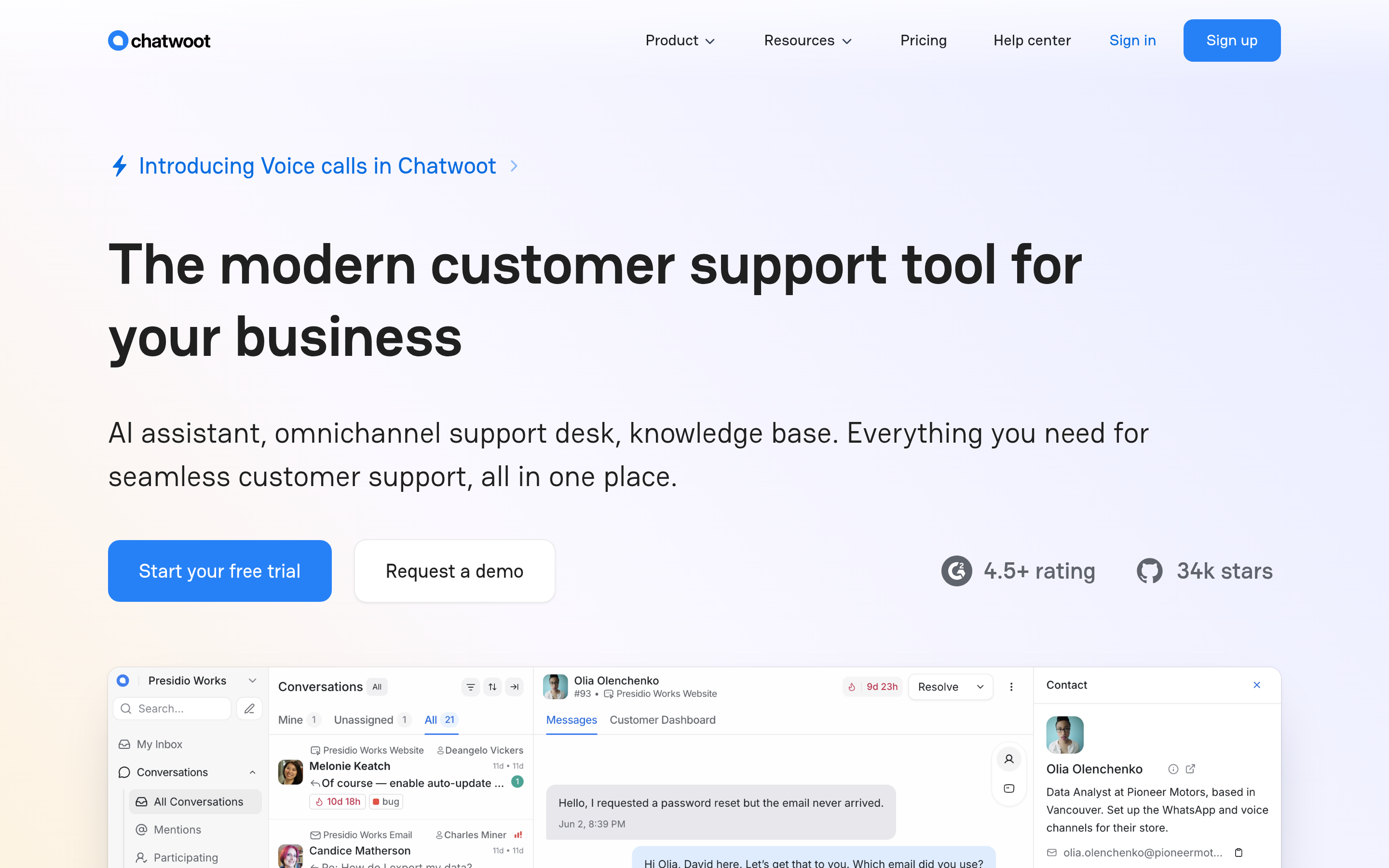
Chatwoot is open source. Self-host it and your per-seat cost goes to zero — you pay in engineering time instead. The cloud version is priced competitively. It's a real product, not a toy, but you own the WhatsApp API provider relationship yourself.
Choose it if you have a developer who wants to own the stack and hates per-seat licensing.
6. Front — best if email is still your center of gravity#
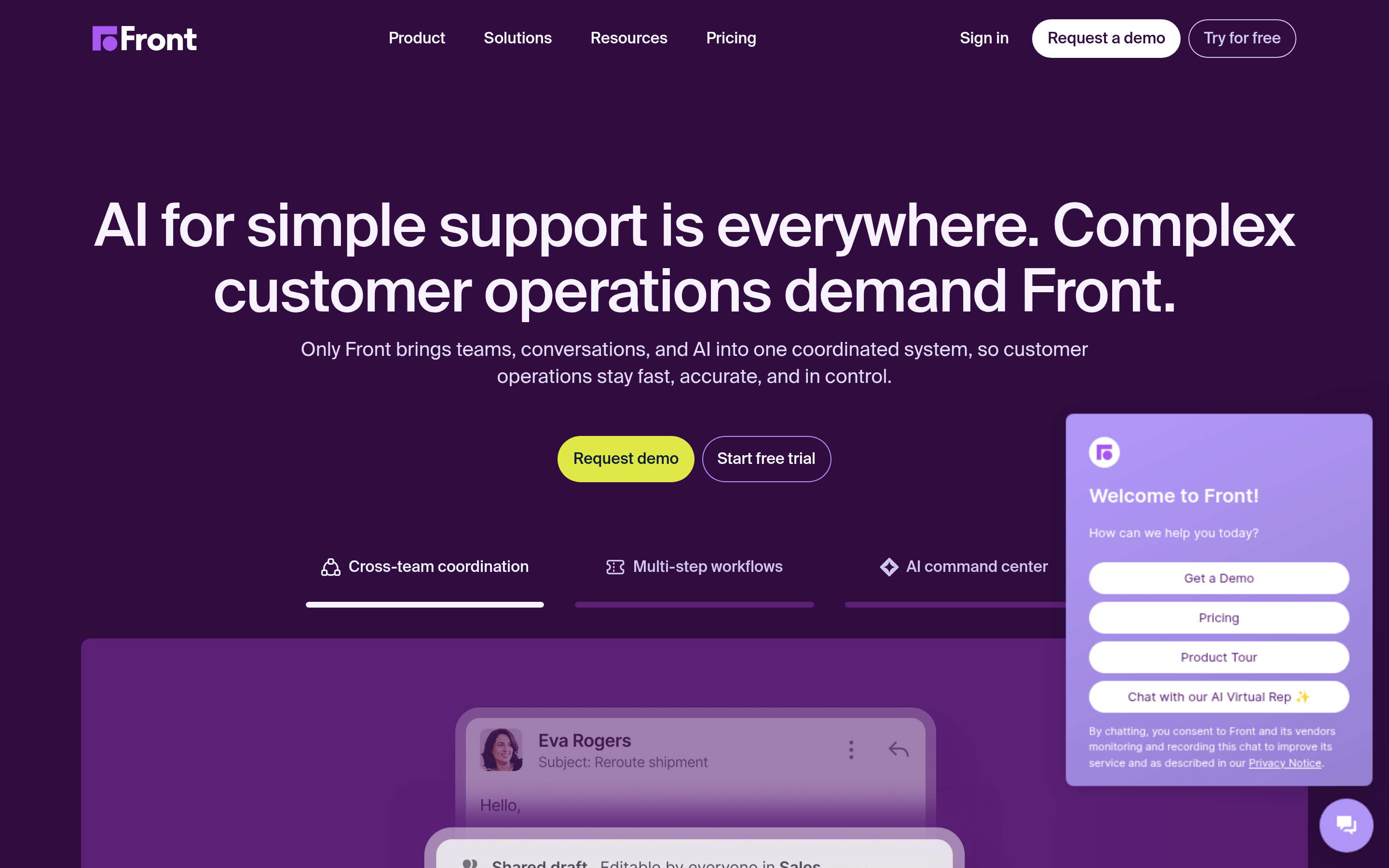
Front is the most mature shared inbox on this list, and it was built for email first. Chat channels are supported, but the workflows, analytics, and collaboration features are the reason people buy it.
Choose it if shared email is the core problem and WhatsApp is secondary.
7. Kommo — CRM and inbox in one bill#
Kommo (formerly amoCRM) folds the messaging inbox into a full sales pipeline with a Salesbot automation layer. Cheapest entry tier here. The catch is that you're adopting their CRM, not just their inbox — a bigger commitment than a channel swap.
Choose it if you don't have a CRM you love and would rather consolidate.
Rendered correctly:

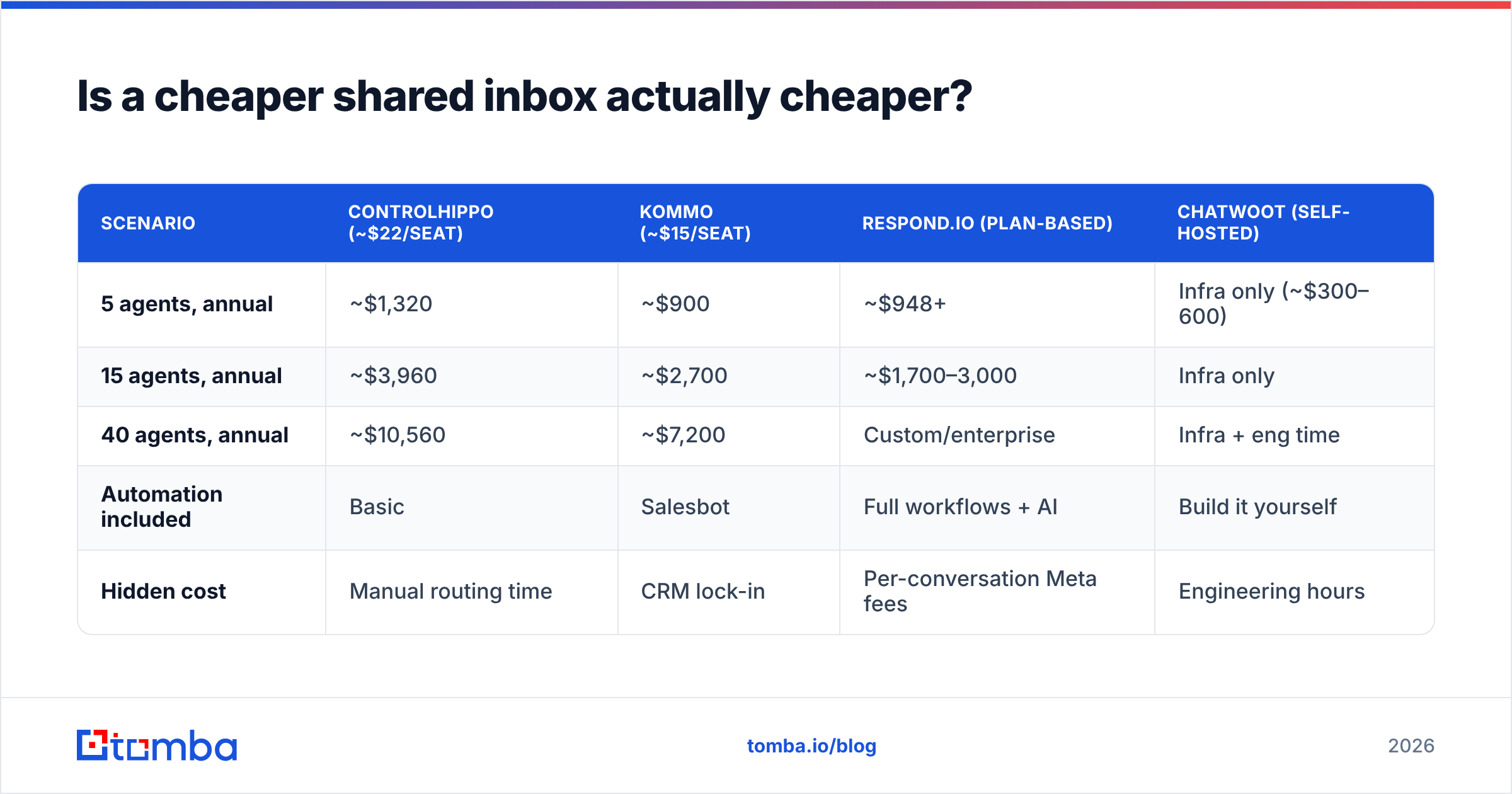
Is a cheaper shared inbox actually cheaper?#
Run the numbers at your real headcount, not your current one.
| Scenario | ControlHippo (~$22/seat) | Kommo (~$15/seat) | Respond.io (plan-based) | Chatwoot (self-hosted) |
|---|---|---|---|---|
| 5 agents, annual | ~$1,320 | ~$900 | ~$948+ | Infra only (~$300–600) |
| 15 agents, annual | ~$3,960 | ~$2,700 | ~$1,700–3,000 | Infra only |
| 40 agents, annual | ~$10,560 | ~$7,200 | Custom/enterprise | Infra + eng time |
| Automation included | Basic | Salesbot | Full workflows + AI | Build it yourself |
| Hidden cost | Manual routing time | CRM lock-in | Per-conversation Meta fees | Engineering hours |
Two things people forget:
- Meta's per-conversation fees exist regardless of vendor. On the official WhatsApp Business API, you pay Meta for marketing/utility/service conversations on top of your inbox subscription. A vendor claiming to eliminate this either isn't using the official API or is reselling those fees inside your plan.
- Manual routing has a salary cost. If a $15/seat tool makes a coordinator spend an hour a day assigning chats, you've spent far more than the $15/seat you saved.
What no shared inbox will fix for you?#
Here's the honest gap in every tool on this list, ControlHippo included: they all assume the conversation already exists.
A shared inbox is the last mile. It routes, assigns, logs, and reports on people who already messaged you — or on numbers you already had. It does not build your target list, find the decision-maker at a company you've never spoken to, or tell you whether the contact record you're about to blast is still valid.
That's a data problem, and it sits upstream:
- Sourcing. You need the right person at the right account before any channel matters. An email finder resolves a name + domain into a verified work address, and a phone finder does the same for direct dials and mobiles — which is what WhatsApp outreach actually runs on.
- Hygiene. Contact records rot at roughly 25–30% per year as people change jobs. Verification and data enrichment keep your CRM from quietly filling with dead rows that your shiny new inbox will faithfully route to nobody.
- Volume. If you're pushing thousands of records, do it through an API rather than a CSV shuffle. The Tomba API handles find-and-verify in one pipeline before anything reaches your inbox tool.
Teams that switch inboxes and see no lift in reply rate almost always have a data problem, not a routing problem. Fix the list before you re-plumb the pipes.
Which ControlHippo alternative should you pick?#
Short answers, by situation:
- You outgrew ControlHippo on volume → Respond.io.
- You're support-heavy with lots of email → Trengo or Front.
- You sell B2B over WhatsApp and live in HubSpot → Rasayel.
- Your reps each have their own number → TimelinesAI.
- You have an engineer and hate per-seat pricing → Chatwoot.
- You need a CRM anyway → Kommo.
- None of the four complaints above apply to you → stay on ControlHippo and spend the migration budget on better data instead.
That last option is genuinely underrated. Most teams switching shared inboxes are trying to fix a pipeline problem with a UI change, and it doesn't work.
Start with the contact, not the channel#
Whichever inbox you land on, it will only ever be as good as the people flowing into it. Before you migrate a single conversation, make sure your list is real: use the Tomba Email Finder to resolve verified work emails from a name and domain, pair it with phone lookup for WhatsApp-ready numbers, and push clean records into whatever inbox and CRM you choose. The free tier gives you 25 searches a month to test accuracy on your own accounts, and paid plans start at $49/month — see Tomba pricing for the full breakdown.
Pick the inbox for how your team works. Pick the data source for whether your team has anyone worth messaging.
Related guides#
Ready to find emails that actually work?
Join 150,000+ professionals who stopped guessing and started sending. Free credits on signup — no credit card required.
Get the Tomba newsletter
Practical outbound tactics and product updates — once every two weeks.
About the author