9 Best ConvergeHub Alternatives in 2026 (Compared & Priced)
ConvergeHub bundles CRM, marketing, billing and support into one low-cost suite — but the tradeoffs are real. Here are 9 alternatives compared on price, depth, data quality and who each one actually fits.
TL;DR
- ConvergeHub is an all-in-one SMB suite — CRM, marketing, billing and support in one login — priced from roughly $11 to $65 per user per month. It is cheap and broad, but shallow in each individual module.
- Most teams leave ConvergeHub for one of three reasons: a dated UI, a thin integration/app ecosystem, or the fact that no CRM ships with contact data inside it.
- If you want depth in sales pipeline: Pipedrive or Close. If you want a free entry point and the biggest app marketplace: HubSpot. If you want the same all-in-one bundle done better: EngageBay or Zoho CRM.
- Switching CRMs does not fix an empty CRM. The layer most teams are actually missing is verified contact data — an email finder and enrichment source sitting upstream of whatever CRM you pick.
- Budget realistically: CRM licence + data + sequencing usually lands between $80 and $200 per rep per month once you stop pretending one tool does everything.
What is ConvergeHub and who is it actually for?#
ConvergeHub is an all-in-one CRM built for small and mid-sized businesses that do not want to buy four tools. In one subscription you get contact management, a deal pipeline, email marketing campaigns, quotes and invoices, and a basic support ticketing module. The official positioning on convergehub.com is "one converged platform" — sales, marketing, service and billing under a single customer record.
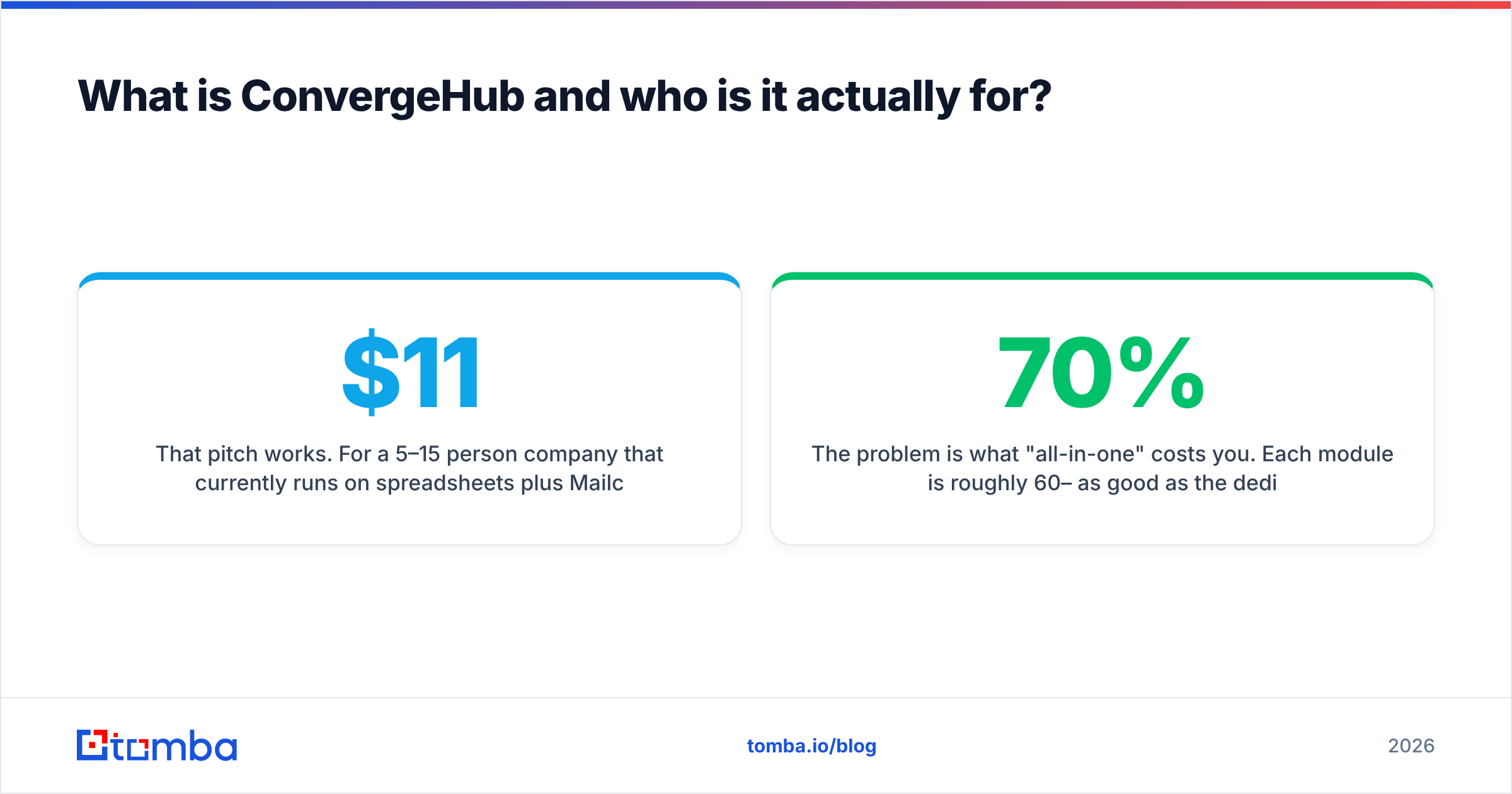
That pitch works. For a 5–15 person company that currently runs on spreadsheets plus Mailchimp plus a PDF invoice template, ConvergeHub is a genuine upgrade at a genuinely low price. Entry tiers start around $11/user/month and top out near $65/user/month for the Premium plan.
The problem is what "all-in-one" costs you. Each module is roughly 60–70% as good as the dedicated tool it replaces. The marketing automation is not Customer.io. The billing is not Stripe Billing. The ticketing is not Zendesk. And the pipeline reporting is noticeably thinner than what a rep-first CRM gives you. For a solo founder that is a fine trade. For a five-rep outbound team hitting quota targets, it starts to bite around month four.
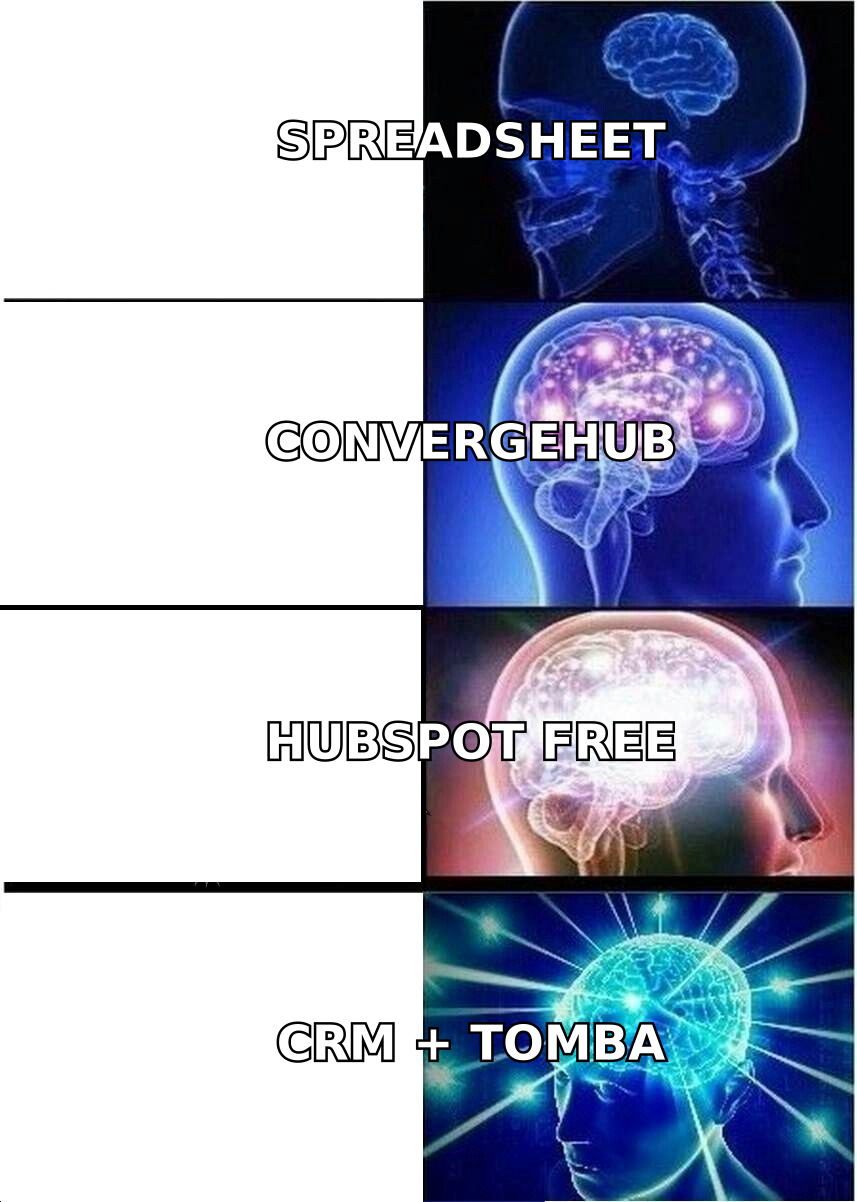
The second problem is data. This is the one nobody puts in a comparison chart. ConvergeHub — like Zoho, like Pipedrive, like Salesforce — is a container. It stores contacts beautifully and finds you exactly zero of them. Teams frequently blame the CRM for a pipeline problem that is really a prospecting-data problem.
Why do teams look for ConvergeHub alternatives?#
From reading verified reviews on G2 and Capterra plus what sales ops leads actually say, the churn reasons cluster into five buckets:
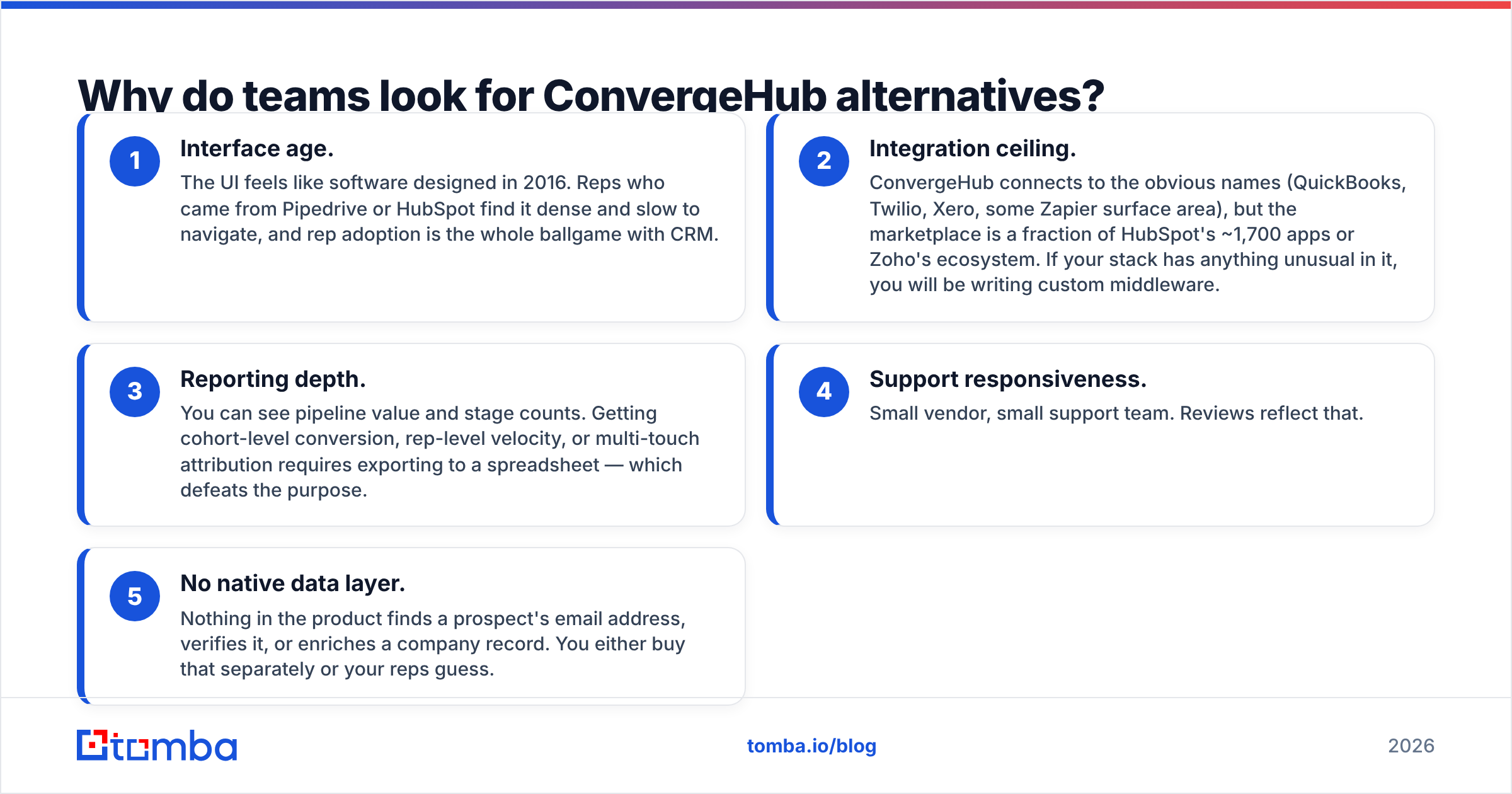
- Interface age. The UI feels like software designed in 2016. Reps who came from Pipedrive or HubSpot find it dense and slow to navigate, and rep adoption is the whole ballgame with CRM.
- Integration ceiling. ConvergeHub connects to the obvious names (QuickBooks, Twilio, Xero, some Zapier surface area), but the marketplace is a fraction of HubSpot's ~1,700 apps or Zoho's ecosystem. If your stack has anything unusual in it, you will be writing custom middleware.
- Reporting depth. You can see pipeline value and stage counts. Getting cohort-level conversion, rep-level velocity, or multi-touch attribution requires exporting to a spreadsheet — which defeats the purpose.
- Support responsiveness. Small vendor, small support team. Reviews reflect that.
- No native data layer. Nothing in the product finds a prospect's email address, verifies it, or enriches a company record. You either buy that separately or your reps guess.
None of these are disqualifying on their own. Together, they are why "convergehub alternatives" is a search people run at about the 12-month mark.
Which ConvergeHub alternatives are worth comparing in 2026?#
Here is the honest field. I have grouped by what you are actually optimizing for, because "best CRM" is a meaningless phrase without that context.
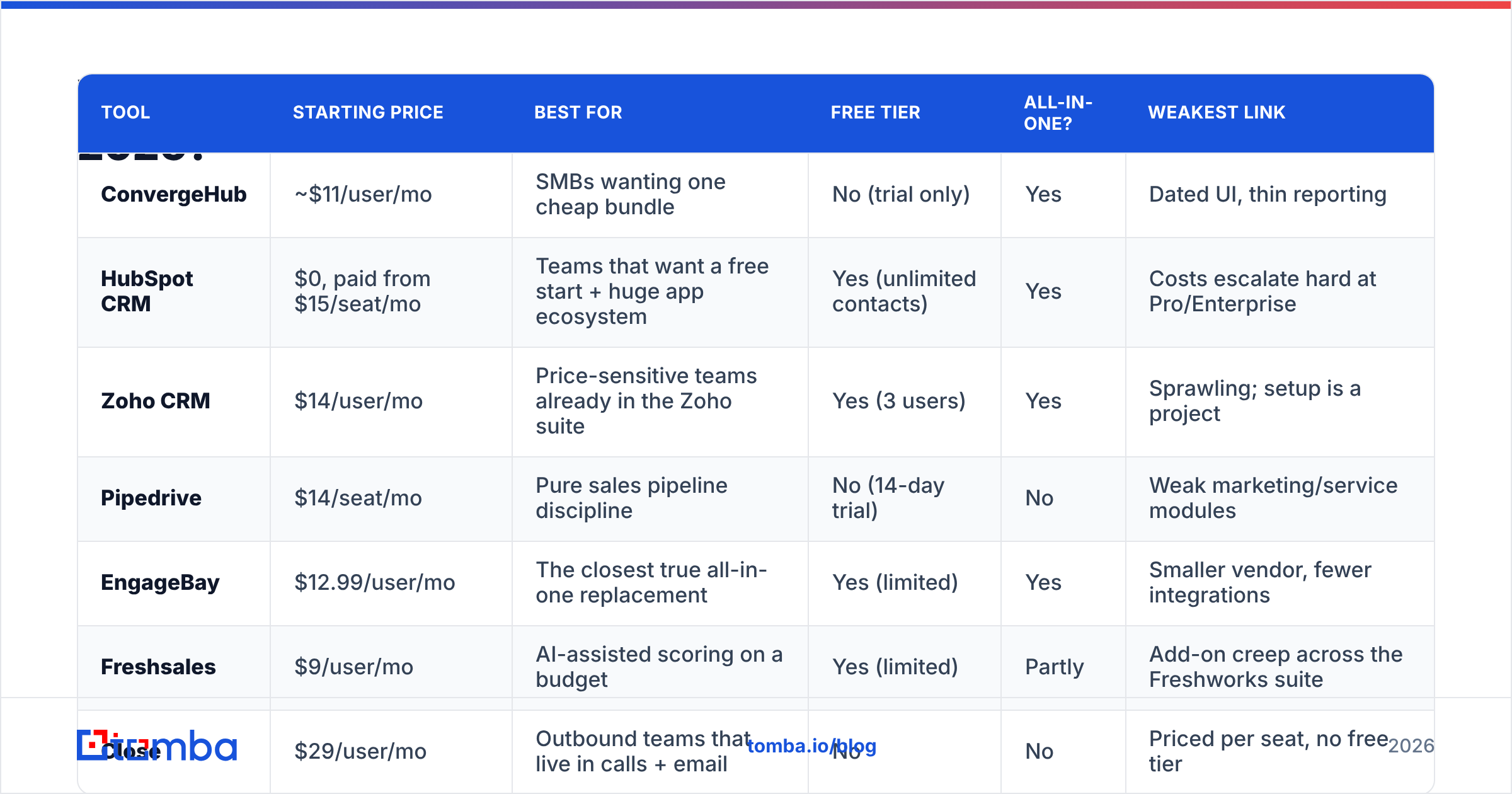
| Tool | Starting price | Best for | Free tier | All-in-one? | Weakest link |
|---|---|---|---|---|---|
| ConvergeHub | ~$11/user/mo | SMBs wanting one cheap bundle | No (trial only) | Yes | Dated UI, thin reporting |
| HubSpot CRM | $0, paid from $15/seat/mo | Teams that want a free start + huge app ecosystem | Yes (unlimited contacts) | Yes | Costs escalate hard at Pro/Enterprise |
| Zoho CRM | $14/user/mo | Price-sensitive teams already in the Zoho suite | Yes (3 users) | Yes | Sprawling; setup is a project |
| Pipedrive | $14/seat/mo | Pure sales pipeline discipline | No (14-day trial) | No | Weak marketing/service modules |
| EngageBay | $12.99/user/mo | The closest true all-in-one replacement | Yes (limited) | Yes | Smaller vendor, fewer integrations |
| Freshsales | $9/user/mo | AI-assisted scoring on a budget | Yes (limited) | Partly | Add-on creep across the Freshworks suite |
| Close | $29/user/mo | Outbound teams that live in calls + email | No | No | Priced per seat, no free tier |
| Insightly | $29/user/mo | Project delivery attached to deals | No | Partly | Feels enterprise-lite, pricey for SMB |
| Keap | $79/mo (2 users) | Solopreneurs needing automation + payments | No | Yes | Steep price floor |
A few notes the table cannot carry.
HubSpot is the default answer for a reason. The free CRM is genuinely usable forever, and the HubSpot ecosystem means you are never blocked on an integration. The catch is the pricing cliff — Marketing Hub Professional starts around $890/month, and the jump from Starter to Pro is where budgets go to die. Go in knowing your ceiling.
Zoho CRM is the closest philosophical match to ConvergeHub: cheap, broad, endlessly configurable. If you already use Zoho Books or Desk, it is close to a no-brainer. If you do not, be ready for a two-to-four week implementation, not a two-day one.
Pipedrive is the opposite bet. It does one thing — move deals through stages — and does it better than any all-in-one will. Reps adopt it without training. But you will be bolting marketing and support on separately, so total stack cost can exceed ConvergeHub's.
EngageBay is the alternative most ConvergeHub refugees end up on and nobody writes about. Same bundle, similar price, meaningfully better UX and a real free tier.
Close is the pick if your motion is outbound. Built-in dialer, native sequences, and a UI designed around a rep making 60 touches a day rather than a manager reading a dashboard.
Is ConvergeHub better than HubSpot or Zoho?#
Cheaper, yes. Better, no — and the honest answer depends on what you are optimizing.
- Against HubSpot: ConvergeHub wins on price at the low end and on billing (HubSpot has no native invoicing worth the name until you add Commerce Hub). HubSpot wins on UI, ecosystem, reporting, free tier, and resale value of the skills your team builds. If you expect to grow past 20 employees, HubSpot is the safer long-term bet.
- Against Zoho: near-tie on price and breadth. Zoho wins on integrations, mobile, AI (Zia), and the surrounding suite. ConvergeHub wins on being simpler to stand up. If you are choosing between them from scratch in 2026, Zoho is the stronger platform bet.
- Against Pipedrive: different categories. Do not compare them on features — compare them on whether your bottleneck is "we have no system of record" (ConvergeHub) or "our reps do not work deals consistently" (Pipedrive).
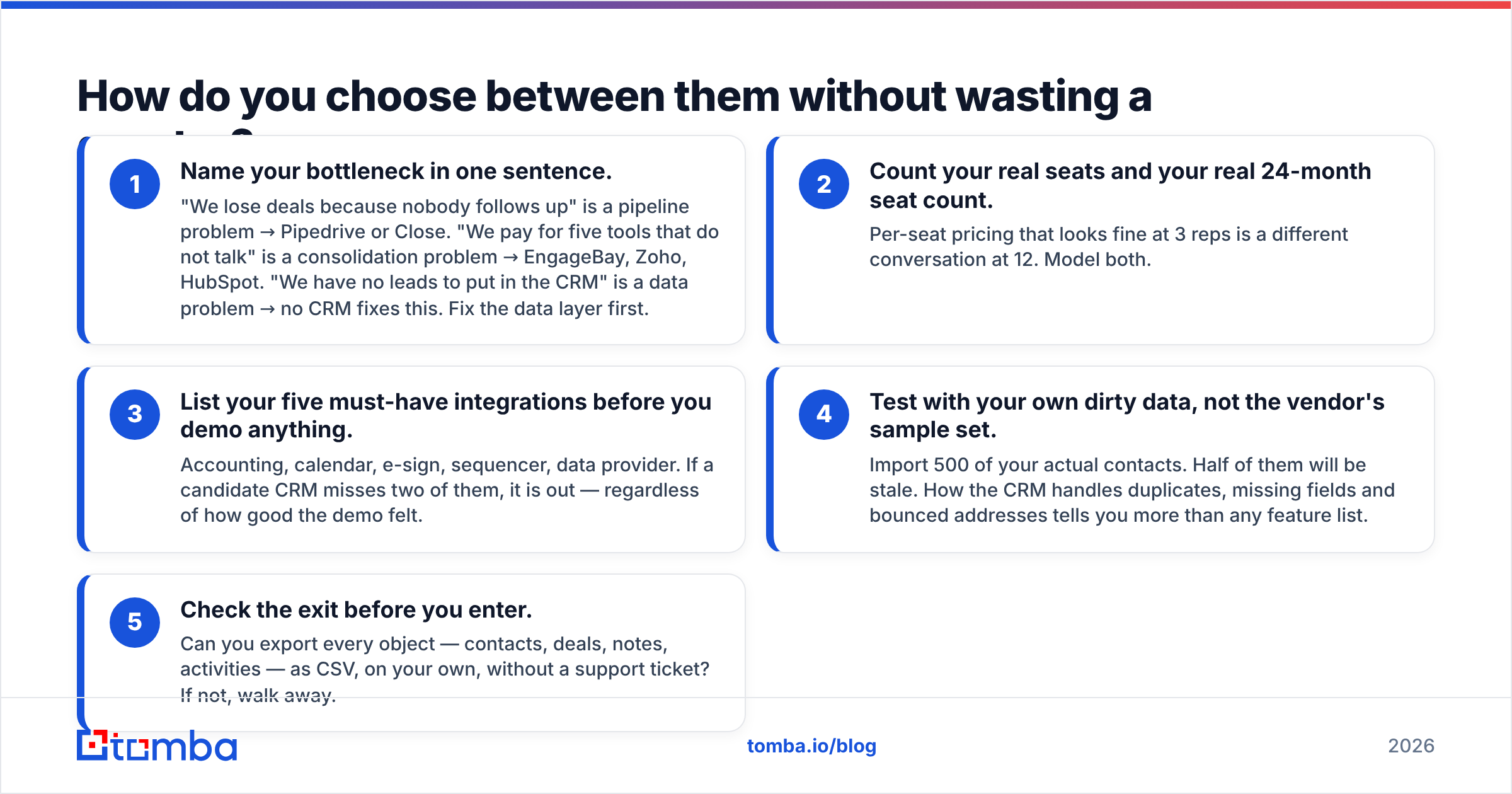
How do you choose between them without wasting a quarter?#
Run this in order. It takes an afternoon, not a quarter.
- Name your bottleneck in one sentence. "We lose deals because nobody follows up" is a pipeline problem → Pipedrive or Close. "We pay for five tools that do not talk" is a consolidation problem → EngageBay, Zoho, HubSpot. "We have no leads to put in the CRM" is a data problem → no CRM fixes this. Fix the data layer first.
- Count your real seats and your real 24-month seat count. Per-seat pricing that looks fine at 3 reps is a different conversation at 12. Model both.
- List your five must-have integrations before you demo anything. Accounting, calendar, e-sign, sequencer, data provider. If a candidate CRM misses two of them, it is out — regardless of how good the demo felt.
- Test with your own dirty data, not the vendor's sample set. Import 500 of your actual contacts. Half of them will be stale. How the CRM handles duplicates, missing fields and bounced addresses tells you more than any feature list.
- Check the exit before you enter. Can you export every object — contacts, deals, notes, activities — as CSV, on your own, without a support ticket? If not, walk away.
What none of these CRMs actually give you?#
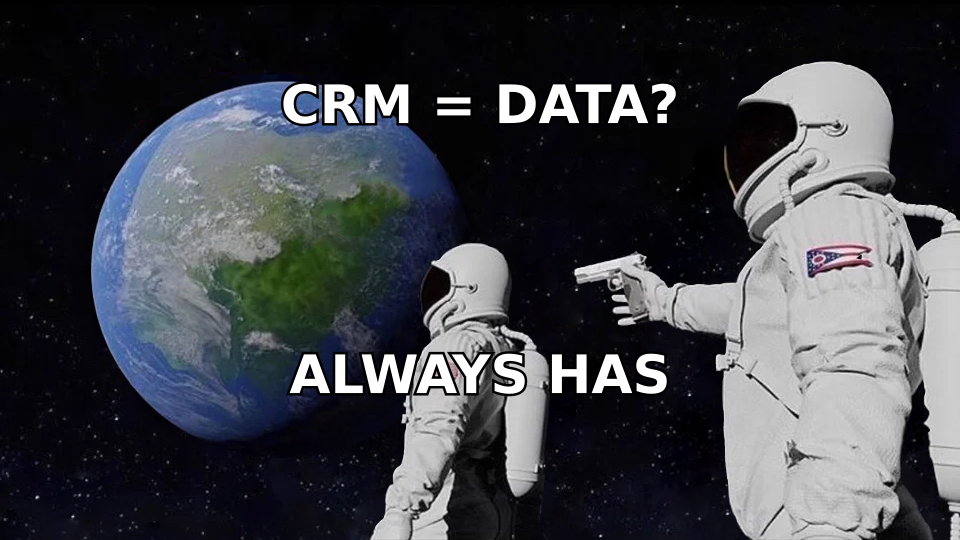
Contacts. That is the punchline, and it is worth sitting with.
Every tool in the table above is a system of record. You pour data in; it organizes and reports on it. Not one of them will tell you the email address of the VP of Operations at a company you just identified as a fit account. Not one will tell you whether the address you already have in the database still resolves.
That gap costs more than the licence does. Industry benchmarks put B2B contact data decay at roughly 2–3% per month — call it 25–30% of your database going stale every year through job changes alone. A CRM full of dead records does not just waste rep time; it actively hurts your sender reputation when reps mail into bounces.
So the real stack looks like this:
- System of record — the CRM you picked above.
- Data acquisition — a way to find and verify work emails and phone numbers on demand. An email finder plus an email verifier is the minimum viable version. Providers here range from list vendors like BookYourData — a solid choice if you want a pre-built, human-verified list to load in bulk — to API-first finders that resolve contacts one at a time or in batch.
- Enrichment — filling in title, company size, tech stack and phone on the records you already have, so scoring and routing actually work. Data enrichment is what turns a name and a domain into a routable, scoreable lead.
- Sequencing — whatever sends the mail.
Notice that the CRM decision is only one of four boxes. Teams that agonize for six weeks over Pipedrive-vs-HubSpot and then leave the data box empty are optimizing the wrong variable.
How do you keep whichever CRM you pick from rotting?#
Four habits, in rough order of return.
- Verify on entry. Every contact that enters the CRM gets its email checked before it gets a task attached. Bounces are cheaper to prevent than to clean up.
- Re-verify quarterly. Run your active pipeline through bulk verification every 90 days. Suppress the dead ones rather than deleting them — you want the history.
- Enrich on create, not on demand. If enrichment happens only when a rep remembers to click the button, it does not happen. Wire it into the create-contact webhook. If you land on HubSpot, the HubSpot integration route makes this a config step rather than an engineering project.
- Own your field schema. Decide what "MQL" means, in writing, before you build the automation. Half of all CRM migrations are really schema migrations wearing a costume.
Do those four and a $14/seat CRM will outperform a $90/seat one that nobody maintains.
What should you actually do next?#
Pick your CRM by bottleneck — pipeline discipline goes to Pipedrive or Close, consolidation goes to EngageBay or Zoho, ecosystem and free-start goes to HubSpot, and ConvergeHub remains a defensible budget pick if the dated interface does not bother your team. Any of them will hold your deals.
Then solve the part the CRM cannot. Tomba's Email Finder sits upstream of whatever you choose: give it a name and a domain, get back a verified work email with a confidence score, in the UI, via the API, or in bulk. The free tier gives you 25 searches a month to test it against contacts you already know the answer to — the only honest way to benchmark a data tool. Paid plans start at $49/month, and you can see the full breakdown on the Tomba pricing page.
Buy the CRM for the process. Buy the data for the pipeline. Confusing the two is what makes people search for CRM alternatives twelve months later.
Related guides#
Ready to find emails that actually work?
Join 150,000+ professionals who stopped guessing and started sending. Free credits on signup — no credit card required.
Get the Tomba newsletter
Practical outbound tactics and product updates — once every two weeks.
About the author