9 Best Copper Alternatives in 2026: CRMs Compared & Priced
Copper is a great Gmail CRM until the per-seat bill, the reporting limits, or the missing data layer catch up with you. Here are nine Copper alternatives, ranked by who they actually fit — with real pricing.
TL;DR
- Copper is a Google Workspace-native CRM. Its strength is that it lives inside Gmail; its weakness is that you pay per seat for a system that still doesn't find, verify, or enrich contact data for you.
- The best Copper alternative depends on the bottleneck: Pipedrive for pipeline discipline, HubSpot for marketing + sales in one place, Attio or Folk for modern, flexible data models, Close for high-volume calling teams, Zoho for cost, Streak if you want Copper's Gmail feel for less.
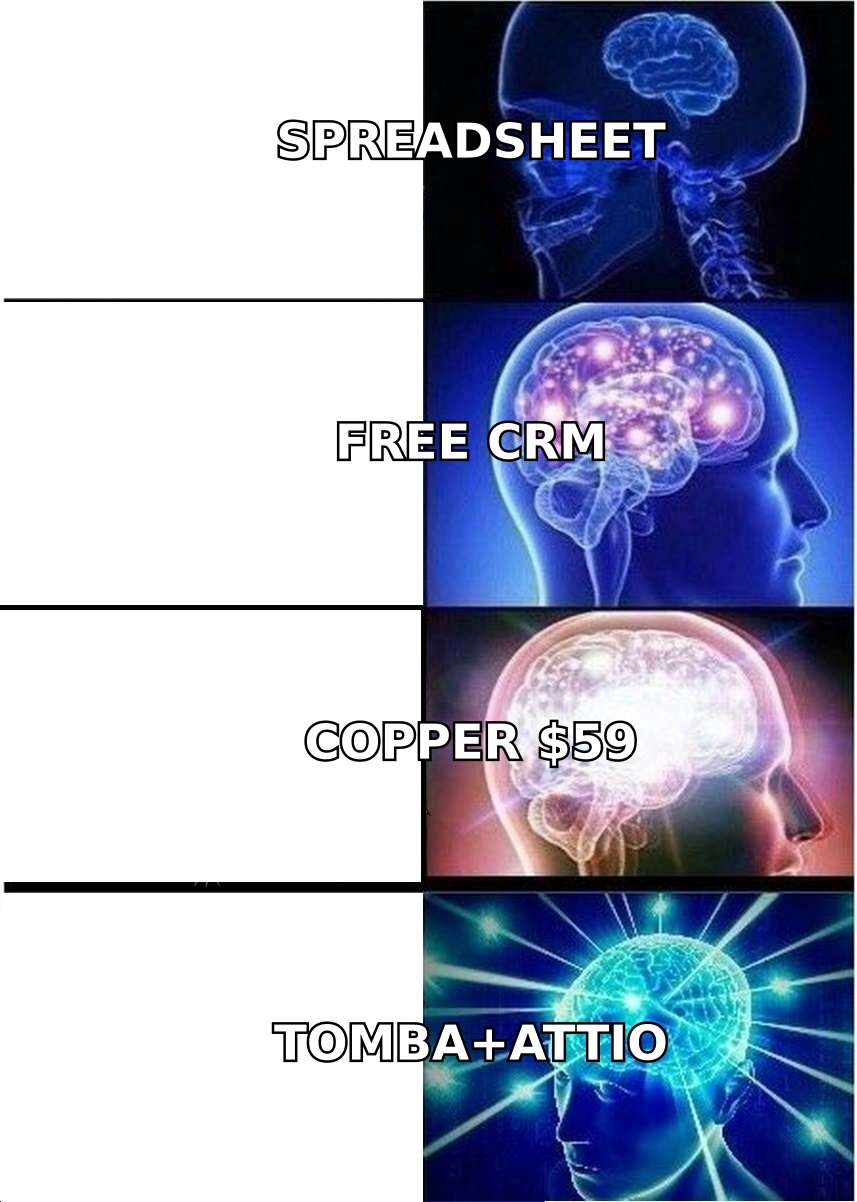
- Copper's Professional tier lands around $59/user/month and Business around $99/user/month (annual). At 10 seats, that's $7,000–$12,000/year before you've added a single verified email address.
- No CRM on this list solves the data problem. A CRM stores contacts; it doesn't source them. Pair whichever CRM you pick with a dedicated email finder and email verifier.
- If you're switching purely because of price, run the migration math first — data export, field mapping, and automation rebuild usually cost more than the seat delta in year one.
What is Copper CRM, and why do teams look for alternatives?#
Copper (formerly ProsperWorks) is a CRM built specifically for Google Workspace. It installs as a Gmail side panel, syncs Google Calendar and Drive, and auto-populates contact records from your inbox. If your company runs on Gmail, Docs, and Meet, Copper feels less like a CRM and more like a native Google feature.
That tight coupling is also the reason teams start shopping. The complaints cluster into five buckets:
- Per-seat cost at scale. Copper's Professional plan is roughly $59/user/month annually, and Business roughly $99/user/month (check copper.com for current numbers — vendors move them). A 15-person sales team on Business is ~$17,800/year.
- Reporting depth. Copper's dashboards are fine for pipeline hygiene and weak for revenue forecasting or multi-touch attribution. Teams that outgrow "how many deals are in stage 3" tend to want more.
- You must live in Google. If your company migrates to Microsoft 365 — or half the team already uses Outlook — Copper's core advantage evaporates.
- Automation ceilings. Workflow automation is available, but it's not on the level of HubSpot's or Close's native sequencing, and heavy users end up bolting on Zapier.
- No data layer. This is the big one and it's true of every CRM on this list. Copper organizes contacts you already have. It doesn't find the VP of Ops at a company you've never emailed, and it doesn't tell you whether a 14-month-old address still bounces.
That last point matters more than the price comparison. Most teams switch CRMs hoping to fix a pipeline problem that is actually a data problem — empty records, stale emails, bounced sequences. Switching from Copper to Pipedrive won't fix a 22% bounce rate.
What should you actually compare Copper alternatives on?#
Skip the feature-checklist theater. Vendors all check the same 200 boxes. These five dimensions decide whether a migration succeeds:
- Email client gravity. Does your team live in Gmail or Outlook? Copper, Streak, and Folk are Gmail-first. HubSpot, Pipedrive, and Close are client-agnostic. This single answer eliminates half the list.
- Data model flexibility. Copper uses a fixed People / Companies / Opportunities / Leads model. Attio and Folk let you define objects (Investors, Agencies, Partners) that match how you actually sell. If you've been abusing custom fields to fake a second pipeline, that's your signal.
- Native outreach vs. bring-your-own. Close and HubSpot ship sequencing and calling. Pipedrive and Attio expect you to plug in a sending tool. Decide before you buy — "we'll add sequencing later" turns into three overlapping subscriptions.
- Real cost at your seat count. Compare the tier you'll actually use, at your headcount, billed the way you'll actually bill. Entry-tier prices are marketing.
- Data-in quality. How do contacts get into the CRM? Manual entry, a Chrome extension, a CSV, or an API? A CRM with a clean API and a real enrichment pipeline behind it beats one with a prettier Kanban board every time.
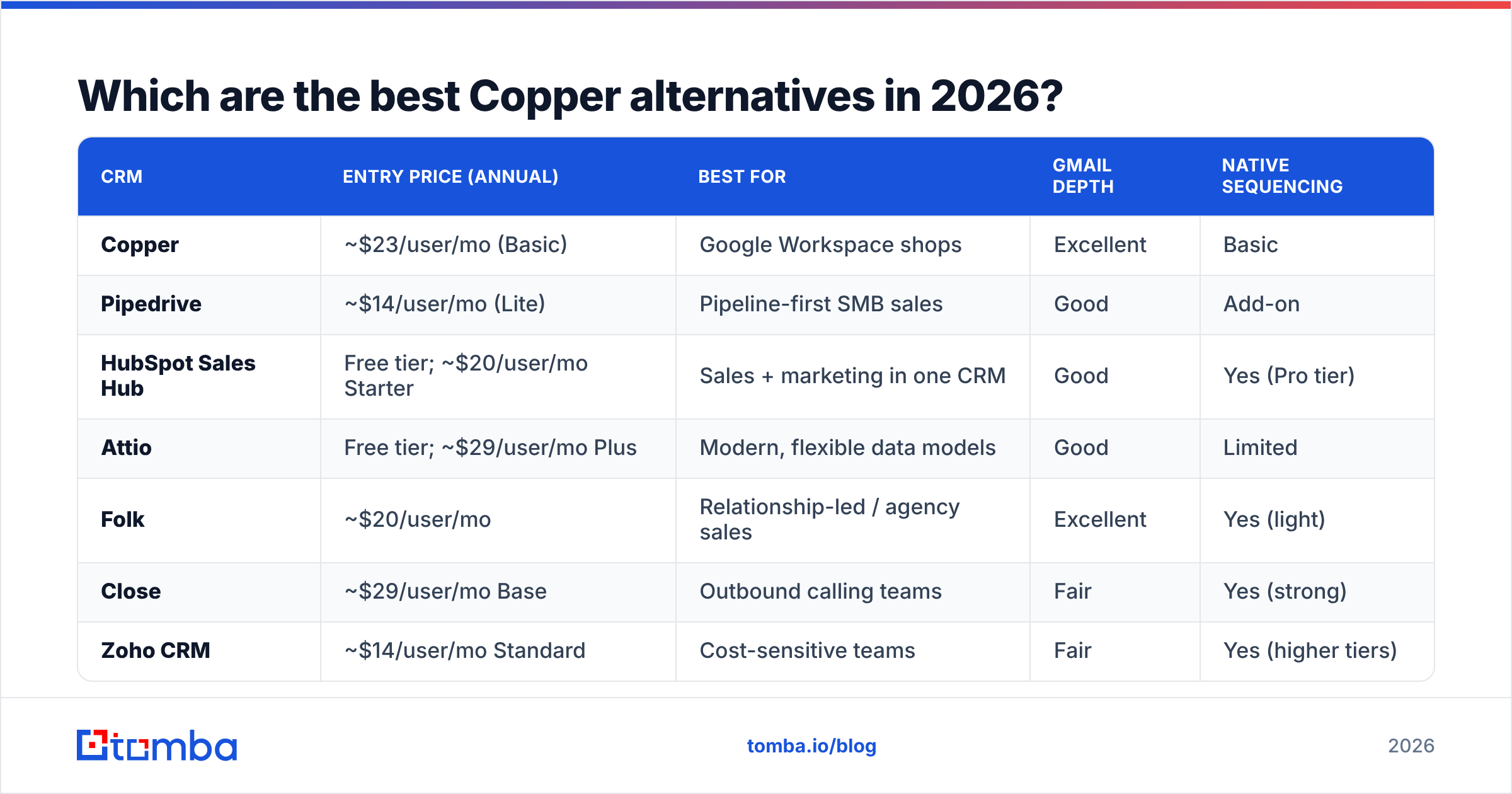
Which are the best Copper alternatives in 2026?#
| CRM | Entry price (annual) | Best for | Gmail depth | Native sequencing |
|---|---|---|---|---|
| Copper | ~$23/user/mo (Basic) | Google Workspace shops | Excellent | Basic |
| Pipedrive | ~$14/user/mo (Lite) | Pipeline-first SMB sales | Good | Add-on |
| HubSpot Sales Hub | Free tier; ~$20/user/mo Starter | Sales + marketing in one CRM | Good | Yes (Pro tier) |
| Attio | Free tier; ~$29/user/mo Plus | Modern, flexible data models | Good | Limited |
| Folk | ~$20/user/mo | Relationship-led / agency sales | Excellent | Yes (light) |
| Close | ~$29/user/mo Base | Outbound calling teams | Fair | Yes (strong) |
| Zoho CRM | ~$14/user/mo Standard | Cost-sensitive teams | Fair | Yes (higher tiers) |
| Streak | Free tier; ~$49/user/mo Pro | Gmail-native, tiny teams | Excellent | Basic |
| Insightly | ~$29/user/mo Plus | CRM + project delivery | Fair | Limited |
Prices are list prices at time of writing and move constantly. Verify on each vendor's pricing page and on G2 before you sign anything.
1. Pipedrive — the pipeline purist#
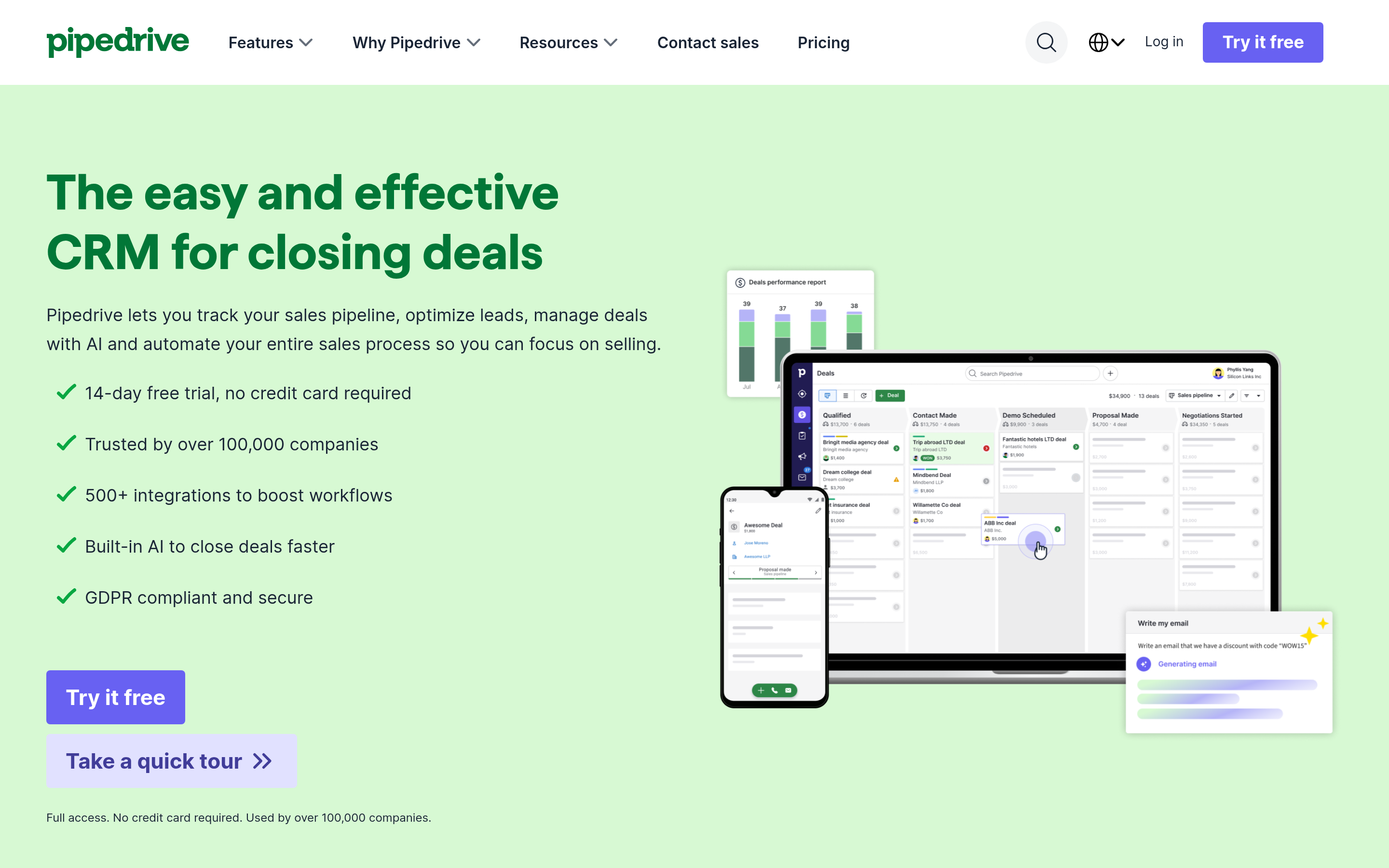
Pipedrive does one thing exceptionally: it makes reps move deals. The Kanban board is the product, not a view of the product. Activity-based selling is baked in — every deal nags you for a next step.
Pick it if your problem is rep discipline and forecast accuracy, not marketing alignment. Skip it if you need native email sequencing without paying for the add-on, or if your data model is anything more exotic than deals attached to orgs.
2. HubSpot Sales Hub — the all-in-one#
The free CRM tier is genuinely usable, which is why HubSpot wins so many Copper evaluations before the trial even ends. Marketing, sales, and service share one contact record, and the reporting is a category above Copper's.
The catch is the escalator: Starter is cheap, Professional is not, and contact-tier pricing compounds as your database grows. Read the HubSpot pricing page carefully — specifically what happens to your bill at 5,000 marketing contacts.
Pick it if marketing and sales need to share one system of record. Skip it if you only need a sales CRM and resent paying for the rest of the platform.
3. Attio — the flexible data layer#
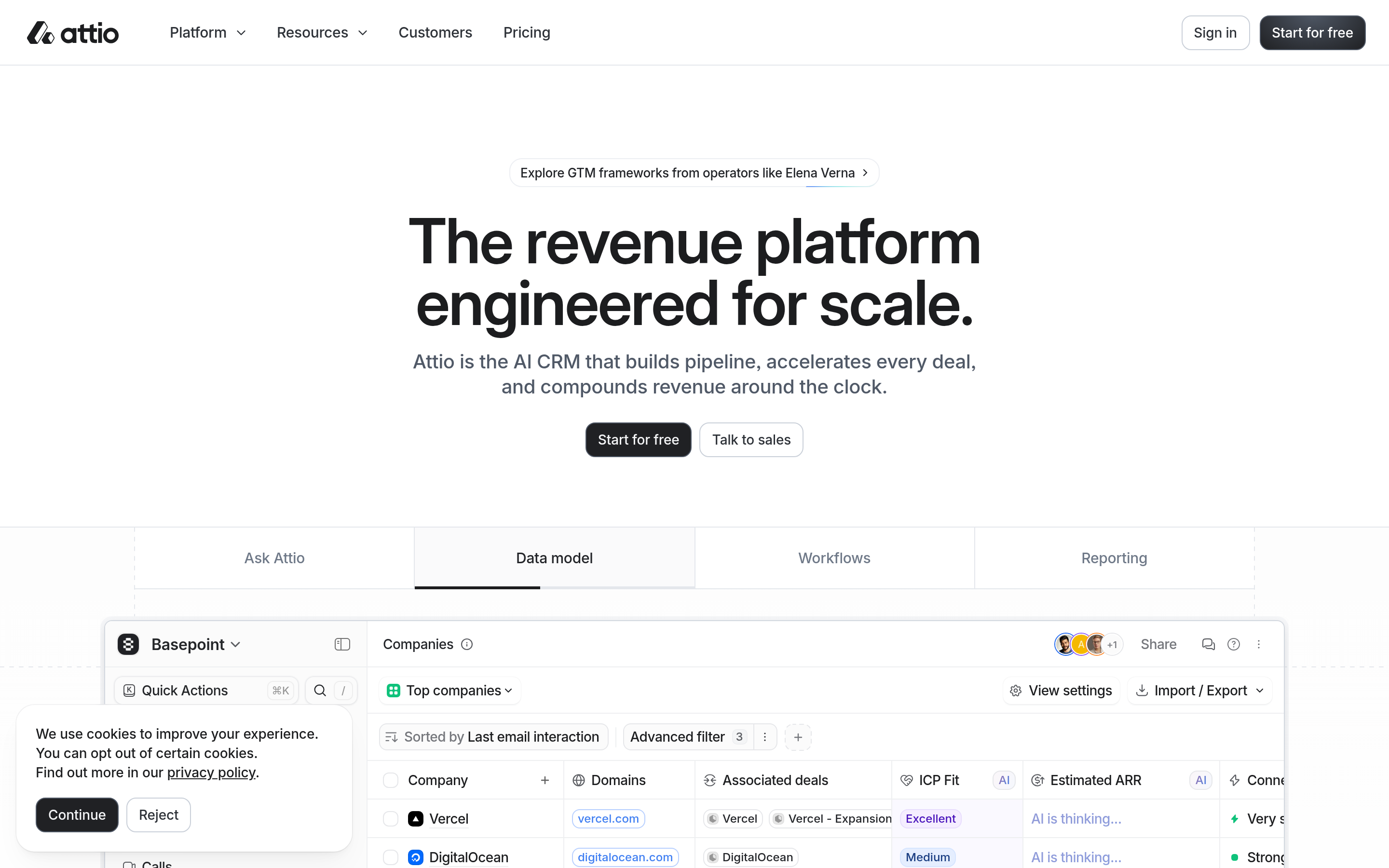
Attio is what you build if you start a CRM in 2020 rather than 2010. Objects are user-defined, records are relational, and the whole thing feels like Notion married a CRM. Its API is a first-class citizen, which matters if you're piping in enriched data programmatically.
Pick it if your sales motion doesn't fit People → Company → Deal. Skip it if you want a heavy, opinionated sales process handed to you out of the box.
4. Folk — the relationship CRM#
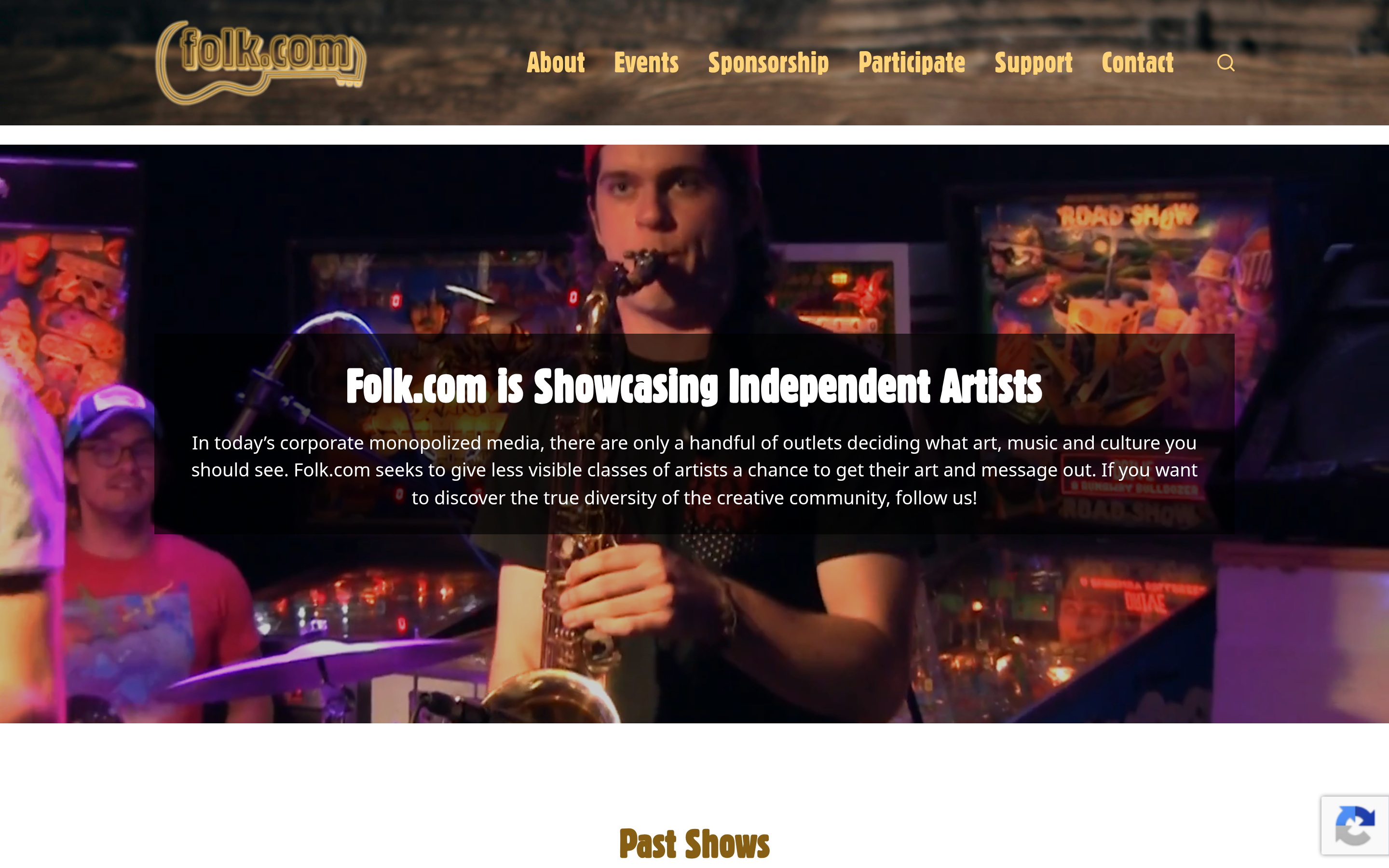
Folk is the closest thing to "Copper, but lighter and cheaper." Strong Gmail and LinkedIn capture, clean contact management, light sequencing. Agencies, consultancies, and founder-led sales teams love it.
Pick it if your pipeline is relationship-driven rather than volume-driven. Skip it if you need enterprise-grade reporting or a 12-stage pipeline with mandatory fields.
5. Close — the outbound engine#
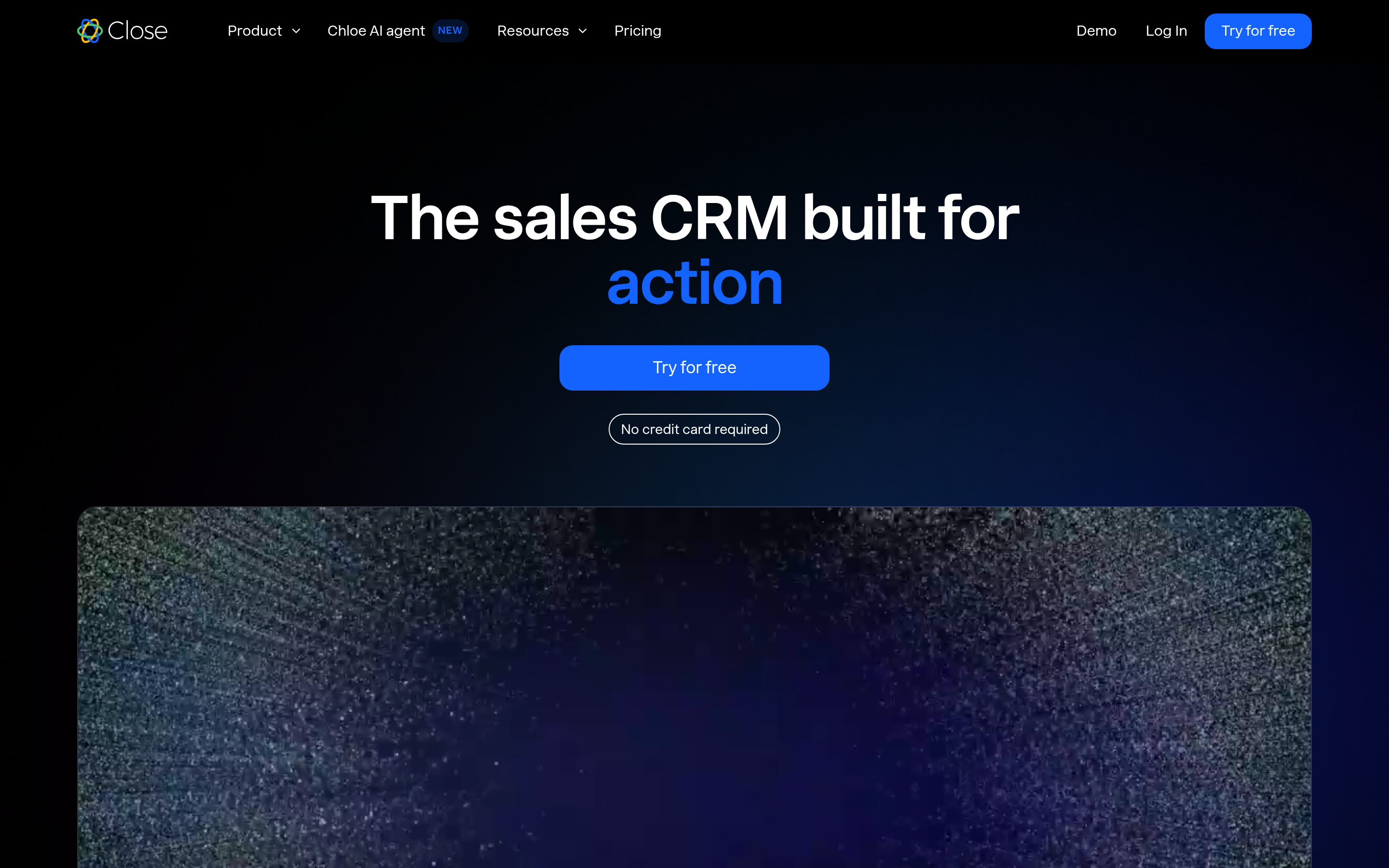
Close bundles calling, SMS, and email sequencing into the CRM. For an SDR team dialing 60 times a day, that consolidation is worth real money — you're replacing a CRM plus a dialer plus a sequencer.
Pick it if you run high-volume outbound. Skip it if your sales cycle is long, consultative, and low-touch — you'll pay for a dialer you never open.
6. Zoho CRM — the budget play#
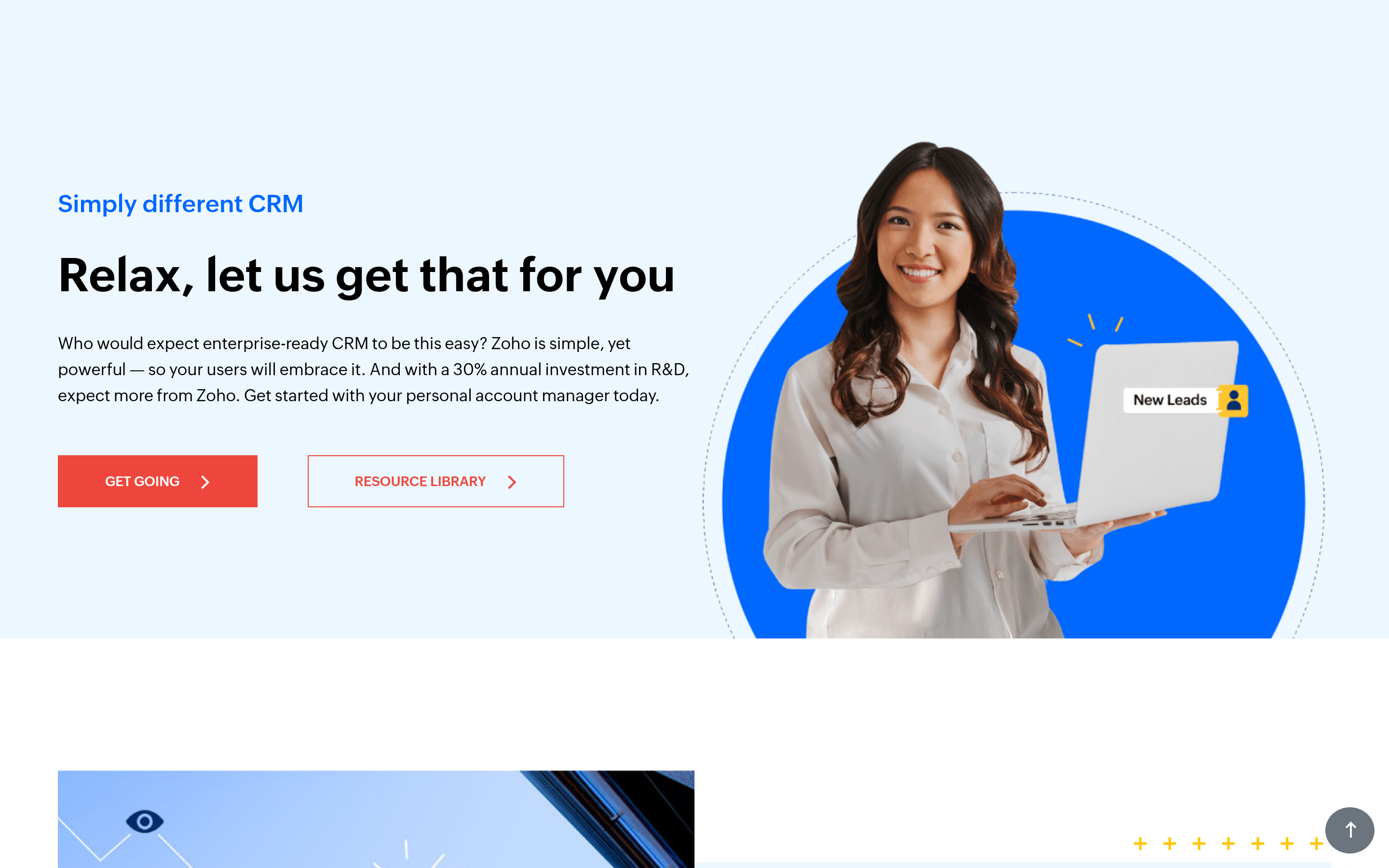
Zoho at ~$14/user/month does 80% of what Copper does at a fraction of the cost, and the wider Zoho suite is enormous. The trade-off is UX: it's denser, less polished, and configuration is a project rather than an afternoon.
Pick it if budget is the binding constraint and you have someone willing to configure it. Skip it if rep adoption is your risk — pretty CRMs get used.
7. Streak — Copper's closest cousin#
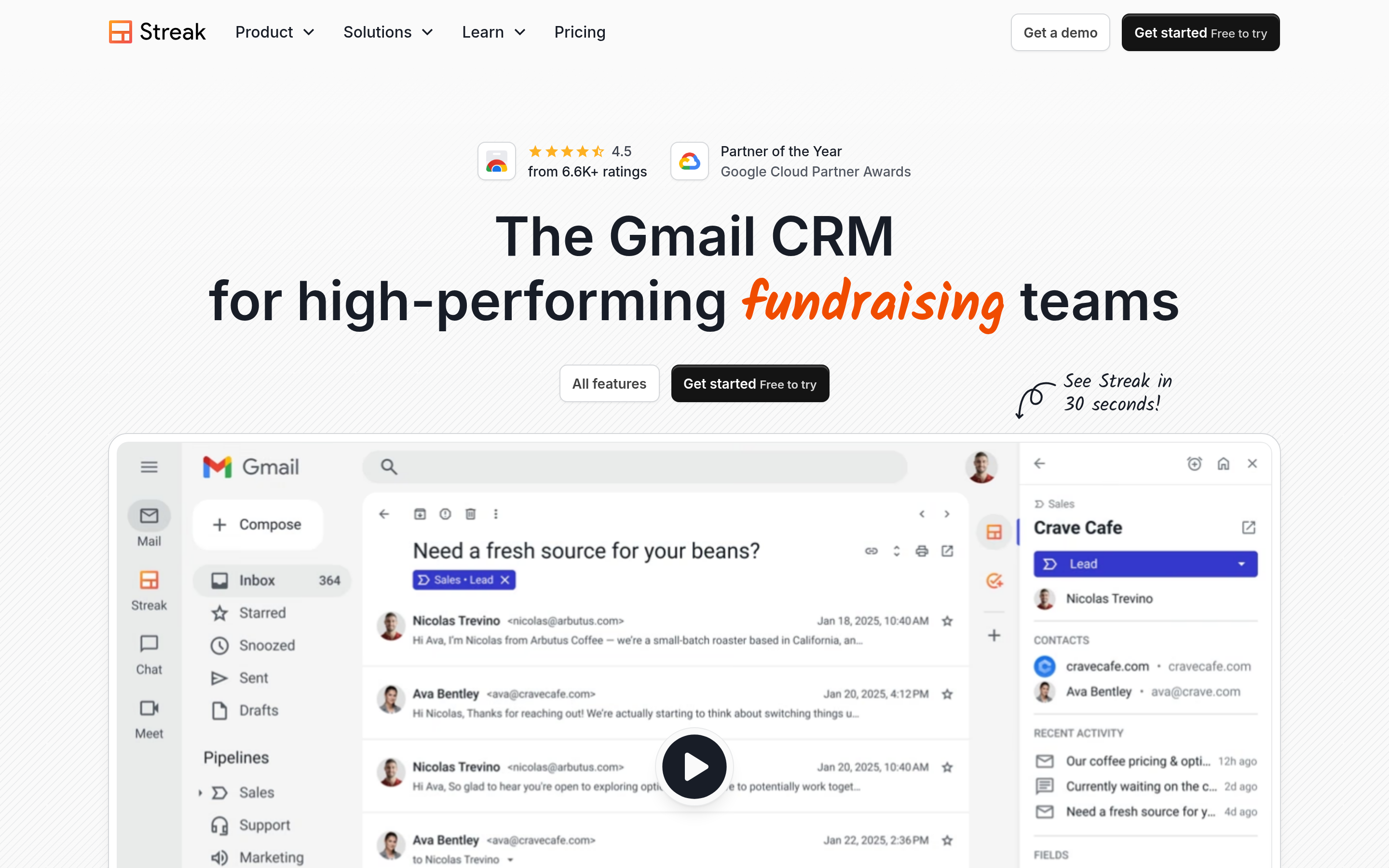
Streak lives entirely inside Gmail as pipelines built on your inbox. It's the most "Copper-like" alternative in feel, with a free tier that works for solo operators. It also inherits Copper's limitation: leave Gmail, lose the product.
Pick it if you're a small Gmail-native team that finds Copper overpriced. Skip it if you'll ever need to scale reporting or move off Google.
8. Insightly — CRM plus delivery#
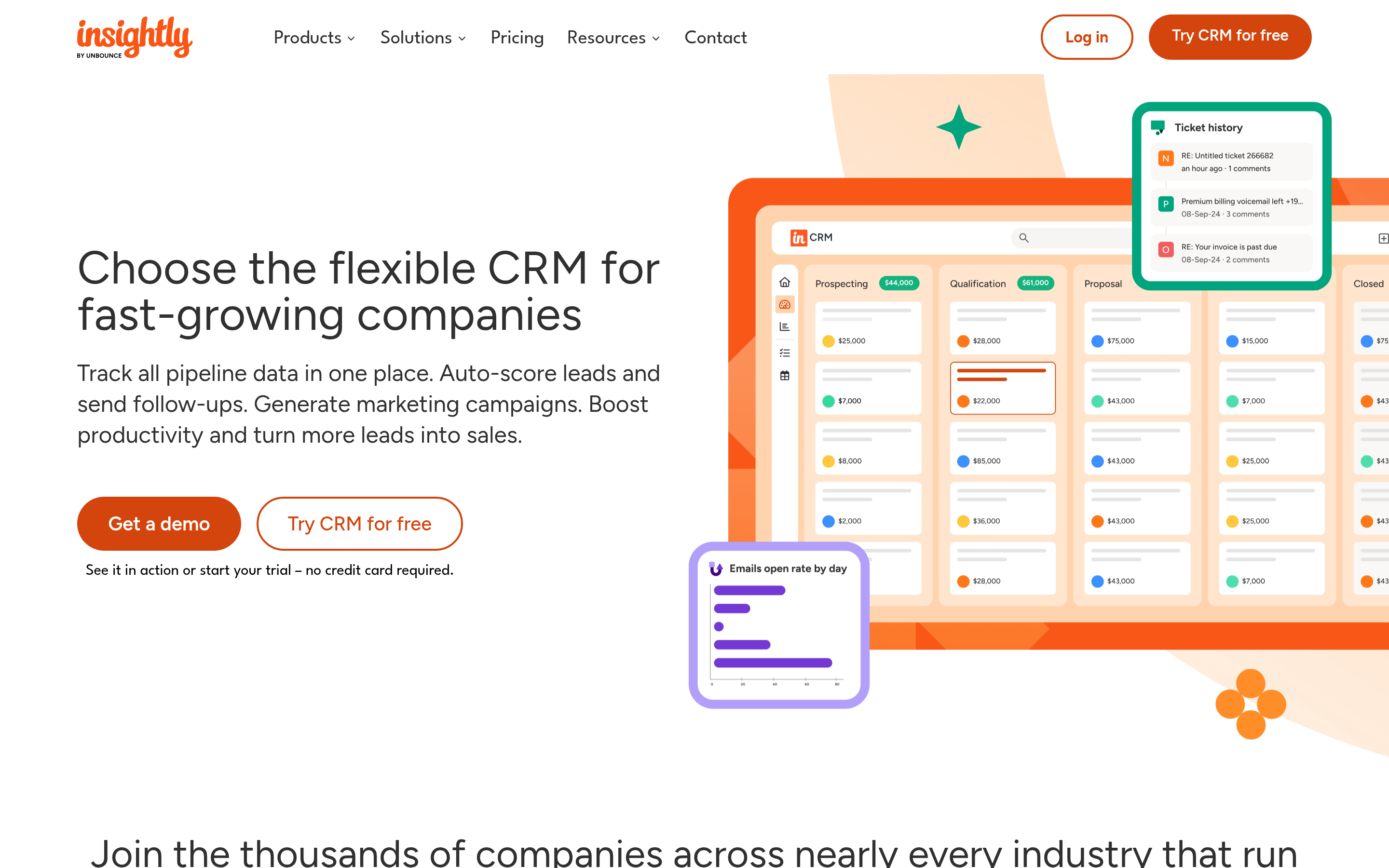
Insightly bolts project management onto the CRM, so a won deal becomes a delivery project without leaving the system. Useful for agencies and professional services where the handoff is the hard part.
9. monday CRM — the work-OS route#
If your company already runs on monday.com, its CRM module is the path of least resistance. It's flexible and visual, though it is a CRM built on a work OS rather than a purpose-built sales tool, and it shows in the sales-specific reporting.
Is Copper actually worth keeping?#
Sometimes, yes — and it's worth saying that plainly.
Keep Copper if: your whole company is on Google Workspace, your reps genuinely use the Gmail side panel, your pipeline is a straightforward B2B deal flow, and your renewal price is competitive. Copper's auto-capture from Gmail is still one of the better implementations in the category, and CRM migration is expensive in ways that don't show up on the invoice — three weeks of RevOps time, a field-mapping mess, and every automation rebuilt from scratch.
Leave Copper if any of these are true:
- You're moving off Google Workspace. Non-negotiable. The product's core value is gone.
- You need real forecasting. Copper's reporting will keep frustrating you.
- Your model doesn't fit. If you're using custom fields to fake objects, go to Attio.
- Cost per seat is the fight. Zoho, Pipedrive, or Folk cut it materially.
- Outbound volume is your motion. Close consolidates three tools into one bill.

What no CRM alternative will fix for you?#
Here's the uncomfortable part of every CRM migration: the CRM you pick is not why your pipeline is thin.
Copper, Pipedrive, HubSpot, Attio, Close — all of them are containers. They store, sort, and remind. Not one of them will tell you that sarah.chen@acmecorp.com left the company eight months ago, or find you the head of procurement at a target account you have zero relationship with. That's a data problem, and it sits upstream of the CRM.
Symptoms that you have a data problem wearing a CRM problem's clothes:
- Bounce rate above 5%. Your list is decaying faster than you're cleaning it. Run it through an email verifier before you blame the CRM.
- Half-empty records. Contacts with a name and nothing else are not contacts. Data enrichment fills title, company, seniority, and social profiles automatically.
- Reps doing manual research. If an AE spends 40 minutes a day hunting for an email address on LinkedIn, you're paying six-figure salaries to do a $0.002 API call.
- A CRM full of duplicates. Import hygiene, not CRM choice.
The correct architecture is boring and it works: a data layer (find + verify + enrich), a system of record (the CRM), and an execution layer (sequencer or dialer). Copper competes only in the middle box. When you evaluate alternatives, evaluate them on how cleanly they accept data from the first box — API quality, integrations, and bulk import behavior — rather than on which Kanban board looks nicest.
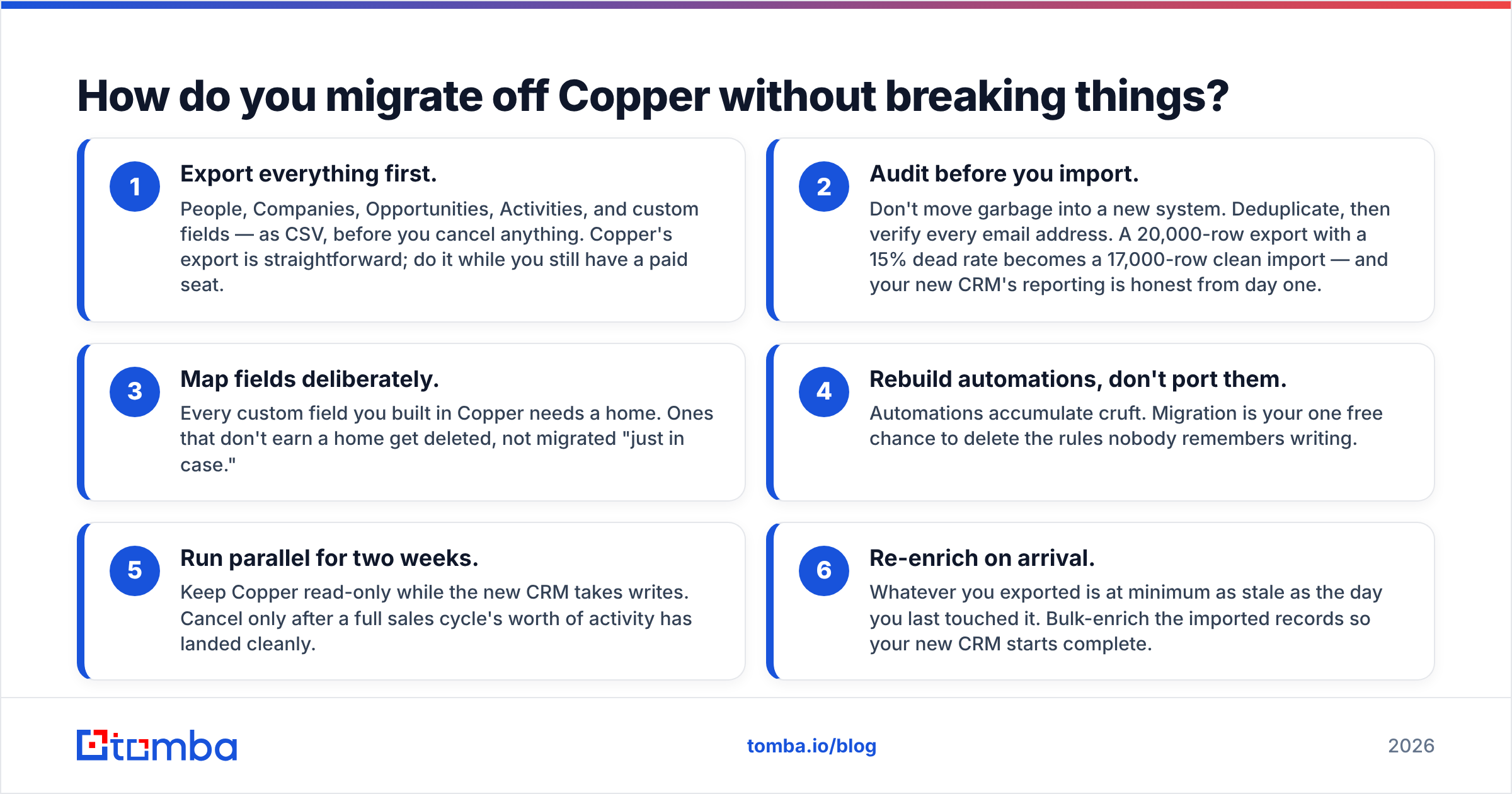
How do you migrate off Copper without breaking things?#
- Export everything first. People, Companies, Opportunities, Activities, and custom fields — as CSV, before you cancel anything. Copper's export is straightforward; do it while you still have a paid seat.
- Audit before you import. Don't move garbage into a new system. Deduplicate, then verify every email address. A 20,000-row export with a 15% dead rate becomes a 17,000-row clean import — and your new CRM's reporting is honest from day one.
- Map fields deliberately. Every custom field you built in Copper needs a home. Ones that don't earn a home get deleted, not migrated "just in case."
- Rebuild automations, don't port them. Automations accumulate cruft. Migration is your one free chance to delete the rules nobody remembers writing.
- Run parallel for two weeks. Keep Copper read-only while the new CRM takes writes. Cancel only after a full sales cycle's worth of activity has landed cleanly.
- Re-enrich on arrival. Whatever you exported is at minimum as stale as the day you last touched it. Bulk-enrich the imported records so your new CRM starts complete.
Steps 2 and 6 are where teams cut corners, and they're the two that determine whether the new CRM feels like an upgrade or like the same mess in a different UI.
Where does Tomba fit in a post-Copper stack?#
Tomba isn't a CRM and isn't trying to be one. It's the data layer that sits in front of whichever CRM you land on.
Use Tomba Email Finder to source verified professional emails by name and domain, domain search to pull every reachable contact at a target account, and the Tomba API to push clean, enriched records straight into Pipedrive, HubSpot, Attio, or whatever you replace Copper with — no CSV shuffling. Tomba pricing starts free with 25 searches a month, then $49/mo (Starter), $99/mo (Growth), and $249/mo (Pro) — a fraction of what an extra CRM seat tier costs, and it's the part of the stack that actually creates pipeline rather than storing it.
Pick the CRM that fits your motion. Then fix the data going into it — that's the change your forecast will actually notice. Start finding verified emails with Tomba's Email Finder →
Related guides#
Ready to find emails that actually work?
Join 150,000+ professionals who stopped guessing and started sending. Free credits on signup — no credit card required.
Get the Tomba newsletter
Practical outbound tactics and product updates — once every two weeks.
About the author