9 Best Creatio Alternatives in 2026: Compared and Ranked
Creatio's no-code CRM is powerful, but the per-user pricing, product add-ons, and implementation lift push a lot of teams to look elsewhere. Here are nine Creatio alternatives compared on price, no-code depth, and who they actually fit.
TL;DR
- Creatio is a no-code CRM plus workflow automation platform. It is genuinely strong at process automation, and genuinely heavy to buy, configure, and maintain.
- Most teams shopping for Creatio alternatives are not looking for more no-code. They are looking for less setup, clearer pricing, or a CRM that a five-person sales team can run without an admin.
- The best fit depends on which half of Creatio you actually use: the CRM half (HubSpot, Pipedrive, Zoho, Freshsales) or the process-automation half (Odoo, Appian, Monday, ServiceNow).
- Whatever CRM you land on, it is only as good as the contact data inside it. A CRM migration is the cheapest moment you will ever get to clean and enrich your database.
- Fastest path: pick the CRM that matches your team size, then wire a data enrichment layer into it on day one so reps stop hand-typing emails.
What is Creatio, and who is it actually built for?#
Creatio (formerly bpm'online) sells a single no-code platform with CRM applications layered on top: Sales Creatio, Marketing Creatio, Service Creatio, and Studio Creatio, the underlying workflow builder. The pitch is that you compose your own CRM instead of bending your process to fit someone else's object model.
That pitch lands hardest with mid-market and enterprise operations teams who have a genuinely unusual process — insurance underwriting, lending, multi-stage manufacturing quotes, regulated service delivery. If your sales motion has eleven approval gates and a compliance step, Creatio's process designer is a real advantage over a stock pipeline CRM.
It lands worst with a 12-person B2B SaaS sales team that needs a place to store deals, log emails, and see a forecast. For them, Creatio's flexibility is a tax: someone has to build the thing before anyone can sell with it.
Per Creatio's own pricing page, the platform is priced per user per month across Growth, Enterprise, and Unlimited tiers, with the CRM products (Sales, Marketing, Service) purchased on top and Marketing priced against your contact volume. Two things follow. First, the sticker price you see is rarely the price you pay. Second, budgeting is hard until you have gone through a scoping call.
Why do teams look for Creatio alternatives?#
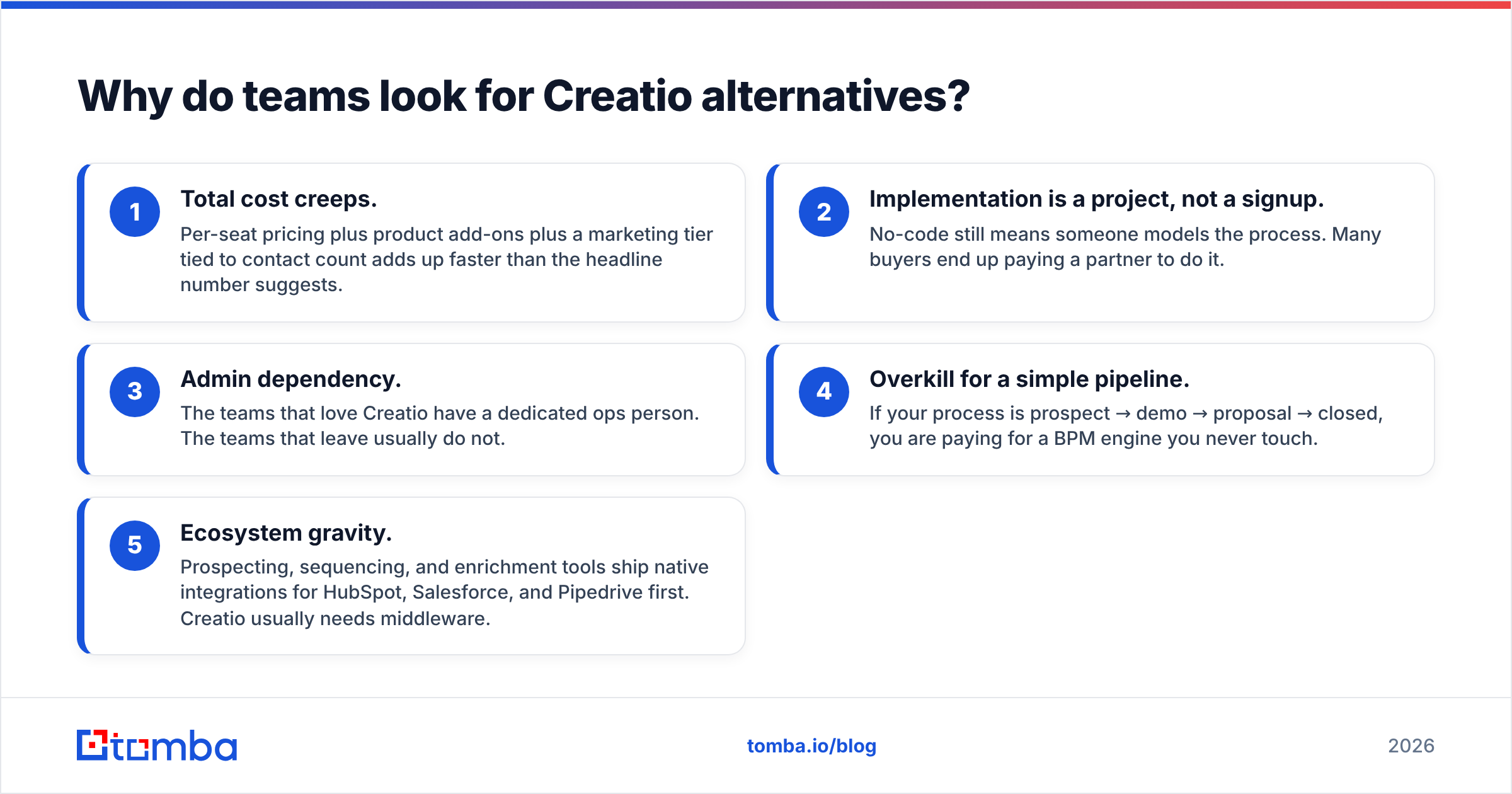
From what shows up repeatedly in G2 reviews and in migration threads, five reasons dominate:
- Total cost creeps. Per-seat pricing plus product add-ons plus a marketing tier tied to contact count adds up faster than the headline number suggests.
- Implementation is a project, not a signup. No-code still means someone models the process. Many buyers end up paying a partner to do it.
- Admin dependency. The teams that love Creatio have a dedicated ops person. The teams that leave usually do not.
- Overkill for a simple pipeline. If your process is prospect → demo → proposal → closed, you are paying for a BPM engine you never touch.
- Ecosystem gravity. Prospecting, sequencing, and enrichment tools ship native integrations for HubSpot, Salesforce, and Pipedrive first. Creatio usually needs middleware.

None of these are indictments of the product. They are mismatch signals. The question is not "is Creatio good" — it is "am I buying a process engine when I needed a pipeline."
How do the top Creatio alternatives compare?#
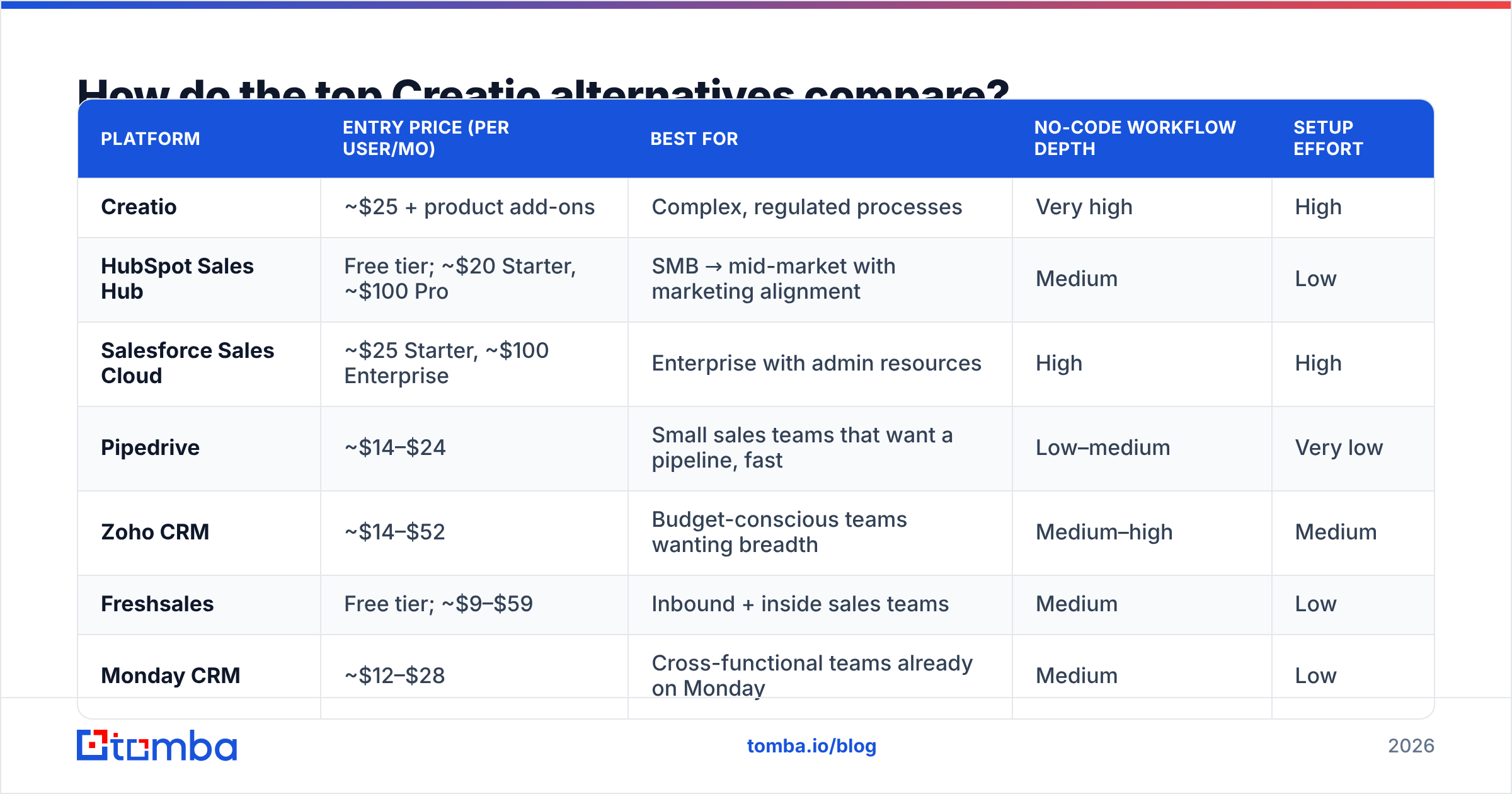
| Platform | Entry price (per user/mo) | Best for | No-code workflow depth | Setup effort |
|---|---|---|---|---|
| Creatio | ~$25 + product add-ons | Complex, regulated processes | Very high | High |
| HubSpot Sales Hub | Free tier; ~$20 Starter, ~$100 Pro | SMB → mid-market with marketing alignment | Medium | Low |
| Salesforce Sales Cloud | ~$25 Starter, ~$100 Enterprise | Enterprise with admin resources | High | High |
| Pipedrive | ~$14–$24 | Small sales teams that want a pipeline, fast | Low–medium | Very low |
| Zoho CRM | ~$14–$52 | Budget-conscious teams wanting breadth | Medium–high | Medium |
| Freshsales | Free tier; ~$9–$59 | Inbound + inside sales teams | Medium | Low |
| Monday CRM | ~$12–$28 | Cross-functional teams already on Monday | Medium | Low |
| Odoo | ~$25 all-apps | Companies wanting ERP + CRM in one | High (dev-assisted) | Medium–high |
| Microsoft Dynamics 365 Sales | ~$65+ | Microsoft-native enterprises | High | High |
| SugarCRM | ~$49+ | Mid-market wanting on-prem/hosted control | Medium–high | Medium |
Prices are list prices at the time of writing and move constantly — treat them as ranges, not quotes. The column that matters most is the last one. Setup effort is where Creatio switchers get burned twice: once on the way in, once on the way out.
Which Creatio alternatives are worth a shortlist?#
HubSpot Sales Hub — the default escape hatch#
If you are leaving Creatio because it was too much machine, HubSpot is the most common landing spot. You get a working CRM in an afternoon, a free tier that is genuinely usable, and the largest app ecosystem in the category. Workflows exist and are decent, but they are automation rules, not a BPM designer — if your process needs conditional branching across five departments, you will feel the ceiling.
Watch the Professional-tier jump and the seat model. HubSpot gets expensive when marketing contacts scale.
Salesforce Sales Cloud — the same trade, bigger ecosystem#
Salesforce is not simpler than Creatio. It is more supported. Every consultant, every integration, every RevOps hire already knows it. If you are leaving Creatio because you cannot hire for it, Salesforce solves that specific problem and no other. Expect the same admin dependency and a similar implementation timeline.
Pipedrive — the anti-Creatio#
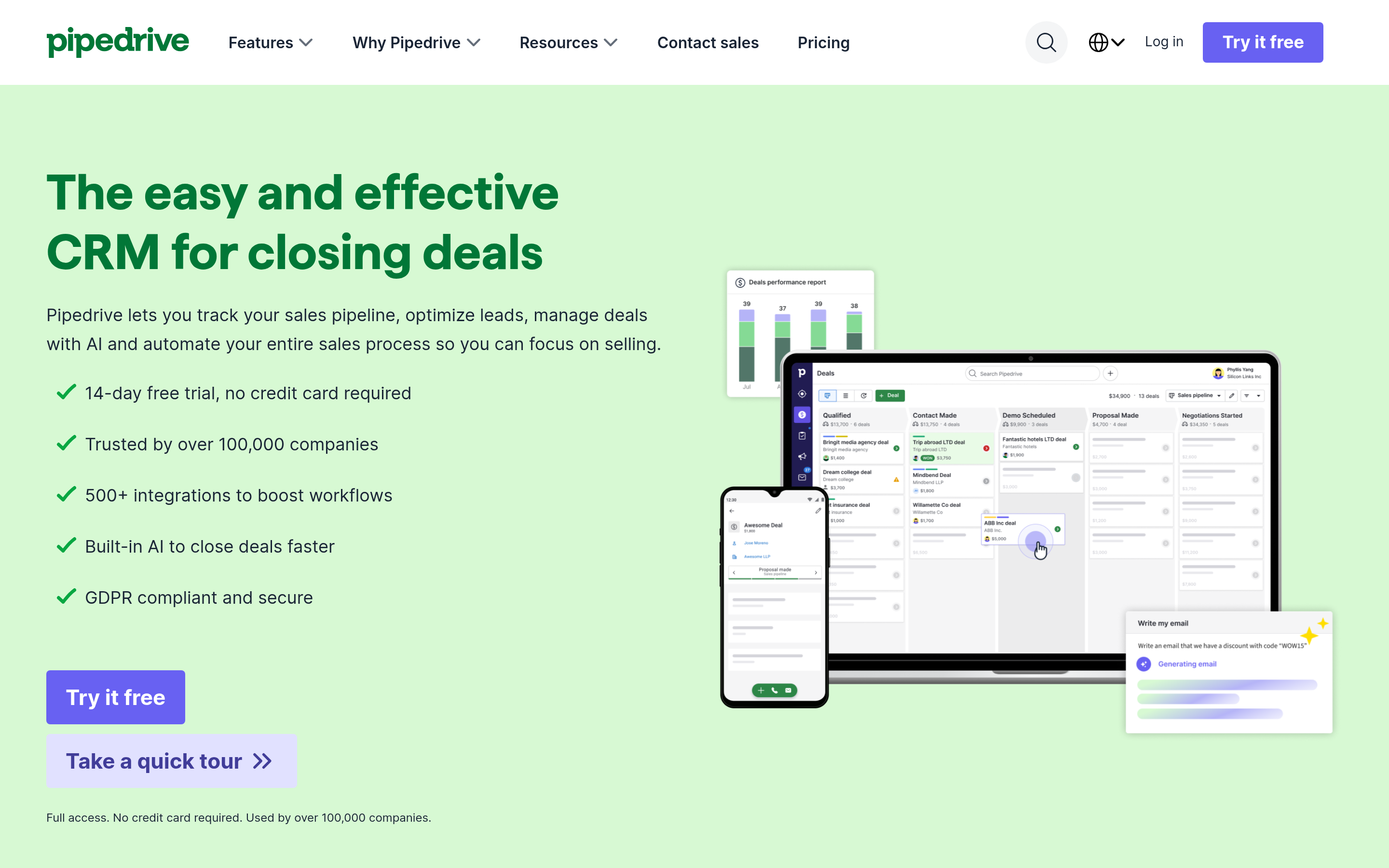
Pipedrive is a pipeline with a CRM attached. Deals, stages, activities, done. It has automation, but nobody buys it for that. For a 3–20 person sales team that wants reps selling by Thursday, this is the fastest switch on the list, and usually the cheapest.
Zoho CRM — breadth for the budget#

Zoho gives you the widest feature surface per dollar, plus Blueprint for process enforcement and Canvas for UI customization — the closest thing to Creatio's composability at SMB pricing. The tradeoff is UI polish and support consistency. It is the value pick, and it knows it.
Freshsales — inbound and inside sales#
Freshsales fits teams whose deals start from inbound and get worked by phone and email. Built-in dialer, sequences, and AI scoring, with a free tier to test on. Less useful if your motion is long, complex, and multi-stakeholder.
Monday CRM — for teams that already live in Monday#
If your company already runs projects on Monday, its CRM board is a low-friction add. It handles pipeline and light automation well. It is not a system of record for a 50-rep org, and it does not pretend to be.
Odoo — Creatio's real structural rival#
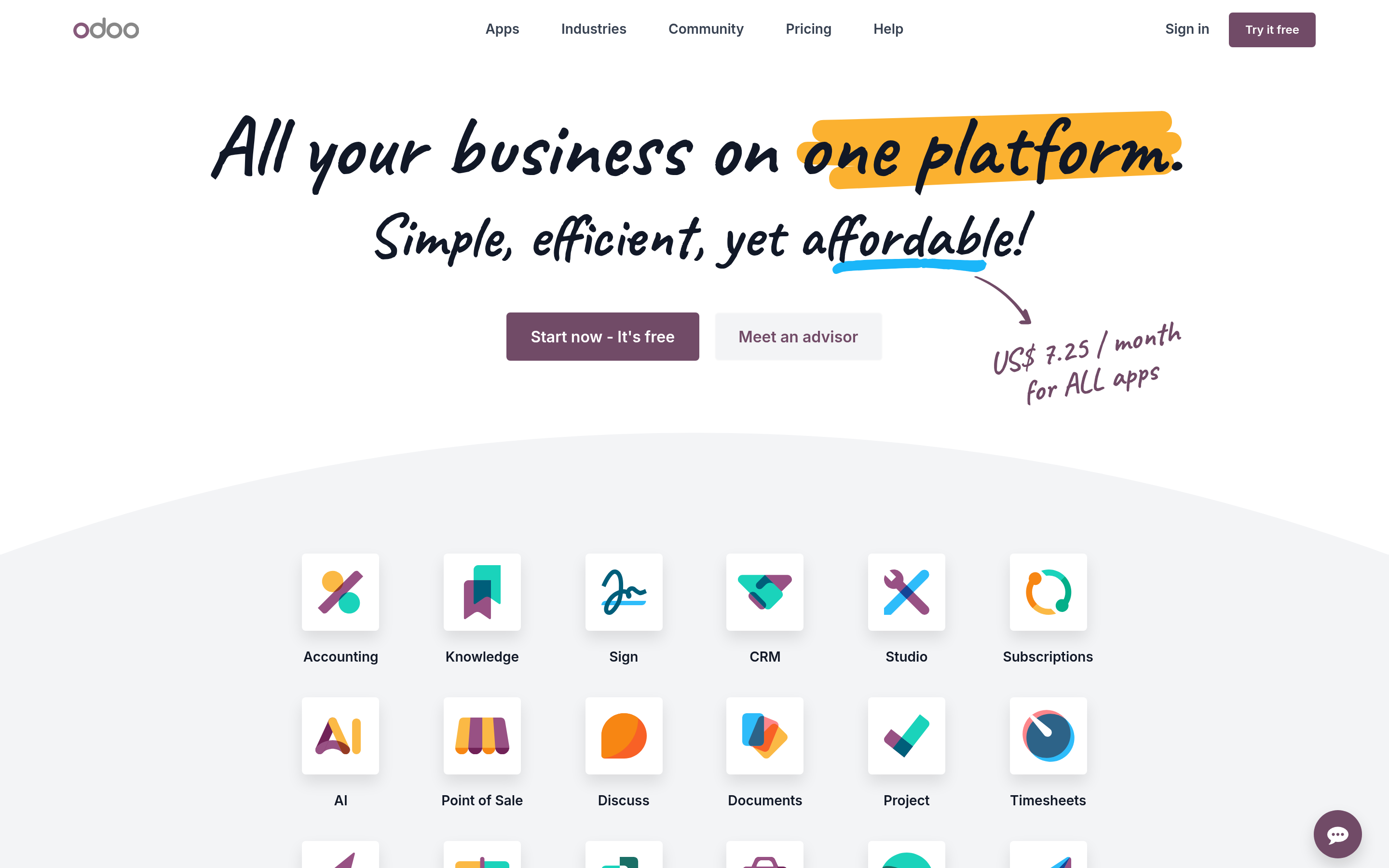
Odoo is the alternative for teams that liked Creatio's ambition. Open-source core, CRM plus ERP plus inventory plus accounting, deep customizability. If you were using Creatio to run the business, not just sales, Odoo is the honest comparison — with the same caveat that customization means developer time.
Microsoft Dynamics 365 Sales — if you are already Microsoft#
Dynamics only makes sense when Teams, Outlook, and Power BI are already load-bearing. Then the native Power Automate integration gives you a workflow engine comparable to Creatio's, and the data lives where your analysts already work. Outside that ecosystem, the price is hard to justify.
SugarCRM — control and deployment flexibility#
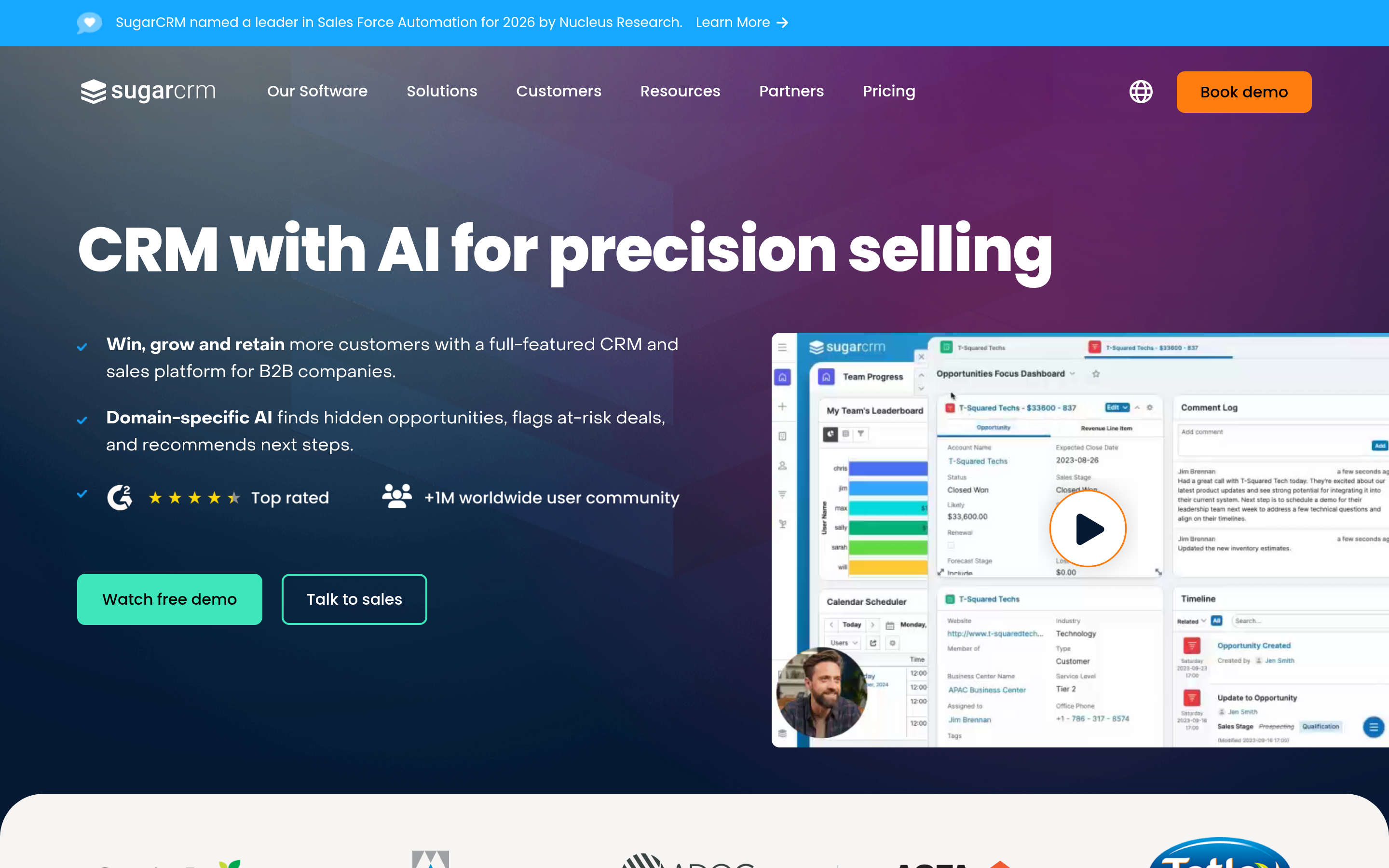
Sugar is the pick for mid-market teams with data-residency or hosting requirements, or who want a CRM they can genuinely own. Modernized in recent years, still less flashy than HubSpot. Fine. That is the point.
What should you fix during the migration, not after?#
Here is the part most switch posts skip. A CRM migration is a data event, not a software event. You are about to move every contact you have into a new system — which means every wrong email, dead phone number, and job-changed contact gets carried across unless you stop it.
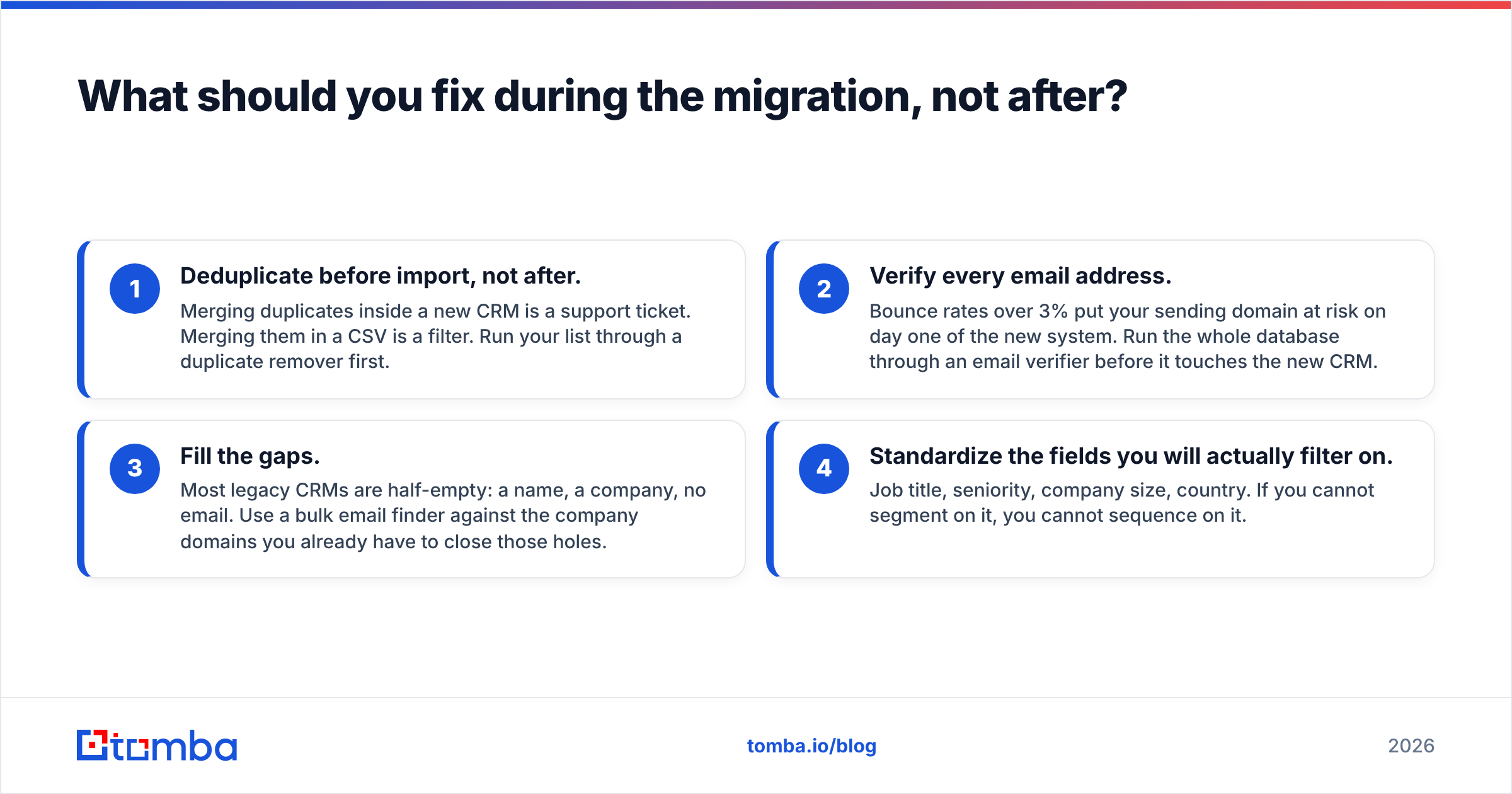
Do these four things while the data is in flight:
- Deduplicate before import, not after. Merging duplicates inside a new CRM is a support ticket. Merging them in a CSV is a filter. Run your list through a duplicate remover first.
- Verify every email address. Bounce rates over 3% put your sending domain at risk on day one of the new system. Run the whole database through an email verifier before it touches the new CRM.
- Fill the gaps. Most legacy CRMs are half-empty: a name, a company, no email. Use a bulk email finder against the company domains you already have to close those holes.
- Standardize the fields you will actually filter on. Job title, seniority, company size, country. If you cannot segment on it, you cannot sequence on it.

This is the quiet truth behind most "our CRM isn't working" complaints. The pipeline view was never the bottleneck. The CRM is a container. What's in it decides whether outbound works.
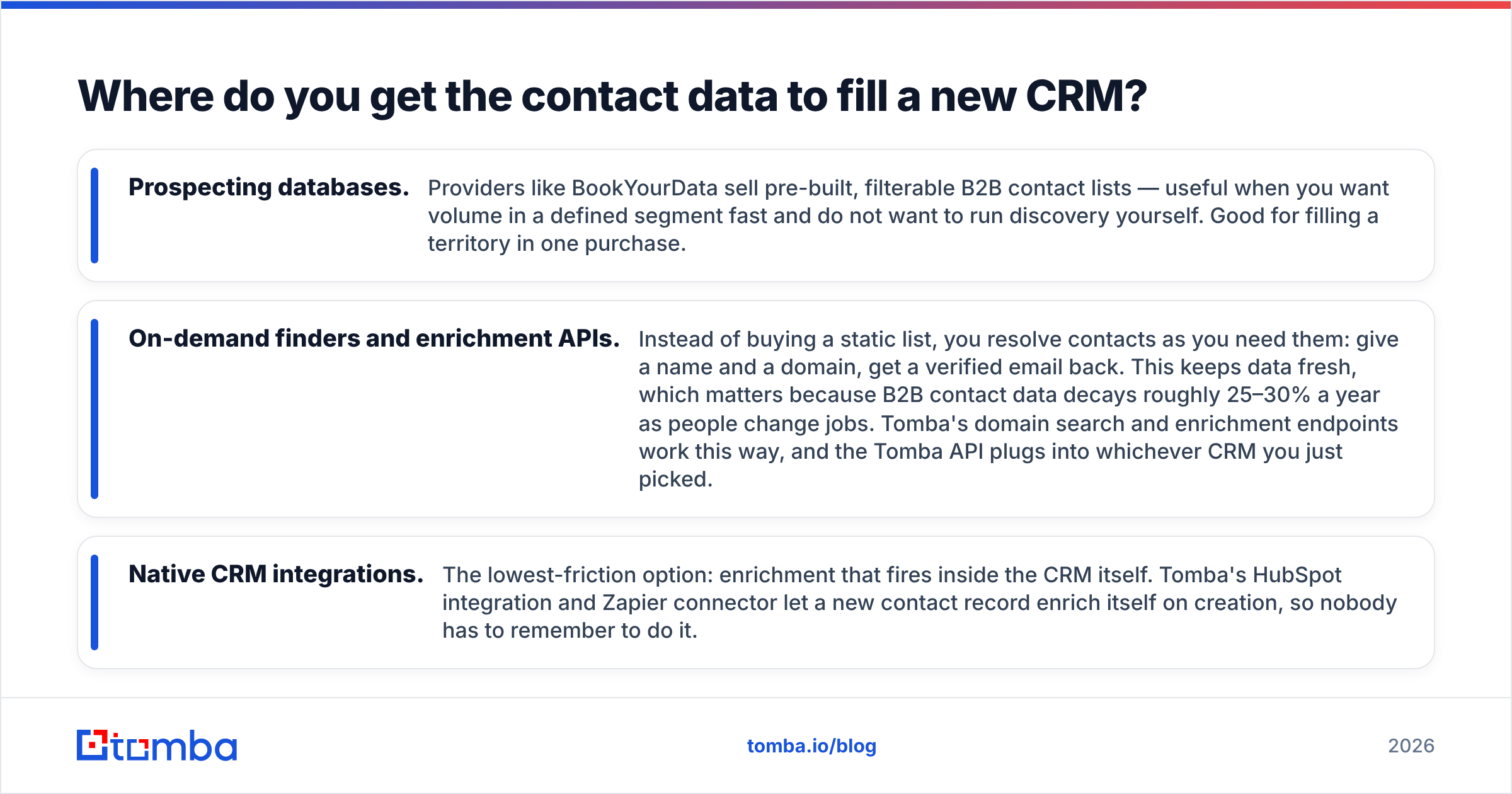
Where do you get the contact data to fill a new CRM?#
Once the new system is up, you need a repeatable way to add contacts without reps copy-pasting from LinkedIn.
Three approaches, and they stack rather than compete:
- Prospecting databases. Providers like BookYourData sell pre-built, filterable B2B contact lists — useful when you want volume in a defined segment fast and do not want to run discovery yourself. Good for filling a territory in one purchase.
- On-demand finders and enrichment APIs. Instead of buying a static list, you resolve contacts as you need them: give a name and a domain, get a verified email back. This keeps data fresh, which matters because B2B contact data decays roughly 25–30% a year as people change jobs. Tomba's domain search and enrichment endpoints work this way, and the Tomba API plugs into whichever CRM you just picked.
- Native CRM integrations. The lowest-friction option: enrichment that fires inside the CRM itself. Tomba's HubSpot integration and Zapier connector let a new contact record enrich itself on creation, so nobody has to remember to do it.
The practical setup for most teams switching off Creatio: a simple CRM (HubSpot, Pipedrive, or Zoho), an enrichment layer wired to it, and a verification step before any send. That combination costs a fraction of a composed Creatio deployment and it is running by the end of the week.
Which Creatio alternative should you actually pick?#
Answer one question: do you use Creatio's process designer, or do you just use its CRM?
If you only use the CRM — pipeline, contacts, activities, reports — you are overpaying. Go to Pipedrive if you want speed, HubSpot if you want the ecosystem, Zoho if you want value. All three will be live before your next quarter starts.
If you genuinely use the process engine — approval chains, compliance steps, multi-department handoffs — do not downgrade to a pipeline CRM and expect to be happy. Your real alternatives are Odoo, Dynamics 365 with Power Automate, or Salesforce with Flow. Same class of tool, different vendor, different ecosystem depth.
If you are somewhere in the middle, run a 30-day parallel test with one rep on the new CRM and one on Creatio, using the same lead list. Whichever gets to first meeting faster wins. That test costs you a month and tells you more than any vendor demo.
And whichever way it goes, check what your CRM bill actually buys before you renew — Tomba's pricing for the data layer starts free (25 searches/month) and runs $49/mo for Starter, which is worth benchmarking against the per-seat data add-ons most CRM vendors bundle in.
Ready to fill your new CRM with contacts that actually deliver? Start with the Tomba Email Finder — search by domain, name, or company, verify every result before it lands, and push clean records straight into HubSpot, Pipedrive, Salesforce, or whatever you migrate to. Free tier includes 25 searches a month, no card required. Migrate the pipeline, but leave the bad data behind.
Related guides#
Ready to find emails that actually work?
Join 150,000+ professionals who stopped guessing and started sending. Free credits on signup — no credit card required.
Get the Tomba newsletter
Practical outbound tactics and product updates — once every two weeks.
About the author