How to Verify CRM Data in 2026: A Practical Cleanup Guide
CRM data decays about 30% a year. Here's a practical, tool-agnostic playbook to verify CRM records, kill bounces, and keep your pipeline clean in 2026.
Your CRM is lying to you. Not on purpose, but every quarter that passes, a chunk of those clean-looking rows quietly rot: people change jobs, companies rebrand, domains lapse, and email addresses stop resolving. If you never verify CRM data, you're building forecasts and campaigns on a foundation that erodes about 30% every year.
This guide is a practical, tool-agnostic playbook for how to CRM verify at scale — what "verification" actually means, how to catch decay before it hits your send list, and how to keep records trustworthy without turning data hygiene into a full-time job.
TL;DR#
- B2B CRM data decays ~30% per year — job changes, domain churn, and typos silently break records you assume are fine.
- "Verify" means three different jobs: syntax/deliverability checks on emails, freshness checks on contacts, and match/dedupe checks across records.
- Verify at the point of entry AND on a schedule — a form check stops garbage from entering; a quarterly bulk pass catches natural decay.
- A comparison table below breaks down manual, native-CRM, and dedicated verification approaches so you can pick by budget and volume.
- Start with your highest-value segments (open opportunities, active sequences) — you don't need to boil the whole database at once.
What does it mean to "verify" CRM data?#
Verifying CRM data means confirming that each record is accurate, reachable, and unique — right now, not when it was first created. People treat "verify" like a single button, but it's really three separate jobs bundled together.
- Deliverability verification — Is this email address real and able to receive mail? This catches typos (
jhon@instead ofjohn@), dead mailboxes, role accounts (info@,sales@), and spam traps before they wreck your sender reputation. - Freshness verification — Does this person still work here, in this role, with this phone number? A perfectly valid email is useless if the contact left the company eight months ago.
- Integrity verification — Is this record a duplicate, a merge conflict, or missing critical fields? Two half-complete records for the same buyer are worse than one complete one.
Most teams only do the first job, call it "verification," and wonder why response rates keep sliding. A real email verifier handles job one, but jobs two and three need enrichment and dedupe logic on top.
Why does CRM data go bad so fast?#
The uncomfortable truth: your database is decaying whether you touch it or not. According to research summarized by HubSpot, B2B contact data degrades at roughly 22–30% annually — and Gartner has long flagged poor data quality as a multi-million-dollar drag on the average enterprise.
Here's where the rot comes from:
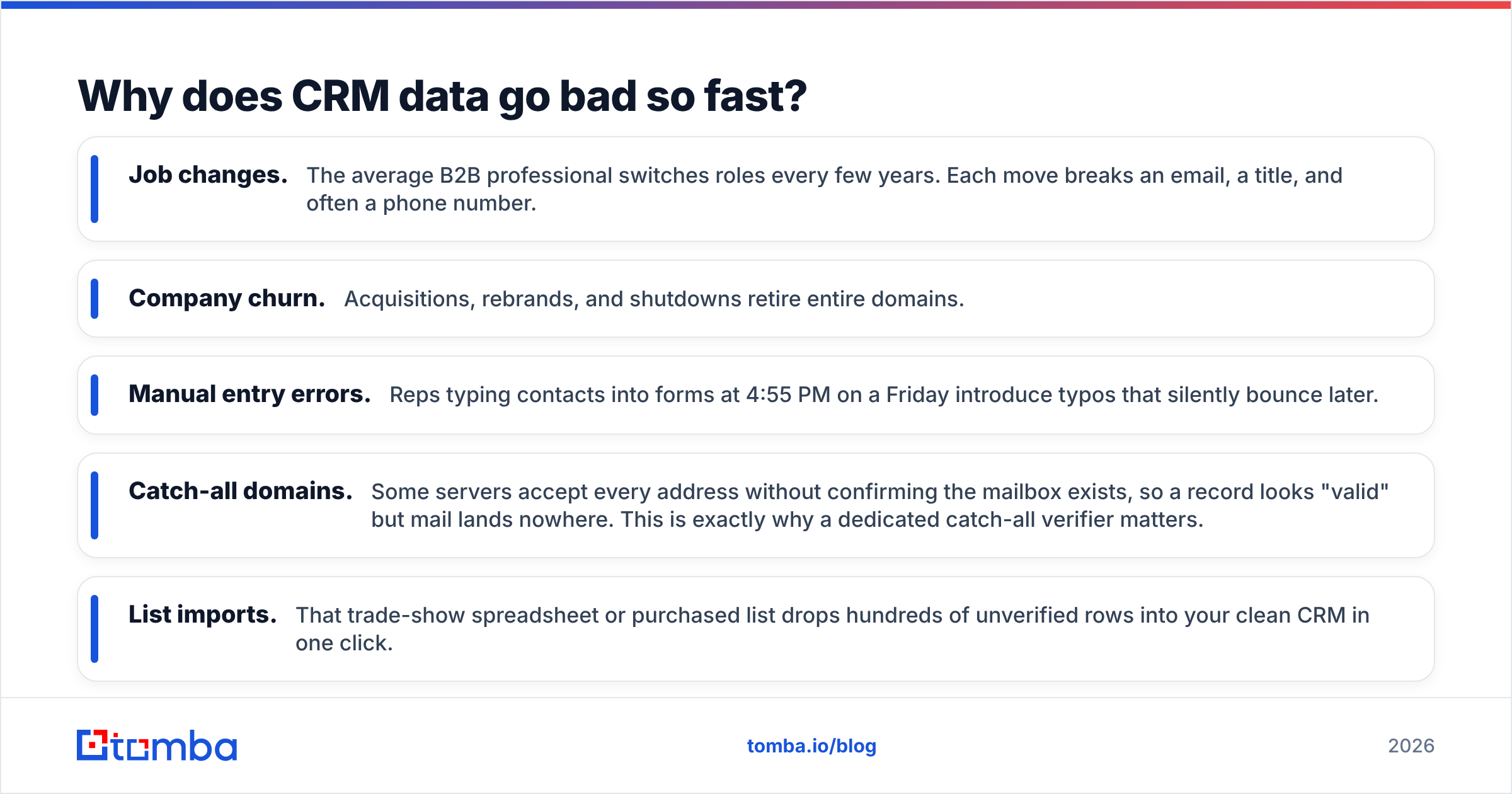
- Job changes. The average B2B professional switches roles every few years. Each move breaks an email, a title, and often a phone number.
- Company churn. Acquisitions, rebrands, and shutdowns retire entire domains.
- Manual entry errors. Reps typing contacts into forms at 4:55 PM on a Friday introduce typos that silently bounce later.
- Catch-all domains. Some servers accept every address without confirming the mailbox exists, so a record looks "valid" but mail lands nowhere. This is exactly why a dedicated catch-all verifier matters.
- List imports. That trade-show spreadsheet or purchased list drops hundreds of unverified rows into your clean CRM in one click.
None of this is a moral failing — it's entropy. The only defense is a repeatable verification process.
How do you verify CRM data step by step?#
You don't need a data-engineering team. You need a sequence you run on a schedule. Here's the practical version.
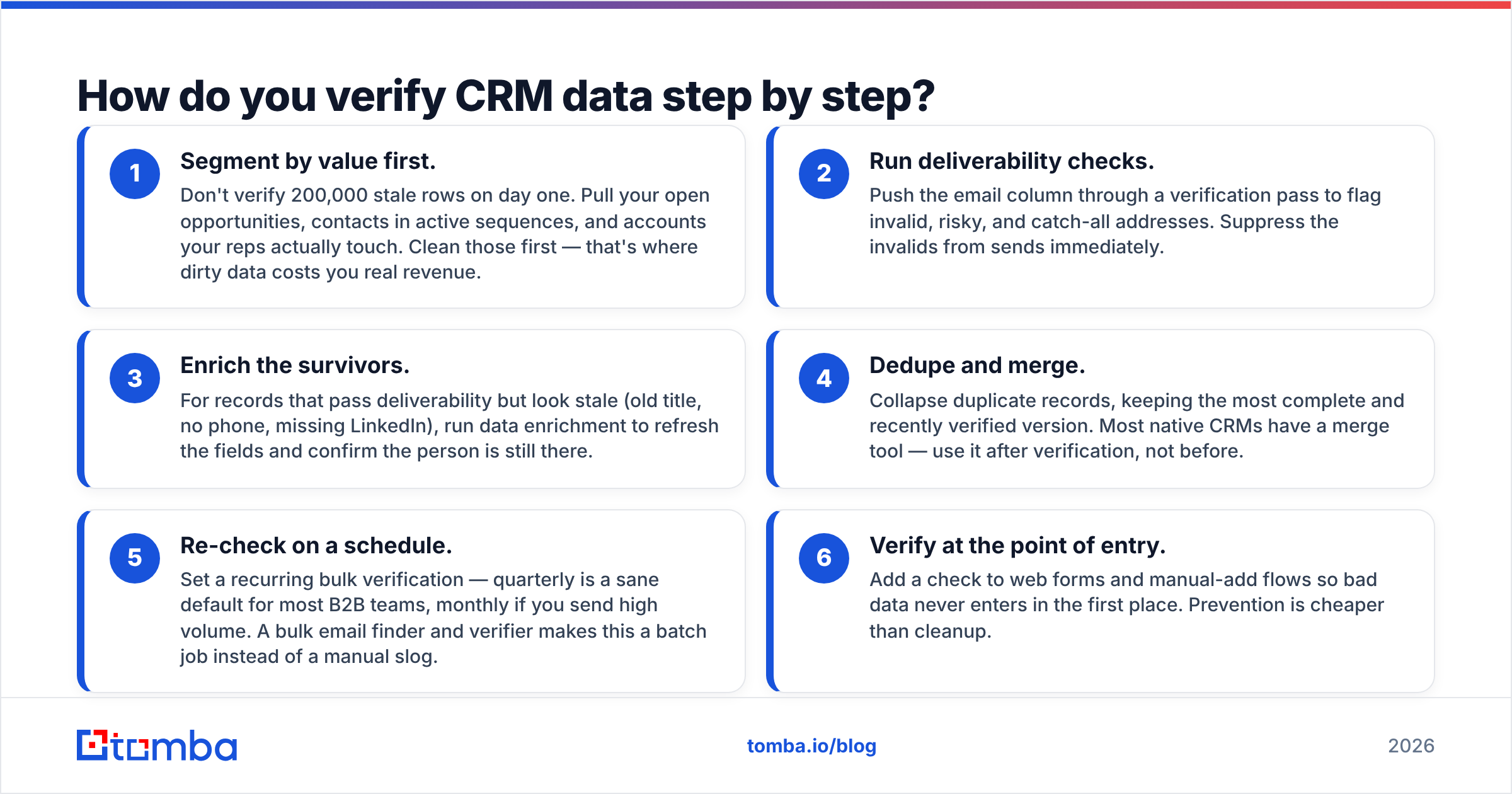
- Segment by value first. Don't verify 200,000 stale rows on day one. Pull your open opportunities, contacts in active sequences, and accounts your reps actually touch. Clean those first — that's where dirty data costs you real revenue.
- Run deliverability checks. Push the email column through a verification pass to flag invalid, risky, and catch-all addresses. Suppress the invalids from sends immediately.
- Enrich the survivors. For records that pass deliverability but look stale (old title, no phone, missing LinkedIn), run data enrichment to refresh the fields and confirm the person is still there.
- Dedupe and merge. Collapse duplicate records, keeping the most complete and recently verified version. Most native CRMs have a merge tool — use it after verification, not before.
- Re-check on a schedule. Set a recurring bulk verification — quarterly is a sane default for most B2B teams, monthly if you send high volume. A bulk email finder and verifier makes this a batch job instead of a manual slog.
- Verify at the point of entry. Add a check to web forms and manual-add flows so bad data never enters in the first place. Prevention is cheaper than cleanup.
The order matters. Verifying deliverability before enrichment means you don't waste enrichment credits on dead records.
Which CRM verification approach is right for you?#
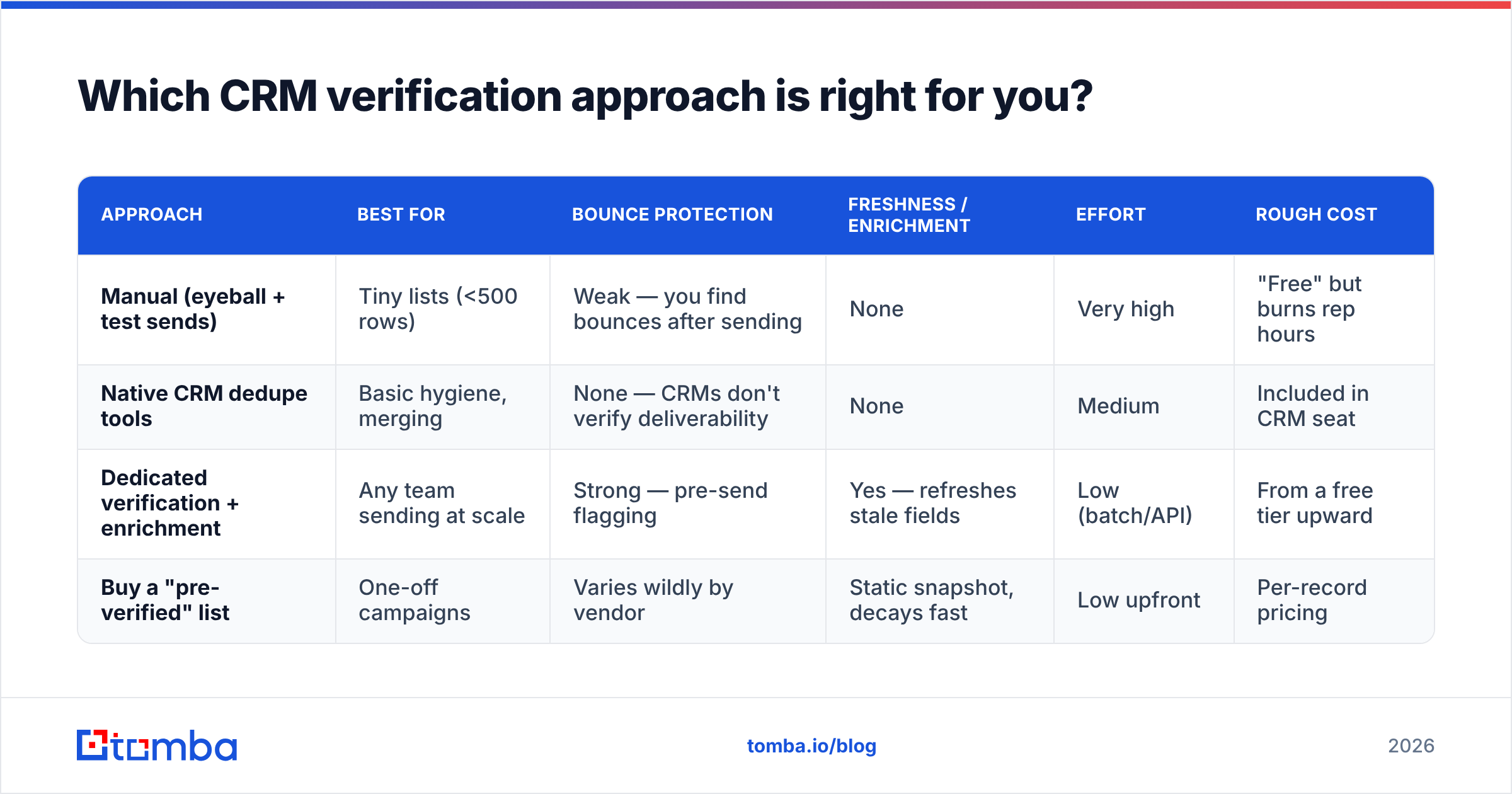
There are three broad ways to verify CRM data, and the right pick depends on volume, budget, and how much you value your team's time. Here's how they stack up.
| Approach | Best for | Bounce protection | Freshness / enrichment | Effort | Rough cost |
|---|---|---|---|---|---|
| Manual (eyeball + test sends) | Tiny lists (<500 rows) | Weak — you find bounces after sending | None | Very high | "Free" but burns rep hours |
| Native CRM dedupe tools | Basic hygiene, merging | None — CRMs don't verify deliverability | None | Medium | Included in CRM seat |
| Dedicated verification + enrichment | Any team sending at scale | Strong — pre-send flagging | Yes — refreshes stale fields | Low (batch/API) | From a free tier upward |
| Buy a "pre-verified" list | One-off campaigns | Varies wildly by vendor | Static snapshot, decays fast | Low upfront | Per-record pricing |
The pattern most scaling teams land on: use the CRM's native merge for dedupe, and a dedicated verification-plus-enrichment layer for everything else. Native platforms like Salesforce are excellent systems of record, but they were never built to confirm whether a mailbox is live today.

How does verification protect deliverability?#
Every invalid address you send to chips away at your sender reputation — and once that drops, even your good emails start landing in spam. This is the part teams underestimate.
Mailbox providers watch your bounce rate and spam-trap hits closely. A campaign to an unverified list can spike bounces past the danger threshold in a single send, and the damage outlasts the campaign. Your carefully written follow-ups to real prospects suffer because the algorithm now distrusts your domain.
Verification breaks that cycle:
- Hard-bounce suppression keeps invalid addresses out of the send entirely.
- Risk flagging lets you quarantine catch-all and low-confidence records instead of blasting them.
- Role-account filtering strips
info@/support@addresses that tank engagement metrics.
If you want the underlying mechanics, Tomba's glossary entry on email deliverability walks through how reputation, authentication, and list quality interact. The short version: clean lists are the cheapest deliverability tactic you have.
Can you verify CRM data automatically?#
Yes — and for any team past a few thousand records, automation is the only sustainable answer. Two paths:
- API-driven verification. Wire an email verification API into your form handlers and CRM workflows so records get checked the moment they're created or updated. This is the "prevent at entry" strategy, fully automated.
- Scheduled bulk passes. Export a segment, run it through bulk verification and enrichment, re-import the results with updated status fields. Tools with native Salesforce and HubSpot integrations skip the export/import shuffle entirely.
A practical hybrid: real-time API checks on new records, plus a quarterly scheduled bulk sweep to catch the natural decay that no entry-point check can prevent. Someone who was valid on signup day changes jobs six months later — only a recurring re-check finds that.
What should you look for in a verification tool?#
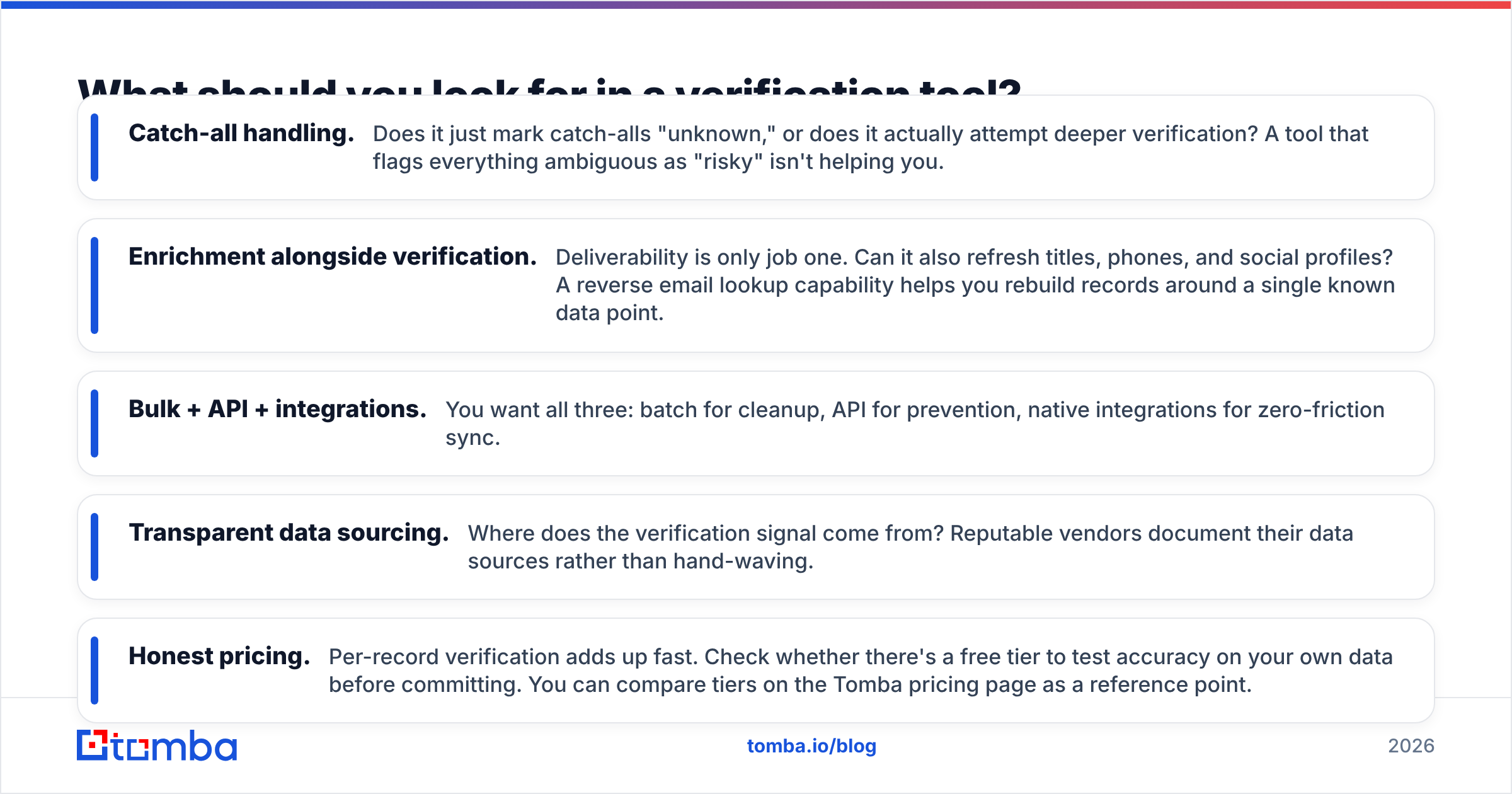
Not all verifiers are equal, and the cheap ones cut corners in ways that show up as bounces. When you evaluate options, weigh these:
- Catch-all handling. Does it just mark catch-alls "unknown," or does it actually attempt deeper verification? A tool that flags everything ambiguous as "risky" isn't helping you.
- Enrichment alongside verification. Deliverability is only job one. Can it also refresh titles, phones, and social profiles? A reverse email lookup capability helps you rebuild records around a single known data point.
- Bulk + API + integrations. You want all three: batch for cleanup, API for prevention, native integrations for zero-friction sync.
- Transparent data sourcing. Where does the verification signal come from? Reputable vendors document their data sources rather than hand-waving.
- Honest pricing. Per-record verification adds up fast. Check whether there's a free tier to test accuracy on your own data before committing. You can compare tiers on the Tomba pricing page as a reference point.
For an independent view of how vendors compare on features and reviews, G2's data-quality category is a reasonable neutral starting point before you trust any single vendor's own numbers.
How often should you verify?#
Match your cadence to your send volume and deal cycle. A useful rule of thumb:
- Point of entry: always — every new record, automatically.
- Active sequences / open opps: monthly, because these are the records where a bounce costs a live deal.
- Full database: quarterly for most B2B teams; monthly if you send high volume or run outbound aggressively.
- Before any large campaign: always re-verify the target segment, no matter when you last checked. Decay doesn't wait for your calendar.
If quarterly feels like a lot, remember the math: at 30% annual decay, waiting a full year means nearly a third of your list is wrong before you re-check. Quarterly keeps the worst-case error rate under ~8% at any given moment.
The bottom line#
Verifying CRM data isn't a one-time cleanup project — it's a recurring hygiene habit, like backups or password rotation. The teams that treat it that way keep their bounce rates low, their reps trusting the data, and their forecasts grounded in reality. The teams that don't spend their days chasing contacts who left months ago.
Start small: pull your highest-value segment, run a deliverability pass, enrich the survivors, and put a quarterly reminder on the calendar. That single loop will catch most of the decay that quietly drains your pipeline.
When you're ready to make verification effortless, the Tomba Email Finder — paired with Tomba's verifier, enrichment, and bulk tools — lets you find, confirm, and refresh CRM records in one workflow, with a free tier (25 searches/mo) so you can test accuracy on your own data before you commit. Clean your CRM once, keep it clean on a schedule, and stop letting dirty data decide your results.
Related guides#
Ready to find emails that actually work?
Join 150,000+ professionals who stopped guessing and started sending. Free credits on signup — no credit card required.
Get the Tomba newsletter
Practical outbound tactics and product updates — once every two weeks.
About the author