The 7 Best CRM9 Alternatives in 2026 for B2B Sales Teams
CRM9 works until pricing, data limits, or clunky automation get in the way. Here are 7 CRM9 alternatives compared on price, features, and fit for real B2B teams.
CRM9 covers the basics, but "basic" stops being enough the moment your pipeline gets serious. If you're weighing CRM9 alternatives because pricing crept up, automation feels rigid, or your contact data is full of bounces, you're asking the right question. This guide compares seven options on the things that actually move deals — price, automation depth, reporting, and how clean the underlying data is.
TL;DR — Best CRM9 alternatives at a glance#
- Best all-around free CRM: HubSpot — generous free tier, but paid tiers scale fast.
- Best for pipeline-first sales teams: Pipedrive — visual, cheap, easy to adopt.
- Best value for SMBs: Zoho CRM — deep features for the price.
- Best for enterprise + heavy customization: Salesforce — powerful, expensive, complex.
- Best data layer for any CRM: Tomba — a CRM only performs as well as the emails and contacts inside it. Fill it with verified data using a dedicated email finder.
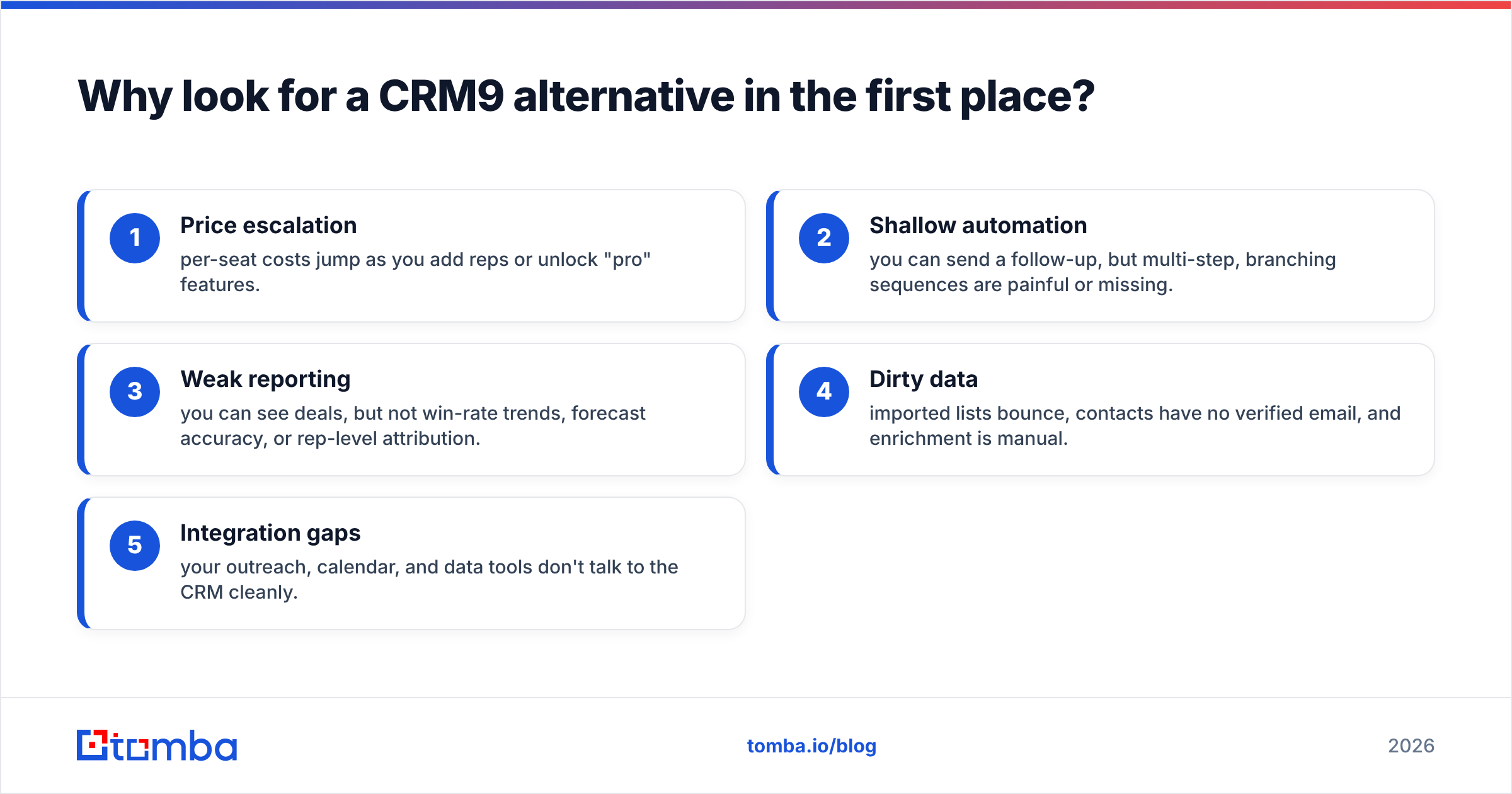
Why look for a CRM9 alternative in the first place?#
The short answer: most teams outgrow a general-purpose CRM in one of three directions — cost, automation, or data quality.
Think of your CRM like a kitchen. CRM9 gives you the counters and the stove. But if the ingredients (your contact data) are stale, or the appliances (automation and reporting) can't keep up with a busy dinner rush, the kitchen slows the whole restaurant down. Switching CRMs fixes the appliances. Fixing your data fixes the ingredients — and you need both.
Common triggers for switching:
- Price escalation — per-seat costs jump as you add reps or unlock "pro" features.
- Shallow automation — you can send a follow-up, but multi-step, branching sequences are painful or missing.
- Weak reporting — you can see deals, but not win-rate trends, forecast accuracy, or rep-level attribution.
- Dirty data — imported lists bounce, contacts have no verified email, and enrichment is manual.
- Integration gaps — your outreach, calendar, and data tools don't talk to the CRM cleanly.
/blog/generated/memes/2026-07-14/crm9-alternatives-meme-1.png
What should you compare when evaluating CRM9 alternatives?#
Don't shop on feature-list length. Shop on the four dimensions that predict whether reps will actually use the tool:
- Total cost at your real seat count — not the sticker price for one user. Model it at 5 and 20 seats.
- Automation depth — sequences, branching logic, task automation, and lead routing.
- Reporting and forecasting — pipeline stages, win rate, and revenue attribution out of the box.
- Data hygiene — native or integrated email verification and contact enrichment, so your database stays clean.
A CRM with brilliant automation and a database full of dead emails still loses deals. That's why data quality belongs on this list next to price.
Which CRM9 alternatives are worth your time in 2026?#
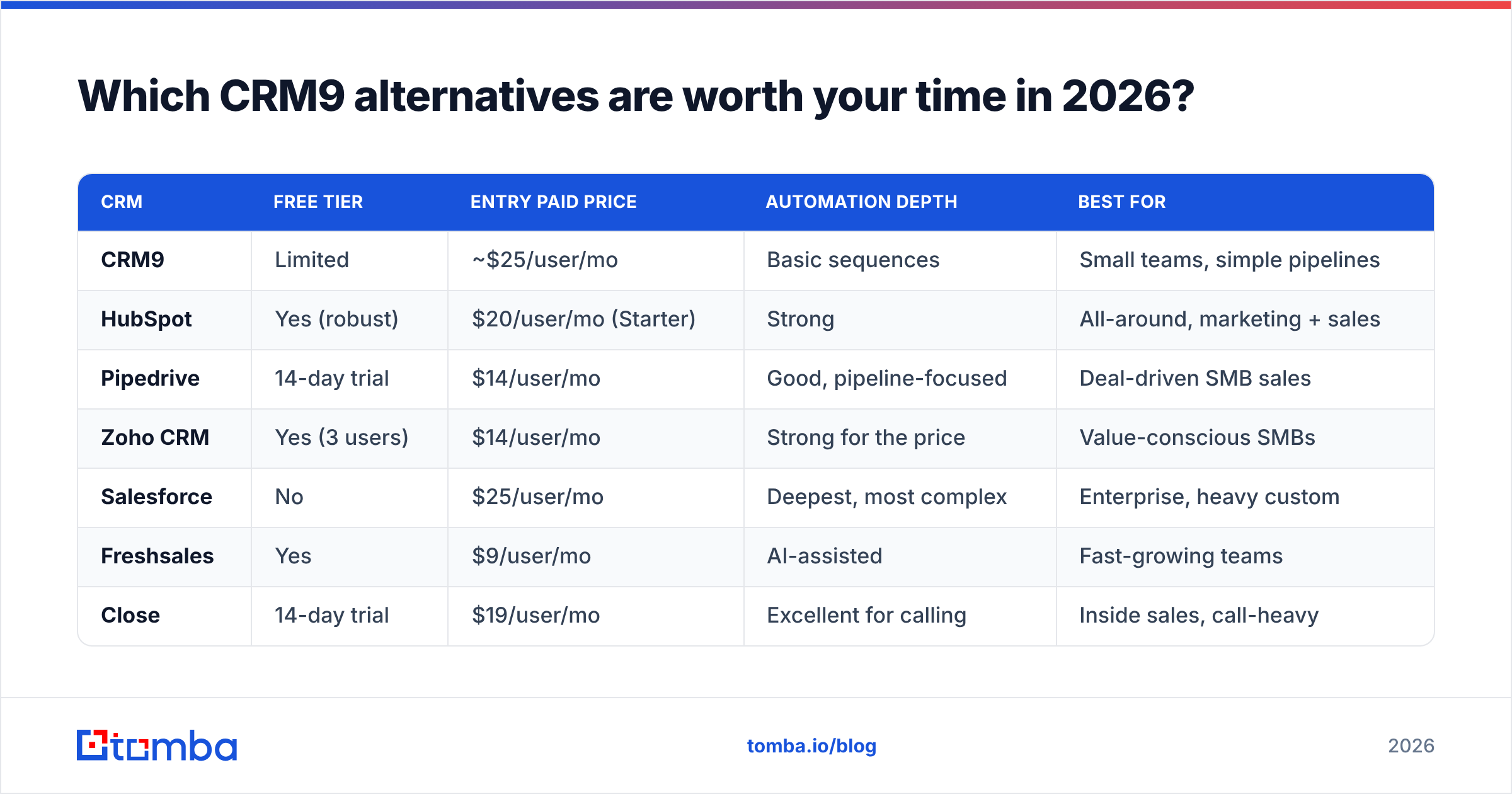
Here's the head-to-head on the metrics that matter. Prices reflect published entry-level paid tiers as of 2026 and can change — always confirm on the vendor's page.
| CRM | Free tier | Entry paid price | Automation depth | Best for |
|---|---|---|---|---|
| CRM9 | Limited | ~$25/user/mo | Basic sequences | Small teams, simple pipelines |
| HubSpot | Yes (robust) | $20/user/mo (Starter) | Strong | All-around, marketing + sales |
| Pipedrive | 14-day trial | $14/user/mo | Good, pipeline-focused | Deal-driven SMB sales |
| Zoho CRM | Yes (3 users) | $14/user/mo | Strong for the price | Value-conscious SMBs |
| Salesforce | No | $25/user/mo | Deepest, most complex | Enterprise, heavy custom |
| Freshsales | Yes | $9/user/mo | AI-assisted | Fast-growing teams |
| Close | 14-day trial | $19/user/mo | Excellent for calling | Inside sales, call-heavy |
1. HubSpot — the strongest free-to-scale option#
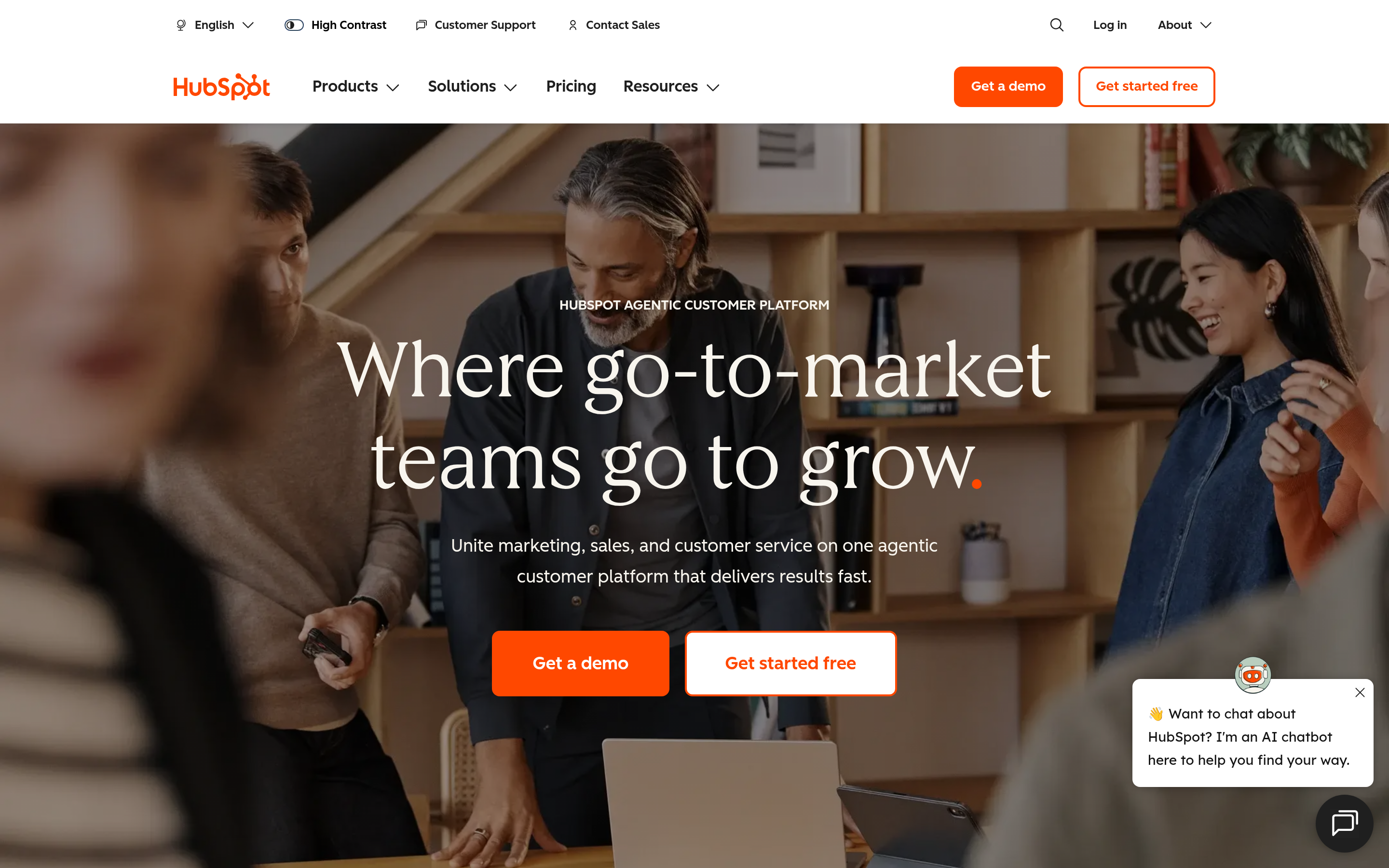
HubSpot is the default recommendation when someone wants "a CRM that grows with us." The free tier is genuinely useful — contact management, deal pipelines, email tracking — and the paid Sales Hub adds sequences, automation, and reporting. The catch: costs climb quickly once you need Professional-tier features. If you're already running HubSpot for marketing, keeping sales in the same platform is a real advantage. Tomba's HubSpot integration pushes verified emails straight into your records so reps don't chase bad contacts.
See independent reviews on G2 before committing.
2. Pipedrive — the pipeline purist's pick#
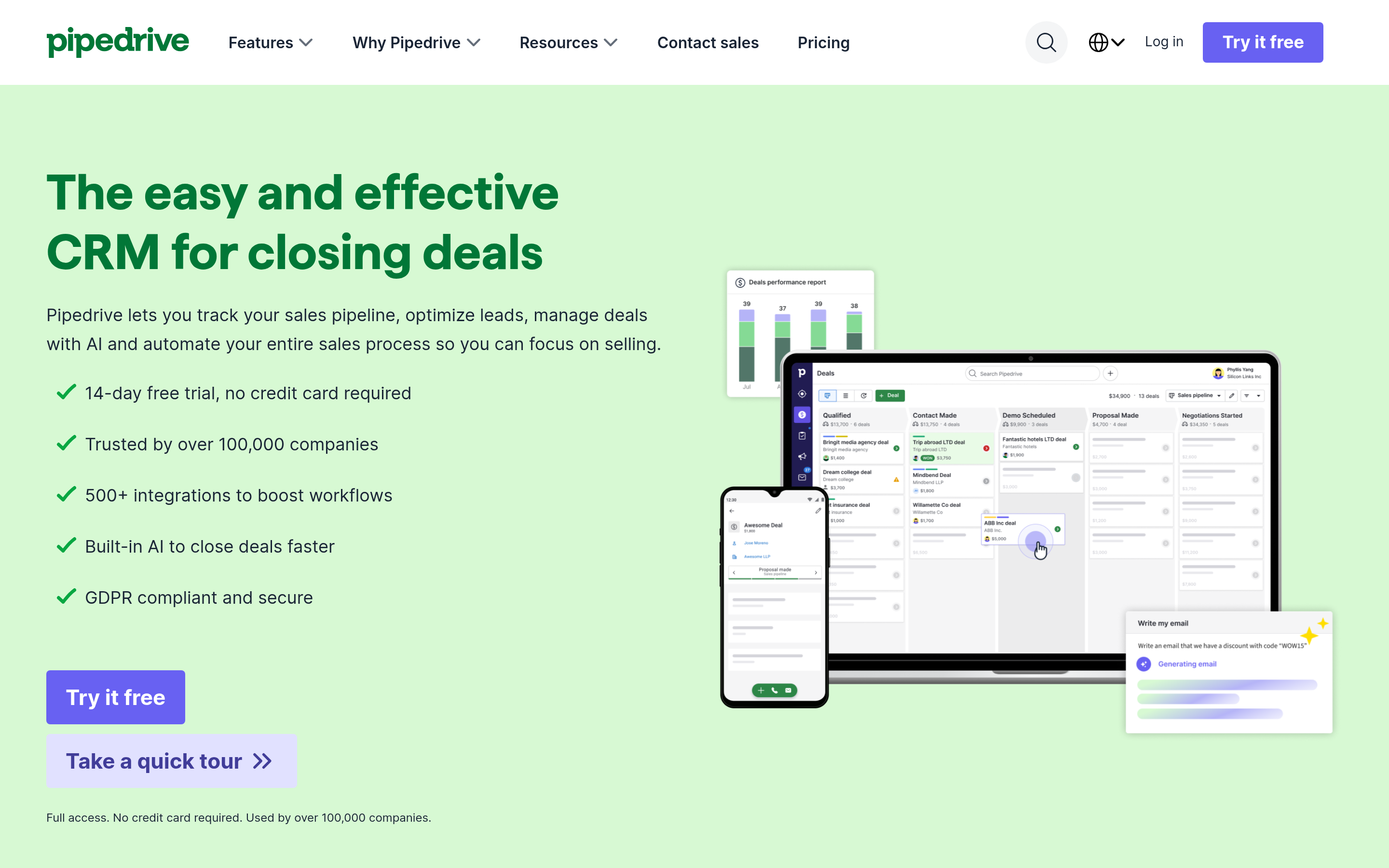
Pipedrive is built around one idea: make the deal pipeline visual and impossible to ignore. Reps love it because it's simple, cheap to start, and doesn't drown them in features they'll never touch. Automation is solid for follow-ups and task creation, though it's less of a marketing powerhouse than HubSpot. For teams whose primary job is moving deals through stages, Pipedrive is often a better fit than a heavier CRM. Sync it with Tomba's Pipedrive integration to auto-enrich new deals.
3. Zoho CRM — the value champion#
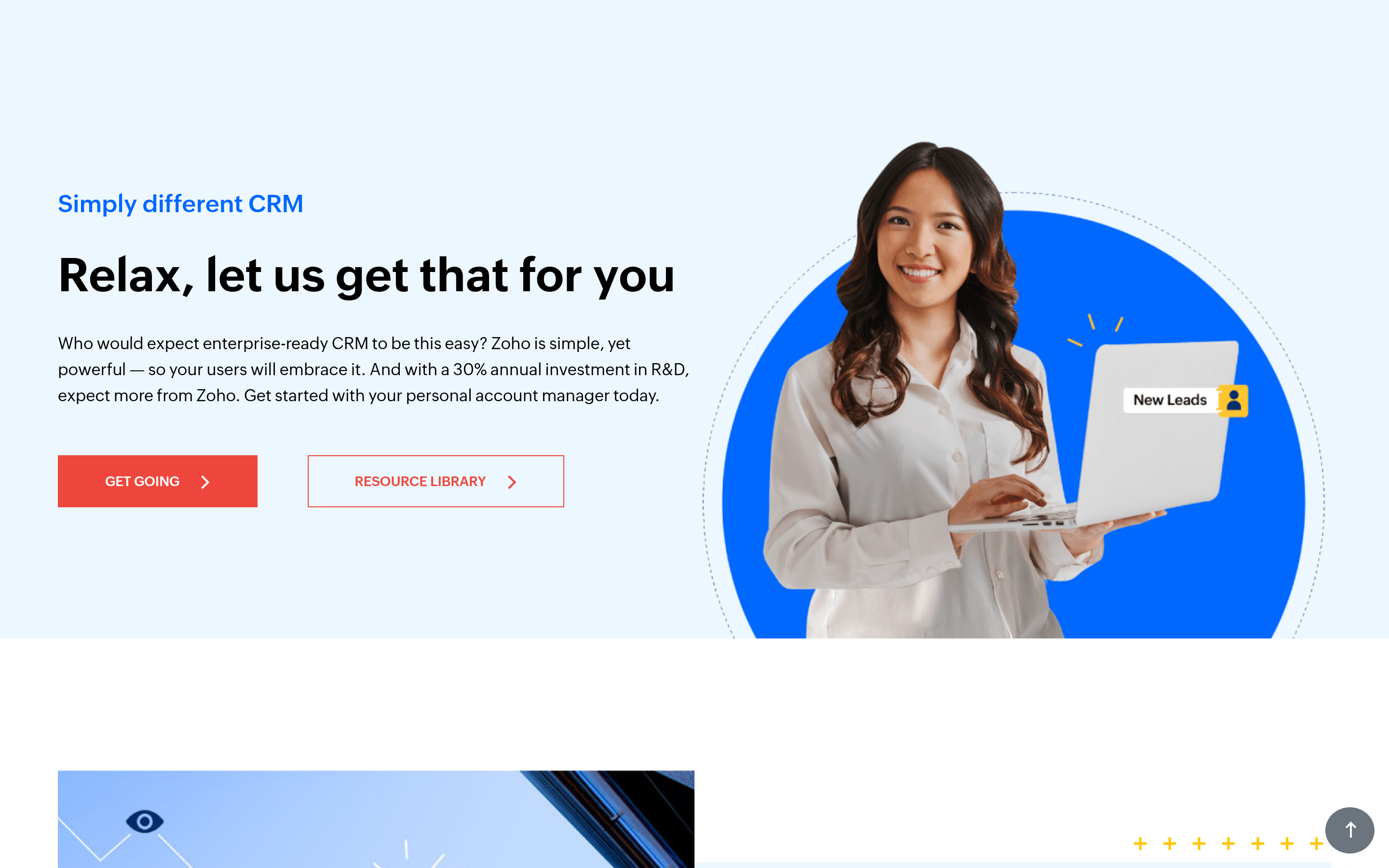
Zoho packs a surprising amount into low price tiers: workflow automation, multichannel outreach, and customization that rivals tools costing twice as much. If budget is the deciding factor and you still want depth, Zoho is hard to beat. The trade-off is a busier interface and a steeper learning curve than Pipedrive.
4. Salesforce — power at enterprise complexity#
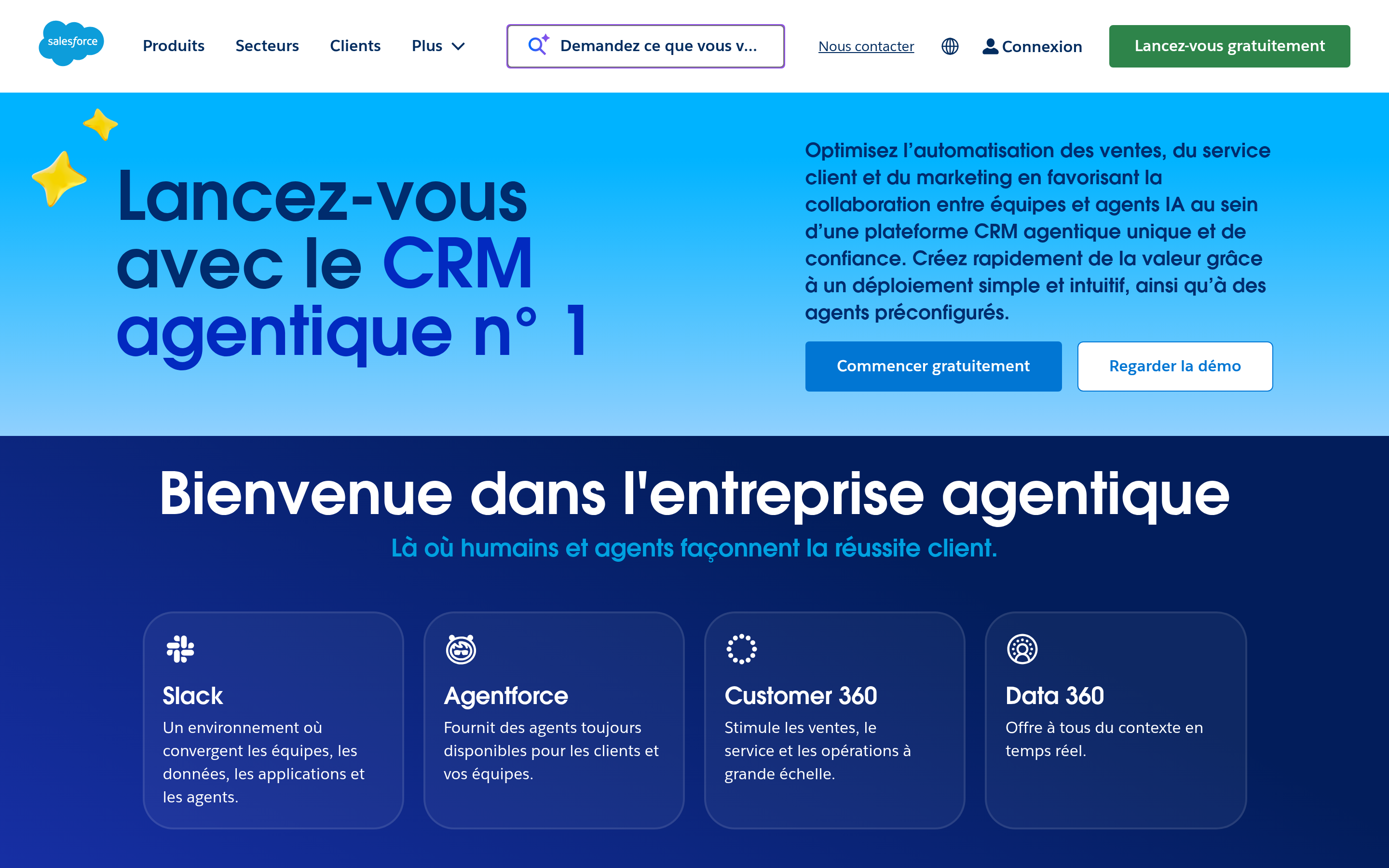
Salesforce remains the most capable CRM on the planet, with customization and reporting that scale to the largest orgs. It's also the most expensive and the most demanding to administer — you'll likely need dedicated admin resources. For a small team leaving CRM9, Salesforce is usually overkill. For an enterprise, it's the safe default. Tomba's Salesforce integration keeps records enriched without manual data entry.
5. Freshsales — AI-assisted and affordable#
Freshsales offers AI lead scoring, built-in phone and email, and a clean interface at one of the lowest entry prices here. It's a strong middle ground for teams that want more automation than Pipedrive but less complexity than Salesforce.
6. Close — built for teams that live on the phone#
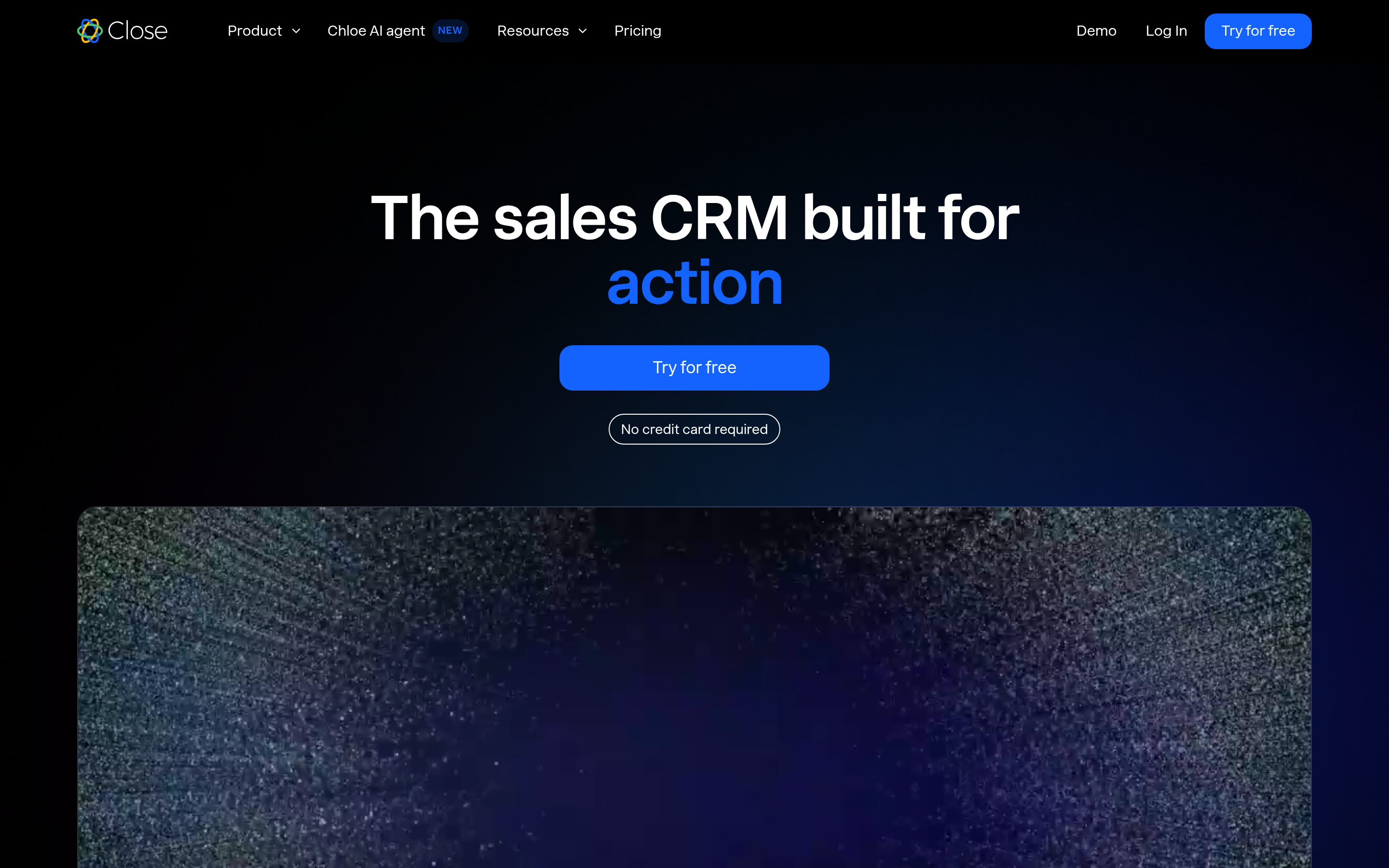
If your sales motion is call-heavy, Close is purpose-built: native calling, SMS, and email sequencing in one screen. Inside sales teams routinely outgrow generic CRMs and land here.
7. Your data layer — the alternative CRM9 buyers forget#
Here's the uncomfortable truth: switching CRMs doesn't fix bad data. If 20% of your contacts bounce, every CRM on this list will happily store those dead records and let reps waste time on them.
That's where a dedicated data layer changes the math. Instead of only swapping the CRM, add a tool that finds and verifies contacts before they enter your pipeline:
- Email finder — get verified professional emails by name, domain, or company.
- Email verifier — scrub imported lists so you stop bouncing.
- Data enrichment — fill in job titles, companies, and phone numbers on thin records.
- Domain search — pull every reachable contact at a target company in one query.
This is why Tomba appears in a CRM comparison at all — it isn't a CRM, it's the thing that keeps whichever CRM you pick actually useful.
/blog/generated/memes/2026-07-14/crm9-alternatives-meme-2.png
How do the pricing models really compare?#
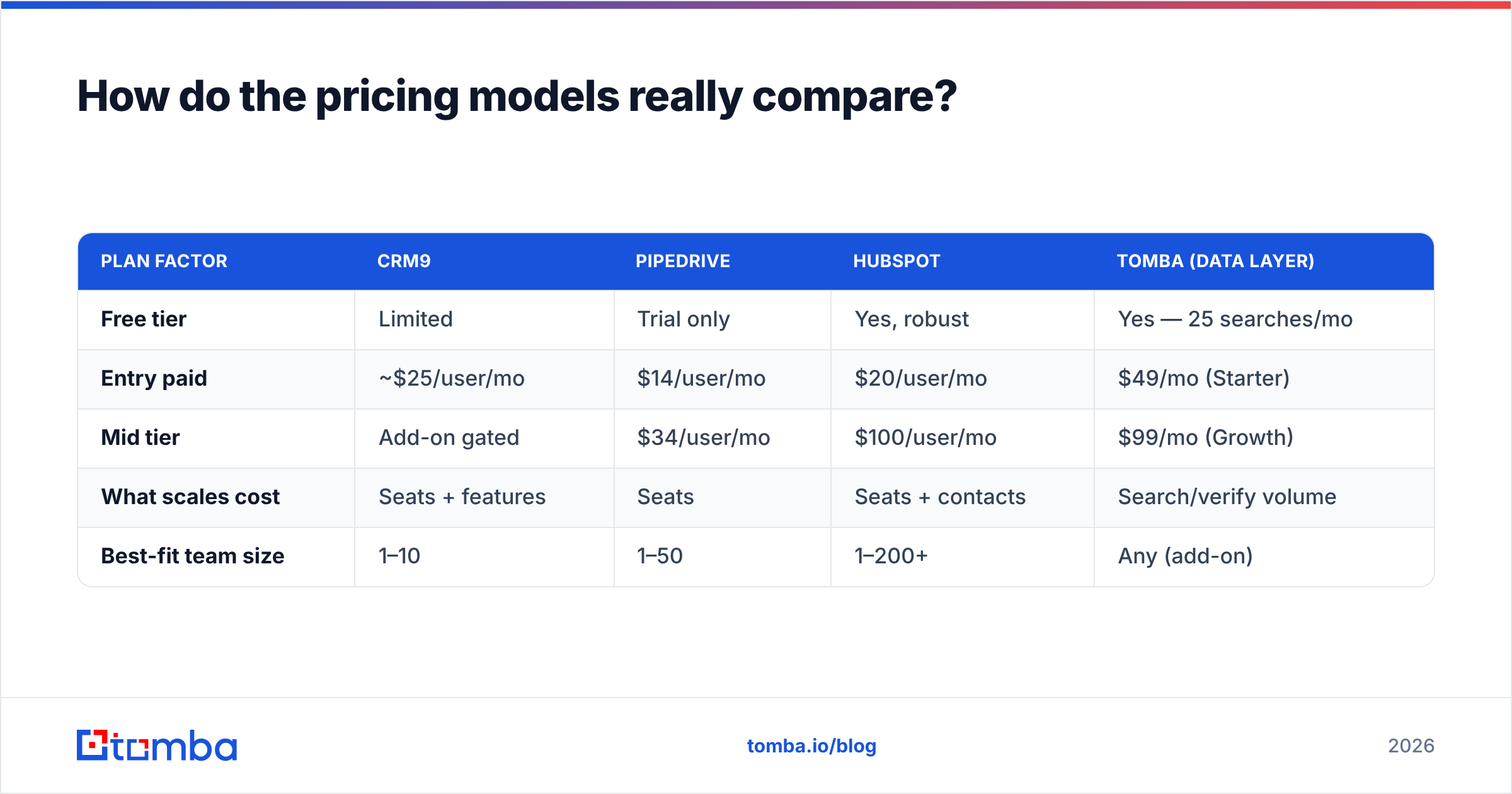
Sticker prices mislead because CRMs charge per seat and gate key features behind higher tiers. Here's a more honest view of what you'll spend and what unlocks it.
| Plan factor | CRM9 | Pipedrive | HubSpot | Tomba (data layer) |
|---|---|---|---|---|
| Free tier | Limited | Trial only | Yes, robust | Yes — 25 searches/mo |
| Entry paid | ~$25/user/mo | $14/user/mo | $20/user/mo | $49/mo (Starter) |
| Mid tier | Add-on gated | $34/user/mo | $100/user/mo | $99/mo (Growth) |
| What scales cost | Seats + features | Seats | Seats + contacts | Search/verify volume |
| Best-fit team size | 1–10 | 1–50 | 1–200+ | Any (add-on) |
Notice the data layer prices differently — by volume of lookups, not seats. That means a 3-person team and a 30-person team can both run on Tomba's Growth plan if their monthly search volume is similar. Model your own numbers before deciding; the per-seat CRMs get expensive faster than the flat data tools.
Is CRM9 ever the right choice to keep?#
Yes — don't switch for the sake of switching. Keep CRM9 if:
- Your pipeline is simple and your team is small.
- You're not hitting automation or reporting walls.
- Migration cost (data export, retraining, integration rebuild) outweighs the upside.
The migration tax is real. Moving CRMs means re-mapping fields, rebuilding automations, retraining reps, and re-testing integrations. If CRM9 isn't actively costing you deals, the smarter first move is often to fix the data feeding it rather than replace the whole system. Clean, enriched contacts inside CRM9 can outperform dirty data inside a fancier CRM.
What's the fastest way to migrate without losing data quality?#
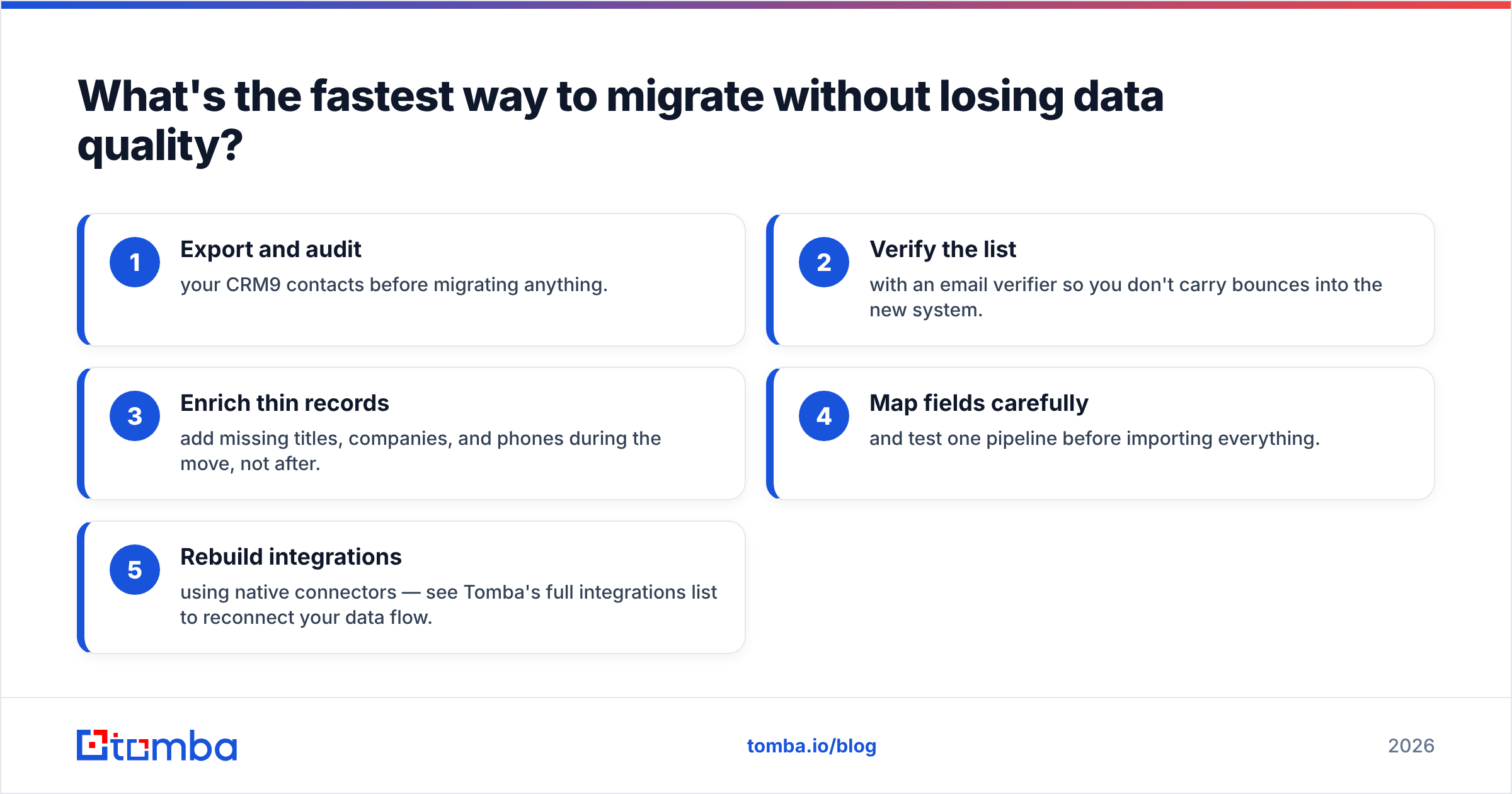
If you do switch, protect your data on the way over:
- Export and audit your CRM9 contacts before migrating anything.
- Verify the list with an email verifier so you don't carry bounces into the new system.
- Enrich thin records — add missing titles, companies, and phones during the move, not after.
- Map fields carefully and test one pipeline before importing everything.
- Rebuild integrations using native connectors — see Tomba's full integrations list to reconnect your data flow.
Doing verification and enrichment during migration means your new CRM starts clean on day one instead of inheriting years of decay.
Which CRM9 alternative should you pick?#
- Want free and scalable? Start with HubSpot.
- Deal-pipeline focused? Pipedrive.
- Tight budget, deep features? Zoho CRM.
- Enterprise complexity? Salesforce.
- Call-heavy inside sales? Close.
- Whichever you pick, the data inside it decides your results.
No CRM finds contacts or cleans your list for you. That job belongs to a purpose-built tool — and it's the highest-leverage change most teams can make.
Fill any CRM with contacts that actually convert#
Pick the CRM that fits your workflow — then stop letting bad data undermine it. Tomba's Email Finder delivers verified professional emails by name, domain, or company, and pushes them straight into HubSpot, Pipedrive, Salesforce, or whichever CRM you choose. Start free with 25 searches a month, scale to the Starter plan at $49/mo when you're ready, and check the full Tomba pricing to match a tier to your volume. The best CRM9 alternative isn't just a new CRM — it's a new CRM with clean data behind it.
Related guides#
Ready to find emails that actually work?
Join 150,000+ professionals who stopped guessing and started sending. Free credits on signup — no credit card required.
Get the Tomba newsletter
Practical outbound tactics and product updates — once every two weeks.
About the author