Crunchbase vs Tomba: Which B2B Data Tool Wins in 2026?
Crunchbase tracks companies and funding; Tomba finds the verified emails behind them. Here is an honest, side-by-side breakdown of which B2B data tool actually fits your prospecting workflow in 2026.
Crunchbase and Tomba get lumped together as "B2B data tools," but they answer two different questions. Crunchbase tells you which companies exist, who funded them, and how fast they are growing. Tomba tells you how to actually reach the people inside those companies. If you are trying to pick one, you are probably solving the wrong problem — but this comparison will show you exactly where each one wins and where they belong in the same stack.
TL;DR — Crunchbase vs Tomba at a glance#
- Crunchbase is a company-intelligence and funding database. Best for market research, investor tracking, account discovery, and total-addressable-market sizing.
- Tomba is an email finder and contact-data platform. Best for turning a company or a name into a verified, deliverable email address for outbound.
- They are complementary, not interchangeable. Crunchbase finds accounts; Tomba finds the humans and their inboxes.
- On price, Tomba starts at $49/mo with a free tier; Crunchbase Pro is roughly $99/user/mo billed annually, and its full enrichment sits in higher enterprise tiers.
- If you must pick one for outbound sales, Tomba wins on contact reach and cost. If you are doing investment or market research, Crunchbase wins.
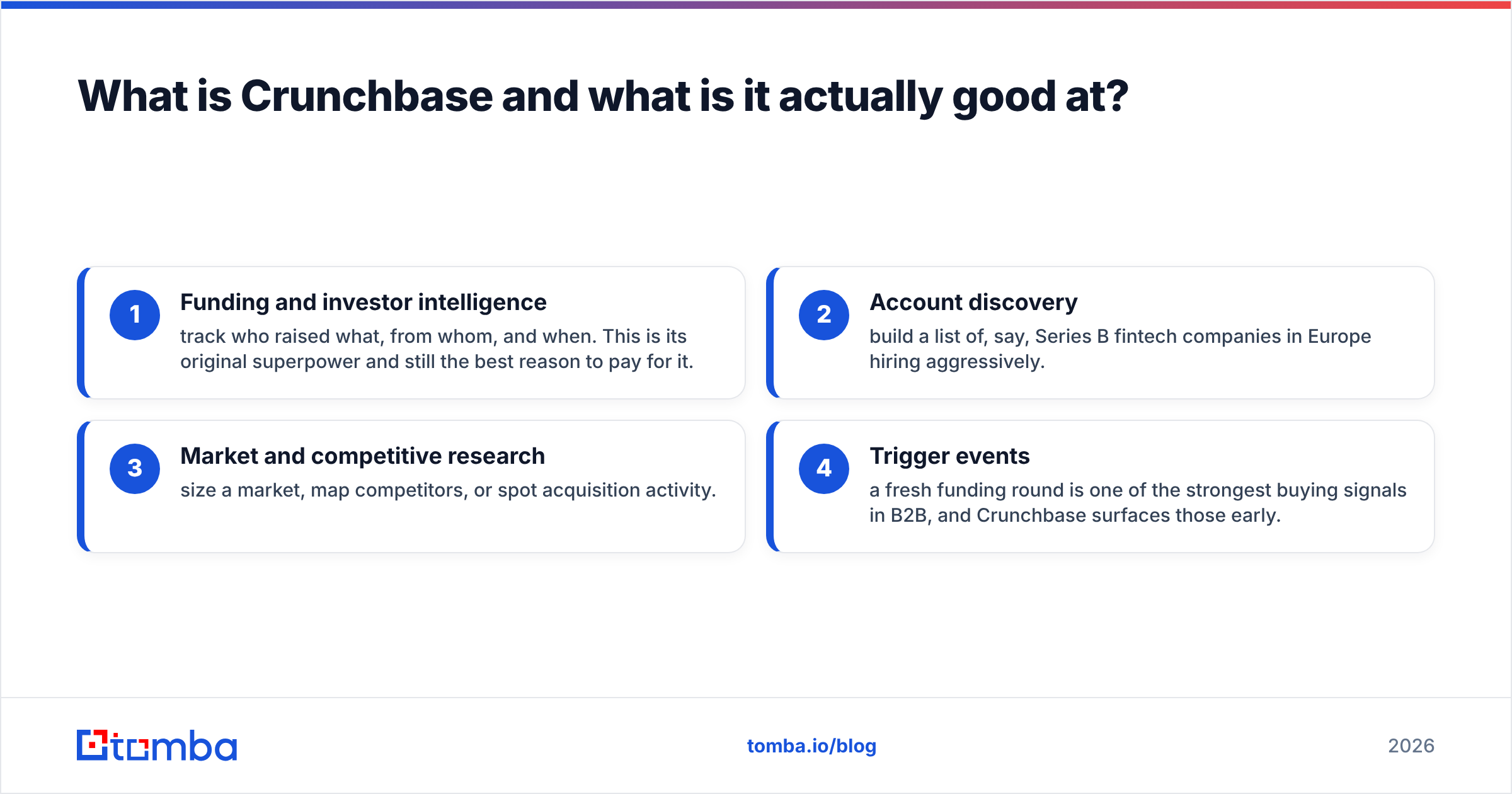
What is Crunchbase and what is it actually good at?#
Crunchbase is a database of companies, funding rounds, acquisitions, investors, and executives. Think of it as the Wikipedia of the startup and private-company world, but structured and queryable. You search by industry, funding stage, headcount, or location and get a list of organizations that match — plus their funding history and key people.
Where Crunchbase shines:
- Funding and investor intelligence — track who raised what, from whom, and when. This is its original superpower and still the best reason to pay for it.
- Account discovery — build a list of, say, Series B fintech companies in Europe hiring aggressively.
- Market and competitive research — size a market, map competitors, or spot acquisition activity.
- Trigger events — a fresh funding round is one of the strongest buying signals in B2B, and Crunchbase surfaces those early.
What Crunchbase is not built for: giving you a verified, deliverable email for a specific decision-maker at scale. It exposes some contact records, but coverage is thin, addresses are often generic, and there is no dedicated verification step. That is the gap Tomba fills.

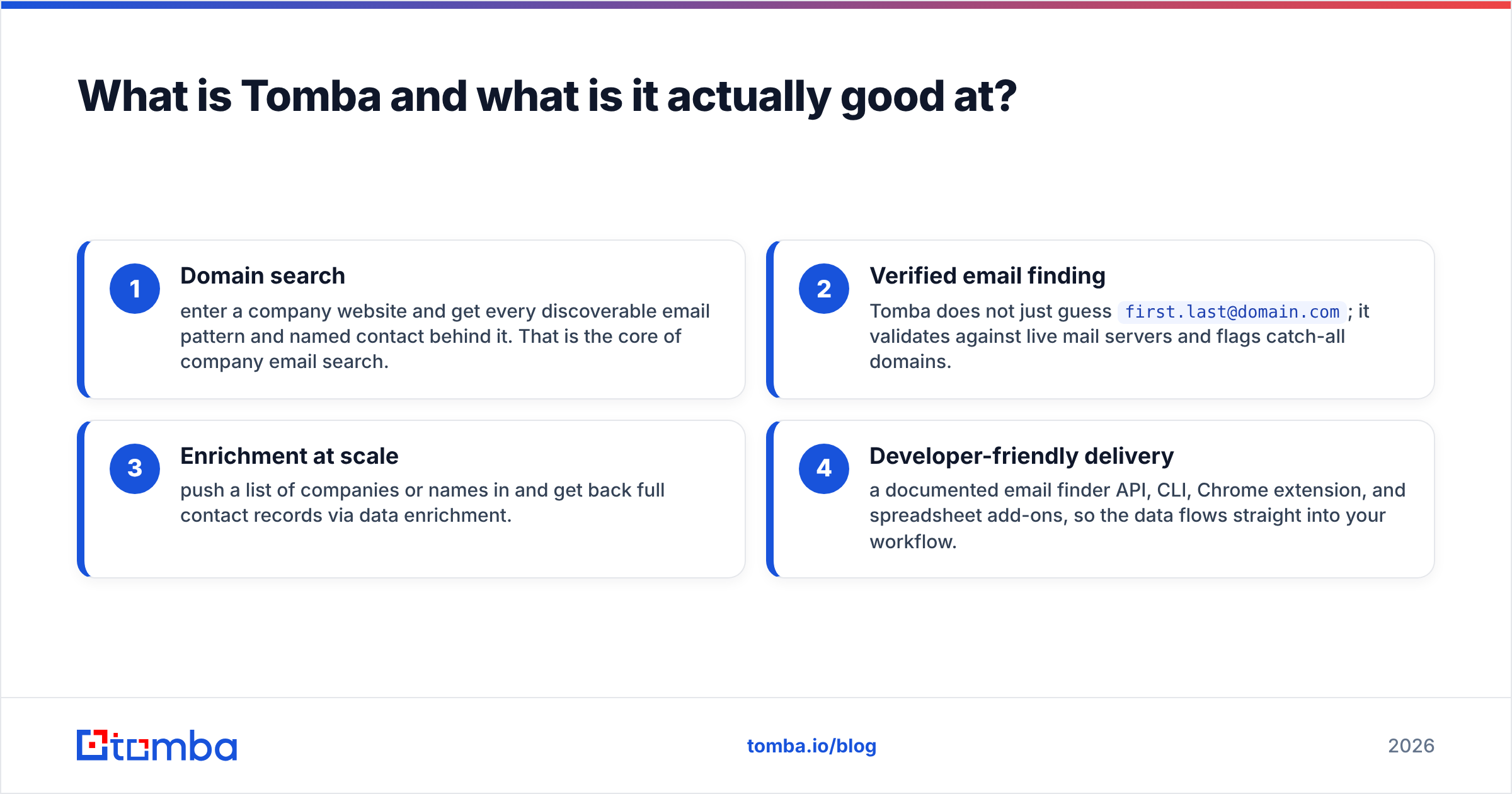
What is Tomba and what is it actually good at?#
Tomba is an email finder and contact-data platform. You give it a domain, a full name, or a company, and it returns professional email addresses — each scored for deliverability and run through verification before it lands in your list.
Where Tomba shines:
- Domain search — enter a company website and get every discoverable email pattern and named contact behind it. That is the core of company email search.
- Verified email finding — Tomba does not just guess
first.last@domain.com; it validates against live mail servers and flags catch-all domains. - Enrichment at scale — push a list of companies or names in and get back full contact records via data enrichment.
- Developer-friendly delivery — a documented email finder API, CLI, Chrome extension, and spreadsheet add-ons, so the data flows straight into your workflow.
Tomba's job ends where your sequencer or CRM begins: it hands you clean, deliverable contact data. It does not track funding rounds or map investor relationships — that is Crunchbase territory.
Crunchbase vs Tomba: the head-to-head comparison#
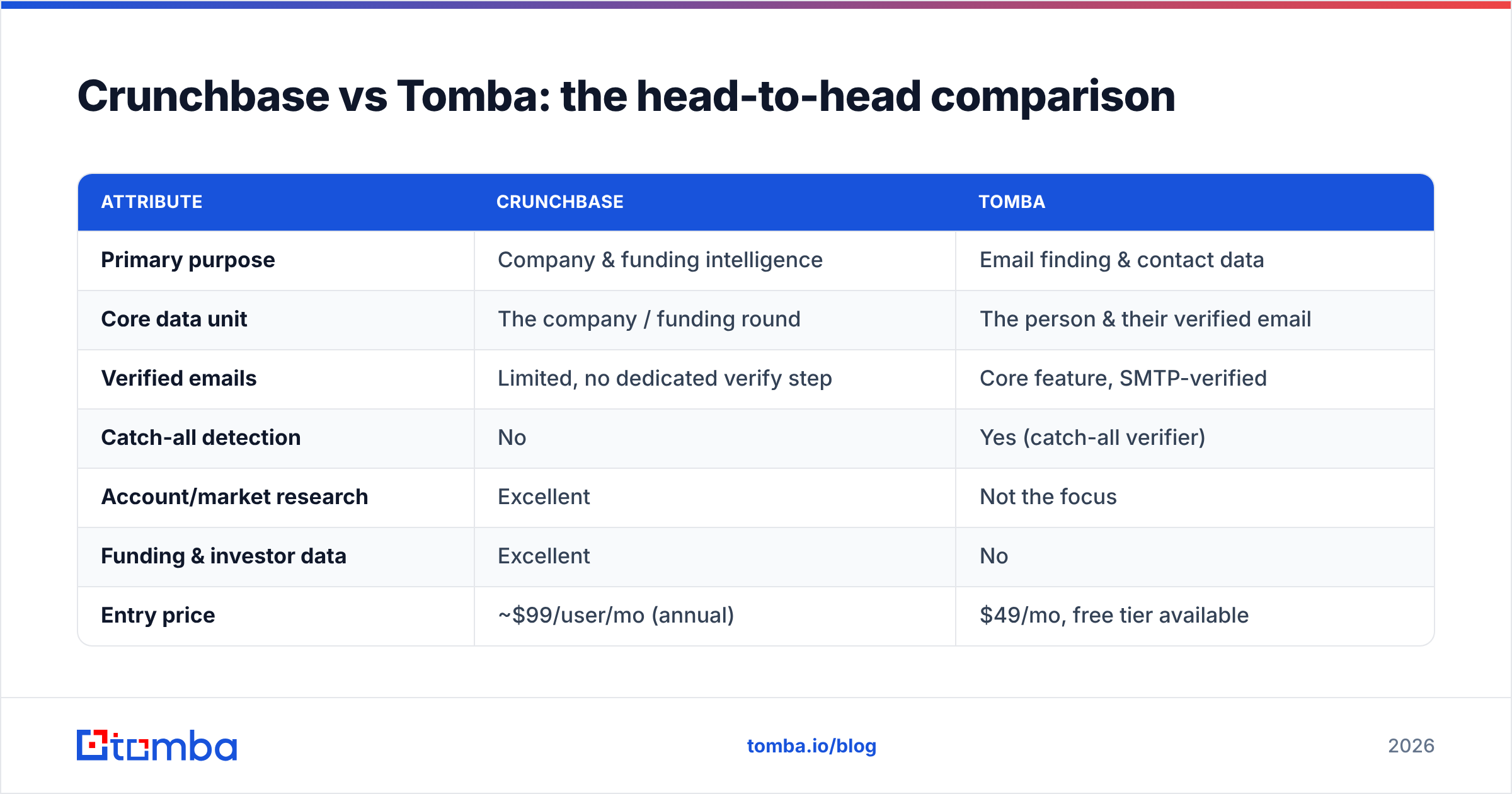
Here is the honest side-by-side. Notice that the "winner" column flips depending on the job to be done.
| Attribute | Crunchbase | Tomba |
|---|---|---|
| Primary purpose | Company & funding intelligence | Email finding & contact data |
| Core data unit | The company / funding round | The person & their verified email |
| Verified emails | Limited, no dedicated verify step | Core feature, SMTP-verified |
| Catch-all detection | No | Yes (catch-all verifier) |
| Account/market research | Excellent | Not the focus |
| Funding & investor data | Excellent | No |
| Entry price | ~$99/user/mo (annual) | $49/mo, free tier available |
| Free tier | Limited free search | 25 searches/mo free |
| API for contact data | Limited | Full email finder API |
| Best for | Research, ABM targeting, VC | Outbound, list building, enrichment |
The pattern is clear: Crunchbase owns the top of the funnel (which companies to target), and Tomba owns the middle (how to actually contact them). Putting a "vs" between them is a bit like comparing a map to a phone book.
Is Crunchbase better than Tomba for prospecting?#
Short answer: no — for reaching people, Tomba is better; for finding accounts, Crunchbase is better. Most prospecting workflows need both, in sequence.
A realistic outbound flow looks like this:
- Step 1 — Discover accounts (Crunchbase). Filter to companies matching your ICP: stage, size, funding, industry. Export the domains.
- Step 2 — Find the humans (Tomba). Run those domains through domain search to surface the roles you sell to, then use the email verifier to keep only deliverable addresses.
- Step 3 — Enrich and sequence. Push verified contacts into your CRM or cold-email tool.
If your budget forces a single choice and your goal is pipeline, Tomba delivers the asset you can act on today: a list of verified emails you can email tomorrow. Crunchbase gives you a beautiful target list you still can't contact. That is why, for pure outbound teams, the pragmatic pick is the email finder.
How do Crunchbase and Tomba compare on pricing?#
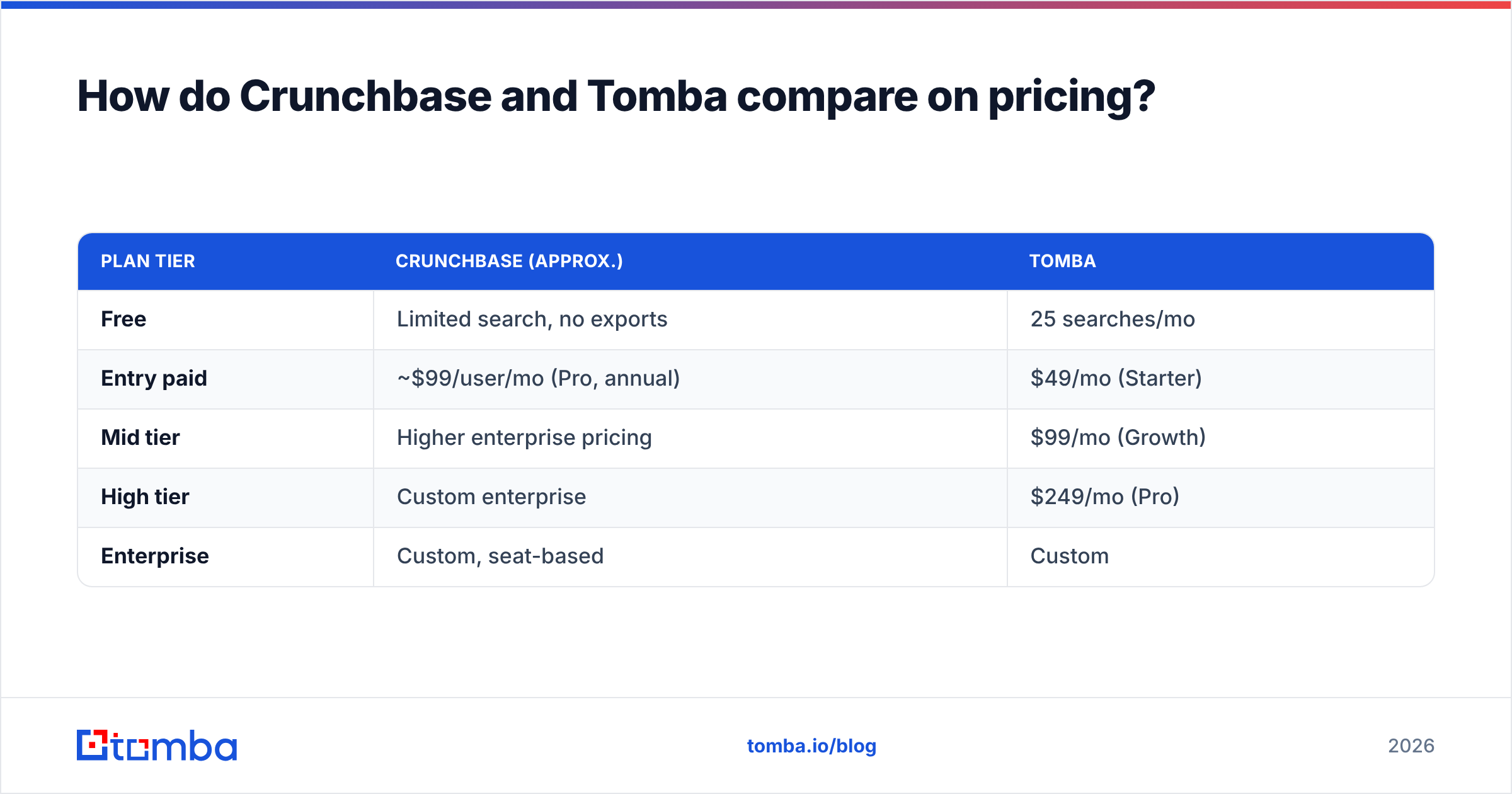
Pricing is where the "vs" gets real, because you feel it monthly.
| Plan tier | Crunchbase (approx.) | Tomba |
|---|---|---|
| Free | Limited search, no exports | 25 searches/mo |
| Entry paid | ~$99/user/mo (Pro, annual) | $49/mo (Starter) |
| Mid tier | Higher enterprise pricing | $99/mo (Growth) |
| High tier | Custom enterprise | $249/mo (Pro) |
| Enterprise | Custom, seat-based | Custom |
A few honest notes:
- Crunchbase Pro is priced per user and billed annually, so a small team scales cost quickly. Its deepest enrichment and API access sit behind enterprise contracts.
- Tomba is credit/search based rather than strictly per-seat, and the Tomba pricing ladder starts at $49/mo — with a genuine free tier to test accuracy before you pay.
- Different currencies of value: you pay Crunchbase for breadth of company signal; you pay Tomba for volume of verified contacts. Comparing the raw numbers only makes sense once you decide which one you actually need.
If cost-per-verified-contact is your metric, Tomba is the cheaper path. If cost-per-qualified-account (with funding context) is your metric, Crunchbase earns its price.
How accurate is the contact data in each tool?#
Accuracy has two meanings here, and each tool wins a different one.
Crunchbase is accurate about companies — funding amounts, investor names, headcount ranges, and acquisition events are well maintained and frequently updated. Its weakness is personal contact accuracy: email addresses are sparse and rarely verified, so if you scrape a contact from a company profile you are often guessing.
Tomba is built around contact accuracy. Every email is scored for confidence and verified against the mail server, and catch-all domains — the silent killer of cold-email deliverability — are flagged rather than passed off as valid. You can read more about where Tomba gets its data and how it validates it. For teams whose bounce rate directly hurts sender reputation, that verification layer is the difference between a warm inbox and a blacklist.
The takeaway: trust Crunchbase for the company story, trust Tomba for the email that actually lands.
Which one should you choose in 2026?#
Use this quick decision guide:
- Choose Crunchbase if your primary job is market research, competitive analysis, investor/funding tracking, or building account lists based on growth signals. Analysts, VCs, and strategy teams get the most value.
- Choose Tomba if your primary job is outbound sales, list building, lead enrichment, or wiring verified contact data into a CRM or sequencer through an API. SDRs, growth marketers, and recruiters get the most value.
- Choose both if you run a real outbound motion: Crunchbase to decide who, Tomba to figure out how to reach them. This is the highest-performing setup and the reason the two rarely cannibalize each other.
For most revenue teams reading a "Crunchbase vs Tomba" post, the honest recommendation is: keep Crunchbase for targeting only if you already rely on funding data, and add Tomba as the contact-data engine — because a target account you can't email is not a lead. If you only have room for one line item and you need pipeline, start with the email finder.
You can sanity-check both platforms on independent review sites like G2 and cross-reference Crunchbase's own capabilities on crunchbase.com before you commit. And if you want the textbook definition of the category, the concept of a B2B database underpins both tools — they just index different objects.
The bottom line#
Crunchbase and Tomba are not really rivals; they are two links in the same chain. Crunchbase answers "which companies are worth my time?" Tomba answers "how do I get a verified email for the right person there — today?" If your goal is research and funding intelligence, Crunchbase is the buy. If your goal is booked meetings, the constraint is almost always contact data, and that is exactly what Tomba is engineered to solve.
Ready to turn your target accounts into a list you can actually email? Start with the Tomba Email Finder — search by domain, name, or company, verify every address before it hits your sequencer, and keep your bounce rate low with a free tier of 25 searches so you can test the accuracy before you spend a dollar. Pair it with your Crunchbase targeting and you have a full-funnel prospecting engine instead of half of one.
Related guides#
Ready to find emails that actually work?
Join 150,000+ professionals who stopped guessing and started sending. Free credits on signup — no credit card required.
Get the Tomba newsletter
Practical outbound tactics and product updates — once every two weeks.
About the author