Cufinder vs GrowMeOrganic: Email Finder Comparison for 2026
Cufinder and GrowMeOrganic both promise B2B contact data, but they solve different problems. Here's an honest breakdown of accuracy, pricing, and fit — plus where a dedicated email finder beats both.
Choosing between Cufinder and GrowMeOrganic usually comes down to one question you can't answer from a pricing page: which one actually returns usable contact data for the companies you sell to? Both market themselves as all-in-one B2B data platforms. Both bundle email finding, enrichment, and prospecting into monthly credit plans. But they lean in different directions, and picking the wrong one means paying for a workflow you won't use.
This is a neutral, hands-on comparison — no vendor spin. We'll break down where each tool is strong, where the data quality wobbles, and when a purpose-built email finder is the smarter buy.
TL;DR — Cufinder vs GrowMeOrganic at a glance#
- Cufinder is data-and-API first: a large company database, enrichment endpoints, and a technographics angle. Best if you want programmatic enrichment and firmographic lookups.
- GrowMeOrganic is prospecting-and-outreach first: LinkedIn extraction, unlimited-style export plans, plus a built-in cold email sender. Best for solo founders and small agencies running end-to-end campaigns cheaply.
- Accuracy is the real differentiator. Both trade breadth for verification depth, and both can hand you catch-all or stale addresses without a separate verify step.
- Neither is a specialist email finder. If find-rate and deliverability are your priority, a focused tool like Tomba typically returns cleaner, SMTP-verified results.
- Pick by workflow: API/enrichment → Cufinder. All-in-one outreach on a budget → GrowMeOrganic. Highest-accuracy email finding → a dedicated finder.
What is Cufinder?#
Cufinder is a B2B data platform built around a company and contact database with a strong emphasis on enrichment and API access. You feed it a domain, a company name, or a LinkedIn URL, and it returns firmographics, technographics, emails, and phone numbers. The pitch is "data engine," not "campaign tool" — it wants to sit inside your CRM or your own software via API.
That positioning matters. If your team already owns the outreach layer (a sequencer, a CRM, a custom app) and you just need to fill in missing fields at scale, Cufinder's enrichment-first model fits. Its technographics data — what tools a company runs — is a genuine differentiator for teams that segment by tech stack.
Where it gets weaker is the last mile: turning a match into a verified, safe-to-send email. Cufinder returns addresses, but coverage on smaller companies and non-US regions thins out, and the built-in verification is lighter than a dedicated email verifier. You'll often want a second pass before sending.

What is GrowMeOrganic?#
GrowMeOrganic is an all-in-one prospecting suite aimed at founders, freelancers, and small sales teams who want to go from "I need leads" to "emails sent" without stitching five tools together. Its headline features are a LinkedIn and Sales Navigator extractor, a B2B contact database, an email finder, and — crucially — a built-in cold email sender with sequences.
The appeal is packaging and price. GrowMeOrganic's plans are structured to feel generous on volume, which is attractive if you're bootstrapping and outreach is your whole growth engine. You extract a list from LinkedIn, enrich it, load it into a sequence, and send — all in one login.
The trade-off is depth in each individual module. A bundled email finder rarely matches a specialist on find-rate, and a bundled sender rarely matches a dedicated deliverability platform on inbox placement. GrowMeOrganic is a competent generalist. Whether "competent generalist" is enough depends on how much your revenue rides on data quality.
Cufinder vs GrowMeOrganic: side-by-side comparison#
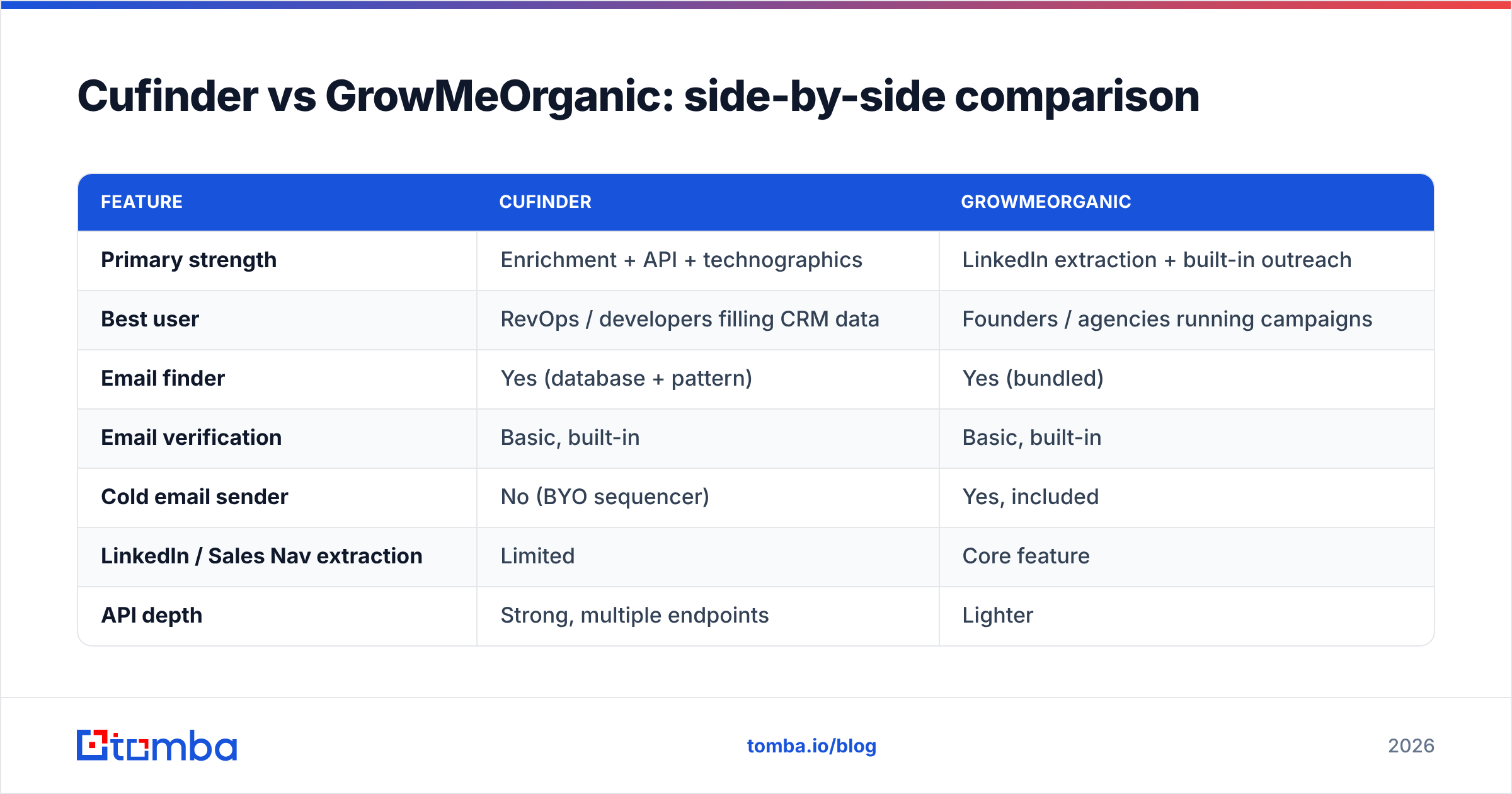
Here's how the two stack up on the attributes that actually change your results.
| Feature | Cufinder | GrowMeOrganic |
|---|---|---|
| Primary strength | Enrichment + API + technographics | LinkedIn extraction + built-in outreach |
| Best user | RevOps / developers filling CRM data | Founders / agencies running campaigns |
| Email finder | Yes (database + pattern) | Yes (bundled) |
| Email verification | Basic, built-in | Basic, built-in |
| Cold email sender | No (BYO sequencer) | Yes, included |
| LinkedIn / Sales Nav extraction | Limited | Core feature |
| API depth | Strong, multiple endpoints | Lighter |
| Technographics data | Yes | No |
| Pricing model | Credit-based tiers | Volume-focused tiers |
| Free option | Limited trial credits | Limited free plan |
The pattern is clear: Cufinder wins on data infrastructure and Cufinder-style programmatic use; GrowMeOrganic wins on doing everything under one roof for less. Neither is designed to maximize a single metric — email find-rate — the way a specialist is.

Which has better data accuracy?#
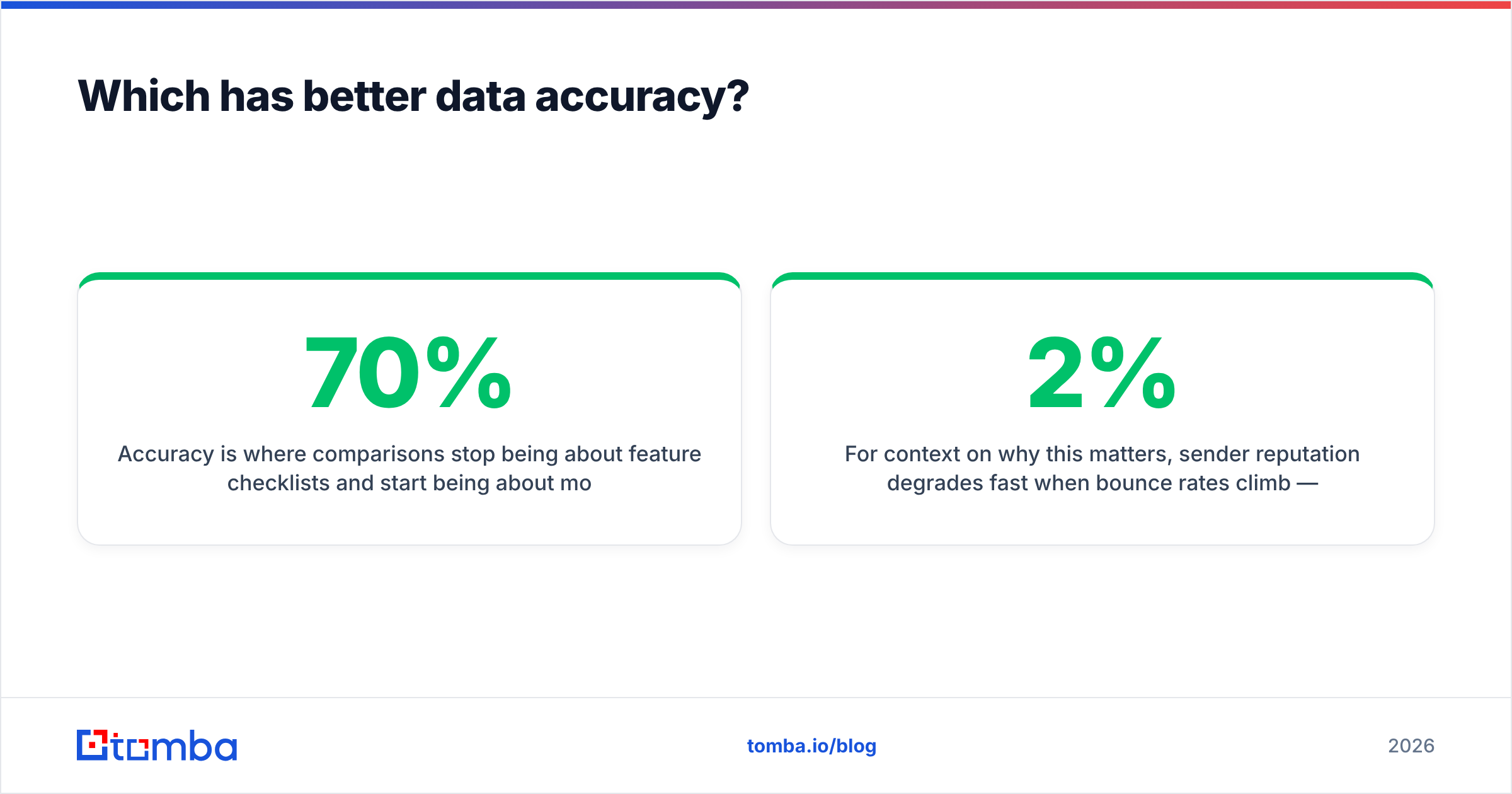
Accuracy is where comparisons stop being about feature checklists and start being about money. A tool that returns 1,000 emails at 70% deliverability is worse than one that returns 600 at 95% — the second costs you fewer bounces, less domain damage, and more replies.
Both Cufinder and GrowMeOrganic pull from database + pattern-matching approaches. That means for well-known companies with public patterns (first.last@, first@), both do fine. The divergence shows up on:
- Small and mid-market companies — thinner public footprint, so database coverage drops and both tools fall back to guessed patterns.
- Catch-all domains — servers that accept every address make it look like an email is valid when it isn't. Neither tool reliably separates a real inbox from a catch-all accept without a dedicated catch-all verifier.
- Non-US regions — coverage skews toward US/English-language data; EMEA and APAC find-rates are noticeably lower for both.
The honest takeaway: with either tool, treat the returned email as a candidate, not a confirmed address. Run it through real SMTP verification before it enters a sequence. This is exactly the step bundled tools underweight, because verification depth doesn't demo as well as a big number on the results screen.
For context on why this matters, sender reputation degrades fast when bounce rates climb — Google's own Postmaster Tools guidance and most email deliverability fundamentals point to keeping hard bounces under ~2%. Unverified list + high volume is the fastest way to blow past that.
How does pricing compare?#
Both use credit- or volume-based tiers, and both change packaging often, so always confirm on the vendor site — Cufinder and GrowMeOrganic publish current numbers. The structural difference:
- Cufinder meters by enrichment/lookup credits. You're paying for data operations, and the API is part of the value. Heavier API users scale into higher tiers.
- GrowMeOrganic leans on volume-friendly plans that fold extraction, finding, and sending together. The headline is "a lot of leads for a flat price," which reads well for a bootstrapped founder.
The trap in both models is the same: volume without verification is a vanity metric. A plan that gives you 50,000 credits sounds better than one giving 10,000 — until you count how many of those 50,000 results actually reach an inbox. Cost-per-verified-contact is the number to compare, not cost-per-lookup.
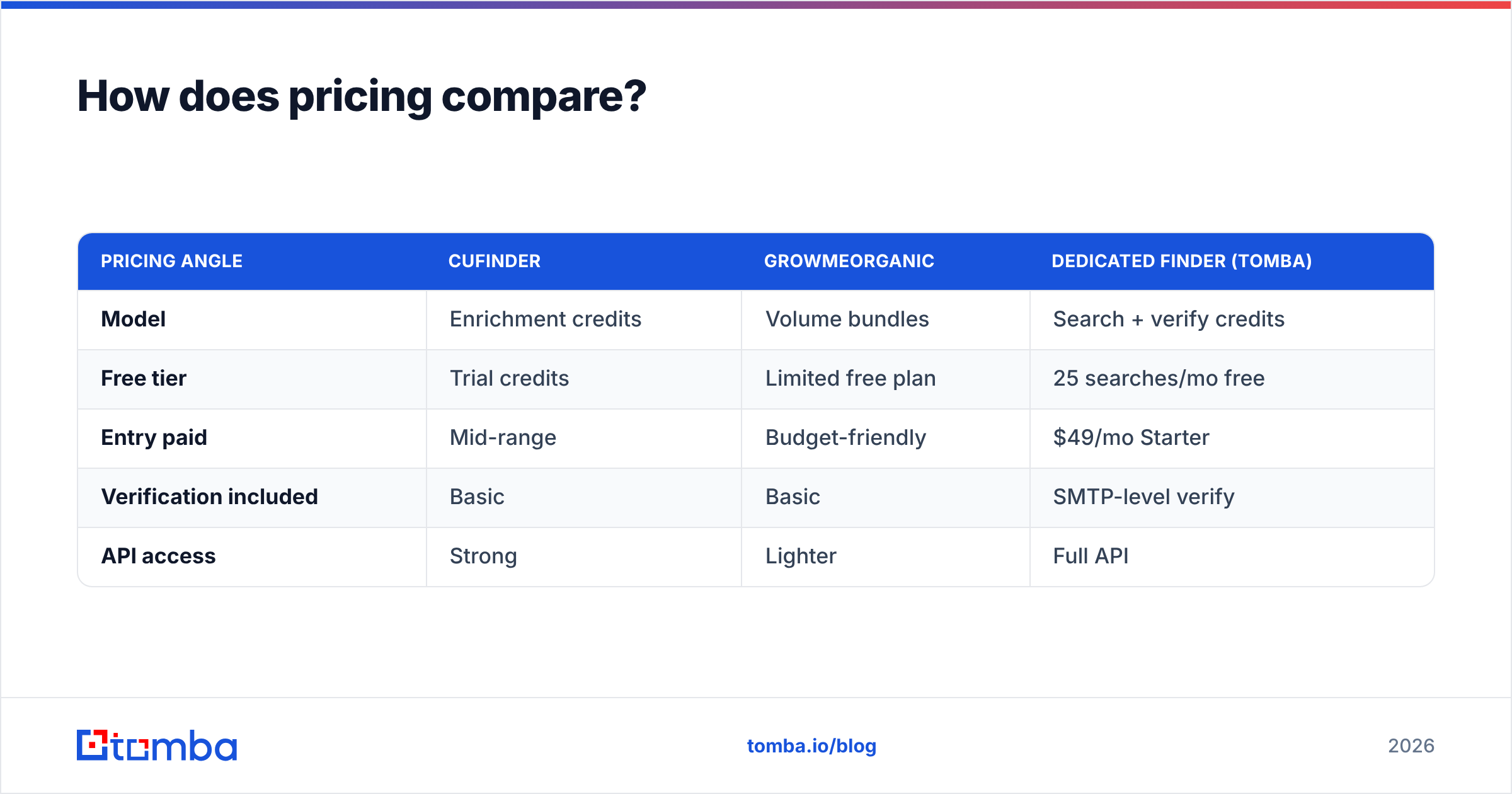
| Pricing angle | Cufinder | GrowMeOrganic | Dedicated finder (Tomba) |
|---|---|---|---|
| Model | Enrichment credits | Volume bundles | Search + verify credits |
| Free tier | Trial credits | Limited free plan | 25 searches/mo free |
| Entry paid | Mid-range | Budget-friendly | $49/mo Starter |
| Verification included | Basic | Basic | SMTP-level verify |
| API access | Strong | Lighter | Full API |
For reference, Tomba pricing runs a free tier at 25 searches/mo, then Starter at $49/mo, Growth at $99/mo, and Pro at $249/mo — with verification baked into the same workflow rather than treated as an afterthought.
When should you choose Cufinder?#
Choose Cufinder if:
- You're enrichment-led, not campaign-led. You already have a CRM or sequencer and need to fill gaps — job titles, company size, tech stack — at scale.
- You build software or automations. Cufinder's API and multiple endpoints make it a reasonable data backend for a custom app or an internal RevOps pipeline.
- Technographics matter to your segmentation. If you target companies by the tools they run (e.g., "everyone on Shopify Plus"), Cufinder's tech data is a real edge GrowMeOrganic doesn't match.
Skip it if your main need is finding and sending — you'd be paying for infrastructure you won't fully use, and still bolting on a sender and a verifier.
When should you choose GrowMeOrganic?#
Choose GrowMeOrganic if:
- You want one tool for the whole funnel. Extract from LinkedIn, enrich, sequence, send — without integrations or a second subscription.
- You're price-sensitive and early-stage. The volume-oriented plans are friendly to founders and small agencies where every dollar of tooling is scrutinized.
- LinkedIn is your primary source. The Sales Navigator extraction is central to the product, so if that's where your prospects live, it's a natural fit. Pair it with solid LinkedIn outreach habits and it can carry a lean outbound motion.
Skip it if deliverability is mission-critical. A bundled sender on shared infrastructure with lightly verified lists is a reputation risk at volume — you may outgrow it and need a dedicated warmup and sending stack anyway.
Is a dedicated email finder better than either?#
For raw email-finding accuracy — yes, usually. This isn't a knock on Cufinder or GrowMeOrganic; it's the nature of bundling. When a product spreads engineering across extraction, enrichment, sequencing, and sending, no single module gets the obsessive investment a specialist puts into one job.
A dedicated finder like Tomba concentrates on the metric that determines everything downstream: verified find-rate. That focus shows up as:
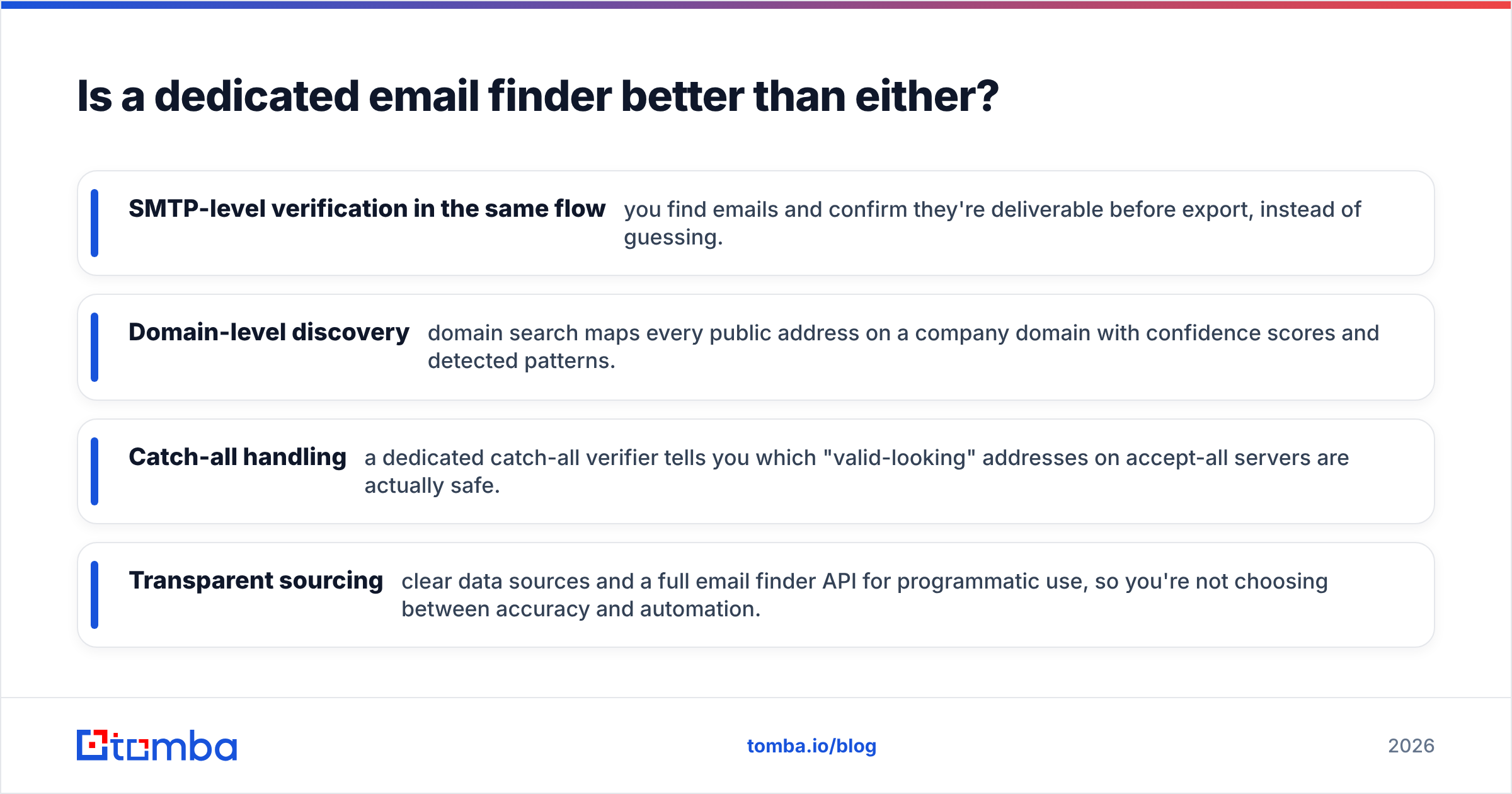
- SMTP-level verification in the same flow — you find emails and confirm they're deliverable before export, instead of guessing.
- Domain-level discovery — domain search maps every public address on a company domain with confidence scores and detected patterns.
- Catch-all handling — a dedicated catch-all verifier tells you which "valid-looking" addresses on accept-all servers are actually safe.
- Transparent sourcing — clear data sources and a full email finder API for programmatic use, so you're not choosing between accuracy and automation.
Here's the practical stack most teams land on: use GrowMeOrganic or Cufinder for what each does best — extraction/outreach or enrichment/technographics — and route the actual email discovery and verification through a specialist. It costs one more line item and pays for itself in reply rate and protected domain reputation.
| Decision | Best pick |
|---|---|
| Enrichment + technographics + API backend | Cufinder |
| All-in-one budget outreach for founders | GrowMeOrganic |
| Highest verified email find-rate | Dedicated finder (Tomba) |
| LinkedIn-sourced prospecting | GrowMeOrganic + verify pass |
| Filling CRM fields at scale | Cufinder + verify pass |
The bottom line#
Cufinder and GrowMeOrganic aren't really competing for the same buyer. Cufinder is a data-and-API engine for enrichment-driven teams and builders. GrowMeOrganic is an all-in-one prospecting suite for founders and small agencies who want everything in one login on a budget. Both are reasonable at their core jobs.
What neither is built to be is the most accurate email finder in your stack. If your outreach lives or dies on deliverability — and for most B2B teams it does — pair whichever platform fits your workflow with dedicated, SMTP-verified email finding.
That's exactly what the Tomba Email Finder is built for: find professional emails by domain, name, or company, verify them in the same flow, and export only addresses that will actually land. Start free with 25 searches a month, then scale on a plan from $49/mo — and stop paying for lead counts that bounce.
Related guides#
Ready to find emails that actually work?
Join 150,000+ professionals who stopped guessing and started sending. Free credits on signup — no credit card required.
Get the Tomba newsletter
Practical outbound tactics and product updates — once every two weeks.
About the author