Cufinder vs OutboundView: Which Wins for B2B Leads in 2026?
Cufinder is a self-serve B2B data platform; OutboundView is a done-for-you outbound agency. Here is an honest, side-by-side breakdown of cost, control, and speed to help you pick.
Choosing between Cufinder and OutboundView is not really a feature fight — it is a decision about who runs your outbound. One hands you a data tool and a login. The other hands you a team, a strategy deck, and an invoice. Picking the wrong one wastes months, so this post breaks down exactly what each does, what it costs, and which type of company each actually fits.
TL;DR — Cufinder vs OutboundView in five bullets#
- Cufinder is a self-serve B2B data platform — you buy credits, search for companies and contacts, enrich records, and run outreach yourself.
- OutboundView is a done-for-you agency — a US-based team builds your list, writes sequences, and books meetings on your behalf.
- Cost gap is huge: Cufinder runs on monthly SaaS pricing (tens to low hundreds of dollars); OutboundView is a retainer service that typically runs into the thousands per month.
- Control vs convenience: Cufinder gives you full ownership and low cost but demands in-house effort; OutboundView removes the effort but you rent the expertise and pay for it.
- If you mainly need accurate contact data, a focused email finder like Tomba usually beats both on price-per-verified-email and keeps the workflow in your hands.
What is Cufinder?#
Cufinder is a lead generation and data enrichment SaaS. You log in, search by company name, domain, or industry, and it returns firmographic data plus contact details — emails, phone numbers, and social profiles. It also offers bulk enrichment: upload a list of company names and get back enriched rows with the fields you need for a CRM import.
Think of Cufinder as a self-checkout lane. The tools are all there, the aisles are stocked, but you scan and bag your own groceries. That is great when you know what you want and want to move fast without waiting on anyone. You can read more about its positioning on the Cufinder site, and independent reviews live on G2.
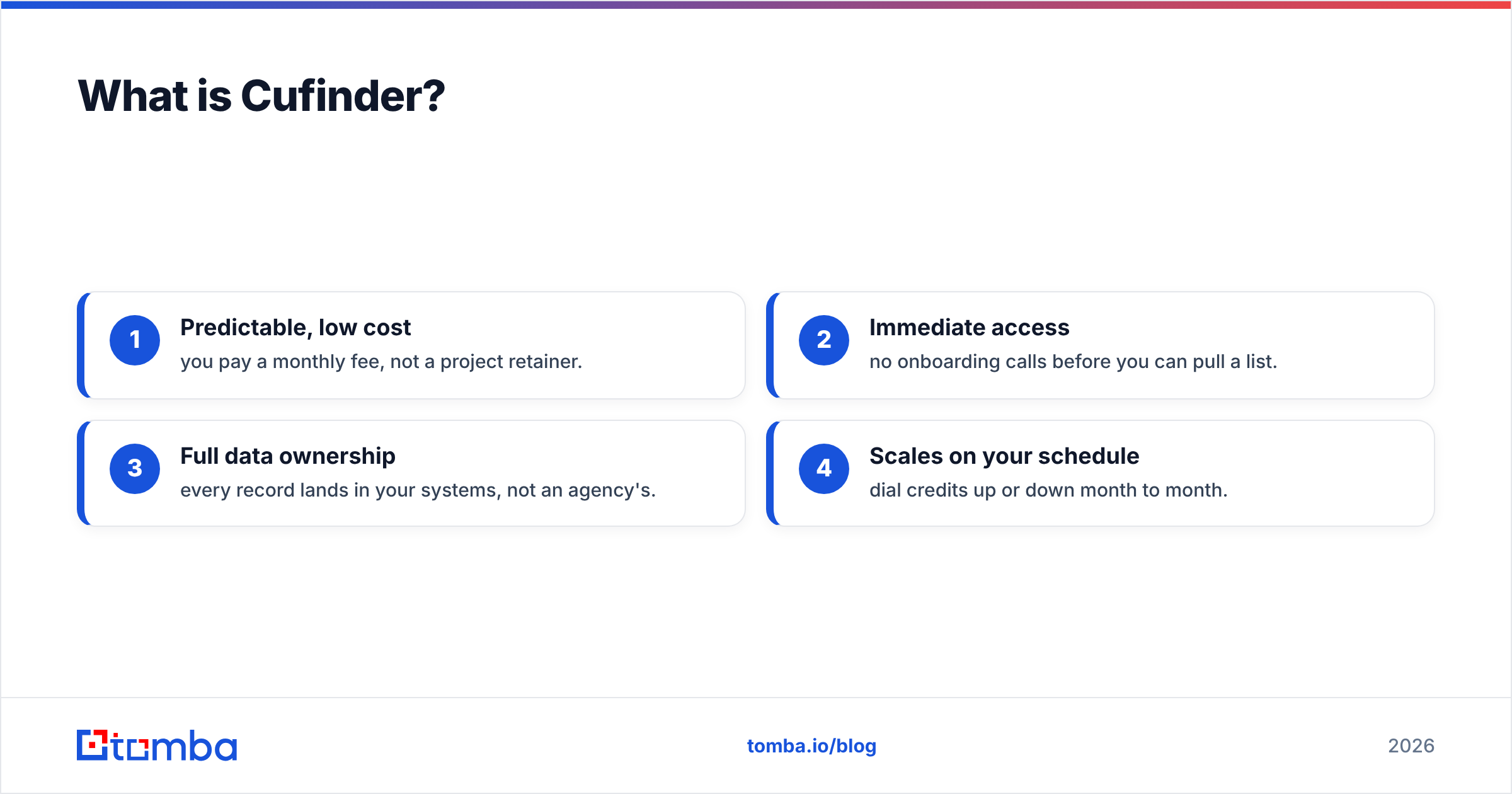
Cufinder's strengths are the classic self-serve advantages:
- Predictable, low cost — you pay a monthly fee, not a project retainer.
- Immediate access — no onboarding calls before you can pull a list.
- Full data ownership — every record lands in your systems, not an agency's.
- Scales on your schedule — dial credits up or down month to month.
The trade-off is that Cufinder does not run campaigns for you. It supplies raw material — data — and the strategy, copywriting, sending, and follow-up are all on your team.
What is OutboundView?#
OutboundView is an outbound-focused B2B lead generation and appointment-setting agency. Instead of a login, you get a service contract. Their team handles list building, message development, email and phone outreach, and meeting scheduling, then reports on pipeline generated. You can review their service pages on the OutboundView website.
The analogy here is hiring a full-service caterer instead of cooking. You describe the event, they handle sourcing, prep, cooking, and serving. You pay a premium, but you do not touch a knife. For a founder-led team with no SDR function — or a company that wants outbound running next week without building it internally — that convenience is the entire value proposition.
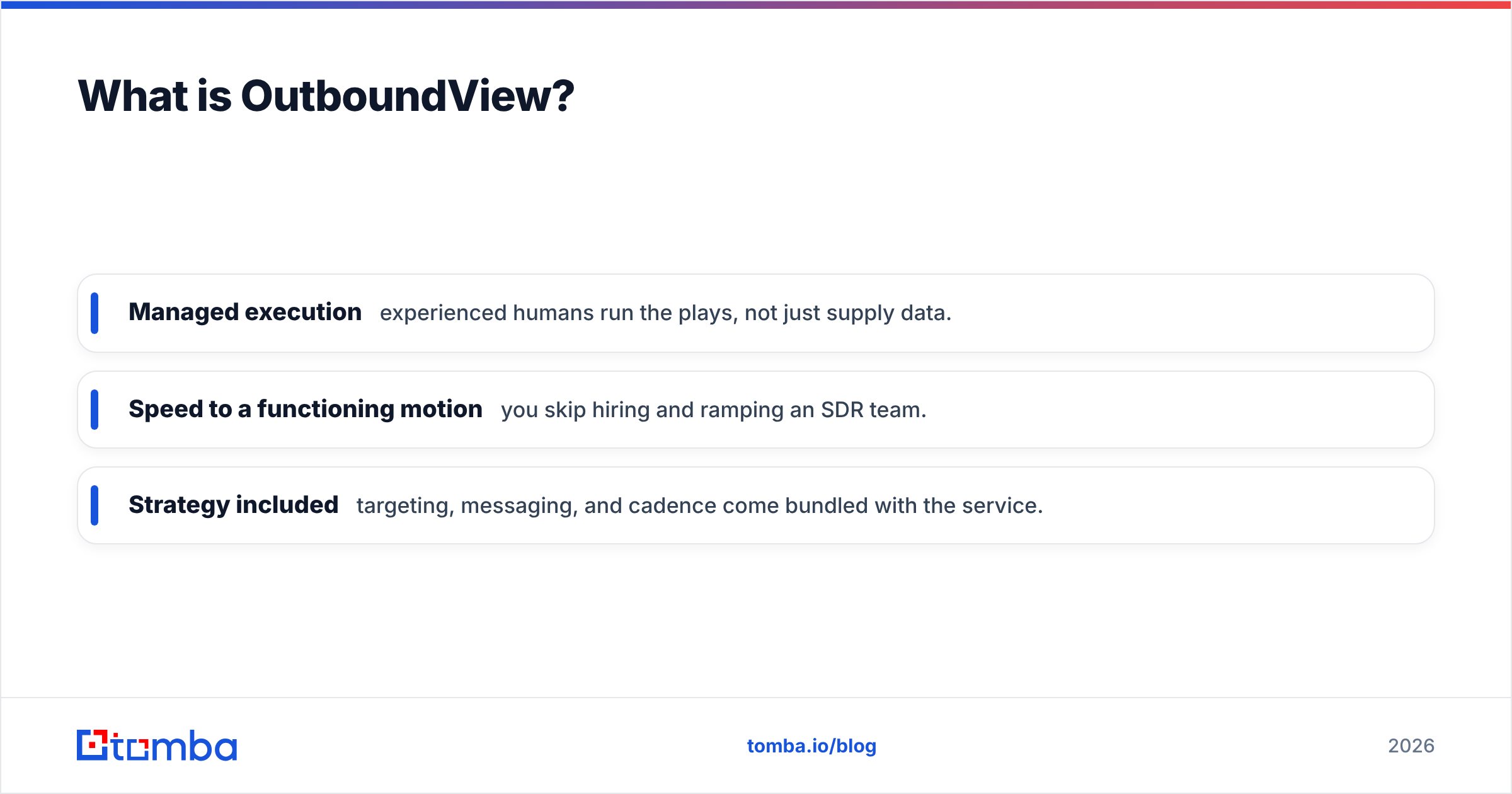
OutboundView's strengths sit on the opposite axis from Cufinder:
- Managed execution — experienced humans run the plays, not just supply data.
- Speed to a functioning motion — you skip hiring and ramping an SDR team.
- Strategy included — targeting, messaging, and cadence come bundled with the service.
The trade-offs are cost and control. Retainers are far higher than any SaaS subscription, contracts often lock you in for months, and the institutional knowledge lives with the agency. If you pause the engagement, the outbound engine stops.
Cufinder vs OutboundView: the core comparison#
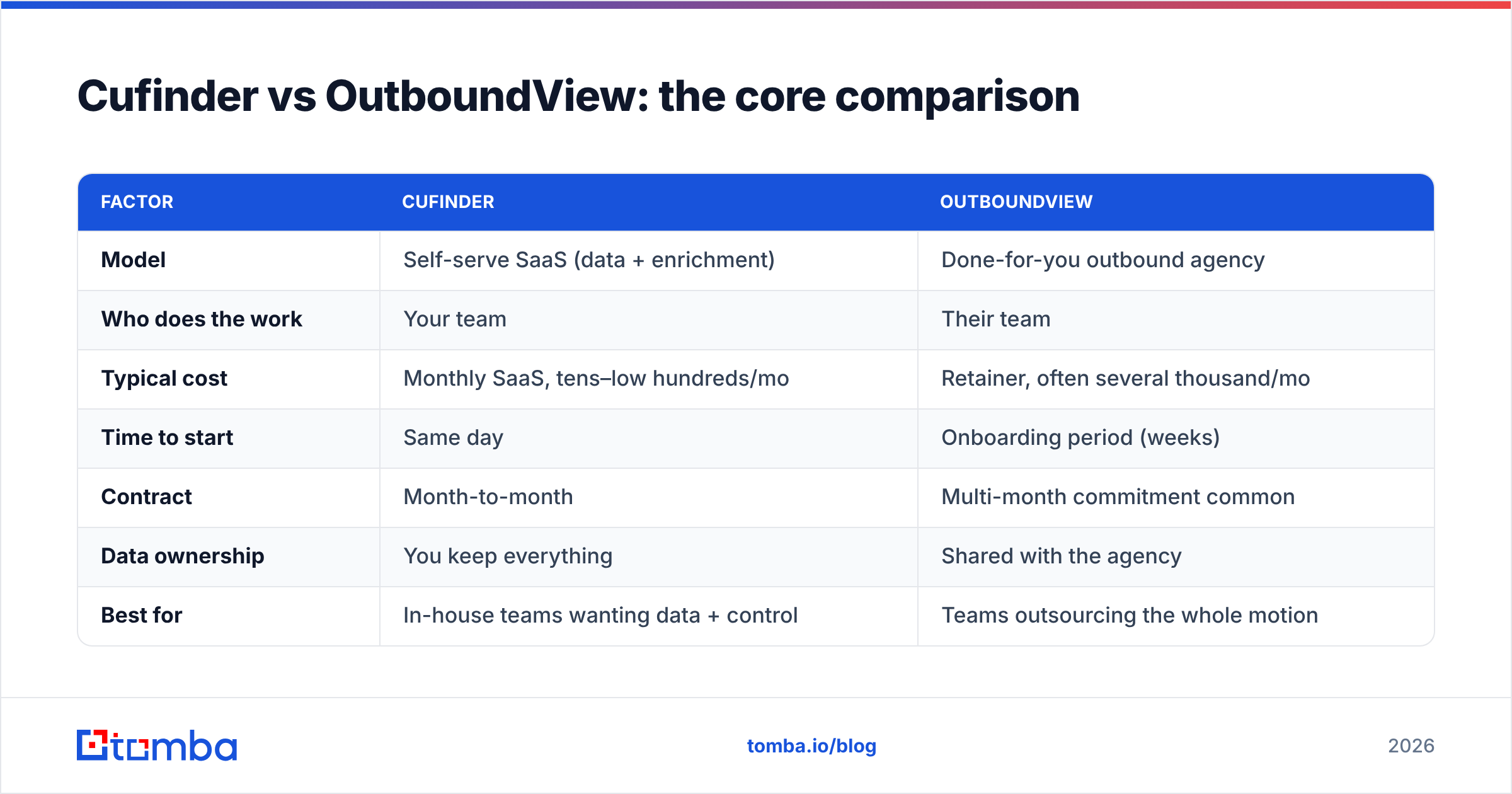
Here is the side-by-side that matters most. Treat the pricing figures as directional — SaaS tiers change and agency retainers are quote-based — but the shape of the difference is the real takeaway.
| Factor | Cufinder | OutboundView |
|---|---|---|
| Model | Self-serve SaaS (data + enrichment) | Done-for-you outbound agency |
| Who does the work | Your team | Their team |
| Typical cost | Monthly SaaS, tens–low hundreds/mo | Retainer, often several thousand/mo |
| Time to start | Same day | Onboarding period (weeks) |
| Contract | Month-to-month | Multi-month commitment common |
| Data ownership | You keep everything | Shared with the agency |
| Best for | In-house teams wanting data + control | Teams outsourcing the whole motion |
| Main risk | You still have to execute | High cost, vendor lock-in |
The pattern is clear: these are not two versions of the same product. Cufinder sells you the ingredients; OutboundView sells you the finished meal. Deciding between them is really deciding whether you have (or want to build) an in-house outbound capability.
Which one is cheaper — and is cheaper the point?#
Cufinder is dramatically cheaper on paper, and for good reason: you are only paying for software, not for people's time. An OutboundView retainer bundles salaries, management, tooling, and margin into one monthly number, so it will almost always cost 10x–50x a data subscription.
But cheaper software is not automatically the better deal. If your team lacks the time or skill to turn data into booked meetings, a cheap tool that sits unused is more expensive than an agency that delivers pipeline. The honest way to compare cost is cost per booked meeting, not cost per month.
- Choose Cufinder (or a data tool) if you have people who will actually run the outreach. The low cost then compounds in your favor.
- Choose OutboundView if you have budget but no execution capacity, and you would rather buy outcomes than build a function.
There is also a hybrid many teams miss: use a self-serve data platform for the data layer and keep execution in-house with cheap sending tools. That captures most of the agency's outcome at a fraction of the cost — as long as you can write and send.

Where does data accuracy fit into this decision?#
Data quality is the quiet variable that decides whether either option works. An agency with stale data burns your domain reputation on bounces; a self-serve tool with a weak database sends you chasing dead inboxes. In both cases, the contact data underneath is what makes or breaks the campaign.
This is where a focused email finder earns its place in the stack. Cufinder bundles data with a broad enrichment suite, and OutboundView sources data as part of its service — but if your single biggest need is accurate, verified email addresses at a low price, a specialist tool is often the sharper instrument. Tomba, for example, pairs its email finder with a built-in verifier and domain search, so every address is checked before it ever hits your sequence.
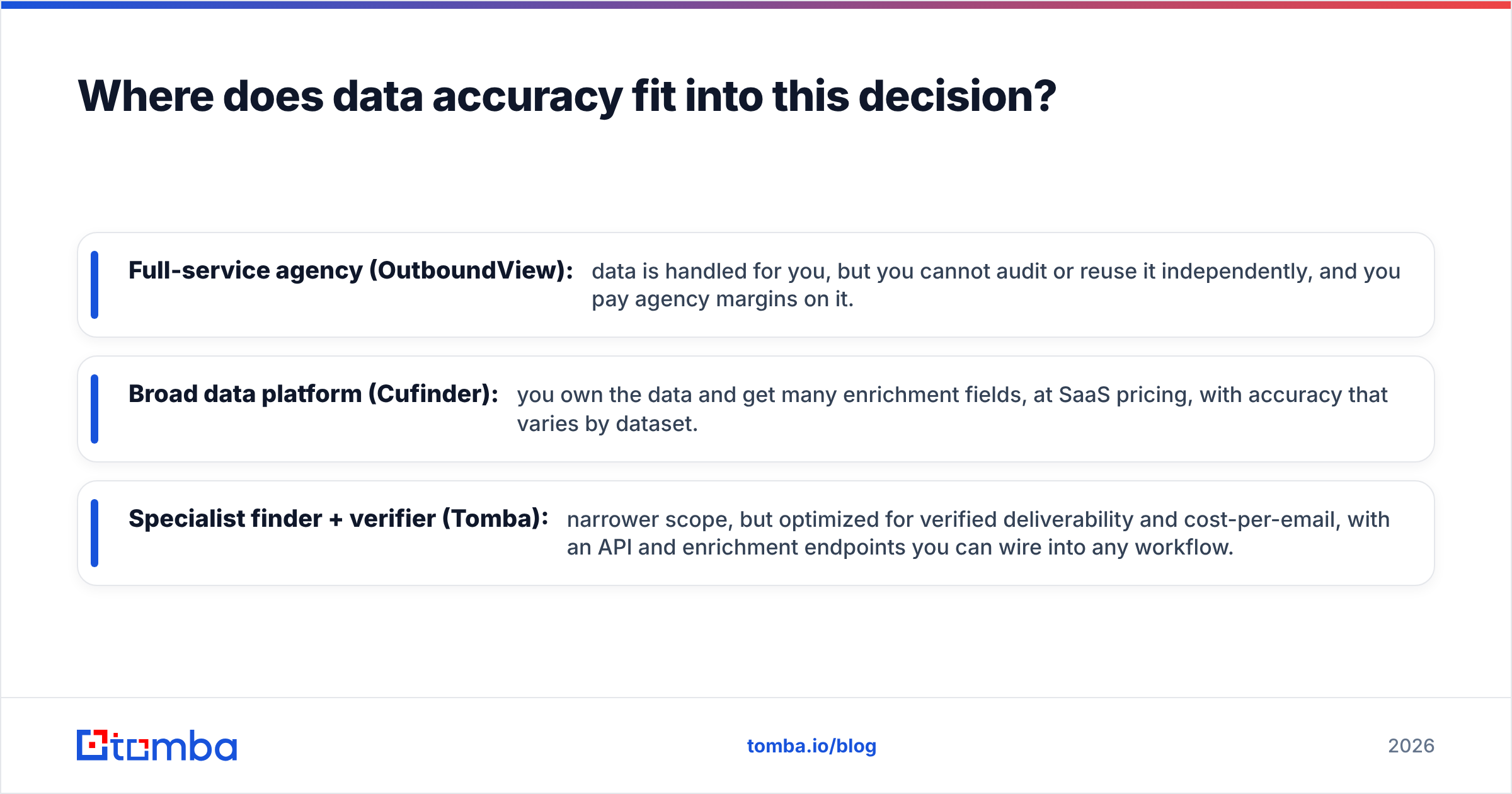
A quick way to think about the three approaches to sourcing contacts:
- Full-service agency (OutboundView): data is handled for you, but you cannot audit or reuse it independently, and you pay agency margins on it.
- Broad data platform (Cufinder): you own the data and get many enrichment fields, at SaaS pricing, with accuracy that varies by dataset.
- Specialist finder + verifier (Tomba): narrower scope, but optimized for verified deliverability and cost-per-email, with an API and enrichment endpoints you can wire into any workflow.
None of these is universally "best" — they are best for different jobs. The mistake is paying agency prices for a job a $49/month tool would do, or expecting a raw data tool to run a campaign it was never built to run.
Which should you choose in 2026?#
Match the tool to your situation rather than to the marketing.
Pick OutboundView if:
- You have real budget for outbound but no SDR team and no appetite to build one.
- You want a functioning meeting-booking motion running quickly, managed by specialists.
- You value outcomes over ownership and are comfortable with a multi-month commitment.
Pick Cufinder if:
- You have people who will do the outreach and just need reliable company and contact data.
- You want month-to-month flexibility and full ownership of every record.
- You are cost-sensitive and prefer predictable SaaS pricing over a retainer.
Pick a specialist email finder like Tomba if:
- Your bottleneck is finding and verifying the right email addresses, not managing an agency.
- You want the lowest cost per verified email and clean data you control end to end.
- You plan to plug contact discovery into your own tools via API, Sheets, or CRM — see Tomba's plans for where that lands.
For most in-house B2B teams in 2026, the winning setup is not "agency vs one tool" at all — it is a lean data layer feeding a simple sending stack, with humans on your side writing the messages. That keeps cost low, ownership total, and the feedback loop tight.
Common questions#
Is OutboundView just a more expensive Cufinder? No. Cufinder is software you operate; OutboundView is a service that operates outbound for you. The price difference reflects human labor, not a better version of the same product.
Can I use a data tool and still get agency-level results? Often, yes — if you have someone to run the campaigns. Pair a strong data enrichment and email-finding tool with disciplined copy and follow-up, and you replicate much of what an agency delivers at a fraction of the cost.
What if my data is inaccurate? Then neither model works. Verify before you send. A dedicated finder-plus-verifier reduces bounces, protects sender reputation, and makes every downstream dollar go further.
The bottom line#
Cufinder and OutboundView solve different problems: one is a self-serve data platform, the other is a full-service outbound agency. Cufinder wins on cost, control, and flexibility; OutboundView wins on convenience and hands-off execution — at a much higher price and with more lock-in.
But if you strip the decision down to its most common real need — accurate, verified contact data you own and can act on immediately — you do not have to pay agency rates or settle for a broad tool. Start with a specialist. The Tomba Email Finder finds professional emails by domain, name, or company, verifies them before they reach your sequence, and starts free so you can test accuracy on your own list before spending a cent. Own your data, keep your costs predictable, and put every dollar toward pipeline instead of overhead.
Related guides#
Ready to find emails that actually work?
Join 150,000+ professionals who stopped guessing and started sending. Free credits on signup — no credit card required.
Get the Tomba newsletter
Practical outbound tactics and product updates — once every two weeks.
About the author