Cufinder vs Reachstream: B2B Data & Email Finder Face-Off (2026)
Cufinder and Reachstream both promise fresh B2B contacts and verified emails—but they price, cover, and verify data very differently. Here's the honest head-to-head, plus the accuracy-first pick worth testing.
Choosing between Cufinder and Reachstream comes down to one question most review pages dodge: which one hands your reps contacts that actually connect, not just rows that fill a CSV? Both are B2B data platforms with email finders, enrichment, and big database claims. But they win in different lanes, and neither is automatically the right call for your outbound motion.
This is a neutral, hands-on comparison—accuracy, pricing, data depth, and workflow fit—so you can pick the tool that matches how your team actually prospects. We'll also show where a verification-first option like Tomba changes the math.
TL;DR: Cufinder vs Reachstream at a glance#
- Cufinder leans on a large company + contact database with 20+ enrichment services (company-to-domain, LinkedIn-to-email, tech lookups). Strong for firmographic enrichment and bulk company data.
- Reachstream positions as an all-in-one contact database with email + phone data and built-in campaign features, aimed at teams that want data and outreach in one seat.
- Accuracy is the real differentiator. Both publish high database counts; neither guarantees per-send verification the way a dedicated verifier does.
- Budget reality: entry tiers look cheap, but credit burn on bounced or catch-all emails is the hidden cost. Verify before you send.
- The accuracy-first pick: pairing a finder with real-time verification (Tomba's approach) protects sender reputation better than raw database volume alone.
What is Cufinder and who is it for?#
Cufinder is a B2B data and lead-enrichment engine built around a large company database and a stack of "enrichment APIs." Instead of a single search box, it exposes many small services: turn a company name into a domain, a domain into a LinkedIn page, a LinkedIn profile into an email, a company into its tech stack, and so on.
That modular design is Cufinder's strength. If your GTM team runs account-based plays and needs to enrich thousands of companies with firmographics—industry, size, location, technologies—Cufinder's breadth is genuinely useful. It's a data-warehouse mindset: pull structured attributes at scale and push them into your CRM.
The trade-off is that email discovery is one service among many, so per-contact email accuracy depends on how fresh the underlying records are. For heavy company enrichment, that's fine. For high-volume cold email where a single bounce spike can tank your domain, you'll want a verification layer on top. Learn the stakes on the email deliverability side before you scale sends.
What is Reachstream and who is it for?#
Reachstream is a contact-database platform that bundles B2B emails and direct-dial phone numbers with lightweight campaign tooling. The pitch is convenience: search a target audience by title, industry, and geography, export verified-looking contacts, and start outreach without stitching five tools together.
Reachstream fits SMB sales teams and agencies that want a single subscription covering data plus basic sending. If you're a two-person team that doesn't want to run a separate finder, verifier, and sequencer, the all-in-one angle is appealing.
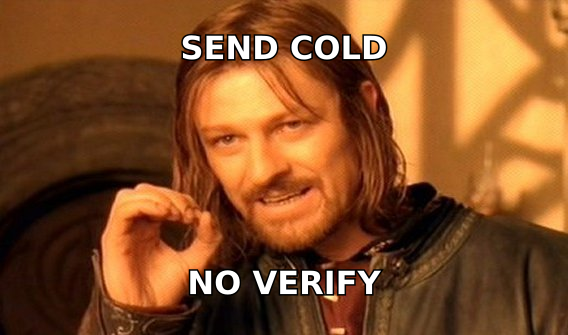
The caution is the same one that applies to every all-in-one: convenience can mask data quality. A phone number or email that "looks verified" in the UI is not the same as an SMTP-checked address at send time. For teams whose deliverability is a revenue lever, that gap matters—which is exactly what the meme below is about.

Cufinder vs Reachstream: the core comparison table#
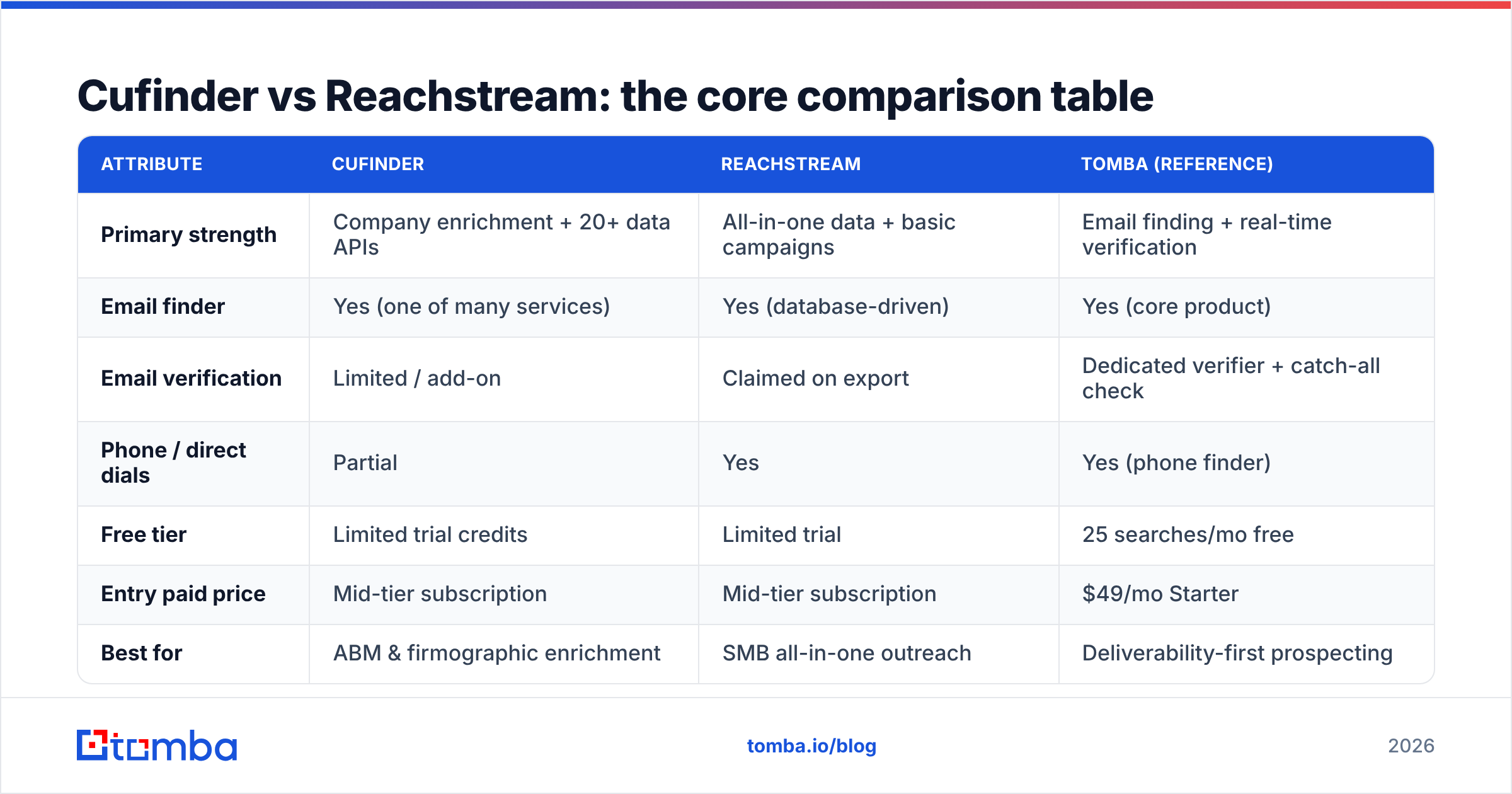
Here's the head-to-head on the attributes that decide most purchases. Treat published database counts as marketing figures—what matters is how much survives verification.
| Attribute | Cufinder | Reachstream | Tomba (reference) |
|---|---|---|---|
| Primary strength | Company enrichment + 20+ data APIs | All-in-one data + basic campaigns | Email finding + real-time verification |
| Email finder | Yes (one of many services) | Yes (database-driven) | Yes (core product) |
| Email verification | Limited / add-on | Claimed on export | Dedicated verifier + catch-all check |
| Phone / direct dials | Partial | Yes | Yes (phone finder) |
| Free tier | Limited trial credits | Limited trial | 25 searches/mo free |
| Entry paid price | Mid-tier subscription | Mid-tier subscription | $49/mo Starter |
| Best for | ABM & firmographic enrichment | SMB all-in-one outreach | Deliverability-first prospecting |
| API access | Yes | Limited | Yes (full REST API) |
No single row wins the decision. If enrichment breadth is your priority, Cufinder scores. If one-subscription simplicity is, Reachstream scores. If connect rate and sender reputation are what you're optimizing, the verification column is where you should be looking—and that's where a specialist tool pulls ahead of both.
Which has better data accuracy?#
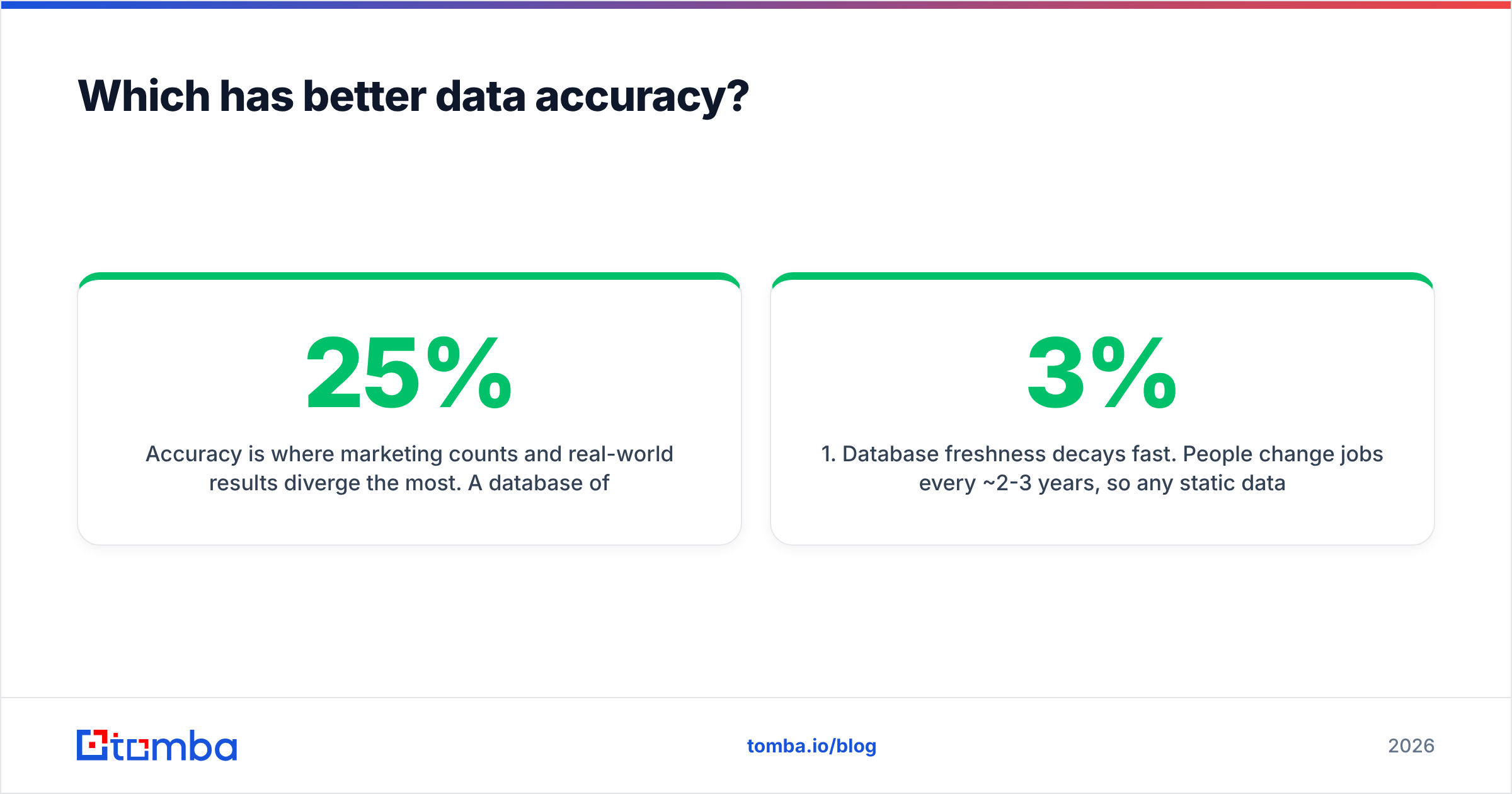
Accuracy is where marketing counts and real-world results diverge the most. A database of 300M+ contacts means nothing if 25% of the emails bounce, because bounces above ~2% start damaging your domain reputation and pushing you toward spam folders.

Three accuracy realities to weigh for both Cufinder and Reachstream:
- Database freshness decays fast. People change jobs every ~2-3 years, so any static database loses roughly 2-3% of contact validity per month. A tool that verifies at export time but not at send time is showing you a snapshot, not the truth.
- Catch-all domains hide bounces. Many corporate domains accept every address at the SMTP layer, so a "valid" result can still be undeliverable. You need an explicit catch-all verifier to separate real inboxes from acceptance-all traps.
- "Verified" is a spectrum. Syntax check, MX check, and full SMTP handshake are very different confidence levels. Ask any vendor which one their "verified" badge means.
The practical fix is the same regardless of which database you buy: run every list through a dedicated email verifier before your first send. Tomba's approach is verification as a first-class step, not an afterthought bundled into an export button. If you want to understand the underlying inputs, Tomba documents its data sources openly.
How do Cufinder and Reachstream price out?#
Both use credit- or seat-based subscriptions, and both look inexpensive until you account for waste. The real cost per usable contact is your list size divided by the number that actually verify and land.
| Cost factor | What to check |
|---|---|
| Base subscription | Monthly seat or plan fee before any usage |
| Credit model | Do you burn a credit on invalid/catch-all results, or only on hits? |
| Verification cost | Is verification included, add-on, or absent? |
| Overage pricing | Per-credit cost once you exceed the tier |
| Export limits | Monthly caps that force an upgrade sooner than expected |
A tool that charges credits for unverified emails is quietly charging you twice: once for the bad data, and again when you pay to clean it or lose a lead to a bounce. That's why the entry price is never the whole story.
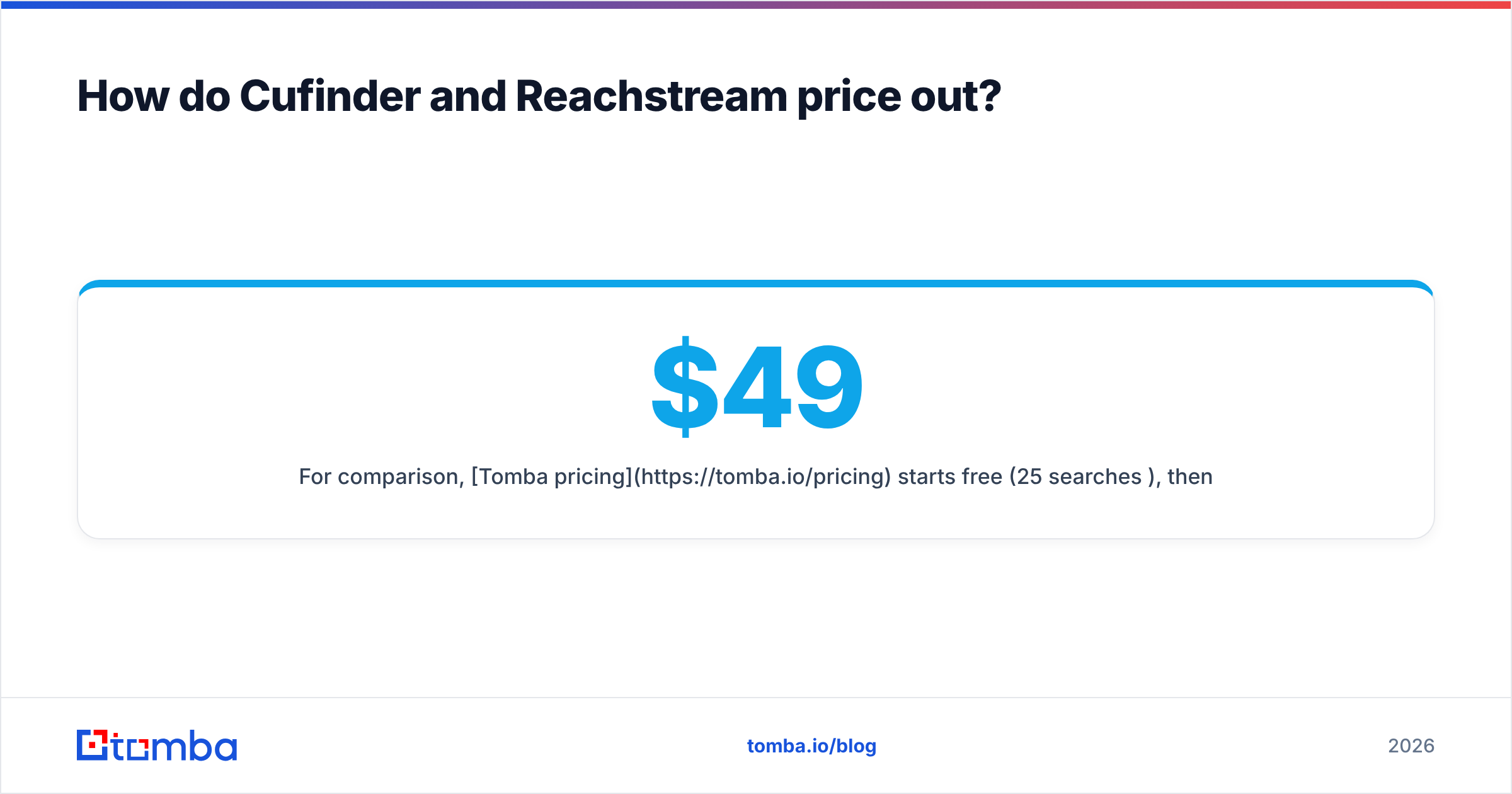
For comparison, Tomba pricing starts free (25 searches/mo), then $49/mo Starter, $99/mo Growth, $249/mo Pro, and custom Enterprise—with verification built into the workflow rather than sold as a surprise. Whatever you choose, model your cost on verified contacts, not raw database access.
Cufinder vs Reachstream: pros and cons#
Cufinder — pros
- Broad enrichment stack (20+ services) for firmographics and tech data
- Strong for ABM and CRM data-cleaning at company level
- API access for programmatic enrichment
Cufinder — cons
- Email accuracy varies because finding is one module among many
- Verification is limited; you'll likely add a verifier for cold email
- Credit burn on enrichment-heavy workflows adds up
Reachstream — pros
- All-in-one: data plus basic campaign tooling in one seat
- Includes phone/direct-dial data alongside emails
- Simple for SMB teams that want fewer tools
Reachstream — cons
- "Verified on export" is not send-time SMTP verification
- Campaign features are lighter than dedicated sequencers
- Less enrichment breadth than a data-first platform
When should you add a dedicated email finder instead?#
Add a specialist finder-and-verifier the moment cold email becomes a real revenue channel rather than an experiment. The signal is simple: if a bounce spike would hurt you, you've outgrown "good enough" data.
Concrete cases where a verification-first tool beats an all-in-one database:
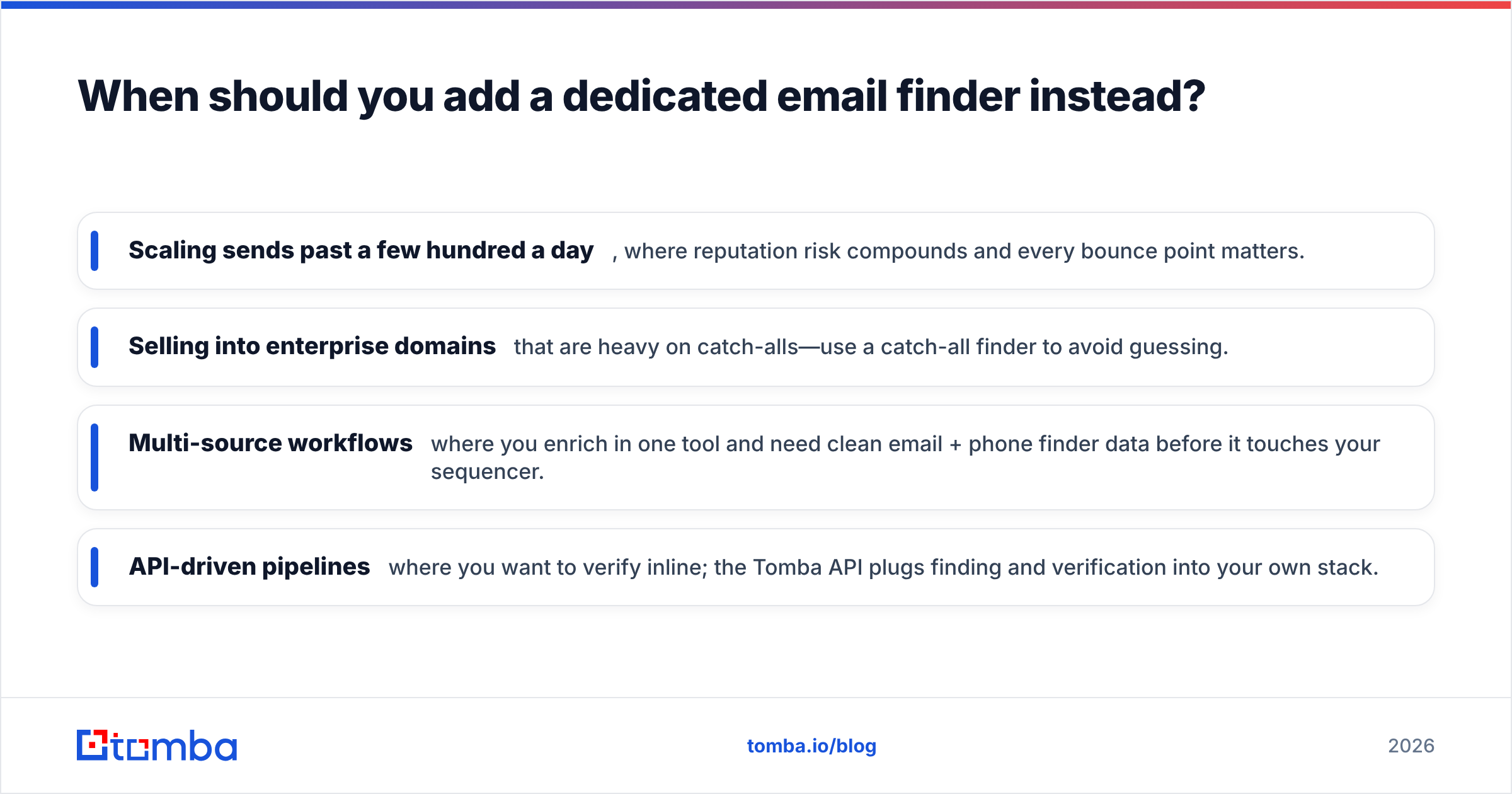
- Scaling sends past a few hundred a day, where reputation risk compounds and every bounce point matters.
- Selling into enterprise domains that are heavy on catch-alls—use a catch-all finder to avoid guessing.
- Multi-source workflows where you enrich in one tool and need clean email + phone finder data before it touches your sequencer.
- API-driven pipelines where you want to verify inline; the Tomba API plugs finding and verification into your own stack.
This isn't a knock on either Cufinder or Reachstream—both are legitimate data platforms. It's about matching the tool to the risk. Company enrichment tolerates stale rows; cold outreach does not.
For a broader market view of accuracy across vendors, independent directories like G2 and Capterra collect verified-buyer reviews worth scanning before you commit. And for the mechanics of why bounces hurt, HubSpot's guidance on email deliverability is a solid, vendor-neutral primer.
Cufinder vs Reachstream: which should you choose?#
Choose Cufinder if your core need is firmographic and technographic enrichment at scale—cleaning your CRM, powering ABM, and pulling structured company attributes through APIs. Layer a verifier on top before any cold send.
Choose Reachstream if you're an SMB or agency that values one subscription covering data plus lightweight outreach, and your send volumes are modest enough that convenience outweighs deep verification.
Choose a verification-first specialist if deliverability is a revenue lever and you'd rather trade some database breadth for higher connect rates and a protected domain. That's the lane where finding and email verification as one motion pays for itself.
The honest verdict: there's no universal winner between Cufinder and Reachstream—there's a winner for your motion. Map your priority (enrichment breadth vs. all-in-one simplicity vs. deliverability), then pressure-test each tool's free trial against your own target accounts. The one that returns the most contacts that actually verify wins your budget.
Try an accuracy-first alternative#
If this comparison made you nervous about bounce rates, test the verification-first approach directly. Tomba's Email Finder locates professional addresses by domain, name, or company, and every result flows through built-in verification—so your reps work from contacts that connect, not rows that bounce. Start on the free tier (25 searches/mo), then scale to Starter at $49/mo when you're ready. Find the emails, verify before you send, and protect the sender reputation your pipeline depends on.
Related guides#
Ready to find emails that actually work?
Join 150,000+ professionals who stopped guessing and started sending. Free credits on signup — no credit card required.
Get the Tomba newsletter
Practical outbound tactics and product updates — once every two weeks.
About the author