Data Matching Software in 2026: How to Pick the Right Tool
Duplicate records quietly drain your CRM, your ad spend, and your reps' trust. Here's how data matching software actually works in 2026 — and how to choose one without overpaying.
Duplicate and mismatched records are the quiet tax on every B2B revenue team. Two "Acme Corp" accounts, one spelled "ACME Corporation," a lead entered as "Bob Smith" and again as "Robert Smith" — each looks harmless until your reps email the same person twice, your pipeline forecast double-counts a deal, and marketing pays to re-acquire someone you already own. Data matching software is the category built to stop that bleed. This guide explains what it does, how the matching actually works, what to pay in 2026, and how to choose without buying more than you need.
TL;DR#
- Data matching software identifies records that refer to the same real-world entity — person, company, or account — even when the text doesn't match exactly.
- The core engine is fuzzy matching (phonetic, edit-distance, token, and ML-based similarity), not simple exact-string lookups.
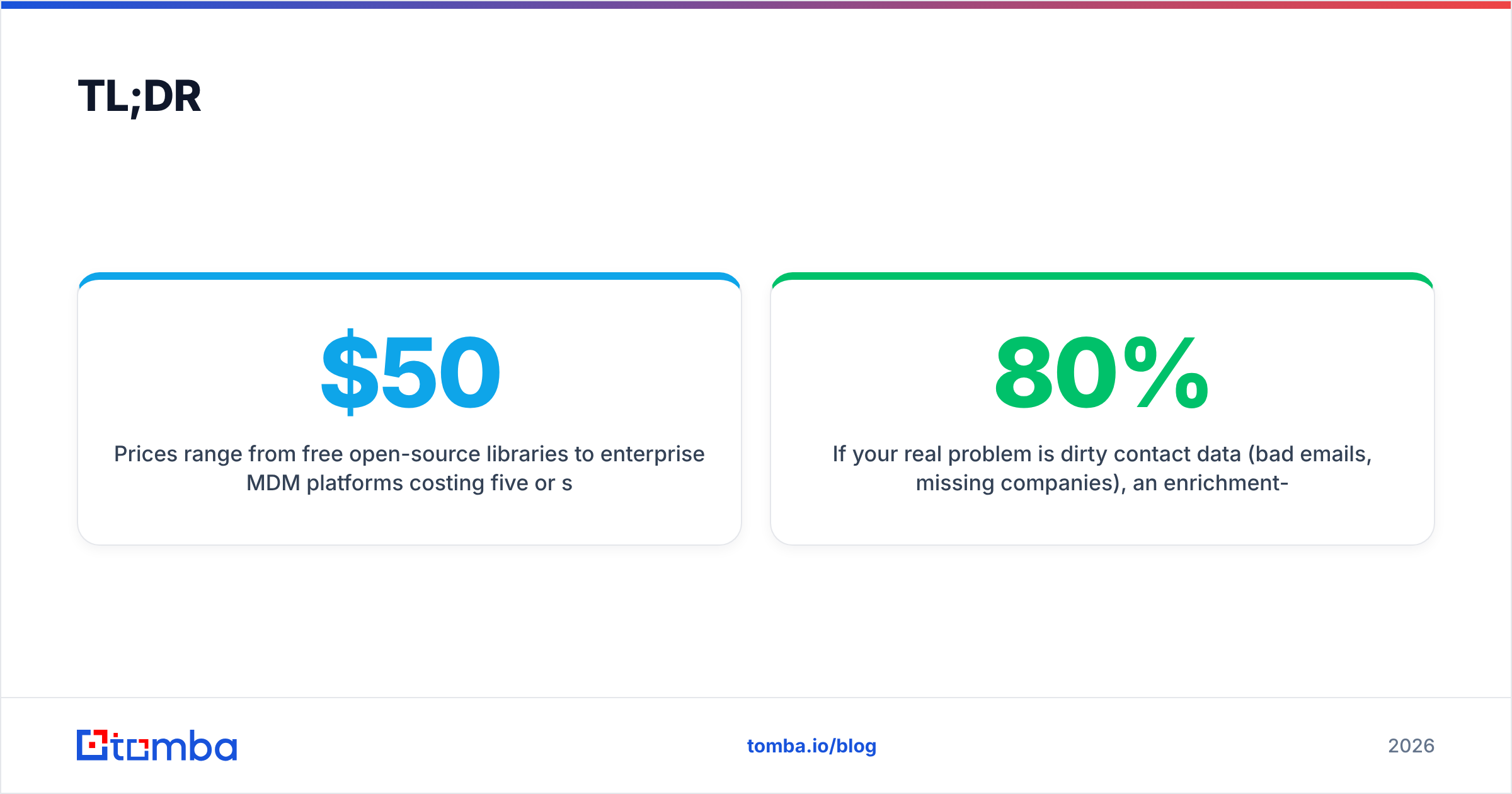
- Prices range from free open-source libraries to enterprise MDM platforms costing five or six figures a year. Most mid-market teams sit in the $50–$500/month range.
- Match accuracy is the metric that matters — a tool that over-merges is worse than one that leaves a few dupes.
- If your real problem is dirty contact data (bad emails, missing companies), an enrichment-and-verification layer like Tomba's data enrichment often solves 80% of the pain before you buy a heavyweight matching suite.
What is data matching software?#
Data matching software compares records across one or more datasets and decides which ones represent the same entity. Think of it like a bouncer with a guest list who recognizes "J. Smith," "John Smith," and "Jon Smyth" as the same guest instead of turning two of them away. Technically, this is known as record linkage or entity resolution — a well-studied problem in computer science that predates modern CRMs by decades.
The software runs in three broad situations:
- Deduplication — finding duplicates within a single list (your CRM contacts).
- Linkage — matching records across two lists (marketing leads vs. sales accounts).
- Enrichment matching — attaching external data (firmographics, verified emails, phone numbers) to your existing records by matching on a shared key.
Where a spreadsheet's VLOOKUP fails the moment a value is off by one character, a real matching engine tolerates typos, formatting differences, abbreviations, and missing fields. That tolerance is the entire value proposition.

How does fuzzy matching actually work?#
"Fuzzy matching" is an umbrella for several distinct techniques, and good software layers them together. Understanding the layers helps you judge vendor claims instead of trusting a marketing number.
- Exact and normalized matching — the baseline. Lowercase everything, strip punctuation, standardize "Inc/Incorporated," then compare. Cheap and catches the easy wins.
- Edit-distance (Levenshtein) — counts the character insertions, deletions, and swaps needed to turn one string into another. "Smith" vs. "Smyth" is one edit; likely a match.
- Phonetic algorithms (Soundex, Metaphone) — match by how words sound, catching "Catherine" vs. "Kathryn."
- Token and n-gram similarity (Jaccard, cosine) — break strings into pieces and measure overlap, which handles reordered words like "Corp Acme" vs. "Acme Corp."
- Machine-learning / embedding matching — models trained to score record pairs, weighing multiple fields at once and learning which signals matter. This is where 2026 tools compete hardest.
A production system chains these into a scoring pipeline: each candidate pair gets a similarity score, and you set a threshold above which records are auto-merged, below which they're ignored, and a review band in the middle for a human to confirm. The threshold is the single most important dial you own — set it loose and you merge two different people; set it tight and duplicates survive.
Why do duplicate records cost so much?#
Because the cost is distributed, most teams never add it up. Here's where it lands:
- Wasted outreach. Reps contact the same prospect from two records, which reads as disorganized and burns goodwill. Verified, deduplicated lists protect your sender reputation too, since repeat sends to stale addresses raise bounce and spam rates.
- Broken reporting. Duplicate accounts inflate pipeline and total-addressable-market numbers, so leadership plans against fiction.
- Wasted spend. Marketing re-targets and re-acquires contacts already in the funnel.
- Eroded trust. Once reps stop believing the CRM, they keep private spreadsheets — and your single source of truth is gone.
Gartner has long estimated that poor data quality costs organizations millions annually in the aggregate; the exact figure matters less than the direction. Clean matching is not a nice-to-have, it's margin.
What features separate good data matching software?#
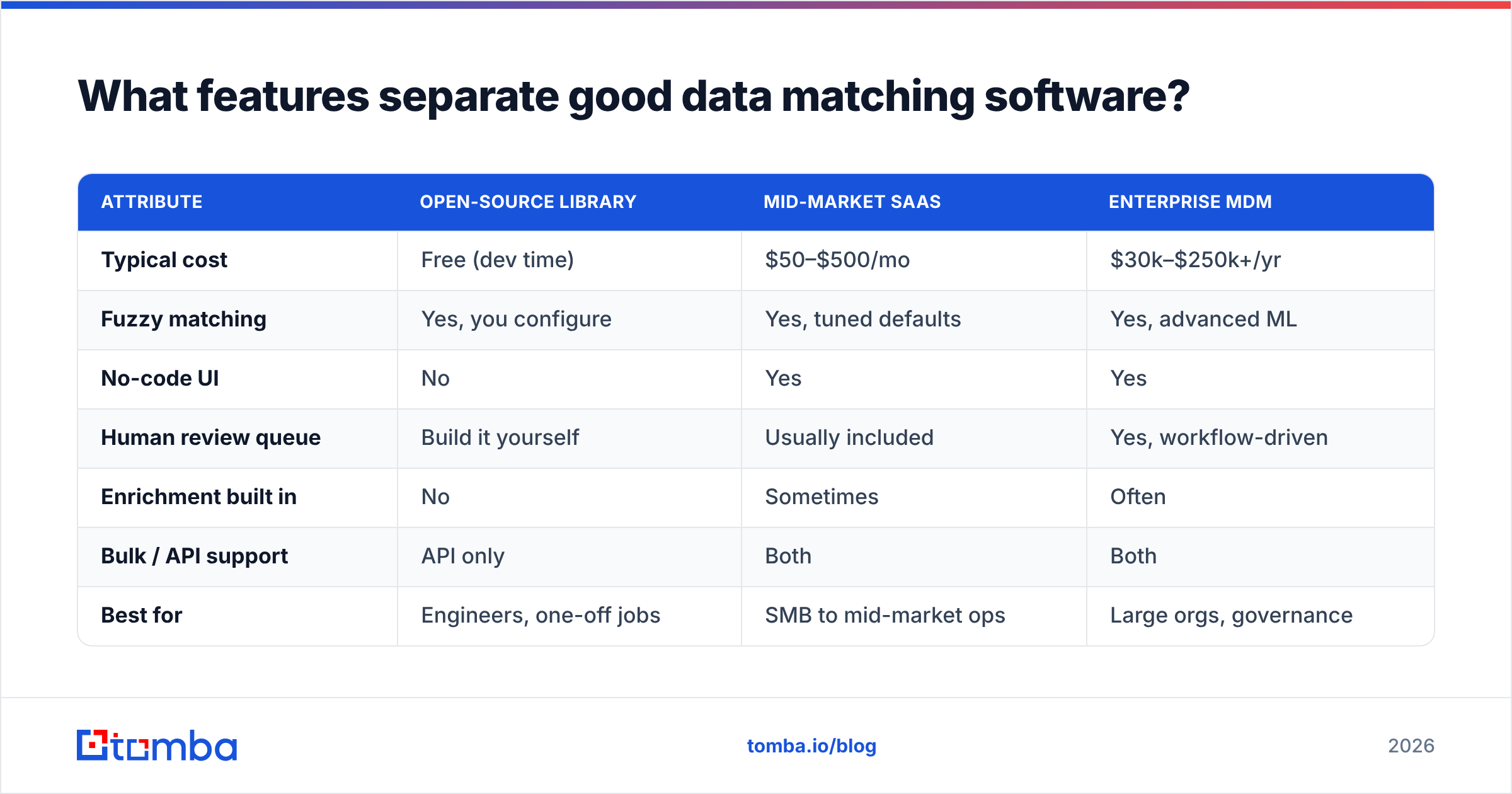
When you evaluate tools, score them on the attributes below rather than headline "AI" claims. Here is a practical comparison of the tiers you'll encounter in 2026.
| Attribute | Open-source library | Mid-market SaaS | Enterprise MDM |
|---|---|---|---|
| Typical cost | Free (dev time) | $50–$500/mo | $30k–$250k+/yr |
| Fuzzy matching | Yes, you configure | Yes, tuned defaults | Yes, advanced ML |
| No-code UI | No | Yes | Yes |
| Human review queue | Build it yourself | Usually included | Yes, workflow-driven |
| Enrichment built in | No | Sometimes | Often |
| Bulk / API support | API only | Both | Both |
| Best for | Engineers, one-off jobs | SMB to mid-market ops | Large orgs, governance |
Beyond the tier, four features decide day-to-day quality:
- Configurable thresholds and rules — you must be able to weight fields (an email match should count more than a city match) and set your own auto-merge cutoff.
- Transparent match explanations — the tool should show why two records scored as a pair, so you can trust and tune it.
- A review/merge workflow — matches in the gray zone need a human-in-the-loop queue, not a silent auto-merge.
- Survivorship rules — when two records merge, which field values win? Good software lets you keep the most recent, most complete, or most trusted source.

Is standalone matching enough, or do you need enrichment too?#
Short answer: matching cleans what you have; enrichment fixes what you're missing. Most "our data is a mess" problems are actually both.
A matching engine will happily deduplicate a CRM full of contacts with no verified email and half the company fields blank — and you'll end up with fewer, still-unusable records. That's why the strongest 2026 stacks pair a matching layer with a verification-and-enrichment layer:
- Use an email verifier to strip invalid and risky addresses before matching, so you're not merging on dead data.
- Use data enrichment to fill missing firmographics and contact fields, which gives the matcher more signal to work with and raises match confidence.
- Run large jobs through a bulk email finder or API so cleanup scales past what a spreadsheet can handle.
The sequencing matters. Verify → enrich → match → review is the pipeline that produces a CRM your reps will actually trust. Matching first, on garbage inputs, just produces cleaner-looking garbage.
How much should you pay for data matching software in 2026?#
Pricing splits along the tiers in the table above, but here's how to think about value rather than sticker price.
- Free / open-source (e.g., Python's
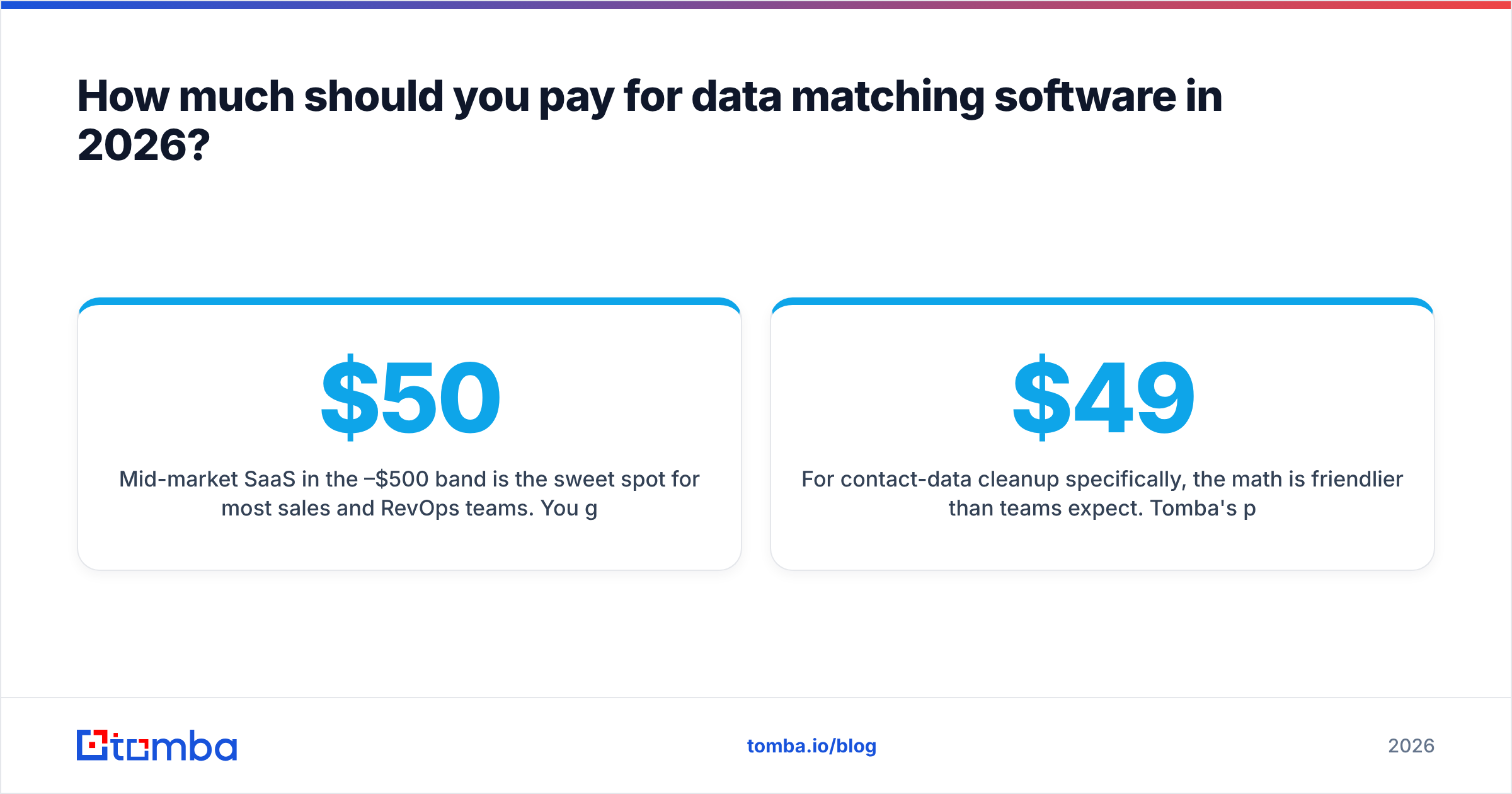
recordlinkage,dedupe) fits engineering teams doing a one-time cleanup or embedding matching into a product. You trade money for setup, tuning, and maintenance time. - Mid-market SaaS in the $50–$500/month band is the sweet spot for most sales and RevOps teams. You get a UI, sane defaults, a review queue, and often enrichment. Compare this to tools listed on G2's data-quality category before committing.
- Enterprise MDM (master data management) makes sense only when you have governance requirements, many source systems, and a dedicated data team. Below that scale, you'll pay for capability you never turn on.
For contact-data cleanup specifically, the math is friendlier than teams expect. Tomba's plans start with a free tier (25 searches/month), then Starter at $49/month, Growth at $99/month, and Pro at $249/month, with enterprise pricing on request — full Tomba pricing is public. For a mid-market team, that's a fraction of an MDM seat while solving the verification and enrichment half of the problem outright.
What's the right buying process?#
Follow this checklist and you'll avoid the two classic mistakes: over-buying enterprise MDM, or under-buying a tool that can't handle your volume.
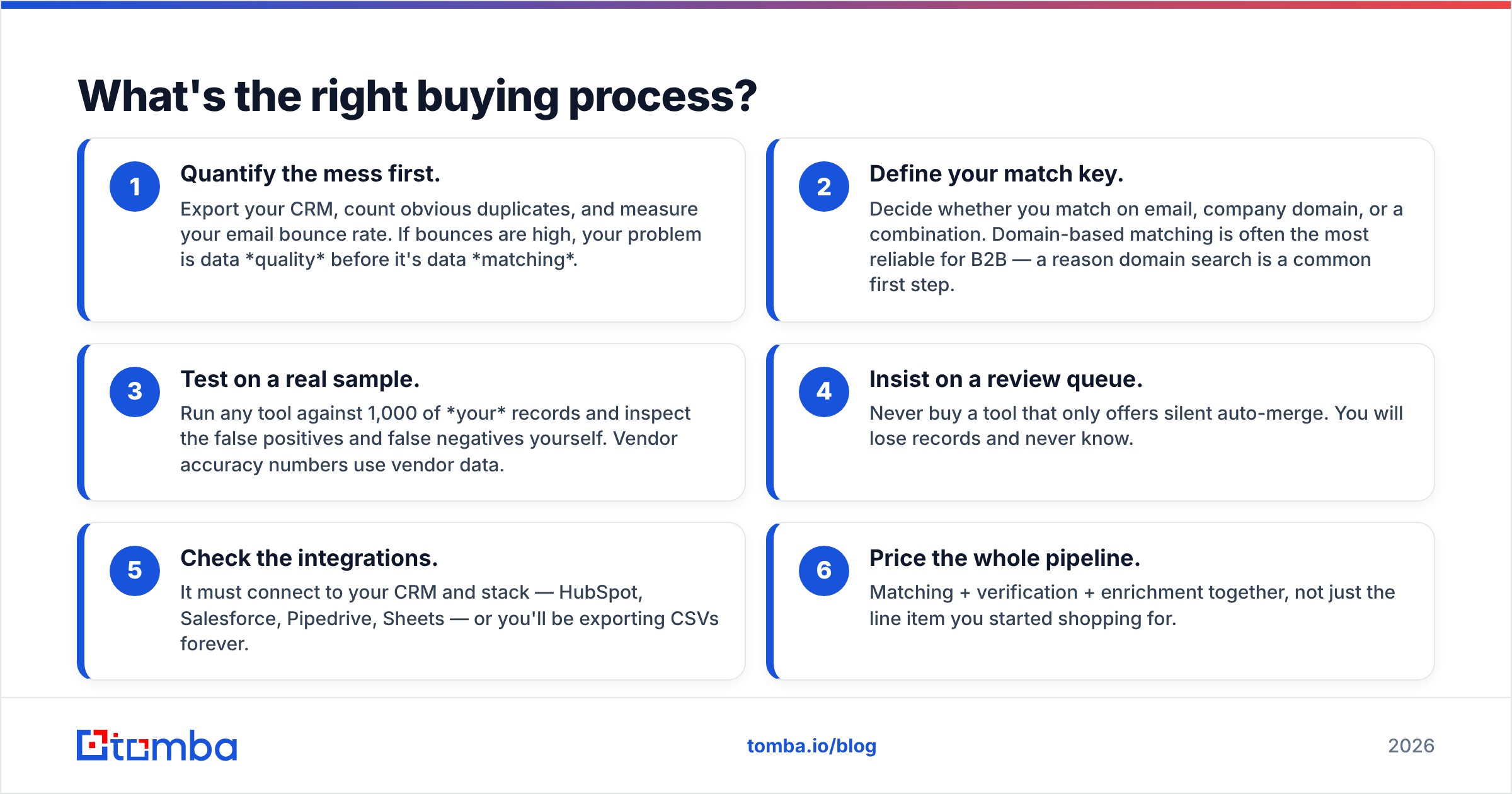
- Quantify the mess first. Export your CRM, count obvious duplicates, and measure your email bounce rate. If bounces are high, your problem is data quality before it's data matching.
- Define your match key. Decide whether you match on email, company domain, or a combination. Domain-based matching is often the most reliable for B2B — a reason domain search is a common first step.
- Test on a real sample. Run any tool against 1,000 of your records and inspect the false positives and false negatives yourself. Vendor accuracy numbers use vendor data.
- Insist on a review queue. Never buy a tool that only offers silent auto-merge. You will lose records and never know.
- Check the integrations. It must connect to your CRM and stack — HubSpot, Salesforce, Pipedrive, Sheets — or you'll be exporting CSVs forever.
- Price the whole pipeline. Matching + verification + enrichment together, not just the line item you started shopping for.
How does data matching connect to the rest of your stack?#
Matching software isn't an island. Its output feeds scoring, routing, and outreach, so integration quality determines whether the clean data ever gets used. Look for native connectors to your CRM and automation layer — a Salesforce integration or HubSpot integration means matched records sync back automatically instead of dying in an export folder. Where a native connector doesn't exist, a Zapier integration or a documented email finder API lets you wire matching and enrichment into whatever pipeline you already run.
The goal is a closed loop: dirty record comes in, gets verified and enriched, gets matched against existing accounts, and lands back in the CRM as one clean, trusted row — no manual cleanup, no rep-maintained side spreadsheet.
The bottom line#
Data matching software earns its keep when your problem is genuinely duplicate records across dirty data at scale. Buy for match accuracy and a human review queue, not for the longest AI feature list, and always price the full verify-enrich-match pipeline rather than the matching line item alone. For many B2B teams, the fastest win isn't a heavyweight MDM platform at all — it's cleaning and completing the underlying contact data first, which shrinks the matching problem dramatically.
If your records are missing verified emails, company data, or phone numbers, start there: the Tomba Email Finder finds and verifies professional emails by domain, name, or company, and pairs with Tomba's verification and enrichment tools to hand your matching engine clean, complete inputs. Start on the free tier, run it against a sample of your worst records, and see how much of the "we need matching software" problem was really a data-quality problem all along.
Related guides#
Ready to find emails that actually work?
Join 150,000+ professionals who stopped guessing and started sending. Free credits on signup — no credit card required.
Get the Tomba newsletter
Practical outbound tactics and product updates — once every two weeks.
About the author