Datanyze vs FindThatLead (2026): Which Wins for B2B Sales?
Datanyze and FindThatLead both promise faster prospecting, but they solve different problems. Here's an honest breakdown of accuracy, pricing, and data—plus a stronger third pick for finding verified B2B emails.
Choosing between Datanyze and FindThatLead usually comes down to one question: do you need technographic intelligence about accounts, or do you need verified email addresses to actually contact people? These two tools get lumped together in "prospecting software" lists, but they were built for different jobs—and picking the wrong one means paying for data you never use.
This comparison breaks down where each tool wins, where each one leaves you exposed, and how their real costs stack up in 2026.
TL;DR: Datanyze vs FindThatLead at a glance#
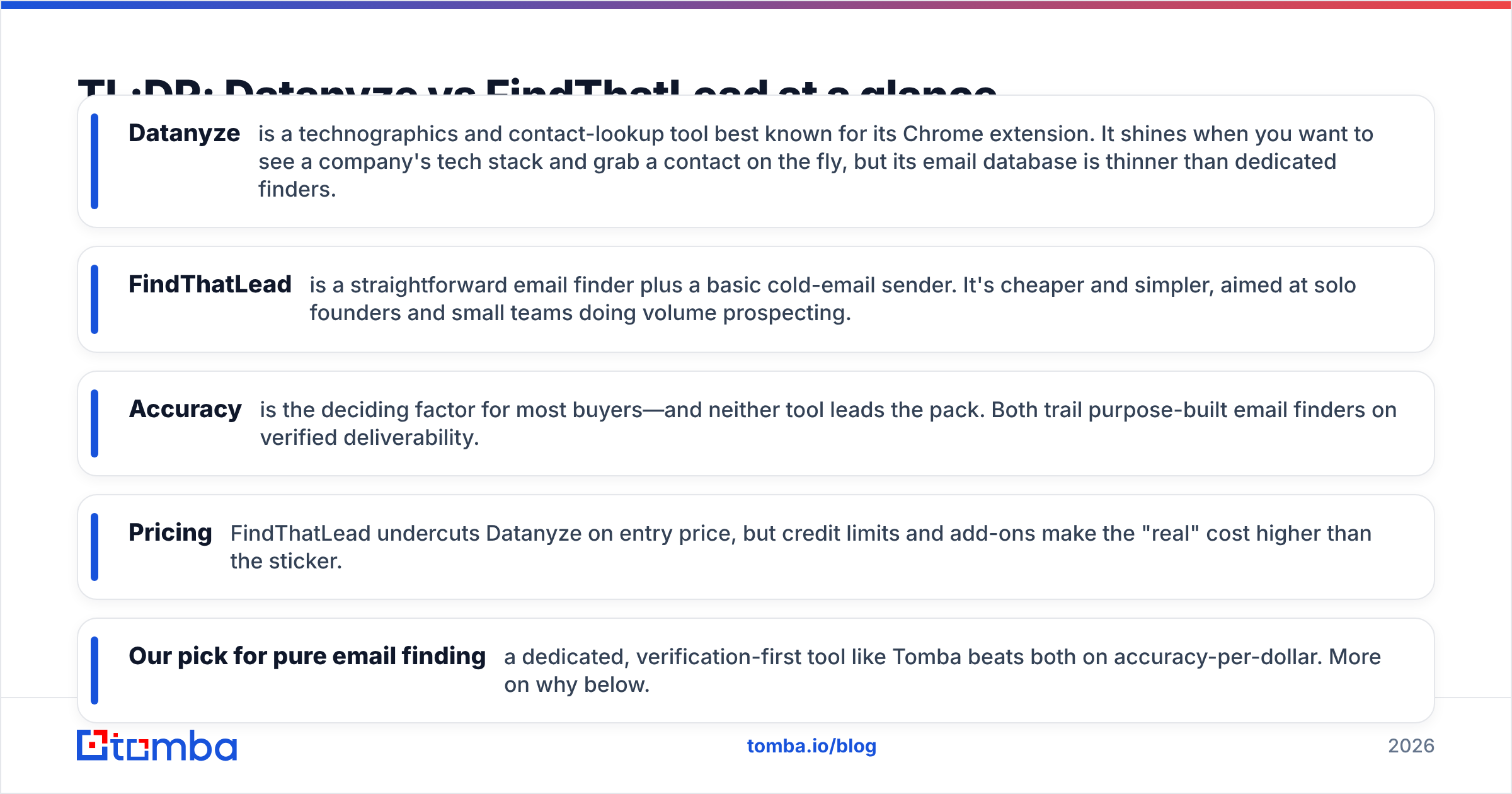
- Datanyze is a technographics and contact-lookup tool best known for its Chrome extension. It shines when you want to see a company's tech stack and grab a contact on the fly, but its email database is thinner than dedicated finders.
- FindThatLead is a straightforward email finder plus a basic cold-email sender. It's cheaper and simpler, aimed at solo founders and small teams doing volume prospecting.
- Accuracy is the deciding factor for most buyers—and neither tool leads the pack. Both trail purpose-built email finders on verified deliverability.
- Pricing: FindThatLead undercuts Datanyze on entry price, but credit limits and add-ons make the "real" cost higher than the sticker.
- Our pick for pure email finding: a dedicated, verification-first tool like Tomba beats both on accuracy-per-dollar. More on why below.
What is Datanyze and who is it for?#
Datanyze started life as a technographics platform—software that tells you what tools a company runs (their CRM, analytics, ad tech, hosting, and so on). It was acquired and repositioned around a freemium Chrome extension that surfaces contact details while you browse LinkedIn or company websites.
The core appeal is context. When you're researching an account and you can see they run HubSpot, Shopify, and Intercom, you can tailor your pitch before you ever hit send. Datanyze bundles that signal with basic contact lookup—email guesses and direct-dial phone numbers—so a rep can go from "interesting company" to "person to email" without leaving the tab.
Where it gets weaker is scale. Datanyze is built for one-contact-at-a-time browsing, not bulk list building. If you need 2,000 verified emails for a campaign next week, the extension-first workflow fights you. You can read more about how the tool positions itself on the official Datanyze site.
What is FindThatLead and who is it for?#
FindThatLead is a no-frills email finder with a light cold-outreach layer bolted on. You give it a domain or a name-plus-company, and it returns a best-guess business email, optionally run through its own verifier. It also offers a "Prospector" for building lists by role and location, plus a basic email-sending campaign feature (Scrab.in and the sender tools).
Its audience is clear: solo founders, freelancers, and small agencies who want one affordable tool that finds emails and sends a sequence, without paying enterprise prices. The interface is simple, the learning curve is short, and the entry plan is cheap.
The trade-off is depth. FindThatLead's verification is lighter than dedicated verifiers, its data coverage skews toward SMB and startup contacts, and the built-in sender lacks the deliverability tooling (warmup, inbox rotation) that serious cold-email operators expect. You can see current plans on the FindThatLead homepage.
Datanyze vs FindThatLead: the core comparison#
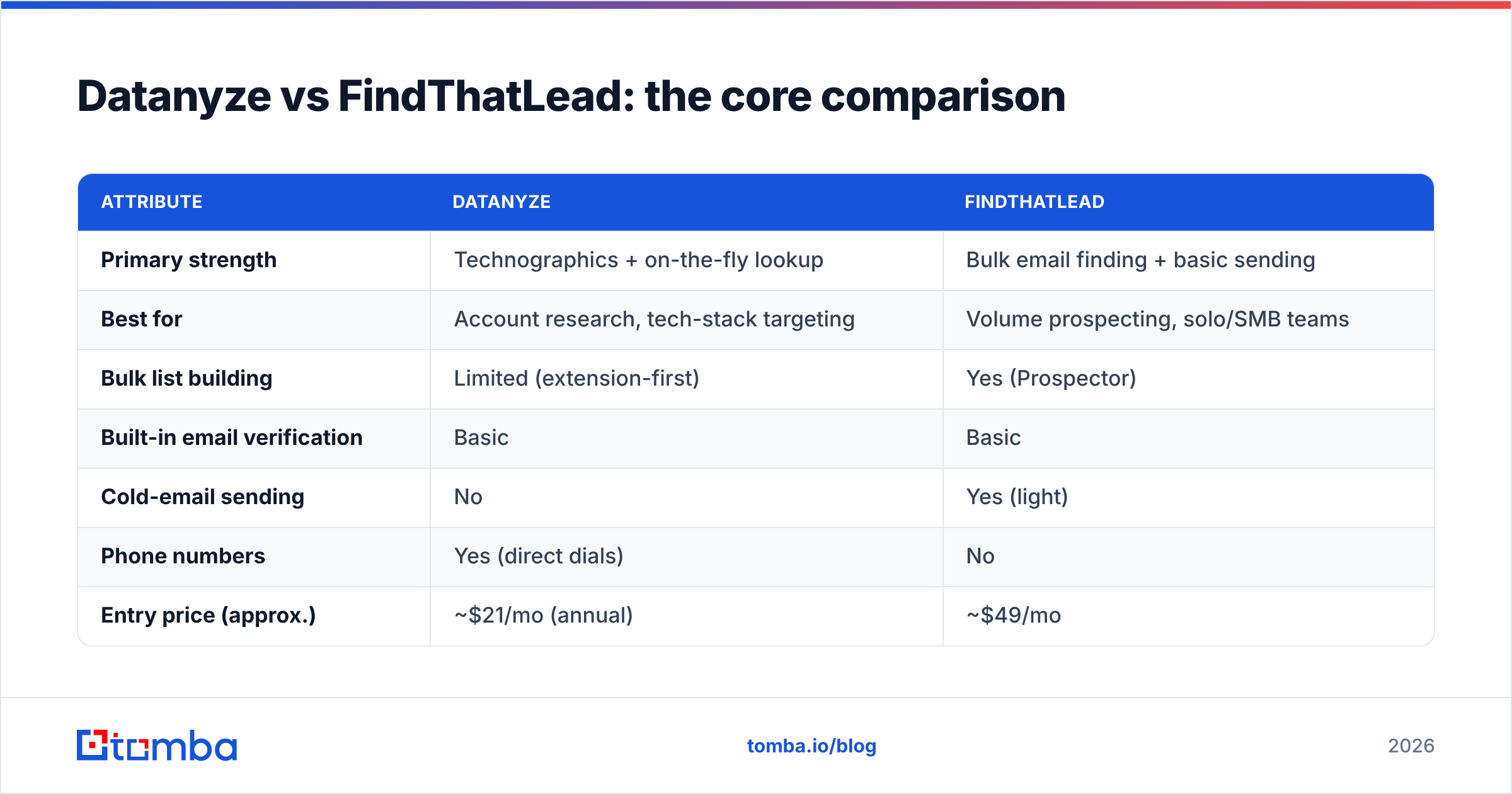
Here's how the two stack up on the attributes that actually affect your pipeline. Use this as your quick-scan reference before committing to either contract.
| Attribute | Datanyze | FindThatLead |
|---|---|---|
| Primary strength | Technographics + on-the-fly lookup | Bulk email finding + basic sending |
| Best for | Account research, tech-stack targeting | Volume prospecting, solo/SMB teams |
| Bulk list building | Limited (extension-first) | Yes (Prospector) |
| Built-in email verification | Basic | Basic |
| Cold-email sending | No | Yes (light) |
| Phone numbers | Yes (direct dials) | No |
| Entry price (approx.) | ~$21/mo (annual) | ~$49/mo |
| Free tier | Limited free credits | Limited free credits |
| API access | Limited | Yes |
The pattern is clear: Datanyze is a research tool that happens to find contacts; FindThatLead is a finder that happens to send email. Neither is a specialist at verified deliverability, which is where most cold campaigns actually break.
Which tool is more accurate?#
Accuracy is where this decision is won or lost—and it's the metric both tools are quietest about. An email finder that returns a plausible-looking address is worthless if that address bounces, because bounces wreck your sender reputation and drag every future email toward spam.
Datanyze's contact emails are often pattern-guesses (think first.last@company.com) with light validation. FindThatLead applies its own verifier, but independent testers consistently place both tools in the mid-tier for verified-hit rate—fine for warm, well-known domains, shaky on catch-all domains and smaller companies.
This is why serious teams separate the two jobs: find the email, then verify it against a real SMTP check before it ever enters a sequence. If a tool can't confirm the mailbox exists, you want it flagged as risky, not delivered to you as "found." A dedicated email verifier with catch-all handling closes that gap—something neither Datanyze nor FindThatLead does at a specialist level.

If your outreach volume is low and forgiving, mid-tier accuracy is survivable. If you send hundreds of cold emails a week, the difference between an 85% and a 97% verified rate is the difference between landing in the inbox and landing on a blocklist.
How do Datanyze and FindThatLead price out?#
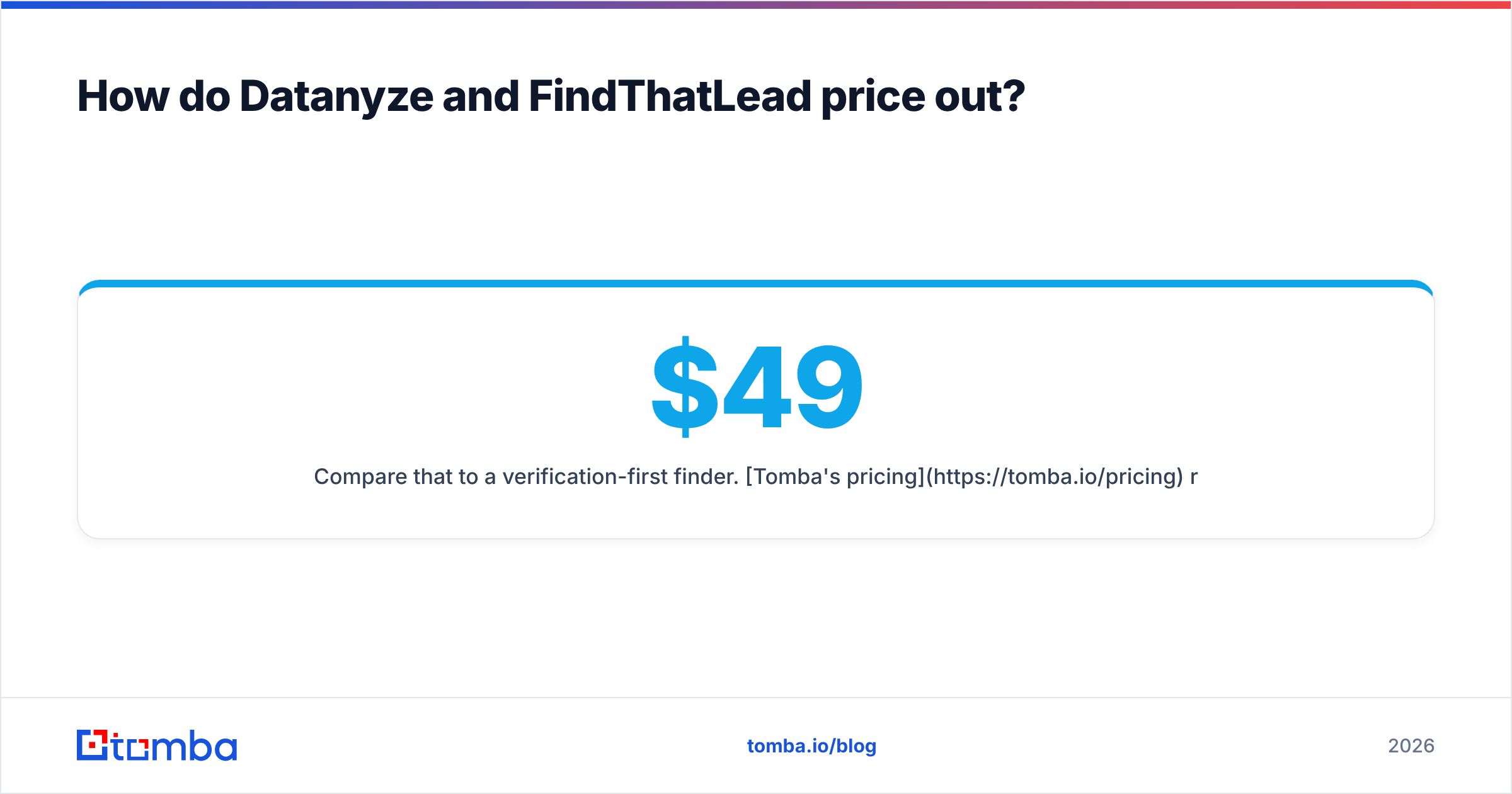
On paper, FindThatLead's entry plan looks pricier than Datanyze's annual-billed starter, but the comparison is apples to oranges—one sells research seats, the other sells finding credits.
Here's the reality check most pricing pages skip:
- Credit math bites. Both tools meter by lookups or credits. A "1,000 credit" plan does not mean 1,000 usable emails—failed and unverified lookups often still consume credits, so your effective cost per verified email is higher than advertised.
- Add-ons stack up. FindThatLead's sending, verification, and Prospector volume can push you to a higher tier fast. Datanyze's phone data and higher export limits sit behind upgrades.
- Annual lock-in. The cheapest Datanyze pricing assumes annual prepay. Month-to-month is meaningfully more.
- No warmup included. If you use FindThatLead's sender for cold email, you still need separate email warmup tooling to protect deliverability—an unbudgeted extra.
Compare that to a verification-first finder. Tomba's pricing runs a Free tier (25 searches/mo), Starter at $49/mo, Growth at $99/mo, and Pro at $249/mo—with verification built into the same credit, so you're paying for confirmed contacts rather than guesses that quietly eat your balance.
Is there a better alternative to both?#
For pure, high-accuracy email finding, yes. Datanyze wins on technographics and FindThatLead wins on simplicity, but if your actual goal is a clean, deliverable list of B2B contacts, a specialist finder outperforms both on cost-per-verified-email.
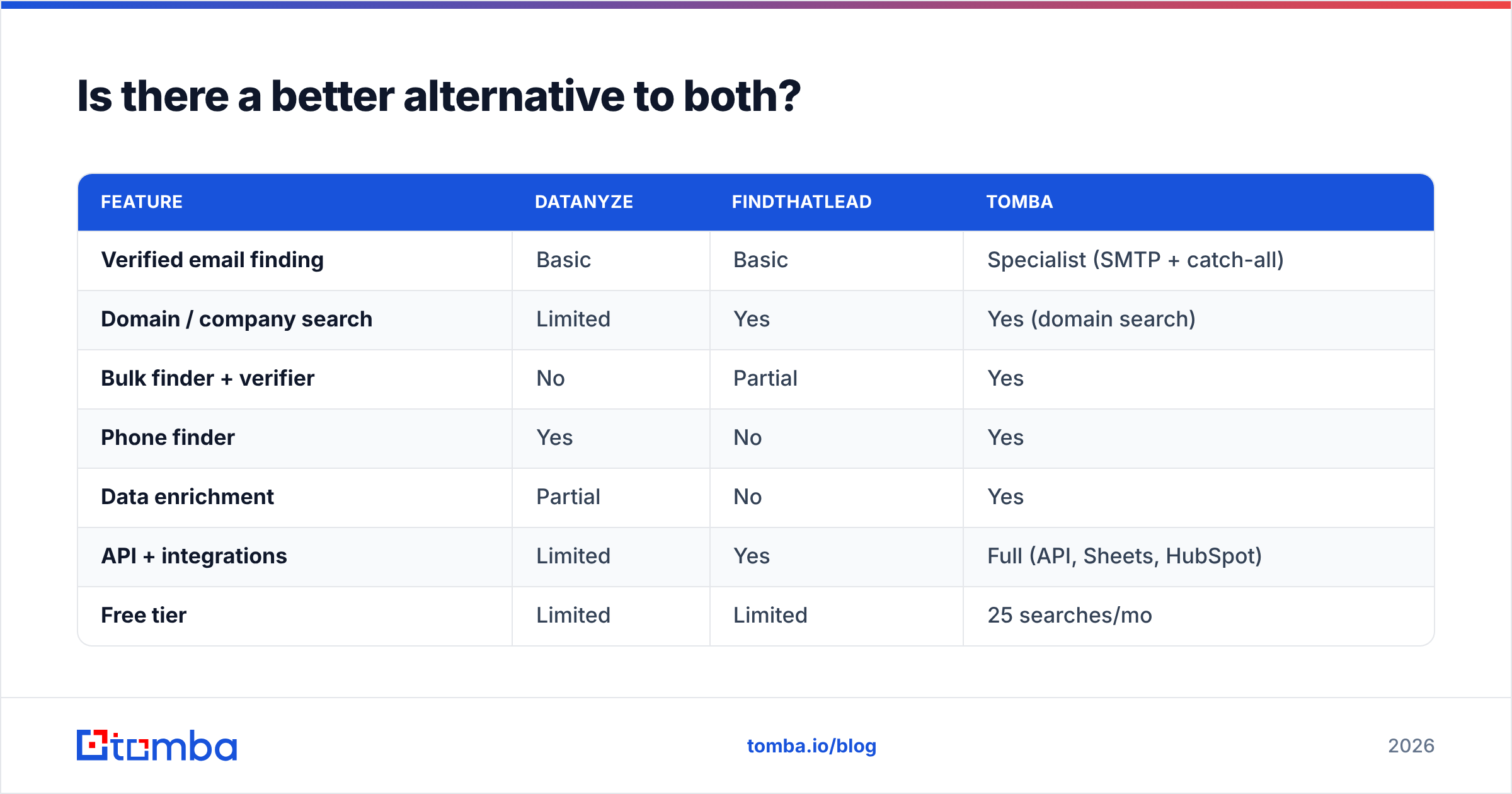
Here's how a dedicated finder like Tomba compares against the two:
| Feature | Datanyze | FindThatLead | Tomba |
|---|---|---|---|
| Verified email finding | Basic | Basic | Specialist (SMTP + catch-all) |
| Domain / company search | Limited | Yes | Yes (domain search) |
| Bulk finder + verifier | No | Partial | Yes |
| Phone finder | Yes | No | Yes |
| Data enrichment | Partial | No | Yes |
| API + integrations | Limited | Yes | Full (API, Sheets, HubSpot) |
| Free tier | Limited | Limited | 25 searches/mo |
| Starter price | ~$21/mo (annual) | ~$49/mo | $49/mo |

The point isn't that Tomba does everything—it's that it does the one thing most cold campaigns depend on (finding a verified, deliverable address) better than a research tool or a light-touch finder can. You can validate this yourself: run the same 50 target domains through each tool's free tier and compare verified-hit rates before you buy. G2 reviews across all three categories are a useful sanity check—browse the email-finder category on G2 to see how real users rate deliverability.
When should you pick Datanyze?#
Choose Datanyze if:
- Tech-stack targeting drives your pitch. You sell software that competes with or complements specific tools, and knowing a prospect runs a given CRM or platform changes your message.
- You research one account at a time. Your motion is high-touch, browser-based, and low-volume—an SDR digging into named accounts, not blasting a 5,000-line list.
- You want phone numbers alongside emails. Datanyze's direct dials are a genuine plus for callers.
Datanyze is the wrong tool if you need to build and verify large lists quickly. The extension-first design simply isn't made for it.
When should you pick FindThatLead?#
Choose FindThatLead if:
- You're a solo founder or tiny team on a budget. You want one cheap tool that finds emails and fires off a basic sequence without a stack of subscriptions.
- Your targets are SMBs and startups. FindThatLead's coverage is strongest there, and mid-tier accuracy is tolerable at low volume.
- You value simplicity over depth. You'd rather have a tool you learn in an afternoon than a powerful platform you never fully use.
FindThatLead is the wrong tool if deliverability is mission-critical. Its light verification and sender-without-warmup combo is a bounce risk at scale.
When should you use a dedicated finder instead?#
Pick a specialist finder like Tomba when verified deliverability is the whole game—which, for most outbound teams, it is. If bounces cost you real money, if you're building lists in the thousands, or if you need finding, verification, enrichment, and phone lookup in one place with a proper email finder API, a purpose-built tool earns its keep faster than a bundled research or sender product.
The honest summary: Datanyze and FindThatLead are fine at what they were designed for. They're just not designed to be your accuracy-first email engine.
The bottom line#
Datanyze vs FindThatLead is really a question about your job to be done. Need account intelligence and casual lookup? Datanyze. Need cheap, simple volume finding with a basic sender? FindThatLead. But if what you actually need is a list of emails that land—every time, without torching your domain—neither one is the sharpest tool for it.
Start with the accuracy test. Take your real target list, run it through each tool's free tier, and count the verified hits. Then try the same list on Tomba's Email Finder—find professional emails by domain, name, or company, verified in the same step, with 25 free searches a month to prove it before you pay a cent. Your bounce rate will tell you which tool deserves your budget.
Related guides#
Ready to find emails that actually work?
Join 150,000+ professionals who stopped guessing and started sending. Free credits on signup — no credit card required.
Get the Tomba newsletter
Practical outbound tactics and product updates — once every two weeks.
About the author