Datanyze vs Wiza (2026): Which B2B Data Tool Is Better?
Datanyze leans on technographics; Wiza scrapes LinkedIn. We compare accuracy, pricing, and coverage—and name the best fit for your outbound team in 2026.
Choosing between Datanyze and Wiza usually means choosing between two very different jobs. One tells you which companies to chase based on the tech they run. The other tells you how to reach the people inside those companies. Confuse the two and you'll pay for a tool that doesn't fit your pipeline.
This guide breaks down datanyze vs wiza on the things that decide outbound outcomes: data accuracy, coverage, pricing, workflow, and where each one falls short. At the end, we name the best fit per use case. We also flag a cheaper, accuracy-first option worth testing first.
TL;DR: Datanyze vs Wiza in 30 seconds#
Short on time? Here's the datanyze vs wiza verdict at a glance.
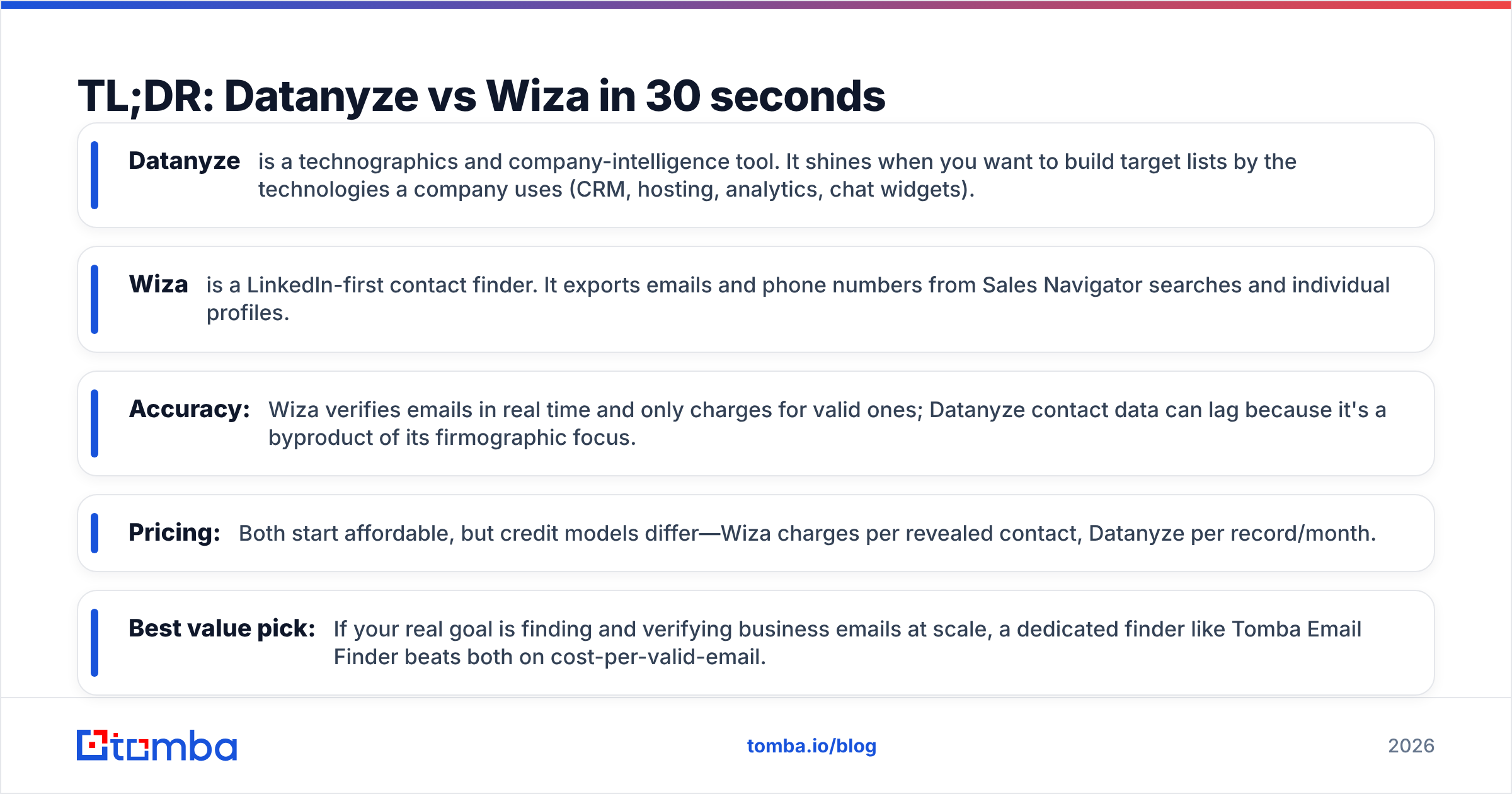
- Datanyze is a technographics and company-intelligence tool. It shines when you want to build target lists by the technologies a company uses (CRM, hosting, analytics, chat widgets).
- Wiza is a LinkedIn-first contact finder. It exports emails and phone numbers from Sales Navigator searches and individual profiles.
- Accuracy: Wiza verifies emails in real time and only charges for valid ones; Datanyze contact data can lag because it's a byproduct of its firmographic focus.
- Pricing: Both start affordable, but credit models differ—Wiza charges per revealed contact, Datanyze per record/month.
- Best value pick: If your real goal is finding and verifying business emails at scale, a dedicated finder like Tomba Email Finder beats both on cost-per-valid-email.

What is Datanyze and who is it for?#
Datanyze is a technographics platform. Its original claim to fame was detecting the software a website runs—think "show me every company using Shopify plus Intercom plus HubSpot." It layers firmographic filters (industry, size, revenue) on top, plus a Chrome extension that surfaces contact info while you browse LinkedIn or a company site.
The ideal Datanyze user is a marketer or SDR building account lists by tech stack. If you sell a Salesforce integration, targeting companies that already run Salesforce is a smart wedge, and technographic filtering is exactly how you find them.
Where Datanyze gets weaker is contact-level depth. Emails and direct dials exist, but they're a supporting feature, not the core engine. For rich firmographic context you may still want a dedicated B2B database alongside it.
What is Wiza and who is it for?#
Wiza is built around one motion: turn LinkedIn into a clean, exportable contact list. You run a search in LinkedIn Sales Navigator (or point Wiza at profiles), and it returns verified work emails, personal emails, and phone numbers as a CSV or a push into your CRM.
The ideal Wiza user is an SDR or founder who already lives in Sales Navigator and wants to skip the manual copy-paste. Because Wiza verifies emails at export time and only bills for valid results, its cost-per-usable-contact tends to be predictable.
The catch: Wiza's universe is essentially the LinkedIn graph. If a prospect isn't active on LinkedIn or your search filters miss them, they're invisible. It's excellent at what it does and blind to everything outside that lane. If your workflow is LinkedIn-heavy, pairing it with a dedicated LinkedIn finder can fill gaps.
Datanyze vs Wiza: side-by-side comparison#

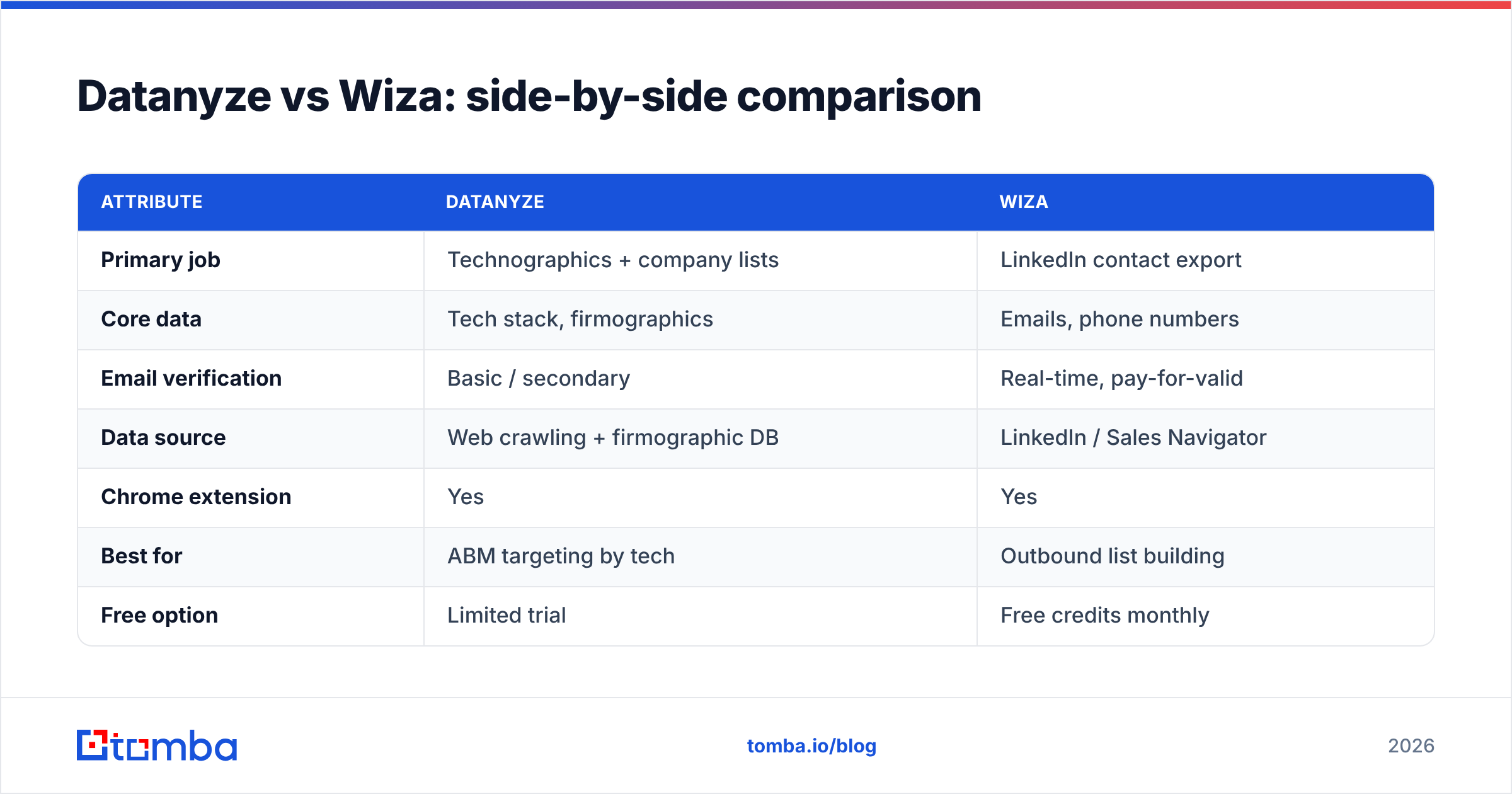
| Attribute | Datanyze | Wiza |
|---|---|---|
| Primary job | Technographics + company lists | LinkedIn contact export |
| Core data | Tech stack, firmographics | Emails, phone numbers |
| Email verification | Basic / secondary | Real-time, pay-for-valid |
| Data source | Web crawling + firmographic DB | LinkedIn / Sales Navigator |
| Chrome extension | Yes | Yes |
| Best for | ABM targeting by tech | Outbound list building |
| Free option | Limited trial | Free credits monthly |
| Weak spot | Thin contact accuracy | LinkedIn-only coverage |
The pattern is clear: these tools barely overlap. Datanyze answers "who should I target?" Wiza answers "how do I reach them?" Teams that need both often stack two tools—or reach for a single platform that combines finding and verification.
Which has better data accuracy?#
Wiza wins on contact accuracy; Datanyze wins on tech-stack signals. They're accurate at different things.
Wiza's real-time verification is its strongest feature. It checks each email against the mail server before charging you. So bounce rates on exported lists are typically low. That matters directly for email deliverability. Every hard bounce chips away at your sender reputation. Over time, more of your mail lands in spam.
Datanyze's accuracy story is about technographics. Its detection of installed software is generally reliable. But the contact emails and phone numbers can be stale. Keeping millions of person-level records fresh isn't its main focus. In the datanyze vs wiza accuracy race, that gap matters if you email straight from an export. Run the list through a dedicated email verifier first.

No provider is perfect. Independent reviews on G2 show both tools drawing praise and complaints on freshness. That's why serious teams verify before they send rather than trusting any single source.
How do Datanyze and Wiza pricing compare?#
Pricing is where the datanyze vs wiza gap is widest. The two tools price in very different ways.
- Wiza uses a credit model tied to revealed, valid contacts. Plans scale with how many emails and phone numbers you pull each month, and there's a free monthly allotment to test it.
- Datanyze historically priced around record access and seats, with tiers gated by how many contacts you can export and which filters you unlock.
Both change list prices periodically. Always confirm current numbers on their own sites—wiza.co and datanyze.com—before you commit. The bigger point for budgeting: calculate cost per valid email, not headline price. A cheap plan that returns unverified data can cost more once you factor in bounces and burned domains.
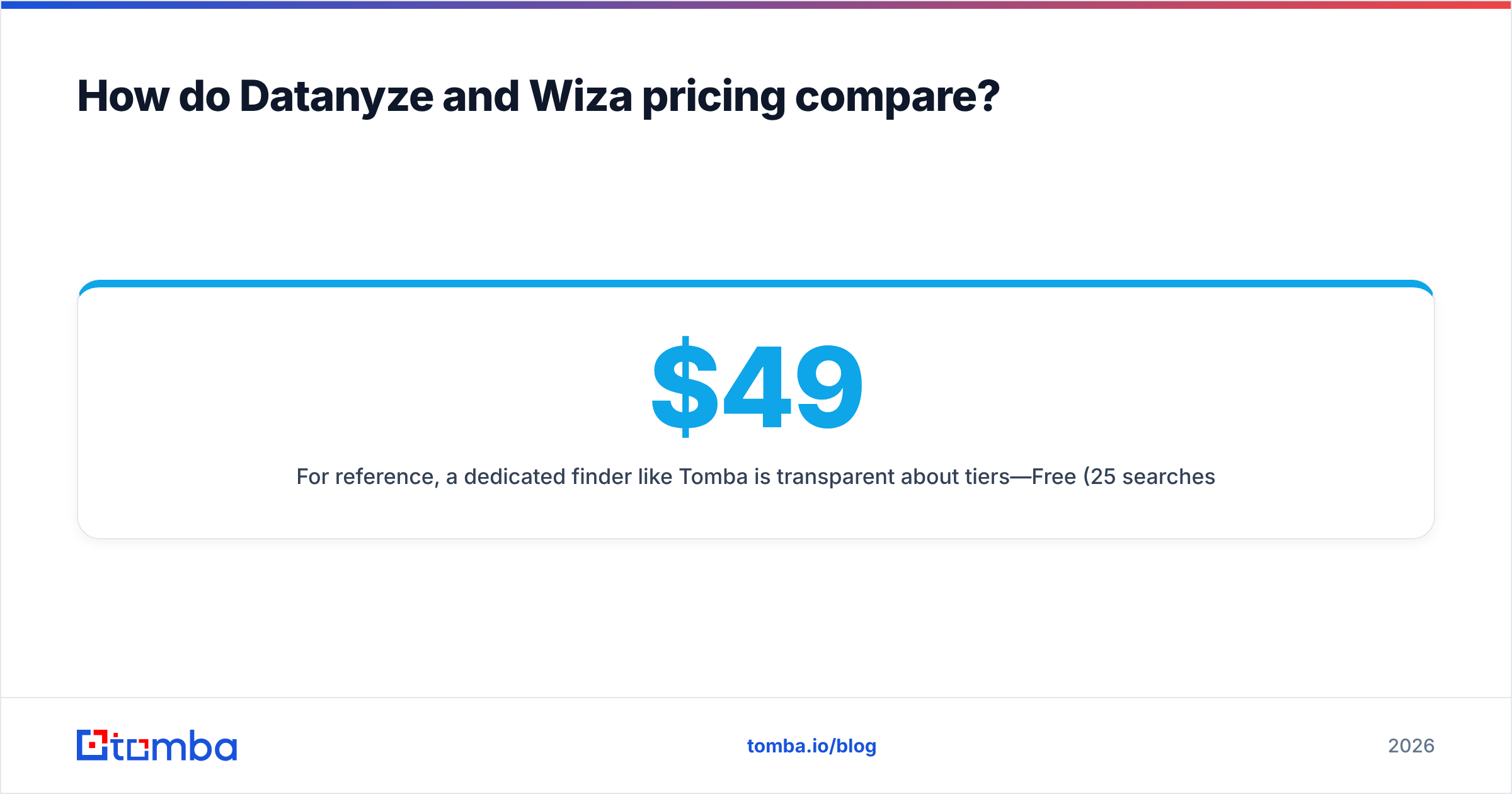
For reference, a dedicated finder like Tomba is transparent about tiers—Free (25 searches/mo), Starter $49/mo, Growth $99/mo, Pro $249/mo—so you can model cost-per-lead before paying. See full Tomba pricing to compare against either tool.
Datanyze vs Wiza: pros and cons#
Datanyze pros
- Best-in-class technographics — target accounts by the exact software they run.
- Firmographic filtering — layer industry, size, and revenue for tight ABM lists.
- Browsing overlay — surfaces company data while you research.
Datanyze cons
- Secondary contact accuracy — verify emails before you send.
- Less useful for pure email finding — it's a targeting tool first.
Wiza pros
- Real-time verification — low bounce rates, pay only for valid contacts.
- Seamless LinkedIn export — Sales Navigator to CSV or CRM in a click.
- Predictable credits — you're not charged for invalid data.
Wiza cons
- LinkedIn-only universe — anyone off LinkedIn is out of reach.
- Depends on Sales Navigator — best results assume a LinkedIn subscription.
When should you pick a dedicated email finder instead?#
Pick a dedicated finder when your bottleneck is volume of accurate, verified business emails—not tech targeting or LinkedIn scraping.
Here's the honest read. Many teams buy Datanyze or Wiza when they really need something else: a fast, accurate email engine. The best ones work across sources—LinkedIn, company domains, and names—with verification built in. That's the sweet spot for a purpose-built tool.
With Tomba you can:
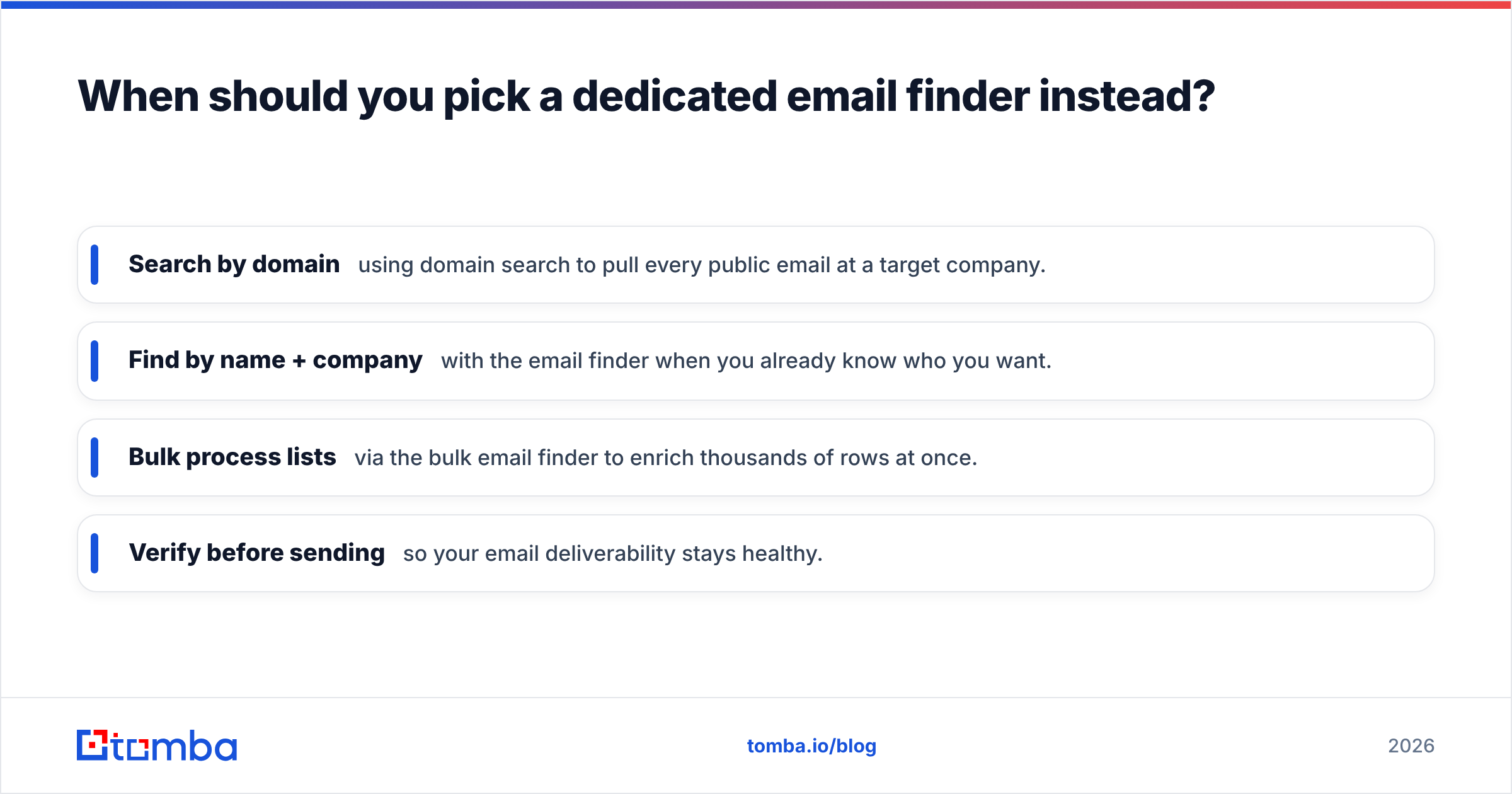
- Search by domain using domain search to pull every public email at a target company.
- Find by name + company with the email finder when you already know who you want.
- Bulk process lists via the bulk email finder to enrich thousands of rows at once.
- Verify before sending so your email deliverability stays healthy.
If you're specifically weighing Wiza, it's worth comparing it head-to-head as a Wiza alternative on cost-per-valid-email before renewing.
Which tool should you choose?#
Choose Datanyze if your go-to-market is technographic. You sell software that complements or replaces a known tool, and you want account lists filtered by tech stack. Datanyze is the sharper instrument for that job—just verify contacts downstream.
Choose Wiza if LinkedIn is your prospecting home base. You run Sales Navigator searches daily and want clean, verified exports without manual scraping. Wiza's pay-for-valid model keeps costs honest.
Choose a dedicated finder like Tomba if your real KPI is accurate emails at the lowest cost per valid contact, across every source—not just LinkedIn, and not just as a byproduct of firmographics. It also gives you a phone finder, enrichment, and an email finder API to wire the whole thing into your stack.
Most teams don't actually need to marry one platform forever. Run a small pilot: pull 100 contacts from each, verify them, and measure bounce rate and cost per valid email. The data will pick the winner for you.
The bottom line#
The datanyze vs wiza debate has a simple answer: they aren't really rivals—they're specialists. Datanyze finds the right accounts by technology. Wiza finds the right contacts on LinkedIn. If either one maps exactly to your motion, buy it and verify aggressively.
But if your core need is simple—find accurate business emails, at scale, without overpaying for bounces—start with a tool built for exactly that. Try Tomba's Email Finder free with 25 searches a month, verify every address before you send, and only scale up once the cost-per-valid-email math works in your favor.
Related guides#
Ready to find emails that actually work?
Join 150,000+ professionals who stopped guessing and started sending. Free credits on signup — no credit card required.
Get the Tomba newsletter
Practical outbound tactics and product updates — once every two weeks.
About the author