9 Best Dealmayker Alternatives in 2026, Compared Honestly
Dealmayker packages deal sourcing and outreach into one workflow, but it is not the only way to build that pipeline. Here are nine alternatives compared on data quality, pricing model, and the exact team each one actually suits.
TL;DR
- Most teams shopping for Dealmayker alternatives want one of three things: cheaper contact data, better email accuracy, or an API they can build on instead of a closed UI.
- There is no single winner. The right pick depends on whether you need volume, verified accuracy, phone data, or sequencing.
- If your bottleneck is finding and verifying work emails at a predictable cost, a dedicated finder/verifier stack (Tomba, BookYourData) beats an all-in-one suite on price per usable contact.
- If your bottleneck is sequencing and reply management, an outreach platform (Instantly, Reply.io) is the better swap.
- Always check the vendor's current pricing page before you commit — B2B data pricing changed twice for most vendors between 2024 and 2026.
What is Dealmayker and who actually uses it?#
Dealmayker sits in the crowded "find prospects, then contact them" category — the same shelf as sales-intelligence suites, lead databases, and outbound platforms. The pitch across this whole category is identical: one login that takes you from an ideal-customer-profile filter to a booked meeting, without stitching six tools together.
That pitch works well for small teams with no operations resource. It works badly for two other groups:
- Teams with an existing CRM and sequencer. You are paying for a bundled sequencer you will never open.
- Teams with high data-quality standards. Bundled contact data is usually licensed or aggregated, not verified at query time, so bounce rates drift upward as the underlying database ages.
Before you shortlist replacements, be precise about which part you are replacing. "Dealmayker alternatives" is not one search — it is at least three:
- Data replacements — you want the contacts, not the workflow.
- Workflow replacements — you have data, you want better sending and reply handling.
- Infrastructure replacements — you want an API and would rather build the workflow yourself.
One note on due diligence: pricing and credit rules in this category change frequently, and vendor sites are the only source that stays current. Treat every number in this post as a starting point for your own check, not gospel.
How should you evaluate a Dealmayker alternative?#
Use these five criteria, in this order. They are ranked by how often they kill a deal three months after purchase.
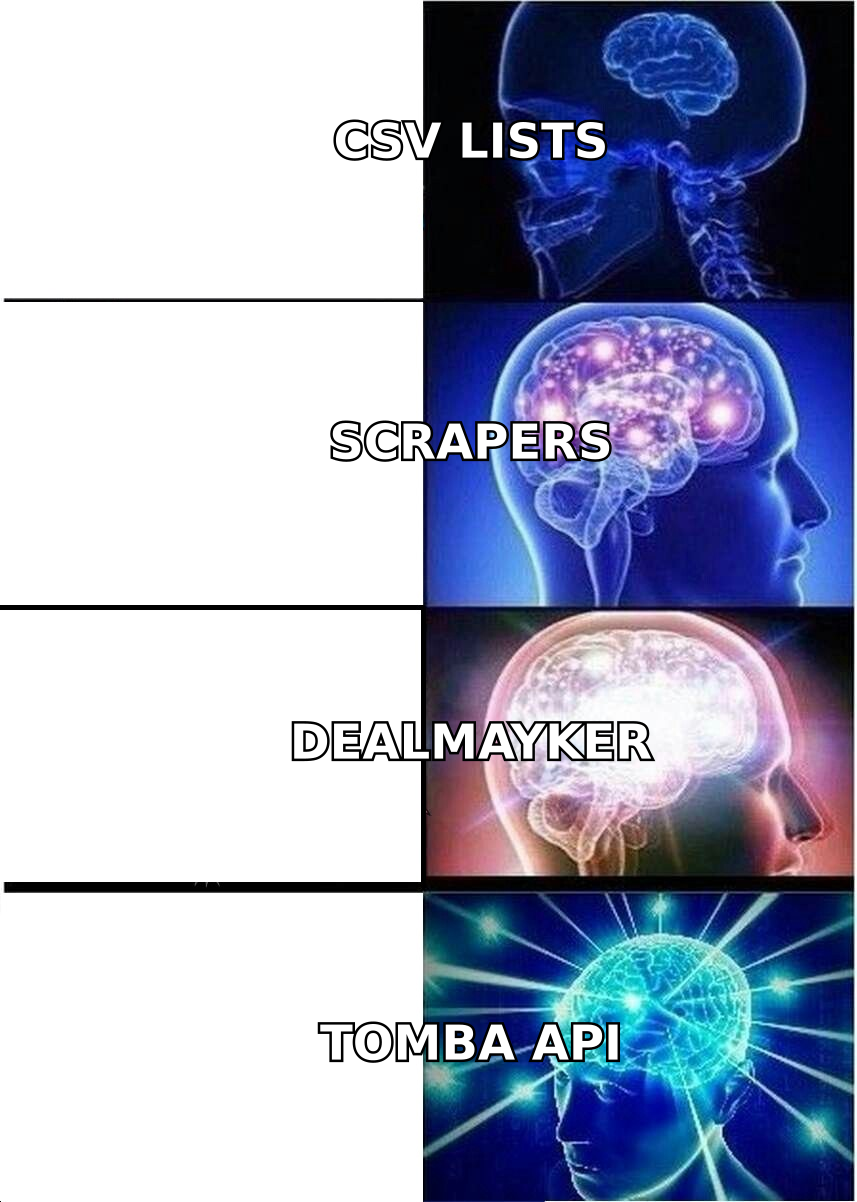
- Cost per usable contact, not per credit. A tool at $0.02/credit with a 35% bounce rate is more expensive than one at $0.05/credit with a 2% bounce rate. Run the math on delivered contacts.
- Verification model. Ask whether emails are verified at the moment you request them, or served from a database that was verified at some point in the past. Real-time SMTP-level checks are the difference between a 2% and a 12% bounce rate.
- Credit mechanics. Do failed lookups burn credits? Do credits roll over? Are exports capped separately from searches? These clauses quietly double effective cost.
- API and export freedom. If you cannot pull data out programmatically, you are renting your pipeline. Check rate limits, not just endpoint availability.
- Coverage in your actual segment. European mid-market, US SMB, and APAC enterprise coverage vary enormously between vendors. A free tier exists so you can test your list — use it on 50 real target accounts before you sign anything.
That last point deserves emphasis. Independent review data on G2's sales intelligence category shows accuracy complaints clustering not around bad vendors, but around vendor/segment mismatches — a tool that is excellent for US SaaS contacts can be mediocre for German manufacturing.
What are the best Dealmayker alternatives in 2026?#
Here is the shortlist, with the honest one-line reason each one exists.
1. Tomba — best for verified email discovery at a predictable price#
Tomba is a focused email finder and verification stack rather than an all-in-one suite. You search by domain, by name plus company, or by LinkedIn profile, and every result comes back with a confidence score and verification status. The email verifier runs syntax, MX, disposable, and SMTP-level checks, plus a dedicated catch-all path for domains that accept everything.
Where it wins: cost predictability and API depth. Where it does not: it is not a sequencer. You will still need a sending tool.
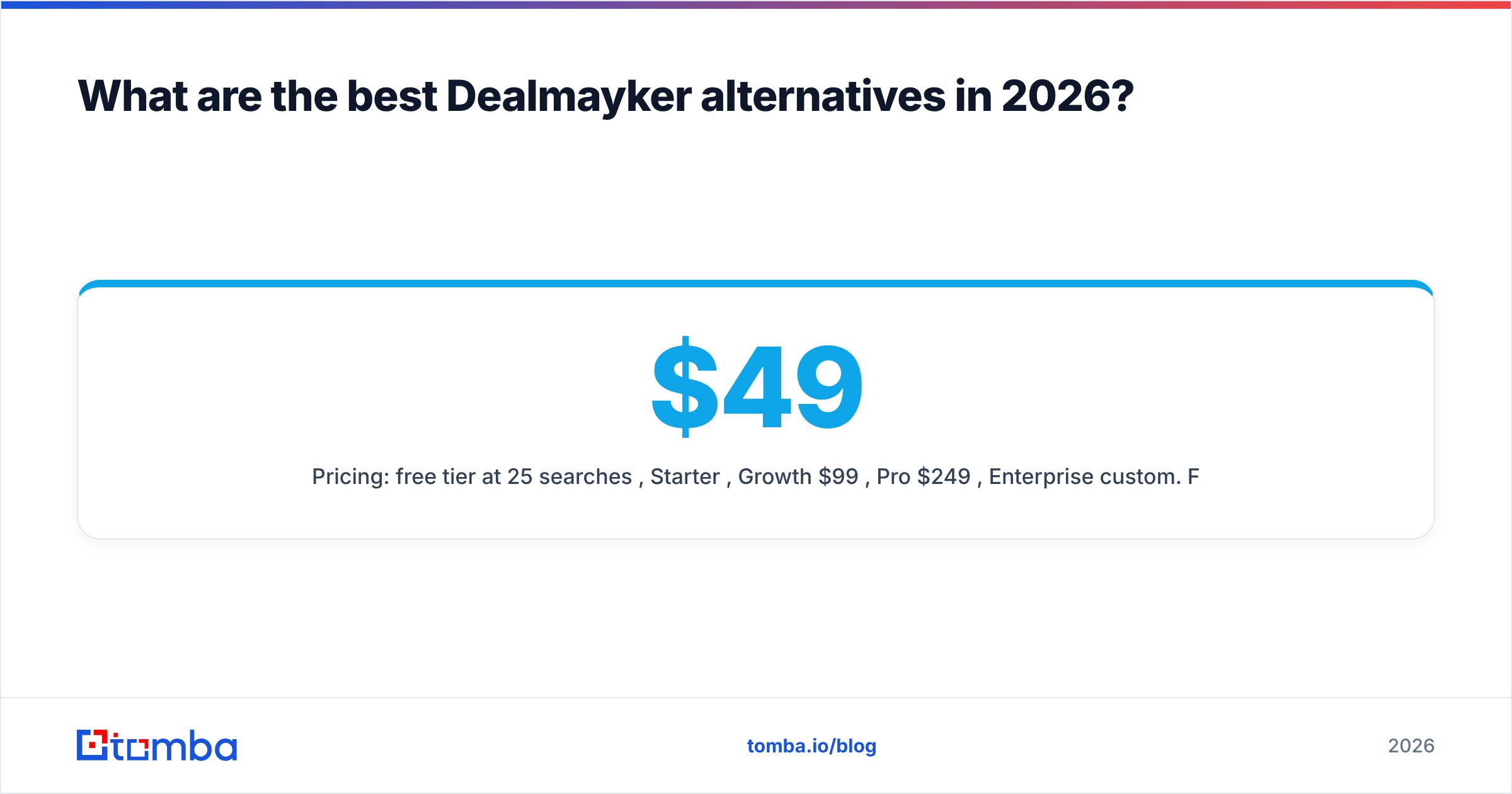
Pricing: free tier at 25 searches/month, Starter $49/mo, Growth $99/mo, Pro $249/mo, Enterprise custom. Full Tomba pricing is public — no "contact sales" wall for the first three tiers.
2. BookYourData — best for buying a clean, targeted list outright#
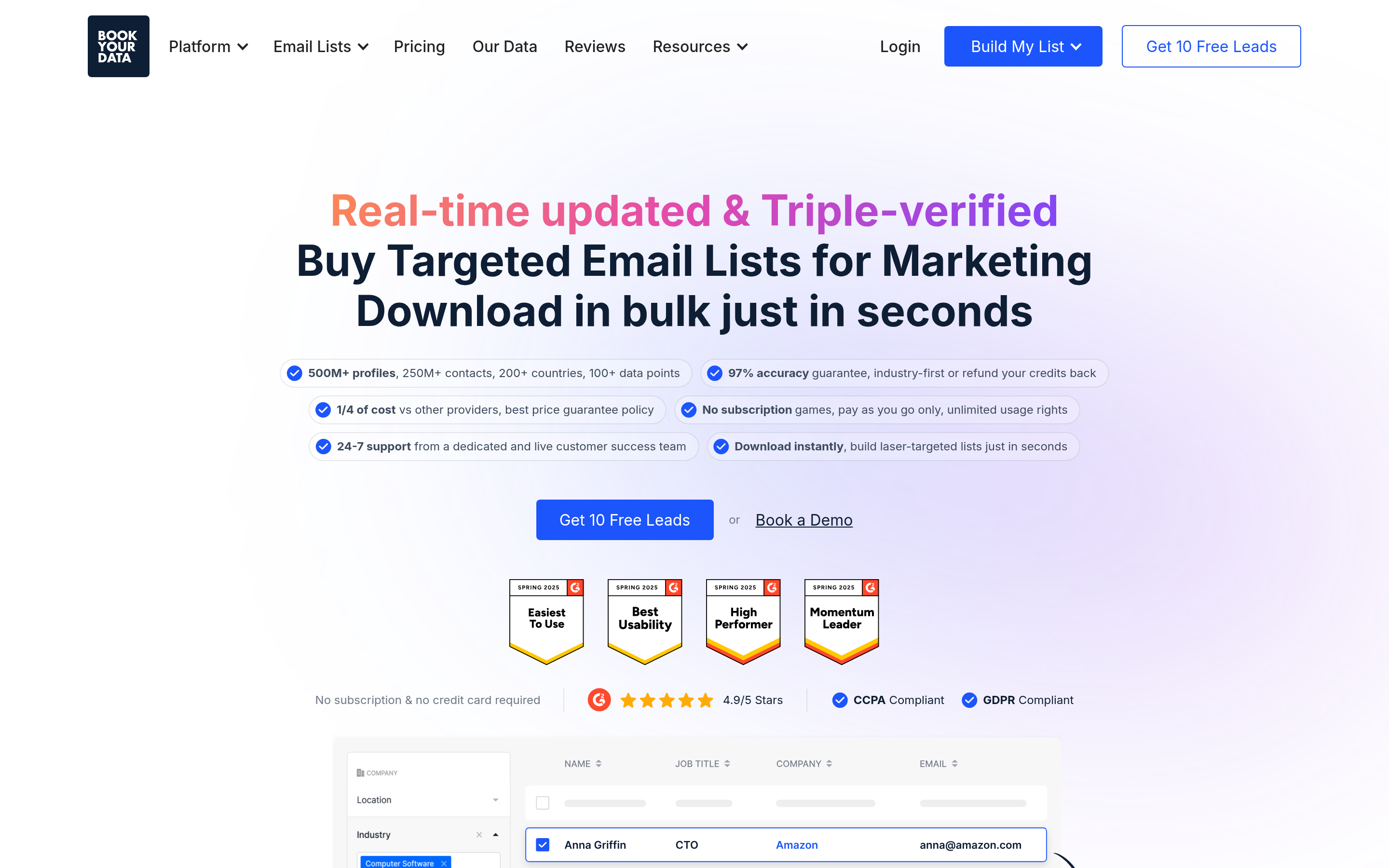
BookYourData takes a different model: pay-as-you-go list building with a bounce guarantee, rather than a monthly seat. You filter by industry, title, geography, and technology, preview the count, and buy exactly that segment. For teams running a one-off campaign into a defined market — say, 3,000 facilities managers in the Midwest — this is often cheaper and faster than a subscription you use for six weeks.
It is a genuinely strong option when you know your ICP precisely and do not need continuous enrichment. Check current terms at bookyourdata.com.
3. Apollo.io — best all-in-one if you want to consolidate#
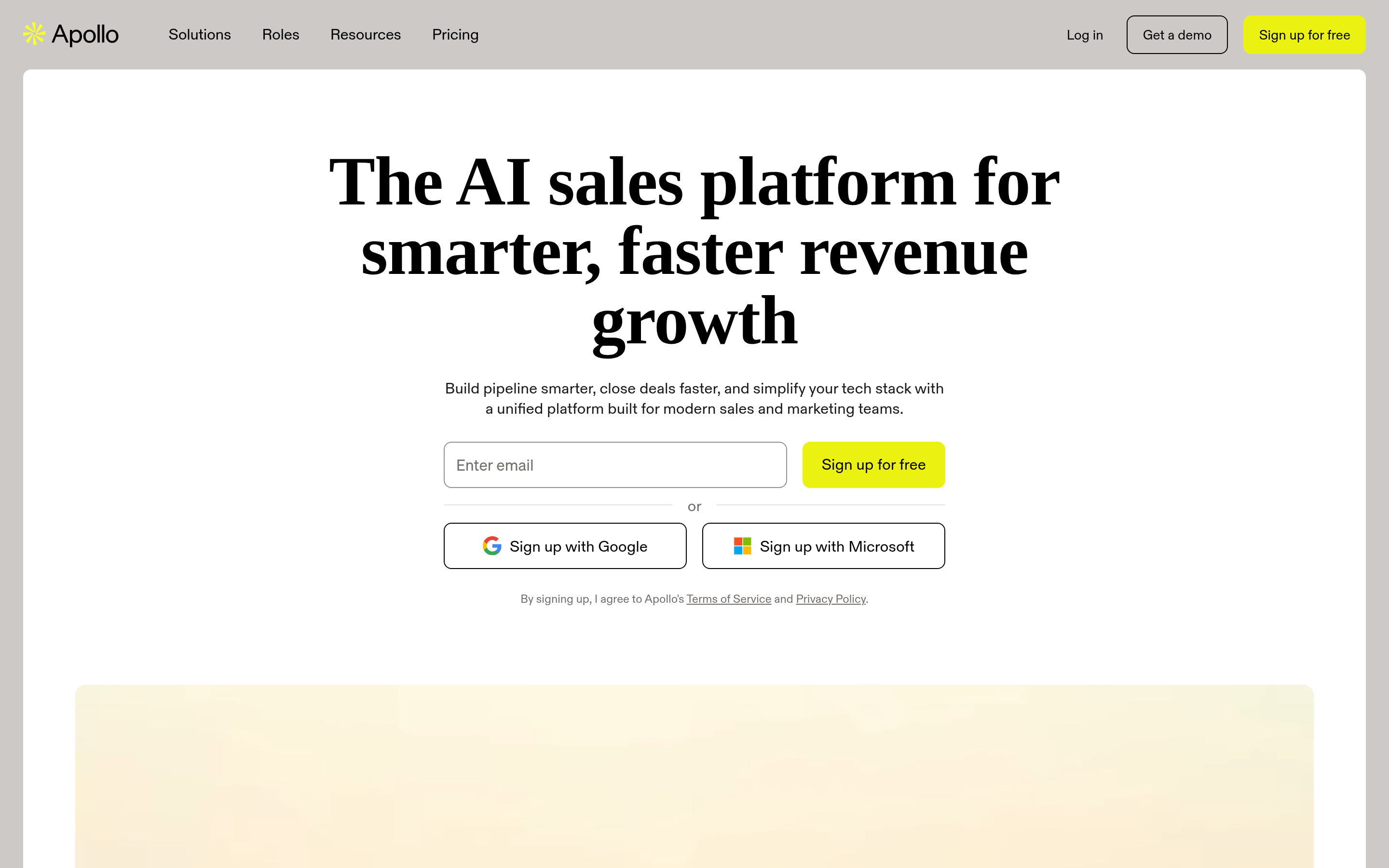
Apollo is the most direct like-for-like swap: a large contact database plus sequencing, dialer, and basic CRM in one seat. If you are replacing Dealmayker because you want the same bundle with more maturity and a bigger community, this is the default answer. See apollo.io for current plans, or read our breakdown of when an Apollo alternative makes more sense.
Trade-off: seat-based pricing gets expensive past five reps, and export limits on lower tiers frustrate ops teams.
4. Clay — best for teams who want to build their own enrichment logic#
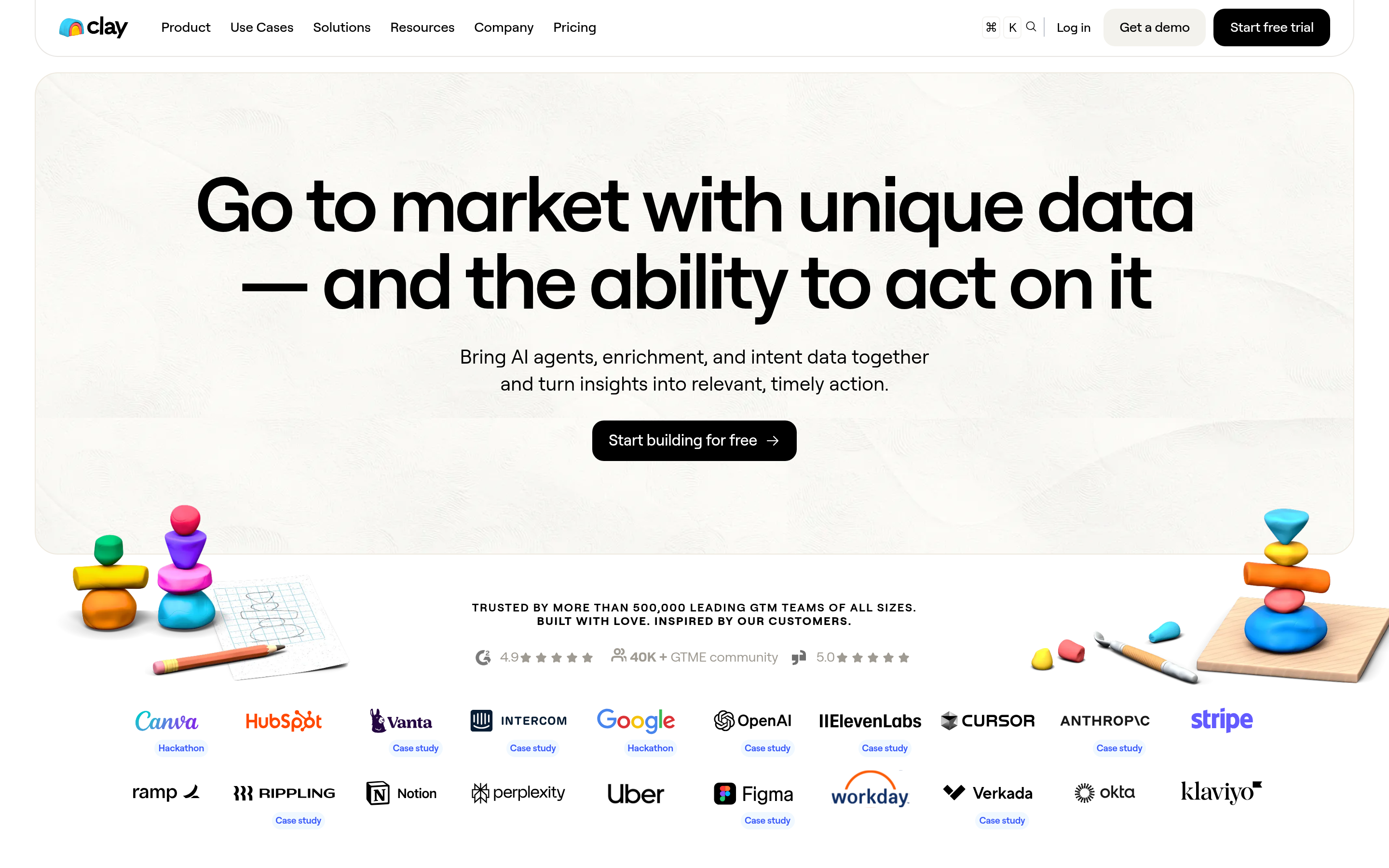
Clay is a spreadsheet-shaped orchestration layer that calls dozens of data providers in waterfall order. You define the logic: try provider A, if empty try B, if still empty run an AI research step. Powerful, and the correct answer for a RevOps team with time to invest. Wrong answer for a two-person sales team that needs contacts today — the learning curve is real and credits burn quickly during setup.
5. Cognism — best for EU coverage and phone-verified mobiles#
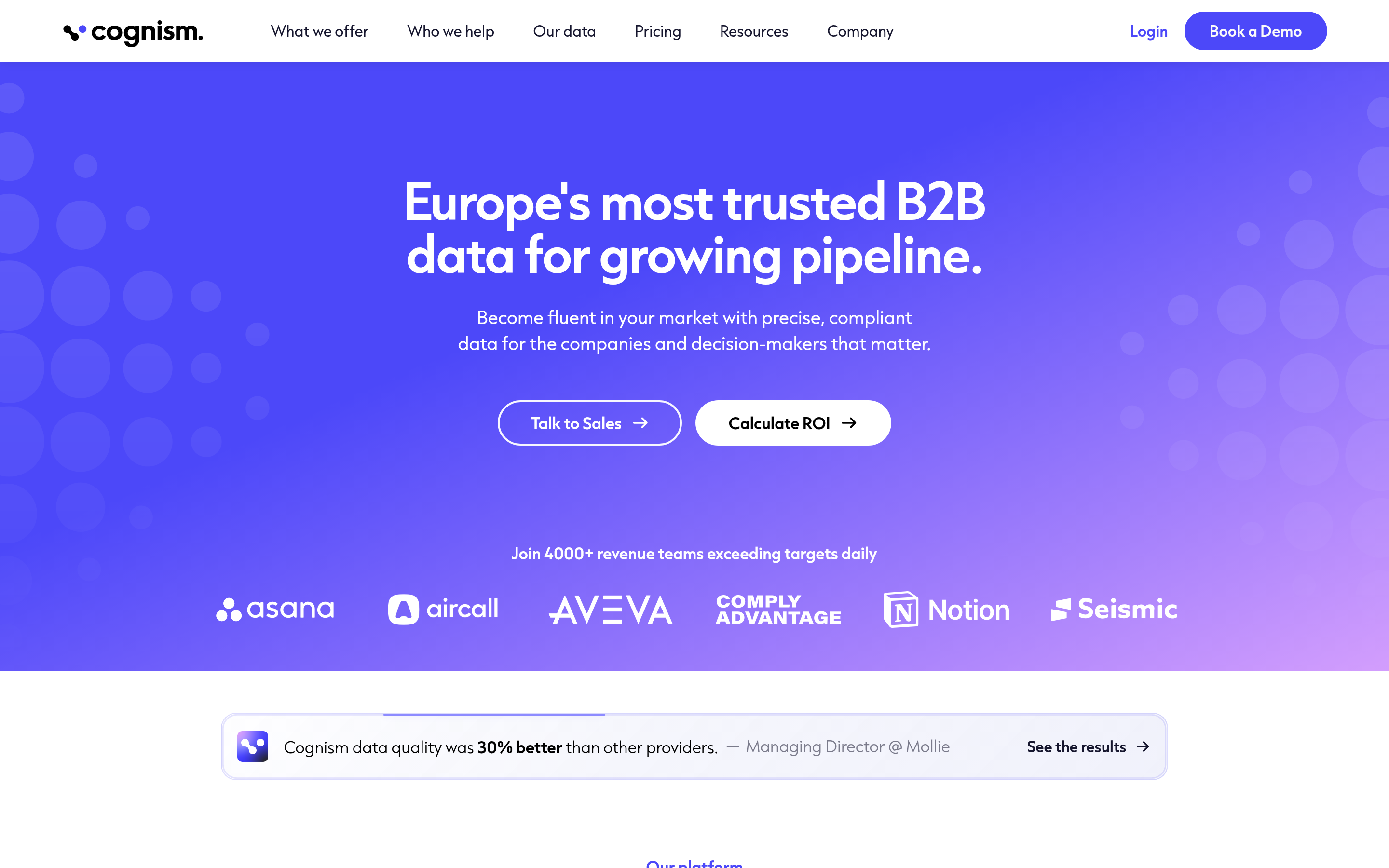
Cognism's differentiator is compliance posture and human-verified mobile numbers, with strong DACH and UK coverage. Enterprise pricing, annual contracts, no self-serve tier. If your GTM depends on calling European buyers and you have budget approval, it belongs on the list.
6. RocketReach — best for one-off individual lookups#
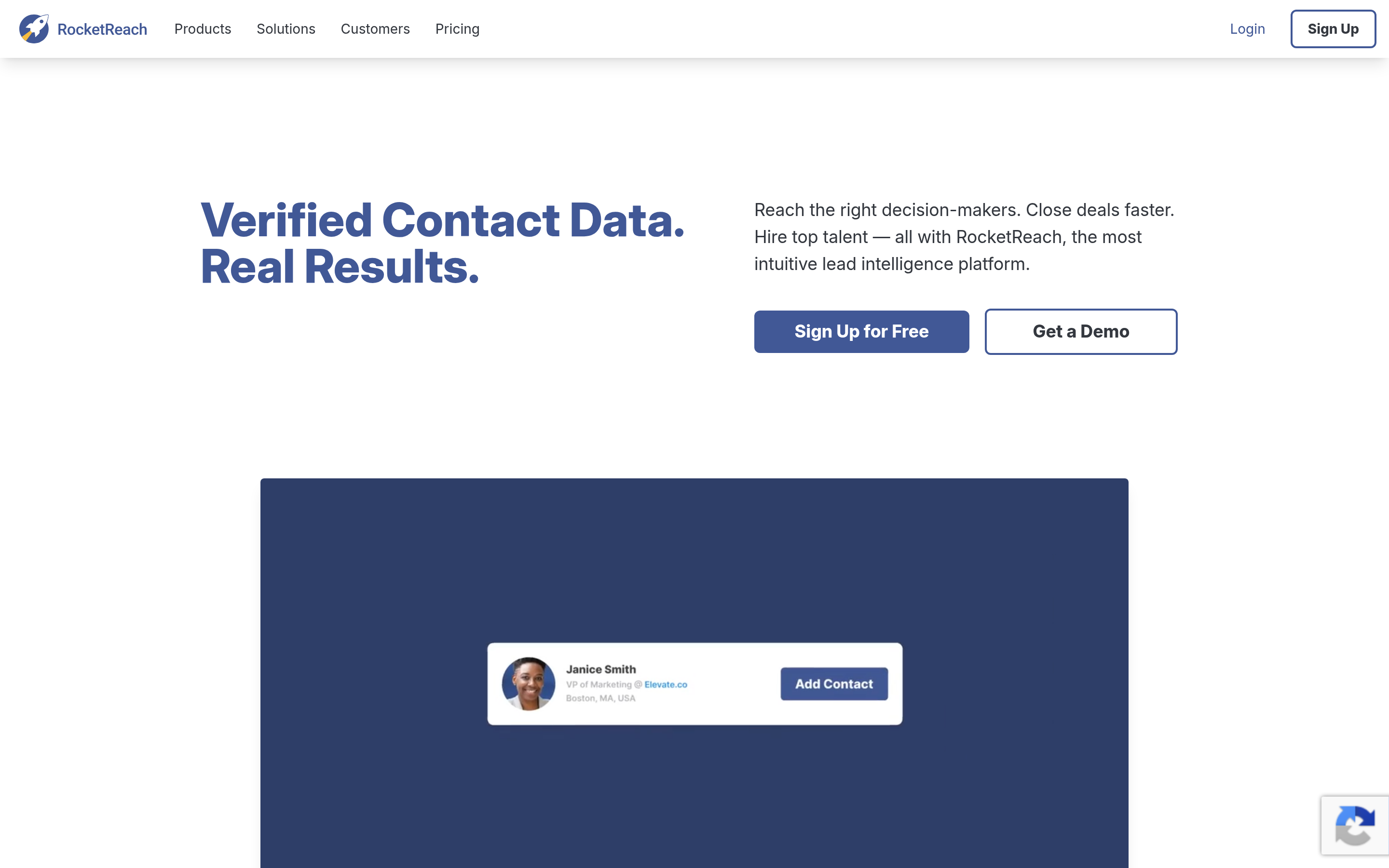
Broad coverage across personal and professional emails, straightforward per-lookup pricing, and a browser extension that works well for ad-hoc research. Weaker for bulk list building, and accuracy on smaller companies is inconsistent.
7. Lusha — best browser-extension experience for individual reps#
Fast, clean, and the extension surfaces contacts on LinkedIn without breaking your flow. Credit costs add up at team scale, and the database skews toward US tech.
8. Instantly — best if the real problem is sending, not finding#
If your Dealmayker complaint is "the emails land in spam" rather than "the emails are wrong," you need deliverability infrastructure, not a database. Instantly handles inbox rotation, warmup, and volume pacing. Pair it with a dedicated finder for the data half.
9. LinkedIn Sales Navigator — best for account research and trigger events#
Sales Navigator does not give you email addresses, and that is fine — it gives you the account intelligence and job-change alerts that make outreach relevant. Most high-performing stacks run Sales Navigator for targeting and a separate finder for contact details.
How do these Dealmayker alternatives compare on price and fit?#
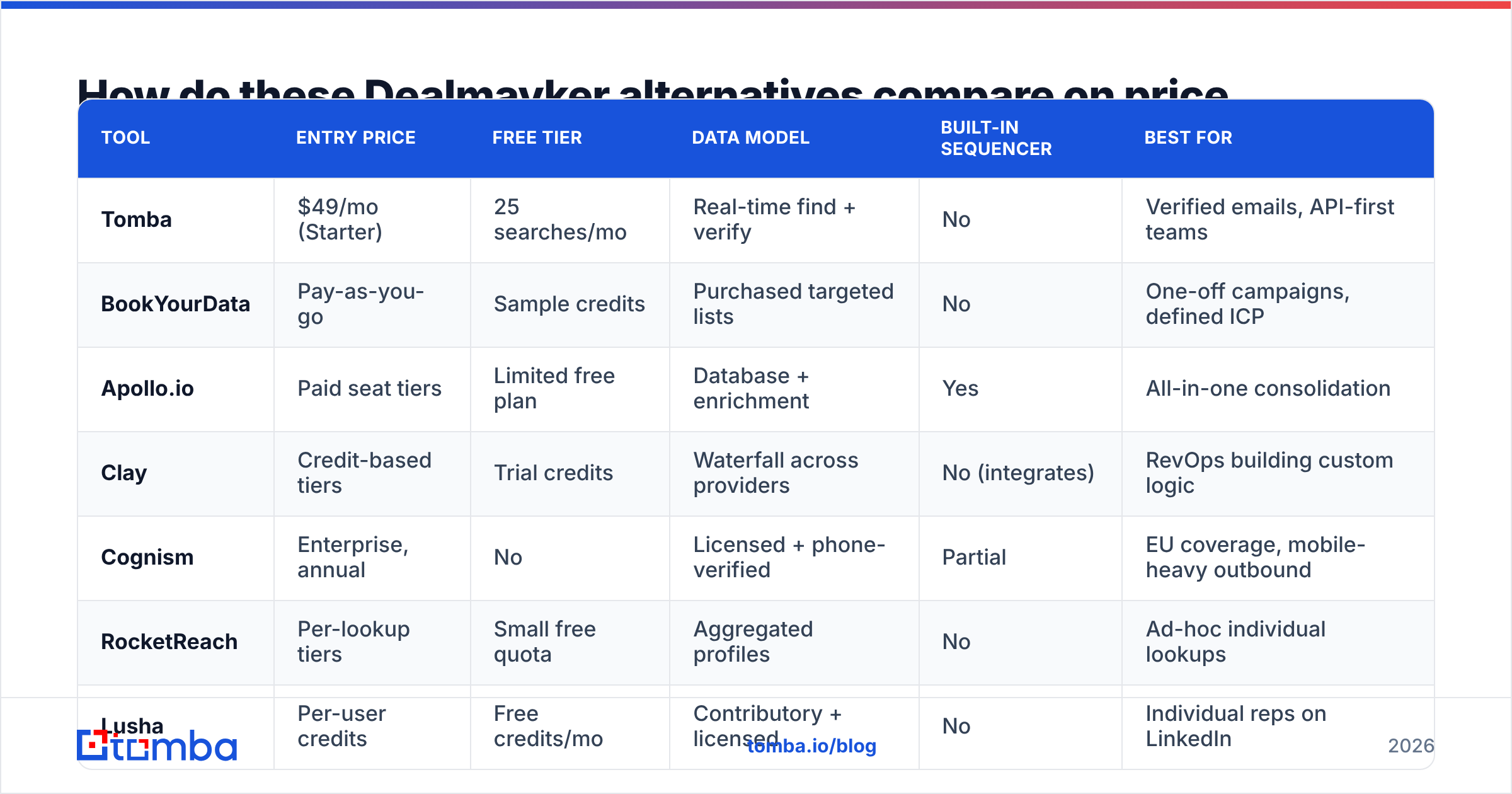
| Tool | Entry price | Free tier | Data model | Built-in sequencer | Best for |
|---|---|---|---|---|---|
| Tomba | $49/mo (Starter) | 25 searches/mo | Real-time find + verify | No | Verified emails, API-first teams |
| BookYourData | Pay-as-you-go | Sample credits | Purchased targeted lists | No | One-off campaigns, defined ICP |
| Apollo.io | Paid seat tiers | Limited free plan | Database + enrichment | Yes | All-in-one consolidation |
| Clay | Credit-based tiers | Trial credits | Waterfall across providers | No (integrates) | RevOps building custom logic |
| Cognism | Enterprise, annual | No | Licensed + phone-verified | Partial | EU coverage, mobile-heavy outbound |
| RocketReach | Per-lookup tiers | Small free quota | Aggregated profiles | No | Ad-hoc individual lookups |
| Lusha | Per-user credits | Free credits/mo | Contributory + licensed | No | Individual reps on LinkedIn |
| Instantly | Sending-tier pricing | Trial | N/A (sending layer) | Yes | Deliverability and volume |
| Sales Navigator | Seat-based | Trial | Account/person intel | No | Targeting and trigger events |
Two structural observations from this table.
First, the "all-in-one" column is thinner than the marketing suggests. Only two of these nine genuinely sequence email. Most teams already run a sequencer, which means the bundled version in a suite is dead weight you pay for monthly.
Second, the pricing models are not comparable. Seat-based, credit-based, and pay-as-you-go pricing produce wildly different totals at different volumes. A five-rep team doing 2,000 lookups a month gets a very different answer than a one-person founder doing 200.
Is switching from Dealmayker actually worth the migration cost?#
Sometimes no. Be honest about the switching cost before you start:
- Data re-import. Exporting contacts, remapping fields, and deduplicating against your CRM is a half-day minimum, more if you have custom properties. HubSpot's own data import documentation is a reasonable checklist of what breaks.
- Sequence rebuild. If you leave a bundled sequencer, every template, delay, and A/B split gets rebuilt by hand.
- Team retraining. Two weeks of reduced activity is normal.
Switching is worth it when you can point at a number: bounce rate above 5%, cost per booked meeting rising quarter over quarter, or a hard export limit blocking your ops workflow. Switching because a competitor's homepage looks better is how teams end up with four tools and no pipeline.

What does a lean, modern replacement stack look like?#
The pattern that outperforms single-suite setups for most teams under 20 reps:
- Targeting layer — Sales Navigator or your CRM's own segmentation, to define who is worth contacting this week.
- Data layer — a dedicated finder plus verifier. Find the address, verify it before it enters your sequencer, and re-verify anything older than 90 days.
- Sending layer — a sequencer with proper warmup, domain rotation, and reply detection.
- Enrichment layer — an API that fills firmographic gaps on inbound leads automatically, so your forms stay short.
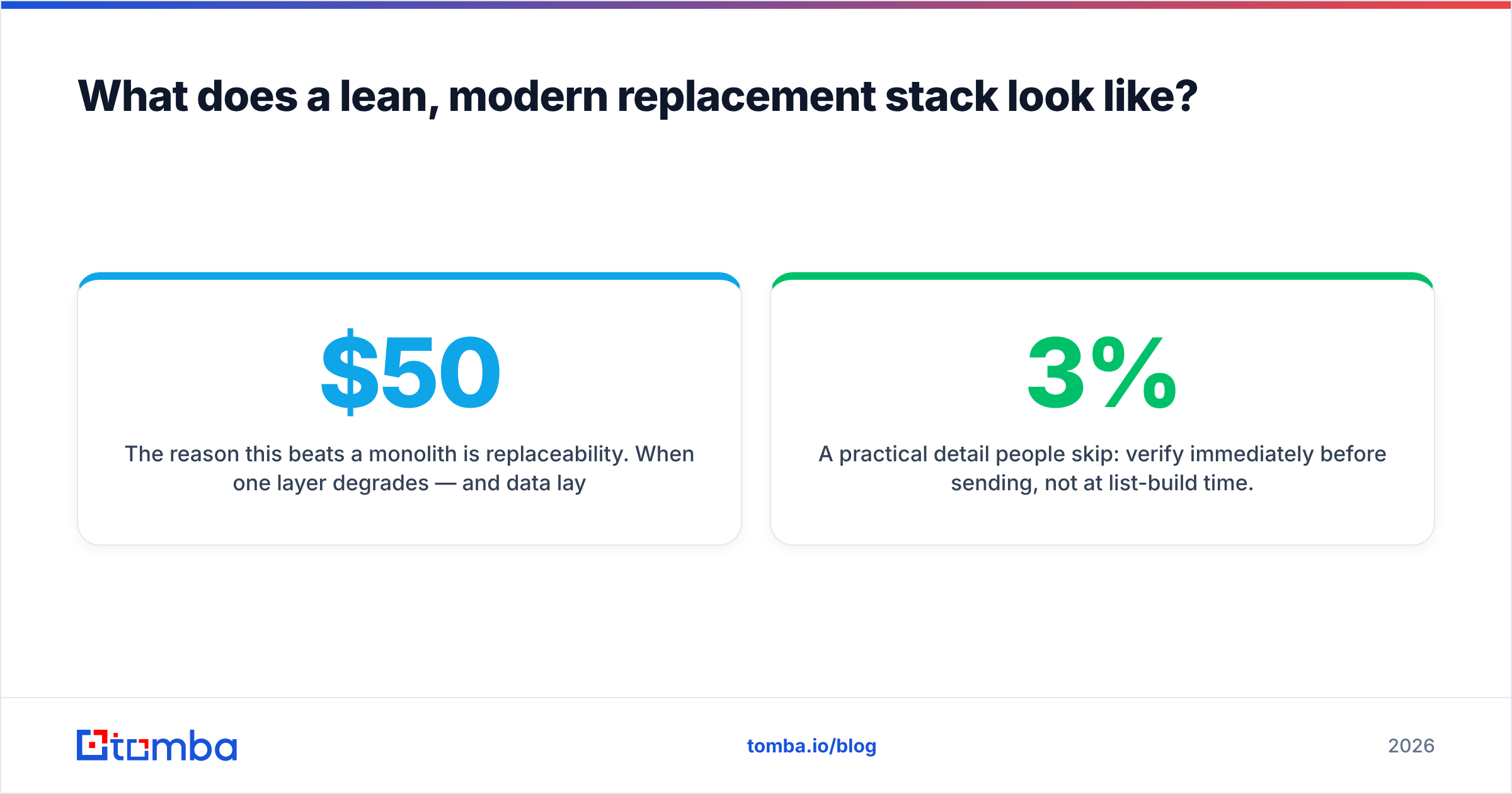
The reason this beats a monolith is replaceability. When one layer degrades — and data layers always degrade eventually — you swap that layer for $50/month instead of renegotiating a $30,000 annual contract.
A practical detail people skip: verify immediately before sending, not at list-build time. Roughly 2-3% of B2B email addresses go stale every month through job changes. A list built in January and sent in April is meaningfully worse than the day it was built, even if the vendor verified it perfectly at creation.
Which Dealmayker alternative should you pick?#
Short version:
- You want cheaper, more accurate emails and an API you control → Tomba.
- You want to buy a defined list once, with a bounce guarantee → BookYourData.
- You want one tool that does everything and can absorb seat pricing → Apollo.
- You have RevOps capacity and want custom waterfall logic → Clay.
- You sell into Europe and need verified mobiles → Cognism.
- Your emails are correct but landing in spam → Instantly, not a database at all.
Run all shortlisted options against the same 50 target accounts before deciding. Compare three numbers: hit rate (contacts found), bounce rate (contacts that survived sending), and total cost for those 50. That single test tells you more than any review site.
Ready to test the data layer? Start with the Tomba Email Finder — 25 free searches a month, no card required, with confidence scores and verification status on every result so you can measure hit rate and bounce rate on your own accounts before you pay anything. If it beats your current numbers, plans start at $49/month.
Related guides#
Ready to find emails that actually work?
Join 150,000+ professionals who stopped guessing and started sending. Free credits on signup — no credit card required.
Get the Tomba newsletter
Practical outbound tactics and product updates — once every two weeks.
About the author