The Best Demodesk Alternatives in 2026: 8 Tools Compared
Demodesk is a solid sales-meeting platform, but it isn't the only option. Compare 8 Demodesk alternatives on pricing, demo automation, scheduling, and data — and find the right fit for your team.
Demodesk built its name on interactive sales demos — screen sharing without downloads, a shared virtual display, scheduling, and AI meeting notes. It works. But "it works" and "it's the right tool for your team in 2026" are different questions, and if you're reading this you've probably already hit one of Demodesk's edges: pricing that climbs with seats, a feature set skewed toward live demos when you need something else, or a workflow that assumes your pipeline is already full.
This guide breaks down eight Demodesk alternatives across scheduling, demo automation, video conferencing, and the data layer that feeds all of them. No fluff, no fake "winner" — just where each tool actually fits.
TL;DR — the short version#
- Best for interactive live demos with coaching: Demodesk itself, or Consensus if you want buyer-led demos.
- Best for scheduling and routing: Chili Piper (enterprise) or Calendly (simple, cheap).
- Best for self-serve product demos: Storylane or Walnut — no live rep required.
- Best for plain video meetings: Zoom or Google Meet, at a fraction of the cost.
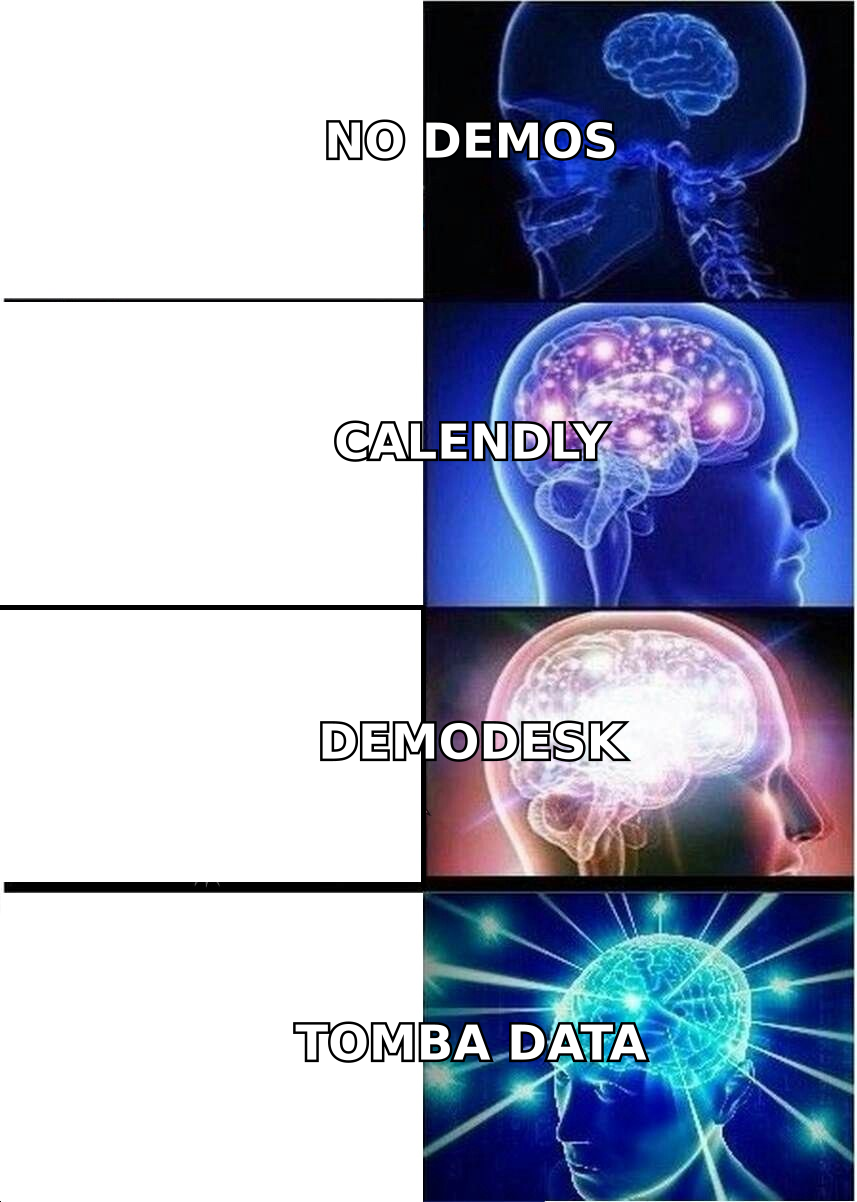
- The overlooked layer: none of these matter if you can't reach qualified buyers. A verified-contact tool like Tomba Email Finder fills the pipeline that every demo platform depends on.
What does Demodesk actually do?#
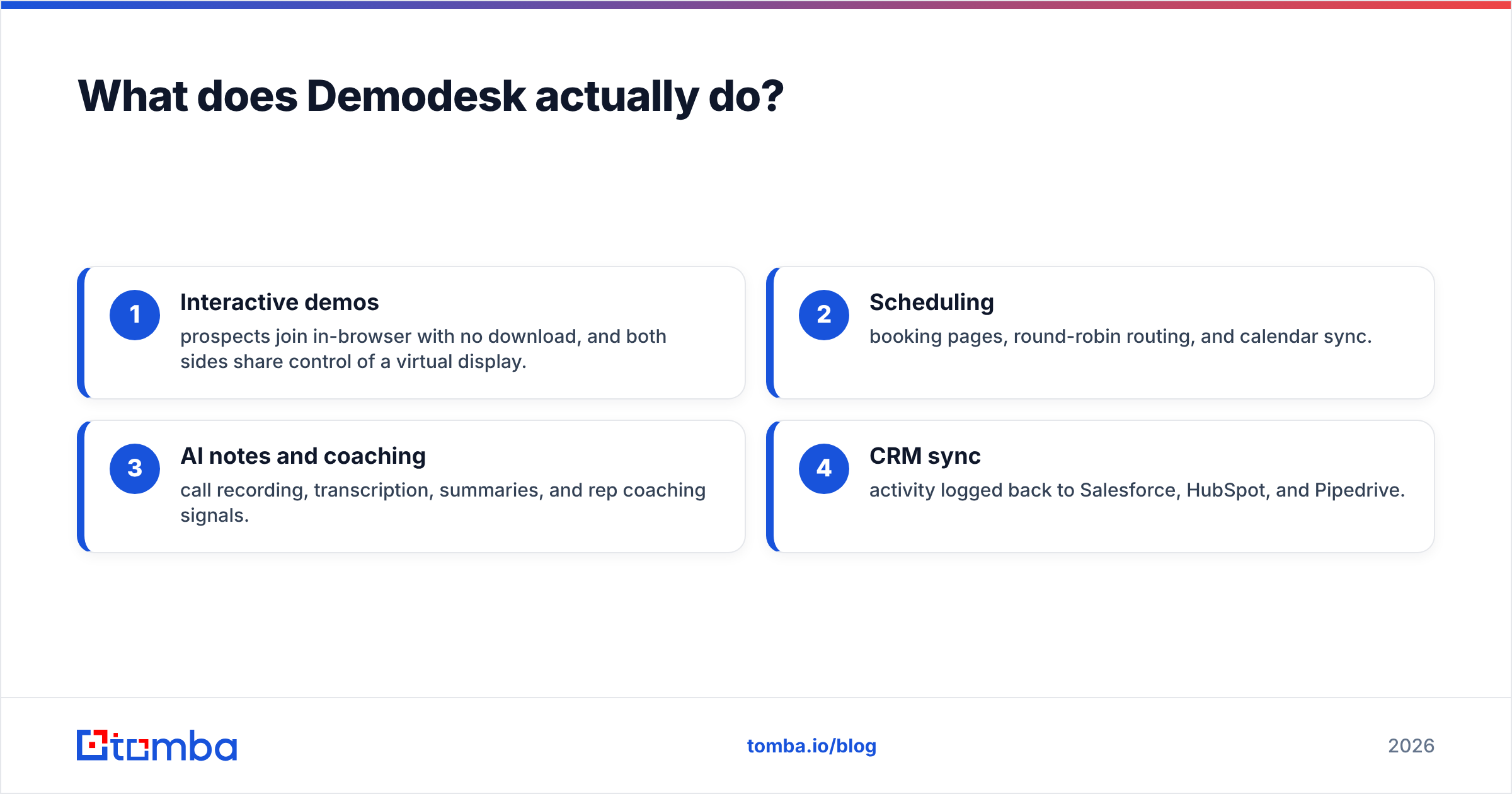
Demodesk is a sales meeting platform. Its core pieces:
- Interactive demos — prospects join in-browser with no download, and both sides share control of a virtual display.
- Scheduling — booking pages, round-robin routing, and calendar sync.
- AI notes and coaching — call recording, transcription, summaries, and rep coaching signals.
- CRM sync — activity logged back to Salesforce, HubSpot, and Pipedrive.
That bundling is Demodesk's strength and its weakness. If you run live, high-touch demos all day, the all-in-one bundle is convenient. If you only need one slice — say, scheduling, or self-serve demos, or just a reliable video call — you're paying for three features you'll never open. That mismatch is the number-one reason teams go looking for Demodesk alternatives.
Why look for a Demodesk alternative in 2026?#
A few honest reasons teams switch:
- Price per seat. Bundled platforms get expensive as headcount grows. Point tools are often cheaper for the one job you actually need.
- Wrong job. Demodesk is optimized for live, rep-led demos. Buyers increasingly want to explore on their own time, which points to demo-automation tools instead.
- Scheduling depth. If routing, lead qualification, and hand-off are your bottleneck, a dedicated scheduler outclasses a bundled one.
- Simplicity. Sometimes you just want a video link that works and notes you can search later.
- Empty calendar. The uncomfortable truth: most "demo tool" problems are really pipeline problems. A better booking page can't fix an empty list of prospects.
Keep that last point in mind as you read — it changes which category of tool you should actually be shopping for.
The 8 best Demodesk alternatives compared#
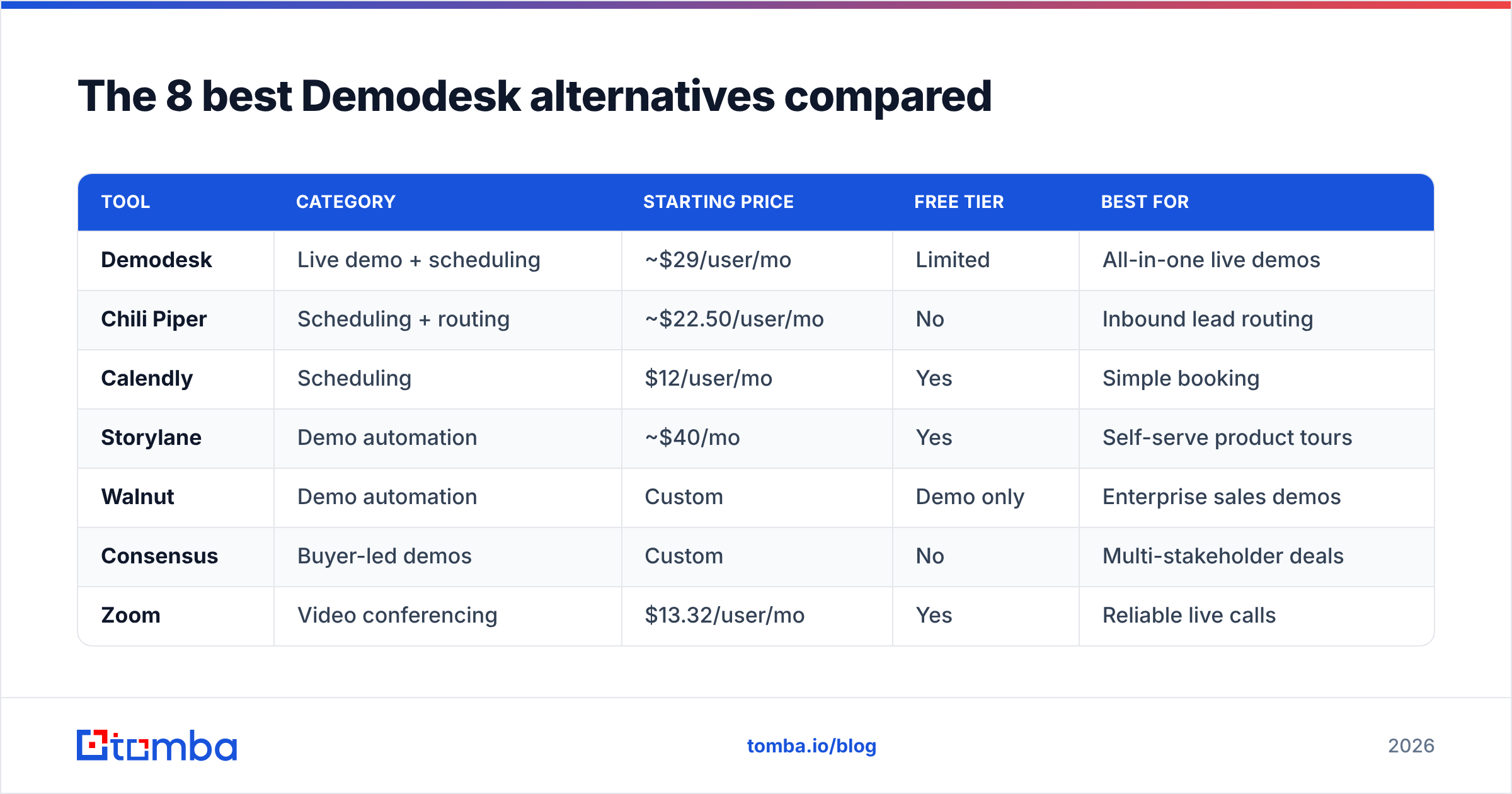
Here's the head-to-head. Prices are entry paid tiers as commonly listed; always confirm current numbers on each vendor's site, since sales tooling repricing is constant.
| Tool | Category | Starting price | Free tier | Best for |
|---|---|---|---|---|
| Demodesk | Live demo + scheduling | ~$29/user/mo | Limited | All-in-one live demos |
| Chili Piper | Scheduling + routing | ~$22.50/user/mo | No | Inbound lead routing |
| Calendly | Scheduling | $12/user/mo | Yes | Simple booking |
| Storylane | Demo automation | ~$40/mo | Yes | Self-serve product tours |
| Walnut | Demo automation | Custom | Demo only | Enterprise sales demos |
| Consensus | Buyer-led demos | Custom | No | Multi-stakeholder deals |
| Zoom | Video conferencing | $13.32/user/mo | Yes | Reliable live calls |
| Google Meet | Video conferencing | $6/user/mo (Workspace) | Yes | Google-native teams |
Now the detail on each.
1. Chili Piper — best for inbound lead routing#
If your pain is "leads fill out a form and then sit for two days," Chili Piper is the sharper tool. It qualifies, routes, and books inbound leads into the right rep's calendar the instant a form is submitted. Demodesk schedules; Chili Piper routes and schedules with logic. The trade-off is price and complexity — it's built for revenue teams with real routing rules, not solo founders. See how it stacks up on G2 before committing.
2. Calendly — best simple scheduler#
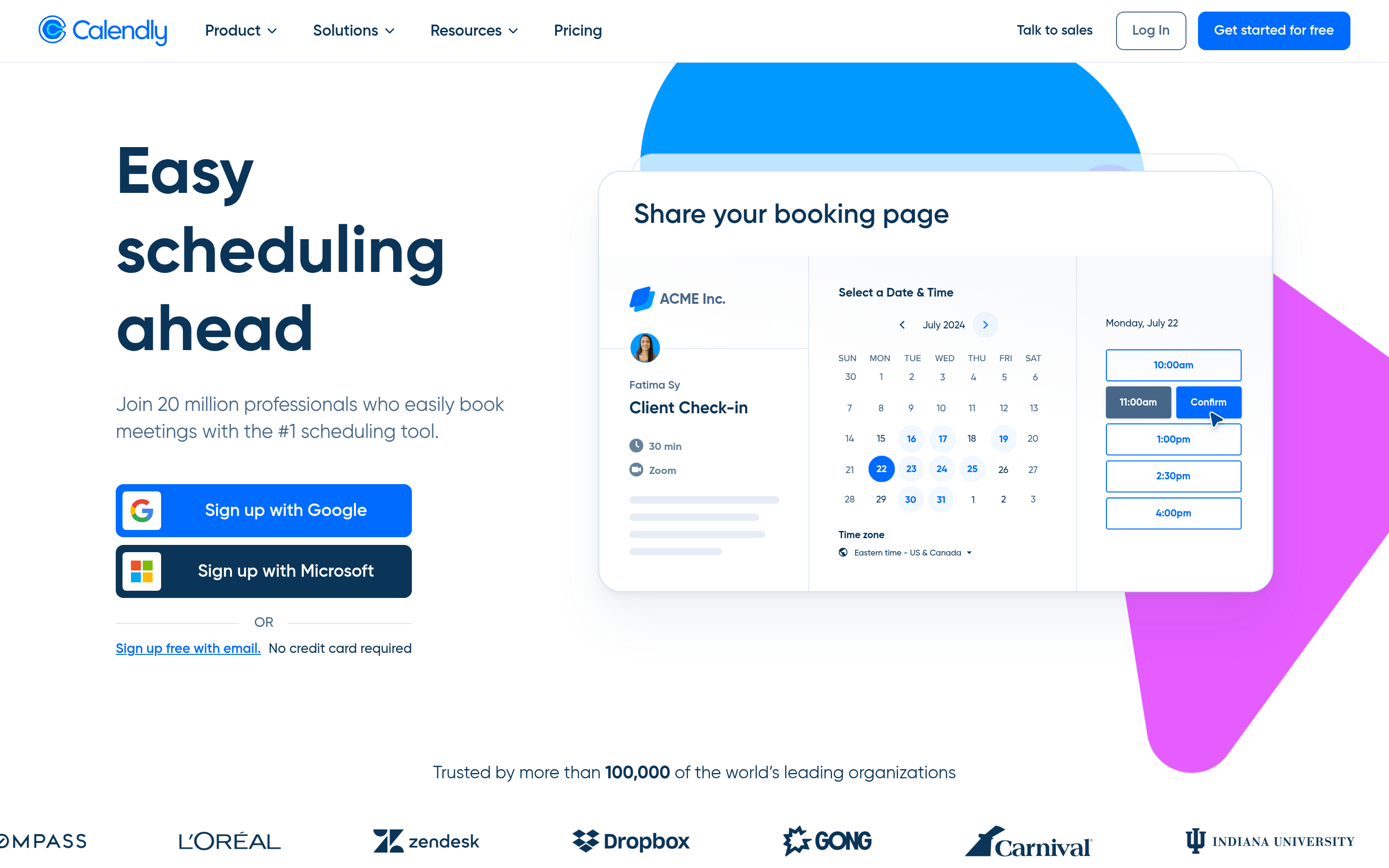
Calendly is the opposite end: dead simple, cheap, and everywhere. If you only used Demodesk for its booking pages, Calendly does that one job for $12/user/mo, with a genuinely useful free tier. It won't share a virtual display or coach your reps, but it never pretended to. For most small teams, Calendly plus a video tool covers 80% of what they used Demodesk for at a lower cost.
3. Storylane — best for self-serve demos#
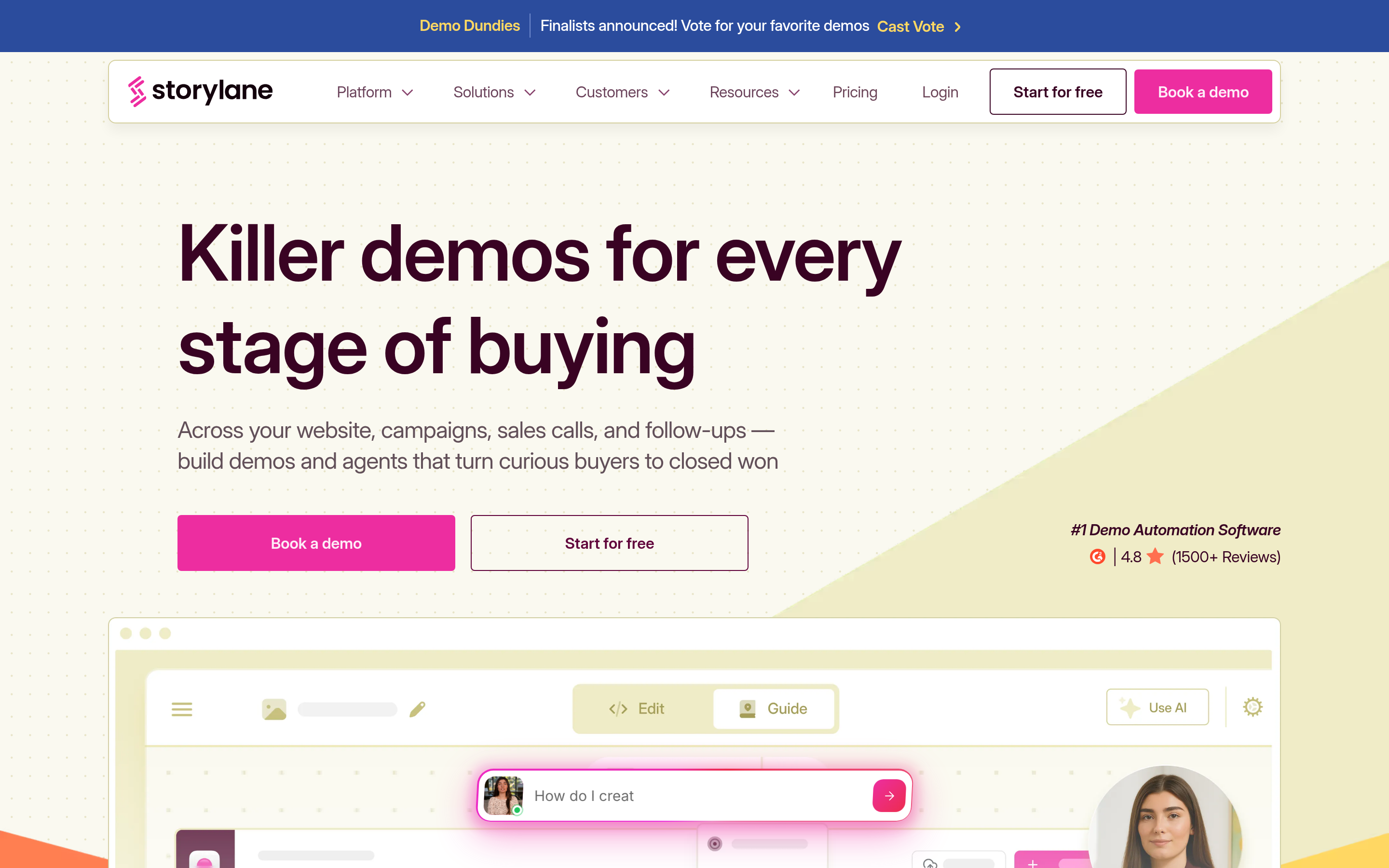
Storylane flips the model. Instead of scheduling a live demo, you capture your product as an interactive tour that prospects click through on their own. That matches how modern buyers actually behave — they want to explore before they talk to a human. For product-led and mid-market motions, a demo-automation tool often converts better than forcing a live call. Storylane has a free tier and reasonable entry pricing, which makes it easy to test.
4. Walnut — best enterprise demo automation#
Walnut is Storylane's enterprise cousin: personalized, guided demo environments for complex sales, with analytics on how each buyer engaged. Pricing is custom (read: not cheap), and it's aimed at teams running long, multi-touch enterprise deals rather than fast SMB cycles. If your demos need to be tailored per account and tracked closely, Walnut earns its keep.
5. Consensus — best for multi-stakeholder deals#
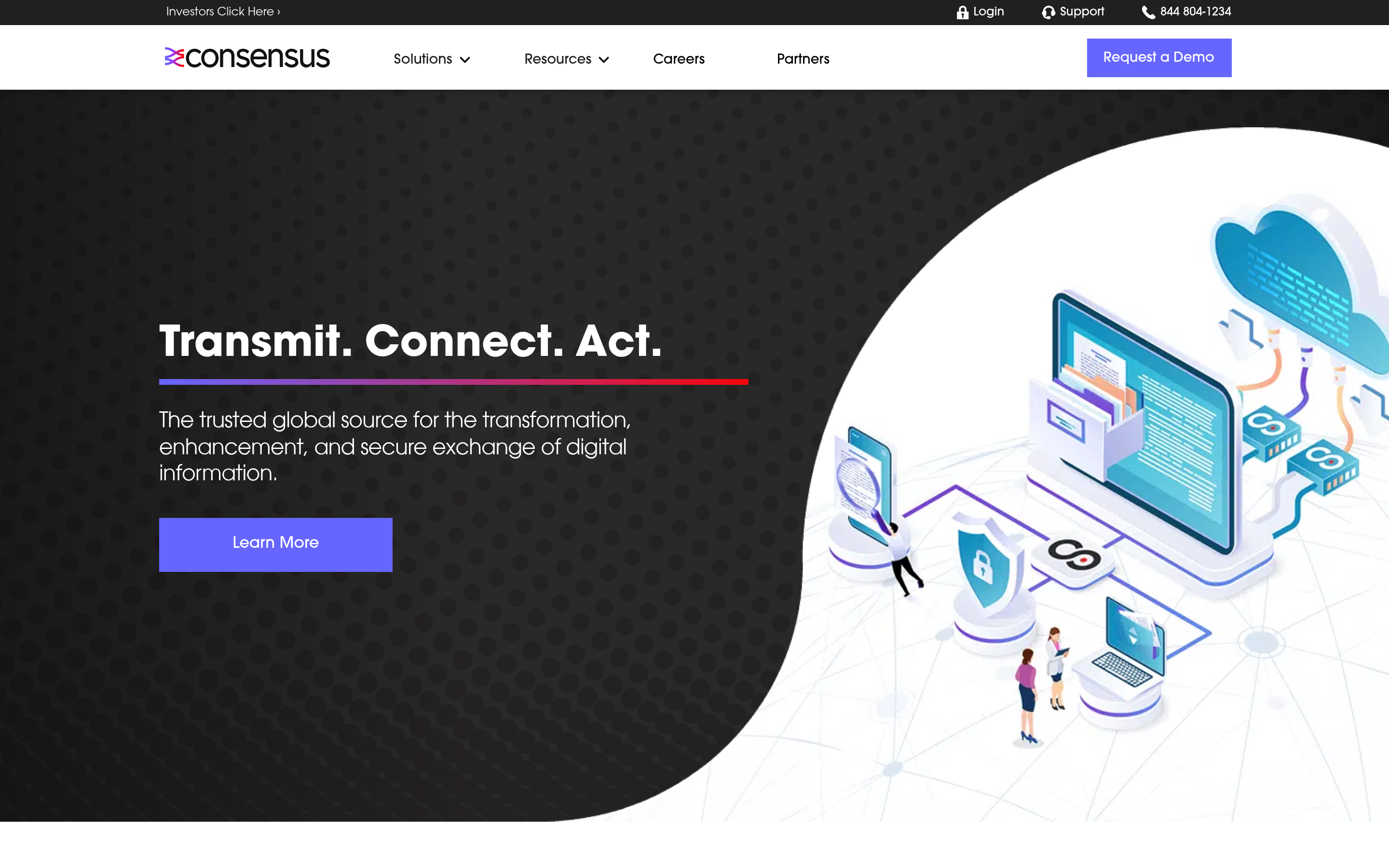
Consensus specializes in buyer-led, on-demand demos designed to spread inside a buying committee. A champion watches a personalized demo, then forwards it internally, and Consensus shows you who watched what. For deals with six or eight stakeholders, this beats trying to get everyone on one live Demodesk call. It's a narrower tool than Demodesk but deeper in its lane.
6. Zoom — best reliable video conferencing#
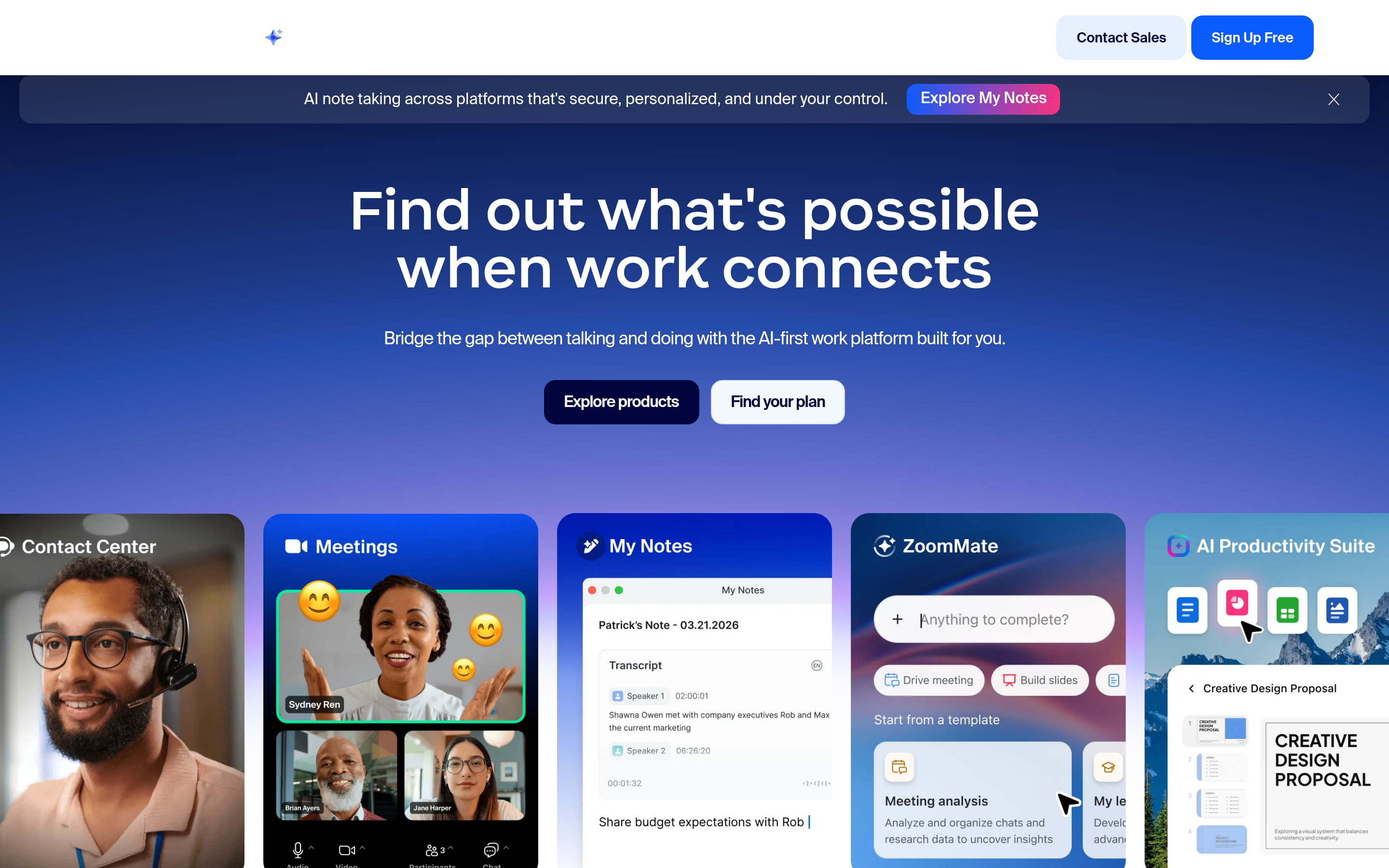
If you stripped Demodesk down to "I need a stable video call with recording," Zoom does that better and cheaper, with an ecosystem of integrations and AI Companion notes. You lose the shared virtual display and native scheduling depth, but you gain rock-solid reliability that non-technical prospects never struggle with. Pair it with Calendly and you've rebuilt most of Demodesk for less.
7. Google Meet — best for Google-native teams#
Already living in Google Workspace? Meet is effectively free, works in-browser with no download (Demodesk's original selling point), and now ships AI-generated notes. It won't route leads or run guided demos, but for teams whose whole stack is Google, it removes a paid tool from the bill entirely.
8. The data layer — where most demo problems actually start#
Here's the alternative nobody lists, because it's a different category: the tool that fills your calendar in the first place. A demo platform is a conversion tool. It can only convert meetings you managed to book, with people you managed to reach.

That's where a contact-data platform like Tomba sits — upstream of every tool above. You find and verify decision-maker emails, enrich them, then feed clean records into whichever scheduler or demo tool you chose. Skip this step and you get the classic doom loop: a beautiful booking page, a polished demo environment, and a calendar full of gaps.
Demodesk vs. the demo-automation approach: which fits your motion?#
The biggest strategic decision isn't which vendor — it's whether you need live demos or self-serve demos at all. Match the motion:
- High-ACV, consultative sales → live demos win. Stick with Demodesk or move to Consensus for committee deals.
- Product-led / SMB / high volume → self-serve wins. Storylane or Walnut lets buyers explore without booking a call, and your reps only join warm.
- Inbound-heavy → routing is the bottleneck. Chili Piper gets the right lead to the right rep in seconds.
- Budget-constrained → unbundle. Calendly + Zoom or Google Meet replicates most of Demodesk for less.
There's no universal winner. The mistake is buying a bundle because it's convenient when a $12 scheduler and a free video tool would have done the job.
How much do Demodesk alternatives cost?#
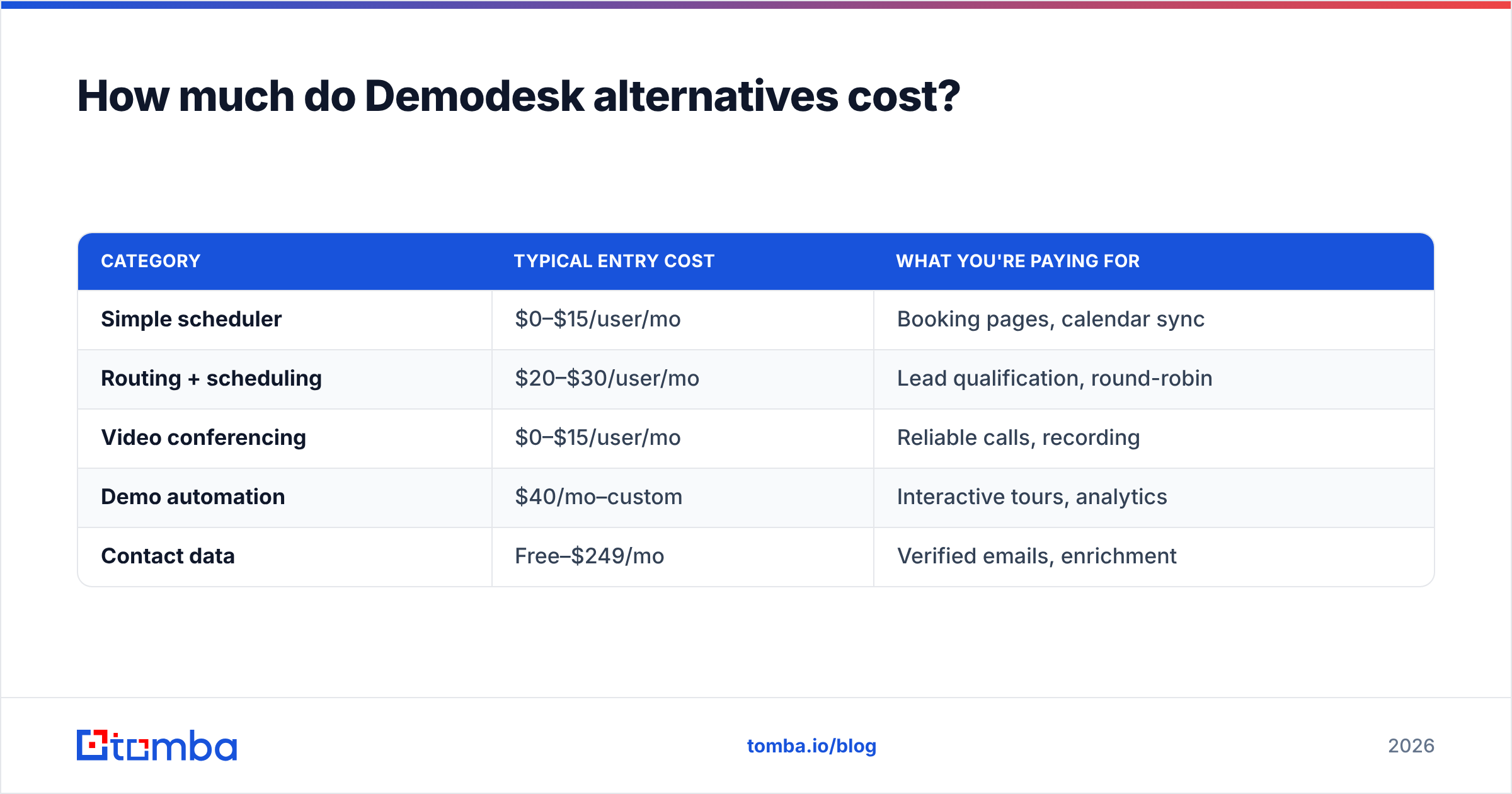
Cost varies more by category than by brand. A rough map:
| Category | Typical entry cost | What you're paying for |
|---|---|---|
| Simple scheduler | $0–$15/user/mo | Booking pages, calendar sync |
| Routing + scheduling | $20–$30/user/mo | Lead qualification, round-robin |
| Video conferencing | $0–$15/user/mo | Reliable calls, recording |
| Demo automation | $40/mo–custom | Interactive tours, analytics |
| Contact data | Free–$249/mo | Verified emails, enrichment |
For contact data specifically, Tomba pricing runs a free tier (25 searches/month), Starter at $49/mo, Growth at $99/mo, and Pro at $249/mo — so you can validate the pipeline half of the equation before spending a cent on a demo platform.
What should you actually do before switching tools?#
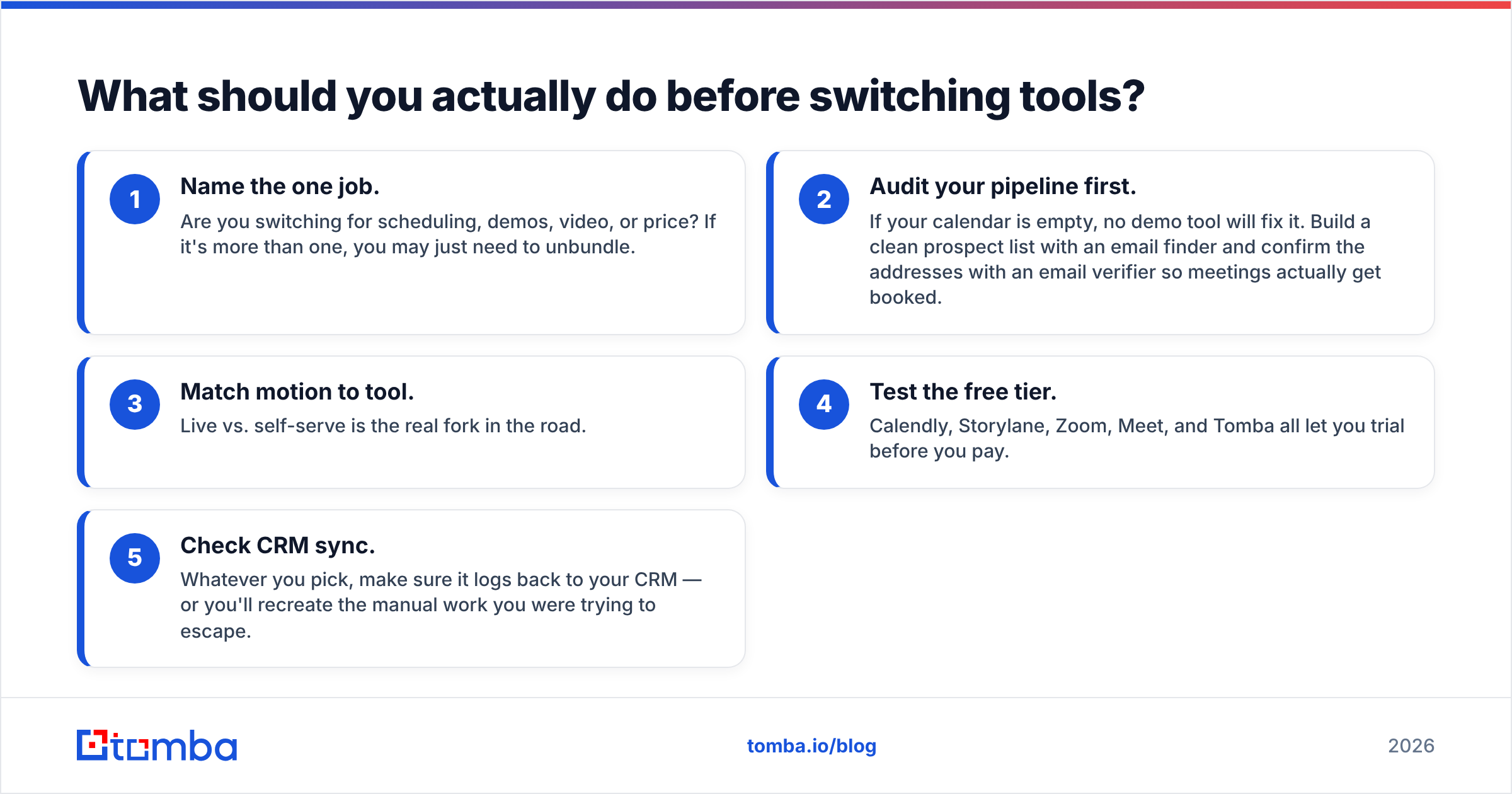
Before you migrate off Demodesk, run this quick checklist:
- Name the one job. Are you switching for scheduling, demos, video, or price? If it's more than one, you may just need to unbundle.
- Audit your pipeline first. If your calendar is empty, no demo tool will fix it. Build a clean prospect list with an email finder and confirm the addresses with an email verifier so meetings actually get booked.
- Match motion to tool. Live vs. self-serve is the real fork in the road.
- Test the free tier. Calendly, Storylane, Zoom, Meet, and Tomba all let you trial before you pay.
- Check CRM sync. Whatever you pick, make sure it logs back to your CRM — or you'll recreate the manual work you were trying to escape.
Don't forget the enrichment layer either: pulling firmographics and direct dials via data enrichment and a phone finder means the demos you do book are with qualified, reachable buyers — not tire-kickers.
Frequently asked questions#
Is there a free Demodesk alternative? Yes. Calendly, Zoom, and Google Meet all have functional free tiers, and Storylane offers a free plan for basic interactive demos. For the contact-data side, Tomba's free tier covers 25 searches a month.
What's the closest all-in-one Demodesk alternative? Nothing matches its exact bundle, but Chili Piper (routing + scheduling) plus Zoom (video) covers most of the same ground with more depth in each area.
Do I need a demo tool at all? Not always. If your buyers are self-serve, a demo-automation tool like Storylane may replace live demos entirely. And if your problem is an empty pipeline rather than the demo itself, start with contact data, not a demo platform.
Which alternative is cheapest? Google Meet, if you're already on Google Workspace, is effectively free. For scheduling, Calendly's free tier costs nothing.
The bottom line#
Demodesk is a good tool for live, rep-led demos — but it's one option among many, and it's overkill if you only need a slice of what it does. Unbundle if you're chasing price, go self-serve if your buyers prefer to explore, and pick a dedicated router if inbound lead hand-off is your real bottleneck.
Whichever demo platform you land on, remember the layer beneath it: no scheduler converts a meeting you never booked. Start by filling the pipeline with real, reachable decision-makers. Tomba Email Finder finds and verifies professional emails by name, company, or domain — so the demos you run are with buyers who actually pick up. Try the free tier, build a clean list, and let your demo tool do what it's good at: closing.
Related guides#
Ready to find emails that actually work?
Join 150,000+ professionals who stopped guessing and started sending. Free credits on signup — no credit card required.
Get the Tomba newsletter
Practical outbound tactics and product updates — once every two weeks.
About the author