DialedIn Pricing Reviews Pros and Cons: A 2026 Breakdown
An honest look at DialedIn pricing, real user reviews, and the pros and cons of its cloud dialer — plus where it fits (and where it falls short) for outbound sales teams in 2026.
DialedIn Pricing Reviews Pros and Cons: A 2026 Breakdown
DialedIn (formerly ChaseData) is a cloud contact center and predictive dialer for outbound-heavy teams. Weighing it for a sales floor or a BPO? The real question isn't "does it dial?" It's "what will it cost per seat, and where does it fall short?" This guide to DialedIn Pricing Reviews Pros and Cons answers that. You get a clear look at the tiers, real user feedback, and the alternatives worth comparing before you sign.
TL;DR#
- DialedIn is a mid-market cloud dialer (predictive, power, and preview modes) aimed at outbound call centers, collections, and high-volume sales teams.
- Pricing starts around $89/seat/month on published tiers, but real cost depends on seat count, dialer mode, and contracts — expect to talk to sales for anything past the base plan.
- Reviews are strong on usability and support, weaker on reporting depth and occasional call-quality complaints.
- Biggest hidden cost isn't the software — it's the data. A predictive dialer amplifies whatever list you feed it, so bad phone numbers burn agent hours fast.
- Best fit: outbound teams that already have clean, verified contact data and want a straightforward dialer without enterprise-suite complexity.
What is DialedIn (formerly ChaseData)?#
DialedIn is a cloud contact center as a service (CCaaS) platform. Its core is an outbound dialer. It supports predictive, power, preview, and manual modes. On top of that you get agent scripting, call recording, list management, and basic reporting. It rebranded from ChaseData a few years back. The product DNA — outbound-first and call-center-oriented — has not changed.
Think of it like a high-speed conveyor belt for phone calls. The dialer keeps agents talking instead of waiting: it predicts when an agent will be free and dials multiple numbers ahead of time so a live human is on the line the moment someone picks up. That's powerful when your contact list is accurate, and painful when it isn't — the belt just moves garbage faster.
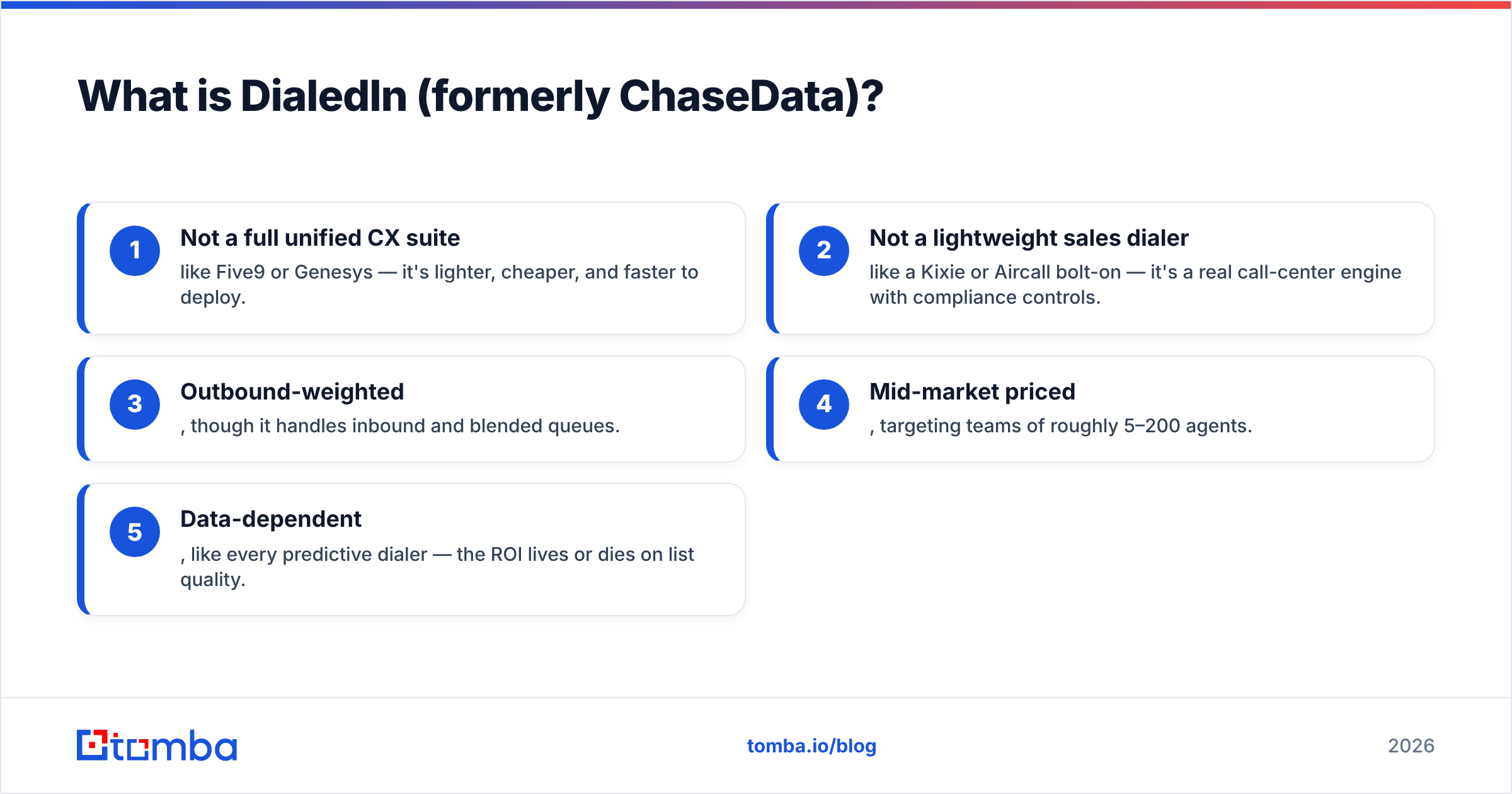
Where DialedIn sits in the market:
- Not a full unified CX suite like Five9 or Genesys — it's lighter, cheaper, and faster to deploy.
- Not a lightweight sales dialer like a Kixie or Aircall bolt-on — it's a real call-center engine with compliance controls.
- Outbound-weighted, though it handles inbound and blended queues.
- Mid-market priced, targeting teams of roughly 5–200 agents.
- Data-dependent, like every predictive dialer — the ROI lives or dies on list quality.

How much does DialedIn pricing actually cost?#
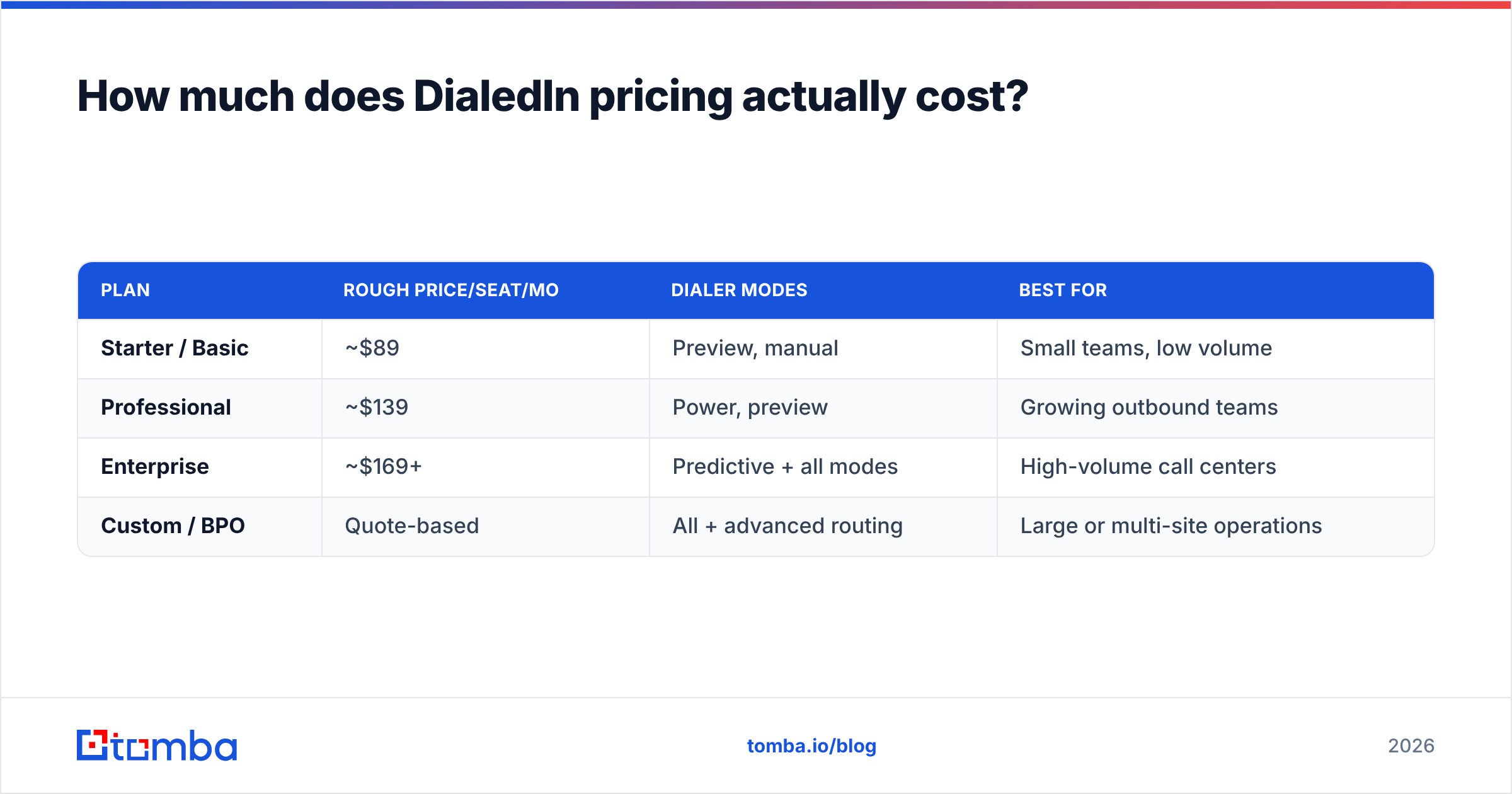
Short answer: published entry pricing lands around $89 per seat per month, with higher tiers gated behind a sales conversation. DialedIn uses per-seat monthly pricing and separates plans by dialer capability and feature depth rather than by contact volume.
Here's how the tiers generally break down. Treat exact numbers as directional — vendors adjust them, and quoted rates shift with seat count and contract length. Always confirm on the official DialedIn site before budgeting.
| Plan | Rough price/seat/mo | Dialer modes | Best for |
|---|---|---|---|
| Starter / Basic | ~$89 | Preview, manual | Small teams, low volume |
| Professional | ~$139 | Power, preview | Growing outbound teams |
| Enterprise | ~$169+ | Predictive + all modes | High-volume call centers |
| Custom / BPO | Quote-based | All + advanced routing | Large or multi-site operations |
A few things the sticker price doesn't tell you:
- Predictive dialing usually sits on higher tiers. If predictive is the reason you're buying, budget for the mid or top plan, not the entry seat.
- Telecom/usage costs may be separate. Per-minute or carrier charges can stack on top of the seat fee depending on your setup.
- Contracts and minimums matter. Month-to-month is possible, but the best per-seat rates typically come with annual commitments and seat minimums.
- Onboarding and integrations. CRM connectors and custom routing can add setup cost or require higher tiers.
If you're comparing this to tools you already pay for, benchmark it against your CRM's native dialer and your data budget — the dialer is only one line item.
What do DialedIn reviews say — the pros and cons?#
Across G2, Capterra, and TrustRadius, DialedIn earns solid mid-to-high marks. The consensus: it's easy to run, the support team is responsive, and it does the outbound job without a steep learning curve. Complaints cluster around reporting depth, occasional call-quality hiccups, and a UI that feels functional rather than modern.
Here's the honest ledger.
| Pros | Cons |
|---|---|
| Fast to deploy, low learning curve | Reporting/analytics feel shallow for data-driven teams |
| Genuinely helpful, responsive support | UI looks dated next to newer CCaaS tools |
| Strong outbound/predictive dialing | Predictive locked to higher tiers |
| Good compliance and list-management tools | Occasional call-quality / connection complaints |
| Reasonable mid-market pricing | Integrations thinner than enterprise suites |
What reviewers praise most: onboarding speed and support. Multiple reviews note you can get agents live quickly, and that account managers actually pick up. For a call-center tool, that reliability matters more than flashy features.
What reviewers flag most: analytics. If your operation runs on granular per-agent, per-campaign dashboards, several users say you'll end up exporting data elsewhere. A handful mention audio/latency issues, which usually trace back to network setup or carrier configuration rather than the app itself — but it's worth a pilot.
For balanced third-party sentiment, cross-check DialedIn's profile on G2 and Capterra rather than relying on any single review.
Is DialedIn worth it for outbound sales teams?#
It's worth it if you're an outbound-heavy team that wants a capable dialer without buying — or configuring — a full enterprise CX platform. It's probably not worth it if you need deep, native analytics, a modern omnichannel suite, or a lightweight dialer that clips onto an existing CRM for a handful of reps.
But here's the part most pricing reviews skip: the dialer is rarely the bottleneck. The data is.
A predictive dialer multiplies your list. If 30% of your phone numbers are wrong, disconnected, or belong to the wrong person, DialedIn will faithfully dial all of them faster than a human ever could — and your agents will spend a third of their paid hours on dead ends. No dialer setting fixes a bad list. That's an input problem.
This is why teams that get real ROI from any dialer pair it with strong upstream data hygiene:
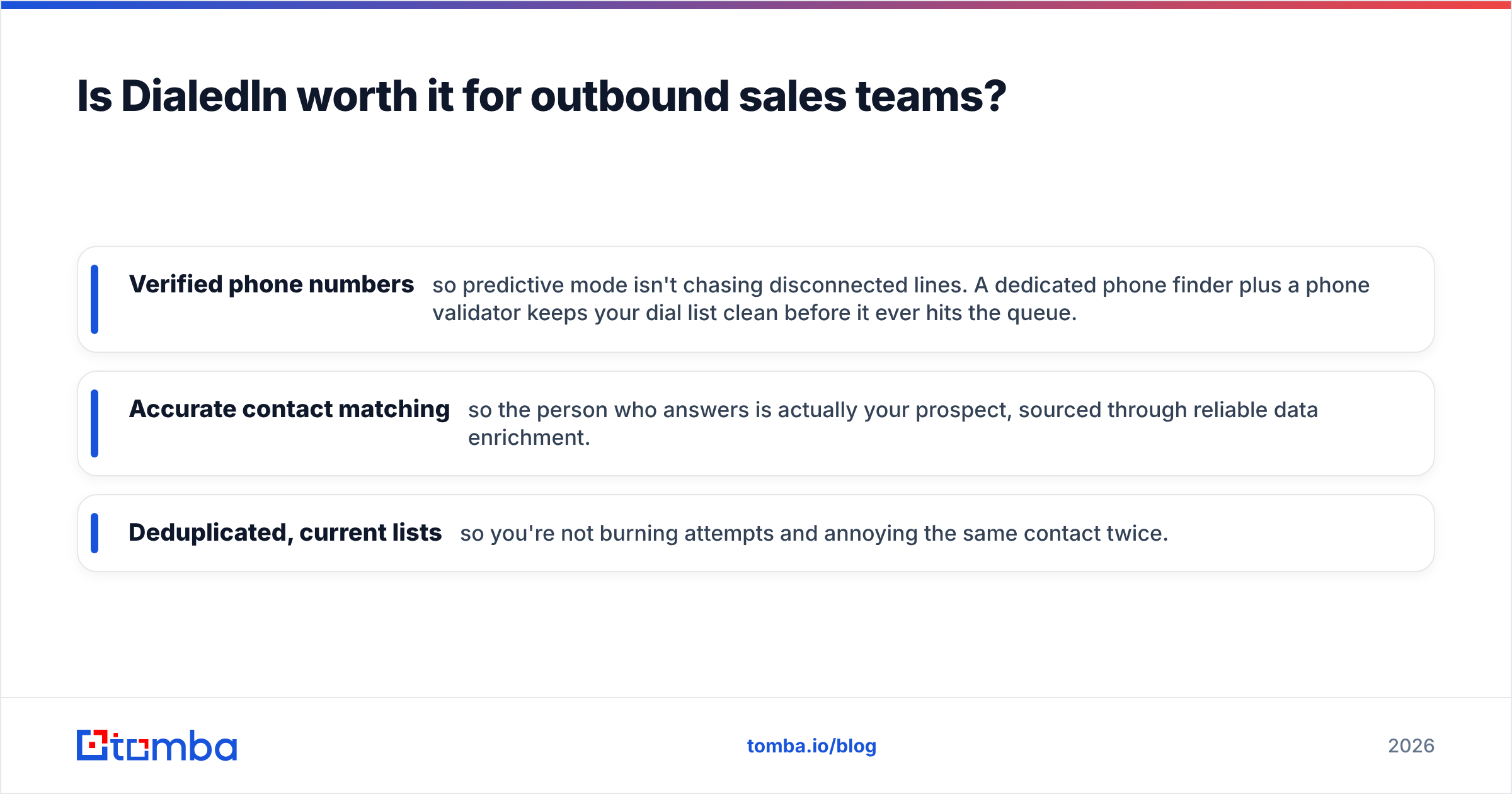
- Verified phone numbers so predictive mode isn't chasing disconnected lines. A dedicated phone finder plus a phone validator keeps your dial list clean before it ever hits the queue.
- Accurate contact matching so the person who answers is actually your prospect, sourced through reliable data enrichment.
- Deduplicated, current lists so you're not burning attempts and annoying the same contact twice.

Fix the input, and even a mid-tier dialer performs like a premium one. Ignore it, and the most expensive predictive plan on the market still underperforms.
How does DialedIn compare to alternatives?#
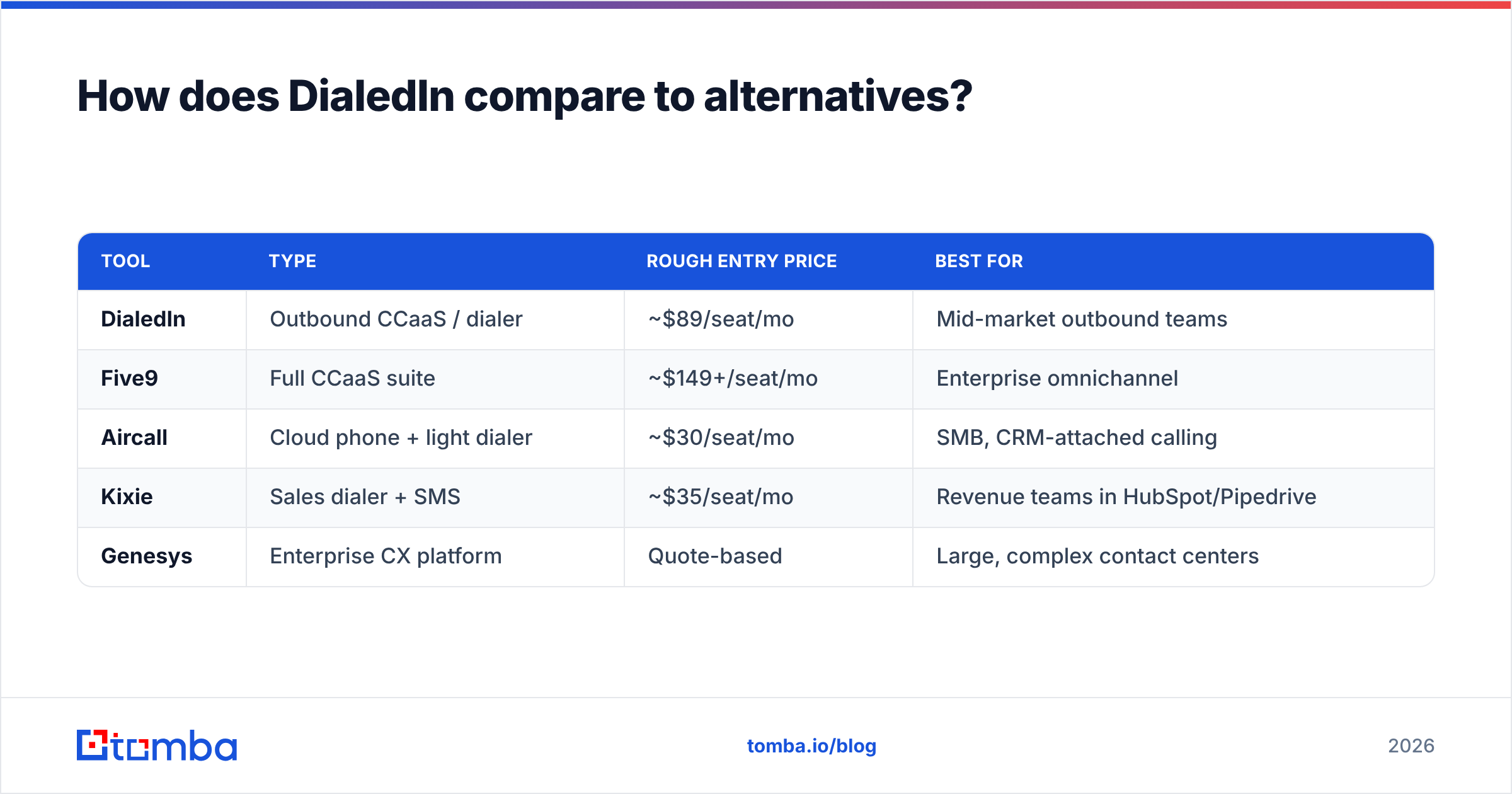
DialedIn competes across a wide band — from lightweight sales dialers to full CCaaS suites. Your right pick depends on whether you're optimizing for simplicity, depth, or price.
| Tool | Type | Rough entry price | Best for |
|---|---|---|---|
| DialedIn | Outbound CCaaS / dialer | ~$89/seat/mo | Mid-market outbound teams |
| Five9 | Full CCaaS suite | ~$149+/seat/mo | Enterprise omnichannel |
| Aircall | Cloud phone + light dialer | ~$30/seat/mo | SMB, CRM-attached calling |
| Kixie | Sales dialer + SMS | ~$35/seat/mo | Revenue teams in HubSpot/Pipedrive |
| Genesys | Enterprise CX platform | Quote-based | Large, complex contact centers |
Quick guidance:
- Want the simplest outbound engine at a fair price? DialedIn is a reasonable pick.
- Need omnichannel and deep analytics? Look at Five9 or Genesys — and budget accordingly.
- Live inside a CRM and just want power dialing? Kixie or Aircall may be lighter and cheaper.
- Run a BPO with multi-site routing? DialedIn's custom tier or a full suite both make sense — pilot before committing.
Whichever you choose, the data layer stays the same. If you're evaluating your outbound stack holistically, it's worth reading how B2B phone numbers and email data feed the whole motion — the dialer is the last mile, not the first.
What should you check before you buy DialedIn?#
Run this checklist against any dialer quote, DialedIn included:
- Confirm which tier includes predictive dialing — don't assume the entry seat has it.
- Ask what's bundled vs. metered — seat fee, per-minute telecom, recording storage, and integration costs.
- Pilot call quality on your network — audio issues are usually config, but you want to know before rollout.
- Test the reporting against one real campaign — if you'll export everything anyway, factor that in.
- Audit your contact data first — because a great dialer on a bad list is just faster failure.
That last point is the one teams regret skipping. Before you spend on seats, spend a fraction of it making sure the numbers you dial are real. You can review Tomba's pricing to see how affordable a clean-data layer is next to a full dialer contract — the Free tier alone (25 searches/month) lets you spot-check list quality before committing.
The Bottom Line on DialedIn Pricing Reviews Pros and Cons#
DialedIn is a solid, fairly priced mid-market dialer with genuinely good support and a fast setup — held back mainly by shallow analytics and a dated interface. At roughly $89/seat and up, it's competitively positioned for outbound teams that don't need an enterprise suite. The pros outweigh the cons for its target buyer, provided you go in with eyes open on tier gating and telecom costs.
But remember the real lever: your dial list determines your ROI more than your dialer does. The smartest outbound teams pair whatever platform they choose with rigorously clean, verified contact data.
That's where Tomba fits before the call ever connects. Use the Tomba Email Finder and phone finder to build accurate, verified prospect lists, enrich them with real firmographics, and hand your dialer numbers worth calling. Start free with 25 searches a month, then scale from the Starter plan at $49/mo — so every seat you pay DialedIn for spends its time on live, qualified conversations instead of disconnected lines.
Related guides#
Ready to find emails that actually work?
Join 150,000+ professionals who stopped guessing and started sending. Free credits on signup — no credit card required.
Get the Tomba newsletter
Practical outbound tactics and product updates — once every two weeks.
About the author