DiscoverOrg vs SafetyMails: Which B2B Email Tool Wins?
DiscoverOrg is now ZoomInfo, and SafetyMails never found a single email address. Here is what each tool actually does, what they cost, and which one your outbound motion really needs in 2026.
DiscoverOrg vs SafetyMails is an odd matchup. One tool finds new contacts. The other only checks the ones you already have. This guide covers what each does, what it costs, and which one your outbound really needs in 2026.
TL;DR#
- These two tools do not compete. DiscoverOrg is a B2B contact database. It finds and sells you contacts. SafetyMails is an email verifier. It tells you whether an address you already own will bounce. DiscoverOrg vs SafetyMails is like a grocery store vs a food thermometer.
- DiscoverOrg is no longer its own brand. DiscoverOrg bought ZoomInfo in 2019 and took the ZoomInfo name. If you shop for "DiscoverOrg" in 2026, you are shopping ZoomInfo Sales: annual contracts, seat licenses, and credit caps.
- The price gap is huge. ZoomInfo deals are quote-only. Buyers report five-figure annual bills. SafetyMails sells verification credits for a few dollars per pack.
- Need both jobs done? Budget for both — or use one tool that does both. A find-and-verify stack (Tomba Starter runs $49/mo) covers the same workflow for far less than an enterprise data contract.
- Buying rule: No data source? Get a database. Bouncing at 5% or more? Get a verifier. Running cold outbound at volume? You need both. And you should not pay enterprise rates for the pair.
DiscoverOrg vs SafetyMails: what is each tool?#
Start with the confusing part, because it changes the whole comparison.
DiscoverOrg was a B2B data provider. It was known for hand-built org charts, direct dial numbers, and tech-stack data. Coverage ran deep in IT, marketing, finance, and HR teams. In February 2019, DiscoverOrg bought ZoomInfo. Later that year, the combined company took the ZoomInfo name.
The DiscoverOrg product line moved into ZoomInfo Sales. So when a rep says "we use DiscoverOrg," they almost always mean a ZoomInfo seat. Sometimes they mean an old contract that has since been migrated.
SafetyMails does something else. It is an email verification service. You upload a list or call the API. It returns a status for each address: valid, invalid, risky, disposable, role-based, or catch-all. It will not tell you who works at Snowflake. It has no phone numbers and no org charts. It answers one question: will this address bounce?
That split matters more than any feature grid. Here is the plain version:
- A contact database answers "who should I email?" It creates new records: names, titles, companies, emails, and phone numbers.
- An email verifier answers "will this email land?" It grades records you already have.
- A finder sits between the two. You give it a name and a domain. It returns the most likely working address, usually with a confidence score.
- A deliverability stack answers "will inboxes trust me?" That means SPF, DKIM, DMARC, warmup, and send volume. Neither tool here does that.
- Enrichment answers "what else do I know?" It adds job title, headcount, tech stack, or a LinkedIn URL to a row you own.
Most teams who search "DiscoverOrg vs SafetyMails" are really asking a budget question. Do I sign a big data contract, or can I build something cheaper? It is a fair question. The honest answer: the cheap build usually wins for teams under about 30 reps.

Is DiscoverOrg still worth buying in 2026?#
ZoomInfo, the DiscoverOrg successor, is still the default enterprise answer. It earns that spot in three cases: you need direct dials at scale, you want intent data in your CRM, and you have a RevOps team to run it.
What you get:
- Breadth. Tens of millions of company records and hundreds of millions of contacts. North American coverage is strong.
- Direct dials and mobile numbers. This is still ZoomInfo's best asset. If your motion is cold calling, few datasets match it.
- Intent signals and visitor ID. Topic surges, plus names attached to your web traffic.
- Deep CRM integration. Salesforce and HubSpot sync, enrichment flows, and territory routing.
What you pay for it:
ZoomInfo does not publish list prices. Buyer reports on G2 and procurement forums point to annual contracts that start in the low five figures. The bill climbs fast with seats, credit blocks, and add-ons such as intent, WebSights, and Engage.
Credits are usually capped per year. Overages get billed. Auto-renewal clauses are common. Plan for a 12-month commitment, not a monthly test.
The real friction is not the sticker price. It is the shape of the spend. You buy capacity up front, you get audited on usage, and you cannot scale down mid-term. For a 200-rep org, that is fine. For a five-person team testing three ICPs, it is a bad fit.

What does SafetyMails actually do well?#
SafetyMails is a focused verifier, and focus is its edge. It runs syntax checks, MX and DNS lookups, and SMTP handshakes. It also flags disposable domains, role accounts (info@, sales@, support@), likely spam traps, and catch-all domains. You get a graded list you can filter before import.
Strengths:
- Pay as you go. Credit packs, not annual seats. Small packs cost a few dollars today, with volume tiers for bigger lists. Check the vendor page, since verification pricing moves.
- A free tier for testing. You can check a sample before you commit.
- API plus dashboard. Real-time checks for signup forms, plus bulk list runs.
- Strong LATAM and EU coverage. SafetyMails is based in Brazil. It handles regional mail providers that some US-first tools mark as unknown.
Limits to plan around:
- It creates nothing. Zero net-new contacts. If your list is empty, SafetyMails cannot help you.
- Catch-all domains stay unclear. That is not a SafetyMails flaw. It is how the protocol works. Any verifier that claims certainty on a catch-all is overselling. The honest fix is a separate risk tier, which is why catch-all verification is its own product category.
- No enrichment. No titles, no company data, no phone numbers.
DiscoverOrg vs SafetyMails: a side-by-side comparison#
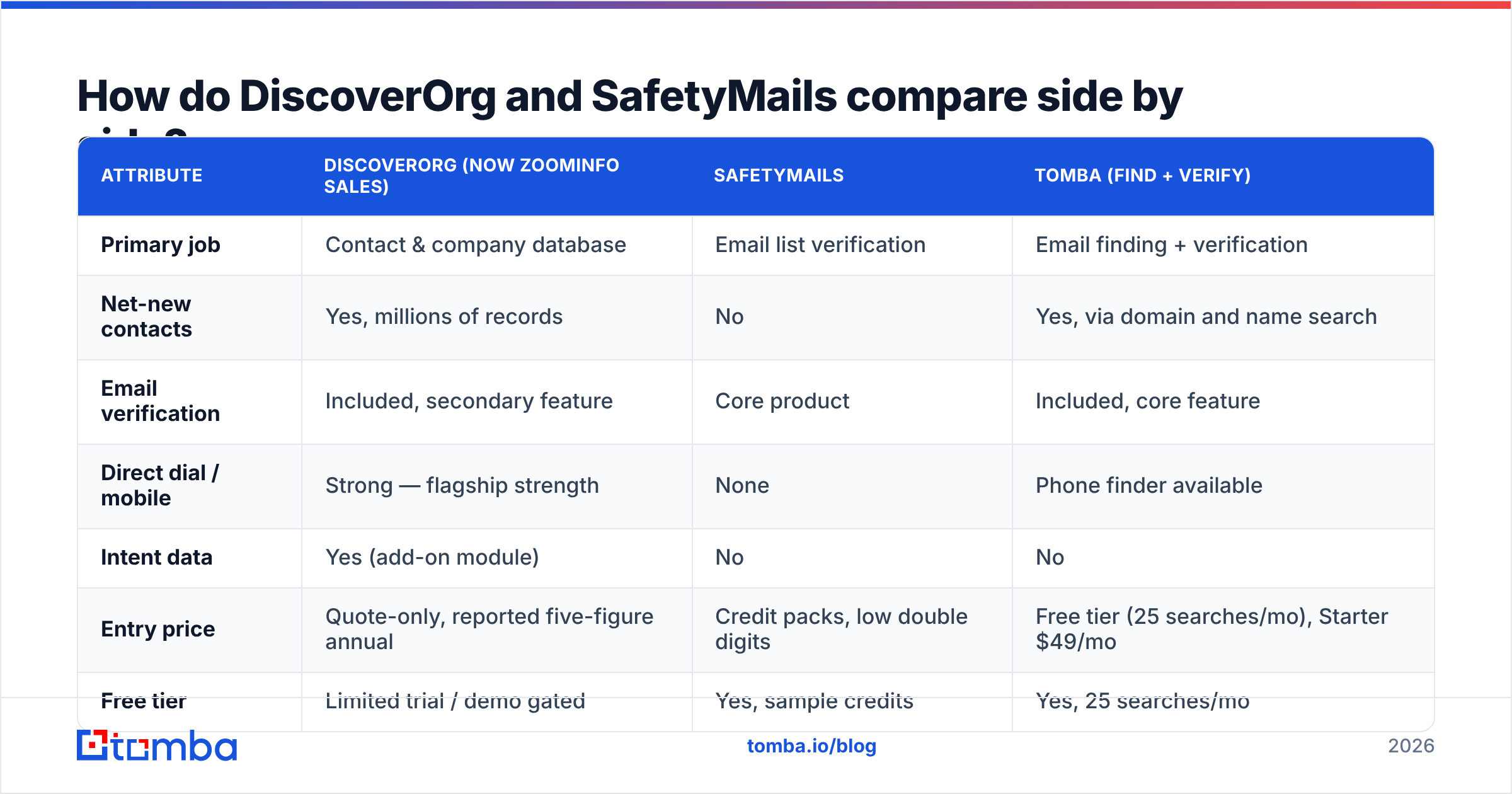
Here is the head-to-head. The third column shows the combined find-and-verify approach that most SMB and mid-market teams actually run.
| Attribute | DiscoverOrg (now ZoomInfo Sales) | SafetyMails | Tomba (find + verify) |
|---|---|---|---|
| Primary job | Contact & company database | Email list verification | Email finding + verification |
| Net-new contacts | Yes, millions of records | No | Yes, via domain and name search |
| Email verification | Included, secondary feature | Core product | Included, core feature |
| Direct dial / mobile | Strong — flagship strength | None | Phone finder available |
| Intent data | Yes (add-on module) | No | No |
| Entry price | Quote-only, reported five-figure annual | Credit packs, low double digits | Free tier (25 searches/mo), Starter $49/mo |
| Free tier | Limited trial / demo gated | Yes, sample credits | Yes, 25 searches/mo |
| Contract | Annual, seat-based, auto-renew common | Pay-as-you-go, no lock-in | Monthly, $99/mo Growth, $249/mo Pro |
| API access | Yes, enterprise tier | Yes | Yes, on all paid plans |
| Catch-all handling | Flagged | Flagged as risky | Dedicated catch-all verifier |
| Best for | Enterprise ABM, cold calling teams | Cleaning lists you already own | Lean outbound teams building lists |

Two things jump out. First, the only shared cell is email verification. It is a side feature for ZoomInfo and the whole product for SafetyMails. Second, the pricing models differ in kind, not just in size. One is a capital commitment. The other is a consumable.
DiscoverOrg vs SafetyMails: which one is more accurate?#
Wrong question. The two are scored on different scales. Still, "accuracy" is what buyers search for, so here is how to judge each one.
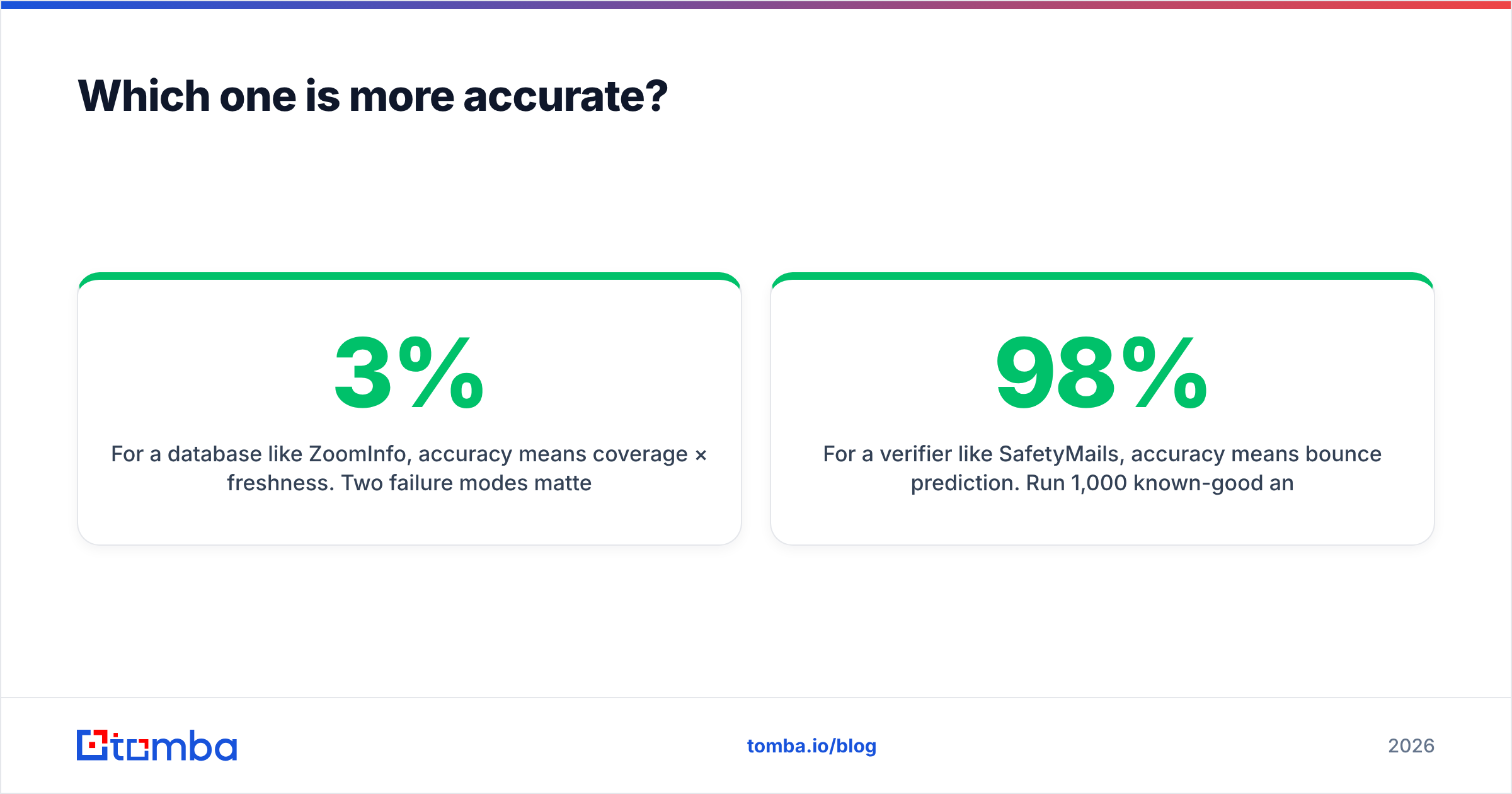
For a database like ZoomInfo, accuracy means coverage times freshness. Two failure modes matter. The record may not exist at all. Or the record exists, but the person left the company nine months ago.
Testing shows B2B databases decay by roughly 2–3% per month as people change roles. That compounds to 25–30% rot per year. Vendor accuracy figures are measured when data comes in, not when you export it. Always test against a sample of accounts you can check by hand.
For a verifier like SafetyMails, accuracy means bounce prediction. Run 1,000 known-good and known-bad addresses through it. Then measure two numbers. False valids are addresses marked deliverable that bounce, and they hurt your sender reputation. False invalids are good addresses you threw away, and they quietly shrink your market. Most solid verifiers score 95–98% on clean test sets and drop sharply on catch-all-heavy lists.
Here is the test that beats every vendor claim. Take 200 contacts from your real ICP. Run them through both tools. Send a small campaign. Your bounce rate is the only benchmark that reflects your list, your domains, and your sending setup.
One more trap: a verifier cannot fix bad sourcing. Say your database returns first.last@company.com but the company really uses flast@. The verifier will often mark it invalid. That is correct behavior, but you just burned a credit and lost a lead. Sourcing and verification that share the same data sources tend to beat two bolted-together vendors.

DiscoverOrg vs SafetyMails: who should buy which?#
Buy ZoomInfo (the DiscoverOrg lineage) if:
- You run enterprise ABM with named accounts and need org charts to map buying committees.
- Phone is a primary channel, and direct dials drive your pipeline.
- You have a RevOps team to own the setup, dedupe rules, and credit limits.
- Your annual data budget is already five figures and approved.
Buy SafetyMails if:
- You already have lists from events, form fills, an old CRM, or a partner, and they bounce.
- You need a real-time API to check signups as they come in.
- You want no contract and a clear per-credit cost.
- Your lists lean toward Brazilian, Portuguese, or Spanish-language domains.
Buy neither, or buy something lighter, if:
- You are a founder, agency, or team under about 20 reps building outbound from scratch.
- You need hundreds or low thousands of contacts a month, not hundreds of thousands.
- You want to test three ICPs this quarter and kill two of them.
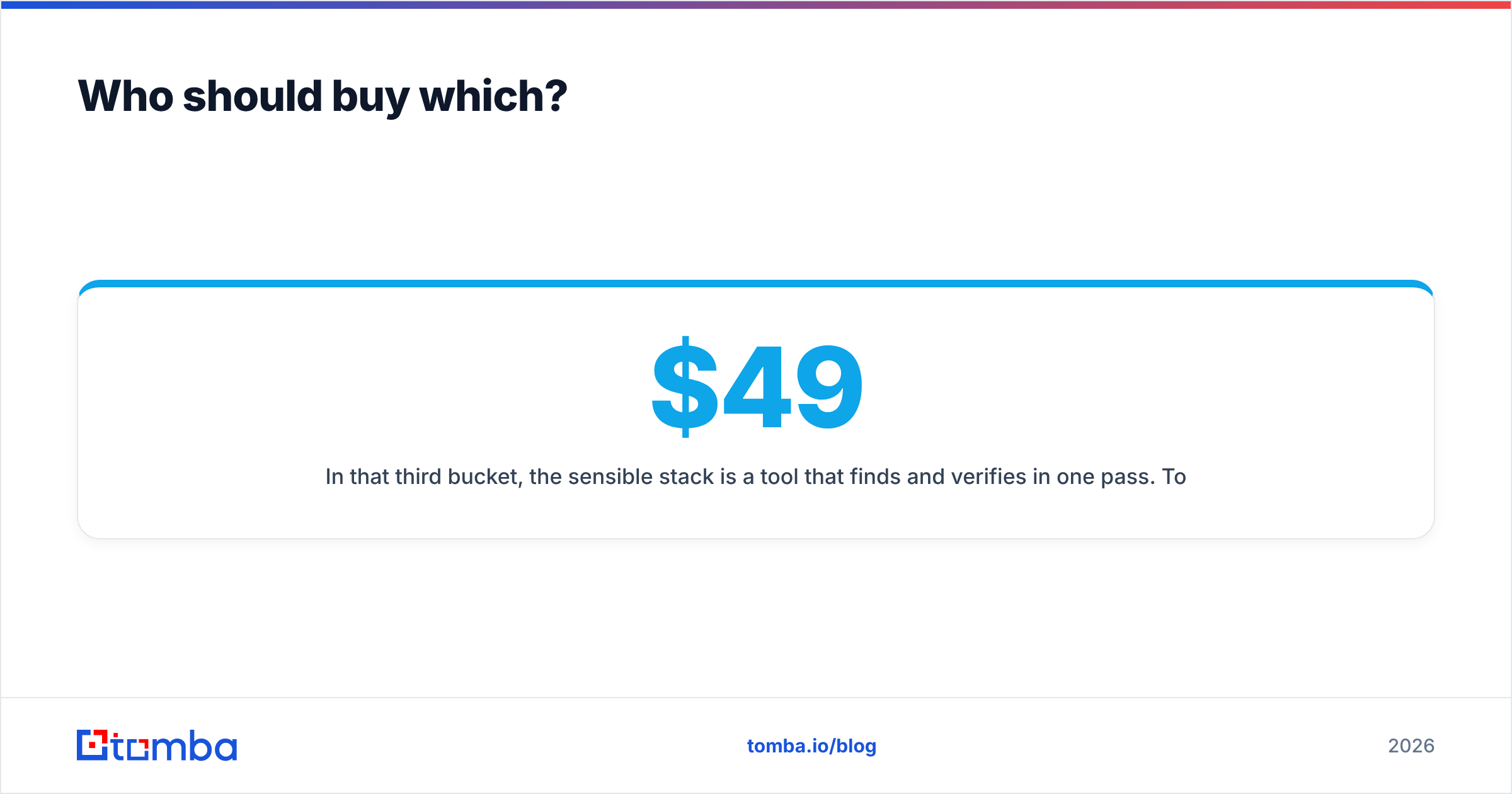
In that third case, the smart stack finds and verifies in one pass. Tomba's email finder returns an address with a confidence score. The email verifier runs the SMTP and MX checks before that address hits your sequencer. Bulk processing handles list-scale jobs.
Pricing is public: a free tier at 25 searches per month, Starter at $49/mo, Growth at $99/mo, and Pro at $249/mo. No annual lock-in and no procurement cycle. Full details sit on the Tomba pricing page.
Other honest options exist. BookYourData is a solid pay-as-you-go contact database with a verified-on-download guarantee. It suits teams who want database breadth without a ZoomInfo-scale contract. Different shape from Tomba, same instinct: buy capacity you actually use.
Can you run both tools together?#
Yes, and plenty of enterprises do. Just know what you are paying for twice.
Many buyers frame DiscoverOrg vs SafetyMails as an either/or choice. It does not have to be. ZoomInfo already verifies the emails it ships. SafetyMails on top is a second opinion. That helps when your sending domain is young or your bounce tolerance is near zero. Think regulated industries, high-value domains, or a freshly warmed inbox. The workflow looks like this:
- Export from ZoomInfo into a staging sheet or CRM view, not straight into your sequencer.
- Deduplicate against current CRM records before you spend any verification credits.
- Run SafetyMails on the deduped list. Split the output into valid, catch-all or risky, and invalid.
- Sequence the valid bucket now. Hold catch-all addresses for a smaller, more personal track.
- Re-verify anything older than 90 days before you reuse it. Data rot is not a one-time event.
If this is your workflow, an email verification API that runs inside the same automation as your finder removes a manual export step. The teams with the lowest bounce rates rarely have the biggest data contract. They are the ones who never let an unverified address reach a sequencer.
What is the verdict?#
The DiscoverOrg vs SafetyMails verdict comes down to which half of the problem you have.
No contacts, enterprise budget, phone-heavy motion? Pick ZoomInfo, formerly DiscoverOrg. It is costly and the contract is rigid, but nothing matches its direct-dial depth.
Existing lists that bounce, no appetite for a contract? Pick SafetyMails. It does one job, does it cleanly, and bills you like a utility.
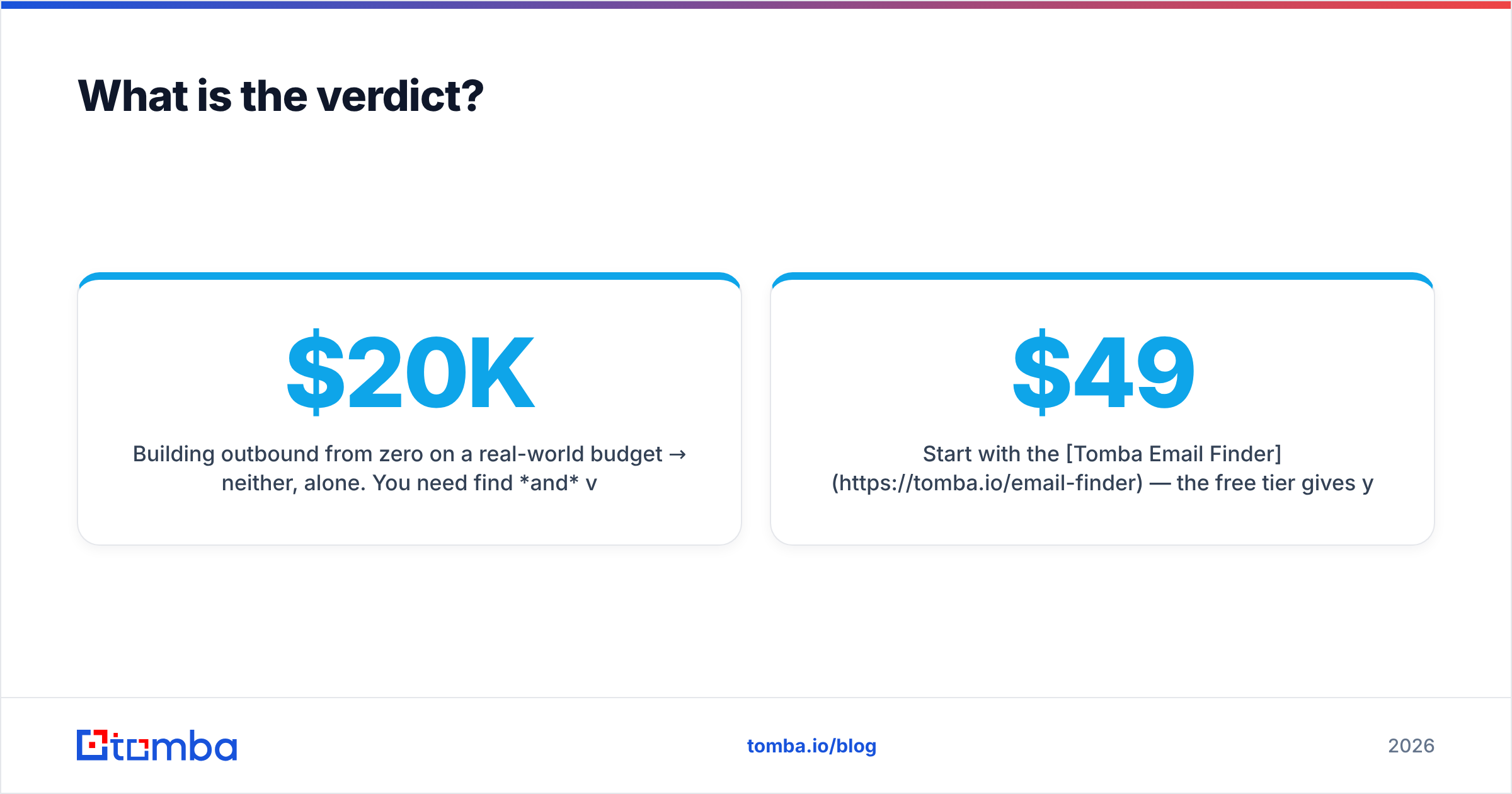
Building outbound from zero on a real budget? Neither, alone. You need find and verify. Paying enterprise rates for the first, then bolting on a second vendor for the second, is how small teams end up with a $20K data line and a 6% bounce rate anyway.
The comparison to run is not really DiscoverOrg vs SafetyMails. It is "one big contract" vs "a stack I can cancel." For most teams reading this, the second option wins on cost, speed, and the freedom to change your mind.
Start with the Tomba Email Finder. The free tier gives you 25 searches a month with verification included. That is enough to test your ICP before anyone signs a purchase order. If the results hold up, Starter at $49/mo covers most solo and small-team outbound. Scale to Growth or Pro when your pipeline says so, not when a sales rep's quota does.
Related guides#
Ready to find emails that actually work?
Join 150,000+ professionals who stopped guessing and started sending. Free credits on signup — no credit card required.
Get the Tomba newsletter
Practical outbound tactics and product updates — once every two weeks.
About the author