EasyLeadz vs Generect (2026): Which B2B Data Tool Wins?
EasyLeadz sells direct dials. Generect sells LinkedIn-native lead lists. They solve different halves of the same problem — here is which one fits your outbound motion, and what each costs you in credits.
TL;DR
- EasyLeadz is a phone-number company. Its Mr. E extension pulls direct dials off LinkedIn profiles, and its coverage is strongest in India and wider APAC. Email is a secondary output, not the main event.
- Generect is a LinkedIn-native list builder. You paste a LinkedIn or Sales Navigator search URL, and it returns structured leads with emails in near real time, plus an API for programmatic pulls.
- They rarely compete head to head. If your reps dial, EasyLeadz wins. If your reps email at volume off LinkedIn segments, Generect wins.
- Both are credit-metered, and both charge you for results you may not be able to use — neither ships a verification layer strong enough to protect a cold domain on its own.
- Neither is the cheapest way to get verified work emails at scale. A dedicated email finder with built-in verification typically costs less per usable contact than a general lead-data platform.
What is EasyLeadz and who actually uses it?#
EasyLeadz is an Indian B2B contact-data company best known for Mr. E, its Chrome extension. You open a LinkedIn profile, click the extension, and it attempts to return that person's direct dial mobile number — the thing SDRs actually want and rarely get from a generic database.
The positioning is narrow on purpose. Most contact platforms treat phone numbers as a bonus field they license from a third party and hope is still valid. EasyLeadz built its business around the phone number, which means its data pipeline, its pricing, and its credit model all revolve around one output. You can read the current product framing on easyleadz.com.
Who it fits:
- Teams selling into India, Southeast Asia, or the Middle East, where most US-built databases fall off a cliff
- Cold-calling-first motions where a mobile number is worth more than five emails
- Recruiters and agency sourcers who need a number now, not a list next week
Where it frustrates people: bulk work. The extension is a one-profile-at-a-time interaction by design. There is an API and bulk enrichment, but the pricing math changes fast when you move from 200 lookups a month to 20,000.
What is Generect and how is it different?#
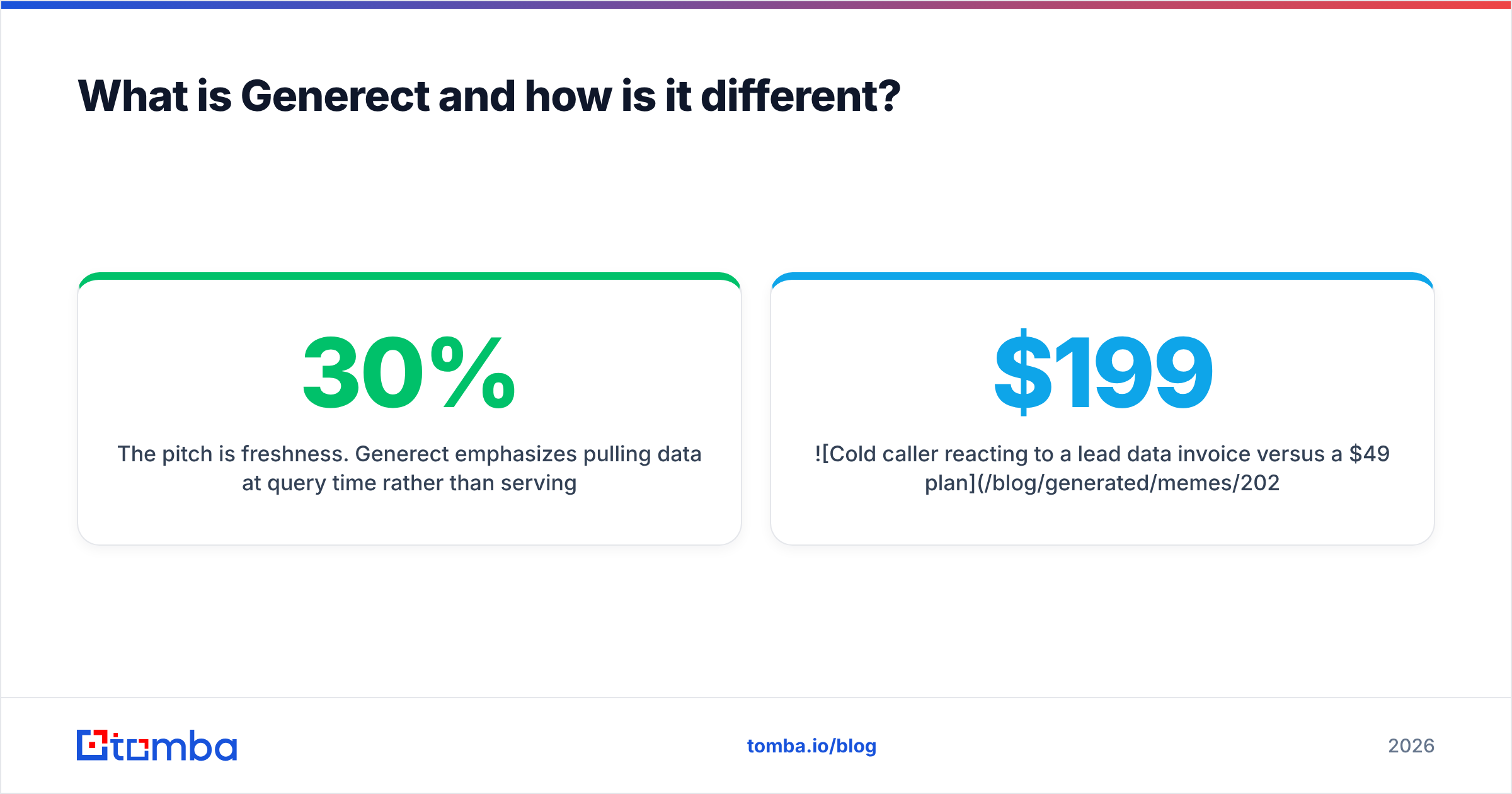
Generect approaches the same market from the list-building side. Instead of enriching one profile at a time, you hand it a LinkedIn search URL or a Sales Navigator search, and it returns the matching people or companies as structured records — name, title, company, LinkedIn URL, and email where available.
The pitch is freshness. Generect emphasizes pulling data at query time rather than serving you a snapshot of a database that was last refreshed nine months ago. That matters more than most buyers realize: job-change churn in B2B runs roughly 20–30% a year, so any static database is decaying while you pay for it. Their product pages live at generect.com.
Who it fits:
- Email-led outbound teams that segment by title, headcount, geography, and tech
- Agencies building lists for multiple clients who want an API instead of a UI
- Ops people wiring lead flow into a CRM or sequencer without a human in the loop
Where it frustrates people: phone coverage is thin compared to a phone-first vendor, and LinkedIn-derived pipelines are inherently fragile — anything built on a platform that actively fights scraping carries operational risk you do not control.

EasyLeadz vs Generect: how do they compare feature by feature?#
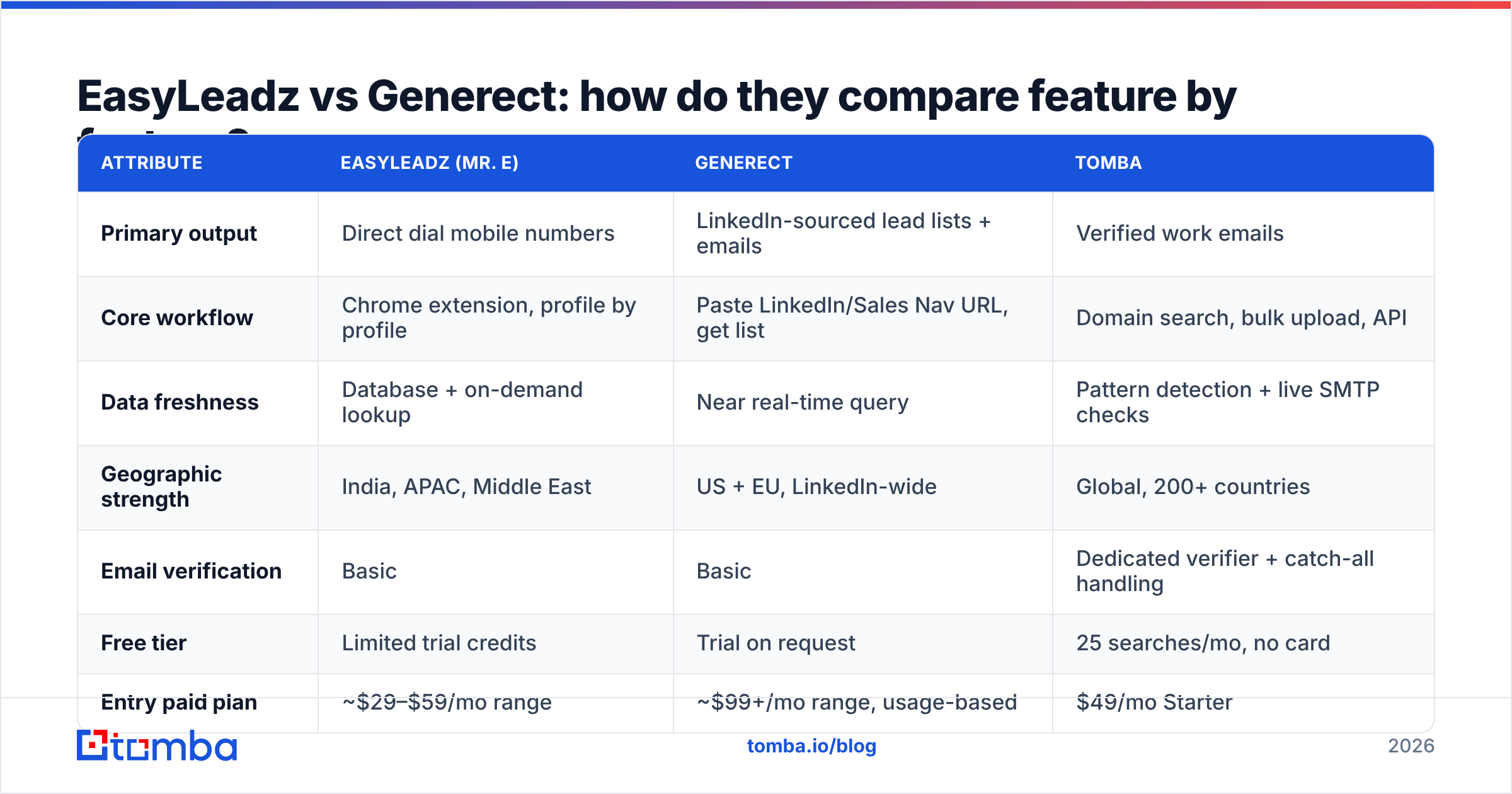
Here is the honest side-by-side. Pricing moves; treat these as directional and confirm on each vendor's page before you sign anything.
| Attribute | EasyLeadz (Mr. E) | Generect | Tomba |
|---|---|---|---|
| Primary output | Direct dial mobile numbers | LinkedIn-sourced lead lists + emails | Verified work emails |
| Core workflow | Chrome extension, profile by profile | Paste LinkedIn/Sales Nav URL, get list | Domain search, bulk upload, API |
| Data freshness | Database + on-demand lookup | Near real-time query | Pattern detection + live SMTP checks |
| Geographic strength | India, APAC, Middle East | US + EU, LinkedIn-wide | Global, 200+ countries |
| Email verification | Basic | Basic | Dedicated verifier + catch-all handling |
| Free tier | Limited trial credits | Trial on request | 25 searches/mo, no card |
| Entry paid plan | ~$29–$59/mo range | ~$99+/mo range, usage-based | $49/mo Starter |
| API | Yes | Yes, API-first | Yes, plus CLI, MCP, Sheets, Excel |
| Best for | Cold calling APAC | LinkedIn-segment email lists | High-volume verified email outbound |
The table exposes the real decision. You are not choosing between two versions of the same tool — you are choosing which channel you are betting on. EasyLeadz is a bet on the phone. Generect is a bet on LinkedIn segmentation feeding email.
Which one has better data accuracy?#
Accuracy claims in this category are close to meaningless without definitions, so start by pinning down what each vendor is measuring.
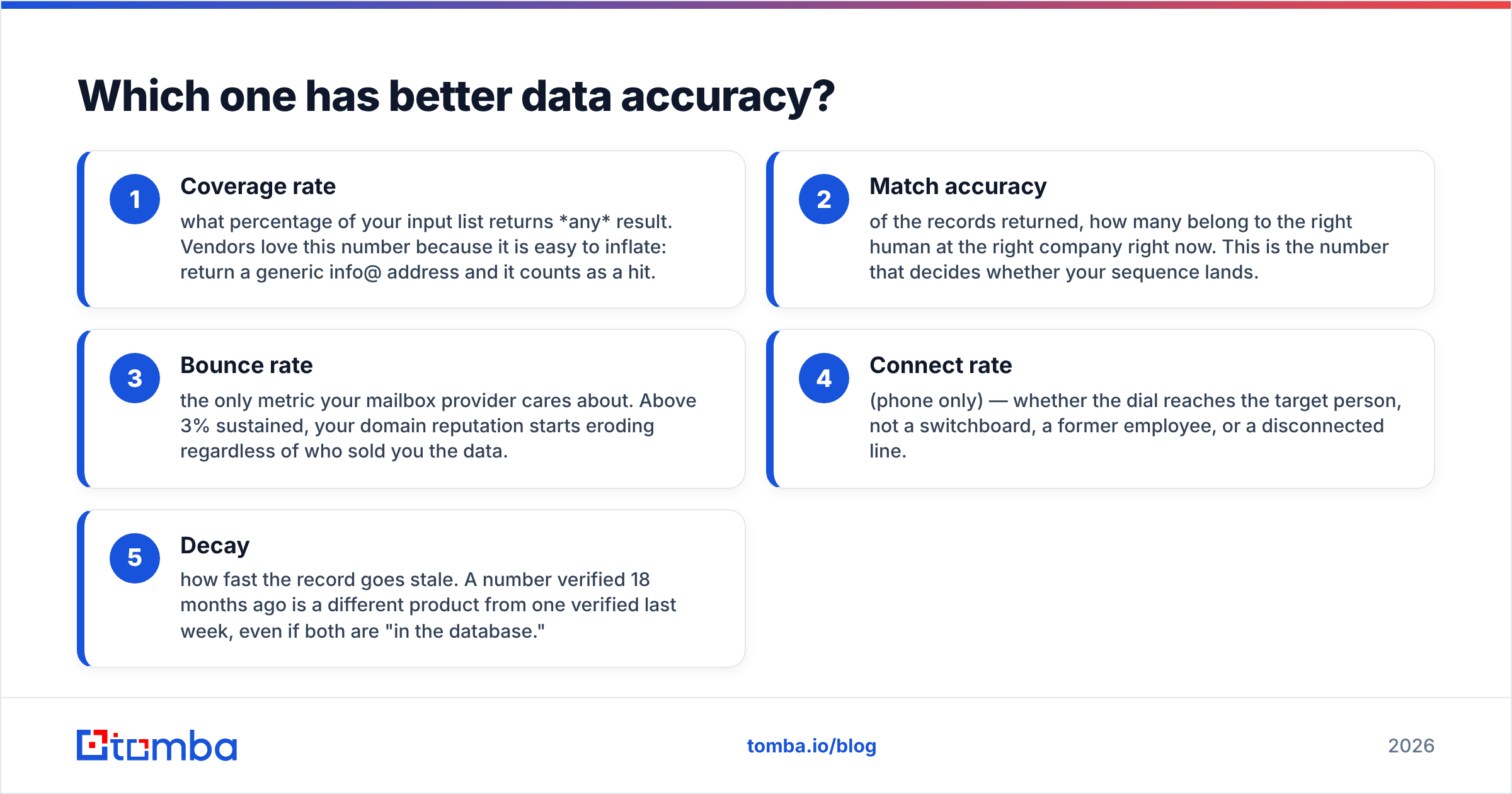
- Coverage rate — what percentage of your input list returns any result. Vendors love this number because it is easy to inflate: return a generic info@ address and it counts as a hit.
- Match accuracy — of the records returned, how many belong to the right human at the right company right now. This is the number that decides whether your sequence lands.
- Bounce rate — the only metric your mailbox provider cares about. Above 3% sustained, your domain reputation starts eroding regardless of who sold you the data.
- Connect rate (phone only) — whether the dial reaches the target person, not a switchboard, a former employee, or a disconnected line.
- Decay — how fast the record goes stale. A number verified 18 months ago is a different product from one verified last week, even if both are "in the database."
EasyLeadz publishes strong mobile-number accuracy figures for its home markets, and user reviews on G2 broadly support that for India-heavy lists while noting sharper drop-off in North America and Western Europe. Generect's real-time model avoids the staleness problem for firmographic and title data, but email discovery on LinkedIn-sourced profiles still relies on pattern inference — which means a portion of what you get is a plausible guess, not a confirmed mailbox.

That distinction is where most outbound programs quietly bleed money. A guessed address that matches the company's dominant pattern will look correct in a CSV and still bounce, because the person left, uses a legacy alias, or sits on a subdomain. The fix is not a better guesser — it is a separate verification pass. Running results through an email verifier before they touch your sequencer is the cheapest insurance in the stack, and it is a step neither of these platforms fully owns.
How does pricing really compare?#
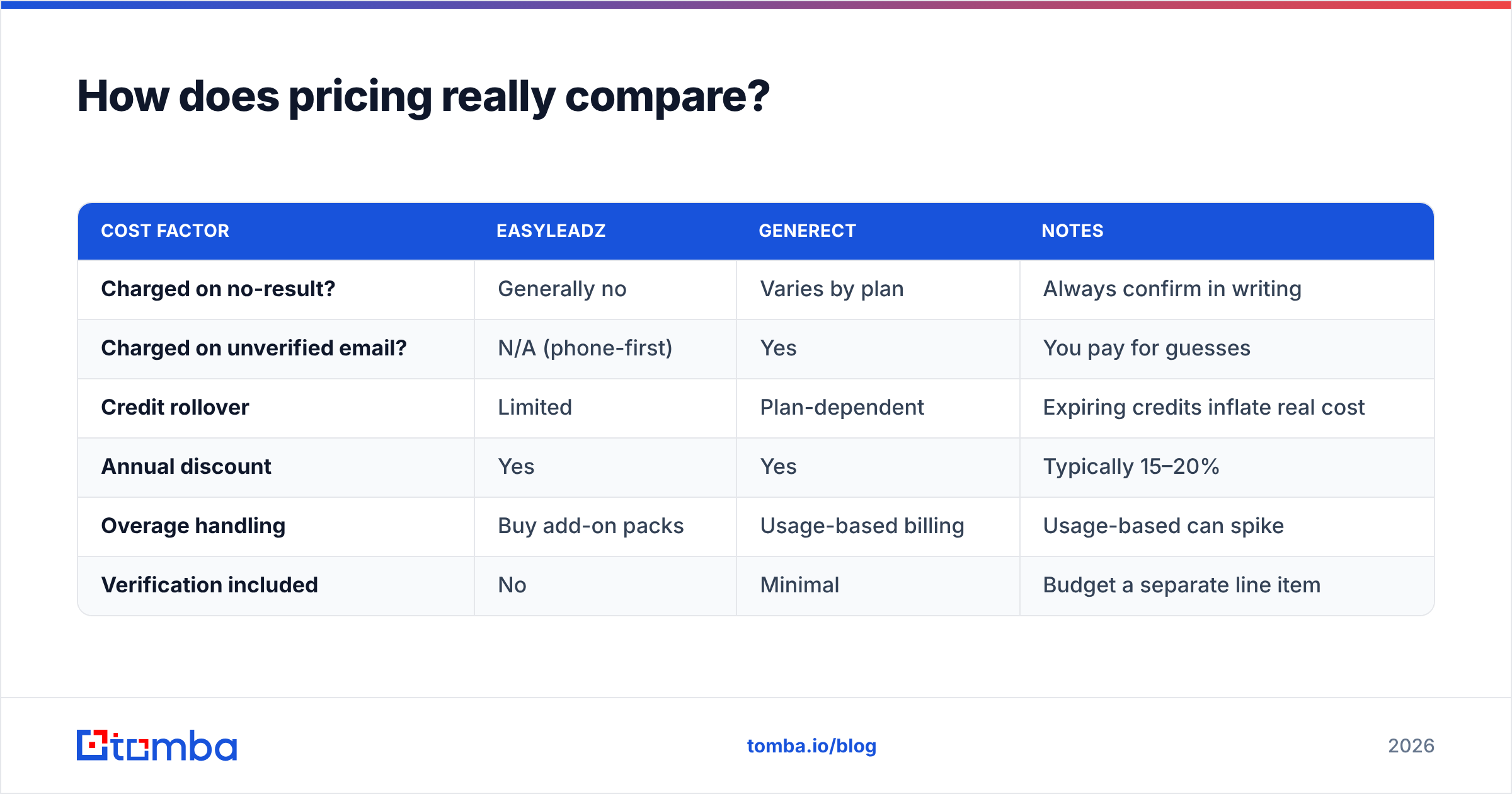
Both vendors use credits, and credits are where comparisons go to die. A "credit" at EasyLeadz buys a phone lookup. A "credit" at Generect buys a lead record. They are not interchangeable units, so comparing sticker prices tells you almost nothing.
Model it on cost per usable contact instead:
| Cost factor | EasyLeadz | Generect | Notes |
|---|---|---|---|
| Charged on no-result? | Generally no | Varies by plan | Always confirm in writing |
| Charged on unverified email? | N/A (phone-first) | Yes | You pay for guesses |
| Credit rollover | Limited | Plan-dependent | Expiring credits inflate real cost |
| Annual discount | Yes | Yes | Typically 15–20% |
| Overage handling | Buy add-on packs | Usage-based billing | Usage-based can spike |
| Verification included | No | Minimal | Budget a separate line item |
The practical maths: if a platform charges you for 1,000 email records and 22% of them bounce or belong to someone who left, your effective cost per usable contact is roughly 28% higher than the invoice implies. Two hundred and twenty wasted records at a $199 monthly spend is not a rounding error — it is $44 of pure waste plus the deliverability damage, which costs far more than the credits.
Tomba's pricing is deliberately boring by comparison: Free at 25 searches per month, Starter at $49, Growth at $99, Pro at $249, Enterprise custom — with verification built into the same workflow rather than sold as a second subscription. That is not a claim that Tomba beats either tool at their specialty. It is a claim that the email half of the job costs less when it is not bundled into a general-purpose data platform.

When should you choose EasyLeadz?#
Pick EasyLeadz when the phone is your primary channel and your ICP sits in a region where US-centric databases underperform.
Concrete signals:
- More than 40% of your pipeline comes from dials. Direct-dial density beats every other data attribute for you.
- Your target market is India, UAE, Singapore, or wider APAC. This is EasyLeadz's structural advantage and it is a real one.
- Your reps work in LinkedIn all day. The extension fits that muscle memory with no workflow change.
- Volume is moderate. A few hundred to a few thousand lookups a month keeps the credit maths sane.
Skip it if you need 50,000 verified emails a quarter for a US-only ABM push. That is not the product, and forcing it into that shape gets expensive fast. If you want phone data alongside a primarily email-driven program, a standalone phone finder plus a dedicated email tool is usually cheaper than paying phone-tier pricing for both.

When should you choose Generect?#
Pick Generect when list construction — not enrichment — is your bottleneck.
- You think in LinkedIn segments. "Series B fintechs in DACH, 50–200 headcount, Head of Ops and above" is a query you run weekly.
- You want an API, not a UI. Generect is comfortable being infrastructure behind your own tooling.
- Freshness matters more than depth. You would rather have 800 current records than 3,000 records of unknown age.
- You run agency-style workflows across multiple client ICPs and need to spin up new lists constantly.
The caveat worth stating plainly: any product whose supply chain runs through LinkedIn inherits LinkedIn's enforcement posture. That is not a knock on Generect specifically — it applies to every tool in that category, including several with far bigger valuations. Just do not make it your only source. If LinkedIn-derived pipelines are core to your motion, pair them with a domain-based source like domain search, which derives contacts from the company's own web footprint and does not depend on a third-party platform's tolerance.
Where does Tomba fit in this comparison?#
Tomba is not trying to be either of these tools, and pretending otherwise would waste your time.
Tomba is an email finder with verification attached. It finds addresses by domain, by name plus company, or in bulk, and it checks them — including the awkward cases like catch-all domains that most tools either skip or silently mark as valid. Alongside the finder sit a verifier, a domain search, a phone finder, and enrichment, all on the same credit pool and the same API.
Where it genuinely beats both in this comparison: cost per verified email at volume, and workflow coverage — Chrome extension, Google Sheets, Excel, CLI, MCP server, and direct integrations, so the data lands where your team already works instead of in another dashboard nobody opens.
Where it does not: Tomba will not out-dial EasyLeadz in Mumbai, and it does not turn a Sales Navigator URL into a list the way Generect does. If those are your jobs to be done, buy the tool built for them.
The realistic stack for most mid-market outbound teams in 2026 is not one vendor. It is a list-building source, an email finder with verification, and — if you dial — a phone specialist. Trying to collapse all three into a single subscription is how teams end up paying premium rates for mediocre coverage in two of the three categories.
How should you run the evaluation?#
Do not trust anyone's published accuracy number, including this post's summary of them. Run the same test on both:
- Build one control list of 200 contacts you can independently verify — customers, past pipeline, people you already have real addresses and numbers for.
- Run it through both tools on trial credits. Do not use their sample data.
- Score coverage and match separately. Count blanks and wrong-person hits as distinct failures.
- Verify every returned email through a neutral third-party checker before counting it as valid.
- Divide total spend by usable contacts. That number, not the plan price, is your real cost.
- Repeat in 90 days on a fresh control list. Data quality drifts, and vendors optimize hardest around new-customer trials.
Most teams that run this test properly find the ranking is not what the sales calls implied — and that the gap between "records delivered" and "records you could actually contact" is wider than any vendor's marketing suggests.
The bottom line#
EasyLeadz and Generect are complements more often than competitors. Phone-first APAC outbound points at EasyLeadz. LinkedIn-segment email lists point at Generect. If your outbound is fundamentally email-driven and you are tired of paying platform prices for guessed addresses, start with the layer that decides whether any of it lands: finding and verifying the address itself.
Run 25 free searches on the Tomba Email Finder — no card, no sales call — and compare the results against whatever you are paying for today on the same control list. If Tomba does not win on cost per verified contact, you will have a much sharper number to negotiate with.
Related guides#
Ready to find emails that actually work?
Join 150,000+ professionals who stopped guessing and started sending. Free credits on signup — no credit card required.
Get the Tomba newsletter
Practical outbound tactics and product updates — once every two weeks.
About the author