Email Check vs Generect: Accuracy, Pricing and Verdict
Email Check verifies addresses you already have. Generect finds new B2B leads. Here's how the two compare on accuracy, pricing, API access, and which one your outbound motion actually needs in 2026.
TL;DR
- They are not the same category. Email Check (email-checker.net) is a verification utility — you feed it addresses you already have. Generect is a B2B lead-data platform built around LinkedIn-sourced company and people search — it hands you addresses you did not have.
- If your problem is bounces, a verifier is the cheaper fix. If your problem is not enough contacts, a verifier will not help you at all.
- Generect costs meaningfully more per month because you are paying for data, not a syntax and SMTP check. Compare cost per usable contact, not cost per credit.
- Neither tool covers the full loop — find, verify, enrich, export — in one credit pool. That is where combined platforms like Tomba, Apollo, or Dropcontact compete.
- Our pick: verification-only budget → Email Check or a bulk verifier. Full prospecting loop with an API → Generect if you live inside LinkedIn data, Tomba if you want find + verify + enrich under one $49/mo entry plan.
What exactly are Email Check and Generect?#
Email Check is the common shorthand for email-checker.net, a lightweight email verification service. You paste an address (or upload a list), and it runs the standard validation chain: syntax parsing, domain and MX record lookup, disposable-domain matching, role-account detection, and an SMTP handshake that asks the receiving server whether the mailbox exists without actually delivering a message. It has a free single-check widget on the homepage and paid credit packs for bulk work. That is the whole product. There is no search, no company database, no enrichment.
Generect (generect.com) sits at the other end of the funnel. It is a B2B lead-generation platform whose selling point is real-time lead sourcing built on LinkedIn data — company search, people search, filters by headcount, industry, geography, seniority, and technology, plus contact data (business emails, sometimes phones) attached to those profiles. It leans heavily on API access and is popular with agencies and dev-savvy teams who want to pipe leads directly into a sequencer or CRM rather than clicking through a UI.
So the honest framing of "email check vs Generect" is not which tool is better. It is which stage of the pipeline is currently broken for you.
Which problem are you actually trying to solve?#
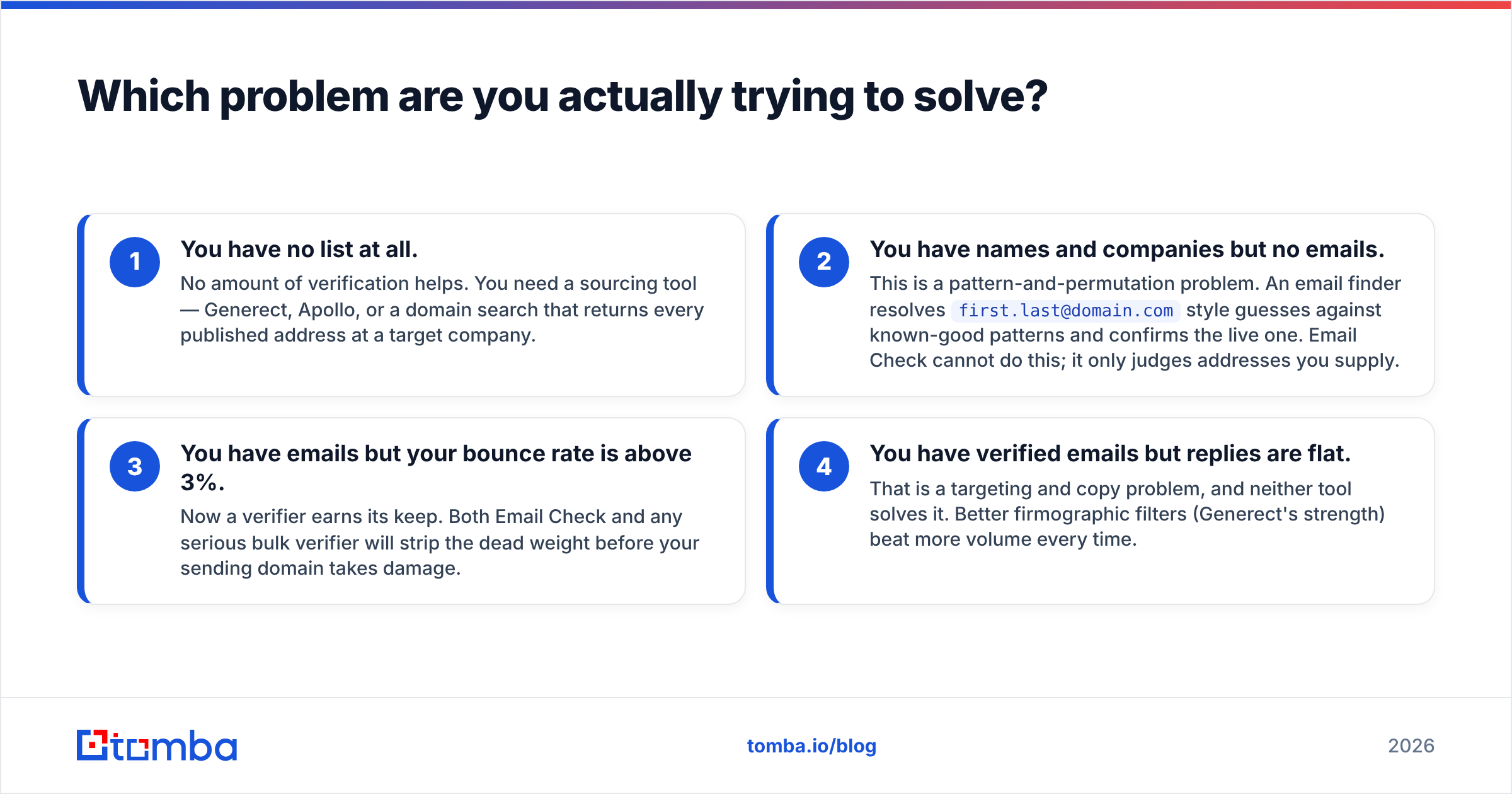
Before you compare feature grids, diagnose the bottleneck. Outbound breaks in four distinct places, and each has a different fix:
- You have no list at all. No amount of verification helps. You need a sourcing tool — Generect, Apollo, or a domain search that returns every published address at a target company.
- You have names and companies but no emails. This is a pattern-and-permutation problem. An email finder resolves
first.last@domain.comstyle guesses against known-good patterns and confirms the live one. Email Check cannot do this; it only judges addresses you supply. - You have emails but your bounce rate is above 3%. Now a verifier earns its keep. Both Email Check and any serious bulk verifier will strip the dead weight before your sending domain takes damage.
- You have verified emails but replies are flat. That is a targeting and copy problem, and neither tool solves it. Better firmographic filters (Generect's strength) beat more volume every time.

Teams routinely buy the wrong tool here. They see a 19% bounce rate, buy a lead database, and end up with a bigger list that still bounces because the vendor's data was scraped 14 months ago and never re-validated.
How accurate is each one?#
Accuracy means different things for a verifier and a finder, so measure them differently.
For Email Check, accuracy means: when it says "valid," is the mailbox live? Verification services generally land in the 95–98% range on standard mailboxes, and their real differentiator is how they handle the hard cases:
- Catch-all domains — servers configured to accept mail for any address. An SMTP probe returns "OK" for
asdfgh@company.comjust as readily as for the CEO. Weak verifiers mark these "valid" and you eat the bounce later. Better ones flag them separately, which is why a dedicated catch-all verifier exists as its own product category. - Greylisting and rate limits — Google Workspace and Microsoft 365 throttle or refuse repeated probes from the same IP. Services with small IP pools return more "unknown" results.
- Role accounts —
info@,sales@,support@are technically valid and commercially useless for most outbound.
For Generect, accuracy means: is this the person's current work email at their current employer? LinkedIn-derived data has a real advantage on job-change freshness, which is the single largest source of decay in B2B databases — roughly a fifth of contacts go stale each year through role changes alone. But LinkedIn does not publish work emails, so the address itself is still inferred or sourced elsewhere and needs its own validation pass.

The practical takeaway: any lead database's emails should be re-verified before send, including Generect's. Vendors quote accuracy on their own sample; your ICP is not their sample. Run a 500-contact pilot, send, and measure the real bounce rate. That number is the only accuracy figure that matters.

How do Email Check and Generect compare head to head?#

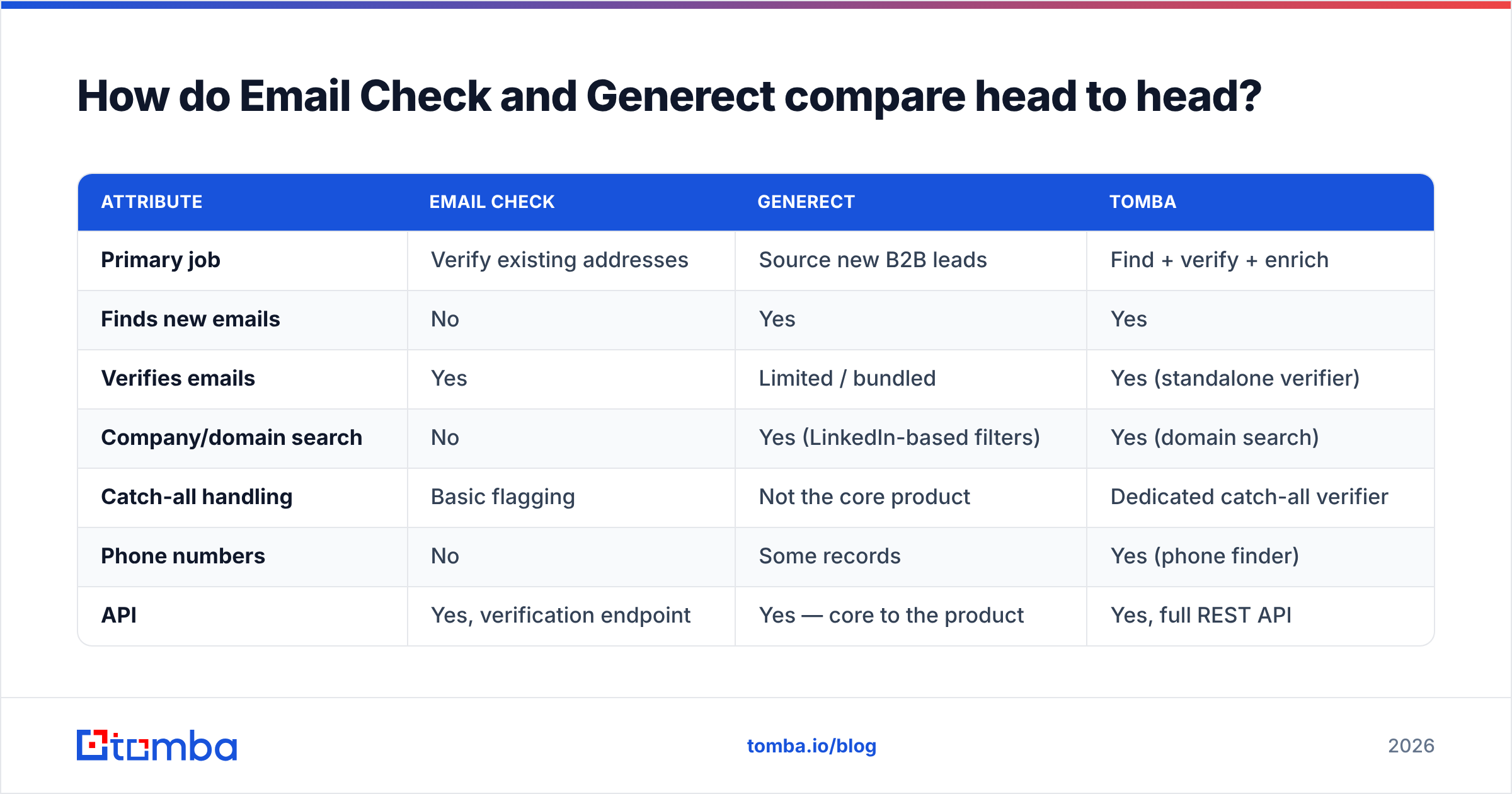
| Attribute | Email Check | Generect | Tomba |
|---|---|---|---|
| Primary job | Verify existing addresses | Source new B2B leads | Find + verify + enrich |
| Finds new emails | No | Yes | Yes |
| Verifies emails | Yes | Limited / bundled | Yes (standalone verifier) |
| Company/domain search | No | Yes (LinkedIn-based filters) | Yes (domain search) |
| Catch-all handling | Basic flagging | Not the core product | Dedicated catch-all verifier |
| Phone numbers | No | Some records | Yes (phone finder) |
| API | Yes, verification endpoint | Yes — core to the product | Yes, full REST API |
| Free tier | Free single checks | Trial/demo, sales-led | 25 searches/mo, no card |
| Entry paid plan | Low-cost credit packs | Mid-to-high monthly, quote-driven | $49/mo Starter |
| Best for | Cleaning a list you already own | Agencies and dev teams building lead pipelines | Teams wanting one credit pool for the whole loop |
| Weak spot | Cannot source anything | Costs more; emails still need verification | Smaller LinkedIn-graph filtering than dedicated databases |
Two caveats on this table. First, Generect's pricing is largely quote-driven and tiered by volume and API access, so published numbers move — check their site before budgeting. Second, "limited/bundled verification" means Generect does validate what it returns, but it is not sold as a standalone verification product the way Email Check is; if you need a monthly hygiene pass across a 200,000-row CRM, that is not the tool.
What does each one actually cost per usable contact?#
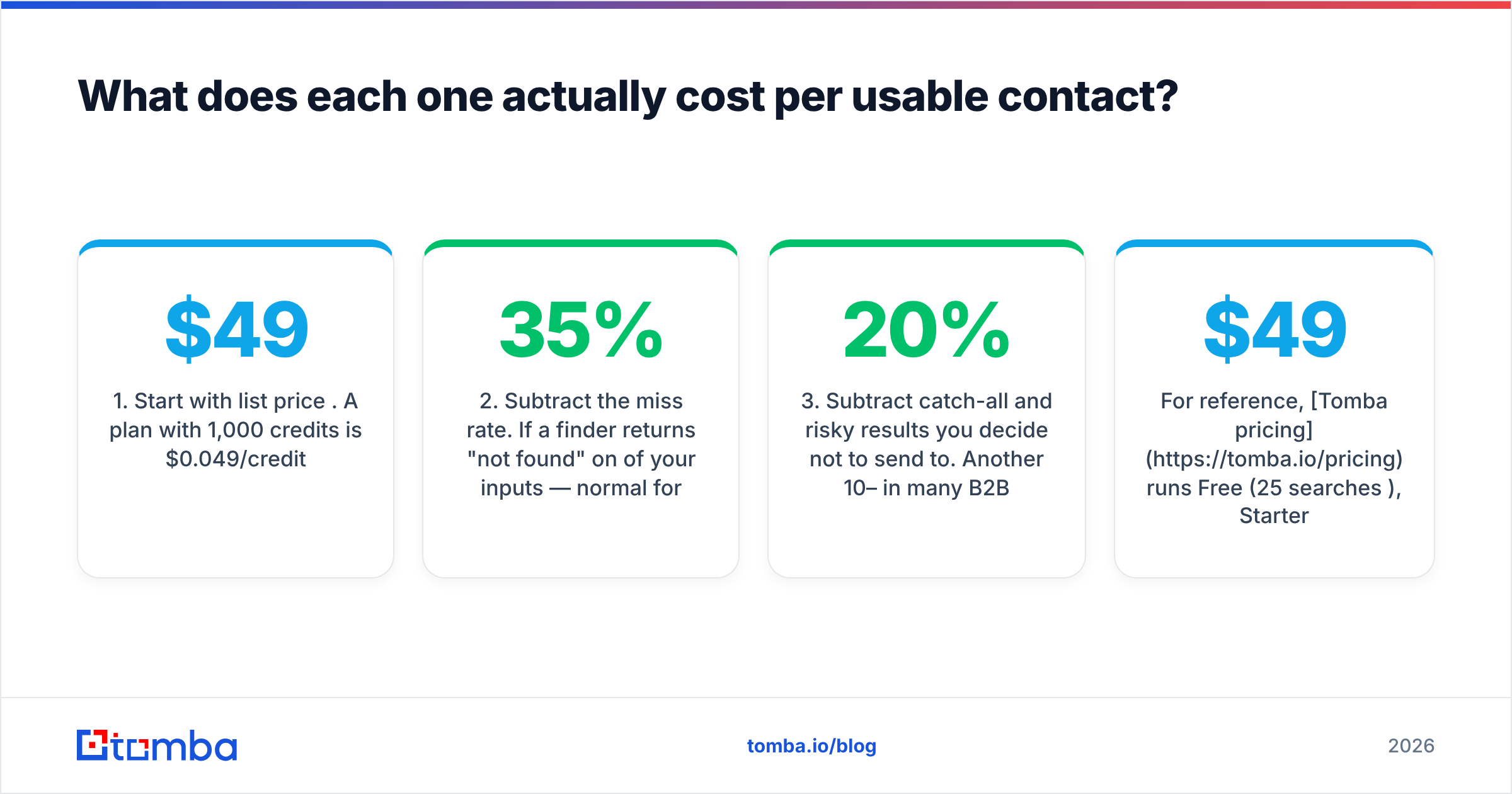
Credit pricing is the most misleading number in this category. What you care about is cost per contact that is deliverable and matches your ICP.
Work the math like this:
- Start with list price per credit. A $49 plan with 1,000 credits is $0.049/credit.
- Subtract the miss rate. If a finder returns "not found" on 35% of your inputs — normal for small companies and non-Western domains — but still charges you, your real cost is $0.075.
- Subtract catch-all and risky results you decide not to send to. Another 10–20% in many B2B verticals.
- Subtract ICP misses. A database that returns the right email for the wrong persona costs you full price for zero pipeline.
Under that lens, a cheap verifier looks great on step 1 and irrelevant on steps 2 and 4, because it never sourced anything. A premium lead database looks expensive on step 1 and can win outright on step 4 if its filters genuinely match your segment.
For reference, Tomba pricing runs Free (25 searches/month), Starter at $49/mo, Growth at $99/mo, Pro at $249/mo, and custom Enterprise — with finding, verifying, data enrichment, and bulk email finder jobs drawing from the same pool, so you are not reconciling three separate credit balances at renewal. Whichever vendor you pick, check whether verification credits and search credits are separate; on several platforms they are, and that doubles your effective spend without appearing on the pricing page.
Which one fits your workflow?#
Pick based on how your team actually works, not on the longest feature list:
- Solo founder doing 30 emails a week. You do not need either as a paid subscription. Use a free single-address checker and a free email checker for one-offs. Upgrade only when manual lookup costs you more than an hour a week.
- Two-person SDR team, 2,000 emails/month. A finder-plus-verifier on one plan beats stitching a database to a separate verifier. Entry-tier plans around $49/mo are the sweet spot.
- Agency running lead gen for 10 clients. Generect's API-first model and filter depth pay off here, because you are re-running similar searches across many ICPs and piping results into client CRMs programmatically.
- RevOps cleaning a 250k-row CRM. This is pure hygiene. A dedicated bulk verifier — Email Check, an email verifier, ZeroBounce — is the right buy. Do not pay database prices to validate records you already own.
- Engineering-led growth team. Whoever has the cleaner API docs, sane rate limits, and predictable error codes wins. Test both with a real key before you commit; a Tomba API style REST endpoint with per-request status transparency saves days of integration guesswork.
What about deliverability beyond verification?#
Verification protects you from hard bounces. It does not protect your sender reputation from everything else that gets you filtered:
- Authentication. SPF, DKIM, and DMARC records must be published and aligned. Google and Yahoo have enforced bulk-sender requirements since 2024, and unauthenticated mail is increasingly rejected outright rather than filed to spam.
- Volume ramp. A cold domain sending 500 messages on day one gets throttled regardless of list quality.
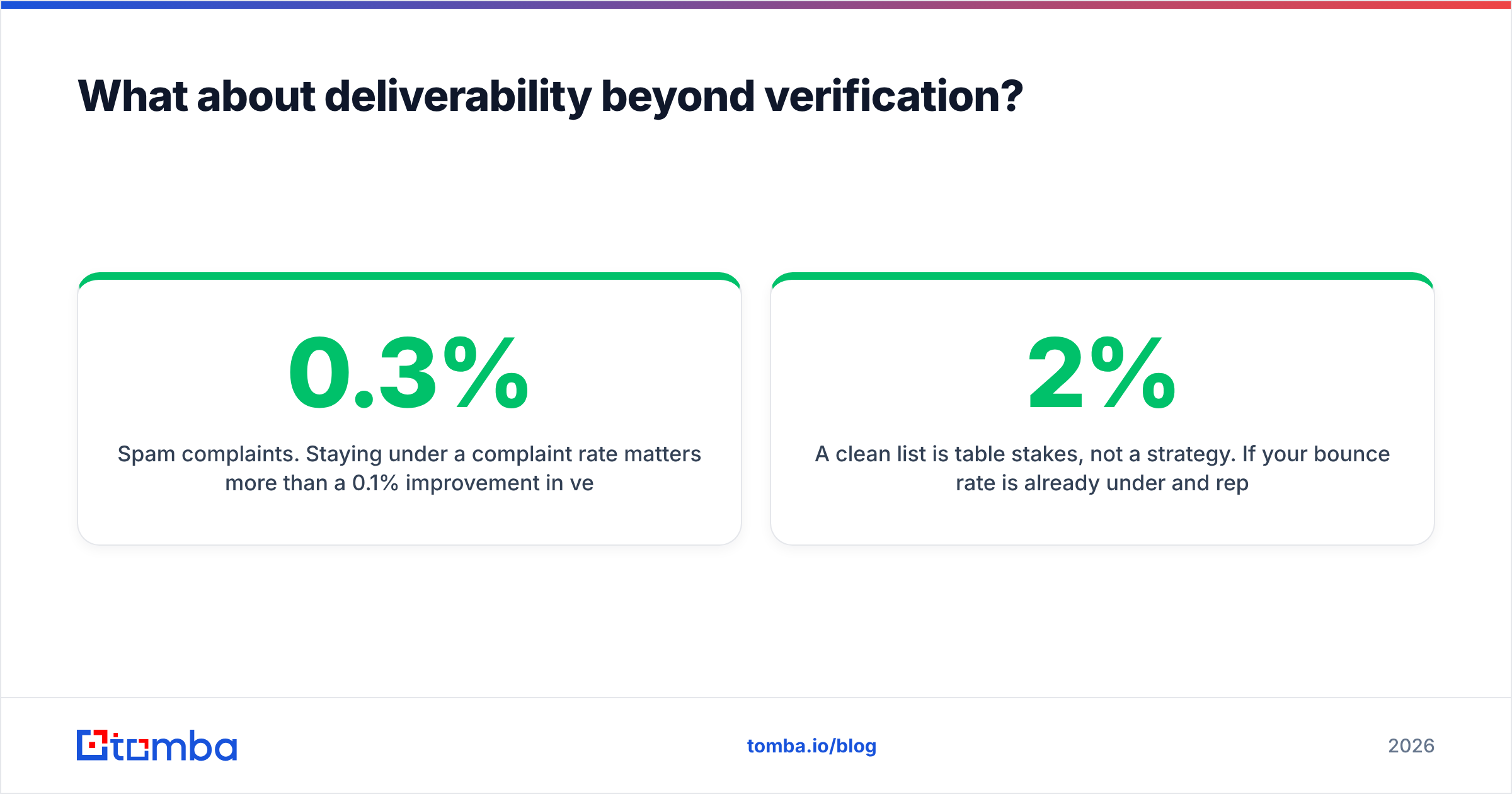
- Spam complaints. Staying under a 0.3% complaint rate matters more than a 0.1% improvement in verification accuracy.
- Content and links. Multiple tracking redirects on a new domain is a common, self-inflicted deliverability wound.
A clean list is table stakes, not a strategy. If your bounce rate is already under 2% and replies are still flat, more verification spend will not move the needle — targeting and offer will.
So which should you choose?#
Choose Email Check if your list already exists, your only measurable problem is bounces, and you want the cheapest credible way to clean it. It does one job and does not pretend otherwise, which is genuinely a virtue in a category full of bloated suites.
Choose Generect if you are sourcing net-new B2B leads at volume, your ICP is well-defined by firmographic and LinkedIn-visible attributes, and you want to drive everything through an API rather than a UI. Budget for a verification pass on top; treat that as a cost of doing business with any lead database, not a knock against Generect specifically.
Choose a combined platform if you are tired of reconciling two vendors, two credit systems, and two support queues for what is functionally one workflow. Finding an address and confirming it is deliverable are two halves of the same question, and splitting them across vendors adds latency and reconciliation work with no upside.
One last piece of advice that applies regardless of vendor: run a 500-contact bake-off before you sign an annual contract. Same input list, same day, both tools. Measure match rate, bounce rate after send, and how many results your reps flag as wrong-persona. Vendor-published accuracy claims — including ours — are marketing until you reproduce them on your own data. Peer review sites like G2 are useful for spotting support and billing complaints that never appear on a pricing page, but they will not tell you how a tool performs on your segment.
Ready to test the find-plus-verify half of this yourself? The Tomba Email Finder returns a confidence score and a verification status on every lookup, so you are not paying for a guess and then paying again to check it. The free tier gives you 25 searches a month with no card required — enough to run a real accuracy test against whatever you are using today. If it wins on your list, Starter is $49/mo; if it doesn't, you have lost nothing but an afternoon.
Related guides#
Ready to find emails that actually work?
Join 150,000+ professionals who stopped guessing and started sending. Free credits on signup — no credit card required.
Get the Tomba newsletter
Practical outbound tactics and product updates — once every two weeks.
About the author