Emailchaser vs LeadEngine AI (2026): Honest Feature Comparison
Emailchaser sells simplicity. LeadEngine AI sells automation. We break down pricing models, data quality, deliverability controls and where each one quietly falls short — plus what to pair with either.
Emailchaser vs LeadEngine AI comes down to one choice. Do you bring your own list, or let a tool build one for you? This guide compares both on price, data quality, and deliverability. Short version first.
TL;DR
- Emailchaser is a lightweight cold email sending tool: simple sequences, flat per-user pricing, minimal setup. It is built for solo founders and small agencies who want to send, not to configure.
- LeadEngine AI sits in the AI-lead-generation bucket: automated prospect discovery, AI-written copy, and workflow automation sold on a credit or quote basis.
- The real difference is not features — it is who owns the data. Emailchaser assumes you bring a list. LeadEngine AI promises to build one for you, which is exactly where accuracy risk concentrates.
- Neither is a serious email verification layer. Bounce control is where both leave you exposed, and it is the cheapest problem to fix.
- Pick Emailchaser if you already have clean contacts and want cheap, predictable sending. Pick LeadEngine AI if you need discovery plus automation and can tolerate credit-based billing. Pair either with a dedicated finder and verifier.
Emailchaser vs LeadEngine AI: what are they, really?#
They solve different halves of the same job, which is why head-to-head comparisons usually confuse people.
Emailchaser is cold email software. You import contacts, connect a mailbox (Google Workspace or Microsoft 365), write a sequence with follow-ups, and it sends on a schedule with reply detection. Its whole pitch is that it strips out the enterprise bloat — no 40-step workflow builder, no per-seat sales call, no six-week onboarding. It bundles a basic email lookup so you are not completely stranded without a list, but sending is the product.
LeadEngine AI markets itself in the opposite direction: an AI layer that finds prospects, scores them, generates personalized copy, and pushes the whole thing into an automated sequence. The category it competes in — AI SDR / AI lead engine — has exploded since 2024, and vendors in it tend to share a common shape: a proprietary or licensed contact database, an LLM personalization step, and a credits meter running underneath everything.
That shape matters. When a tool bundles discovery, enrichment, and sending into one credit pool, you stop being able to see which part is failing. A 14% bounce rate could be stale data, a bad catch-all guess, or a warmed-too-fast mailbox. One invoice, three possible culprits.

How do the two compare feature by feature?#
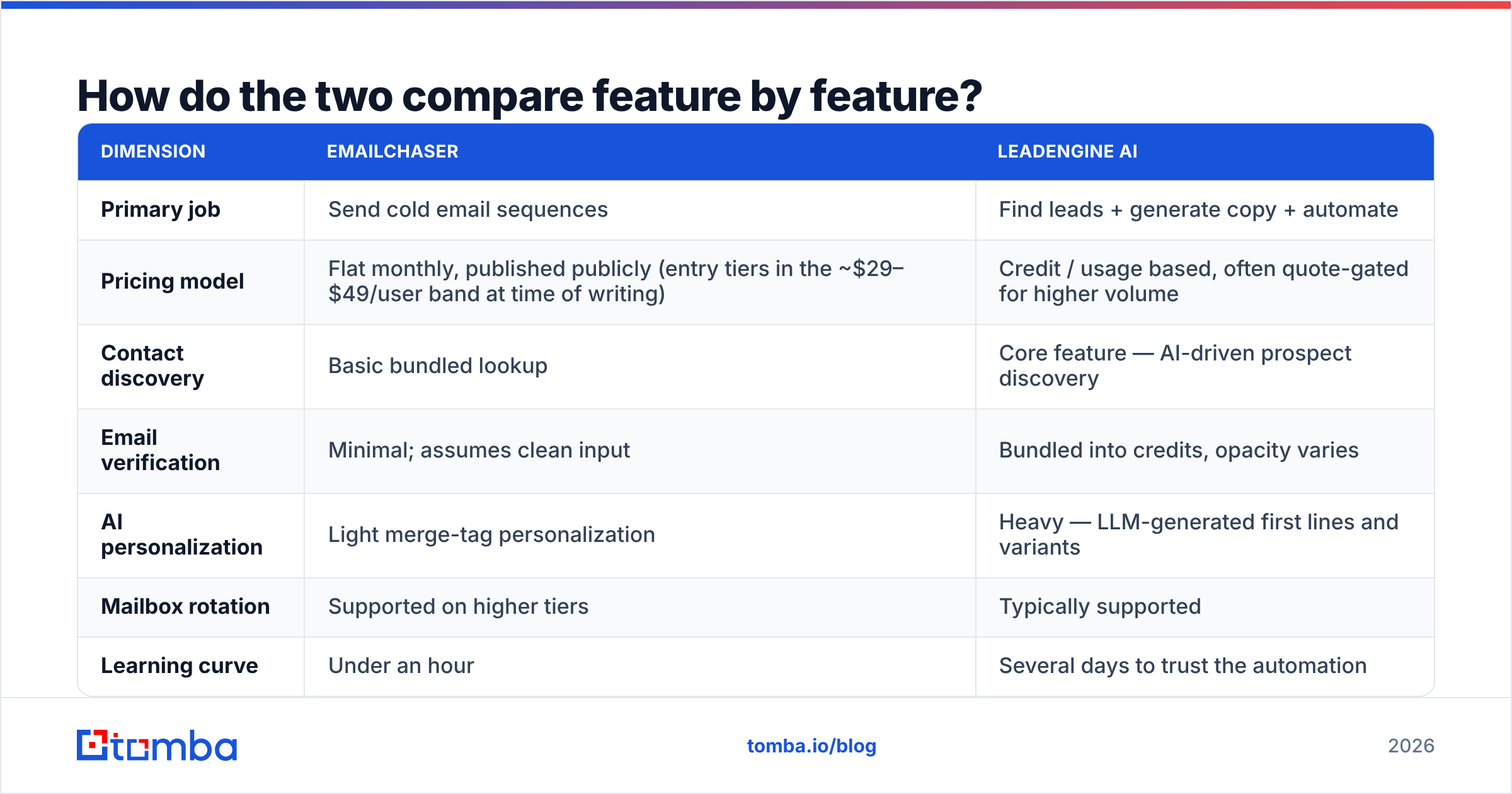
| Dimension | Emailchaser | LeadEngine AI |
|---|---|---|
| Primary job | Send cold email sequences | Find leads + generate copy + automate |
| Pricing model | Flat monthly, published publicly (entry tiers in the ~$29–$49/user band at time of writing) | Credit / usage based, often quote-gated for higher volume |
| Contact discovery | Basic bundled lookup | Core feature — AI-driven prospect discovery |
| Email verification | Minimal; assumes clean input | Bundled into credits, opacity varies |
| AI personalization | Light merge-tag personalization | Heavy — LLM-generated first lines and variants |
| Mailbox rotation | Supported on higher tiers | Typically supported |
| Learning curve | Under an hour | Several days to trust the automation |
| Best for | Founders, small agencies, lean teams | Teams wanting hands-off pipeline generation |
| Weak spot | You must supply the list | Data provenance and credit burn |
Pricing on both sides moves. Confirm current numbers on each vendor's own pricing page before you budget — the structural difference (flat vs credits) is the part that stays true.
The table hides one thing worth saying plainly. Emailchaser's limitation is honest and visible: you know on day one that you need contacts. LeadEngine AI's limitation stays invisible until month two, when you open your bounce log and find that a chunk of the "AI-sourced" contacts were pattern guesses. Nobody ever checked them against a mail server.
Which one has better data quality?#
Neither is primarily a data company, and that is the honest answer.
Here is the distinction that decides your bounce rate:
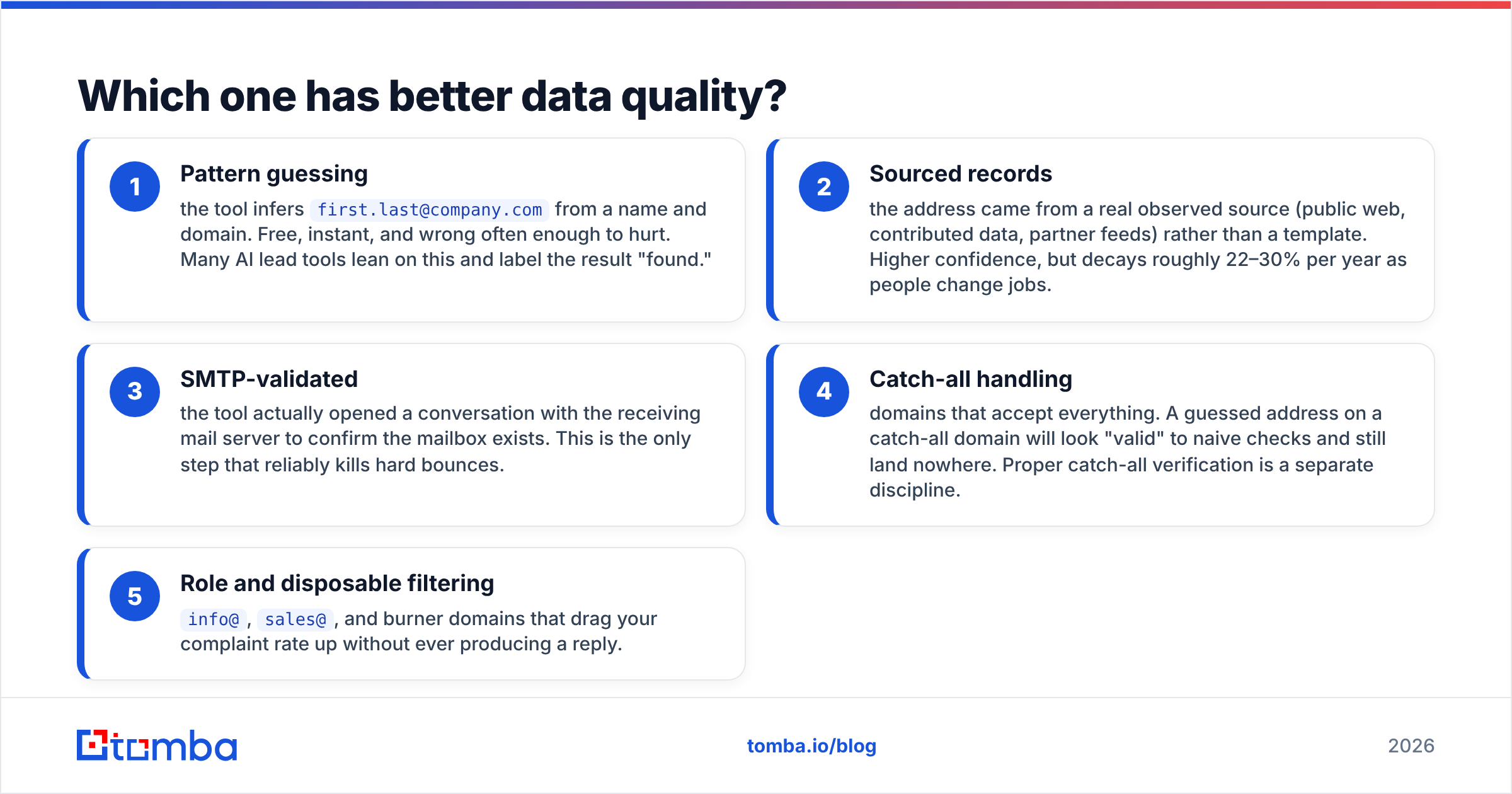
- Pattern guessing — the tool infers
first.last@company.comfrom a name and domain. Free, instant, and wrong often enough to hurt. Many AI lead tools lean on this and label the result "found." - Sourced records — the address came from a real observed source (public web, contributed data, partner feeds) rather than a template. Higher confidence, but decays roughly 22–30% per year as people change jobs.
- SMTP-validated — the tool actually opened a conversation with the receiving mail server to confirm the mailbox exists. This is the only step that reliably kills hard bounces.
- Catch-all handling — domains that accept everything. A guessed address on a catch-all domain will look "valid" to naive checks and still land nowhere. Proper catch-all verification is a separate discipline.
- Role and disposable filtering —
info@,sales@, and burner domains that drag your complaint rate up without ever producing a reply.
Emailchaser mostly skips steps 1–5 by design; it expects your list to already be good. LeadEngine AI performs steps 1 and 2, and the depth of 3–5 depends on which underlying provider it licenses — which most AI lead tools do not disclose. That is not an accusation, it is a structural fact about the category: bundled data is rarely first-party data.
If you want to see what disclosure looks like, compare against vendors that publish their data sources openly. When a provider tells you where records come from and how they are refreshed, you can make an informed risk call. When it does not, you are trusting a black box with your domain reputation.
Is Emailchaser better than LeadEngine AI for cold outreach?#
For pure sending mechanics with a list you already trust — yes, and it is not close.
Emailchaser wins on three specific things:
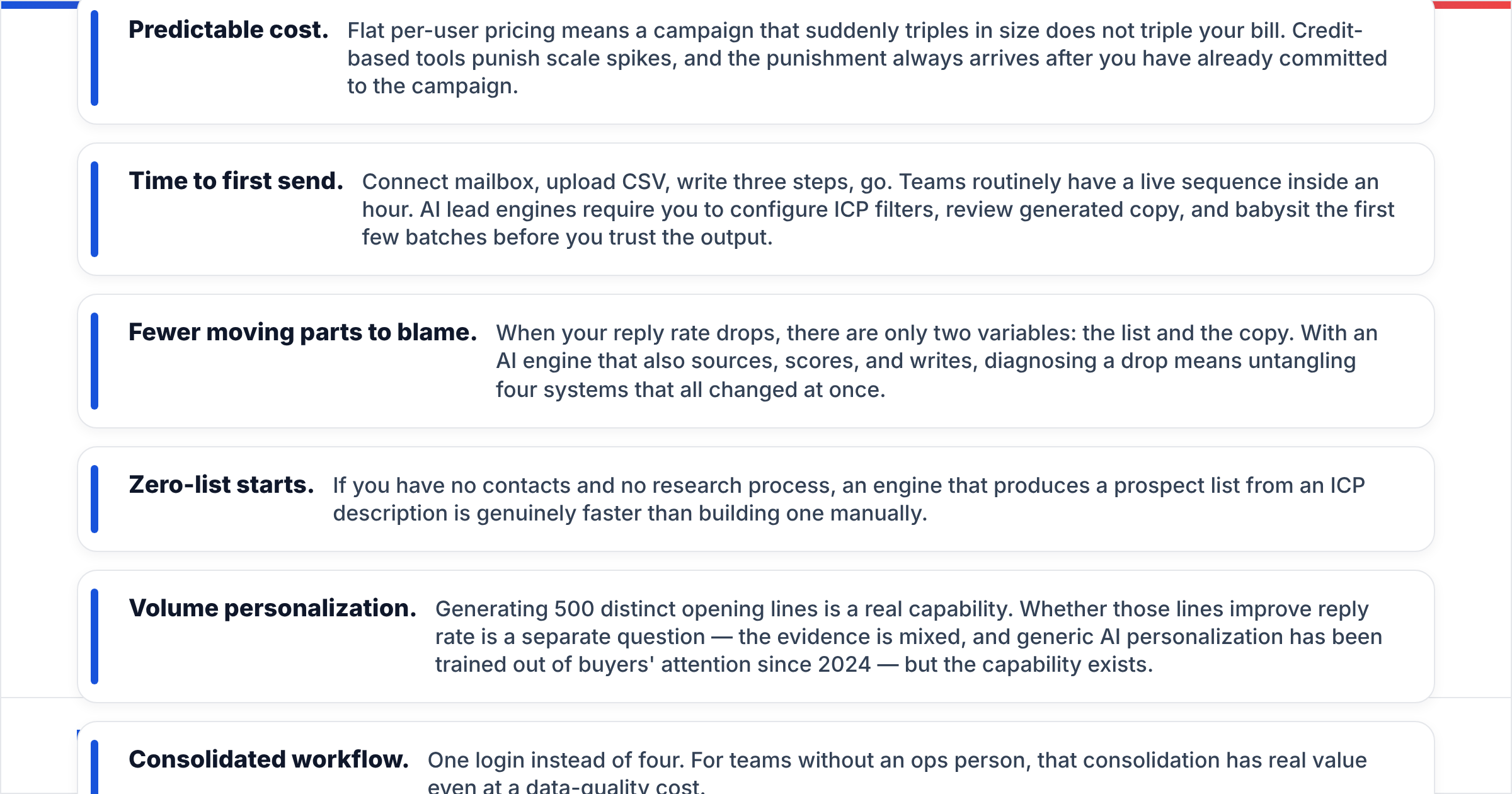
- Predictable cost. Flat per-user pricing means a campaign that suddenly triples in size does not triple your bill. Credit-based tools punish scale spikes, and the punishment always arrives after you have already committed to the campaign.
- Time to first send. Connect mailbox, upload CSV, write three steps, go. Teams routinely have a live sequence inside an hour. AI lead engines require you to configure ICP filters, review generated copy, and babysit the first few batches before you trust the output.
- Fewer moving parts to blame. When your reply rate drops, there are only two variables: the list and the copy. With an AI engine that also sources, scores, and writes, diagnosing a drop means untangling four systems that all changed at once.
LeadEngine AI wins where Emailchaser simply does not compete:
- Zero-list starts. If you have no contacts and no research process, an engine that produces a prospect list from an ICP description is genuinely faster than building one manually.
- Volume personalization. Generating 500 distinct opening lines is a real capability. Whether those lines improve reply rate is a separate question — the evidence is mixed, and generic AI personalization has been trained out of buyers' attention since 2024 — but the capability exists.
- Consolidated workflow. One login instead of four. For teams without an ops person, that consolidation has real value even at a data-quality cost.
The honest framing: Emailchaser is a good tool with a narrow scope. LeadEngine AI is a broad tool whose weakest link is invisible.
What does the deliverability math actually look like?#
Run the numbers before you pick, because deliverability dominates everything else.
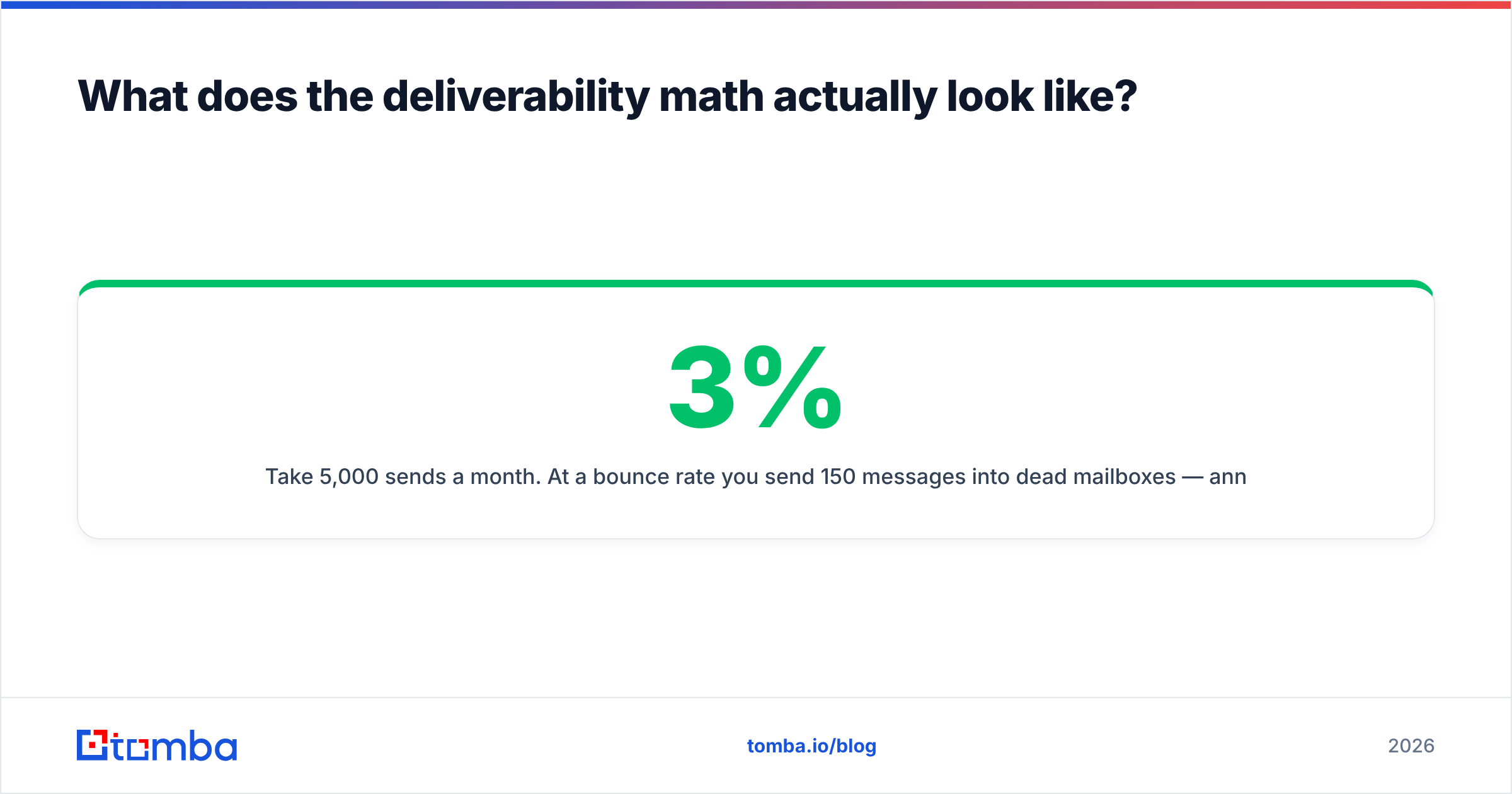
Take 5,000 sends a month. At a 3% bounce rate you send 150 messages into dead mailboxes — annoying, survivable. At a 12% bounce rate — a realistic figure for unverified, pattern-guessed lists — that is 600 hard bounces. Google and Microsoft both treat sustained hard bounce rates above roughly 2–3% as a spam signal. Cross it consistently and your inbox placement degrades for every campaign, including the ones with a clean list.
That is the asymmetry: bad data does not just waste the bad records, it poisons the good ones. Recovering a burned sending domain takes weeks of throttled volume and warmup. Verifying the list up front takes minutes and costs a fraction of a cent per record.

Neither Emailchaser nor LeadEngine AI is architected to be your last line of defense here. Emailchaser assumes the problem is solved upstream. LeadEngine AI folds verification into a credit pool where you cannot audit how aggressive the check was. If email deliverability is a real constraint for your team — and it is for anyone sending over about 2,000 messages a month — you want a dedicated email verifier in the chain regardless of which sender you choose.
Google's own bulk sender requirements, tightened in 2024 and enforced since, spell out the thresholds directly. Read them once; they change how you think about list hygiene. Third-party review sites like G2 are also useful for spotting the gap between marketing claims and what customers report about bounce rates in practice — filter reviews by company size, since a 3-person agency and a 200-seat sales org experience these tools very differently.
What's the best stack combining both approaches?#
Stop treating this as a binary. The teams with the best outbound numbers in 2026 split the job into three layers and buy the best tool for each.
Layer 1 — Discovery and finding. Get real addresses tied to real people at real companies. This is where a dedicated email finder earns its cost, because finding is a data problem, not a workflow problem. A domain search that returns every reachable contact at a target company beats an AI engine guessing at three names.
Layer 2 — Verification. Every address gets SMTP-checked before it enters a sequence. Catch-all domains get flagged and handled separately rather than silently included. Role accounts get stripped. This layer is non-negotiable and costs less than any other part of the stack.
Layer 3 — Sending. This is where Emailchaser or LeadEngine AI lives. Once layers 1 and 2 are solid, the sender becomes a commodity choice based on your budget and your appetite for automation. Pick the cheap simple one if you like control; pick the AI one if you want fewer decisions.
Split this way, the Emailchaser vs LeadEngine AI question shrinks fast. You are no longer asking which tool has better data. You have removed data from the comparison, and you are just asking which sending UX you prefer.
For teams running the finding layer at volume, a bulk email finder processing a CSV of company domains overnight will typically produce a cleaner list than any bundled AI discovery, because the process is auditable at every step. You see the confidence score, the source type, and the verification result per record — not a single "found" badge covering all three.
Which should you actually pick?#
The Emailchaser vs LeadEngine AI call gets easy once you sort by constraint. Decision rules, in order:
- You have a list and a tight budget → Emailchaser. Flat pricing, fast setup, nothing to unlearn.
- You have no list, no research process, and need pipeline this quarter → LeadEngine AI, with a hard rule that every sourced contact passes through independent verification before it hits a sequence.
- You send over 10,000 messages a month → neither alone. Build the three-layer stack. The cost of a burned domain exceeds the cost of every tool in the chain combined.
- You are an agency running multiple client domains → Emailchaser's per-user model tends to price better than credit pools that reset unpredictably across accounts, but audit mailbox rotation limits on both before committing.
- You care about data provenance for compliance reasons → favor providers that publish sourcing and consent practices. Bundled AI data with no disclosed origin is a GDPR conversation you do not want to have unprepared.
One more thing worth saying: do not let the AI framing drive the decision. LLM-generated first lines were a genuine advantage in 2023. In 2026, buyers recognize the pattern instantly, and reply-rate data increasingly favors short, specific, human messages sent to correctly targeted people. Better targeting beats better prose. Targeting is a data problem.
Ready to fix the layer that actually moves your numbers?#
Whichever sender you land on, the bottleneck is the same: are the addresses real, current, and reachable? Guessed contacts produce bounces, bounces produce reputation damage, and reputation damage quietly caps every campaign you run afterward.
Start with the Tomba Email Finder — search by domain, name, or company, get confidence-scored results with SMTP verification built in, and export straight into whichever sequencer you chose. The free tier gives you 25 searches a month to test against a list you already know the answers to, and paid plans start at $49/mo with Growth at $99/mo. Compare current Tomba pricing against what you are burning on credits today, and run your existing list through a verifier before your next send. The bounce report will tell you everything this article could not.
Related guides#
Ready to find emails that actually work?
Join 150,000+ professionals who stopped guessing and started sending. Free credits on signup — no credit card required.
Get the Tomba newsletter
Practical outbound tactics and product updates — once every two weeks.
About the author