Emailchaser vs Tomba (2026): Which Email Tool Should You Pick?
Emailchaser bundles finding and sending in one flat-rate box. Tomba goes deep on data and APIs. Here is where each one actually wins in 2026 — and which stack costs less at scale.
TL;DR
- Emailchaser is a cold email sending platform with a finder attached. Tomba is a data platform — email finding, verification, enrichment and APIs — with no sending engine.
- If you need one flat-rate box that finds an address and mails it tomorrow, Emailchaser is the shorter path. If contact accuracy, bulk volume or programmatic access matters, Tomba is the stronger half of the stack.
- They are not really substitutes. The most common outcome in 2026 is Tomba for data + a sender you already trust (Instantly, Smartlead, Emailchaser itself).
- Cost logic differs: Emailchaser charges mostly per seat/workspace; Tomba charges per credit, starting free at 25 searches/mo and moving to $49/mo, $99/mo and $249/mo.
- Whatever you pick, verify before you send. Bounce rate — not tool choice — is what actually decides whether your campaign lands.
What is Emailchaser and who is it for?#
Emailchaser is a cold outreach tool built around simplicity. You connect mailboxes, write a sequence, upload or find leads, and it sends and follows up until someone replies. Its pitch has always been "cold email without the enterprise bloat": no per-mailbox pricing gymnastics, no six-week onboarding, a UI a new SDR can learn in an afternoon.
The built-in email finder exists so you never leave the app. You give it a name and a company domain, it returns a likely address, and that address drops straight into your sequence. For a solo founder emailing 200 people a month, that loop is genuinely hard to beat.
Where it gets thinner is anything that isn't sending. There's no serious enrichment layer, no catch-all handling worth the name, no deep API you'd build a data pipeline on, and no bulk-processing workflow for a 50,000-row list. That's not a flaw — it's a product decision. Emailchaser optimized for the sender, not the data engineer.
Who Emailchaser fits:
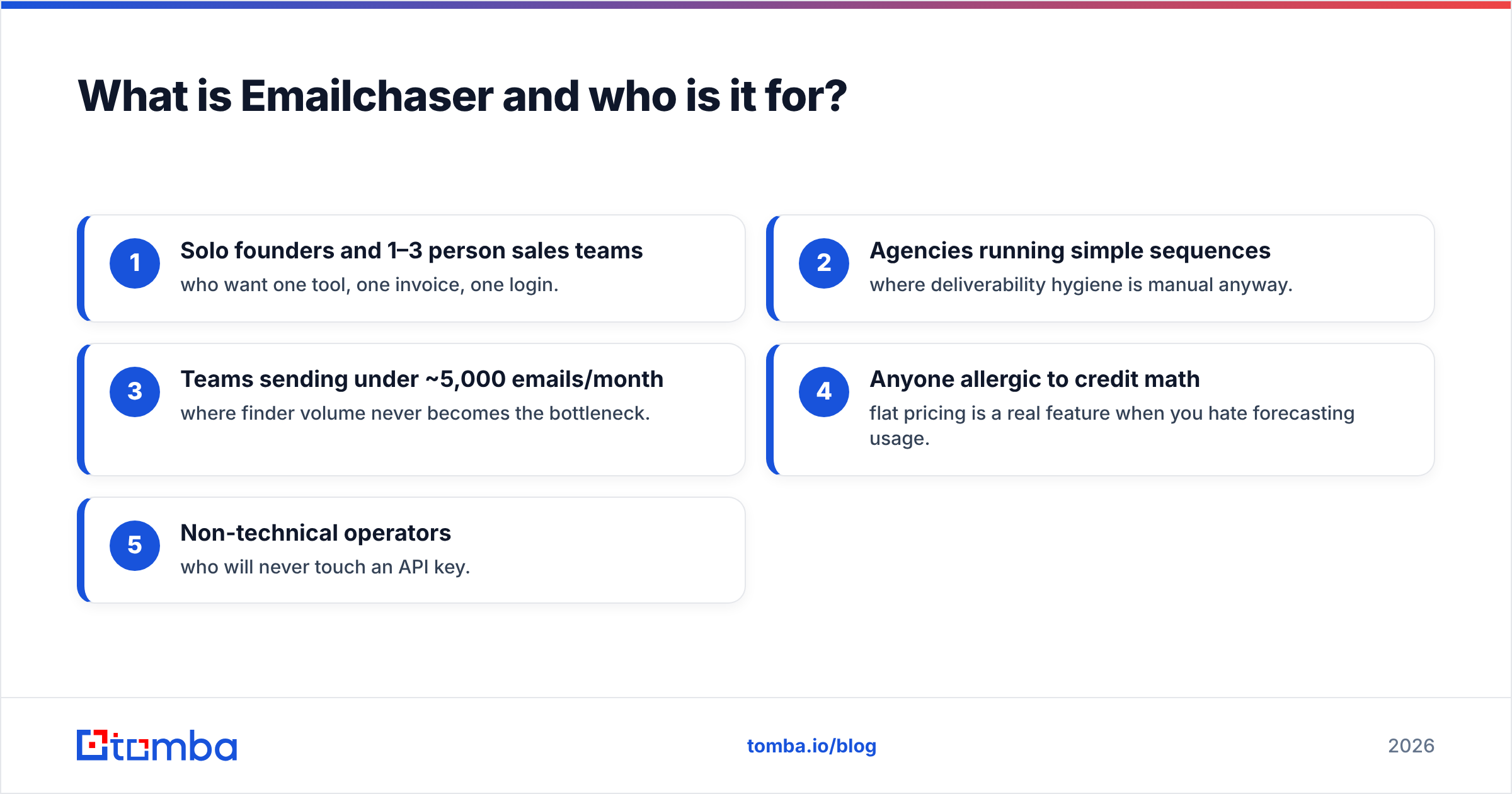
- Solo founders and 1–3 person sales teams who want one tool, one invoice, one login.
- Agencies running simple sequences where deliverability hygiene is manual anyway.
- Teams sending under ~5,000 emails/month where finder volume never becomes the bottleneck.
- Anyone allergic to credit math — flat pricing is a real feature when you hate forecasting usage.
- Non-technical operators who will never touch an API key.
What is Tomba and what does it actually do?#
Tomba sits one layer earlier in the funnel. It answers who you should contact and whether that address is real — then hands off to whatever sends your mail.
The core product is the email finder: give it a domain, a full name, or a company, and it returns the professional address plus a confidence score and the public sources it was derived from. Around it sit an email verifier, domain search for pulling every discoverable address at a company, a catch-all verifier for the domains that accept everything and confirm nothing, a phone finder, and data enrichment for filling in title, seniority, company size and social profiles.
Critically, all of it is available programmatically. The Tomba API exposes the same endpoints the dashboard uses, and there are first-party paths through Google Sheets, Excel, Airtable, a Chrome extension, a CLI and an MCP server. If your workflow is "read rows from a table, enrich, write back, push to CRM," that's a 30-line script rather than a manual export.
What Tomba does not do: send. There's no sequencer, no inbox rotation, no reply detection. You bring your own sender.
Emailchaser vs Tomba: how do they compare feature by feature?#
Here's the honest side-by-side. Read it as "different jobs," not "winner and loser."
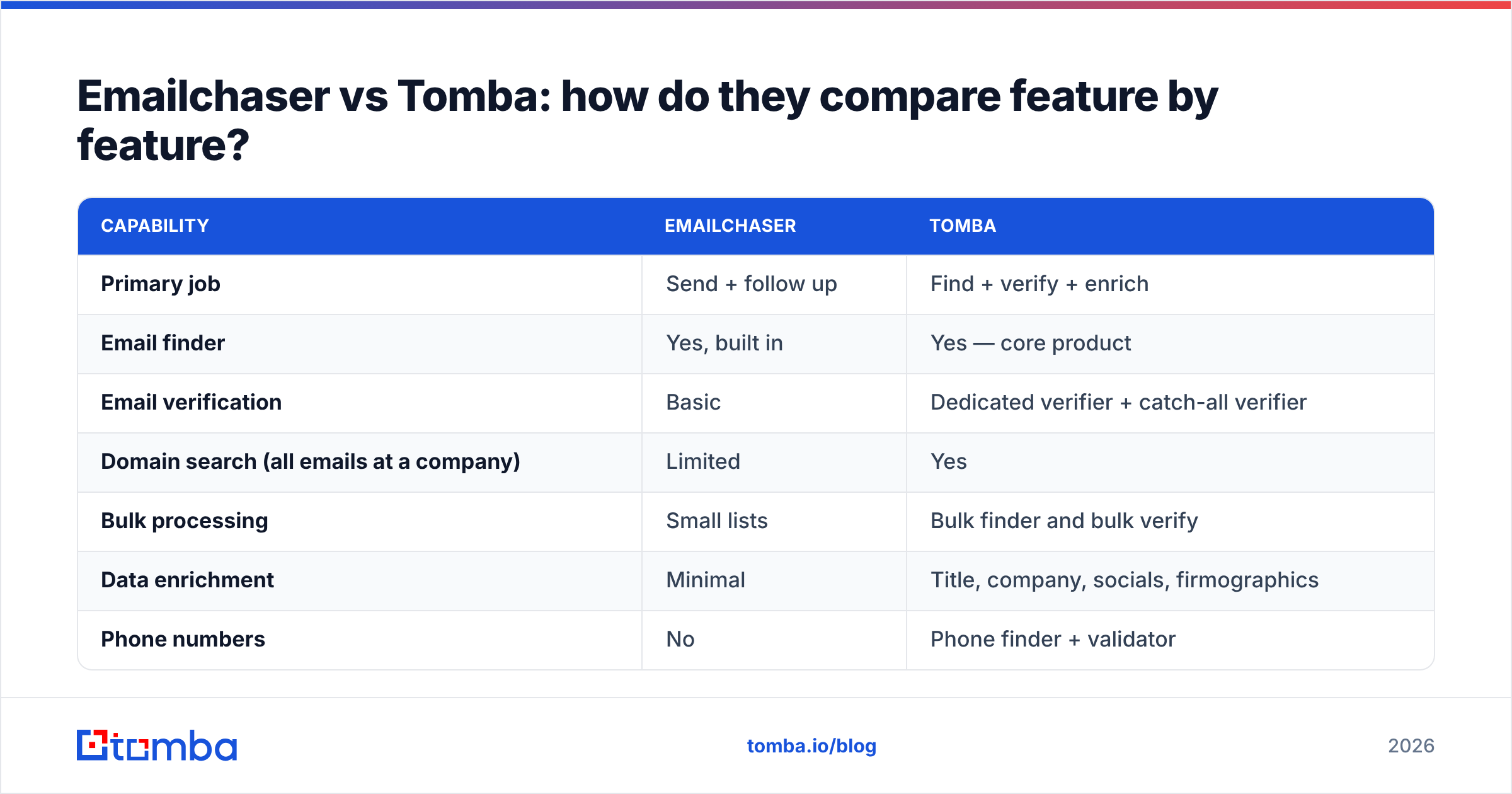
| Capability | Emailchaser | Tomba |
|---|---|---|
| Primary job | Send + follow up | Find + verify + enrich |
| Email finder | Yes, built in | Yes — core product |
| Email verification | Basic | Dedicated verifier + catch-all verifier |
| Domain search (all emails at a company) | Limited | Yes |
| Bulk processing | Small lists | Bulk finder and bulk verify |
| Data enrichment | Minimal | Title, company, socials, firmographics |
| Phone numbers | No | Phone finder + validator |
| Sequences / autoresponders | Yes — the main event | No |
| Inbox rotation & warmup | Yes | No |
| Public API | Limited | Full REST API, CLI, MCP server |
| Spreadsheet add-ons | No | Sheets, Excel, Airtable |
| Chrome extension | Limited | Yes |
| Free tier | Trial-based | 25 searches/mo, no card |
| Entry paid plan | Flat monthly per workspace | $49/mo Starter |
| Best for | Founders sending small volumes | Data-led teams and developers |
Note the shape of that table: the two products barely overlap outside the finder row. That's the single most useful thing to understand before you pick.
Which one finds more valid email addresses?#
This is the row people actually care about, so let's be precise about what "accuracy" means.
Most finders work the same way in principle: identify the company's email pattern (first.last@, flast@, first@), apply it to the prospect's name, then attempt SMTP-level validation to see whether the mailbox exists. The differences show up in three places.
Pattern coverage. A finder that has observed thousands of real addresses at a domain knows its pattern with certainty. A finder that has seen none is guessing from a template. This is where a dedicated data platform pulls ahead — Tomba's data sources exist specifically to accumulate that observed-pattern corpus, and domain search is the visible surface of it. A sending-first tool has no reason to invest at that depth.
Catch-all handling. Roughly a fifth of B2B domains accept every address at the SMTP layer, so verification returns "valid" for asdfgh@company.com. A tool without dedicated catch-all logic will happily hand you a fake address marked green. Tomba ships a separate catch-all verifier precisely because the standard check breaks here. If you're targeting enterprise domains, this one factor moves your bounce rate more than anything else on the page.
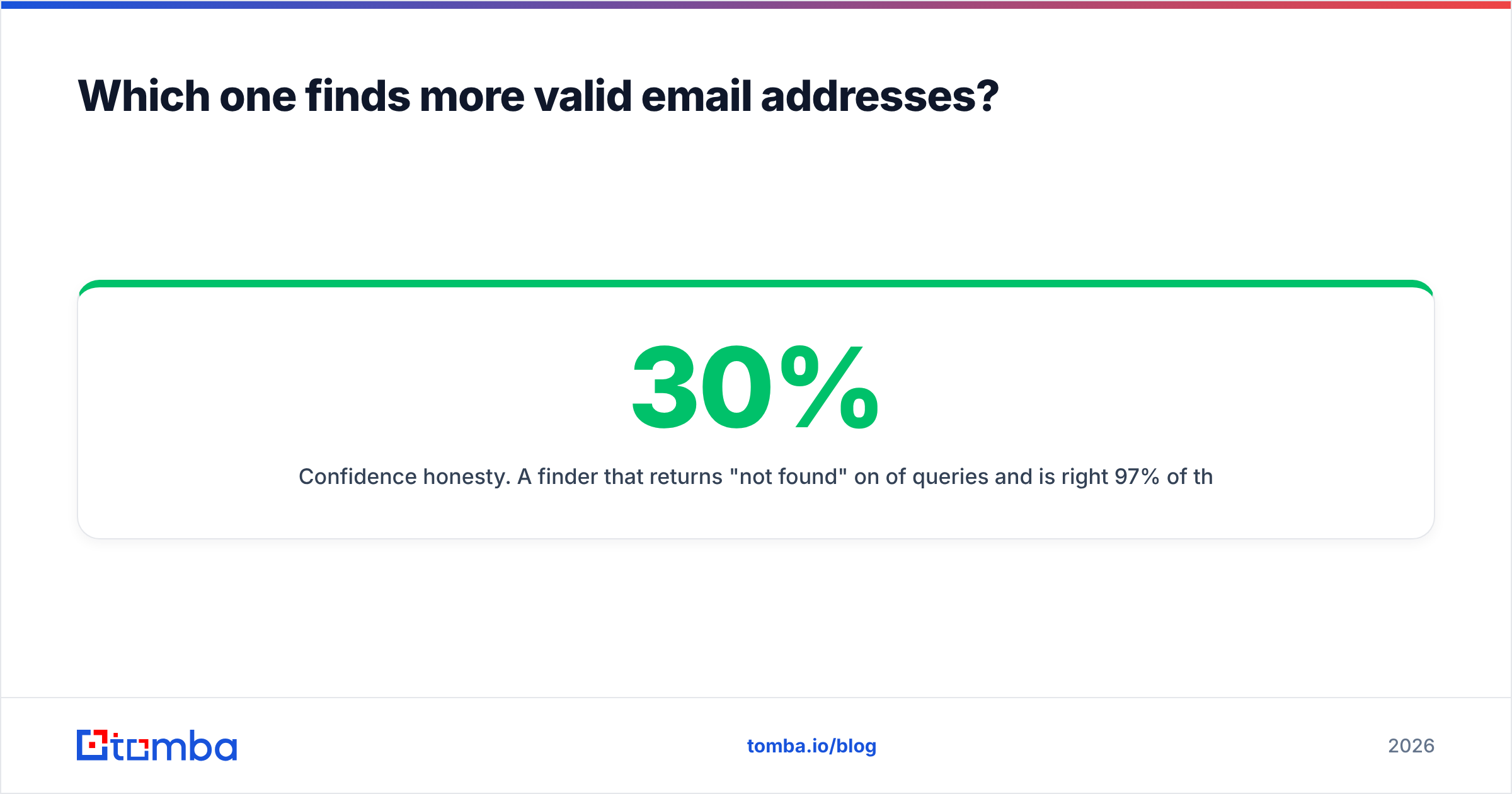
Confidence honesty. A finder that returns "not found" on 30% of queries and is right 97% of the time beats one that returns something for everyone and is right 80% of the time — because the second one silently poisons your list. Judge tools on bounce rate of what they returned, not on hit rate.

The practical test: pull 100 contacts you already have verified addresses for, blank the email column, and run both tools. Count exact matches, count wrong-but-confident results, count blanks. Ten minutes, and it settles the argument with your own data rather than anyone's marketing page.
How does pricing compare in 2026?#
Two different billing philosophies, which makes headline comparison misleading.
Emailchaser prices around the workspace and sending volume — a flat monthly fee that includes mailboxes, contacts and a finder allowance. Check their current pricing page before budgeting, since entry-tier limits move. The appeal is predictability: you know January's bill in December.
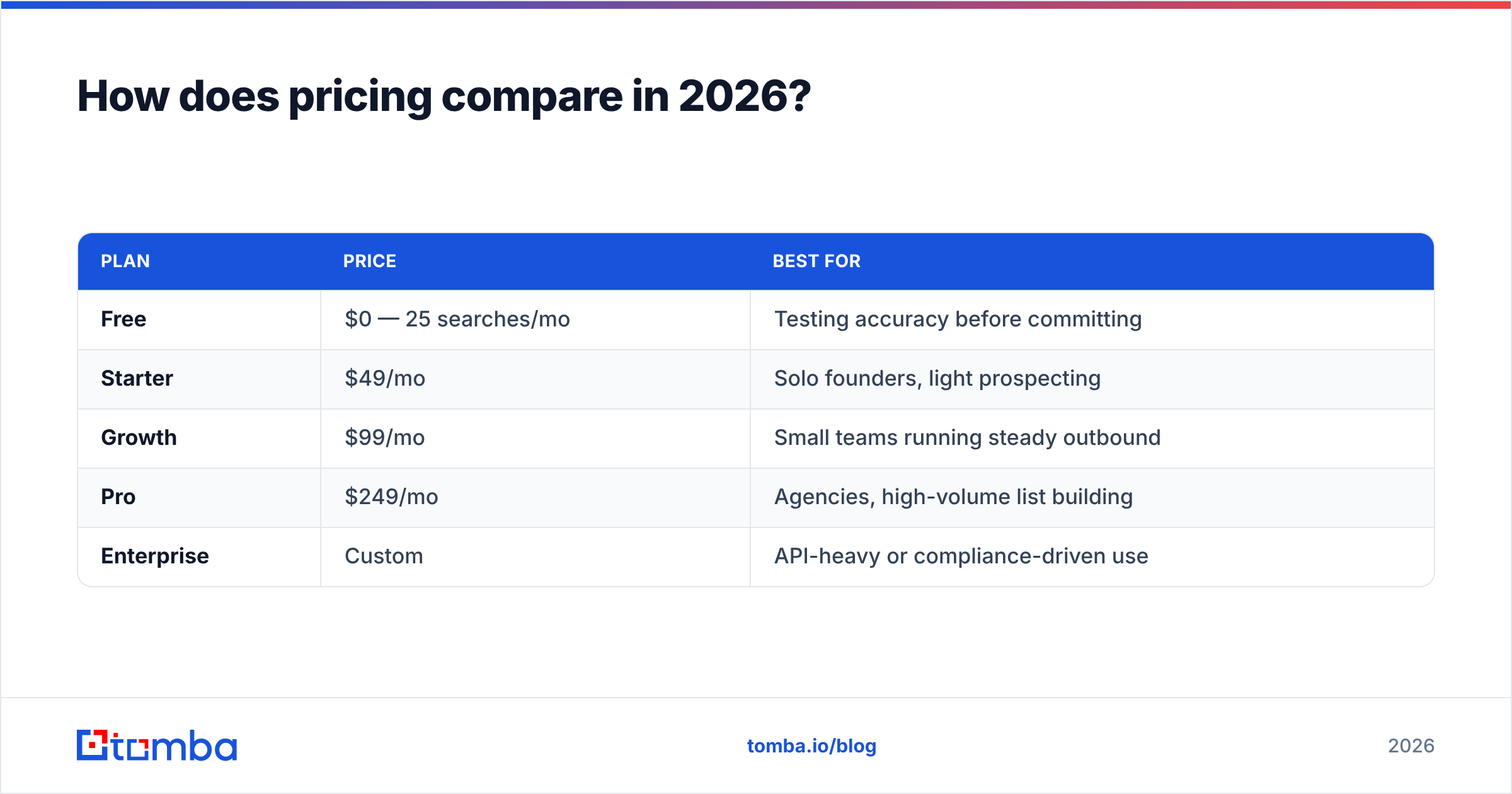
Tomba prices around credits, published transparently on the Tomba pricing page:
| Plan | Price | Best for |
|---|---|---|
| Free | $0 — 25 searches/mo | Testing accuracy before committing |
| Starter | $49/mo | Solo founders, light prospecting |
| Growth | $99/mo | Small teams running steady outbound |
| Pro | $249/mo | Agencies, high-volume list building |
| Enterprise | Custom | API-heavy or compliance-driven use |
The real comparison isn't plan vs plan — it's stack vs stack. Model both:
- All-in-one route: Emailchaser alone. One bill. Finder quality is whatever it is. Ceiling arrives when volume or data depth grows.
- Split route: Tomba for data (from $49/mo) + your existing sender. Two bills, better contact quality, and the data layer survives when you switch senders.
- Hybrid route: Tomba enriches and verifies, Emailchaser sends. This is what most teams that outgrow option 1 actually build.
The hidden cost in option 1 is bounced sends. A 12% bounce rate doesn't just waste credits — under current Google bulk sender requirements it damages domain reputation, and reputation repair costs weeks of throttled sending. Cheap data is rarely cheap.
When should you choose Emailchaser?#
Pick Emailchaser when sending is the hard part and your list is already handled.
Concretely, choose it if you're a founder doing 100–500 personalized emails a month from a handful of mailboxes; if your leads come from a marketplace, a partner list, or inbound sign-ups rather than from research; if nobody on the team will ever write a script; or if you value one flat invoice over squeezing the last 5% of match rate.
It's also the right call when your prospects are at small companies with predictable domains. Finding sarah@twelve-person-startup.com isn't hard, and paying for a specialist data layer to do it is over-engineering.
Where it starts to hurt: enterprise targets with catch-all domains, lists above a few thousand rows, any workflow that needs enrichment fields for personalization, or the moment someone asks "can we push this into Salesforce automatically?"
When should you choose Tomba?#
Pick Tomba when the contact data is the hard part.
That's true if you build lists from scratch each quarter, if you target mid-market and enterprise where patterns vary and catch-alls are everywhere, if you need phone numbers alongside email, or if you're running multi-channel sequences where a missing job title breaks personalization.
It's also the obvious answer for anyone technical. The bulk email finder handles list-scale work in one pass, and the API turns enrichment into infrastructure — a scheduled job rather than a Tuesday afternoon. Teams running RevOps at any seriousness end up here regardless of which sender they chose, because the data layer needs to be independent of the tool that happens to be mailing this quarter.
The honest limitation: you still need a sending tool. If you don't have one, Tomba alone won't send your campaign, and you'll be evaluating Instantly, Smartlead, Emailchaser or Lemlist next.
Can you use both together?#
Yes, and it's often the correct answer.
The clean architecture looks like this:
- Source — pull target companies from your ICP filter, a B2B database, or a scrape.
- Find — run domain search or the email finder to get named contacts with confidence scores.
- Verify — push everything through the verifier; drop anything below your threshold, route catch-alls to the catch-all verifier.
- Enrich — add title, seniority and company size so your first line isn't
{{first_name}}and hope. - Send — hand the clean file to Emailchaser (or whichever sender you're on) and let it do the one thing it's built for.
Each layer stays replaceable. When you switch senders in eighteen months — and you will — the data pipeline doesn't move. That separation is worth more than the $49/mo it costs.
If you want independent signal before committing, both tools have public review profiles on G2 worth ten minutes of skimming. Filter to reviews from companies your size; enterprise complaints rarely apply to a three-person team and vice versa.

What's the verdict?#
Emailchaser wins on sending simplicity. Tomba wins on data. If you force a single choice, decide by asking which failure you'd rather have: a campaign that's hard to schedule, or a campaign that bounces.
For most teams in 2026, the second failure is worse and getting worse — mailbox providers keep tightening authentication and reputation requirements, and a dirty list now costs you the domain, not just the send. That tilts the recommendation toward investing in the data layer first and treating the sender as swappable.
Small, simple, low-volume outbound? Emailchaser alone is fine and you'll be sending by lunchtime. Anything with scale, enterprise targets, multi-channel plays or engineering involvement? Build the data layer properly.
Start with the free tier: 25 searches a month, no card, enough to run the 100-contact accuracy test above against your own list. Point the Tomba Email Finder at the accounts you actually care about, check the bounce rate on what comes back, and let your own numbers pick the winner instead of a comparison table — including this one.
Related guides#
Ready to find emails that actually work?
Join 150,000+ professionals who stopped guessing and started sending. Free credits on signup — no credit card required.
Get the Tomba newsletter
Practical outbound tactics and product updates — once every two weeks.
About the author