9 Best Enginy Alternatives in 2026: Tested and Compared
Enginy works fine until you need volume, verified data, or a real API. Here are nine Enginy alternatives compared on accuracy, credits, pricing, and export limits — plus which one actually fits your team.
TL;DR
- Most teams leave Enginy for one of three reasons: credit math that punishes bulk work, thin verification on the data it returns, or no clean API path into their own stack.
- If you want the cheapest verified-email path, start with Tomba's free tier (25 searches/mo) and move to Starter at $49/mo once you know your monthly volume.
- If you need a full sequencer plus data in one seat, Apollo is the usual landing spot — but you pay per seat, and per-seat pricing scales badly across a 10-person SDR team.
- If you'd rather buy a static, pre-verified list than run lookups, BookYourData's pay-as-you-go credit model is a genuinely different (and often cheaper) shape of purchase.
- Verify before you migrate. Every vendor quotes a headline accuracy number; the only number that matters is your own bounce rate on a 500-contact test batch.
What is Enginy, and why are teams shopping for alternatives?#
Enginy sits in the B2B contact-data category: you give it a name and a company (or a domain), and it returns work email addresses you can use for outbound. That's the same job description as roughly forty other tools, which is exactly why the switching costs are low and the churn is high.
The complaints that push teams to look for Enginy alternatives are boringly consistent across this whole category:
- Credit burn on failed lookups. Some vendors charge you whether or not they find a deliverable address. Over a 5,000-row list with a 60% hit rate, you paid for 5,000 and used 3,000.
- "Found" is not "verified." A tool can return a syntactically plausible address that has never received mail. If the vendor doesn't separate found from SMTP-verified from catch-all, your bounce rate finds out for you.
- Export and seat limits. Monthly credits reset, exports cap out, and adding a teammate doubles the bill.
- No usable API. The moment you want enrichment inside your CRM or a nightly job, a UI-only tool becomes a person doing copy-paste.
None of that makes Enginy a bad tool. It makes it a tool with a specific volume ceiling. The question is which alternative matches the volume, the workflow, and the budget you actually have — not the one with the loudest accuracy claim.

What should an Enginy alternative actually do?#
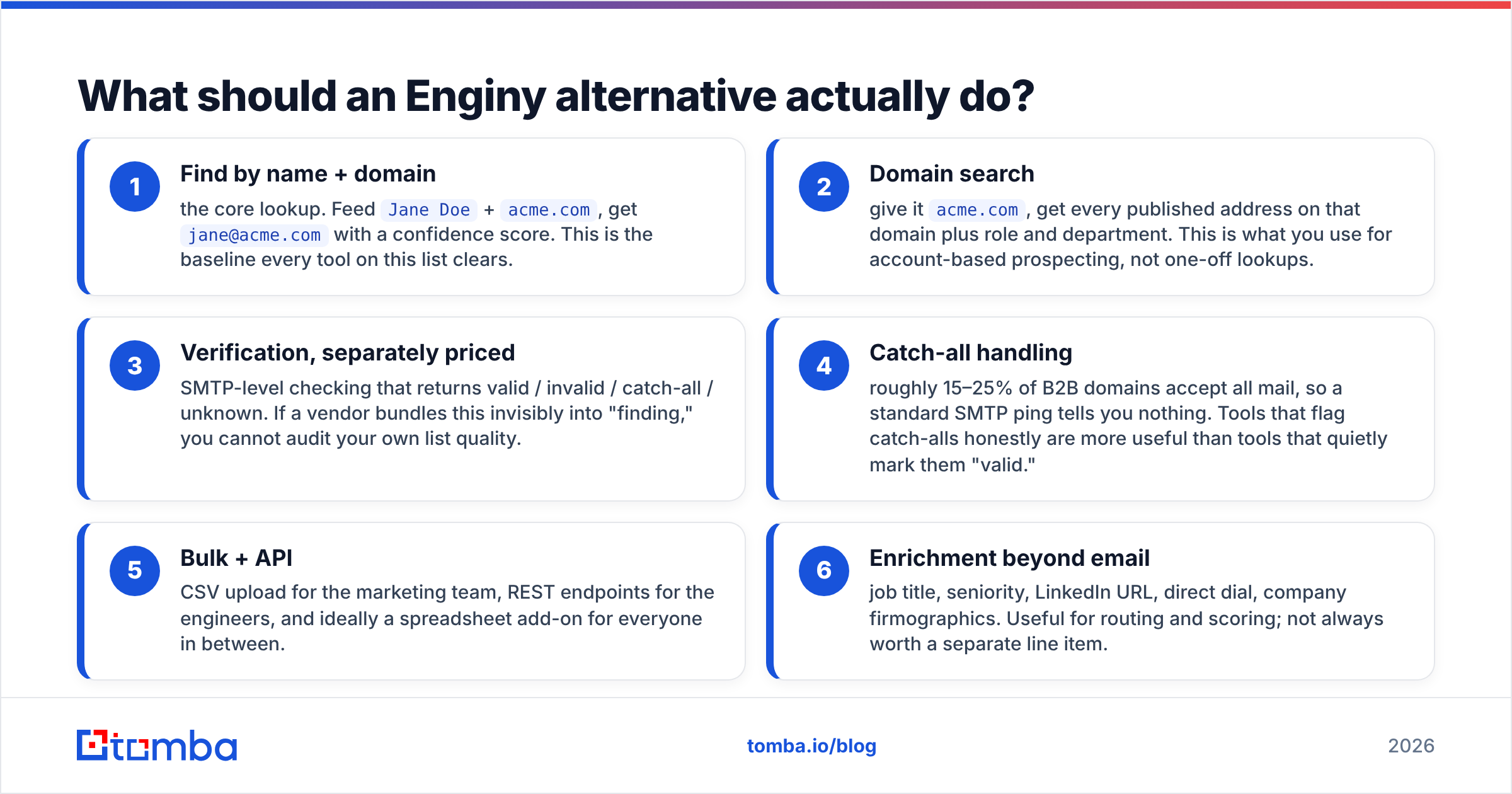
Before you compare logos, write down which of these six capabilities you're paying for. Most teams need three of them and end up buying a suite that charges for all six.
- Find by name + domain — the core lookup. Feed
Jane Doe+acme.com, getjane@acme.comwith a confidence score. This is the baseline every tool on this list clears. - Domain search — give it
acme.com, get every published address on that domain plus role and department. This is what you use for account-based prospecting, not one-off lookups. - Verification, separately priced — SMTP-level checking that returns valid / invalid / catch-all / unknown. If a vendor bundles this invisibly into "finding," you cannot audit your own list quality.
- Catch-all handling — roughly 15–25% of B2B domains accept all mail, so a standard SMTP ping tells you nothing. Tools that flag catch-alls honestly are more useful than tools that quietly mark them "valid."
- Bulk + API — CSV upload for the marketing team, REST endpoints for the engineers, and ideally a spreadsheet add-on for everyone in between.
- Enrichment beyond email — job title, seniority, LinkedIn URL, direct dial, company firmographics. Useful for routing and scoring; not always worth a separate line item.
If your honest answer is "I need 1, 3, and 5," you're overpaying for any all-in-one platform, and a focused finder plus your existing sequencer will cost you less than half.
How accurate are these tools in practice?#
Vendor-published accuracy figures are marketing artifacts. They're measured on the vendor's own sample, usually skewed toward large US tech companies where data is abundant, and they rarely disclose how catch-alls were counted.

Run your own test instead. It takes an afternoon:
- Pull 500 contacts you already have confirmed addresses for (past customers, webinar attendees, anyone who has replied to you).
- Strip the emails, keep name + domain, and run the list through each trial account.
- Score three things: match rate (how many returned anything), precision (how many matched your known-good address), and catch-all share (how many came back unverifiable).
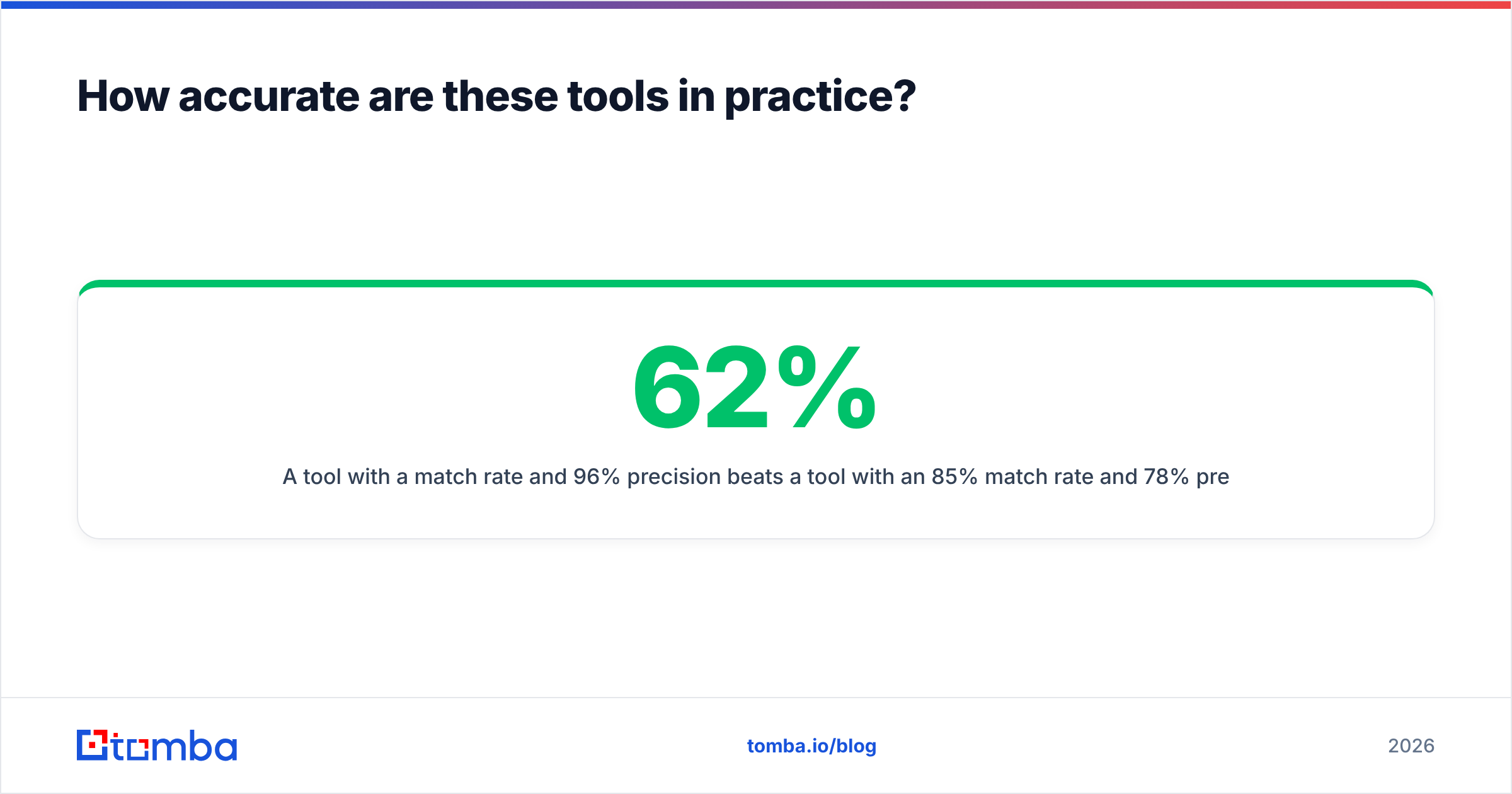
A tool with a 62% match rate and 96% precision beats a tool with an 85% match rate and 78% precision every single time, because the second one is charging you credits to generate bounces. Run the survivors through an email verifier before you conclude anything — some finders return addresses that a dedicated verifier immediately kills.
How do the top Enginy alternatives compare?#
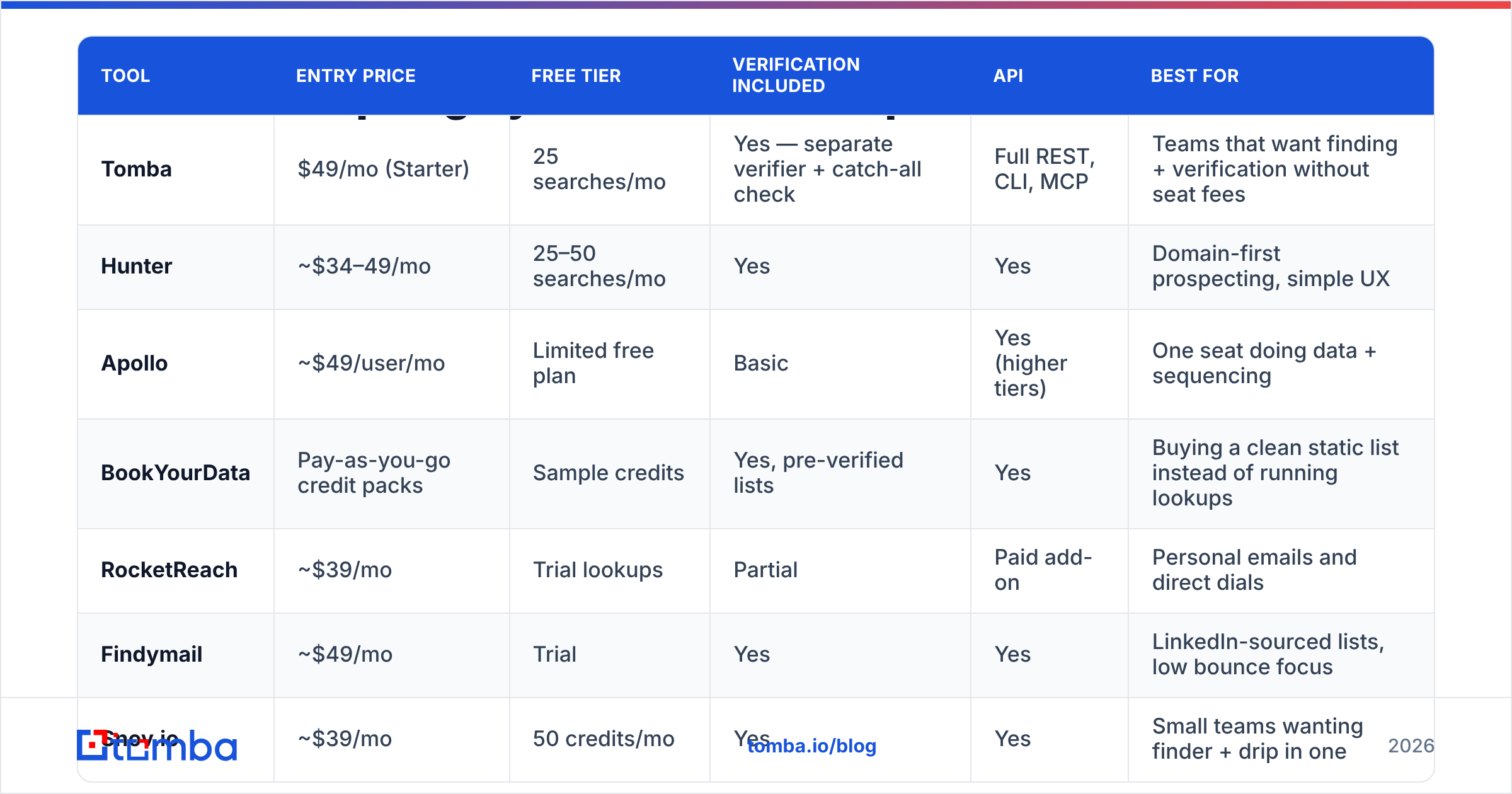
Prices below are list prices at the time of writing, for the lowest paid tier. Vendors change pricing frequently — confirm on the vendor's own page before you commit to an annual plan.

| Tool | Entry price | Free tier | Verification included | API | Best for |
|---|---|---|---|---|---|
| Tomba | $49/mo (Starter) | 25 searches/mo | Yes — separate verifier + catch-all check | Full REST, CLI, MCP | Teams that want finding + verification without seat fees |
| Hunter | ~$34–49/mo | 25–50 searches/mo | Yes | Yes | Domain-first prospecting, simple UX |
| Apollo | ~$49/user/mo | Limited free plan | Basic | Yes (higher tiers) | One seat doing data + sequencing |
| BookYourData | Pay-as-you-go credit packs | Sample credits | Yes, pre-verified lists | Yes | Buying a clean static list instead of running lookups |
| RocketReach | ~$39/mo | Trial lookups | Partial | Paid add-on | Personal emails and direct dials |
| Findymail | ~$49/mo | Trial | Yes | Yes | LinkedIn-sourced lists, low bounce focus |
| Snov.io | ~$39/mo | 50 credits/mo | Yes | Yes | Small teams wanting finder + drip in one |
| Dropcontact | ~€24/mo | Trial | Yes (GDPR-first) | Yes | EU data, no-database enrichment |
| Enginy | Check vendor site | Varies | Varies | Limited | Light, occasional lookup volume |
The pattern in that table is the actual decision: you are choosing between per-seat suites (Apollo), per-credit finders (Tomba, Hunter, Findymail, Snov.io), and per-list purchases (BookYourData). Those are three different budgets, not three versions of the same one.
Which Enginy alternative fits which team?#
1. Tomba — best all-round replacement for credit-conscious teams#
Tomba is the closest one-for-one swap if what you liked about Enginy was "type a name, get an email," and what you disliked was everything around it. The email finder is the core product, but the useful part is what sits next to it: a standalone verifier, a domain search, a catch-all verifier, phone finder, and enrichment — all on the same credit pool rather than separate SKUs.
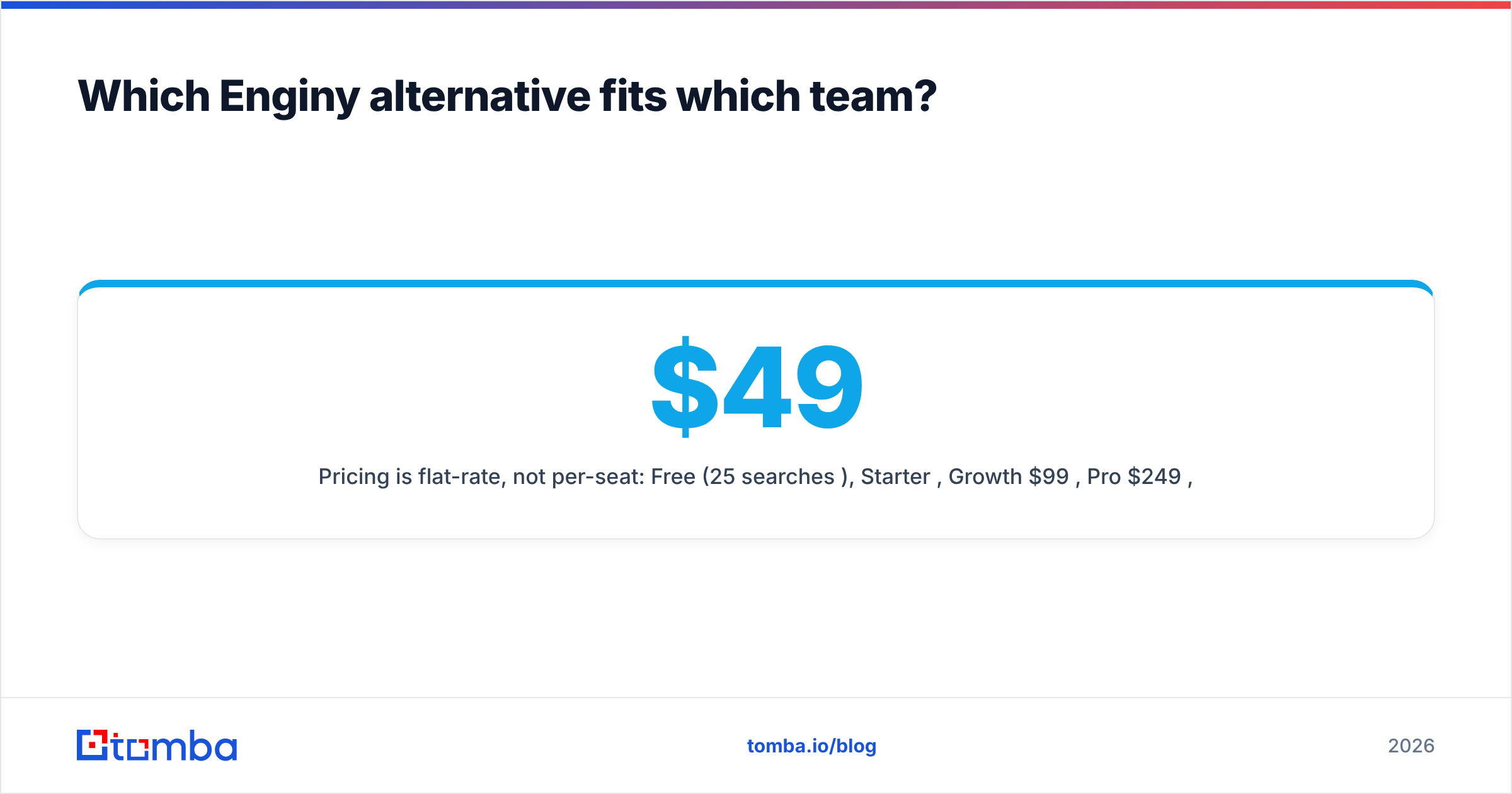
Pricing is flat-rate, not per-seat: Free (25 searches/mo), Starter $49/mo, Growth $99/mo, Pro $249/mo, Enterprise custom. Adding your third SDR doesn't triple the bill. Full Tomba pricing is public, which is more than you can say for a chunk of this category.
Where it wins: flat pricing, verification bundled as a first-class feature, and a genuinely complete Tomba API with CLI, Sheets, Excel, and Zapier paths for people who don't write code.
Where it doesn't: it isn't a sequencer. If you want to send from the same tab you prospect in, you'll pair it with Instantly, Smartlead, or your existing stack.
2. Hunter — the safe, simple default#
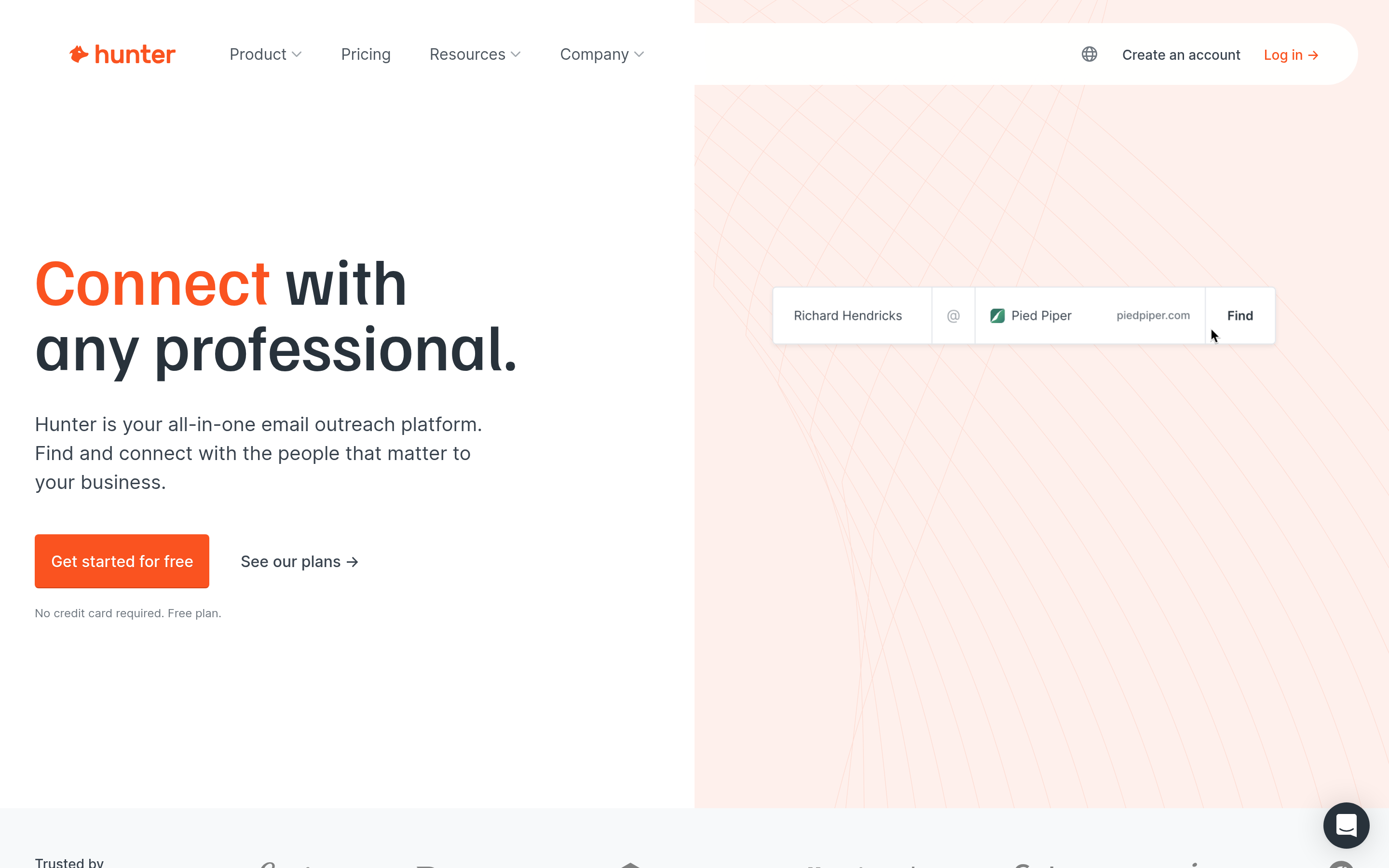
Hunter has been doing domain search longer than most of this list and the UX shows it. Enter a domain, get the pattern plus every public address with sources cited. Confidence scoring is conservative, which some people read as low match rates and others read as honesty.
Where it wins: clarity, source transparency, and a free tier that's actually usable for testing. See hunter.io for current tiers.
Where it doesn't: credits go fast on bulk work, and it's email-first — no phone numbers, light firmographics.
3. Apollo — when you want data and sequencing in one seat#
Apollo bundles a large contact database, filters, sequences, dialer, and basic CRM behavior. For a solo founder or a two-person team, that consolidation is worth real money.
Where it wins: breadth. One login covers list-building through send.
Where it doesn't: per-seat pricing compounds, data freshness on smaller and non-US companies is uneven, and export limits on lower tiers frustrate anyone doing volume. If that's your sticking point, the Apollo alternative breakdown covers the specific trade-offs.
4. BookYourData — buy the list instead of running the lookups#
BookYourData inverts the model. Rather than paying a subscription to run lookups, you filter a pre-verified database and buy the contacts you want as a one-time credit purchase. For campaigns with a defined ICP and a defined list size, that's often the cleanest accounting: you know the cost before you start, and there's no monthly credit you forgot to use.
Where it wins: pay-as-you-go economics, no subscription lock-in, and lists that arrive already verified — a strong fit for agencies running one-off campaigns per client.
Where it doesn't: it's a list purchase, not a real-time enrichment layer. If you need an address the second a form is submitted, you want an API-first finder alongside it.

5. RocketReach — when you need the mobile number too#
RocketReach leans into personal emails and direct dials, which makes it useful for recruiting and for selling into roles that never answer a work inbox. Coverage on direct dials is better than most email-first tools.
Where it wins: contact-type breadth.
Where it doesn't: verification is weaker than dedicated tools, and the API is a paid add-on rather than a default. The RocketReach alternative comparison goes deeper on the credit mechanics.
6. Findymail — built around not bouncing#
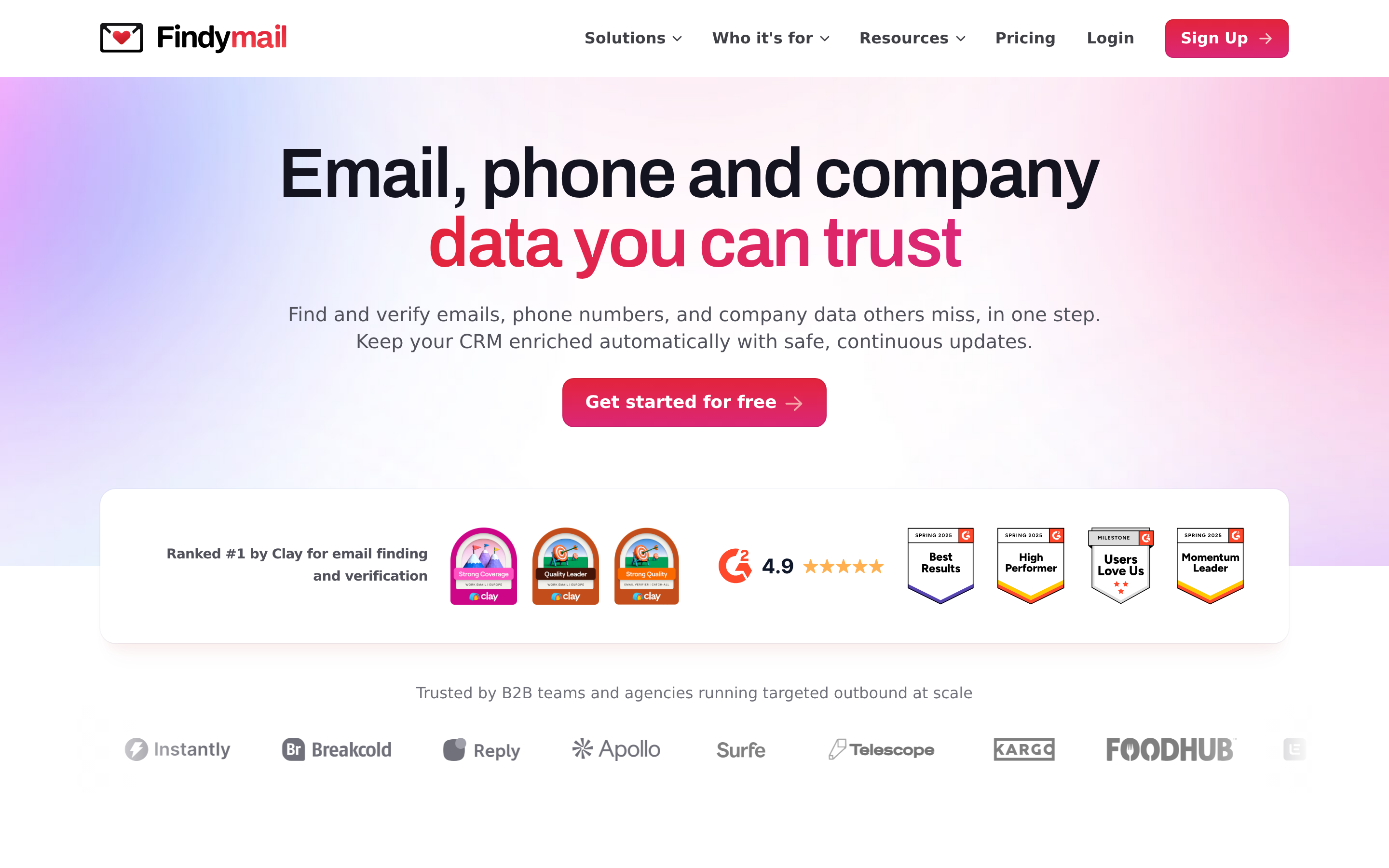
Findymail's positioning is bounce rate, not match rate. It refuses to return addresses it can't stand behind, which means lower volume and cleaner lists. Popular with LinkedIn-sourced workflows via Sales Navigator exports.
Where it wins: list hygiene by default.
Where it doesn't: lower match rates on long-tail domains, and pricing that gets steep past a few thousand lookups.
7. Snov.io — finder plus drip for small teams#
Snov.io covers finding, verifying, and a lightweight email sequencer at a low entry price. It's the budget version of the Apollo pitch.
Where it wins: price-to-feature ratio for teams under five people.
Where it doesn't: deliverability tooling is basic, and heavy senders outgrow the sequencer within a quarter.
8. Dropcontact — the GDPR-first European option#
Dropcontact doesn't resell a stored database; it derives and verifies addresses algorithmically, which puts it in a different regulatory posture for EU-focused teams. Coverage on French and Benelux companies is notably better than the US-centric tools.
Where it wins: European data, compliance story, CRM-native enrichment.
Where it doesn't: thinner US coverage, and no sequencing.
9. Clearbit (now HubSpot Breeze Intelligence) — enrichment, not prospecting#
Clearbit was absorbed into HubSpot's data layer. It's excellent at enriching records you already have and largely irrelevant if your problem is finding contacts you don't have. Reviews across G2's lead intelligence category reflect that split clearly. If you're evaluating it as a finder, read the Clearbit alternative notes first.
How do you switch off Enginy without breaking your pipeline?#
Do this over one week, not one afternoon.
- Export everything first. Pull your existing contacts, saved searches, and any list segmentation out of Enginy before you cancel. Cancelled accounts lose export access fast.
- Benchmark on your own data. Take the 500-contact test set described above and run it through two or three finalists on free tiers. Do not use the vendor's demo list.
- Verify the survivors independently. Run every candidate's output through a neutral verifier so you're comparing deliverable addresses, not claimed ones.
- Test send at low volume. 100 contacts per source, same copy, same sending domain. Compare bounce rate and reply rate — bounce rate exposes data quality, reply rate exposes list relevance.
- Wire the API before you scale. If enrichment will eventually live inside your CRM or a nightly job, prove the integration works on the trial tier. Discovering an API limitation after signing an annual contract is the expensive version of this step.
- Keep one month of overlap. Run both tools in parallel for 30 days. The cost of a duplicate subscription is trivial next to the cost of a dead quarter of pipeline.
What's the honest verdict?#
There is no single best Enginy alternative — there's a best fit for your volume shape. Under 500 lookups a month, a free tier plus occasional manual work is fine. Between 500 and 10,000, a flat-rate finder with bundled verification wins on cost per deliverable contact. Above that, or when enrichment needs to happen automatically, you're buying an API and the UI is incidental.
The one thing every team gets wrong is skipping the verification step. A finder's match rate is a vanity metric; your bounce rate is the real one, and it's the metric your sending domain's reputation is scored on.
Ready to test the swap? Start with the Tomba Email Finder free tier — 25 searches a month, no card required — and run your own 500-contact benchmark against whatever you're using now. If the verified match rate holds up, Starter is $49/mo flat with no per-seat charge, and the same credits cover verification, domain search, and catch-all checks. Bring your test list; the numbers will tell you more than any comparison table, including this one.
Related guides#
Ready to find emails that actually work?
Join 150,000+ professionals who stopped guessing and started sending. Free credits on signup — no credit card required.
Get the Tomba newsletter
Practical outbound tactics and product updates — once every two weeks.
About the author