8 Best Enrichley Alternatives in 2026, Ranked and Compared
Enrichley covers the basics, but coverage gaps, credit burn and thin verification push teams to look elsewhere. Here are 8 alternatives compared on accuracy, real cost per verified contact, and API depth.
TL;DR
- Enrichley is a serviceable entry-level enrichment tool, but most teams churn for one of three reasons: coverage gaps on non-US domains, credits burned on unverifiable results, and an API that stops short of what RevOps needs.
- The right replacement depends on your job-to-be-done: email discovery at volume (Tomba, Findymail), firmographic depth (Clearbit, Cognism), all-in-one prospect + sequence (Apollo), or orchestration across many providers (Clay).
- Judge tools on cost per verified contact, not sticker price. A $29/mo plan with a 45% hit rate is more expensive than a $49/mo plan at 85%.
- Tomba's free tier (25 searches/mo) and $49/mo Starter make it the cheapest way to test real accuracy against your own list before committing.
- Whatever you pick, run a 200-row bake-off on your actual ICP. Vendor-published accuracy numbers are marketing; your list is the benchmark.
What is Enrichley and who is it actually for?#
Enrichley sits in the lead-enrichment layer of the go-to-market stack: you hand it a name and a company (or a domain, or a LinkedIn URL), and it hands back a business email, sometimes a phone number, and a few firmographic fields. It's the same job Clearbit, Dropcontact, and Tomba do, aimed squarely at small teams who want something simpler than a full sales-intelligence platform.
That positioning works well for a specific buyer: a founder or a two-person SDR team enriching a few thousand rows a month, mostly US-based, mostly mid-market SaaS. Inside that box, entry-level enrichment tools are fine.
Outside the box is where the questions start. Once your list includes EU domains, sub-500-employee companies, or roles below VP, hit rates on any single-source provider fall off a cliff, and the credit meter keeps running whether or not you got a usable contact.
Why do teams look for Enrichley alternatives?#
Five patterns come up again and again when teams shop for a replacement. Read them as a diagnostic — if none apply, you probably don't need to switch.
- Coverage collapses outside core geographies. US tech domains are the easy case; every vendor looks good there. Coverage on DACH, Nordics, LATAM, and APAC domains separates the serious databases from the resellers.
- Credits get consumed on non-results. The single biggest hidden cost in enrichment. If you're charged for a "guessed" pattern that has never been validated by SMTP or by an observed send, you're paying for bounces.
- No real verification layer. Discovery and verification are different problems. A tool that returns
firstname.lastname@domain.comwithout checking whether the mailbox accepts mail is handing you deliverability risk, not data. - The API is an afterthought. RevOps teams need bulk endpoints, webhooks, rate limits published in writing, and idempotent retries. A UI-first tool with a thin REST wrapper can't sit inside an automated pipeline.
- Pricing scales the wrong way. Per-seat pricing punishes you for adding a marketer who runs one enrichment a week. Credit pricing punishes you for testing. You want one of those to be generous.
How should you evaluate an enrichment tool in 2026?#
Score every candidate on the same six dimensions. Do it on a spreadsheet with your own 200-row sample, not on a demo call.
- Match rate on your ICP — percentage of rows returning any contact. Anything under 60% on a clean input list is a red flag.
- Verified rate — of the matches, how many pass an independent verification pass. This is the number that matters.
- Cost per verified contact — plan price divided by verified matches, not by credits. Run the arithmetic before you sign.
- Catch-all handling — roughly a fifth of B2B domains are catch-all. Does the vendor flag them honestly, or quietly mark them "valid"?
- API and workflow surface — bulk endpoints, native Sheets/Excel/CRM connectors, MCP or CLI access for automated pipelines.
- Compliance posture — documented GDPR/CCPA handling, opt-out mechanics, and a stated position on where the data comes from.
That last one is not paperwork. If a vendor can't tell you how the data was collected, your legal team eventually will, and it will be an expensive conversation.
Which Enrichley alternatives are worth testing?#
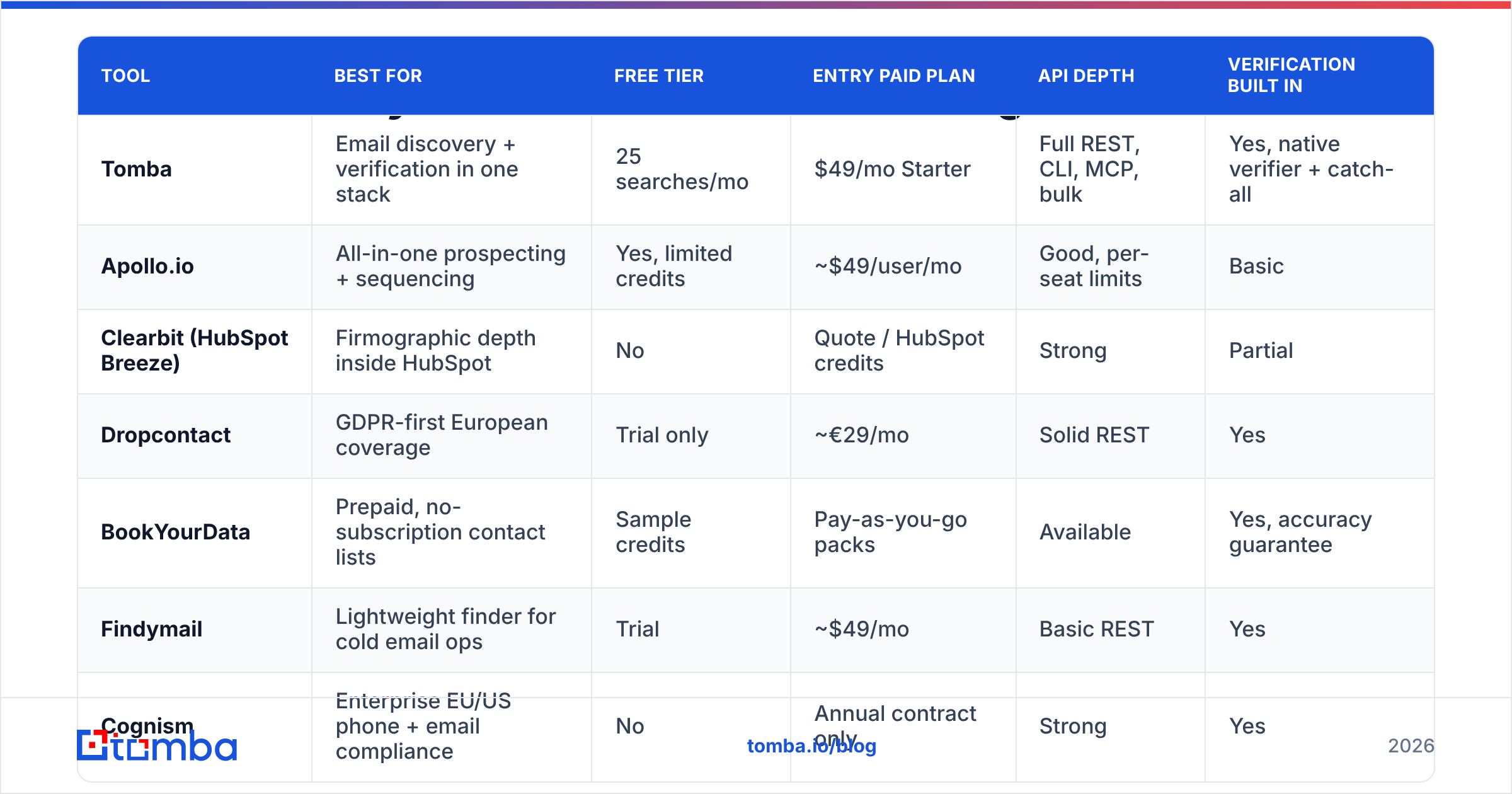
Here's the shortlist, grouped by what each tool is genuinely best at. Published pricing was checked in August 2026 — vendors reshuffle tiers constantly, so confirm on the vendor's own page before you buy.

| Tool | Best for | Free tier | Entry paid plan | API depth | Verification built in |
|---|---|---|---|---|---|
| Tomba | Email discovery + verification in one stack | 25 searches/mo | $49/mo Starter | Full REST, CLI, MCP, bulk | Yes, native verifier + catch-all |
| Apollo.io | All-in-one prospecting + sequencing | Yes, limited credits | ~$49/user/mo | Good, per-seat limits | Basic |
| Clearbit (HubSpot Breeze) | Firmographic depth inside HubSpot | No | Quote / HubSpot credits | Strong | Partial |
| Dropcontact | GDPR-first European coverage | Trial only | ~€29/mo | Solid REST | Yes |
| BookYourData | Prepaid, no-subscription contact lists | Sample credits | Pay-as-you-go packs | Available | Yes, accuracy guarantee |
| Findymail | Lightweight finder for cold email ops | Trial | ~$49/mo | Basic REST | Yes |
| Cognism | Enterprise EU/US phone + email compliance | No | Annual contract only | Strong | Yes |
| Clay | Orchestrating many providers in one table | Yes, limited | ~$149/mo | Excellent, but you supply keys | Depends on provider |
Tomba — the accuracy-per-dollar pick#
Tomba's core is the email finder, with an email verifier, domain search, catch-all verification, phone lookup, and enrichment sitting alongside it. That bundling matters more than it sounds: discovery and verification in one pass means you're not paying two vendors to disagree about the same address.
Practically, the differentiators are the free tier (25 searches/mo, enough to run a real bake-off), $49/mo Starter, $99/mo Growth, $249/mo Pro, and a genuinely complete API surface — REST, CLI, an MCP server, plus Sheets, Excel, and Airtable add-ons. If your workflow is "enrich in a spreadsheet today, move it into a pipeline next quarter," you don't have to re-tool.
Where it's not the answer: if you want sequences, dialers, and a CRM in the same login, Tomba is deliberately not that. It's the data layer.
Apollo.io — the all-in-one#
Apollo bundles a large contact database with sequencing, a dialer, and light CRM features. For a small team that wants one bill instead of four, that consolidation is real value.
The trade-offs are well documented: per-seat pricing gets expensive as non-SDR users pile on, data freshness on smaller companies is inconsistent, and the same records are visible to every other Apollo customer, so your "unique" list isn't. Teams often end up running an Apollo alternative alongside it purely for email verification.
Clearbit / HubSpot Breeze Intelligence — firmographics first#
Clearbit was always stronger at company-level data than person-level email discovery, and since folding into HubSpot's Breeze Intelligence that focus has sharpened. If you live in HubSpot and want form shortening, ICP scoring, and firmographic append, it's the path of least resistance.
If you need to find an individual's email at scale, it's the wrong tool, and pricing no longer has a self-serve entry point. A dedicated Clearbit alternative is usually cheaper for pure contact discovery.
Dropcontact — the GDPR-conscious European option#
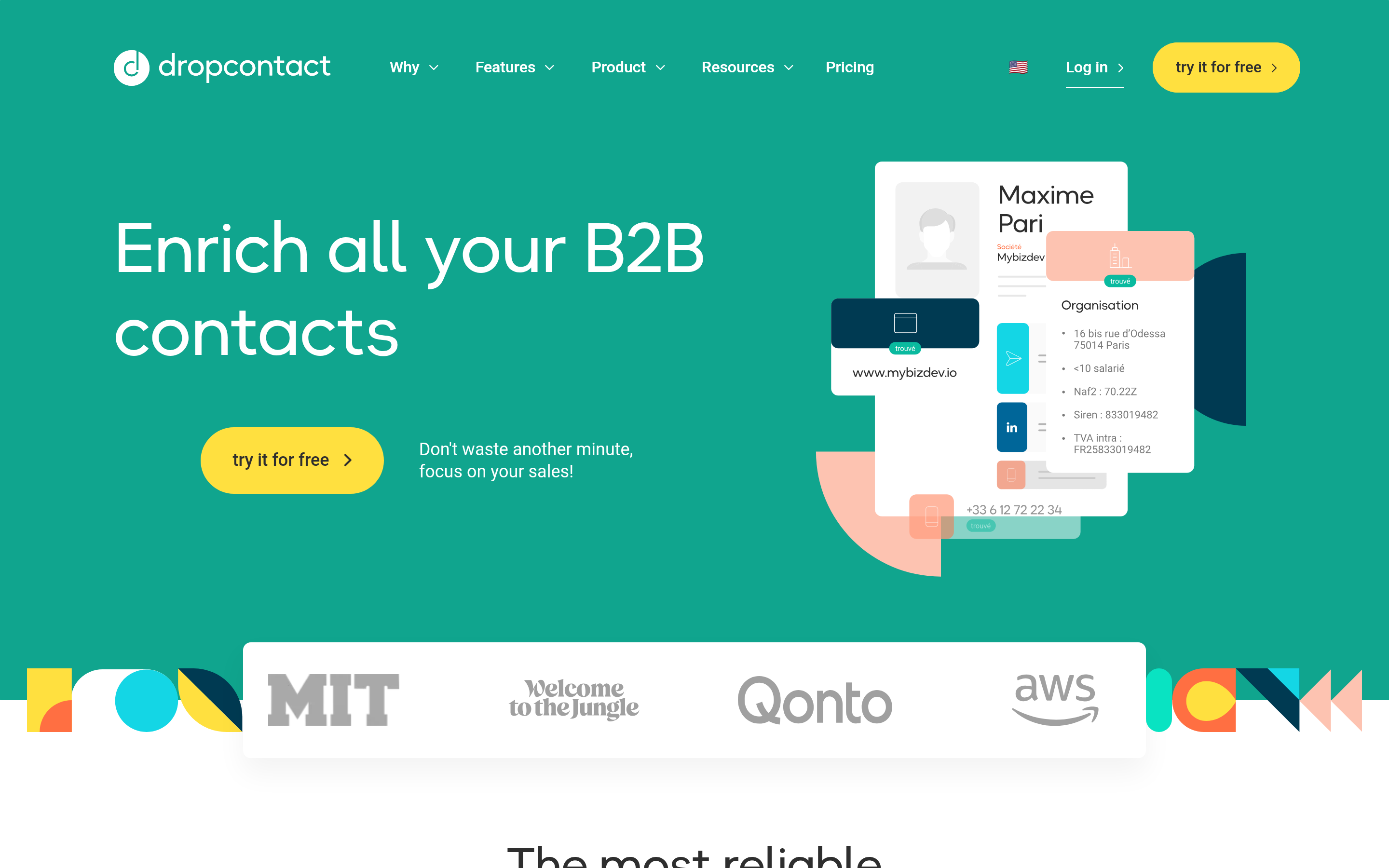
Dropcontact takes a distinctive approach: it derives and verifies rather than resells a scraped database, which gives it a cleaner compliance story for EU-heavy lists. Coverage on French and Benelux domains is genuinely strong. Coverage on US SMBs is average, and the interface is more utilitarian than polished.
BookYourData — prepaid lists without a subscription#
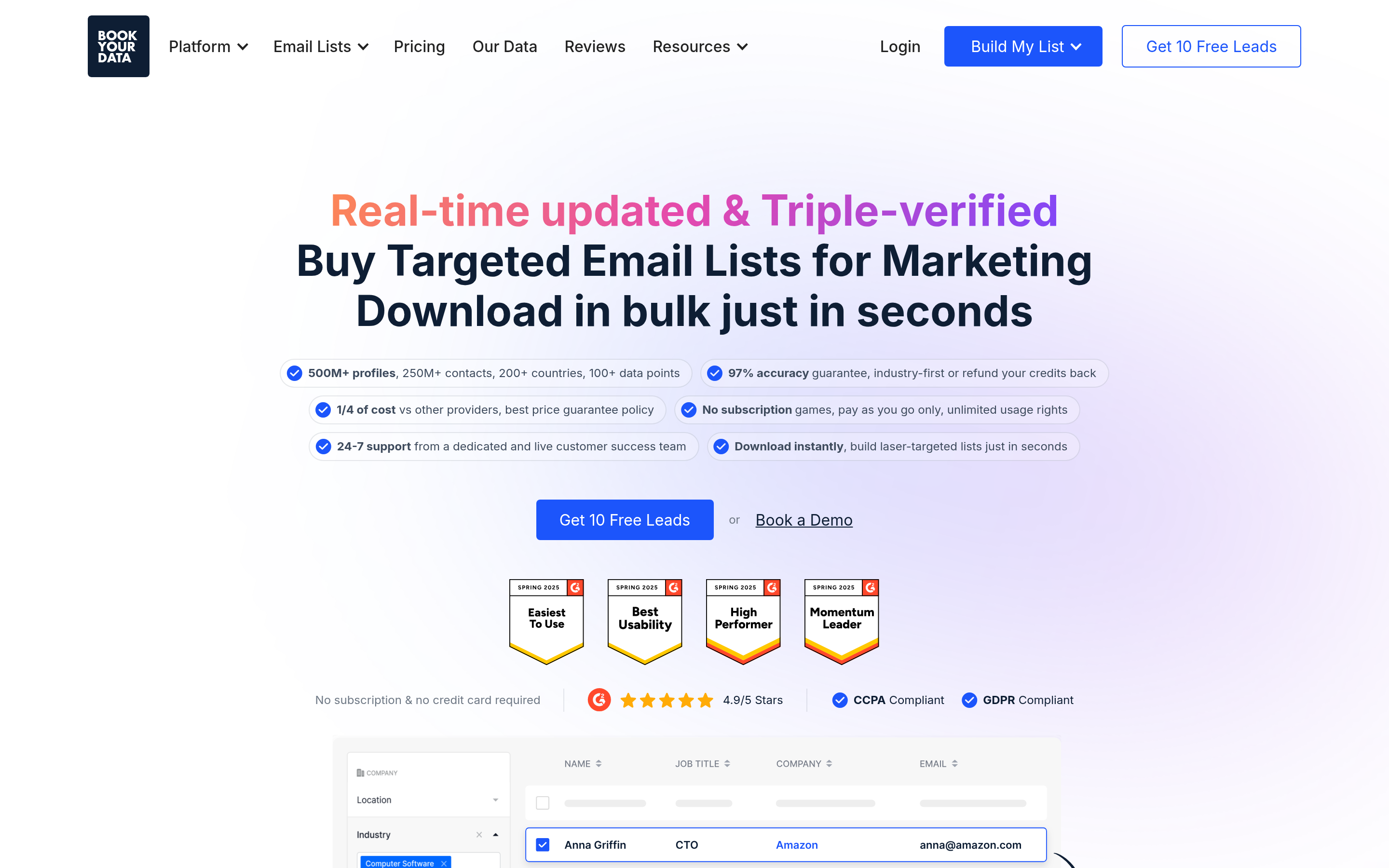
BookYourData solves a different problem well: you need 5,000 verified contacts in a specific vertical this week and you don't want a recurring bill. Credits are prepaid, filtering is granular by title, industry, and geography, and the accuracy guarantee is stated up front. If your buying pattern is project-based rather than continuous, it's a sensible fit next to a per-search tool.
Findymail, Cognism, and Clay — the specialists#
Findymail is a lean finder built for cold-email operators, with bounce-focused verification and a simple credit model. Cognism is the enterprise answer when you need phone-verified mobile numbers and documented notification compliance across the EU — annual contracts only, priced accordingly. Clay isn't really a data vendor at all; it's an orchestration table where you plug in your own provider keys and run a waterfall. Powerful, and it presumes you already own the underlying subscriptions.
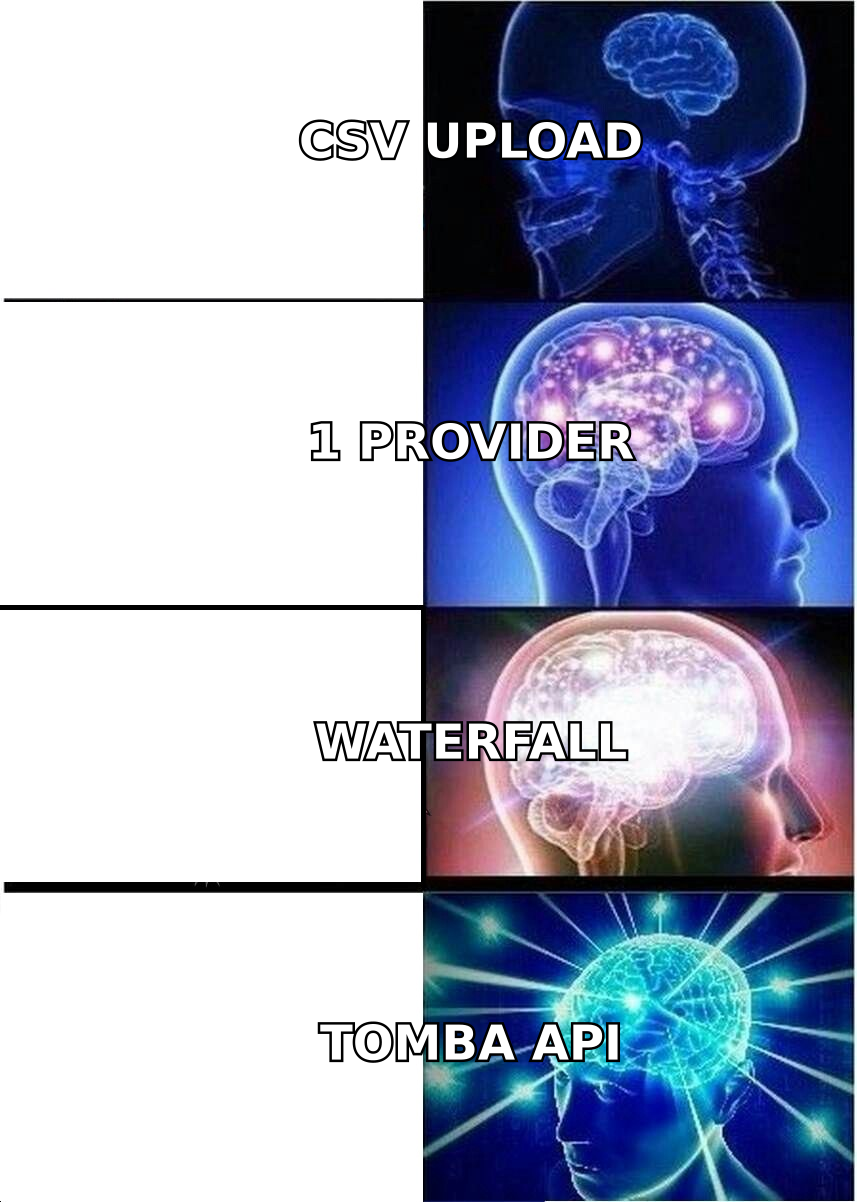
Is a waterfall better than a single provider?#
Usually yes, and the reason is boring: no single database has everyone.
A waterfall queries provider A, and only if A misses does it query provider B, then C. You pay for the cheapest successful lookup instead of the most expensive complete one. On mixed lists, teams typically see match rates climb 15–30 points versus a single source.

Two caveats before you build one:
- A waterfall multiplies unverified results. If provider C returns pattern guesses, your match rate rises and your bounce rate rises with it. Terminate every waterfall with a single verification pass from one vendor you trust, and treat that vendor's verdict as authoritative.
- Waterfalls have an overhead cost. Orchestration tooling, multiple contracts, multiple rate limits, multiple invoices. Below roughly 10,000 enrichments a month, one good provider plus bulk verification usually beats a three-provider waterfall on total cost and on your time.

What does each option actually cost per verified contact?#
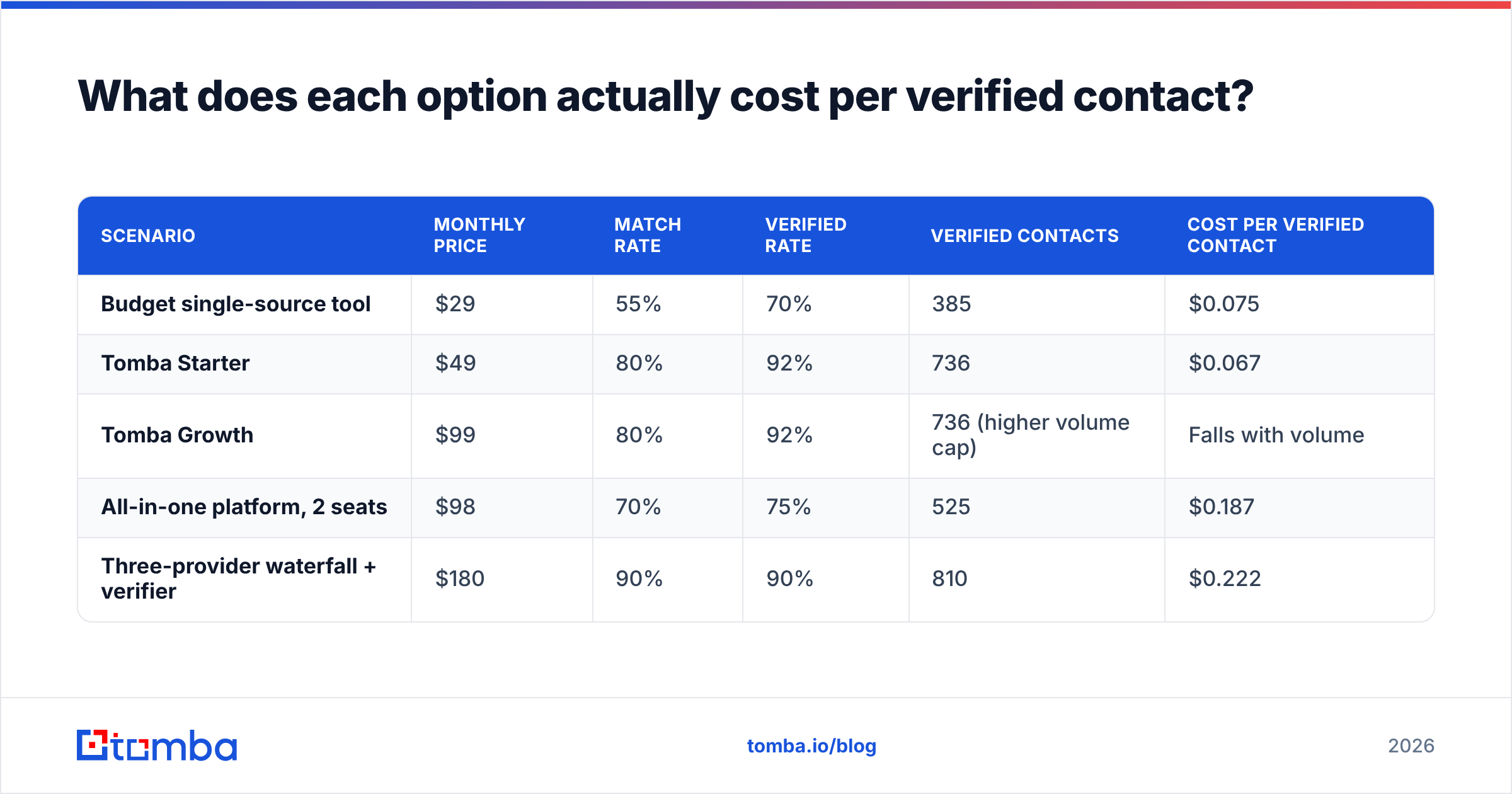
The comparison that changes decisions. Assume 1,000 input rows of mixed US/EU B2B contacts, and be honest about the two multipliers: match rate and verified rate.
| Scenario | Monthly price | Match rate | Verified rate | Verified contacts | Cost per verified contact |
|---|---|---|---|---|---|
| Budget single-source tool | $29 | 55% | 70% | 385 | $0.075 |
| Tomba Starter | $49 | 80% | 92% | 736 | $0.067 |
| Tomba Growth | $99 | 80% | 92% | 736 (higher volume cap) | Falls with volume |
| All-in-one platform, 2 seats | $98 | 70% | 75% | 525 | $0.187 |
| Three-provider waterfall + verifier | $180 | 90% | 90% | 810 | $0.222 |
Numbers are illustrative and depend heavily on your ICP — run them with your own list. The pattern, though, holds up across almost every bake-off: the cheapest sticker price is rarely the cheapest data, and the most elaborate waterfall is rarely worth it until volume justifies the overhead. Compare current Tomba pricing against the plan you're on today with this math, not with a feature checklist.
How do you migrate off Enrichley without breaking your pipeline?#
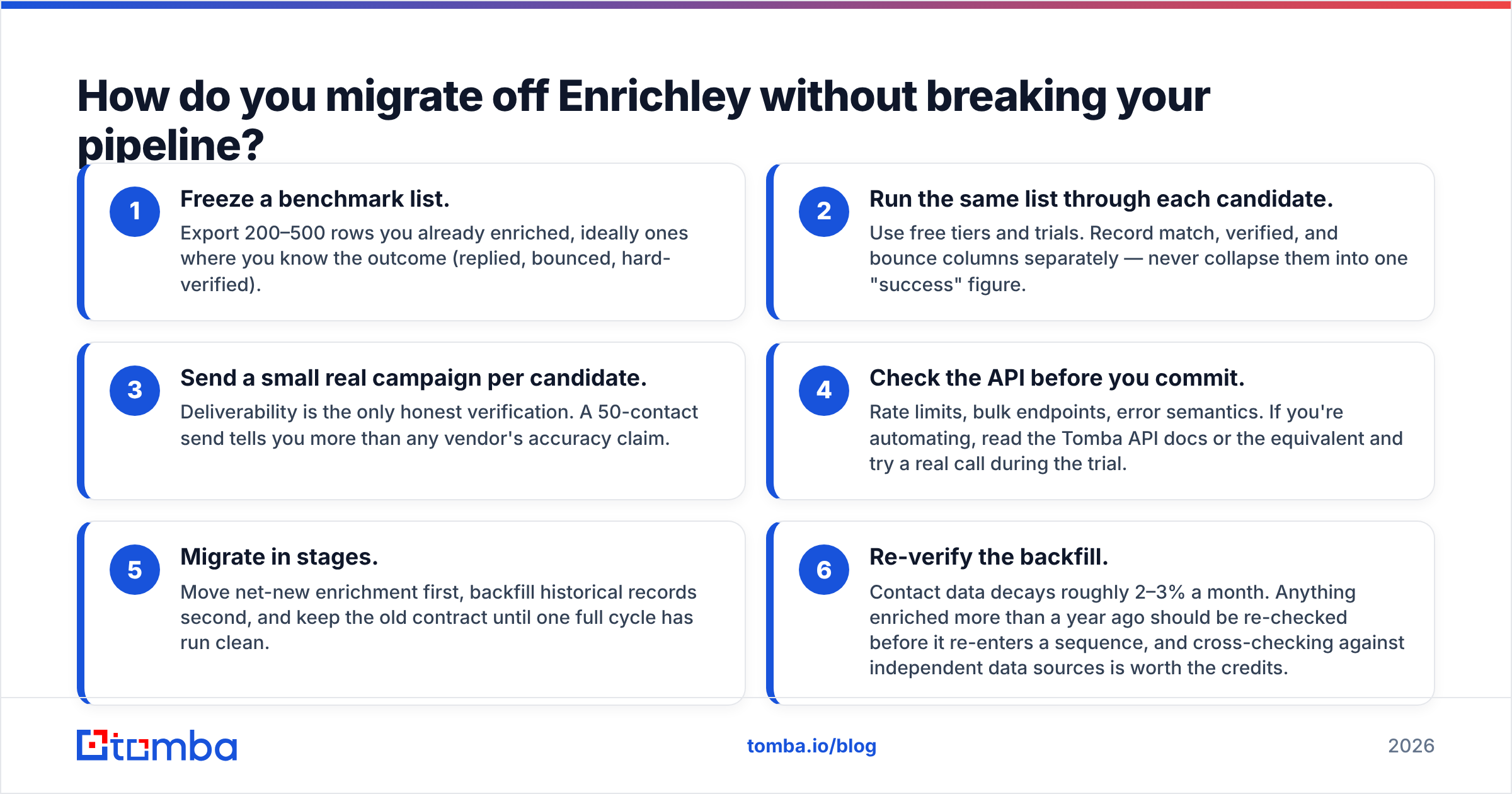
Run the switch as a parallel test, not a cutover.
- Freeze a benchmark list. Export 200–500 rows you already enriched, ideally ones where you know the outcome (replied, bounced, hard-verified).
- Run the same list through each candidate. Use free tiers and trials. Record match, verified, and bounce columns separately — never collapse them into one "success" figure.
- Send a small real campaign per candidate. Deliverability is the only honest verification. A 50-contact send tells you more than any vendor's accuracy claim.
- Check the API before you commit. Rate limits, bulk endpoints, error semantics. If you're automating, read the Tomba API docs or the equivalent and try a real call during the trial.
- Migrate in stages. Move net-new enrichment first, backfill historical records second, and keep the old contract until one full cycle has run clean.
- Re-verify the backfill. Contact data decays roughly 2–3% a month. Anything enriched more than a year ago should be re-checked before it re-enters a sequence, and cross-checking against independent data sources is worth the credits.
Peer review sites like G2's lead intelligence category are useful for spotting support and billing complaints that never appear in a demo, but treat star ratings as noise. Your bake-off is the evidence.
Which alternative should you pick?#
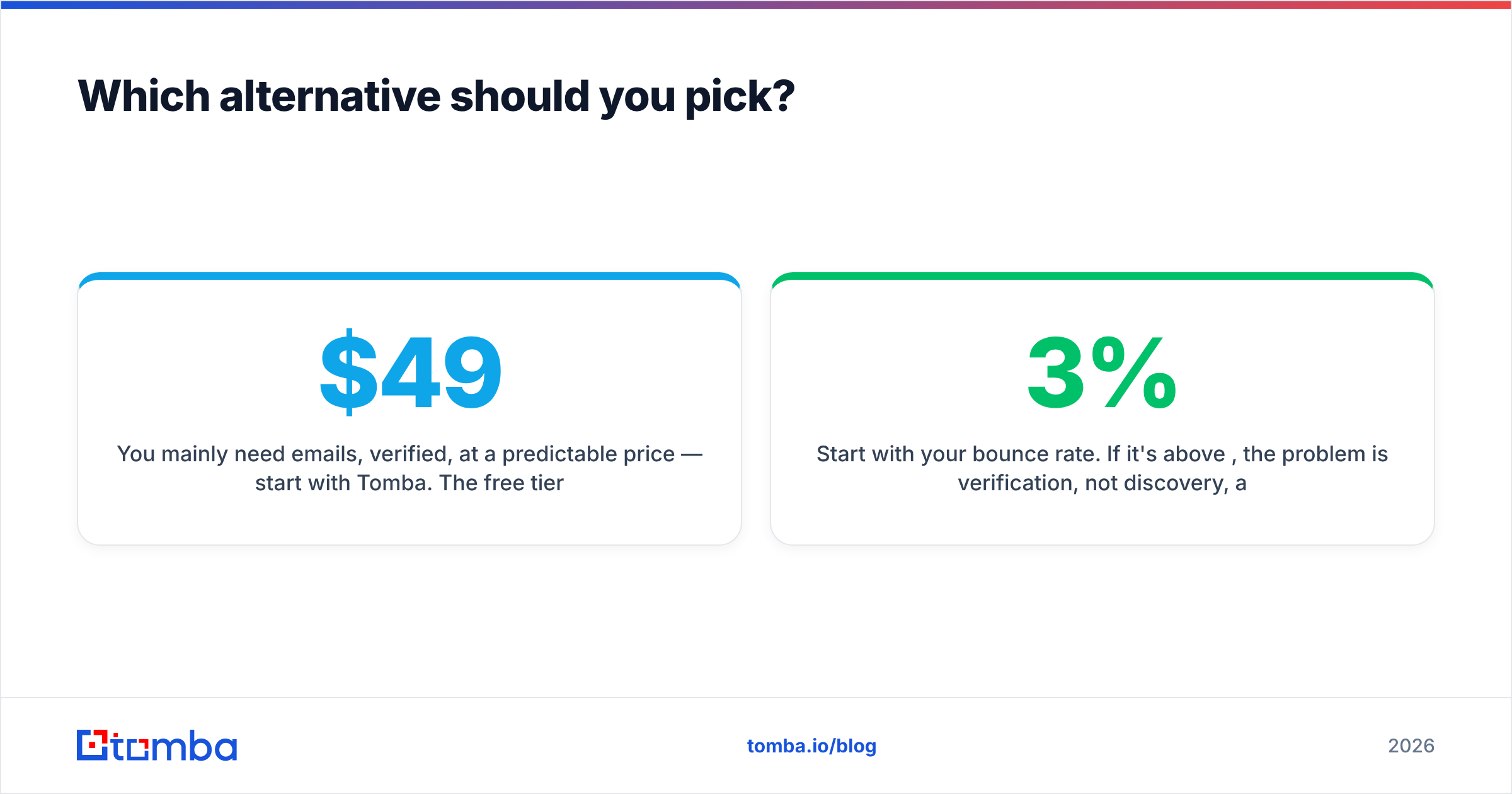
- You mainly need emails, verified, at a predictable price — start with Tomba. The free tier costs you nothing to test and the $49/mo Starter is the cheapest honest entry point on this list.
- You want prospecting, sequencing, and dialing in one tool — Apollo, accepting the per-seat math and the shared-database reality.
- You live in HubSpot and care about company data — Clearbit / Breeze Intelligence.
- Your list is European and compliance is the gating factor — Dropcontact for self-serve, Cognism for enterprise.
- You buy lists in bursts, not monthly — BookYourData's prepaid credit model fits that rhythm better than any subscription.
- You already own three data subscriptions and want to orchestrate them — Clay.
Start with your bounce rate. If it's above 3%, the problem is verification, not discovery, and no amount of extra coverage will fix it. Run your next 500 rows through the Tomba Email Finder — the free tier gives you 25 searches with no card, and Starter is $49/mo if the accuracy on your own list holds up. Test it against whatever you're paying for now and let the cost-per-verified-contact number make the decision for you.
Related guides#
Ready to find emails that actually work?
Join 150,000+ professionals who stopped guessing and started sending. Free credits on signup — no credit card required.
Get the Tomba newsletter
Practical outbound tactics and product updates — once every two weeks.
About the author