Enrichley vs GetProspect (2026): Which Email Finder Wins?
Enrichley and GetProspect both promise verified B2B emails, but they price, verify, and enrich very differently. Here is the honest breakdown, plus where each one quietly costs you more than the sticker.
TL;DR
- GetProspect is the more established of the two: a LinkedIn-centric prospecting tool with a built-in contact database, list builder, and a free tier that gets you started without a card.
- Enrichley positions itself as an enrichment-first platform — you bring records, it fills the gaps — which makes it stronger on CSV cleanup than on cold list building.
- The real cost difference is not the sticker price. It is what counts as a billable credit and whether per-seat fees stack on top of your plan.
- Neither tool is a full replacement for a dedicated verifier. If your bounce rate matters, budget for verification as a separate line item.
- If you mostly need accurate emails at a predictable price, a focused email finder with flat pricing (Tomba starts at $49/mo, free tier included) usually beats paying for enrichment fields you never map.
What are Enrichley and GetProspect?#
They solve overlapping problems from opposite ends.
GetProspect started as a LinkedIn email extractor and grew into a broader prospecting suite. You search its B2B database by title, industry, headcount, geography, and tech stack, or you scrape a LinkedIn Sales Navigator list with the Chrome extension and pull emails for those profiles. It bundles a light CRM-style list manager and, on higher plans, an outreach sequencer. The center of gravity is list building from scratch. See the official GetProspect site for the current feature set.
Enrichley approaches the same data from the enrichment side. The core motion is: upload a list of domains, names, or partial records, and get back emails, firmographics, and contact attributes appended. It leans on a waterfall approach — querying multiple upstream sources per record and returning the first confident hit — which is a sensible design when your input data is messy and heterogeneous.
That difference matters more than any feature checklist. If you have nothing and need 3,000 marketing directors at Series B SaaS companies, GetProspect's database search is the right shape. If you have something — a webinar signup list, a CRM export with 40% missing emails, a scraped set of domains — enrichment is the right shape.

How do Enrichley and GetProspect compare head-to-head?#
Here is the practical comparison. Treat pricing as directional — both vendors adjust plans, and you should confirm on their pricing pages before you commit.
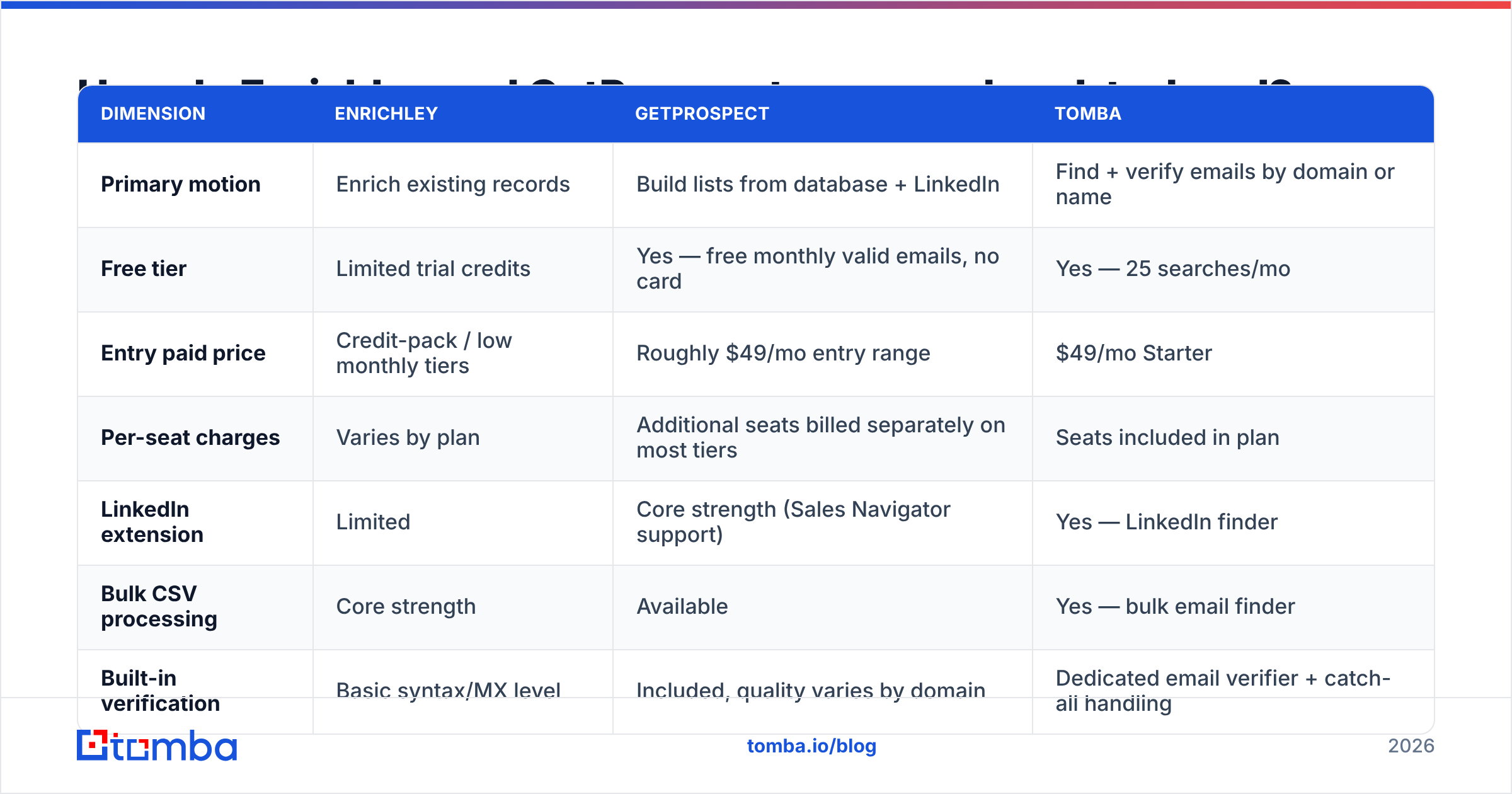
| Dimension | Enrichley | GetProspect | Tomba |
|---|---|---|---|
| Primary motion | Enrich existing records | Build lists from database + LinkedIn | Find + verify emails by domain or name |
| Free tier | Limited trial credits | Yes — free monthly valid emails, no card | Yes — 25 searches/mo |
| Entry paid price | Credit-pack / low monthly tiers | Roughly $49/mo entry range | $49/mo Starter |
| Per-seat charges | Varies by plan | Additional seats billed separately on most tiers | Seats included in plan |
| LinkedIn extension | Limited | Core strength (Sales Navigator support) | Yes — LinkedIn finder |
| Bulk CSV processing | Core strength | Available | Yes — bulk email finder |
| Built-in verification | Basic syntax/MX level | Included, quality varies by domain | Dedicated email verifier + catch-all handling |
| API access | Yes | Yes, higher tiers | Yes on all paid plans — Tomba API |
| Outreach sequencing | No | Yes on higher plans | No — integrates with your sender |
| Best for | Messy CSV cleanup, RevOps backfills | SDRs building LinkedIn-sourced lists | Teams that need accuracy + a clean API |
The row that decides most evaluations is per-seat charges. A $49/mo plan that becomes $147/mo the moment you add two SDRs is a different product than a $49/mo plan with seats included. Model your real team size, not your pilot.
Which one finds more valid emails?#
Nobody can hand you a universal accuracy number, and you should distrust any post that claims to. Match rate and bounce rate both depend on your ICP — company size, geography, and industry swing results more than the vendor does.

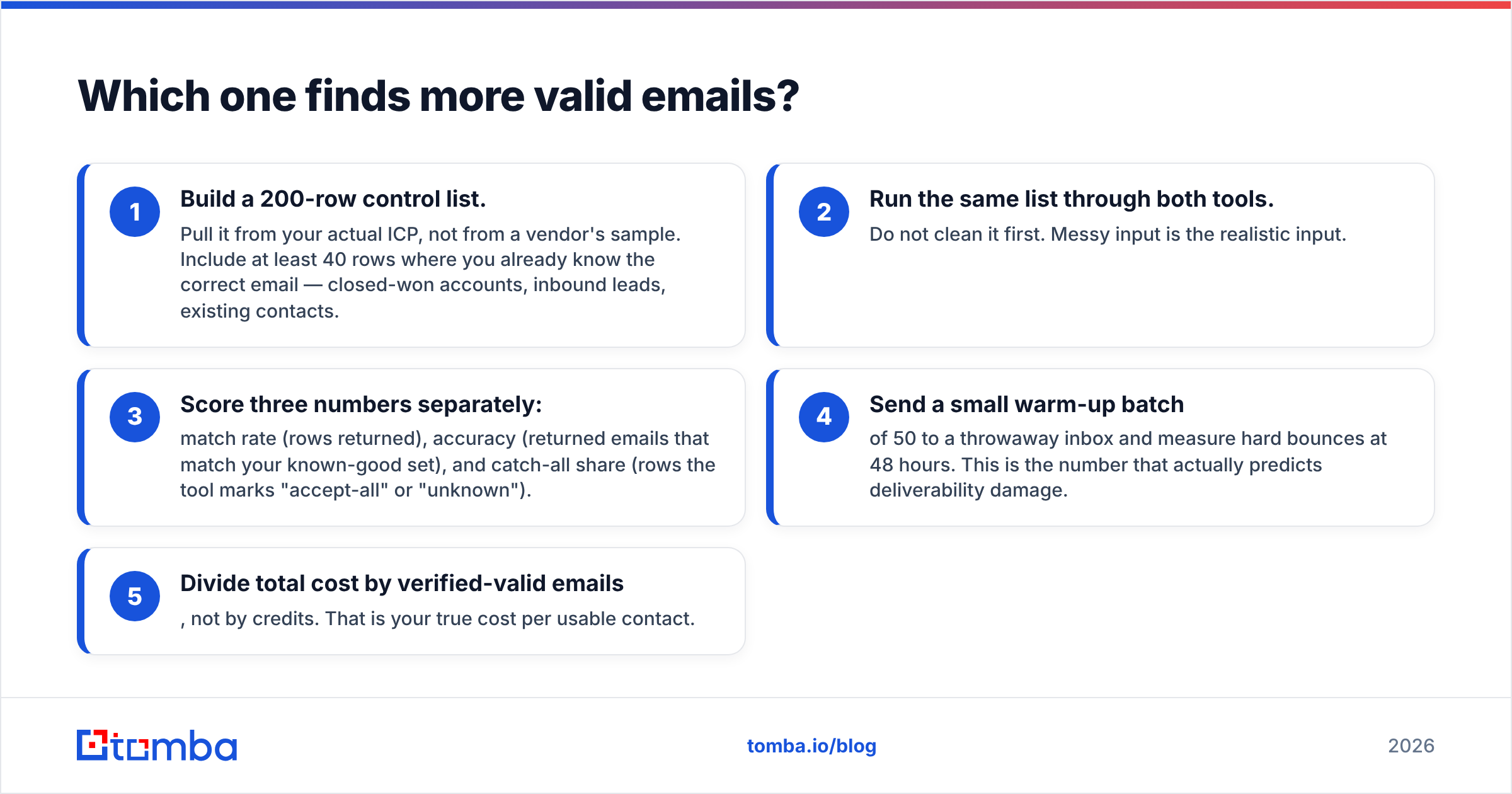
What you can control is the test. Run this before you buy either tool:
- Build a 200-row control list. Pull it from your actual ICP, not from a vendor's sample. Include at least 40 rows where you already know the correct email — closed-won accounts, inbound leads, existing contacts.
- Run the same list through both tools. Do not clean it first. Messy input is the realistic input.
- Score three numbers separately: match rate (rows returned), accuracy (returned emails that match your known-good set), and catch-all share (rows the tool marks "accept-all" or "unknown").
- Send a small warm-up batch of 50 to a throwaway inbox and measure hard bounces at 48 hours. This is the number that actually predicts deliverability damage.
- Divide total cost by verified-valid emails, not by credits. That is your true cost per usable contact.
Two failure patterns show up constantly in this category. First, tools inflate match rate by returning pattern-guessed addresses — first.last@domain.com with no evidence anyone at that domain uses that pattern. Second, they return catch-all domains as "valid," which is technically true at the SMTP layer and completely useless for your sender reputation.
Catch-all domains deserve special attention. Roughly a fifth of B2B domains accept everything at the gateway, so a naive verifier calls them all valid. That is exactly where lists go bad. A dedicated catch-all verifier that scores catch-all addresses on separate signals is worth more than a few percentage points of headline match rate.
How does the pricing actually work?#
The sticker price is the least interesting part. Ask these four questions of both vendors:
- What consumes a credit? A search that returns nothing should not bill. Some tools charge for the attempt. Others charge again for verifying the email they just sold you.
- Do credits roll over? Prospecting is bursty. Non-rolling credits punish you for a slow month and then force an overage in a busy one.
- Are exports metered separately? A plan with generous search credits and a stingy export cap is a rate limit wearing a costume.
- What does a seat cost? See above. This is the single biggest variance between quoted and actual annual spend.

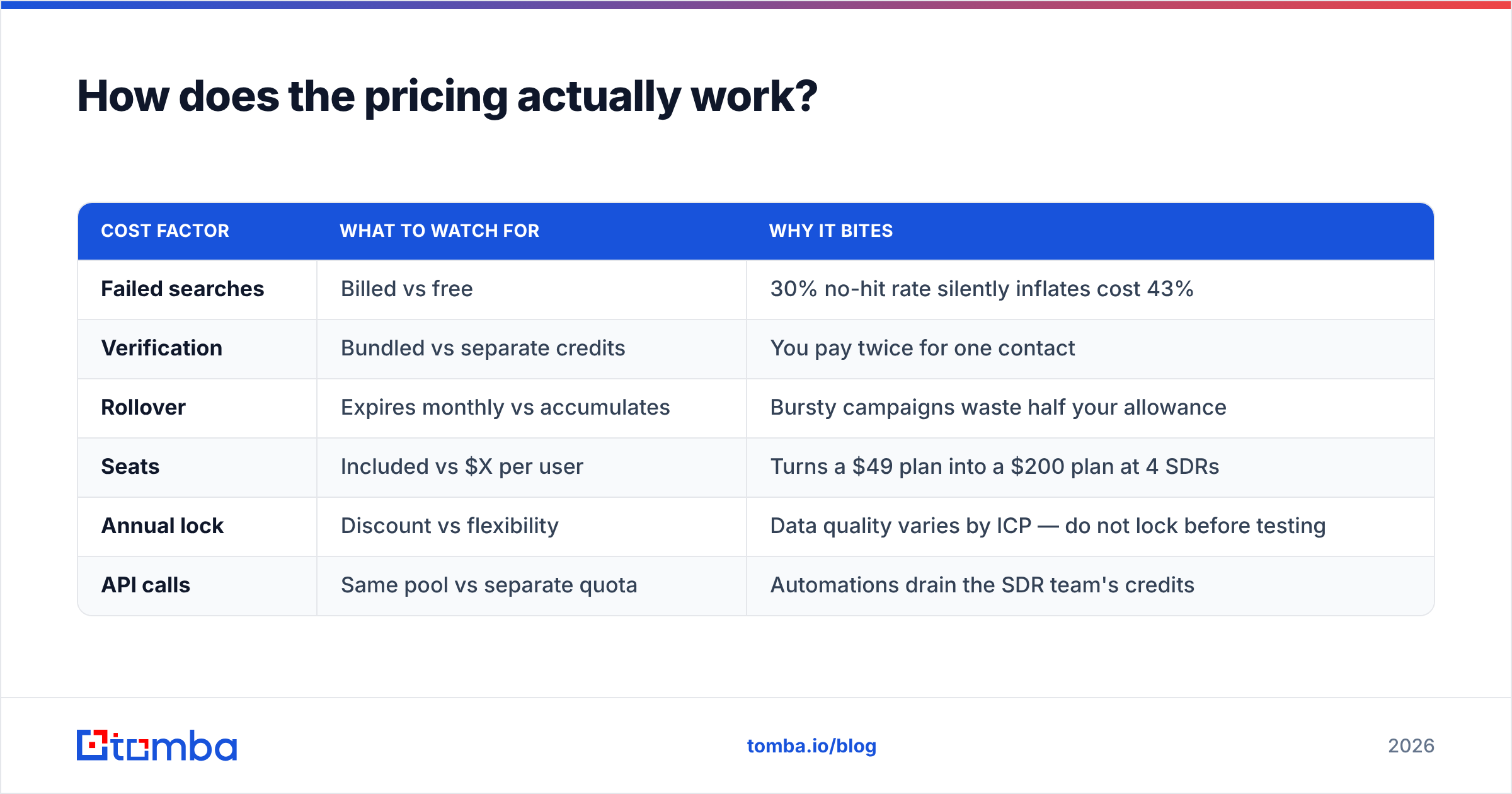
| Cost factor | What to watch for | Why it bites |
|---|---|---|
| Failed searches | Billed vs free | 30% no-hit rate silently inflates cost 43% |
| Verification | Bundled vs separate credits | You pay twice for one contact |
| Rollover | Expires monthly vs accumulates | Bursty campaigns waste half your allowance |
| Seats | Included vs $X per user | Turns a $49 plan into a $200 plan at 4 SDRs |
| Annual lock | Discount vs flexibility | Data quality varies by ICP — do not lock before testing |
| API calls | Same pool vs separate quota | Automations drain the SDR team's credits |
For reference, Tomba pricing runs Free (25 searches/mo), Starter $49/mo, Growth $99/mo, Pro $249/mo, and custom Enterprise, with API access on paid tiers and seats included rather than metered. That structure exists specifically because credit math is where most prospecting budgets leak.
What about enrichment beyond the email address?#
This is where the two tools genuinely diverge, and where you should let your use case decide.
Enrichley's pitch is breadth of fields per record: company size, funding, technology signals, role seniority, sometimes social profiles. If you are feeding a lead scoring model or routing rules, more fields per record has direct value. A marketing qualified lead definition built on firmographic thresholds is only as good as the firmographic data behind it.
GetProspect's enrichment is narrower but tied to its own database, which means the fields are consistent across records. Consistency matters more than breadth when you are building filters — a field that is populated 40% of the time cannot be a filter criterion, only a nice-to-have.
Ask yourself honestly: how many enrichment fields will you actually map into your CRM this quarter? In most teams the answer is four to six — email, phone, title, company size, industry, maybe tech stack. If that is your reality, you are paying an enrichment premium for fields that die in a staging table. Buying a focused finder plus a targeted data enrichment step for the fields you genuinely use is usually cheaper and always cleaner.
Phone numbers deserve a separate check. Mobile coverage is wildly inconsistent across all vendors in this category, and "phone number" often means a company switchboard. If dials are part of your motion, test phone coverage on your ICP separately with a phone finder and validate the numbers before your reps burn a day on dead lines.
Which integrates better with your stack?#
Integration quality decides whether a tool survives past month three.
GetProspect has the broader native surface — CRM connectors, Zapier, a Chrome extension that most SDRs can use without training. If your team lives in LinkedIn and your CRM is HubSpot or Pipedrive, the path from profile to sequence is short. HubSpot's own sales tooling documentation is a useful reference for how data should land in a pipeline stage.
Enrichley is more API-and-CSV shaped. That suits a RevOps team running scheduled enrichment jobs and does not suit an SDR who wants a button in the browser.
The evaluation question is not "does it integrate" but "who owns the integration." If the answer is your ops person, API quality and rate limits matter most: documented errors, predictable pagination, sane 429 behavior, webhook support. If the answer is your SDRs, extension UX matters most. Check current user reviews on G2's lead intelligence category for how each tool's integrations hold up in production — support responsiveness shows up there long before it shows up in a sales call.
Who should choose Enrichley, and who should choose GetProspect?#

Choose Enrichley if:
- Your input is a list, not a filter. You already have domains, names, or partial records and need the gaps filled.
- You are a RevOps or data team, comfortable with scheduled jobs and CSVs, and the tool does not need to be SDR-friendly.
- Field breadth drives a downstream system — scoring, routing, territory assignment — and you will genuinely map those fields.
- Your records are heterogeneous. Waterfall enrichment earns its keep on messy, mixed-source data.
Choose GetProspect if:
- LinkedIn is your primary sourcing channel and Sales Navigator lists are your starting point.
- You want database search plus outreach in one place and are willing to accept a jack-of-all-trades on each.
- You need a genuine free tier to validate data quality before any commitment.
- Your team is SDR-heavy and self-serve, so extension UX beats API polish.
Choose a focused finder + verifier stack if:
- Cost per verified email is your KPI, not fields per record.
- You need clean API access on an entry plan, not gated behind an enterprise tier.
- Catch-all domains are a meaningful share of your ICP and you cannot afford to guess.
- You want to own your sending stack and just need reliable contact data flowing into it.
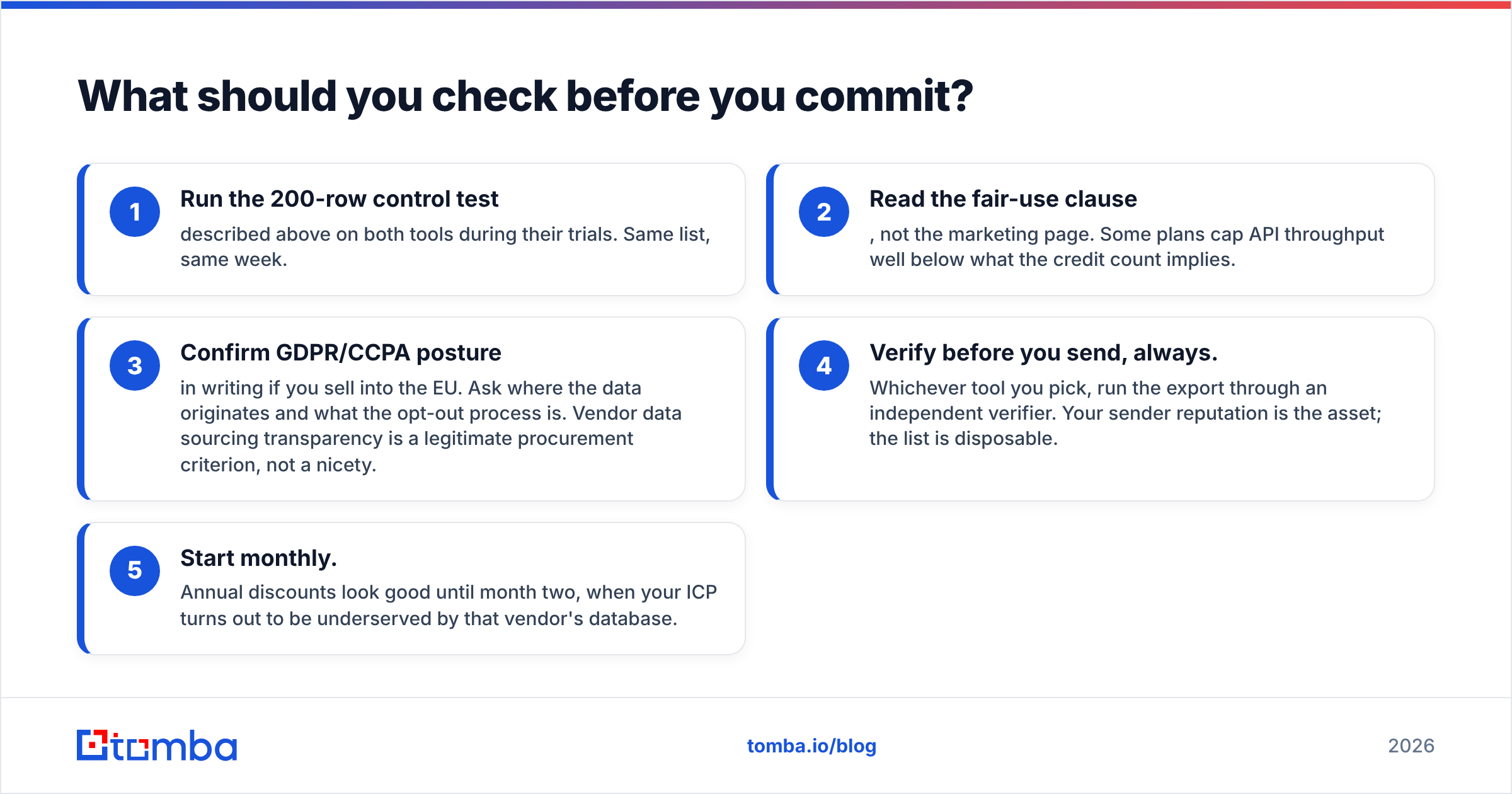
What should you check before you commit?#
A short pre-purchase checklist that has saved more budgets than any feature comparison:
- Run the 200-row control test described above on both tools during their trials. Same list, same week.
- Read the fair-use clause, not the marketing page. Some plans cap API throughput well below what the credit count implies.
- Confirm GDPR/CCPA posture in writing if you sell into the EU. Ask where the data originates and what the opt-out process is. Vendor data sourcing transparency is a legitimate procurement criterion, not a nicety.
- Verify before you send, always. Whichever tool you pick, run the export through an independent verifier. Your sender reputation is the asset; the list is disposable.
- Start monthly. Annual discounts look good until month two, when your ICP turns out to be underserved by that vendor's database.
Get accurate emails without the credit math#
If your bottleneck is finding correct email addresses — not appending 30 firmographic fields you will never map — start with the tool built for exactly that job. The Tomba Email Finder returns emails by domain, name, or company with a confidence score and source attribution, includes verification in the same workflow, and prices at a flat $49/mo Starter with seats included and a free tier to test on your own list first. Run your 200-row control test against it alongside Enrichley and GetProspect, compare cost per verified-valid email, and let your own data pick the winner.
Related guides#
Ready to find emails that actually work?
Join 150,000+ professionals who stopped guessing and started sending. Free credits on signup — no credit card required.
Get the Tomba newsletter
Practical outbound tactics and product updates — once every two weeks.
About the author