Enrow vs Wiza (2026): Which Email Finder Actually Wins?
Enrow verifies at scale, Wiza scrapes LinkedIn. They solve different halves of the same problem — and neither is the cheapest way to get verified B2B emails. Here's the honest breakdown.
TL;DR
- Enrow is an email finder and verifier built around one promise: don't charge you for emails that bounce. Its real differentiator is catch-all verification, not database size.
- Wiza is a LinkedIn-first prospecting tool. You export a Sales Navigator search, and it enriches those profiles with emails and phone numbers. Without LinkedIn as your starting point, Wiza loses most of its value.
- They are not true substitutes. Enrow answers "is this address real?" Wiza answers "who are these people and how do I reach them?"
- Pricing diverges hard at volume: Wiza's phone-inclusive tiers run into the low hundreds per month, while verification-only tools price per email checked.
- If you want domain-level discovery, verification, and enrichment on one bill, a general-purpose platform like Tomba covers the overlap at $49/mo starting — worth pricing against both before you commit annually.
What are Enrow and Wiza, actually?#
Start with the honest framing: these two tools get compared because they show up in the same "best email finder" listicles, not because they do the same job.
Enrow is a French email-finding and verification service. Its pitch is accuracy-first — it runs multi-source waterfall lookups and, critically, attempts to resolve catch-all domains, the servers that accept every address you throw at them and therefore defeat most verifiers. Enrow charges only for emails it returns as valid, which is a meaningful billing model when 30-40% of your list is unresolvable.
Wiza is a LinkedIn data extraction tool. You run a Sales Navigator or Recruiter search, hit export, and Wiza turns the profile list into a CSV with work emails, personal emails, and (on higher tiers) direct-dial phone numbers. It also has a Chrome extension for one-off lookups and a growing "Prospect" database you can search without LinkedIn.
So the practical question is not "which is better" — it's "which half of my pipeline problem am I solving?"
How do Enrow and Wiza compare feature by feature?#
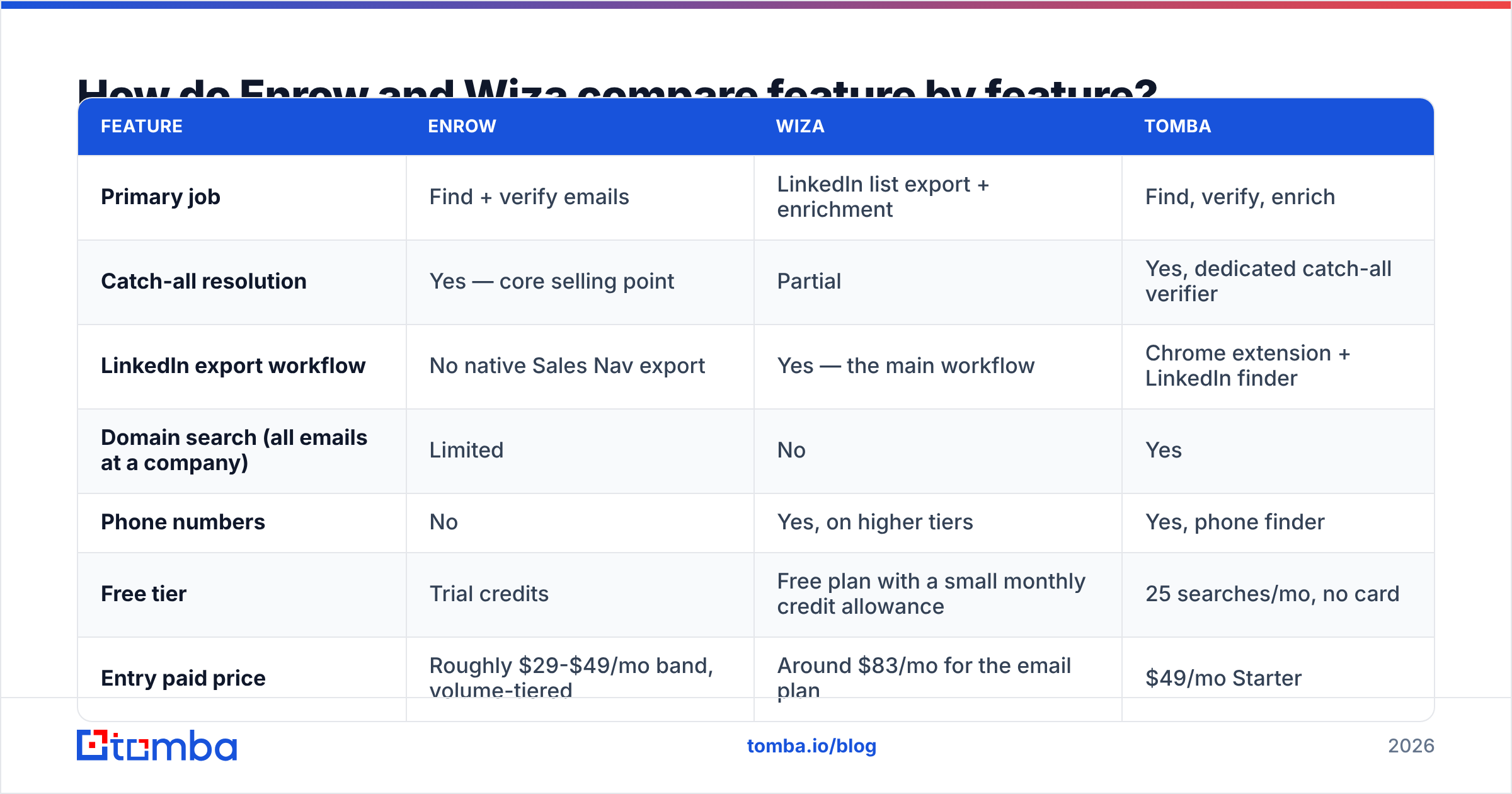
Here is the side-by-side, with a general-purpose platform included as a reference point since most teams end up needing coverage from both columns.
| Feature | Enrow | Wiza | Tomba |
|---|---|---|---|
| Primary job | Find + verify emails | LinkedIn list export + enrichment | Find, verify, enrich |
| Catch-all resolution | Yes — core selling point | Partial | Yes, dedicated catch-all verifier |
| LinkedIn export workflow | No native Sales Nav export | Yes — the main workflow | Chrome extension + LinkedIn finder |
| Domain search (all emails at a company) | Limited | No | Yes |
| Phone numbers | No | Yes, on higher tiers | Yes, phone finder |
| Free tier | Trial credits | Free plan with a small monthly credit allowance | 25 searches/mo, no card |
| Entry paid price | Roughly $29-$49/mo band, volume-tiered | Around $83/mo for the email plan | $49/mo Starter |
| Phone-inclusive tier | N/A | Roughly $166/mo | Included in plan credits |
| API access | Yes | Yes | Yes, plus CLI and MCP server |
| Billing model | Pay for valid results | Credit-based, unused credits expire monthly | Credit-based across all tools |
| Best fit | Cleaning and validating existing lists | LinkedIn-sourced outbound | Mixed-source prospecting at scale |
Prices move. Check Enrow's pricing page, Wiza's pricing page, and Tomba pricing before you budget — annual discounts and credit rollover rules change more often than feature sets do.
Which one is more accurate?#
Accuracy in this category is measured two ways, and vendors love to blur them.
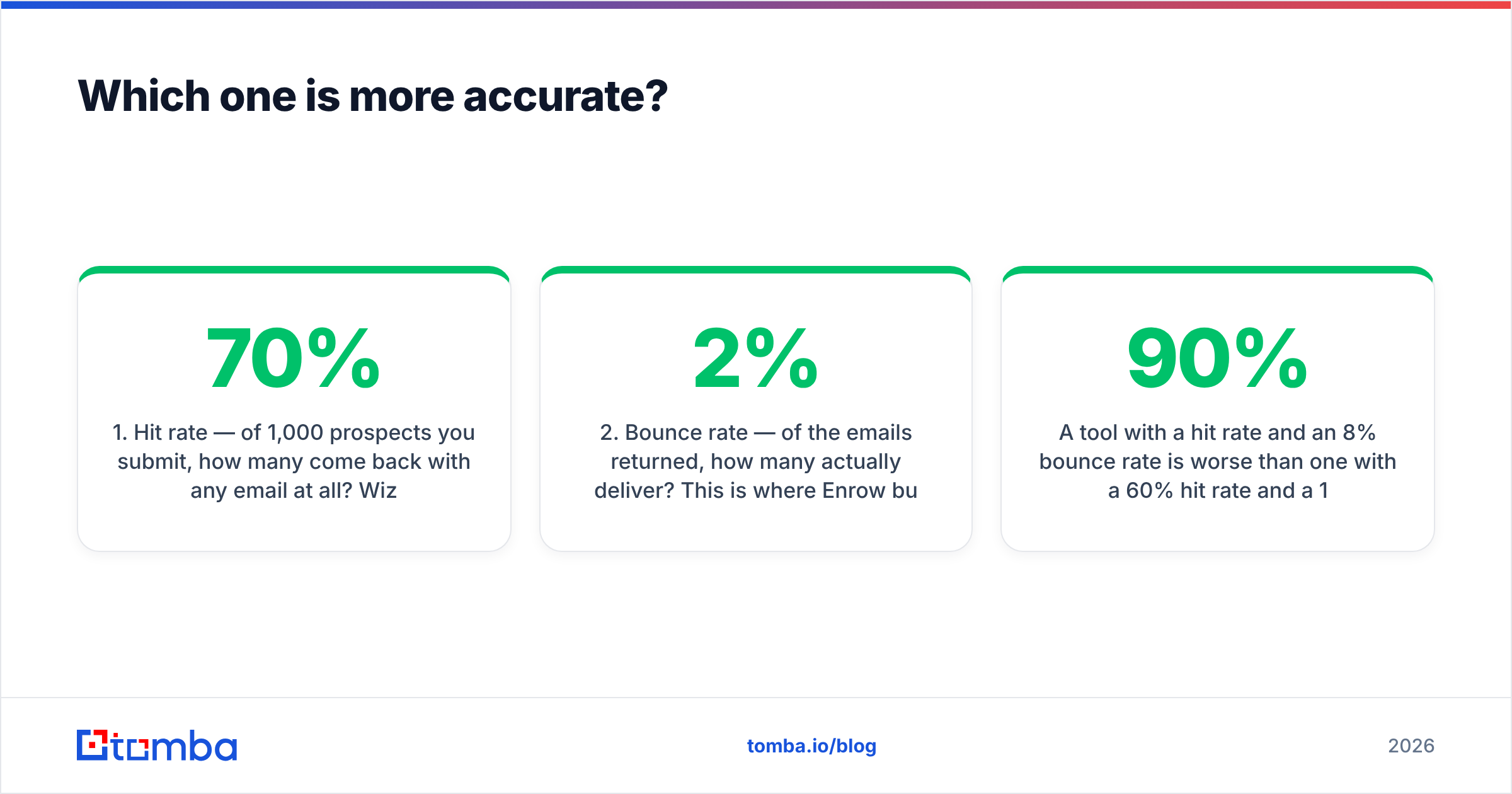
- Hit rate — of 1,000 prospects you submit, how many come back with any email at all? Wiza publishes hit rates in the 50-70% range for LinkedIn-sourced lists, which is normal for profile-based enrichment.
- Bounce rate — of the emails returned, how many actually deliver? This is where Enrow builds its case, targeting sub-2% bounce on returned addresses because it discards the ones it can't confirm.
A tool with a 90% hit rate and an 8% bounce rate is worse than one with a 60% hit rate and a 1% bounce rate, because bounces damage sender reputation and reputation damage compounds across every future campaign.

The catch-all problem is where the gap opens. Roughly a quarter of B2B domains — heavily skewed toward enterprise and Microsoft 365 tenants — accept mail to any address at SMTP level. Standard verification returns "unknown" and most tools either charge you anyway or drop the lead. Enrow markets an explicit resolution layer here. If you sell into enterprise, that single capability may justify the tool on its own. If you sell to SMBs on Google Workspace, catch-alls are a smaller share of your list and you're paying for a feature you rarely trigger.
Run your own test before believing any published number. Take 200 contacts you already have confirmed emails for, strip the emails, and feed the names and domains through each trial. Measure hit rate and match accuracy against your known-good column. Vendor benchmarks are marketing; your list is the only benchmark that matters.
What does each one actually cost per usable lead?#
Sticker price is the wrong metric. Cost per usable lead is the right one, and the formula is short:
Monthly cost ÷ (credits × hit rate × deliverability rate) = cost per usable contact
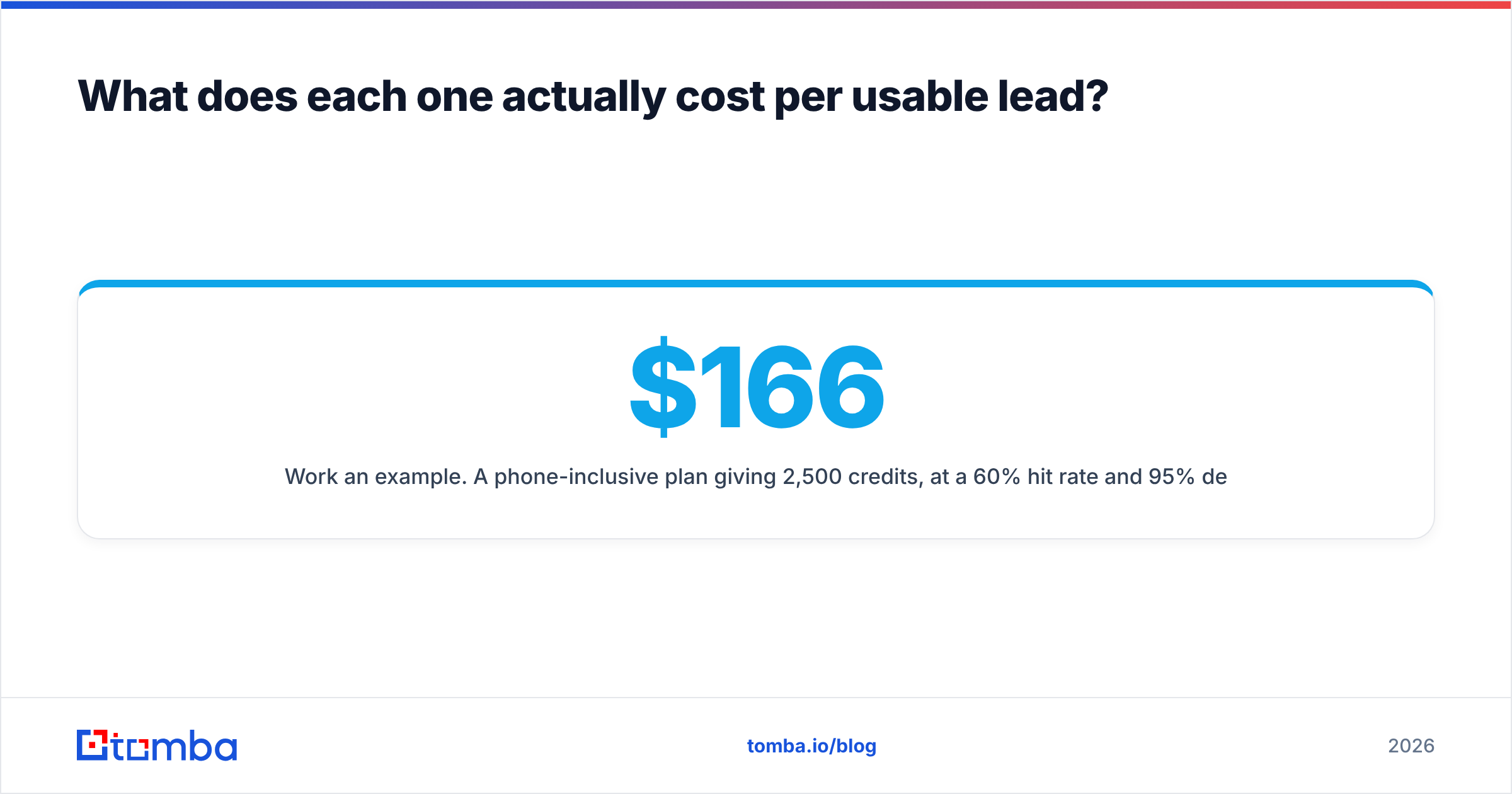
Work an example. A $166/mo phone-inclusive plan giving 2,500 credits, at a 60% hit rate and 95% deliverability, produces about 1,425 usable contacts — roughly $0.12 each. A $49/mo plan with 1,000 credits at the same rates yields 570 usable contacts at about $0.09 each. The cheaper plan wins on unit economics but caps your volume; the expensive plan buys headroom. Neither is universally correct — it depends on how many contacts your motion actually consumes per month.
Three cost traps to check in the fine print:
- Credit expiry. Most credit-based tools, Wiza included, reset unused credits monthly. If your prospecting is lumpy — 4,000 leads in March, 200 in April — you pay for capacity you never touch.
- Charging for unknowns. Some verifiers bill for every check including "unknown" results. Enrow's pay-for-valid model exists specifically to counter this. Ask any vendor directly.
- Phone credits priced as email credits. Direct-dial data costs vendors far more than email. When a plan bundles both, the per-unit math usually assumes you use mostly email. If you're a calling team, model it separately.

When should you choose Wiza over Enrow?#
Choose Wiza when LinkedIn is your prospecting motion. Specific signals:
- You live in Sales Navigator. Your ICP is defined by filters — headcount, title, geography, recent job change — and you want that exact list in a CSV with contact data attached. Wiza is built for exactly this handoff and does it with less friction than stitching a scraper to a separate enrichment API.
- You need phone numbers. Enrow doesn't do phones. If your sequence is email plus cold call, Wiza's higher tiers include mobile numbers, which removes a second vendor from your stack.
- You're a recruiter. Recruiter and Sales Navigator exports are Wiza's home turf, and personal emails matter more than work emails in talent sourcing. Most pure B2B email finders index company domains and miss personal addresses entirely.
- Your team is non-technical. The export-to-CSV flow needs no API keys and no ops support.
Where Wiza gets awkward: if a prospect isn't on LinkedIn or their profile is thin, you get nothing. Companies in manufacturing, local services, government, and much of EMEA have weak LinkedIn coverage. And Wiza gives you no clean way to answer "show me every email at acme.com" — a domain search question that comes up constantly in account-based motions.
When should you choose Enrow over Wiza?#
Choose Enrow when your problem is list quality rather than list creation.
- You already have a list. Scraped, purchased, exported from an old CRM, or inherited from a departing rep. It needs cleaning before it touches your sending domain.
- Catch-all domains are eating your coverage. If a meaningful slice of your target accounts return "unknown," a dedicated resolver is worth paying for.
- You're rebuilding sender reputation. After a deliverability incident, the correct move is verifying every address before sending. Pay-for-valid billing aligns the vendor's incentive with yours.
- You want an API in a pipeline. Enrow is straightforward to wire into an enrichment step that runs before contacts land in your CRM.
Where Enrow gets awkward: it's a narrow tool. No phone data, no LinkedIn-native workflow, no broad searchable database. You'll pair it with something that sources contacts in the first place — which is the whole reason this comparison is confusing.
Is there a reason to use neither?#
Yes, and it's the honest conclusion of most Enrow vs Wiza evaluations: you're comparing two specialists when a generalist would cover both jobs on one invoice.
The overlap you actually need for outbound is usually:
- Discovery — given a company domain, return the people and their addresses
- Verification — including catch-all handling, before anything sends
- LinkedIn coverage — for the prospects you find profile-first
- Enrichment — job title, company size, tech stack, to power segmentation
- Bulk + API — because doing this one contact at a time doesn't scale
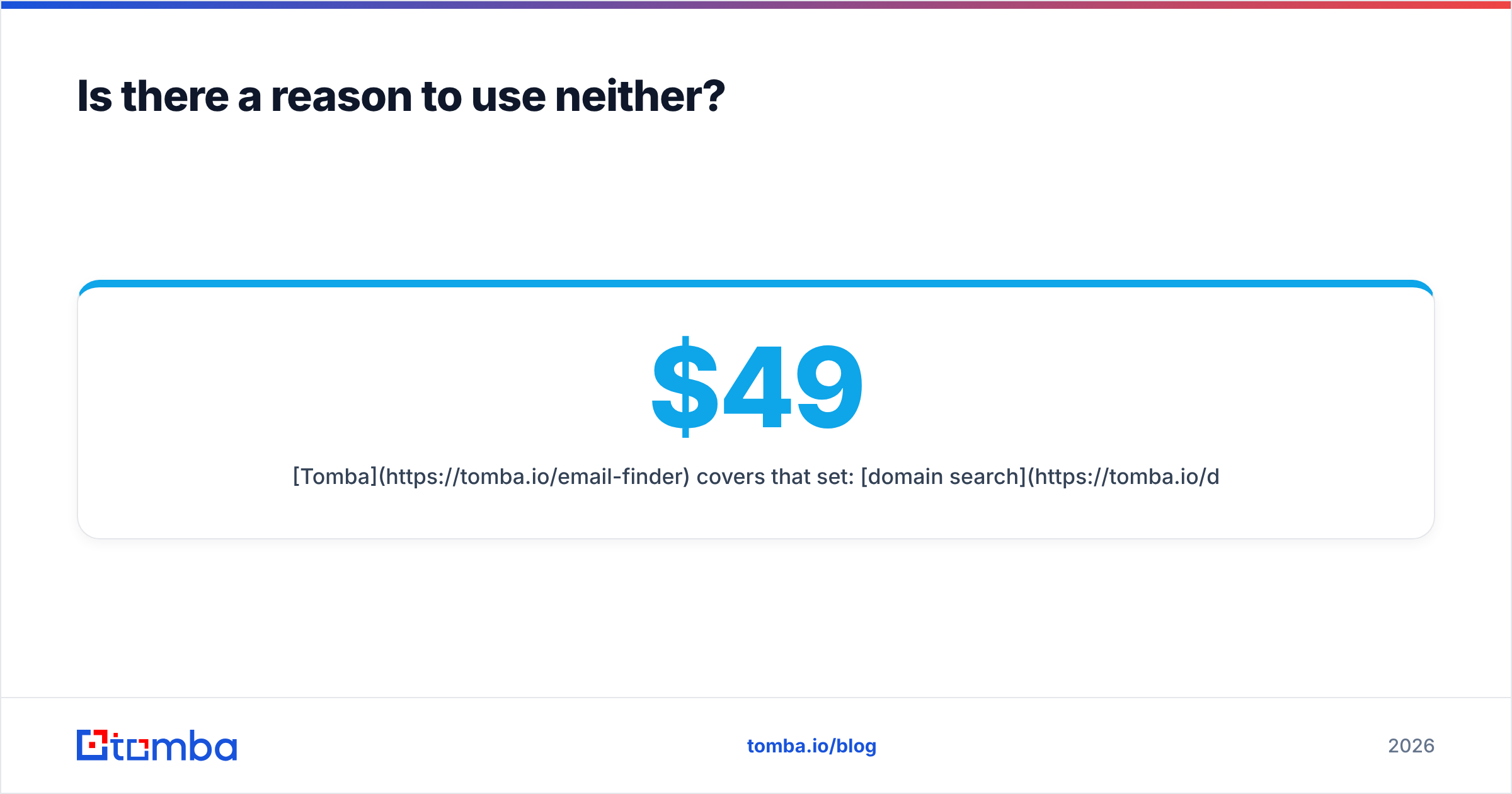
Tomba covers that set: domain search for company-wide discovery, an email verifier with a dedicated catch-all verifier for the hard cases, a LinkedIn finder, phone finder, and bulk processing with a shared credit pool across all of them. Free tier is 25 searches/mo, Starter is $49/mo, Growth $99/mo, Pro $249/mo.
The structural argument isn't "Tomba beats Enrow at catch-all resolution" — Enrow is a strong specialist and specialists often win their narrow benchmark. It's that running two vendors means two invoices, two credit pools that expire independently, two APIs to maintain, and no single place to ask "did this contact already get verified last quarter?"

Other tools worth putting in the same evaluation: BookYourData for pre-built verified lists when you'd rather buy than build, Apollo if you want database plus sequencing in one seat, and Findymail if Enrow's accuracy-first pitch appeals but you want a second quote. Cross-check current user sentiment on G2 before shortlisting — review recency matters more than star average in this category, since data coverage shifts quarterly.
How should you run the evaluation?#
Four steps, about two hours of work, and it beats reading another listicle:
- Build a 200-row control set. Real prospects from your ICP, with 50 emails you've already confirmed deliverable. Include at least 30 enterprise domains so catch-alls get tested.
- Run the same file through each trial. Enrow's trial credits, Wiza's free plan, Tomba's 25 free searches. Track hit rate, match accuracy against your known-good column, and time-to-result.
- Send a 50-contact test campaign from a warmed domain per tool's output. Measure actual bounces, not predicted ones. This is the only number that matters.
- Model 12 months at your real volume, including credit expiry and any overage rate. Annual discounts frequently invert the ranking you'd get from monthly sticker prices.
Skip step 3 and you're buying on marketing claims. Every vendor in this space publishes a favorable accuracy figure, and none of them tested on your ICP.
The verdict#
Wiza if LinkedIn is your source of truth and you need phones alongside emails. Enrow if you have lists and need them clean, especially against catch-all-heavy enterprise domains. Neither, if what you actually want is one platform that discovers, verifies, and enriches without you gluing two subscriptions together.
Start with the free tier and test on your own ICP — the Tomba Email Finder gives you 25 searches a month with no card required, and the same credits work across domain search, verification, catch-all checks, and phone lookup. Run your 200-row control set through it alongside the other two trials, compare real bounce rates from a live send, and buy the tool your data picks rather than the one with the best landing page.
Related guides#
Ready to find emails that actually work?
Join 150,000+ professionals who stopped guessing and started sending. Free credits on signup — no credit card required.
Get the Tomba newsletter
Practical outbound tactics and product updates — once every two weeks.
About the author