9 Best EspoCRM Alternatives in 2026: Open Source and Paid
EspoCRM is free, flexible, and self-hosted — until the upgrades, patches, and missing data start eating your week. Here are 9 alternatives compared on hosting, price, and what they actually cost you in ops time.
TL;DR
- EspoCRM is one of the strongest free, self-hosted CRMs available — the real cost is not the license, it's the server, the upgrades, and the empty contact fields.
- If you like open source but want less maintenance, look at SuiteCRM, Odoo CRM, Twenty, or Vtiger.
- If you want to stop being a sysadmin entirely, HubSpot, Zoho CRM, Pipedrive, Freshsales, and Bitrix24 cover the same jobs with a hosted plan.
- Migration cost is rarely the software — it's re-mapping custom entities and re-verifying the contact data you carry over.
- Whichever CRM you pick, records without valid emails and phone numbers don't produce pipeline. Enrichment is a separate layer from the CRM itself.
What is EspoCRM, and why do teams look for alternatives?#
EspoCRM is an open-source CRM released under AGPL v3. You can download it, run it on your own VPS, and pay nothing in license fees forever. It ships with accounts, contacts, leads, opportunities, activities, a workflow engine (in paid tiers), a REST API, and an entity manager that lets you invent your own objects without writing code. The team also sells a managed cloud version, typically starting around $15 per user per month on the basic tier — check espocrm.com for current numbers, since they change.
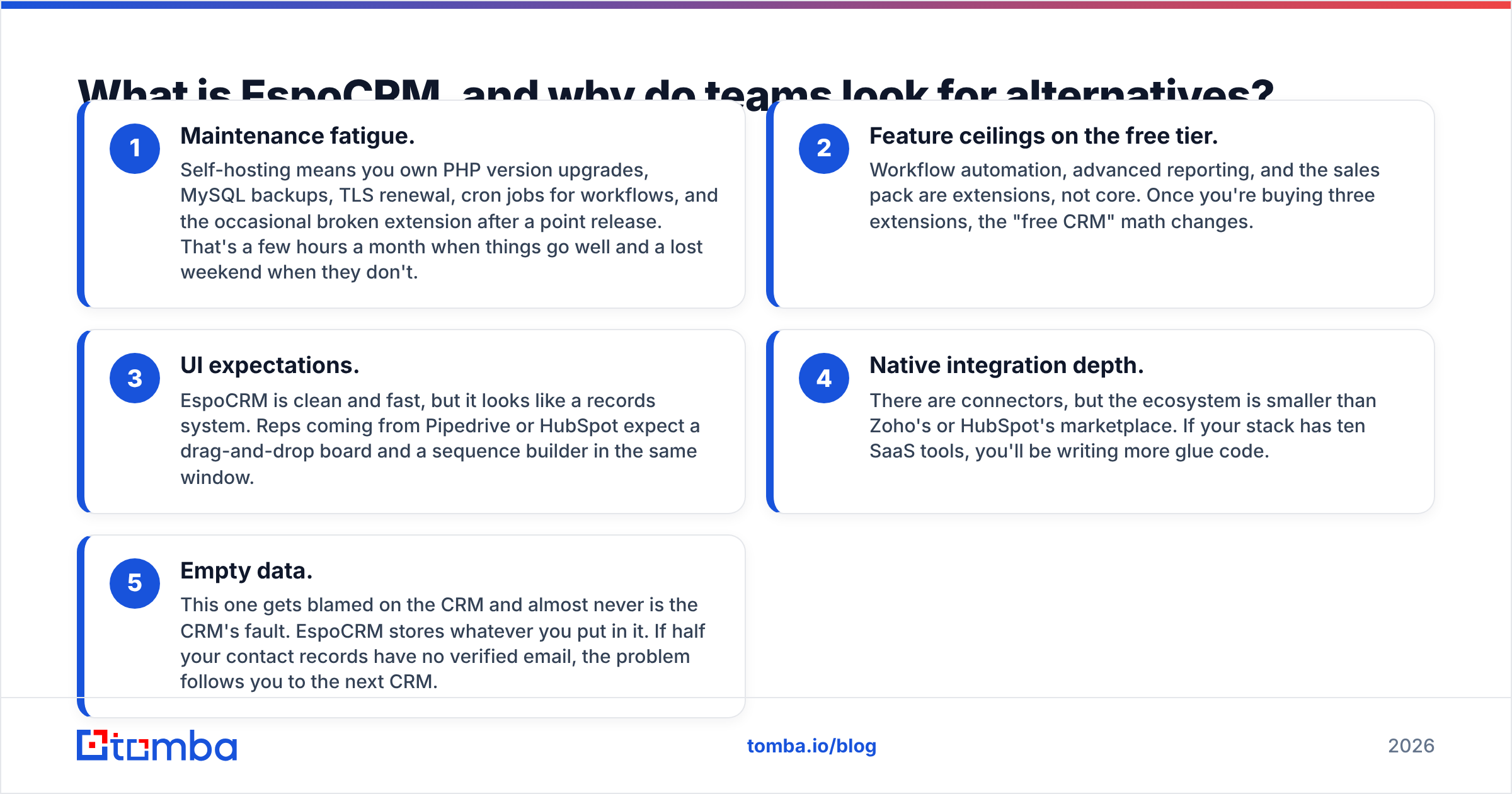
That's a genuinely good deal. So why do people search for EspoCRM alternatives at all? The reasons cluster into five patterns:
- Maintenance fatigue. Self-hosting means you own PHP version upgrades, MySQL backups, TLS renewal, cron jobs for workflows, and the occasional broken extension after a point release. That's a few hours a month when things go well and a lost weekend when they don't.
- Feature ceilings on the free tier. Workflow automation, advanced reporting, and the sales pack are extensions, not core. Once you're buying three extensions, the "free CRM" math changes.
- UI expectations. EspoCRM is clean and fast, but it looks like a records system. Reps coming from Pipedrive or HubSpot expect a drag-and-drop board and a sequence builder in the same window.
- Native integration depth. There are connectors, but the ecosystem is smaller than Zoho's or HubSpot's marketplace. If your stack has ten SaaS tools, you'll be writing more glue code.
- Empty data. This one gets blamed on the CRM and almost never is the CRM's fault. EspoCRM stores whatever you put in it. If half your contact records have no verified email, the problem follows you to the next CRM.
Before you migrate, be honest about which of those five you actually have. Reasons 1–4 justify a switch. Reason 5 does not — it justifies a data layer.
How should you compare EspoCRM alternatives?#
Use five dimensions, weighted for your team size. Everything else is noise.
- Hosting model. Self-hosted (you own uptime), managed open source (vendor hosts the same code), or pure SaaS. This single choice determines 80% of your true cost.
- Real cost per seat per year. Multiply the monthly seat price by twelve, then add the tiers you'll be forced into for automation and reporting. Free CRMs with paid automation are not free CRMs.
- Customization depth. Can a non-developer add a custom object, a field, and a validation rule? EspoCRM's entity manager sets a high bar here; several SaaS competitors don't clear it below their enterprise tier.
- Data portability. Can you export everything, including custom entities and activity history, without a support ticket? Open source wins by default. Some SaaS vendors make bulk export deliberately awkward.
- Data quality and enrichment. Does the CRM enrich records, or does it expect you to arrive with clean data? Almost all of them expect the latter. Plan for a dedicated email finder and verification step in your workflow regardless of which CRM wins.
Which EspoCRM alternatives are worth evaluating in 2026?#
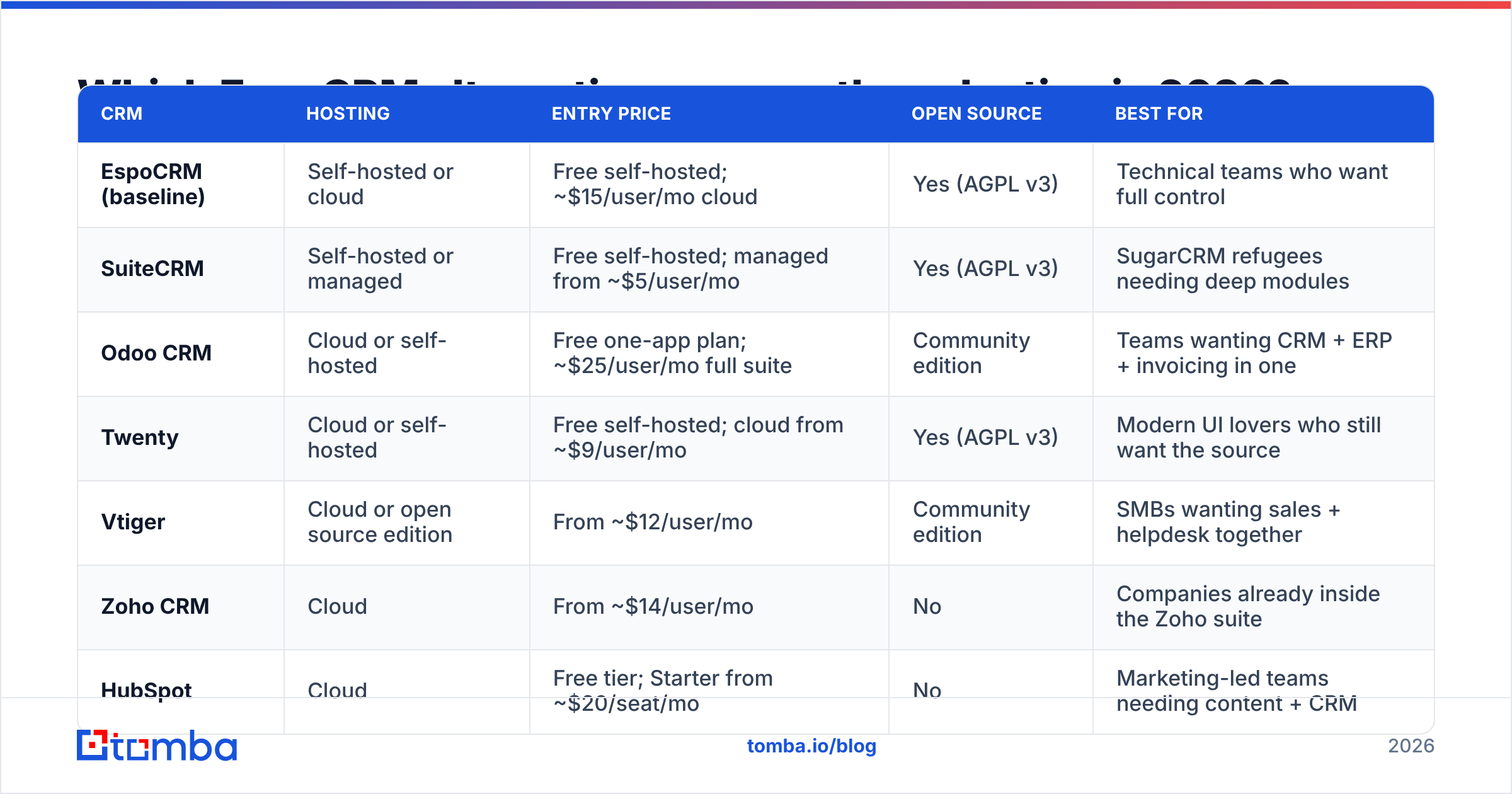
Here's the comparison table. Prices are entry-level published rates and move often — verify on each vendor's page before you sign anything.
| CRM | Hosting | Entry price | Open source | Best for |
|---|---|---|---|---|
| EspoCRM (baseline) | Self-hosted or cloud | Free self-hosted; ~$15/user/mo cloud | Yes (AGPL v3) | Technical teams who want full control |
| SuiteCRM | Self-hosted or managed | Free self-hosted; managed from ~$5/user/mo | Yes (AGPL v3) | SugarCRM refugees needing deep modules |
| Odoo CRM | Cloud or self-hosted | Free one-app plan; ~$25/user/mo full suite | Community edition | Teams wanting CRM + ERP + invoicing in one |
| Twenty | Cloud or self-hosted | Free self-hosted; cloud from ~$9/user/mo | Yes (AGPL v3) | Modern UI lovers who still want the source |
| Vtiger | Cloud or open source edition | From ~$12/user/mo | Community edition | SMBs wanting sales + helpdesk together |
| Zoho CRM | Cloud | From ~$14/user/mo | No | Companies already inside the Zoho suite |
| HubSpot | Cloud | Free tier; Starter from ~$20/seat/mo | No | Marketing-led teams needing content + CRM |
| Pipedrive | Cloud | From ~$14/user/mo | No | Pure outbound sales teams working deals |
| Freshsales | Cloud | Free tier; paid from ~$9/user/mo | No | Small teams wanting AI scoring cheaply |
| Bitrix24 | Cloud or self-hosted | Free tier; flat-rate paid plans | Self-hosted edition | Teams wanting CRM + intranet + telephony |
SuiteCRM — the closest open-source cousin#
SuiteCRM forked from SugarCRM and carries the heaviest module set of any free CRM: quotes, contracts, invoices, projects, events. If EspoCRM felt too light, SuiteCRM is the answer. The trade-off is the opposite of EspoCRM's: more features, heavier interface, slower page loads on modest hardware. Choose it when you need out-of-the-box quoting and project modules more than you need speed.
Odoo CRM — when the CRM is the smallest part of the problem#
Odoo's CRM app is decent on its own and excellent when paired with inventory, accounting, and e-commerce from the same vendor. The one-app-free plan is real, but the moment you enable a second app you're on the standard per-user pricing. Odoo is the right call for product companies where sales, stock, and invoicing must share a database. It's overkill for a five-person agency.
Twenty — the modern open-source challenger#
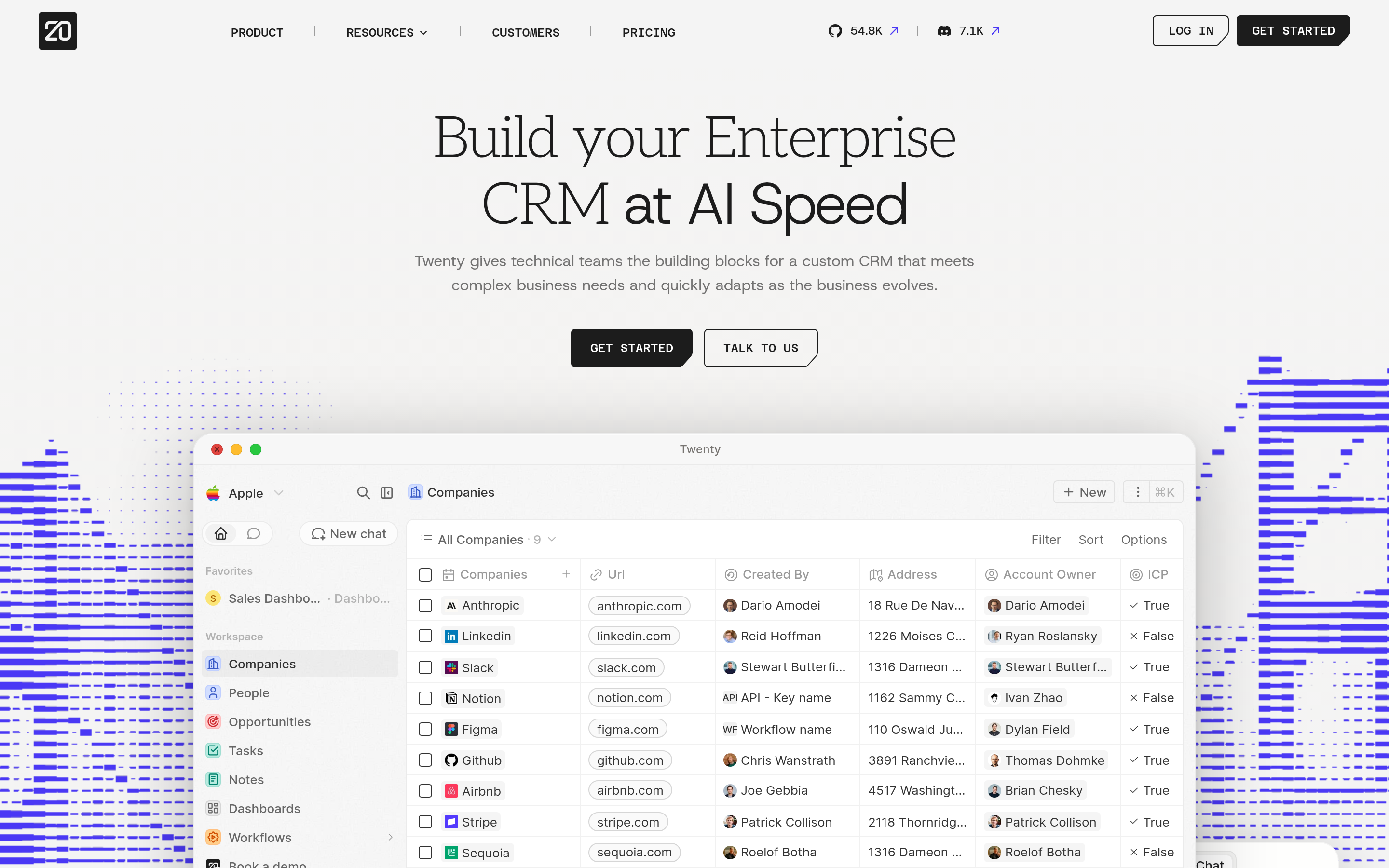
Twenty is the newest serious entrant: TypeScript, GraphQL API, a keyboard-first interface that looks like Notion rather than a 2011 admin panel. Reps stop complaining about the UI. The caveat is maturity — fewer integrations, a smaller extension ecosystem, and a roadmap still filling in reporting. Pilot it with one team before you bet the pipeline on it.
Vtiger — sales plus support in one seat#
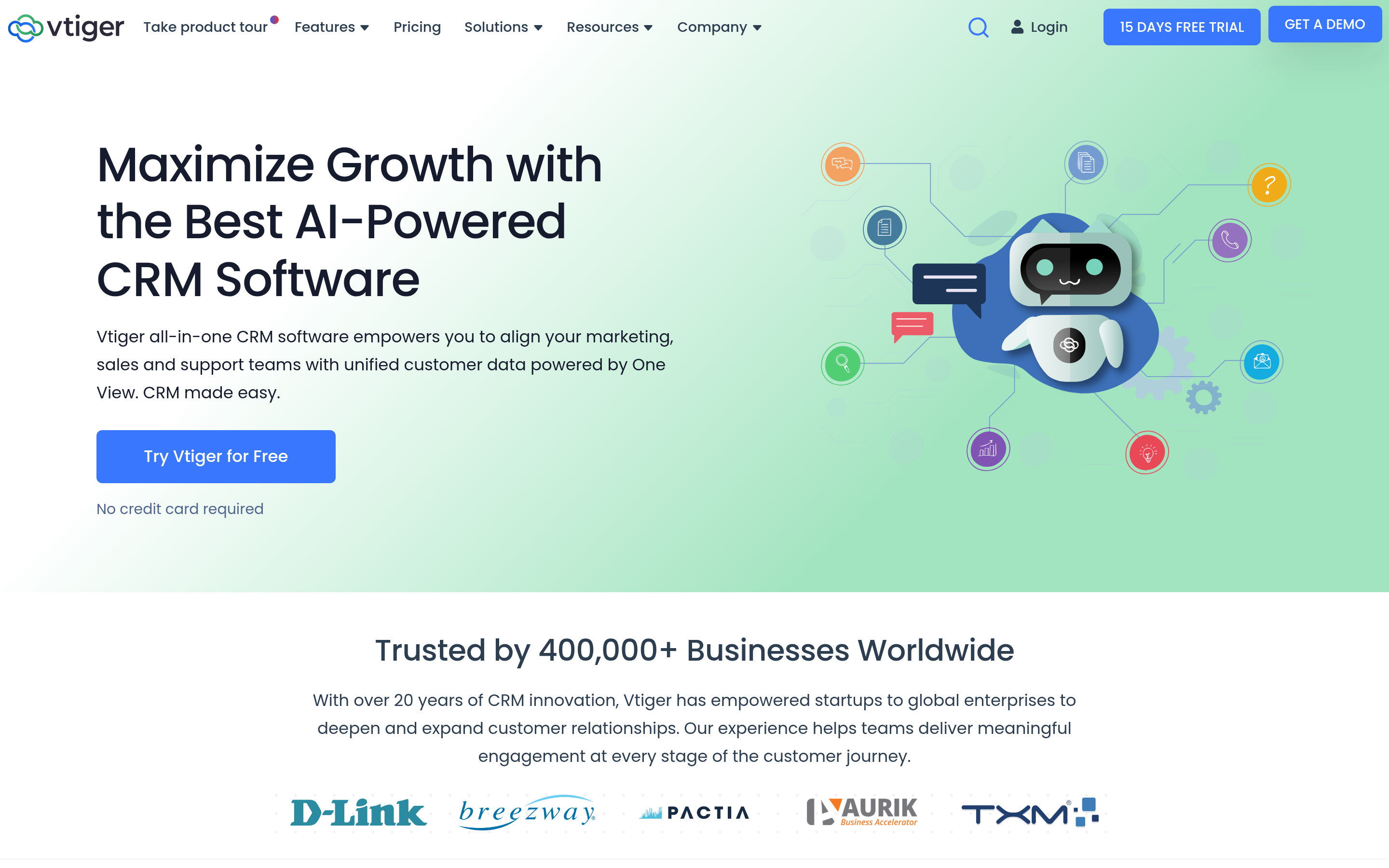
Vtiger bundles CRM with a helpdesk and a reasonably good automation builder at a lower price than Zoho or HubSpot. There's still a community open-source edition if self-hosting matters to you. Reviews on G2 consistently rate its value highly and its interface less so — a fair summary.
Zoho CRM — the most CRM per dollar#
If you already use Zoho Mail, Books, or Desk, Zoho CRM is nearly a default. Sandbox, blueprints, scoring rules, and a genuine developer platform show up at prices where competitors give you a contact list. The cost is complexity: Zoho's admin surface is enormous, and someone on your team has to own it.
HubSpot — free until it isn't#
HubSpot's CRM has the best free tier in the category and the smoothest onboarding of anything on this list. It's also the one most likely to surprise you at renewal, because pricing scales with marketing contacts and seats simultaneously. Use it when content marketing and sales must share one system of record — and connect it to your data layer via the HubSpot integration so records arrive enriched instead of half-empty.
Pipedrive — the deal-focused option#
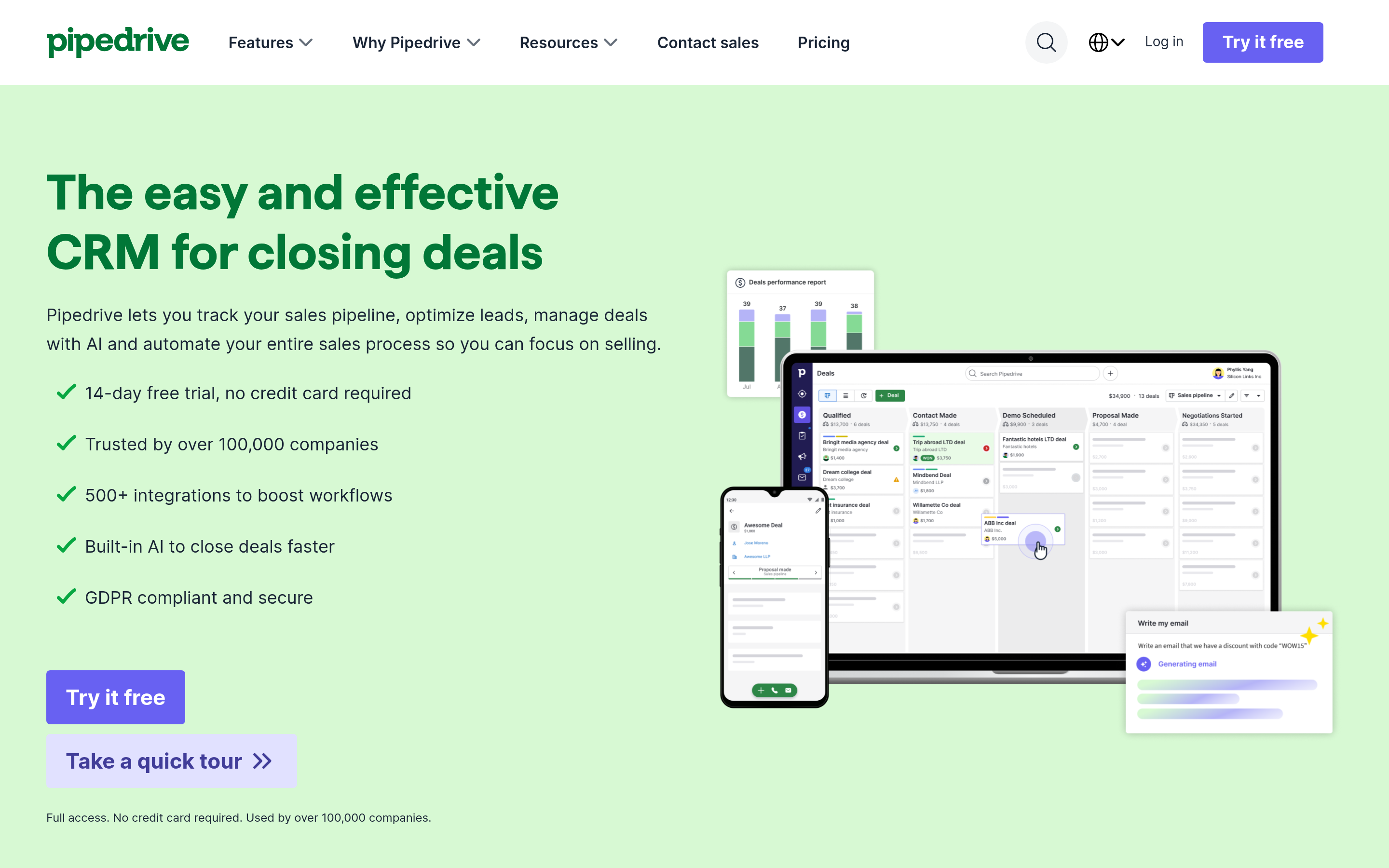
Pipedrive does one job: move deals across a board. No marketing hub, no ticketing, minimal ceremony. Adoption is the highest of any CRM I've watched teams roll out, because there's almost nothing to learn. If your team is outbound-only and lives in stages, this is the shortest path away from EspoCRM.
Freshsales — cheap AI scoring#
Freshsales gives you lead scoring, built-in phone, and email sequences at a starting price below most competitors, with a usable free tier for very small teams. It's a fine landing spot for a startup that outgrew spreadsheets and never wants to touch a server.
Bitrix24 — CRM plus everything else#
Bitrix24 bundles CRM with chat, tasks, a website builder, and telephony, priced per organization rather than per seat on several plans. That flat-rate model is genuinely cheaper for teams of 15+. The interface is dense, and you will use maybe 40% of it — but the price per user at scale is hard to argue with.
Is switching from EspoCRM actually worth it?#
Sometimes. Run this test before you commit:
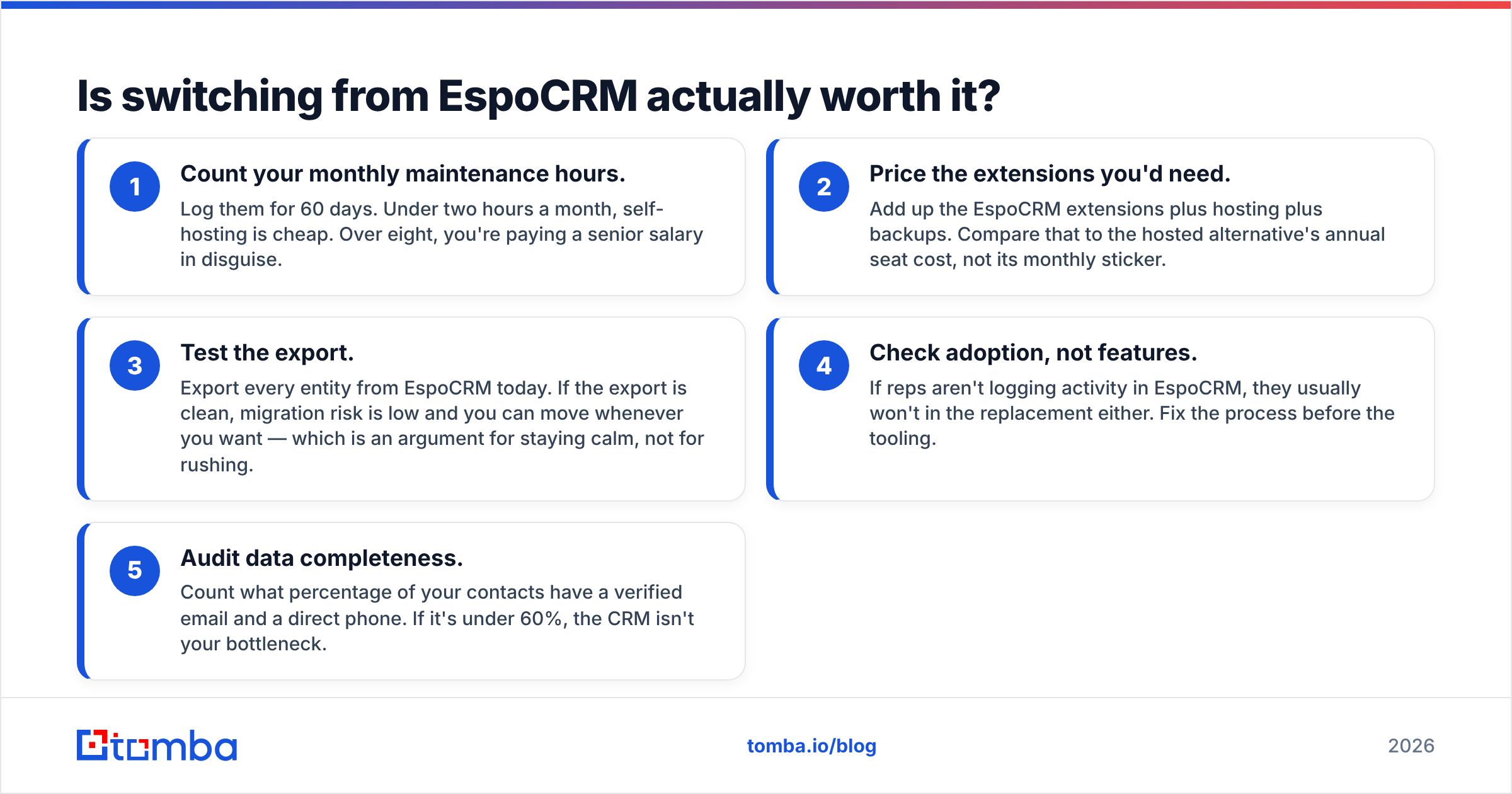
- Count your monthly maintenance hours. Log them for 60 days. Under two hours a month, self-hosting is cheap. Over eight, you're paying a senior salary in disguise.
- Price the extensions you'd need. Add up the EspoCRM extensions plus hosting plus backups. Compare that to the hosted alternative's annual seat cost, not its monthly sticker.
- Test the export. Export every entity from EspoCRM today. If the export is clean, migration risk is low and you can move whenever you want — which is an argument for staying calm, not for rushing.
- Check adoption, not features. If reps aren't logging activity in EspoCRM, they usually won't in the replacement either. Fix the process before the tooling.
- Audit data completeness. Count what percentage of your contacts have a verified email and a direct phone. If it's under 60%, the CRM isn't your bottleneck.
That last point is where most migrations quietly fail. Teams spend six weeks moving to a shinier CRM and land in the same place: a database of company names with no way to reach anyone inside them.
How do you keep any CRM's data usable after you migrate?#
Treat data as a pipeline stage, not a one-time import. The pattern that holds up across every CRM on this list:
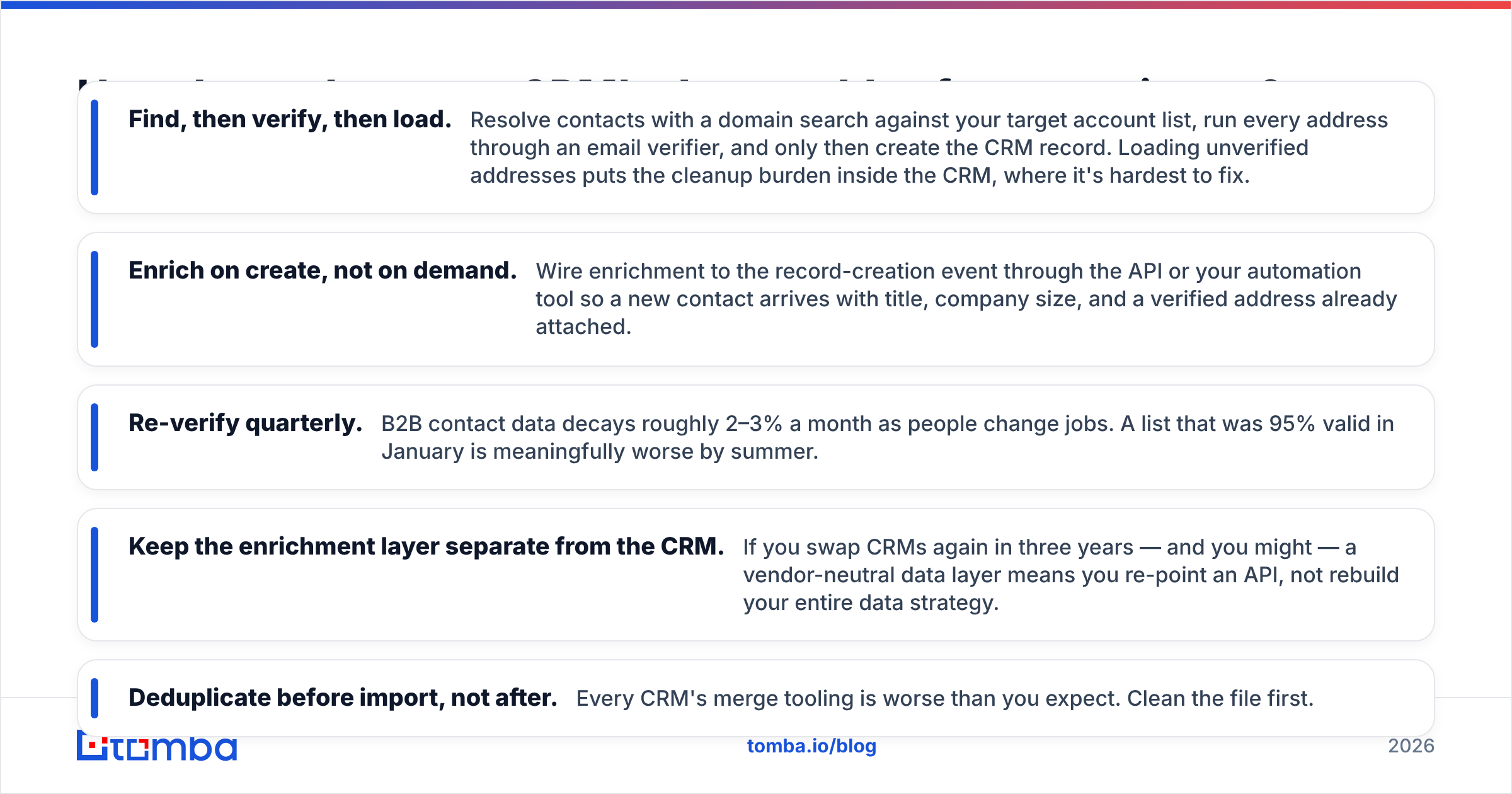
- Find, then verify, then load. Resolve contacts with a domain search against your target account list, run every address through an email verifier, and only then create the CRM record. Loading unverified addresses puts the cleanup burden inside the CRM, where it's hardest to fix.
- Enrich on create, not on demand. Wire enrichment to the record-creation event through the API or your automation tool so a new contact arrives with title, company size, and a verified address already attached.
- Re-verify quarterly. B2B contact data decays roughly 2–3% a month as people change jobs. A list that was 95% valid in January is meaningfully worse by summer.
- Keep the enrichment layer separate from the CRM. If you swap CRMs again in three years — and you might — a vendor-neutral data layer means you re-point an API, not rebuild your entire data strategy.
- Deduplicate before import, not after. Every CRM's merge tooling is worse than you expect. Clean the file first.
Both open-source and SaaS CRMs assume you show up with good records. None of them find email addresses for you at any usable accuracy. That gap is the thing to solve alongside the migration, not after it.
Which alternative should you pick?#
Short version, by situation:
- You like self-hosting, need more modules: SuiteCRM.
- You like self-hosting, want a modern UI: Twenty.
- You need CRM + operations in one database: Odoo.
- You want out of server maintenance at the lowest price: Freshsales or Zoho CRM.
- Sales and marketing share one funnel: HubSpot.
- Pure outbound deal flow: Pipedrive.
- Large team, flat-rate budget: Bitrix24.
- Sales plus support on one seat: Vtiger.
And if the honest answer after the five-point test is "EspoCRM is fine, our data is the problem" — stay put and fix the data. That's the cheaper win, and it's available today.
Whichever CRM ends up holding your pipeline, fill it with contacts you can actually reach. Tomba's Email Finder resolves verified professional addresses by domain, name, or company, with a free tier at 25 searches a month and paid plans starting at $49/mo — see Tomba pricing for the full breakdown. Connect it through the Tomba API or a native integration, and your new CRM starts life with records that convert instead of records that bounce.
Related guides#
Ready to find emails that actually work?
Join 150,000+ professionals who stopped guessing and started sending. Free credits on signup — no credit card required.
Get the Tomba newsletter
Practical outbound tactics and product updates — once every two weeks.
About the author