9 Best eWay CRM Alternatives in 2026: Compared & Ranked
eWay-CRM lives inside Outlook, which is exactly why some teams love it and others outgrow it. Here are nine alternatives compared on price, Outlook integration, automation depth and data quality.
Looking for eWay CRM alternatives? Here is the short version. eWay-CRM works best for small, Outlook-heavy teams. Once you add non-Outlook users, need deeper automation, or grow past 20 seats, other tools fit better. This guide compares nine of them on price, Outlook depth, automation and data quality.
TL;DR
- eWay-CRM's pitch is simple: it lives inside Outlook. If your team runs on Microsoft 365 and hates leaving the inbox, that is a real advantage.
- Teams leave for four reasons: they want a web-first CRM, stronger sales automation, a better mobile app, or lower per-user pricing.
- Best swaps by profile: Pipedrive (pure sales pipeline), HubSpot (free tier + marketing), Zoho CRM (cheapest full suite), Copper (Google Workspace shops), Insightly (project work + CRM).
- Switching CRMs does not fix bad contact data. Your bounces and dead records follow you unless you clean the list on the way in.
- Budget realistically: most credible options cost $15 to $60 per user per month, plus weeks of migration time.
What is eWay-CRM, and who is it actually for?#
eWay-CRM is a CRM that installs as an Outlook add-in. Contacts, deals, projects and emails live in the Outlook shell you already have open. A web app and a mobile app sit alongside it. It has a free tier and paid per-user tiers. It also offers real on-premise deployment, which is rare in 2026 and matters if you cannot put customer data in someone else's cloud.
That combination fits a specific kind of company. Think 5–50 people, Microsoft-native, running project work or light manufacturing, where sales is led by relationships rather than cold volume. If the team still runs on a shared mailbox and a spreadsheet, eWay-CRM is a small step up, not a rip-and-replace.
The friction shows up when you scale past that. Outlook-first becomes Outlook-dependent. The web experience is competent, not delightful. Sales automation — sequences, cadences, branching workflows, AI scoring — is thinner than what pure sales CRMs ship by default. And once you pay per seat for 20+ users, you start comparing.
Why do teams look for eWay CRM alternatives?#
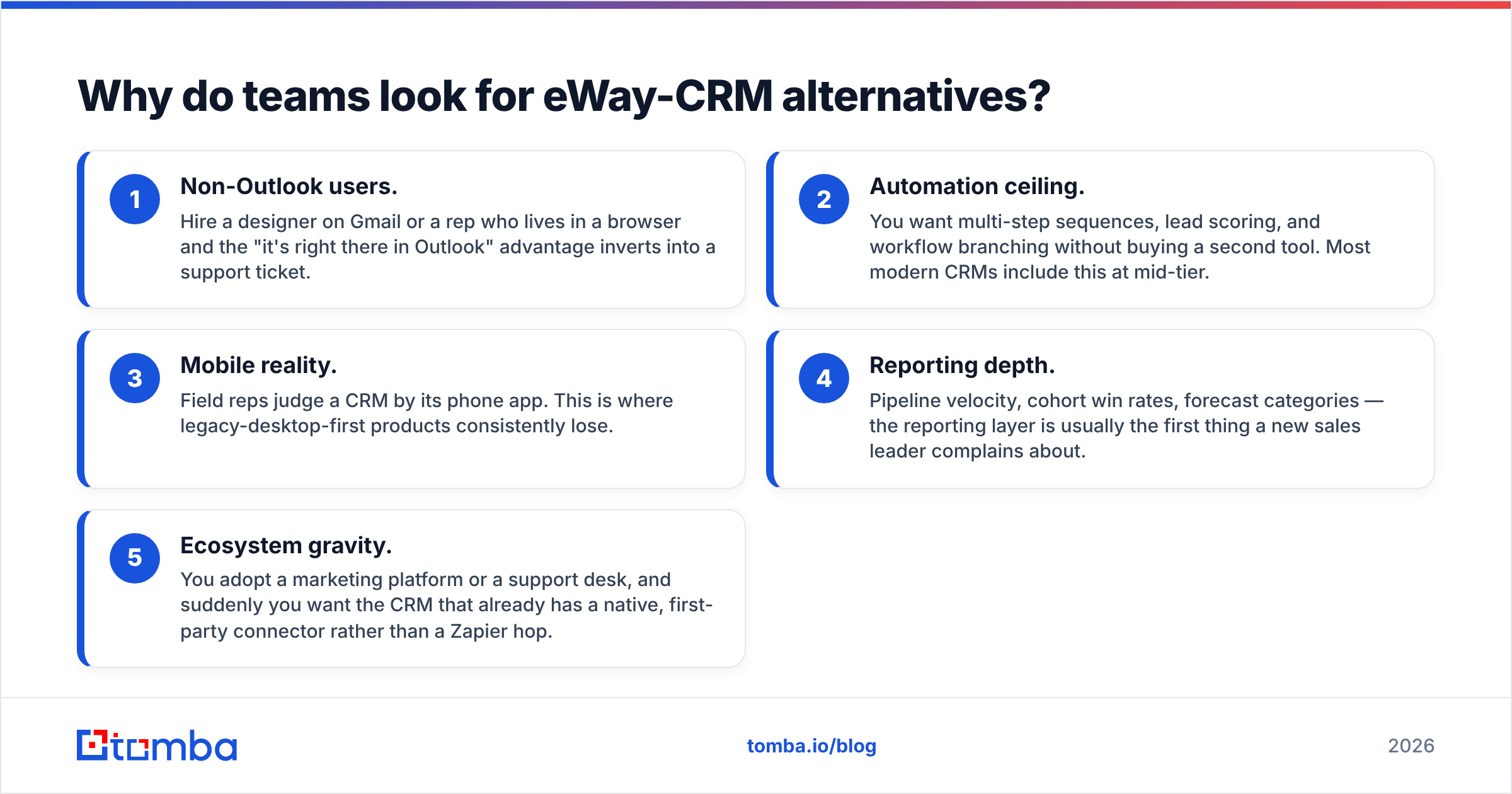
Based on the recurring themes in G2 reviews and migration threads, the trigger is almost always one of these five:
- Non-Outlook users. Hire a designer on Gmail or a rep who lives in a browser and the "it's right there in Outlook" advantage inverts into a support ticket.
- Automation ceiling. You want multi-step sequences, lead scoring, and workflow branching without buying a second tool. Most modern CRMs include this at mid-tier.
- Mobile reality. Field reps judge a CRM by its phone app. This is where legacy-desktop-first products consistently lose.
- Reporting depth. Pipeline velocity, cohort win rates, forecast categories — the reporting layer is usually the first thing a new sales leader complains about.
- Ecosystem gravity. You adopt a marketing platform or a support desk, and suddenly you want the CRM that already has a native, first-party connector rather than a Zapier hop.
Notice that none of those is "eWay-CRM is bad." It's a positioning mismatch. Diagnose which of the five is your reason before you shortlist, because each one points at a different winner.
How should you compare eWay CRM alternatives?#
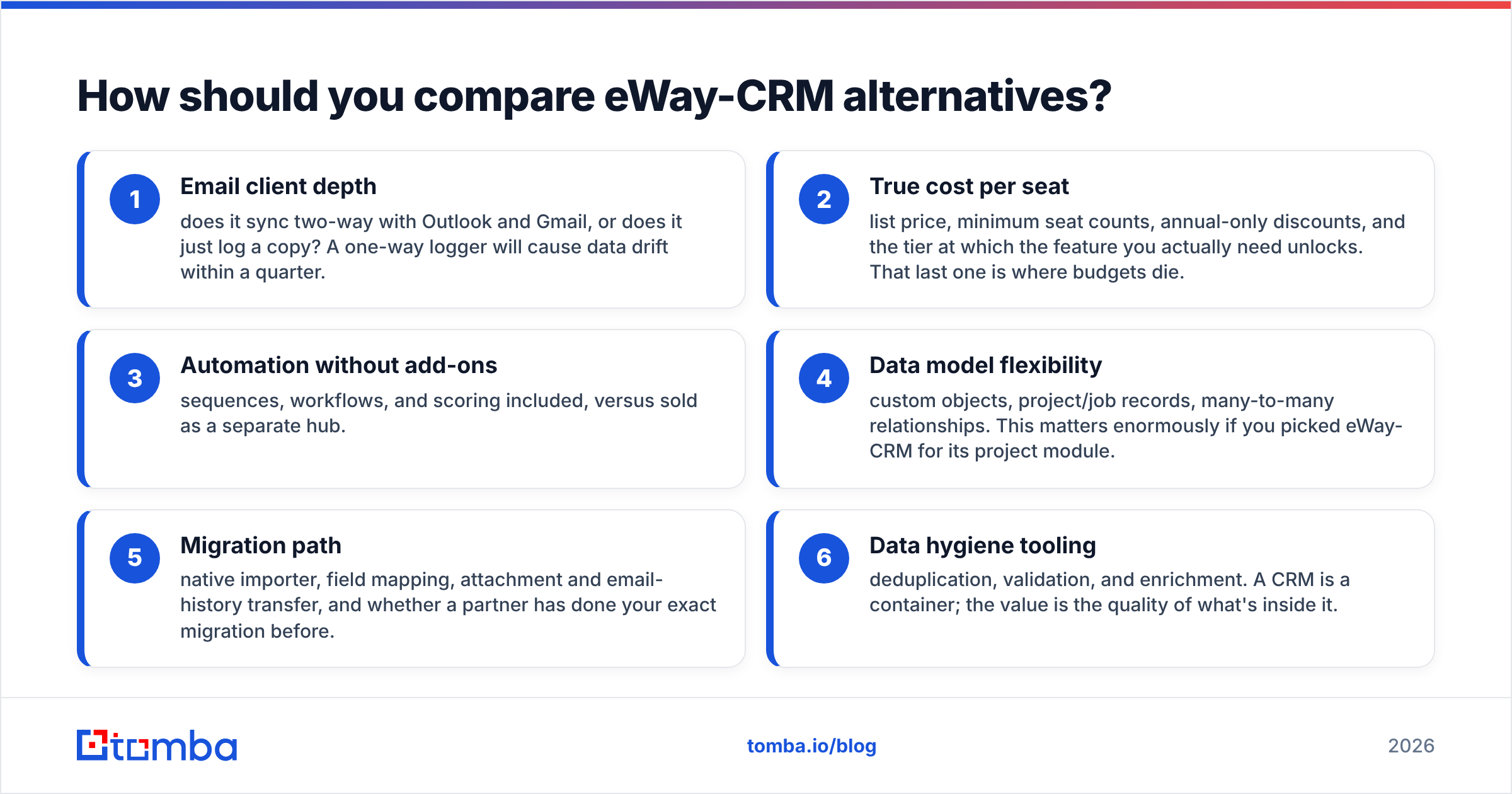
Score every candidate on these six dimensions before you look at a demo:
- Email client depth — does it sync two-way with Outlook and Gmail, or does it just log a copy? A one-way logger will cause data drift within a quarter.
- True cost per seat — list price, minimum seat counts, annual-only discounts, and the tier at which the feature you actually need unlocks. That last one is where budgets die.
- Automation without add-ons — sequences, workflows, and scoring included, versus sold as a separate hub.
- Data model flexibility — custom objects, project/job records, many-to-many relationships. This matters enormously if you picked eWay-CRM for its project module.
- Migration path — native importer, field mapping, attachment and email-history transfer, and whether a partner has done your exact migration before.
- Data hygiene tooling — deduplication, validation, and enrichment. A CRM is a container; the value is the quality of what's inside it.
Which eWay CRM alternatives are worth shortlisting in 2026?#
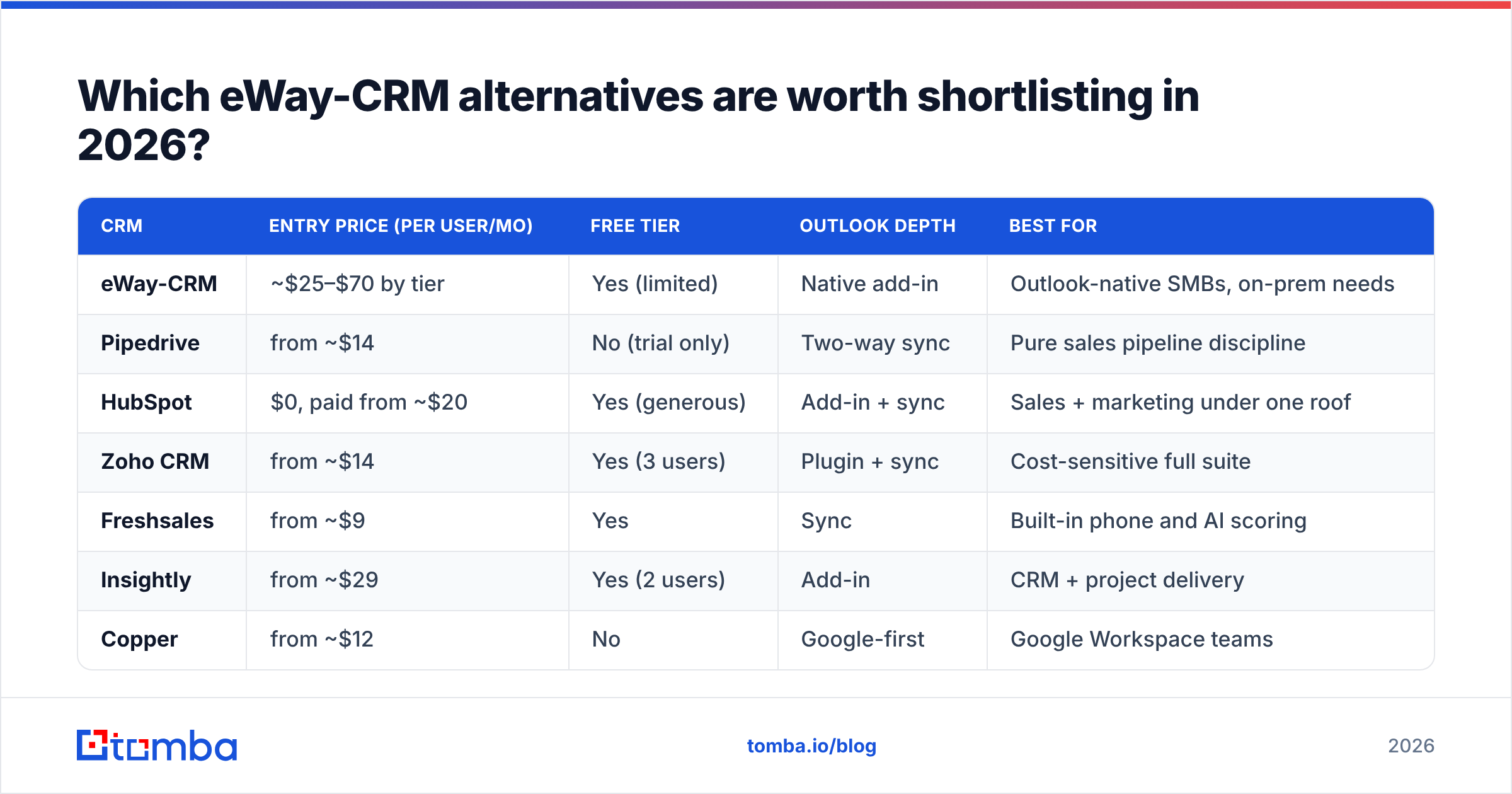
| CRM | Entry price (per user/mo) | Free tier | Outlook depth | Best for |
|---|---|---|---|---|
| eWay-CRM | ~$25–$70 by tier | Yes (limited) | Native add-in | Outlook-native SMBs, on-prem needs |
| Pipedrive | from ~$14 | No (trial only) | Two-way sync | Pure sales pipeline discipline |
| HubSpot | $0, paid from ~$20 | Yes (generous) | Add-in + sync | Sales + marketing under one roof |
| Zoho CRM | from ~$14 | Yes (3 users) | Plugin + sync | Cost-sensitive full suite |
| Freshsales | from ~$9 | Yes | Sync | Built-in phone and AI scoring |
| Insightly | from ~$29 | Yes (2 users) | Add-in | CRM + project delivery |
| Copper | from ~$12 | No | Google-first | Google Workspace teams |
| Capsule CRM | from ~$18 | Yes (2 users) | Sync | Simple, fast, no bloat |
| Bitrix24 | flat from ~$49/site | Yes (unlimited users) | Sync | Small teams wanting everything |
| monday CRM | from ~$12 | Trial | Sync | Visual, ops-driven teams |
List prices at time of writing, typically annual billing. Verify on each vendor's pricing page before you budget — CRM pricing changes quarterly and seat minimums are common.
Pipedrive — best for sales-only pipeline discipline#
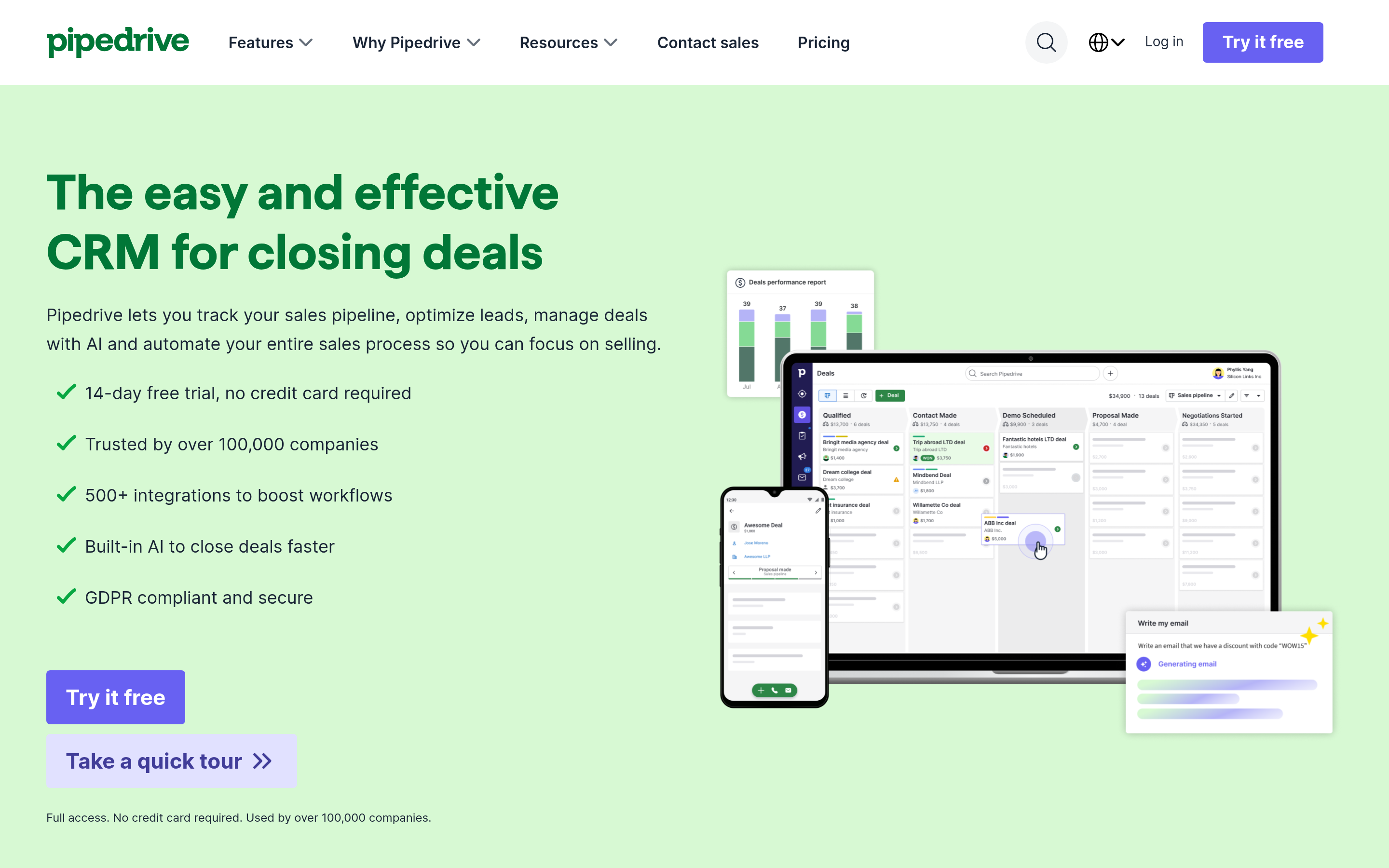
Pipedrive is the closest thing to a pure sales CRM in this list. Deals move through visual stages, activity reminders nag reps into follow-up, and the reporting is honest about pipeline velocity. It does not pretend to be a project tool, which is exactly what you want if you're leaving eWay-CRM because the project module was noise.
Watch for: sequences and revenue projections sit in higher tiers, and email volume caps apply.
HubSpot — best free entry point#
HubSpot's CRM free tier is genuinely usable for a small team: contacts, deals, tasks, meeting links, and email tracking at $0. The trap is well documented — you graduate to Sales Hub Professional and the per-seat number jumps significantly, plus onboarding fees on some tiers.
Take it if marketing and sales need shared context. Skip it if you only ever needed a pipeline. If you go this route, wire your prospecting data in directly through the HubSpot integration so records arrive verified instead of typed.
Zoho CRM — best price-to-feature ratio#
Zoho gives you workflows, custom modules, forecasting, and a mobile app that actually works, at roughly a third of enterprise pricing. The cost is interface density and a support experience that varies. If you liked eWay-CRM's breadth but want it web-first and cheaper, this is the obvious swap.
Insightly — closest match to eWay-CRM's DNA#
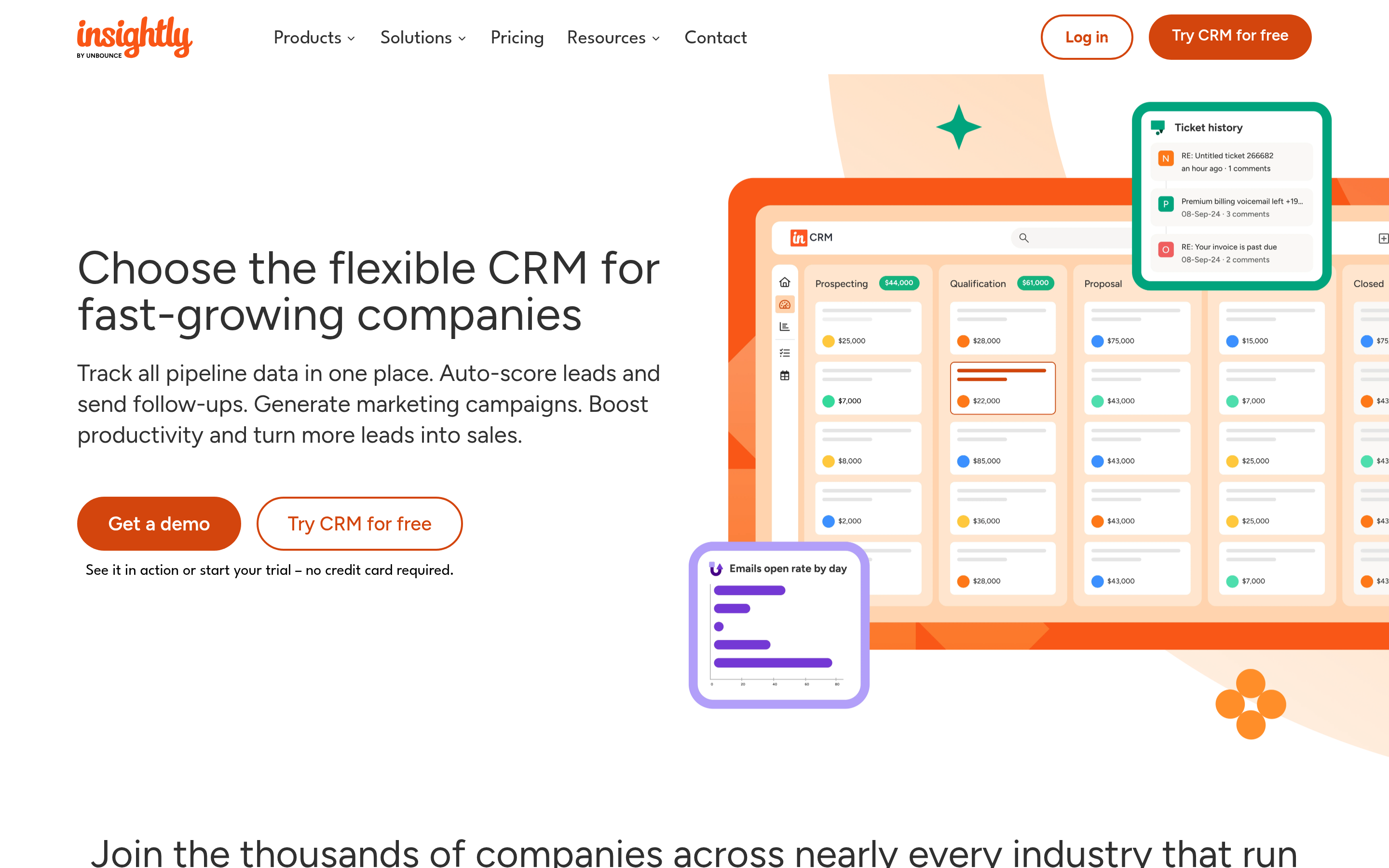
Insightly is one of the few mainstream CRMs that treats projects as first-class objects alongside opportunities. If your team sells a deal and then delivers a job — agencies, construction, engineering, consultancies — this preserves the workflow you built in eWay-CRM instead of forcing it into a deal-stage abstraction.
Copper — best for Google Workspace shops#
Copper is what eWay-CRM is, mirrored: a CRM that lives inside Gmail rather than Outlook. Migrating from one to the other only makes sense if your company also migrated its email stack. If it did, Copper feels immediately familiar.
Freshsales, Capsule, Bitrix24 and monday CRM — the situational picks#
Freshsales bundles a built-in phone dialer and AI-based scoring at a low entry price, which suits inside-sales teams that call as much as they email. Capsule is the minimalist choice — fast, clean, no feature you'll never use. Bitrix24 prices per site rather than per user, so a 15-person team can be dramatically cheaper than per-seat competitors, at the cost of a busy UI. monday CRM wins when the sales team is really an ops team that wants boards, automations and views it can reshape without admin help.
How do the alternatives compare on total cost, not sticker price?#
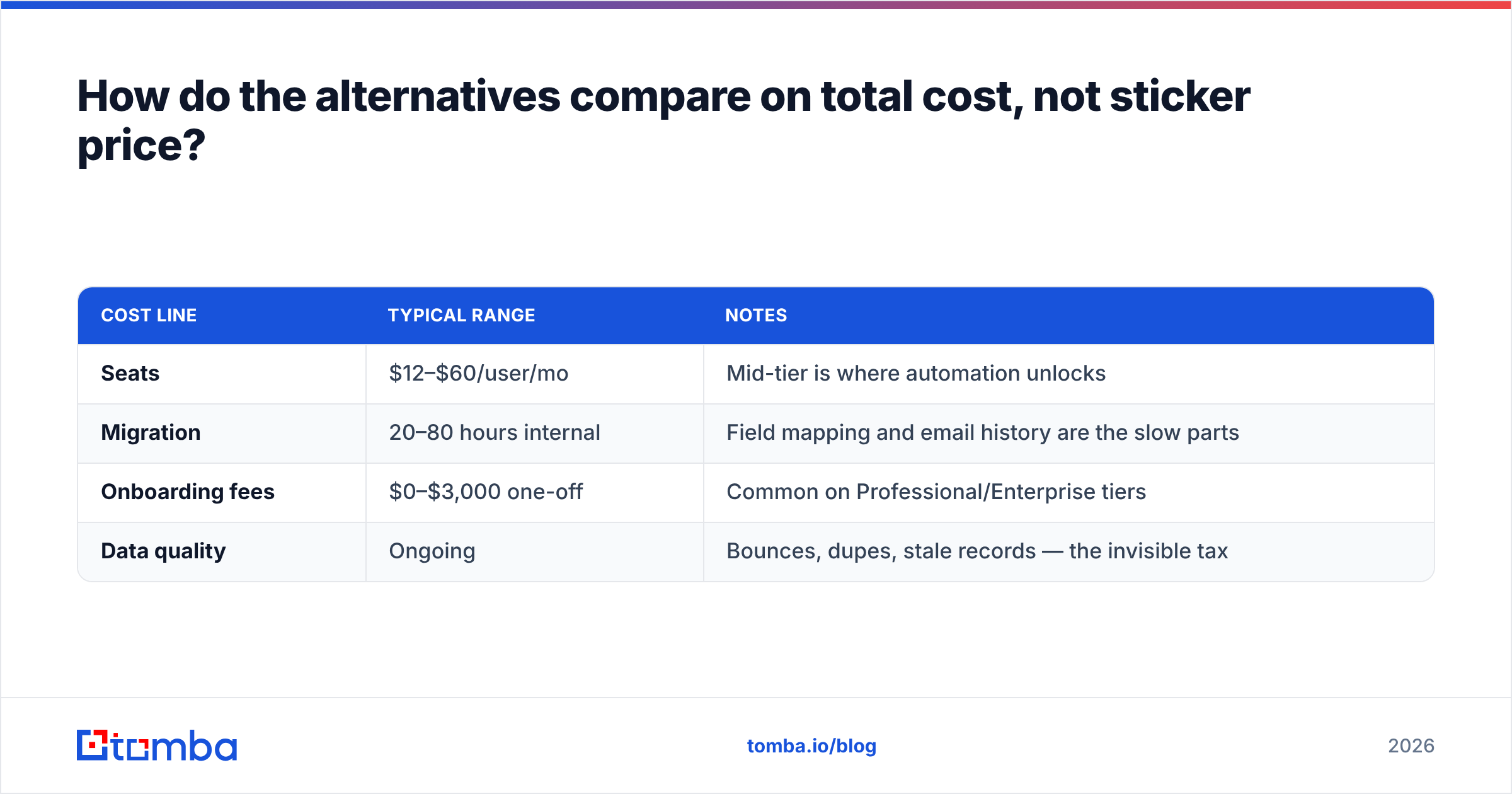
Sticker price is the smallest line item. Model these four together:
| Cost line | Typical range | Notes |
|---|---|---|
| Seats | $12–$60/user/mo | Mid-tier is where automation unlocks |
| Migration | 20–80 hours internal | Field mapping and email history are the slow parts |
| Onboarding fees | $0–$3,000 one-off | Common on Professional/Enterprise tiers |
| Data quality | Ongoing | Bounces, dupes, stale records — the invisible tax |
That last row is the one nobody budgets for and everybody pays. Contact data decays fast. People change jobs, companies rebrand, domains consolidate. A 10,000-record database loses a real slice of its contactable value every year. Switching CRMs does not reset that clock. Running the list through an email verifier before import does.
Is switching CRMs actually the fix — or is it your data?#
Run this test before you sign anything. Pull 200 random contacts out of eWay-CRM and check three things: does the record have a valid, deliverable email; is the job title still accurate; and has anyone touched the record in the last 12 months.
If more than a third fail, your problem isn't the CRM interface. It's that the container is full of stale records, and a new container will be full of the same stale records by Friday. In that case the higher-ROI move is a data pass first: dedupe, verify, enrich, then migrate the survivors.
This is where a CRM and a data layer do different jobs. The CRM stores and routes relationships. A dedicated email finder and enrichment layer sources and refreshes the underlying facts — verified work emails, current company, role, phone. Tomba's data enrichment fills the gaps on existing records, so your migrated database starts clean instead of inheriting five years of drift. Pricing starts free at 25 searches per month, then $49/mo for Starter and $99/mo for Growth. A one-time cleanup before migration is cheap next to the seats you are about to buy.
Worth noting for list-buyers: providers like BookYourData occupy a different slot — pre-built, filterable B2B lists you purchase outright rather than an API you query per record. Plenty of teams run both: purchased lists for cold territory expansion, on-demand lookup and verification for the accounts they already know they want.
How do you migrate off eWay-CRM without losing history?#
Start with the prep work:
- Export everything first, twice. Contacts, companies, deals, projects, custom fields, notes, and attachments. Keep an untouched copy outside the migration workspace.
- Map fields on paper before you touch the importer. Every migration that goes wrong goes wrong here, usually on custom fields and picklist values that don't have a target.
- Decide the email-history rule explicitly. Most CRMs will not import years of Outlook threads. Agree that history stays searchable in Outlook and the CRM starts fresh from cutover — or pay a migration partner to move it. Don't leave it ambiguous.
Then handle the cutover itself:
- Clean during the move, not after. Deduplicate, verify deliverability, and enrich missing fields between export and import. Doing it post-import means doing it inside a live system your reps are already using.
- Run parallel for two weeks. Old system read-only, new system live. Cheap insurance.
- Cut over on a Friday, train on a Monday. Adoption dies when reps hit an empty, unfamiliar screen with a quota on the line.
Is there a free eWay-CRM alternative that's actually usable?#
Yes, with caveats. HubSpot's free CRM is the strongest — unlimited users, real deal pipelines, email tracking. Zoho's free edition caps at three users. Bitrix24's free plan allows unlimited users but limits storage and automation. Freshsales and Capsule both offer small free tiers.
The honest read: free tiers are excellent for teams under five people or for validating whether a CRM's data model fits your process. They are not where you should run a 20-person revenue org. Use free to test the migration mapping, then pay for the tier where automation lives.
Which alternative should you pick?#
- Sales-only, pipeline discipline, minimal admin → Pipedrive
- Sales and marketing in one place, want to start at $0 → HubSpot
- Best breadth per dollar, don't mind density → Zoho CRM
- You sell projects and then deliver them → Insightly
- Your company runs on Google, not Microsoft → Copper
- Small team, want everything included at a flat rate → Bitrix24
- You genuinely need on-premise deployment → stay on eWay-CRM. That option is rare, and it's the strongest reason not to switch.
Start with the data, not the demo#
Whichever CRM you land on, the migration is your one clean shot at fixing the contact database underneath it. Verify what's deliverable, drop what's dead, and enrich what's thin — before the first record lands in the new system.
Run your export through the Tomba Email Finder to recover missing work emails and confirm the ones you have, then import a database your reps trust from day one. Start free with 25 searches a month, or check Tomba pricing if you're migrating a full book of accounts — a clean list costs less than a month of the seats you're about to pay for.
Related guides#
Ready to find emails that actually work?
Join 150,000+ professionals who stopped guessing and started sending. Free credits on signup — no credit card required.
Get the Tomba newsletter
Practical outbound tactics and product updates — once every two weeks.
About the author