Exellius vs Validto in 2026: Which Email Data Tool Wins?
Exellius and Validto sit on opposite ends of the email data stack — one hunts contacts, the other guards your bounce rate. Here's how they actually compare, and what most teams should run instead.
TL;DR
- Exellius and Validto are not really the same product. Exellius is positioned as a lead-sourcing and contact-discovery layer; Validto is positioned as an email validation layer. Comparing them one-to-one only makes sense if you're deciding which problem to solve first.
- If your list is empty, a verifier will not help you. If your list is full of guesses, a finder will not save your sender reputation. Most teams need both — which is why single-vendor stacks usually win on cost and on fewer broken handoffs.
- Accuracy claims from any vendor in this space are marketing until you test them on your own domains. Run a 500-contact bake-off before you commit to an annual plan.
- Watch the credit model more than the sticker price. Charging for unverifiable results, catch-all lookups, or duplicate rows is where the real cost lives.
- Our pick for most B2B teams: a combined finder + verifier with one API and one credit pool — Tomba's email finder and email verifier start free at 25 searches/month and $49/mo on Starter.
What are Exellius and Validto, exactly?#
Two different jobs in the same pipeline.
Exellius sits at the top of the funnel. Tools in this bracket take a company, a domain, a LinkedIn profile, or a job-title filter and return contact records — name, role, work email, sometimes a direct dial. The value proposition is coverage: how many of your target accounts come back with a usable contact instead of a blank row.
Validto sits at the bottom. Validation tools take an email address you already have and tell you whether sending to it is likely to bounce. They run syntax checks, MX record lookups, SMTP handshakes, disposable-domain detection, role-account flags (info@, sales@, billing@), and — the hard part — catch-all domain handling.
That distinction matters more than any feature list, because it changes the question you're asking. "Exellius vs Validto" is really "should I spend my next dollar on finding more contacts or on protecting the ones I have?"
The honest answer depends on your current bounce rate. Under 2%, your data hygiene is fine and your bottleneck is coverage. Over 5%, stop prospecting and fix validation first — Google and Microsoft both treat repeated invalid-recipient attempts as a spam signal, and no amount of extra volume outruns a damaged sending domain.

How do Exellius and Validto compare head-to-head?#
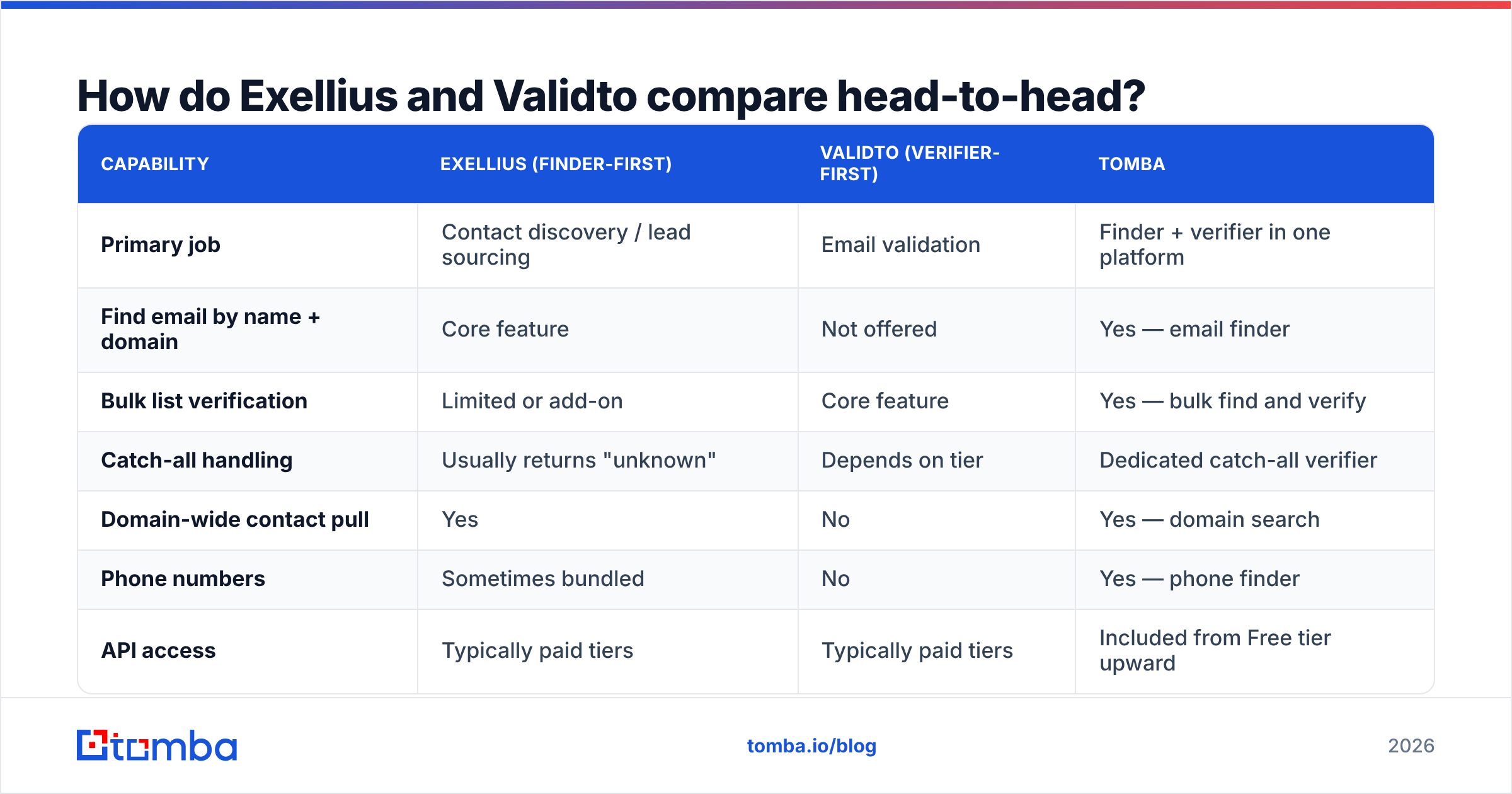
Here's the practical comparison, with Tomba included because most readers of this post are actually choosing between "two tools" and "one tool that does both."
| Capability | Exellius (finder-first) | Validto (verifier-first) | Tomba |
|---|---|---|---|
| Primary job | Contact discovery / lead sourcing | Email validation | Finder + verifier in one platform |
| Find email by name + domain | Core feature | Not offered | Yes — email finder |
| Bulk list verification | Limited or add-on | Core feature | Yes — bulk find and verify |
| Catch-all handling | Usually returns "unknown" | Depends on tier | Dedicated catch-all verifier |
| Domain-wide contact pull | Yes | No | Yes — domain search |
| Phone numbers | Sometimes bundled | No | Yes — phone finder |
| API access | Typically paid tiers | Typically paid tiers | Included from Free tier upward |
| Free tier | Trial credits | Trial credits | 25 searches/month, no card |
| Entry paid price | Check current vendor pricing | Check current vendor pricing | $49/mo Starter |
One caveat worth stating plainly: pricing and feature tiers at smaller vendors change quarterly, and both Exellius and Validto are in that bracket. Treat the columns above as category behaviour, not as a frozen spec sheet — check each vendor's live pricing page the week you buy, and read recent reviews on G2's lead intelligence category rather than year-old blog roundups.
Which one is more accurate — and how would you even know?#
Accuracy is the only metric that matters, and it's the one every vendor in this space reports differently.

Three definitions get shuffled around, deliberately:
- Hit rate — the share of your input rows that come back with any email. A tool can inflate this by returning pattern guesses (
first.last@domain.com) without checking whether the mailbox exists. - Verified accuracy — the share of returned emails that pass an independent SMTP check. This is the number you actually care about.
- Bounce rate in production — what your sending platform reports after the campaign. Always worse than the vendor's lab number.
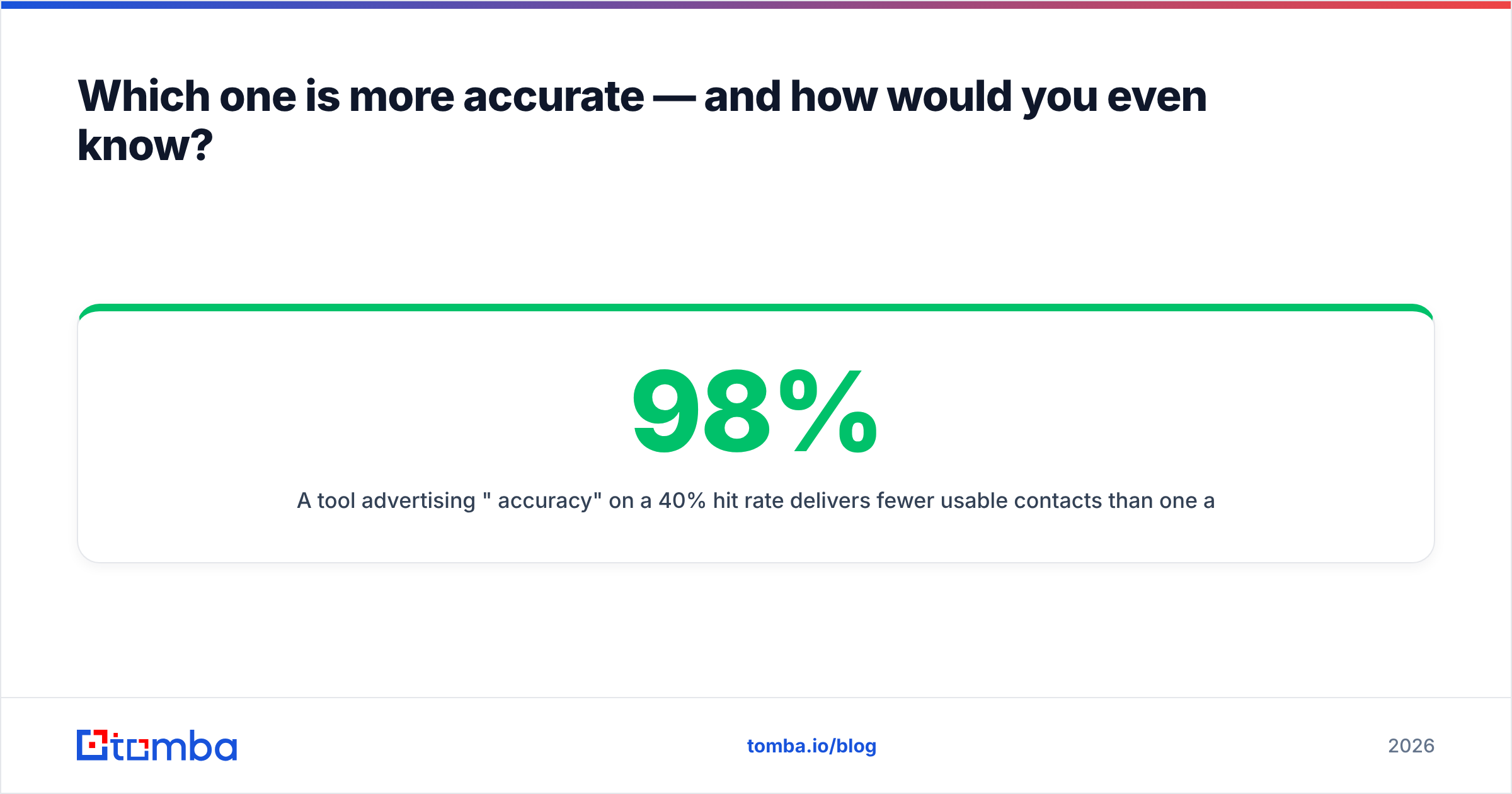
A tool advertising "98% accuracy" on a 40% hit rate delivers fewer usable contacts than one advertising 92% on a 70% hit rate. Multiply the two before you compare anything.
How to run a fair bake-off in an afternoon:
- Build a control list. 500 contacts you can independently confirm — customers, past demo no-shows, anyone whose email you already know is live. Strip the emails out and keep them in a separate column.
- Run the same input through each tool. Same names, same domains, same order. No manual cleanup between runs.
- Score three columns, not one. Found / not found, matches known-good email, and flagged status (valid, catch-all, unknown, invalid).
- Send a real test. Take 100 rows each tool marked valid and push them through your actual ESP. The bounce report is the referee.
- Price the winner per usable contact. Divide total spend by the number of rows that were both found and delivered — not by credits consumed.
Most teams are surprised by step 5. The cheaper credit is frequently the more expensive contact, because you burn two credits per row on retries and re-verification.
Why do catch-all domains break most comparisons?#
Because a catch-all domain accepts every address at the SMTP layer, whether the mailbox exists or not. Around a third of mid-market B2B domains are configured this way, and both finder tools and verifier tools shrug at them.
This is where the two categories diverge sharply. A verifier-first tool like Validto will typically return accept-all or unknown and stop — technically correct, commercially useless. A finder-first tool may return a pattern-derived address with a confidence score and let you decide.
Neither behaviour is wrong. But if 30% of your target accounts land in "unknown," your effective coverage just dropped by 30% regardless of what the marketing page said. Tools that invest specifically in catch-all resolution — pattern corroboration across multiple sources, historical send signals, cross-referenced public data — recover a meaningful chunk of that segment. Ask both vendors directly: what percentage of catch-all domains do you resolve to a definitive verdict? If the answer is vague, assume zero.
For background on why bounces damage sender standing in the first place, the bounce message mechanics are worth ten minutes, and it connects directly to your email deliverability health over the following weeks.
What does each option really cost?#

Sticker price is the least interesting variable. Four things move your real cost more:
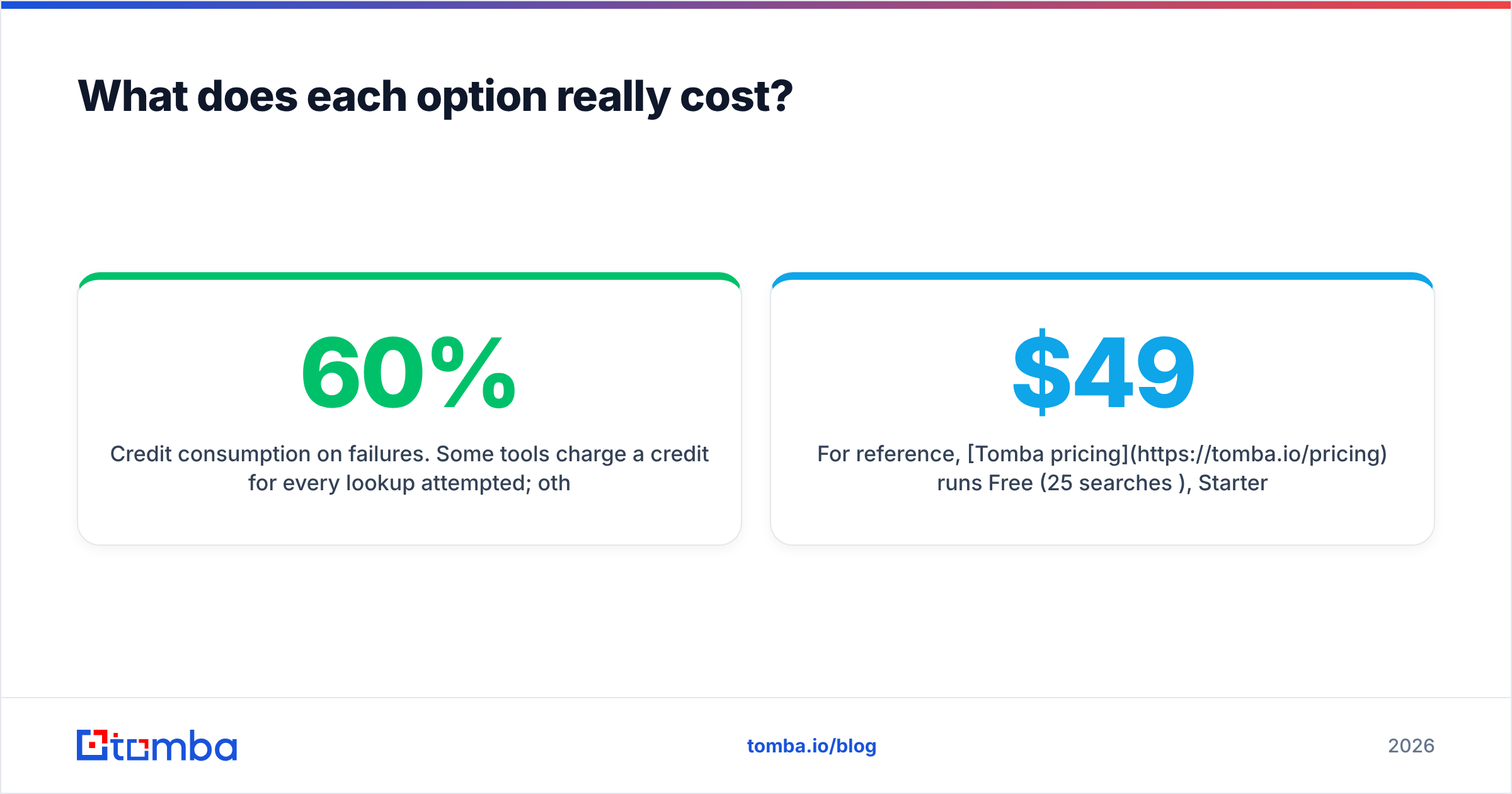
- Credit consumption on failures. Some tools charge a credit for every lookup attempted; others only for results returned. Over 10,000 monthly lookups at a 60% hit rate, that difference is a 40% cost swing.
- Separate credit pools. Running two vendors means two subscriptions, two minimums, and two pools of credits that expire independently. Unused verification credits do not become finder credits.
- API tier gating. If automation lives behind a higher plan, your actual entry price is that plan, not the advertised starter.
- Rework. Every contact that bounces costs you the credit, the sending slot, the reply you didn't get, and a small deduction from domain reputation. That's the expensive one and it never appears on an invoice.
For reference, Tomba pricing runs Free (25 searches/month), Starter at $49/mo, Growth at $99/mo, Pro at $249/mo, and custom Enterprise — with finder, verifier, domain search, and API access drawing from one pool rather than two contracts.

When should you actually pick each one?#
Pick a finder-first tool (Exellius-style) when:
- Your CRM has accounts but not people. You know the 400 companies you want; you don't know who runs demand gen at any of them.
- You're running account-based outbound and need multiple contacts per account, including title-based discovery.
- Your bounce rate is already healthy — under 2% — so coverage, not hygiene, is the constraint.
Pick a verifier-first tool (Validto-style) when:
- You've inherited a list. Trade show scans, an old marketing database, a partner's export — anything that hasn't been touched in six months is roughly 20-25% decayed.
- You're migrating ESPs and need to clean before you import, because the new platform will judge you on your first send.
- You're already at a bounce rate that's triggering warnings in Postmaster Tools or your ESP's dashboard.
Pick a combined platform when:
- You do both continuously, which describes almost every B2B team running consistent outbound.
- You want one API call to return a found and verified address instead of chaining two vendors with two rate limits and two failure modes.
- You care about cost per usable contact rather than cost per credit.
That last scenario is the common one, and it's where the two-vendor approach quietly leaks money. Every handoff between systems is a place where rows get duplicated, statuses get lost, and someone in ops writes a Zapier patch that nobody documents. HubSpot's own sales research consistently puts data hygiene near the top of rep time-wasters — their sales blog has covered the CRM-decay problem repeatedly, and the pattern is always the same: the tooling wasn't wrong, the seams between tools were.
How does this affect deliverability over 90 days?#
More than any subject line you'll ever write.
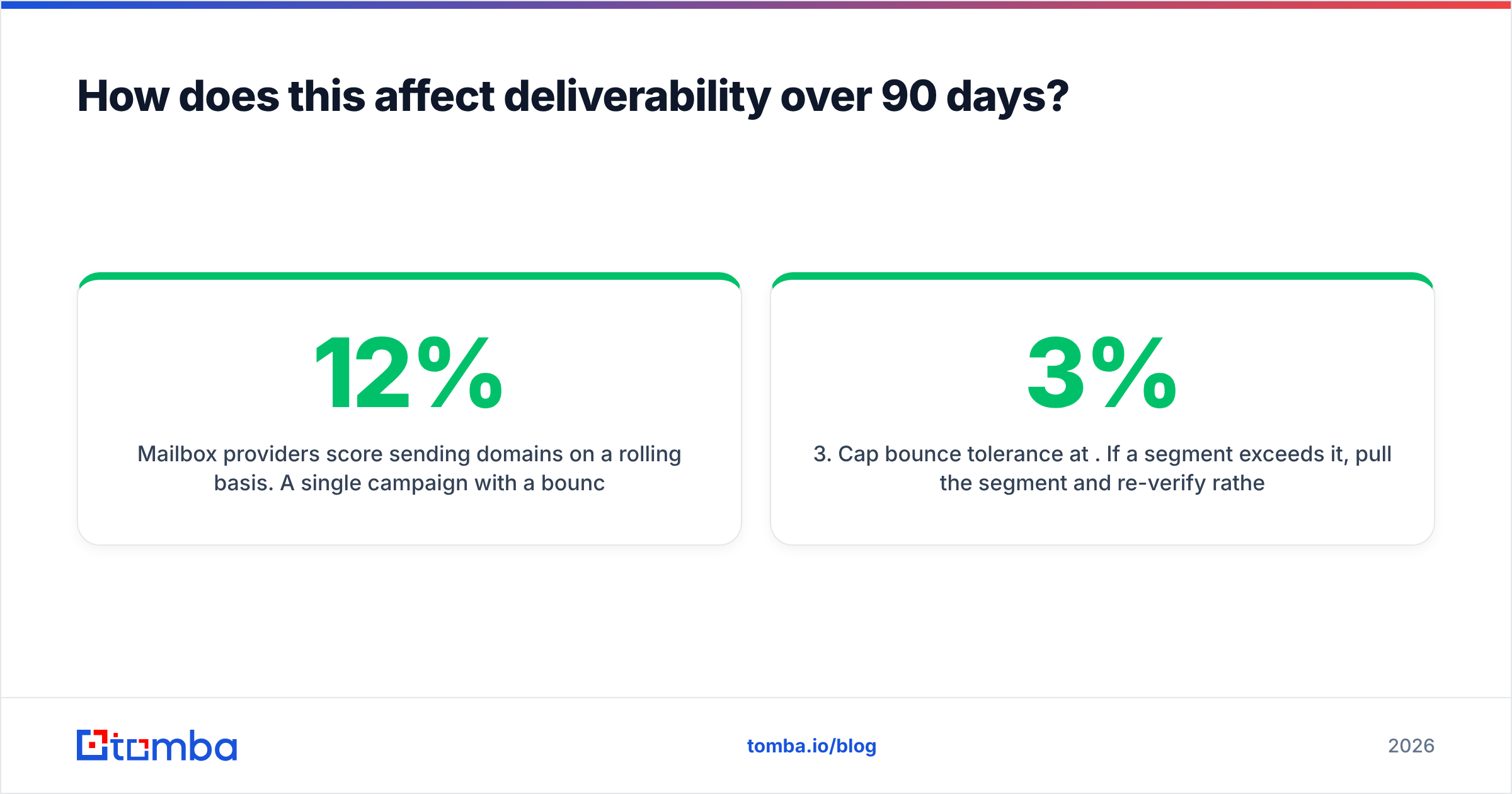
Mailbox providers score sending domains on a rolling basis. A single campaign with a 12% bounce rate doesn't just lose you 12% of your audience — it depresses inbox placement for the next several campaigns, including the ones sent to perfectly valid addresses. Recovering sender reputation takes weeks of clean, low-volume sending.
The practical protocol, regardless of which vendor you choose:
- Verify at the point of capture, not the night before the campaign. Data decays; verification results have a shelf life of roughly 90 days.
- Suppress
unknownand role accounts from cold sequences. Route role accounts to a separate, lower-volume track if you must use them at all. - Cap bounce tolerance at 3%. If a segment exceeds it, pull the segment and re-verify rather than pushing through.
- Re-verify any list older than a quarter. This is cheap insurance and it's the single highest-ROI habit in outbound.
Run those four rules and the Exellius-vs-Validto question shrinks considerably, because you've defined exactly what you need from each layer.
What's the verdict?#
If you're forced to buy one: buy the one that fixes your current bottleneck. Empty pipeline → finder. Bouncing pipeline → verifier. Don't buy the tool that solves the problem you'll have in six months.
If you're not forced to buy one — and most teams aren't — the two-vendor stack is usually the wrong shape. You end up paying two minimums, reconciling two credit pools, and writing glue code to keep statuses in sync, all to solve two halves of one problem. A platform that finds the address and verifies it in the same call removes an entire class of operational overhead, and it makes your cost-per-usable-contact math legible for the first time.
Exellius and Validto are both reasonable at what they individually do. Neither is designed to be your whole contact-data layer, and buying them together is the expensive way to assemble something a single platform already ships.
Try it against your own list. Start with Tomba's Email Finder on the free tier — 25 searches a month, no card — and run the same 500-row control list you'd use to test anyone else. Find, verify, and check catch-alls from one dashboard or one API key, then compare the cost per delivered contact against a two-vendor setup. If the numbers don't beat your current stack, you've lost an afternoon. If they do, you've just cut a line item and a failure point at the same time.
Related guides#
Ready to find emails that actually work?
Join 150,000+ professionals who stopped guessing and started sending. Free credits on signup — no credit card required.
Get the Tomba newsletter
Practical outbound tactics and product updates — once every two weeks.
About the author