FinalScout vs Tomba (2026): Which Email Finder Actually Wins?
FinalScout is a LinkedIn-first Chrome extension. Tomba is an API-first email finder with verification built in. Here's where each one wins, where each one breaks, and how to pick without wasting credits.
TL;DR
- FinalScout is a LinkedIn-first Chrome extension: you browse profiles or a Sales Navigator list, click, and it pulls emails plus an AI-drafted message. Great if LinkedIn is your prospecting surface.
- Tomba is an API-first email finder built around domains and names, with verification, catch-all handling, bulk jobs, and a real developer surface. Better if you're building a repeatable pipeline.
- The two tools fail in different places. FinalScout's ceiling is LinkedIn itself — no LinkedIn presence, no contact. Tomba's ceiling is web footprint — a director who has never been published or listed anywhere is harder to resolve.
- On price, Tomba's Starter is $49/mo with a free 25-search tier; FinalScout's entry paid tier lands in a similar range but is metered in "emails found + AI writes," which makes cost-per-usable-contact harder to compare.
- Realistic answer: SDRs living inside LinkedIn should trial FinalScout. RevOps, agencies, and anyone enriching a CRM or a CSV at volume should start with Tomba.
What problem are these two tools actually solving?#
Both sell "find the email." They solve different halves of it.
Think of it like finding someone's house. FinalScout starts from the person — you're standing in front of them on LinkedIn, and it works backward to an address. Tomba starts from the street — you know the company domain, you know the naming convention, and it works forward to the door number, then knocks to check someone's home.
That distinction drives almost every difference below: coverage, accuracy, pricing model, and how each one behaves when you scale from 50 contacts to 50,000.
The four jobs an email finder has to do:
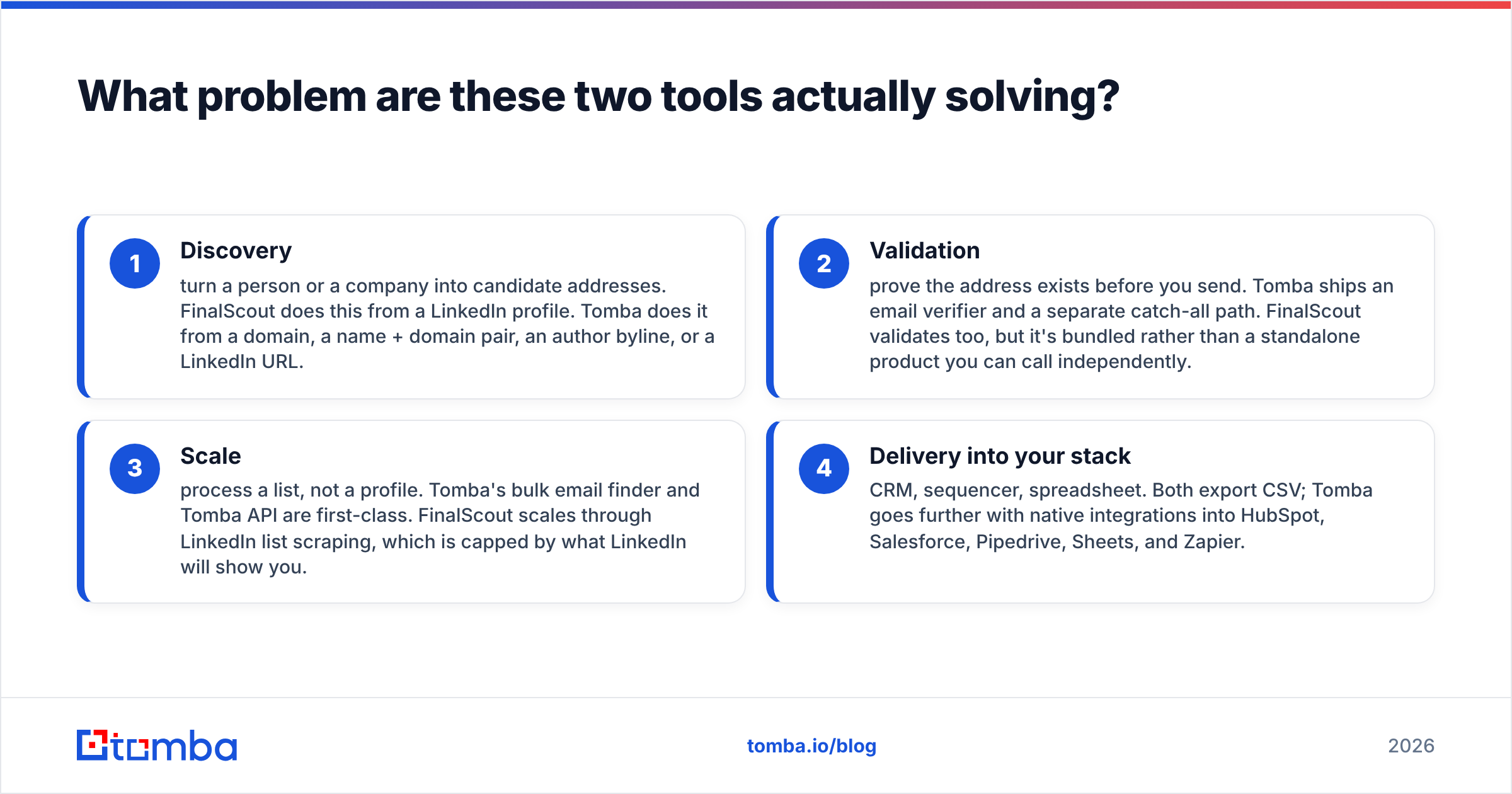
- Discovery — turn a person or a company into candidate addresses. FinalScout does this from a LinkedIn profile. Tomba does it from a domain, a name + domain pair, an author byline, or a LinkedIn URL.
- Validation — prove the address exists before you send. Tomba ships an email verifier and a separate catch-all path. FinalScout validates too, but it's bundled rather than a standalone product you can call independently.
- Scale — process a list, not a profile. Tomba's bulk email finder and Tomba API are first-class. FinalScout scales through LinkedIn list scraping, which is capped by what LinkedIn will show you.
- Delivery into your stack — CRM, sequencer, spreadsheet. Both export CSV; Tomba goes further with native integrations into HubSpot, Salesforce, Pipedrive, Sheets, and Zapier.
If you only ever need job 1 and you only ever need it on LinkedIn, this comparison is short. Most teams need all four.

What is FinalScout and who is it for?#
FinalScout is a browser extension plus web app that extracts professional emails from LinkedIn profiles, search results, groups, event attendee lists, and post engagers, then uses an AI writer to draft outreach against the profile it just scraped.
Its strengths are real:
- Context-rich prospecting. You're already reading the profile. Title, tenure, recent posts, mutual connections — all sitting right there when you decide whether this person is worth a credit.
- Event and engagement lists. Pulling attendees from a LinkedIn event or people who commented on a competitor's post is a genuinely good top-of-funnel motion, and it's awkward to replicate from a domain-first tool.
- AI drafting inline. One click from "found the email" to "drafted the first line" removes a context switch. Whether the draft is good enough to send unedited is another question — usually it isn't — but it beats a blank box.
Its constraints are equally real:
- LinkedIn is the ceiling and the risk. Automated data extraction sits uneasily with the LinkedIn User Agreement, and account-level friction (rate limits, warnings, restrictions) is a category-wide hazard for every LinkedIn scraping tool, not a FinalScout-specific flaw. Plan for it.
- No LinkedIn profile, no contact. Plenty of high-value buyers — plant managers, municipal procurement, franchise owners, most of the trades, a lot of EU mid-market — are barely on LinkedIn.
- Person-at-a-time economics. Even with list extraction, the mental model stays "one profile, one lookup." That's a bad fit for "enrich these 12,000 CRM rows overnight."
What is Tomba and who is it for?#
Tomba is an email finder built for pipelines rather than browsing sessions. You give it a domain, a name plus a domain, a company, an article byline, or a LinkedIn URL, and it returns addresses with a confidence score and the sources it used to reach that conclusion.
The surface area is broader than a single lookup box:
- Domain search returns every known address at a company plus the detected pattern (
first.last@,flast@, and so on). - LinkedIn finder covers the profile-to-email path directly, so the LinkedIn use case isn't absent — it's one input among several.
- Catch-all verifier handles the single biggest source of silent bounces: domains that accept every address at SMTP and then quietly drop the mail.
- Author finder resolves the byline on a blog post to a real inbox, which is the entire game for link building and PR.
- Tomba API, CLI, MCP server, Chrome extension, Excel and Sheets add-ins — the same data through whatever surface your team actually uses.
Where Tomba is weaker: it won't hand you a scraped list of everyone who commented on a viral post, and there's no AI copywriter welded to the lookup. It assumes you already know who you want, or you'll define that in your CRM or list-building tool.

How do FinalScout and Tomba compare feature by feature?#
Prices and limits change; check both vendors' current pages before you commit budget. Tomba's numbers below are exact as of 2026; FinalScout's are approximate ranges from its published tiers.
| Feature | FinalScout | Tomba |
|---|---|---|
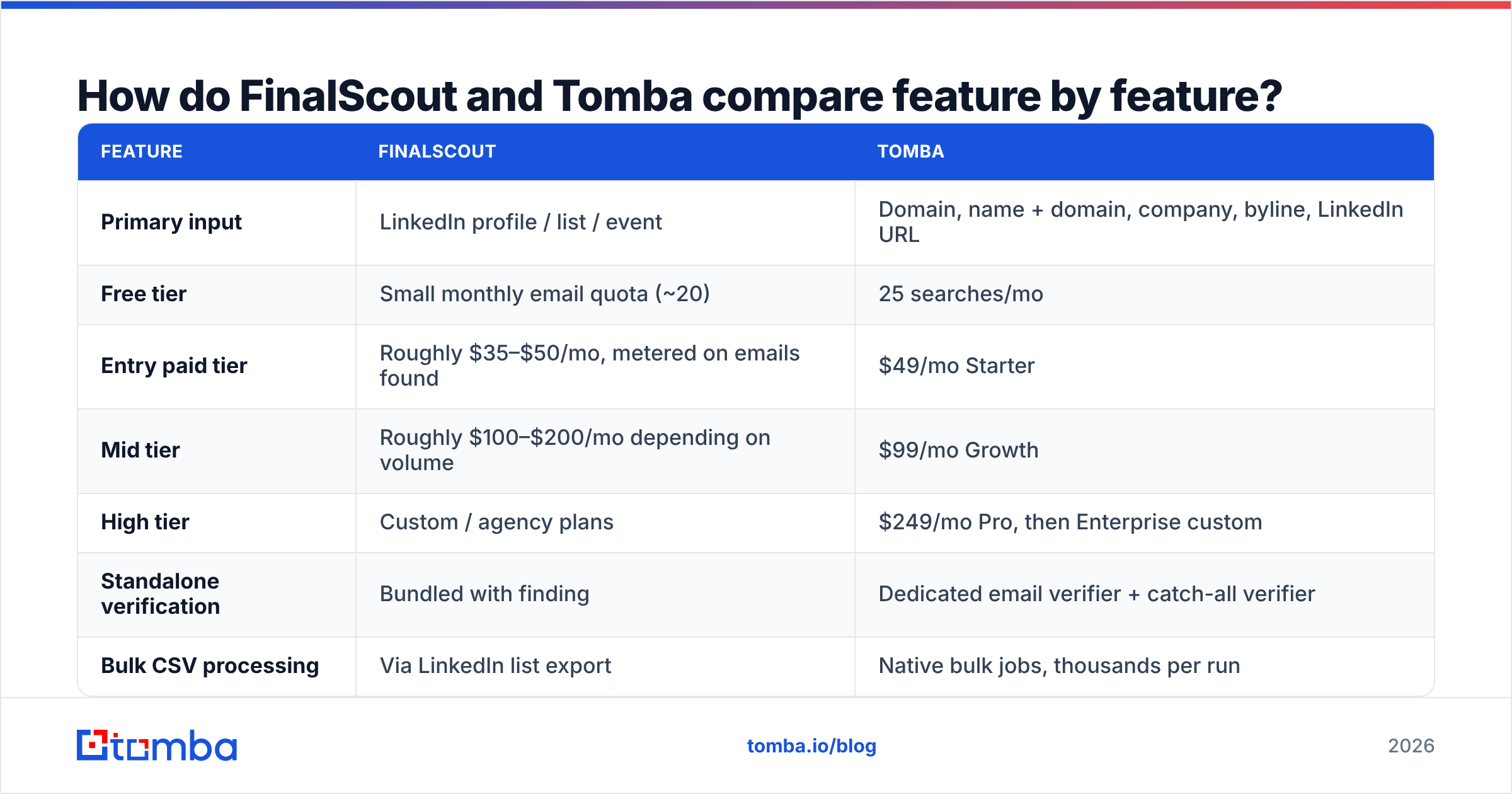
| Primary input | LinkedIn profile / list / event | Domain, name + domain, company, byline, LinkedIn URL |
| Free tier | Small monthly email quota (~20) | 25 searches/mo |
| Entry paid tier | Roughly $35–$50/mo, metered on emails found | $49/mo Starter |
| Mid tier | Roughly $100–$200/mo depending on volume | $99/mo Growth |
| High tier | Custom / agency plans | $249/mo Pro, then Enterprise custom |
| Standalone verification | Bundled with finding | Dedicated email verifier + catch-all verifier |
| Bulk CSV processing | Via LinkedIn list export | Native bulk jobs, thousands per run |
| Public API | Limited | Full REST API, CLI, MCP server |
| Native CRM integrations | CSV, some ATS/CRM export | HubSpot, Salesforce, Pipedrive, Zapier, Make, Sheets, Airtable |
| AI email drafting | Yes, built in | No — separate free tools only |
| Works without LinkedIn | No | Yes |
| Phone numbers | No | Yes, via phone finder |
The pattern is clear enough. FinalScout is deeper on one channel. Tomba is broader across inputs and much stronger downstream of the lookup.

Which one is more accurate?#
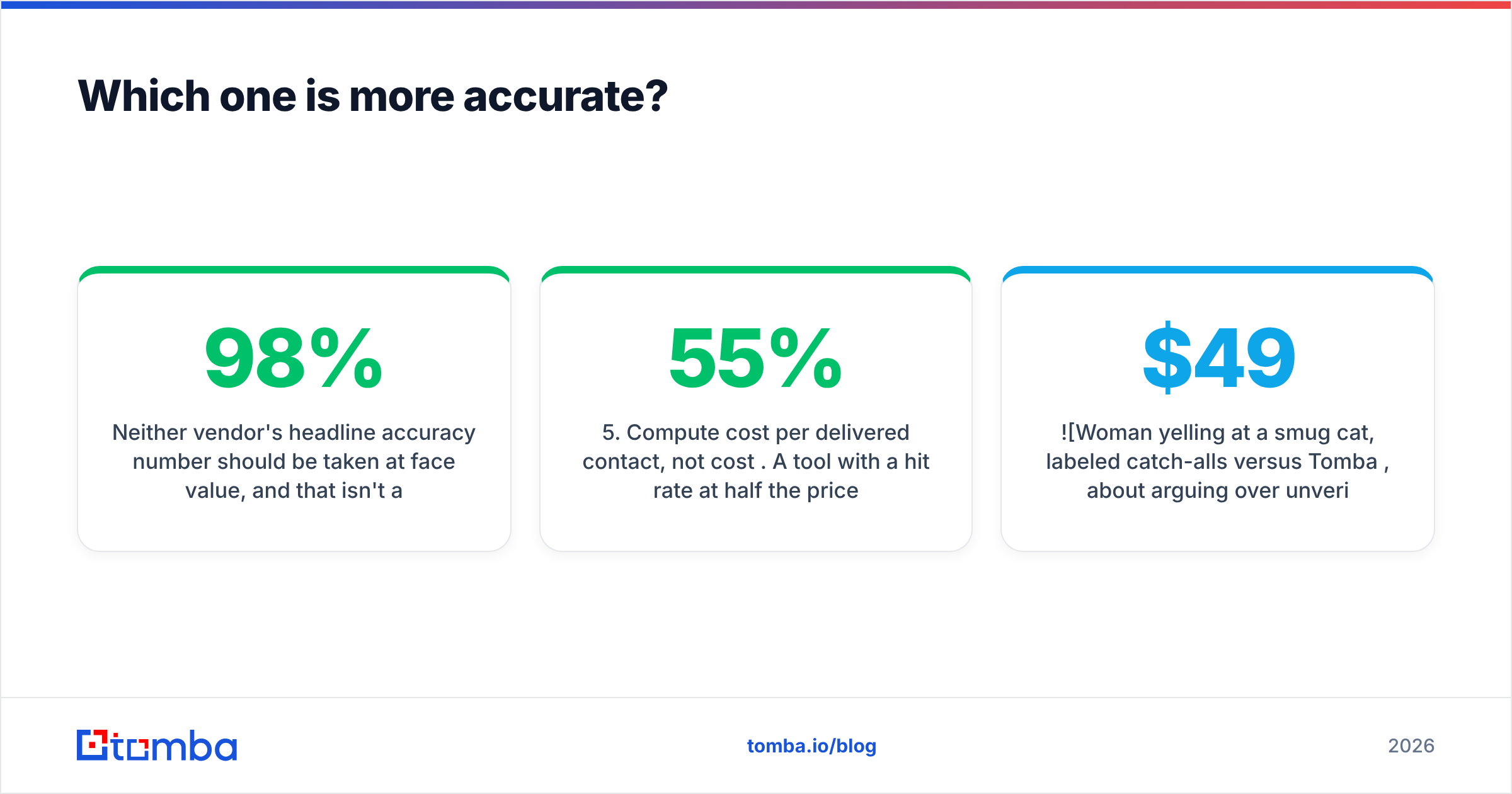
Neither vendor's headline accuracy number should be taken at face value, and that isn't a dig at either — it's how the category measures itself. "98% accuracy" almost always means of the emails we returned, 98% passed our own validator. It says nothing about the ones the tool couldn't find, and it says nothing about catch-all domains where validation is a guess dressed as a verdict.
Run your own test instead. Here's a protocol that takes an afternoon and settles the argument:
- Build a 100-row control list from your actual ICP — same seniority, same company sizes, same geographies you sell into. Not a list of tech unicorns; every tool looks great on Stripe and Shopify.
- Run it through both tools and record three numbers: hit rate (rows that returned anything), catch-all share (rows where the domain accepts everything), and cost in credits.
- Send a real campaign to both sets from separate, warmed domains. Bounce rate is the only accuracy metric that pays rent.
- Segment the bounces. Hard bounces on non-catch-all domains are a genuine data quality failure. Bounces on catch-all domains are a risk-management failure — different fix.
- Compute cost per delivered contact, not cost per credit. A tool with a 55% hit rate at half the price is not cheaper if the misses still burn credits.
In our reading of third-party review data on G2, the consistent pattern is that LinkedIn-native extractors win on coverage of people who are active on LinkedIn and lose on coverage of everyone else, while domain-first finders are the reverse. That's not a scandal. It's the data source showing through the product.
One practical note on catch-alls: they're roughly a fifth to a third of B2B domains depending on your market, and they're where deliverability quietly dies. If your tool marks them "valid" without saying so, you'll find out at the bounce report. Tomba splits catch-all handling into its own step precisely so you can decide the risk yourself — send, skip, or route to a phone touch.

Is FinalScout or Tomba better value at each price point?#
Compare cost per usable, delivered contact — not sticker price.
FinalScout's model bundles finding and AI writing into one meter. If you use the AI heavily, that's good value; you're not paying separately for a copy tool. If you don't — because you have your own sequences and your own voice — you're paying for a feature you'll never open.
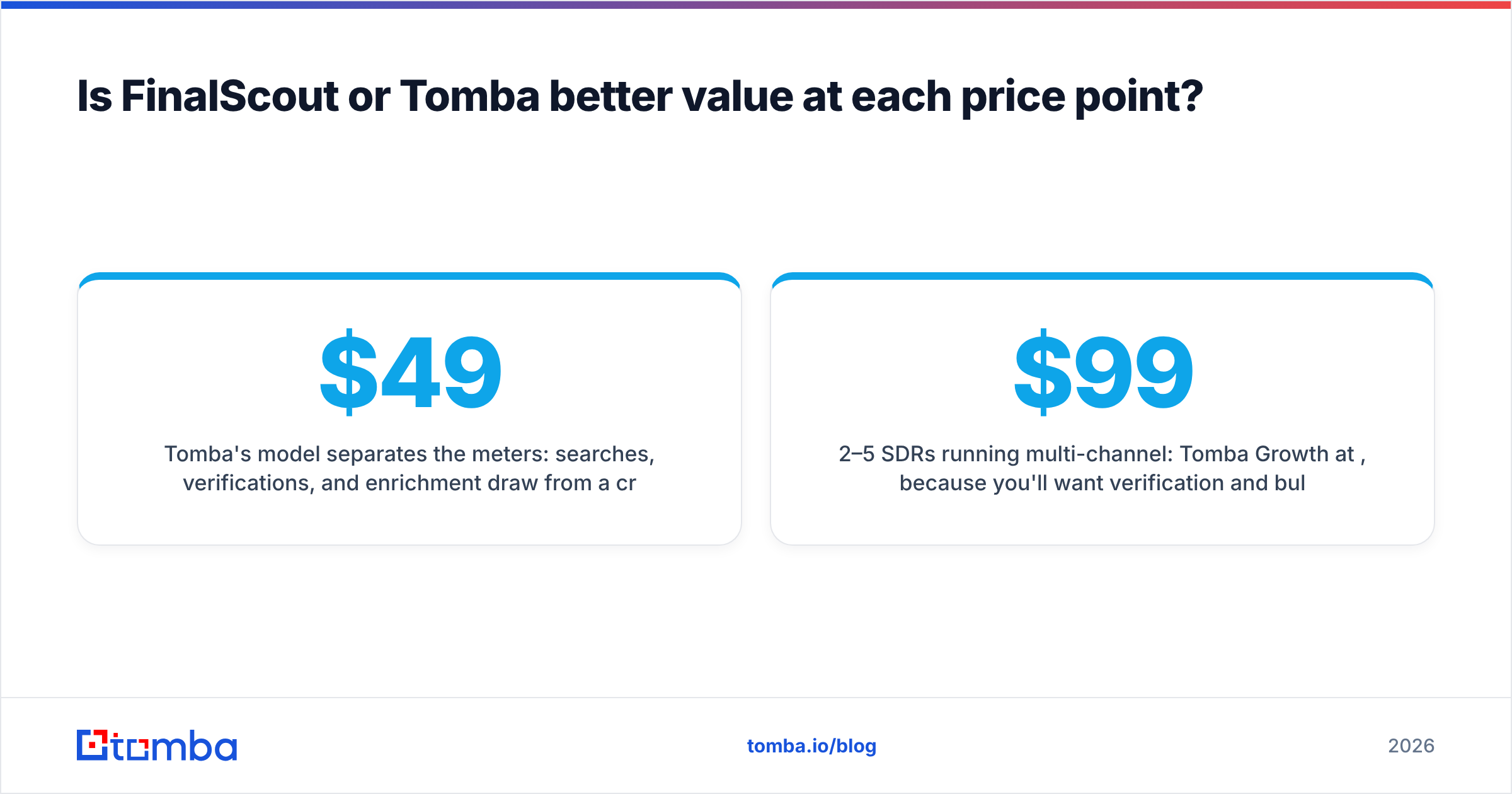
Tomba's model separates the meters: searches, verifications, and enrichment draw from a credit pool you allocate. The Tomba pricing ladder runs Free (25 searches/mo), Starter $49/mo, Growth $99/mo, Pro $249/mo, and Enterprise custom. The free tier is small but real — enough to test 25 of your own ICP rows before you spend anything.
Rough guidance by team shape:
- Solo founder, <200 contacts/mo, LinkedIn-led: FinalScout's entry tier is defensible. So is Tomba's free tier plus Starter when you outgrow it.
- 2–5 SDRs running multi-channel: Tomba Growth at $99/mo, because you'll want verification and bulk, and because half your list won't come from LinkedIn.
- Agency running client campaigns: Tomba Pro or Enterprise. You need API access for repeatability and you need verification you can show a client.
- Engineering-led GTM (product-led, in-app enrichment): Tomba, no contest — FinalScout has no meaningful API story.
What about the alternatives?#
Neither tool is the only option, and it's worth naming the honest peers.
BookYourData takes a different approach entirely: pay-as-you-go access to a pre-built B2B database with filtering by title, industry, and geography, rather than lookup-by-lookup discovery. If your problem is "I don't know who to target yet," a database beats a finder. If your problem is "I have the names and need the addresses," a finder beats a database. Plenty of teams run both.
Apollo, RocketReach, and Lusha sit in the "database plus sequencer" bundle. They're heavier, pricier, and lock more of your workflow into one vendor. If you're already paying for a sequencer you like, adding a bundle is redundant spend.
The cleanest mental model: databases answer who, finders answer how do I reach them, and sequencers answer what do I say. Buying one tool that does all three badly is the most common procurement mistake in outbound.
How do you decide in the next ten minutes?#
Answer three questions honestly.
1. Where do your leads originate? If the honest answer is "I find them by scrolling LinkedIn," FinalScout removes friction from a workflow you already have. If the answer is "a list, a CRM export, a conference site, a customer's supplier directory, or our own website traffic," a domain-first tool covers far more of that surface.
2. Does anything downstream need an API? If a developer will ever touch this — enrichment on signup, a nightly CRM refresh, a lead-scoring job — the extension model is a dead end. Extensions don't have SLAs.
3. How much does a bounce cost you? If you're sending 200 emails a month from a domain you've had for eight years, sloppy data is annoying. If you're sending 20,000 from three warmed domains, unverified sends are an existential threat to your sender reputation, and standalone verification stops being optional.
Most teams land on: FinalScout for opportunistic LinkedIn prospecting, Tomba for everything systematic. Running both is not crazy — they meter separately and cover different gaps. What is crazy is picking either one on a vendor's accuracy claim without running your own 100-row control list first.
Ready to test it on your own list?#
Run your ICP through the Tomba Email Finder free tier — 25 searches, no card, no sales call. Pull a domain search on three target accounts, check the pattern it detects against emails you already know are correct, then push the results through the verifier and look at the catch-all split. Twenty minutes of that tells you more than any comparison post, including this one. If the hit rate and the bounce numbers hold up on your data, Starter at $49/mo scales it; if they don't, you've lost nothing but the afternoon.
Related guides#
Ready to find emails that actually work?
Join 150,000+ professionals who stopped guessing and started sending. Free credits on signup — no credit card required.
Get the Tomba newsletter
Practical outbound tactics and product updates — once every two weeks.
About the author