11 Best Finderio Alternatives for B2B Email Finding in 2026
Finderio bundles email finding, verification and enrichment at a low price — but coverage, credit rollover and API depth vary wildly across its rivals. Here are 11 alternatives ranked by what they actually do well.
TL;DR
- Finderio (from the Zapier-adjacent Xtractor/Finder family) is a cheap, all-in-one email finder + verifier. It works, but coverage thins out on non-US domains and small companies, and the API is basic compared with dedicated providers.
- If you want the closest like-for-like swap with a stronger API and better catch-all handling, Tomba is the most direct replacement at $49/mo for Starter.
- If you need a large native database plus a sequencer in the same tab, Apollo.io is the volume play — at a higher price and with noisier data.
- If you buy contacts rather than search for them, BookYourData is the pay-as-you-go option with no subscription lock-in.
- Nobody hits 98% accuracy on every TLD. Whatever you pick, verify before you send — that single step protects deliverability more than any vendor's marketing claim.
What is Finderio and why do people look for alternatives?#
Finderio is a lightweight B2B contact-finding tool: you give it a domain or a first name + last name + company, and it returns a likely business email plus a validity signal. It also ships bulk upload, a Chrome extension, and a simple REST API. The pitch is price — it undercuts most of the established players and bundles verification into the same credit pool.
That pitch works until one of four things happens:
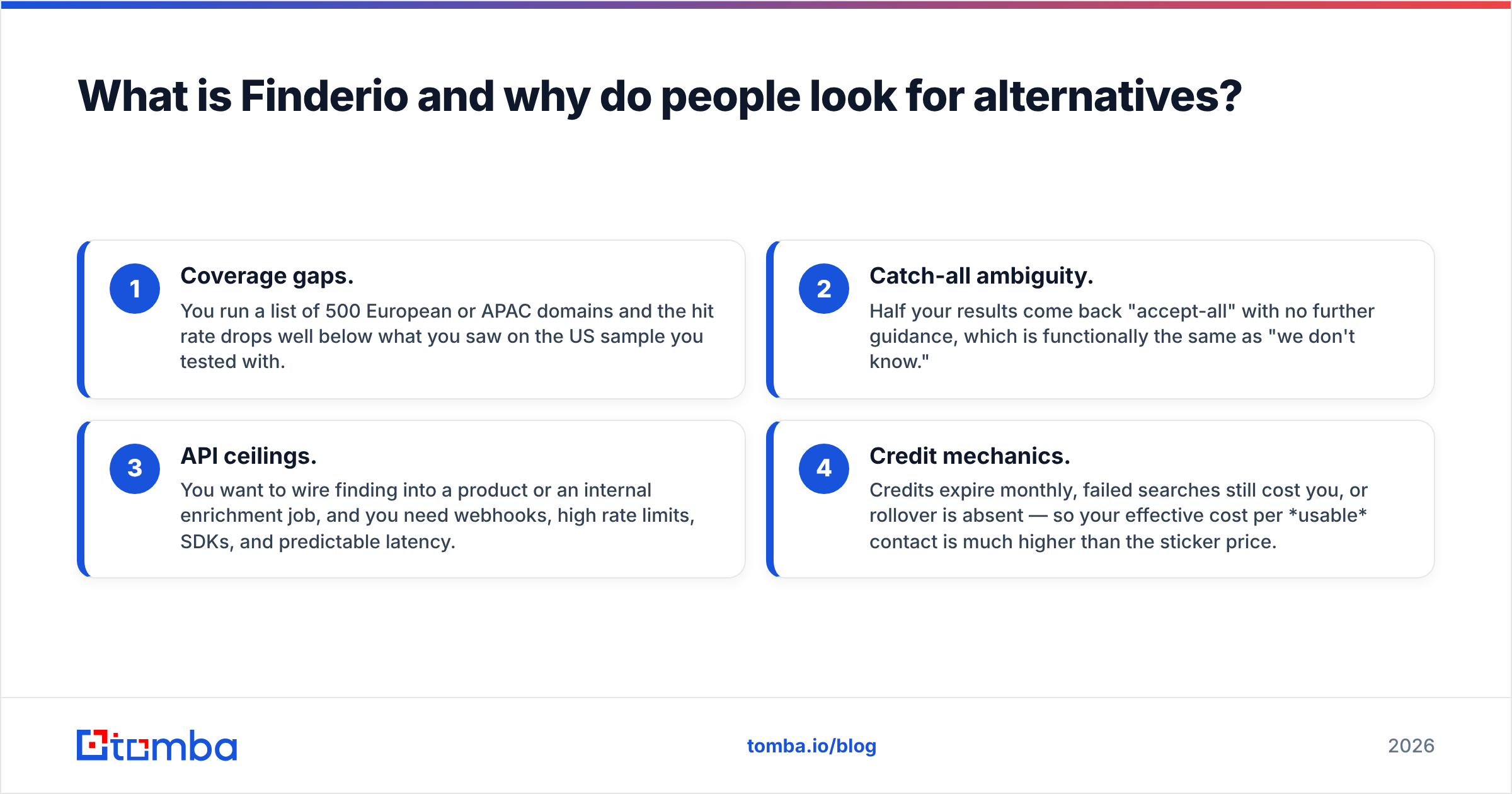
- Coverage gaps. You run a list of 500 European or APAC domains and the hit rate drops well below what you saw on the US sample you tested with.
- Catch-all ambiguity. Half your results come back "accept-all" with no further guidance, which is functionally the same as "we don't know."
- API ceilings. You want to wire finding into a product or an internal enrichment job, and you need webhooks, high rate limits, SDKs, and predictable latency.
- Credit mechanics. Credits expire monthly, failed searches still cost you, or rollover is absent — so your effective cost per usable contact is much higher than the sticker price.
None of these mean Finderio is bad. They mean it's optimised for one job — cheap, occasional lookups — and you may have outgrown that job. This post ranks the alternatives by which of those four problems they actually fix.

How should you evaluate Finderio alternatives?#
Ignore the headline accuracy number on every vendor homepage. It's measured on a self-selected sample, usually large US tech companies, where every tool looks great. Evaluate on these six dimensions instead:
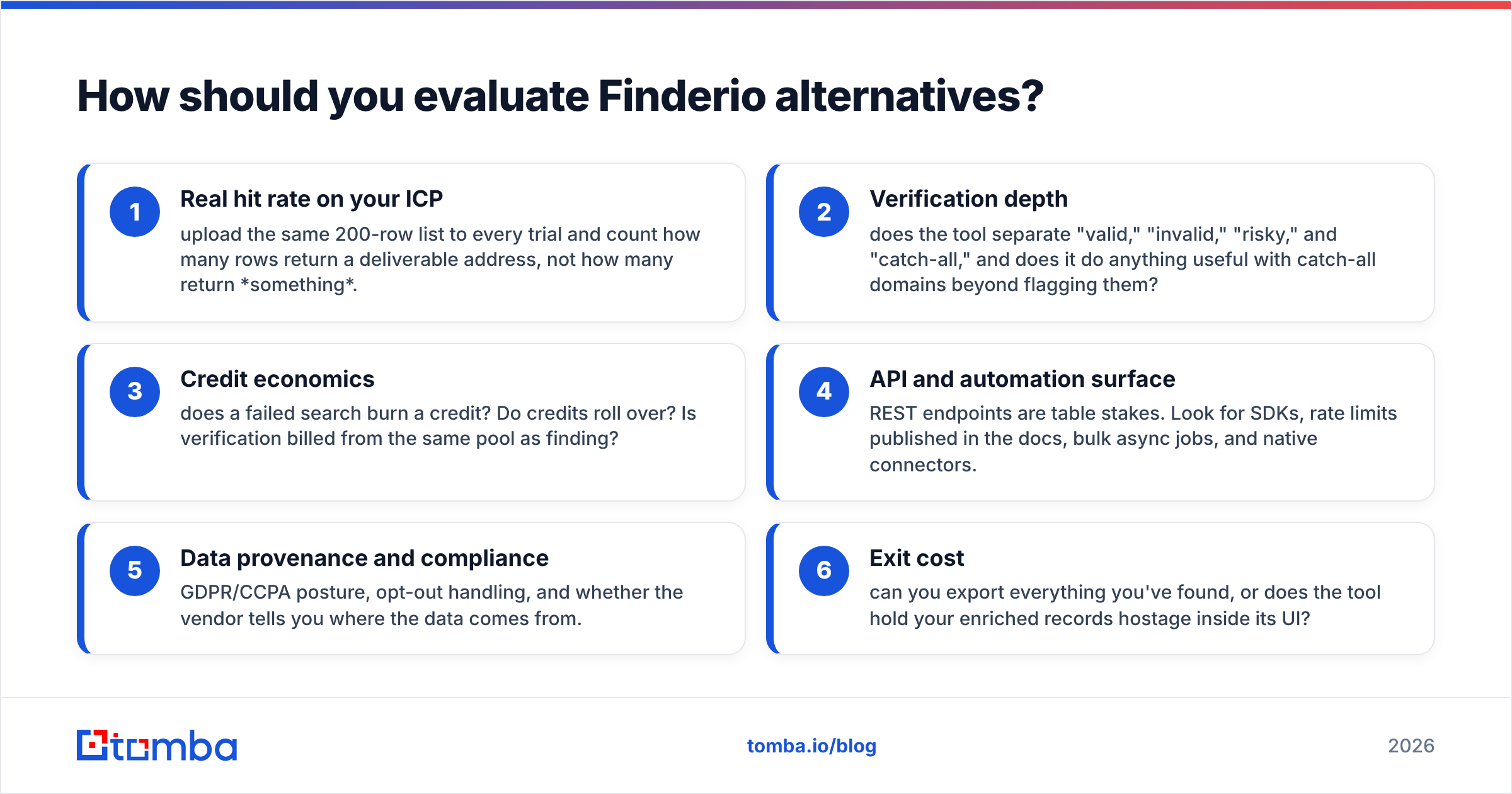
- Real hit rate on your ICP — upload the same 200-row list to every trial and count how many rows return a deliverable address, not how many return something.
- Verification depth — does the tool separate "valid," "invalid," "risky," and "catch-all," and does it do anything useful with catch-all domains beyond flagging them?
- Credit economics — does a failed search burn a credit? Do credits roll over? Is verification billed from the same pool as finding?
- API and automation surface — REST endpoints are table stakes. Look for SDKs, rate limits published in the docs, bulk async jobs, and native connectors.
- Data provenance and compliance — GDPR/CCPA posture, opt-out handling, and whether the vendor tells you where the data comes from.
- Exit cost — can you export everything you've found, or does the tool hold your enriched records hostage inside its UI?
A quick scoring rubric that takes an afternoon beats three weeks of demo calls. Run the same list through three trials, then compare cost per verified deliverable contact — the only number that maps to pipeline.

Which Finderio alternatives are worth comparing?#
Here's the shortlist, scored on the dimensions above. Prices are list prices for the entry paid tier as published by each vendor; check the vendor page before you buy, since B2B SaaS pricing moves.

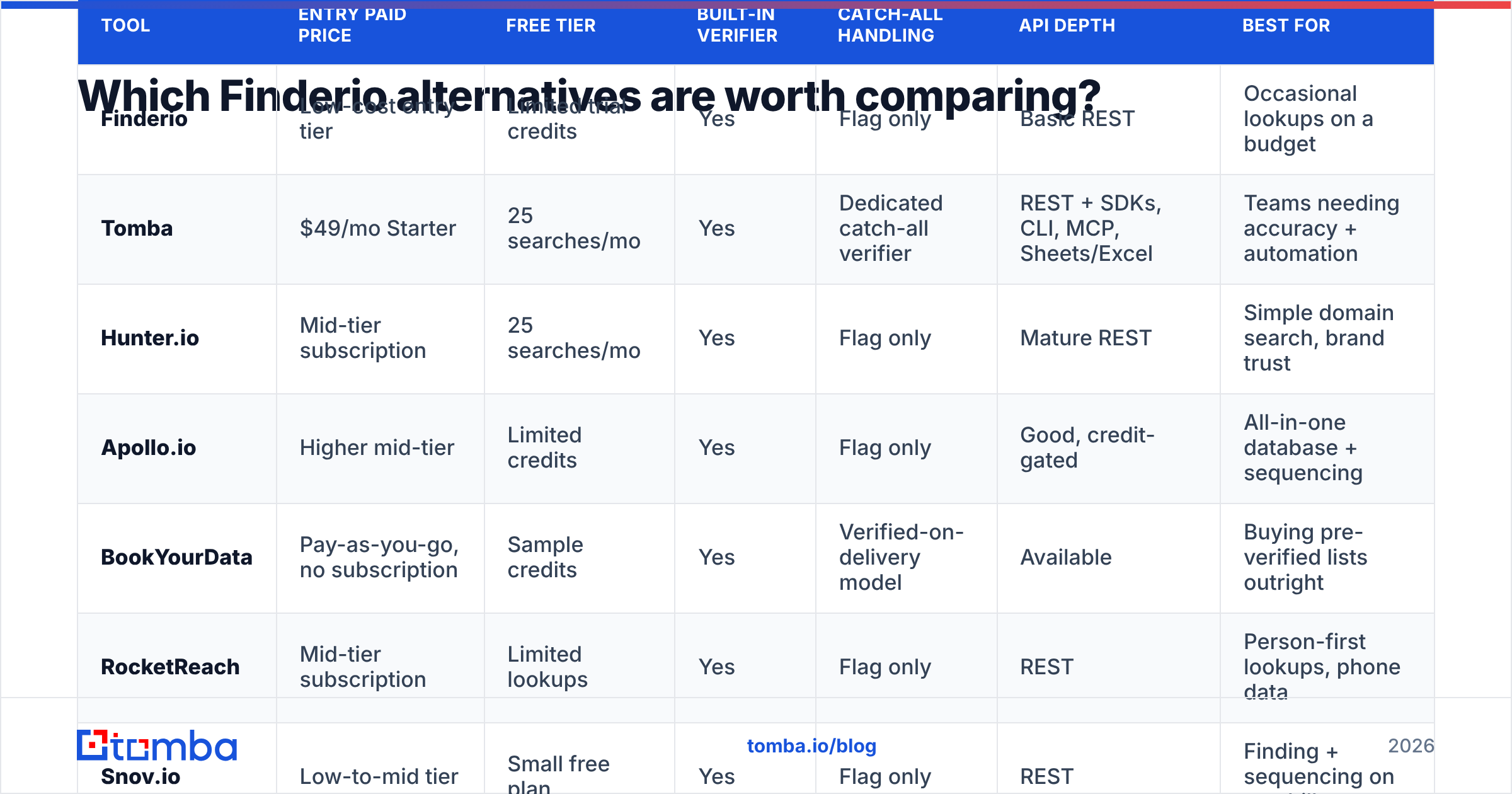
| Tool | Entry paid price | Free tier | Built-in verifier | Catch-all handling | API depth | Best for |
|---|---|---|---|---|---|---|
| Finderio | Low-cost entry tier | Limited trial credits | Yes | Flag only | Basic REST | Occasional lookups on a budget |
| Tomba | $49/mo Starter | 25 searches/mo | Yes | Dedicated catch-all verifier | REST + SDKs, CLI, MCP, Sheets/Excel | Teams needing accuracy + automation |
| Hunter.io | Mid-tier subscription | 25 searches/mo | Yes | Flag only | Mature REST | Simple domain search, brand trust |
| Apollo.io | Higher mid-tier | Limited credits | Yes | Flag only | Good, credit-gated | All-in-one database + sequencing |
| BookYourData | Pay-as-you-go, no subscription | Sample credits | Yes | Verified-on-delivery model | Available | Buying pre-verified lists outright |
| RocketReach | Mid-tier subscription | Limited lookups | Yes | Flag only | REST | Person-first lookups, phone data |
| Snov.io | Low-to-mid tier | Small free plan | Yes | Flag only | REST | Finding + sequencing on one bill |
| Findymail | Mid-tier subscription | Trial credits | Yes | Refunds unverified | REST | Not paying for bad emails |
| Clearbit (Breeze) | Enterprise-oriented | No practical free tier | Enrichment-led | N/A | Excellent | Firmographic enrichment at scale |
| ContactOut | Mid-tier subscription | Small free plan | Yes | Flag only | Limited | LinkedIn-native recruiting workflows |
| Dropcontact | Low-to-mid tier | Trial | Yes, algorithmic | Deduces patterns | REST | GDPR-strict EU prospecting |
1. Tomba — the closest like-for-like upgrade#
Tomba does what Finderio does, then keeps going. The email finder takes a name plus domain; domain search pulls every discoverable address on a company; the email verifier runs SMTP-level checks; and a separate catch-all verifier attacks the specific problem that makes most tools shrug.
The automation surface is where the gap widens. Beyond the REST Tomba API, there's a CLI, an MCP server for LLM agents, a Chrome extension, and native Google Sheets and Excel add-ins — so the same credit pool serves a RevOps script, an SDR in a spreadsheet, and a product feature. Tomba pricing starts free at 25 searches/mo, then Starter $49/mo, Growth $99/mo, and Pro $249/mo.
Pick it if: you like Finderio's simplicity but need better catch-all resolution and a real API. Skip it if: you want a built-in email sequencer — Tomba finds and verifies, it doesn't send.
2. Apollo.io — database plus sequencer#
Apollo bundles a very large contact database with sequencing, dialing, and basic CRM features. If your team wants one tool for search-through-send, this is the default answer, and the free tier is generous enough to evaluate seriously.
The trade-off is data noise. A huge database means more stale records, and credit limits on exports mean the effective cost climbs once you scale. Teams often end up running Apollo for discovery and a dedicated verifier before sending. See the Apollo alternative breakdown for the head-to-head.
3. BookYourData — buy the list, skip the subscription#
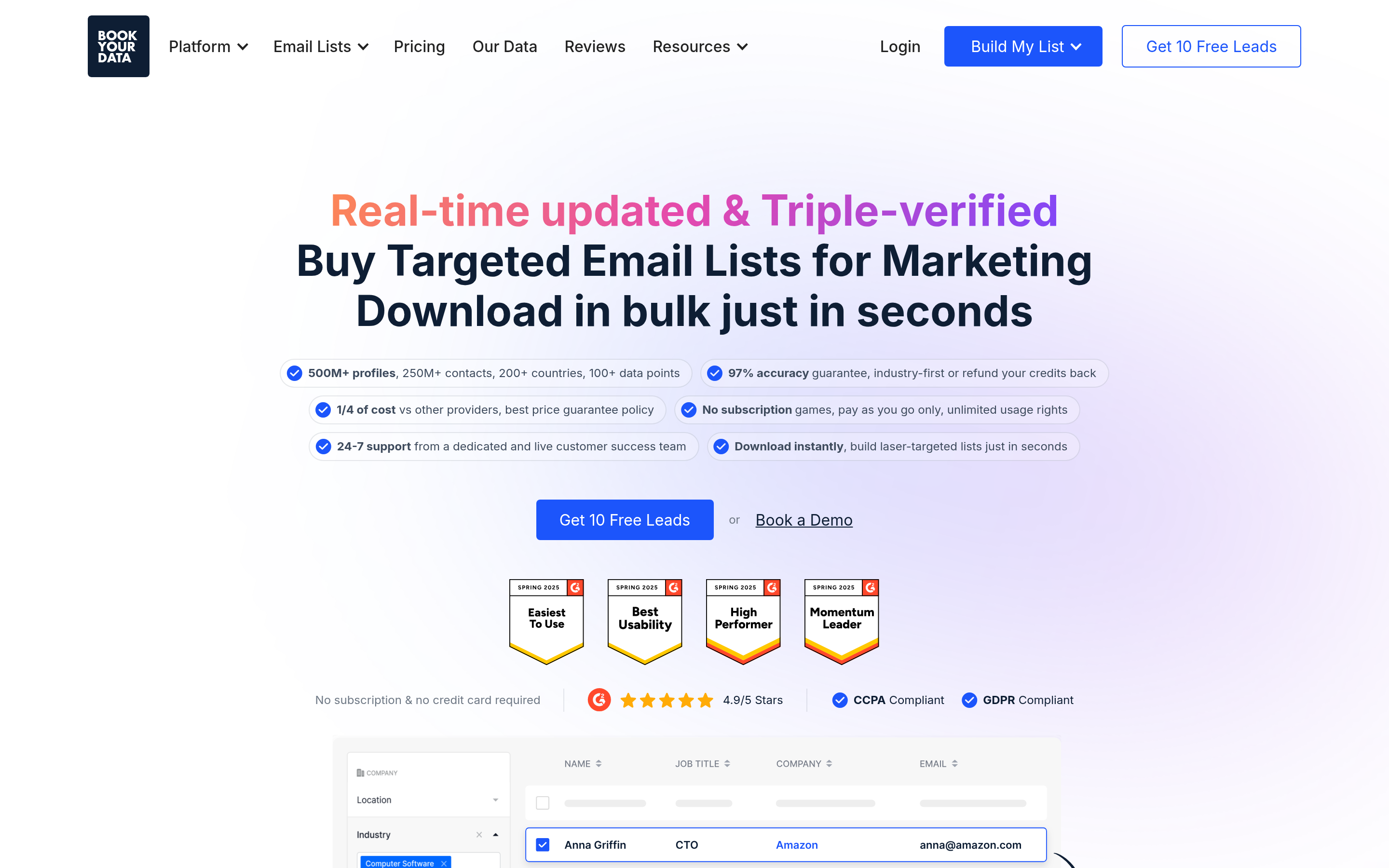
BookYourData takes a genuinely different approach: pay-as-you-go credits against a pre-built, pre-verified B2B database with granular filters (industry, seniority, geography, tech stack). There's no monthly commitment, which suits campaign-based teams and agencies that buy contacts in bursts rather than continuously.
It's a strong option when you know exactly who you want and don't need a live search API in your product. It's a weaker fit when your workflow is "I have a domain and a name, find the address" — that's a finder job, not a database job. Many teams run both: a database for volume, a finder for the specific accounts that matter.
4. Hunter.io — the recognisable default#
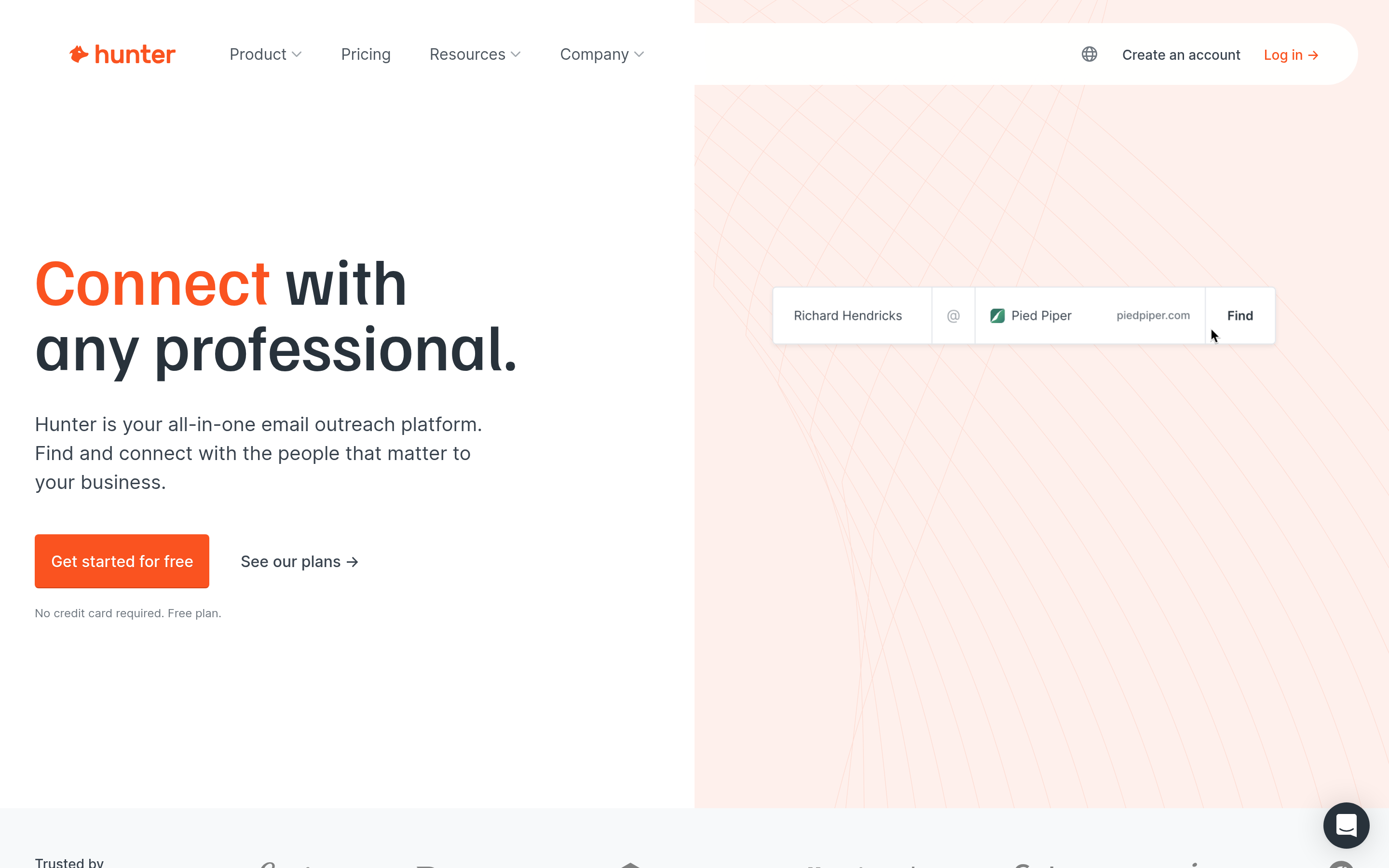
Hunter is the name most people know, and its domain search is clean and fast. Accuracy is solid on established companies, the free tier matches Tomba's at 25 searches/mo, and the API documentation is mature.
Where it loses ground: catch-all domains get flagged and abandoned, phone data is absent, and per-credit cost at mid volumes is higher than several newer entrants.
5. Findymail — refunds on bad data#
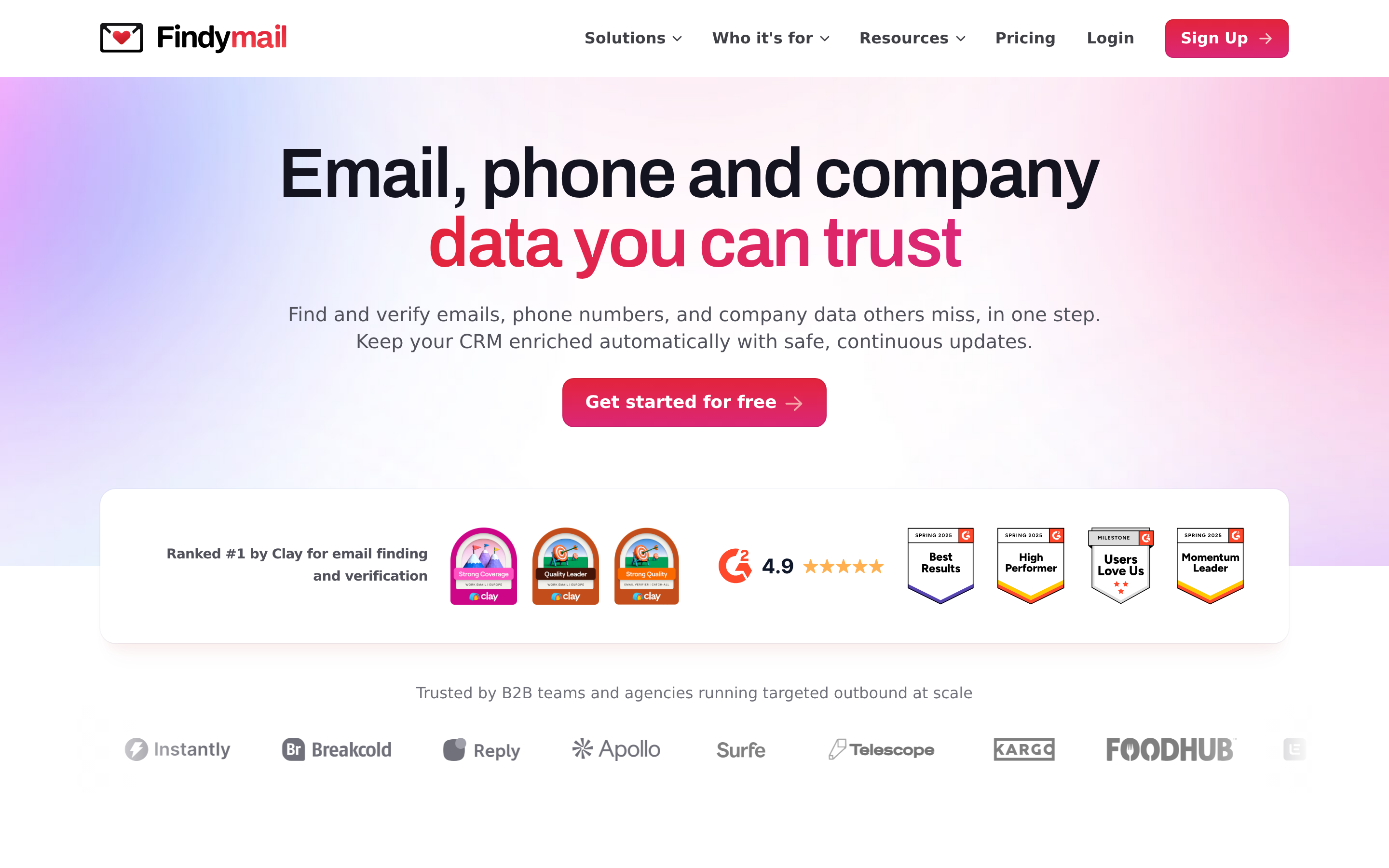
Findymail's differentiator is commercial rather than technical: it doesn't charge you for emails that fail verification. That structurally aligns the vendor with your outcome, and it's a direct answer to the "failed searches burn credits" complaint about cheaper finders. Coverage is narrower than Apollo's, and there's no database to browse — you bring the list. Compare on the Findymail alternative page.
6. Dropcontact — the GDPR-first option#
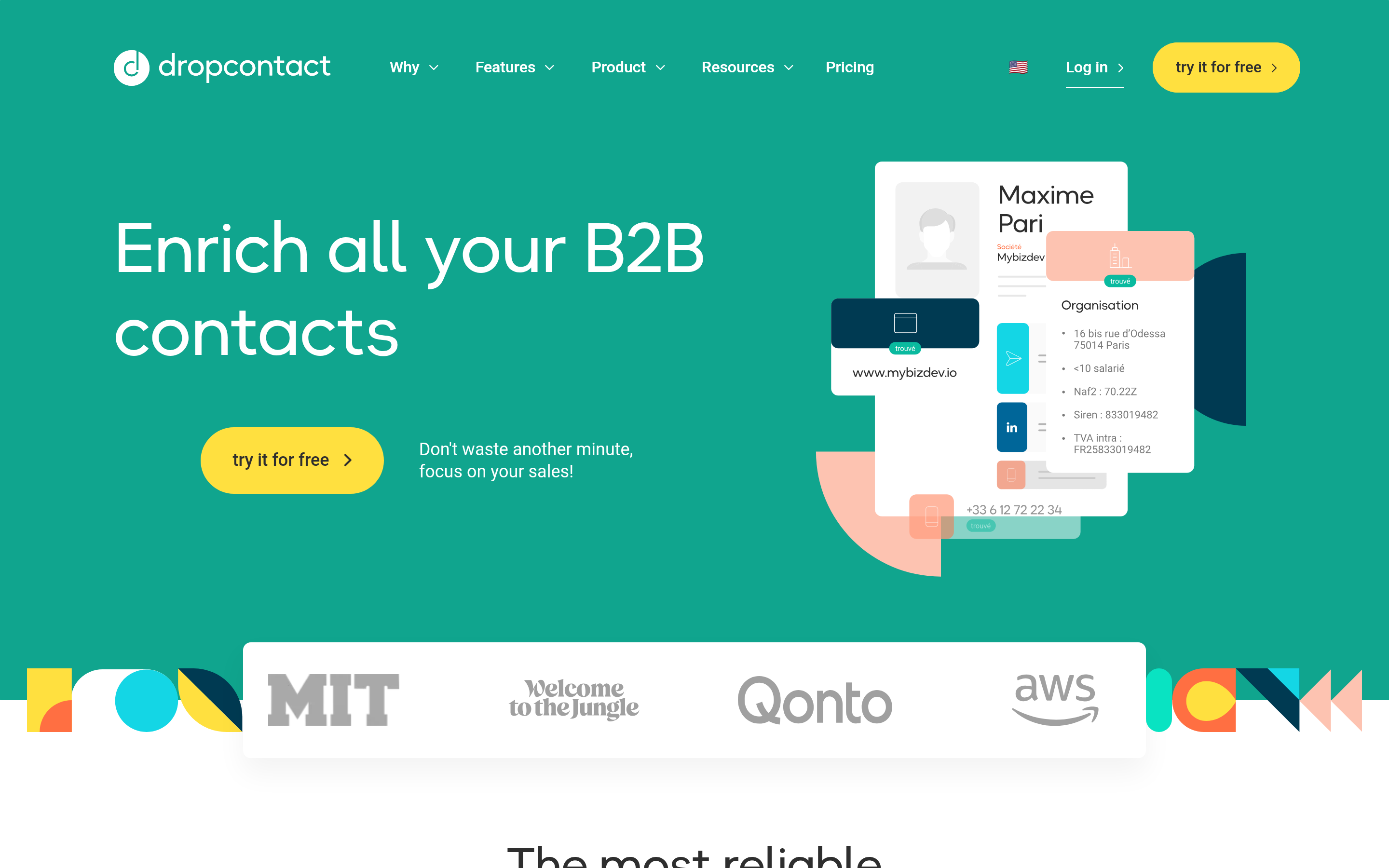
Dropcontact deduces addresses algorithmically from public patterns instead of storing a personal-data database, which makes the compliance story unusually clean for EU-heavy outbound. It also normalises and dedupes CRM records, which is a real time-saver in Salesforce or Pipedrive. Hit rates on US mid-market tend to trail the database-backed tools.
7. RocketReach, Snov.io, ContactOut, Clearbit, and the rest#
- RocketReach — person-first search across a wide profile index, with phone numbers included. Good for recruiting and exec outreach; see the RocketReach alternative comparison.
- Snov.io — finder plus a competent drip sequencer at a low price point. The finder alone is average; the bundle is the value.
- ContactOut — a Chrome extension built around LinkedIn profiles, popular with recruiters. Weak outside that workflow.
- Clearbit (now HubSpot Breeze Intelligence) — firmographic and technographic enrichment rather than email finding. Excellent data model, enterprise price, and now tightly coupled to HubSpot.
Is a cheaper email finder actually cheaper?#
Usually not, once you do the arithmetic on usable contacts.
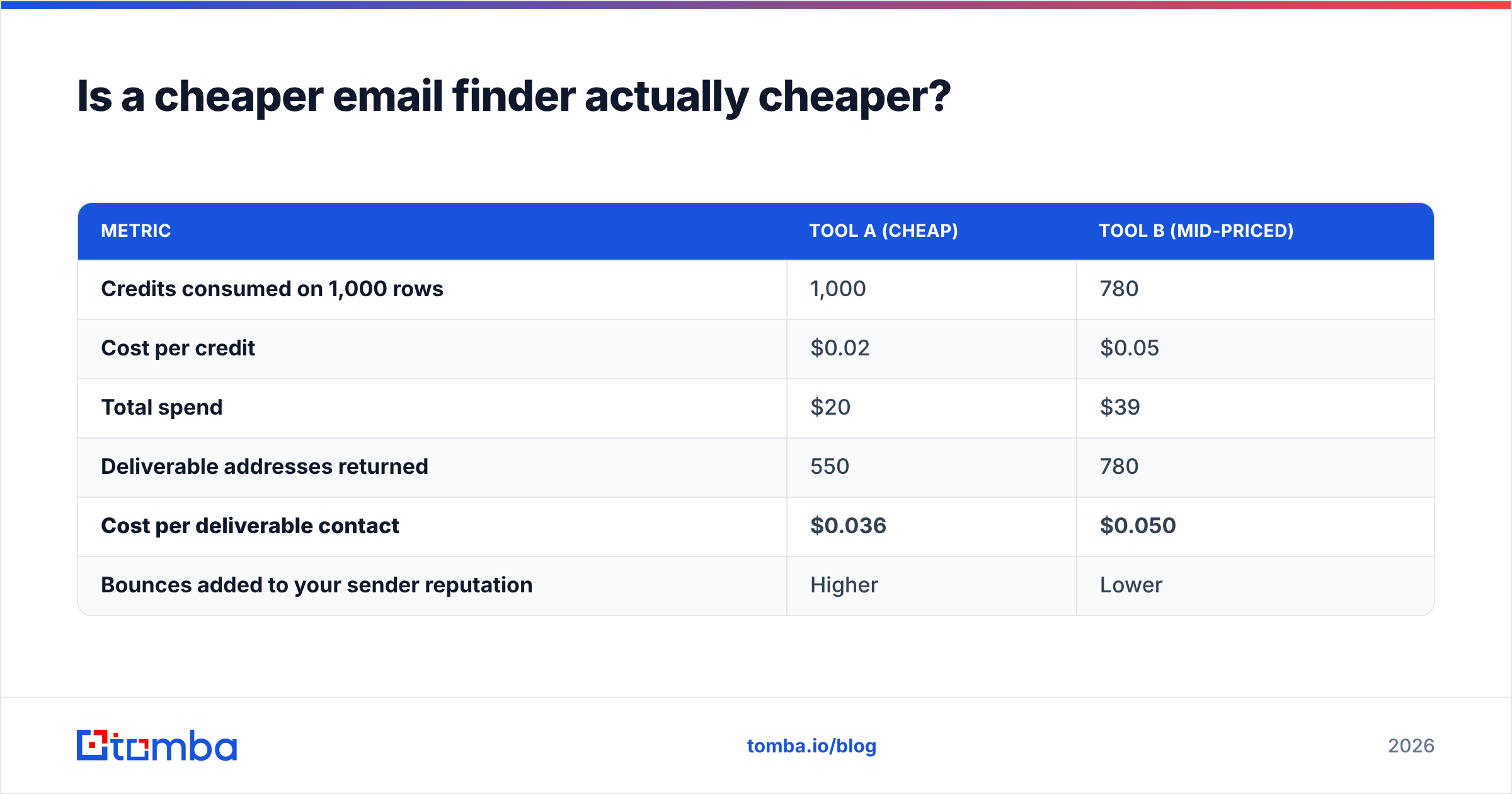
Take a 1,000-row list and two tools. Tool A costs $0.02 per credit but returns a deliverable address on 55% of rows and charges for misses. Tool B costs $0.05 per credit, returns 78%, and doesn't charge for misses.
| Metric | Tool A (cheap) | Tool B (mid-priced) |
|---|---|---|
| Credits consumed on 1,000 rows | 1,000 | 780 |
| Cost per credit | $0.02 | $0.05 |
| Total spend | $20 | $39 |
| Deliverable addresses returned | 550 | 780 |
| Cost per deliverable contact | $0.036 | $0.050 |
| Bounces added to your sender reputation | Higher | Lower |
On raw cost per contact, the cheap tool still wins — but that table ignores the expensive part. Every bad address that reaches your mail server is a bounce, and bounce rate above roughly 2% is where mailbox providers start throttling. Google and Yahoo both formalised bulk-sender requirements in 2024, including a spam-complaint ceiling; Google's sender guidelines are the reference document. Losing inbox placement across your whole domain costs far more than $19 of credits.
That's the real argument for the mid-priced tools: they're not selling accuracy, they're selling protection of your sender reputation.

How do you migrate off Finderio without losing data?#
Do it in five steps, in this order:
- Export everything first. Pull your full contact history out of Finderio before you cancel — CSV of every found address, source domain, and confidence score. Do this while the account is still active.
- Benchmark on a real list, not a sample. Take 200 rows that represent your actual ICP, including the awkward segments (non-English domains, sub-500-headcount companies, agencies). Run them through two or three trials in parallel.
- Score on deliverables, not returns. Verify every returned address with an independent email verifier so you're not grading a vendor with its own exam.
- Rewire automations before you cancel. Zapier steps, Make scenarios, CRM enrichment jobs, and internal scripts all need new API keys and, usually, new response-field mappings. Budget a day.
- Run both for one billing cycle. The overlap costs one month of the cheaper plan and eliminates the risk of discovering a coverage hole after your data source is gone.
One detail teams miss: re-verify your existing database during migration. B2B contact data decays at roughly 22–30% per year as people change jobs, so a list you built 18 months ago is substantially fiction. A bulk verify pass on the way in is the cheapest list-hygiene you'll ever do.
Which alternative should you pick?#
Match the tool to the failure that pushed you off Finderio:
- "Coverage is too thin on my accounts" → Tomba or Apollo. Test both on the same list; Apollo wins on breadth, Tomba on verified precision.
- "I'm paying for emails that bounce" → Findymail (refund model) or Tomba (dedicated catch-all verification).
- "I need this inside our product/scripts" → Tomba's API, CLI, and MCP server, or Clearbit if you need firmographics more than addresses.
- "I just want to buy a list and go" → BookYourData's pay-as-you-go database.
- "We're EU-based and legal is nervous" → Dropcontact, or any vendor that publishes its data sources.
- "I want finding and sending on one invoice" → Snov.io or Apollo.
The honest summary: there is no single best Finderio alternative, because "email finder" covers three different products — a search API, a contact database, and a verification engine. Buy for the one you actually use daily, and stop paying for the other two.
Ready to test a replacement?#
Run your next 25 lookups through Tomba Email Finder at no cost — same name-plus-domain input you're used to, with SMTP-level verification and catch-all resolution attached to every result. Upload the same list you'd give Finderio, compare the deliverable count side by side, and let the hit rate decide. If it wins, Starter is $49/mo; if it doesn't, you've lost nothing but an afternoon.
Related guides#
Ready to find emails that actually work?
Join 150,000+ professionals who stopped guessing and started sending. Free credits on signup — no credit card required.
Get the Tomba newsletter
Practical outbound tactics and product updates — once every two weeks.
About the author