Finder.io vs Findymail: Which Email Finder Wins in 2026?
Finder.io bundles cheap seats with 50 other apps. Findymail sells verified-only exports at a premium. We break down accuracy, credit math, integrations and real monthly cost so you can pick without burning a trial.
TL;DR
- Findymail is the narrower, sharper tool: verified-only results, strong Sales Navigator and Apollo list exports, and a "you only pay for valid emails" posture. You pay a premium per contact for that discipline.
- Finder.io (part of the 500apps suite) is the cheap-seat play: low per-user pricing, but the email finder is one of ~50 bundled apps rather than the company's core product — and depth shows it.
- Neither tool is a great fit if you need API-first enrichment at volume, catch-all resolution, or phone data alongside emails.
- On raw cost per usable contact, the gap between the two narrows a lot once you factor in bounce rates and wasted credits.
- If you want verified-only output and a real API and mid-market pricing, run all three — Finder.io, Findymail and a third option like Tomba — against the same 100-lead test list before committing.
What are Finder.io and Findymail?#
They solve the same job — turn a name and a company into a working email address — but they come from opposite product philosophies.
Findymail launched as a focused email-finding and verification tool aimed at cold-email operators. Its selling point is not database size; it's that the emails it returns are supposed to actually land. Findymail leans hard on real-time verification and markets a bounce guarantee, and its most-loved feature among agencies is clean exporting from LinkedIn Sales Navigator and Apollo lists — including the ability to pull lists that those platforms make awkward to export.
Finder.io is one product inside the 500apps bundle. The pitch is economic rather than technical: you get an email finder, verifier and a stack of other business apps for a single low per-user price. That's genuinely attractive if your team already wants a CRM, help desk and project tool from the same vendor. It's less attractive if email discovery is the one thing you actually care about, because bundled apps rarely get the roadmap attention that a single-product company gives its only product.
That framing predicts most of the differences below. Findymail is deeper and pricier per contact. Finder.io is cheaper and broader but shallower where it counts.

How do Finder.io and Findymail compare head to head?#
Here's the practical comparison. Prices reflect published list pricing at the time of writing — both vendors change tiers, so confirm on their own pricing pages before you buy.
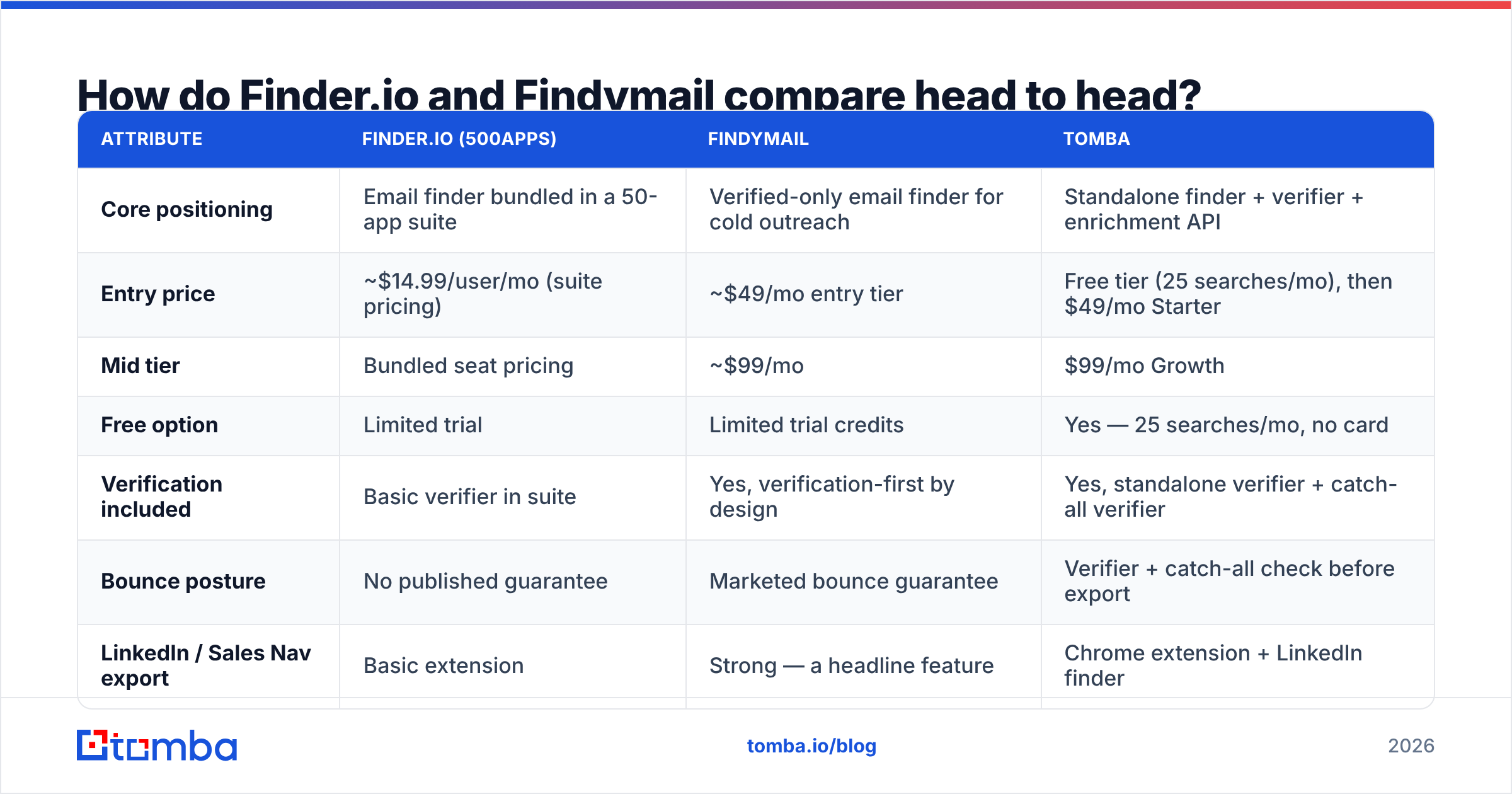
| Attribute | Finder.io (500apps) | Findymail | Tomba |
|---|---|---|---|
| Core positioning | Email finder bundled in a 50-app suite | Verified-only email finder for cold outreach | Standalone finder + verifier + enrichment API |
| Entry price | ~$14.99/user/mo (suite pricing) | ~$49/mo entry tier | Free tier (25 searches/mo), then $49/mo Starter |
| Mid tier | Bundled seat pricing | ~$99/mo | $99/mo Growth |
| Free option | Limited trial | Limited trial credits | Yes — 25 searches/mo, no card |
| Verification included | Basic verifier in suite | Yes, verification-first by design | Yes, standalone verifier + catch-all verifier |
| Bounce posture | No published guarantee | Marketed bounce guarantee | Verifier + catch-all check before export |
| LinkedIn / Sales Nav export | Basic extension | Strong — a headline feature | Chrome extension + LinkedIn finder |
| Bulk processing | Yes | Yes | Yes, bulk finder and bulk verify |
| Public API | Limited | Yes | Yes — documented REST API, CLI and MCP server |
| Phone numbers | No | No | Yes, separate phone finder |
| Best for | Teams buying the whole 500apps suite | Agencies running high-volume cold email | Teams that need finder + verifier + API in one |
Two things stand out. First, Finder.io's price advantage is real only if you use the rest of the suite; buying 50 apps to get one is not a discount, it's a distraction. Second, Findymail's premium buys verification discipline rather than more raw data — that's a good trade for cold email and a poor one for TAM research.
Which tool actually returns more valid emails?#
This is the only question that matters, and it's the one both vendors answer with marketing numbers instead of methodology.

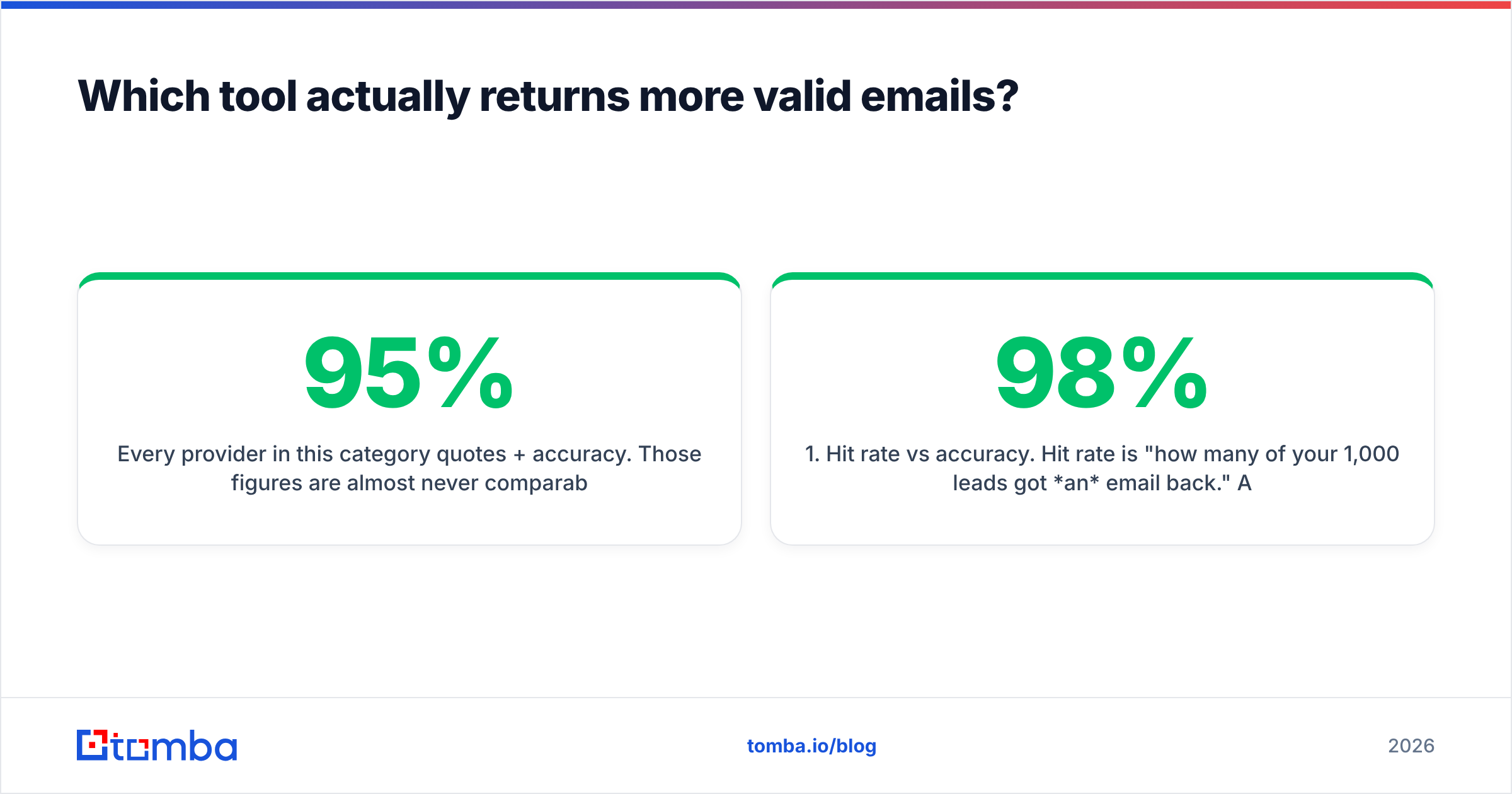
Every provider in this category quotes 95%+ accuracy. Those figures are almost never comparable, because vendors control the denominator:
- Hit rate vs accuracy. Hit rate is "how many of your 1,000 leads got an email back." Accuracy is "how many of those emails were real." A tool can post 98% accuracy by only returning results it's certain about — and leave 60% of your list blank.
- Catch-all handling. Roughly a fifth of B2B domains accept mail to any address, so SMTP checks return "valid" for anything. Some tools count those as hits, some drop them, some flag them. That single policy choice swings reported accuracy by ten points or more.
- Freshness. A correct email from 2023 is a bounce in 2026. Job-change churn in B2B runs high enough that database age matters more than database size.
- Test-set bias. Benchmarks built from tech-company domains flatter every tool. Try 30 manufacturing, healthcare and regional-services domains and the spread widens dramatically.
Findymail's approach — return fewer results, verify each one — generally produces lower hit rates and lower bounce rates. Finder.io tends to return more speculative results, which is fine if you verify downstream and dangerous if you don't. If you're pushing straight into a sequencer with no verification step, that difference will show up in your sender reputation within two weeks.
The honest test takes twenty minutes: pick 100 leads you already have confirmed emails for, run them through each tool's trial, and compute both hit rate and match rate yourself. Vendor benchmarks are marketing; your list is evidence.
How does the credit math really work?#
Credit models are where the advertised price and the real price diverge.

Ask each vendor these five questions before you subscribe — the answers usually aren't on the pricing page:
- Do failed searches consume credits? Findymail's verified-only model means you generally aren't charged for a miss. Suite tools more often debit on attempt.
- Does verification cost a separate credit? If find and verify are billed separately, your effective per-contact cost roughly doubles.
- Do credits roll over? Most don't. Seasonal outbound teams overpay badly on non-rolling plans.
- Is the API metered differently from the UI? Some vendors reserve API access for higher tiers or charge a premium multiplier.
- What happens on overage? Hard stop mid-campaign, or auto-billed top-ups you find on the invoice later?
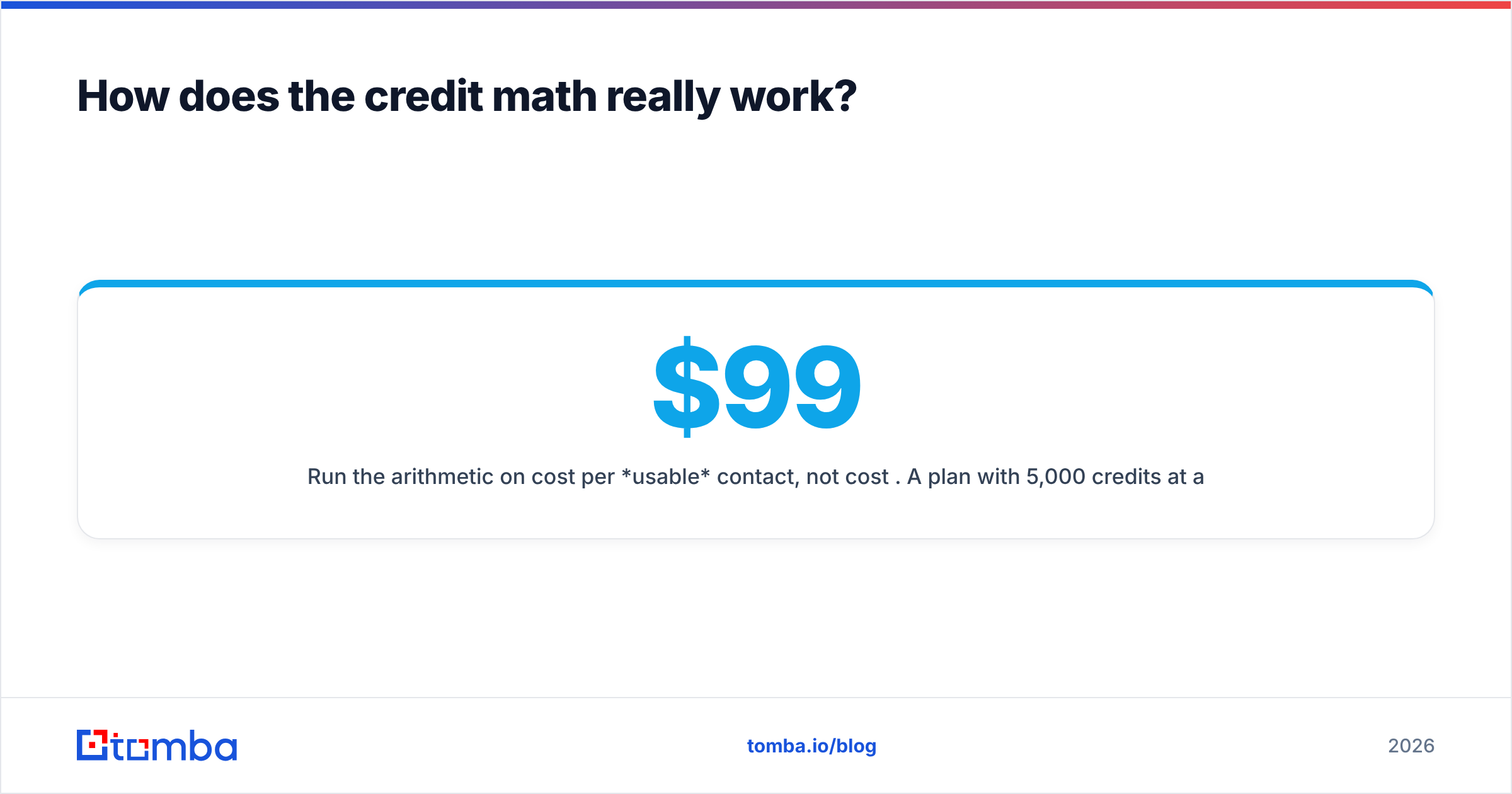
Run the arithmetic on cost per usable contact, not cost per credit. A $99 plan with 5,000 credits at a 55% hit rate and a 6% bounce rate delivers about 2,585 usable contacts — roughly 3.8 cents each. A cheaper plan with a 40% hit rate and 12% bounces can easily cost more per usable contact despite the lower sticker. That's the number to put in the spreadsheet.
For reference on how public review data lines up with vendor claims, both tools have profiles on G2 worth skimming — pay attention to reviews mentioning bounce rates and support responsiveness, and ignore the star average.
Is Findymail worth the premium over Finder.io?#
Yes — if you're running cold email at volume and your domain reputation is a business asset.
Findymail's whole design assumes you're sending. Verified-only output, a bounce guarantee, and painless Sales Navigator exports are exactly what an outbound agency needs, and the higher per-contact price is trivial compared with the cost of burning a sending domain. If you send 5,000 cold emails a month, a two-point bounce improvement is worth more than the entire subscription difference.
No — if email discovery is occasional, or if you're doing market research rather than outreach.
If you're building a TAM map, enriching an existing CRM, or looking up a dozen contacts a week, verification rigor matters much less than coverage and cost. That's the scenario where Finder.io's bundled pricing makes sense — provided you'll genuinely use the rest of the 500apps stack. If you won't, you're paying for shelfware and getting a second-tier finder as the prize.
The third case, and the most common one in practice: you need both. You want verified-only results and an API you can call from your own pipeline and the ability to resolve catch-all domains instead of discarding them. Neither of these two tools covers all three cleanly.

Where does Tomba fit in this comparison?#
Tomba sits between the two: single-product focus like Findymail, mid-market pricing closer to Finder.io, plus the developer surface neither offers in depth.
Concretely, the differences that matter in a Finder.io vs Findymail evaluation:
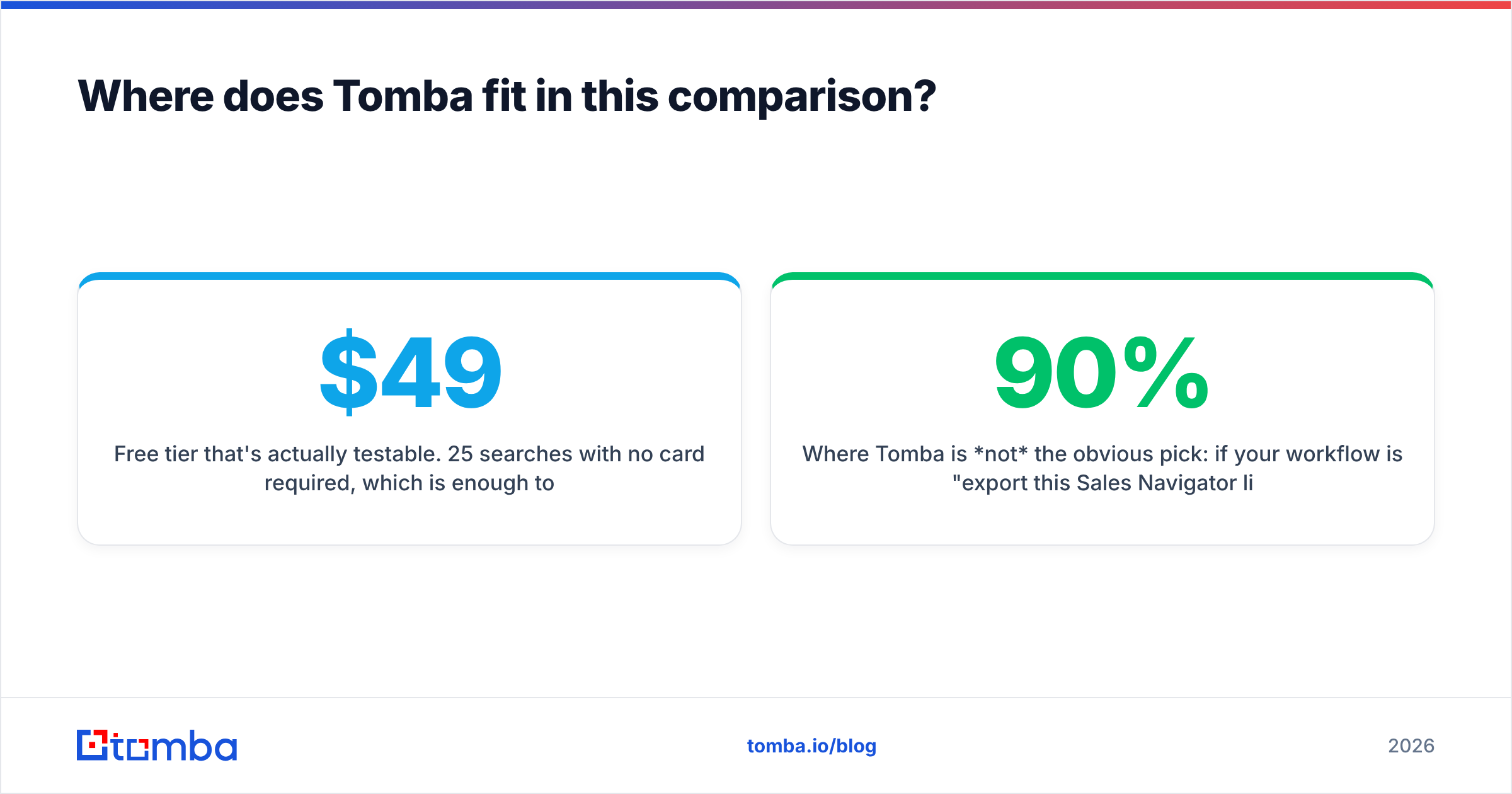
- Free tier that's actually testable. 25 searches per month with no card required, which is enough to run the 100-lead sanity test described above in stages. Paid plans start at $49/mo (Starter), $99/mo (Growth) and $249/mo (Pro) — see Tomba pricing for current limits.
- Find and verify in one system. The email finder and the email verifier share the same data layer, so you're not exporting a CSV from one vendor to clean it at another.
- Catch-all resolution instead of catch-all avoidance. The catch-all verifier is aimed at exactly the domains that make accuracy benchmarks meaningless. Roughly a fifth of your target list lives behind one.
- API, CLI and MCP access on standard plans. If your GTM stack enriches records automatically rather than through a browser extension, the Tomba API is a first-class product rather than an upsell.
- Phone numbers alongside emails. For multichannel sequences, having both from one vendor removes an entire integration.
Where Tomba is not the obvious pick: if your workflow is 90% "export this Sales Navigator list," Findymail's extension experience is purpose-built for that and hard to beat. And if you're genuinely buying the whole 500apps suite for other reasons, Finder.io's marginal cost is close to zero. Be honest about which of those describes you.
How should you run the evaluation?#
Do this in an afternoon rather than across three trials that expire while you're busy.
- Build one test list of 100 leads. Mix industries deliberately — include at least 30 non-tech domains, and include 10 contacts whose emails you already know are valid.
- Run the identical list through each tool. Same names, same domains, same order. No manual cleanup between runs.
- Score hit rate and match rate separately. Hit rate = results returned ÷ 100. Match rate = correct results ÷ results returned, measured against your 10 known-good contacts plus a spot-check verification pass.
- Verify everything with a neutral third tool. Never grade a finder using its own verifier. Use a separate email verification pass so the scoring is independent.
- Compute cost per usable contact. Plan price ÷ (credits × hit rate × match rate). This single number reorders most shortlists.
- Check the failure mode. Send 200 emails from a throwaway subdomain and watch the bounce rate. That's the only test that reflects what your primary domain would experience.
Six steps, one afternoon, and you replace three vendor claims with your own data.
What's the verdict on Finder.io vs Findymail?#
Choose Findymail if cold email is your primary channel, bounce rate is a KPI you report on, and Sales Navigator or Apollo exports are the backbone of your list building. The premium is justified by what it prevents.
Choose Finder.io if you're already committed to the 500apps suite, your lookup volume is modest, and you have a separate verification step before anything reaches a sequencer. Judged as a standalone email finder against category leaders, it's a budget option rather than a best-in-class one.
Choose neither if you need programmatic enrichment, catch-all resolution, or phone data — those requirements point to a different tier of tool entirely.
The trap in this comparison is optimizing for sticker price. A finder that costs 40% less and returns 40% fewer usable contacts is not cheaper; it's the same price with more manual work and worse deliverability attached. Score on cost per usable contact and the decision usually makes itself.
Test it against your own list. Start with the Tomba Email Finder free tier — 25 searches a month, no card — and run the same 100 leads you're testing Finder.io and Findymail with. Compare hit rate, match rate and bounce rate side by side, then upgrade to Starter at $49/mo only if the numbers earn it. If the API, catch-all verification and phone lookup fit your stack too, you'll have replaced two line items with one.
Related guides#
Ready to find emails that actually work?
Join 150,000+ professionals who stopped guessing and started sending. Free credits on signup — no credit card required.
Get the Tomba newsletter
Practical outbound tactics and product updates — once every two weeks.
About the author