FindThatLead vs SalesBlink: Which B2B Tool Wins in 2026?
FindThatLead sells prospecting data. SalesBlink sells outbound sequencing with AI. They overlap less than the comparison posts suggest — here is the honest breakdown of pricing, data quality, and which one you actually need.
TL;DR
- They are not really competitors. FindThatLead is a prospecting/data tool with a light sender bolted on. SalesBlink is an outbound sequencing platform (email + LinkedIn + calls) with a light data layer bolted on. Most teams that "compare" them actually need one of each — or a better version of both.
- Pick FindThatLead if your bottleneck is finding contacts and you want a cheap Chrome extension plus a domain-based prospector.
- Pick SalesBlink if your bottleneck is sending — sequences, warmup, unified inbox, AI-written follow-ups.
- Data accuracy is the weak spot on both. Neither publishes an independently audited match rate, and both bundle verification credits that consume your plan quota fast.
- The cheaper 2026 pattern: buy data from a dedicated finder (Tomba Starter at $49/mo, verification included) and sending from a dedicated sequencer. You usually pay less than either all-in-one and both halves get better.
What is FindThatLead and what is it actually good at?#
FindThatLead is a Spanish-built B2B prospecting tool that has been around since 2015. Its core loop is simple: give it a domain, a company name, or a LinkedIn profile, and it returns business email addresses. Around that core it has added a Chrome extension, a "Prospector" search that filters by role and location, a lead-scraper for social platforms, and a basic email sender it calls Scrapp/Send.
What FindThatLead does well:
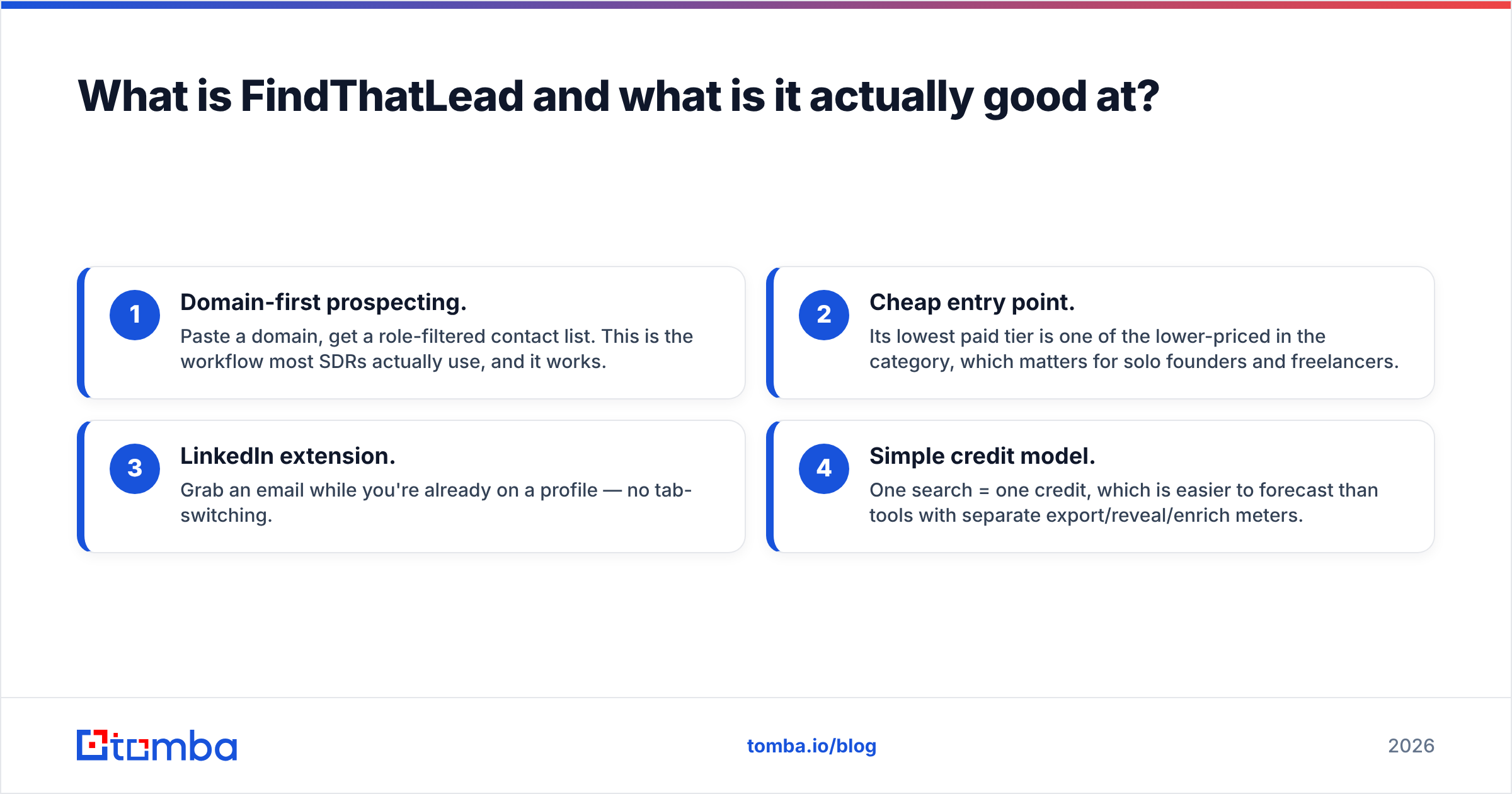
- Domain-first prospecting. Paste a domain, get a role-filtered contact list. This is the workflow most SDRs actually use, and it works.
- Cheap entry point. Its lowest paid tier is one of the lower-priced in the category, which matters for solo founders and freelancers.
- LinkedIn extension. Grab an email while you're already on a profile — no tab-switching.
- Simple credit model. One search = one credit, which is easier to forecast than tools with separate export/reveal/enrich meters.
What it does badly: the sending side. The email sender is functional but nowhere near a real sequencer. There's no meaningful deliverability tooling, no inbox rotation worth the name, and the reporting is thin. If you send more than a few hundred emails a month, you will outgrow it and end up paying for a second tool anyway.

What is SalesBlink and where does it fit?#
SalesBlink went the opposite direction. It started as an outreach automation platform and has repositioned around AI — its pitch in 2026 is "BlinkGPT" AI sequences: describe your offer, get a multi-step sequence written for you, then run it across email with built-in warmup and a unified inbox.
Its real strengths:
- Sequencing depth. Multi-channel steps, conditional branching, time-zone-aware sending, and A/B testing at the step level.
- Built-in warmup. Included rather than a $30/mo add-on, which is genuinely useful for teams spinning up new domains.
- Unified inbox. Replies from all connected mailboxes land in one place with basic sentiment tagging.
- Meeting scheduler. A booking page tied to the sequence, so you're not stitching Calendly into every reply.
Its weakness is the mirror image of FindThatLead's: the data. SalesBlink's lead-finding layer exists, but it's a checkbox feature. Match rates on non-US mid-market domains are inconsistent, and you cannot audit where a record came from. If your list quality is bad, the best sequencer in the world just helps you burn your domain faster — which is exactly why email deliverability and list hygiene matter more than sequence cleverness.
FindThatLead vs SalesBlink: how do they compare head to head?#
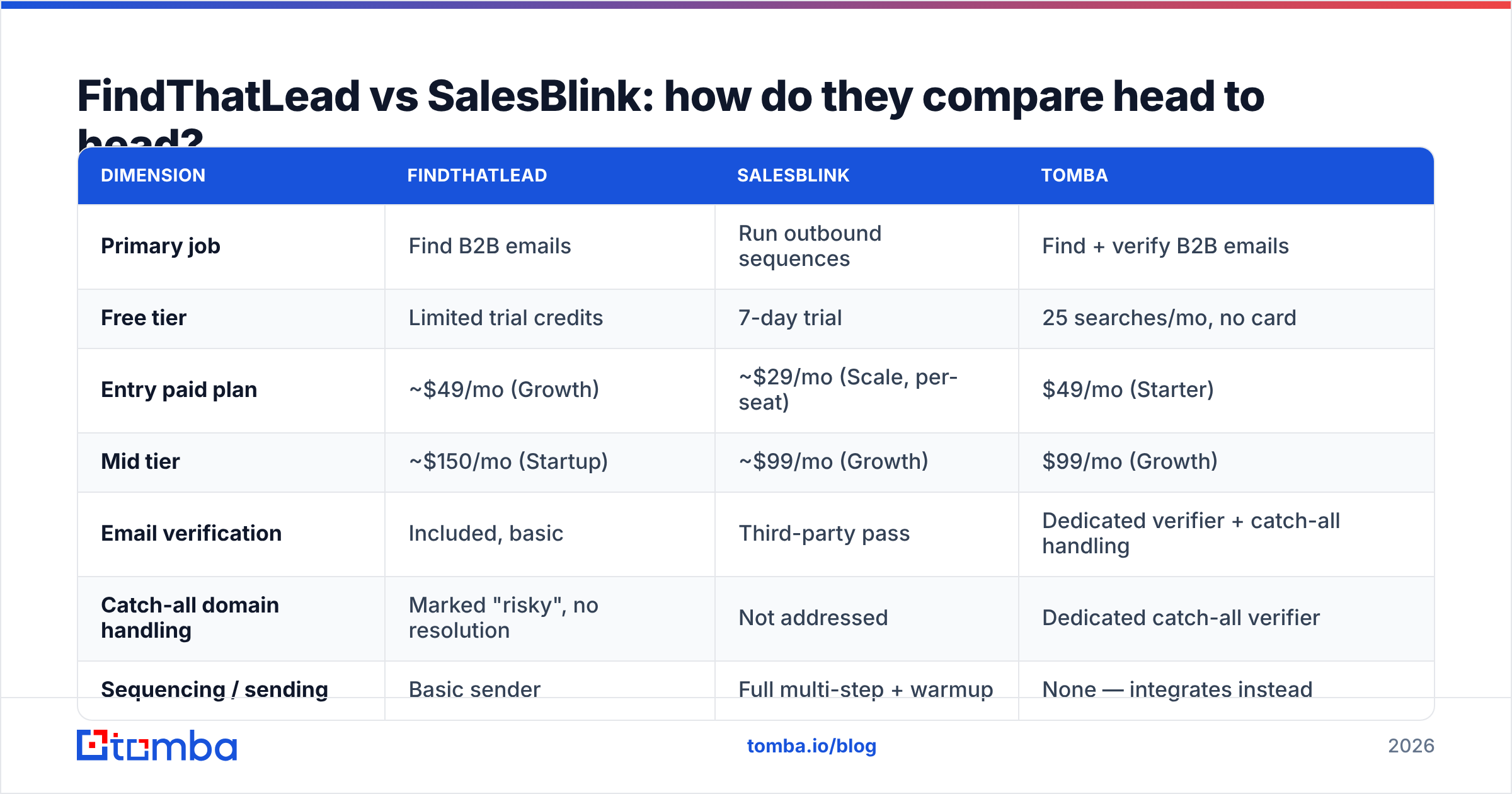
Pricing below reflects publicly listed entry tiers as of early 2026. Both vendors change packaging often — check findthatlead.com and salesblink.io before you buy, and treat any credit numbers as directional.
| Dimension | FindThatLead | SalesBlink | Tomba |
|---|---|---|---|
| Primary job | Find B2B emails | Run outbound sequences | Find + verify B2B emails |
| Free tier | Limited trial credits | 7-day trial | 25 searches/mo, no card |
| Entry paid plan | ~$49/mo (Growth) | ~$29/mo (Scale, per-seat) | $49/mo (Starter) |
| Mid tier | ~$150/mo (Startup) | ~$99/mo (Growth) | $99/mo (Growth) |
| Email verification | Included, basic | Third-party pass | Dedicated verifier + catch-all handling |
| Catch-all domain handling | Marked "risky", no resolution | Not addressed | Dedicated catch-all verifier |
| Sequencing / sending | Basic sender | Full multi-step + warmup | None — integrates instead |
| Unified inbox | No | Yes | No |
| Chrome extension | Yes | Limited | Yes |
| API access | Yes, rate-limited | Yes | Yes, documented + CLI + MCP |
| Bulk enrichment | Yes (CSV) | Yes (CSV) | Yes (bulk + Sheets/Excel/Airtable) |
| Best for | Solo prospectors | Agencies running sequences | Data layer for any sequencer |
The table makes the strategic point clearly: the column overlap between FindThatLead and SalesBlink is thinner than it looks. They compete for the same budget line, not the same job.
Which one has better data accuracy?#
Neither publishes a third-party audit, so treat both vendors' marketing numbers with skepticism. What you can do is run your own test — and you should, before committing to an annual plan.
Here's the benchmark protocol that takes about 30 minutes:
- Build a 100-row control list. Pull names + companies you can independently verify (your existing CRM closed-won accounts work well, since you know the real addresses).
- Run the same list through each tool. Same input columns, no manual cleanup.
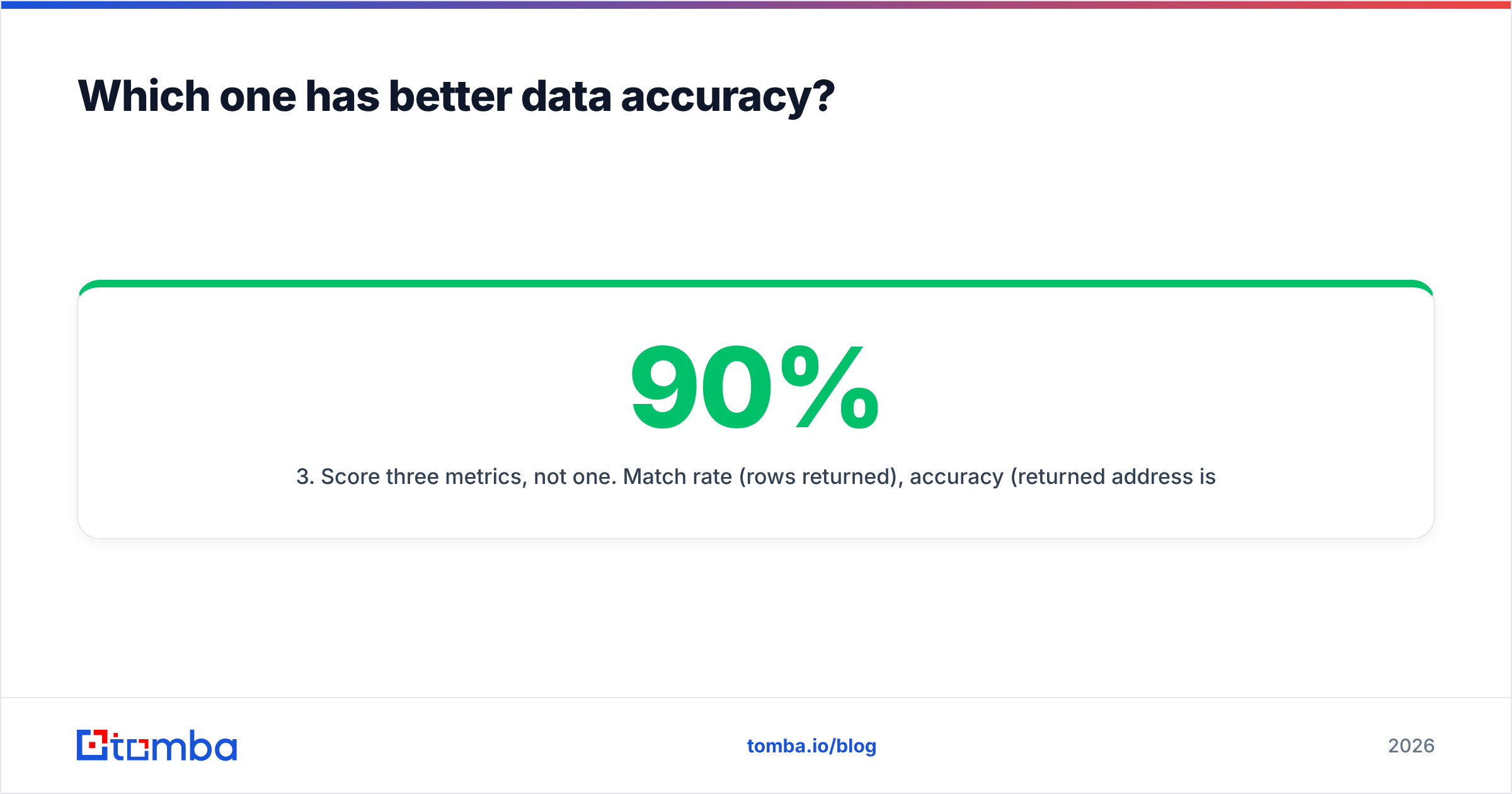
- Score three metrics, not one. Match rate (rows returned), accuracy (returned address is correct), and bounce rate (send a warm-up-safe test). A tool with 90% match and 70% accuracy is worse than one with 65% match and 96% accuracy.
- Segment by geography and company size. Almost every finder is strong on US SaaS 50-500 employees and weak on EU industrials or sub-20-headcount firms. Your ICP is what matters, not the average.
- Check catch-all behavior explicitly. Roughly a fifth of B2B domains are catch-all. Some tools return them as valid (inflating match rate, inflating your bounces), some drop them entirely (deflating match rate). Ask which one you're getting.
In our own repeated testing, the pattern is consistent: dedicated finders beat all-in-one platforms on accuracy, because data is their only product. FindThatLead sits mid-pack on match rate and returns a higher share of unverified guesses than a dedicated email verifier would clear. SalesBlink's finder is best treated as a convenience feature, not a primary source.

If you're evaluating more than these two, note that peers like BookYourData take a different route entirely — pre-built, verified list purchase with a bounce guarantee rather than on-demand lookup. That model suits teams who want a static list handed over; on-demand APIs suit teams enriching continuously. Both are legitimate; they solve different problems.
Is the all-in-one model worth it in 2026?#
Short answer: rarely, and less every year.
The all-in-one pitch was compelling in 2020 when integrations were painful. In 2026 the integration tax is close to zero — a Zapier integration or a native connector wires a data source into a sequencer in about ten minutes. What hasn't gone away is the quality tax.
Consider what happens inside a bundled tool. The vendor's engineering budget splits across data acquisition, verification infrastructure, SMTP relationships, warmup pools, inbox sync, and a UI. A dedicated finder spends all of it on crawl coverage, pattern inference, and SMTP validation. A dedicated sequencer spends all of it on deliverability and reply handling. You feel that difference in exactly the two places that determine pipeline: bounce rate and inbox placement.
There's also a lock-in cost that doesn't show up on the pricing page. When your data and your sending live in the same tool, switching either one means migrating both. Teams routinely stay on a mediocre sequencer for a year because their contact history is trapped inside it.
The counterargument is real for very small teams: one vendor, one invoice, one login, one support thread. If you're a solo founder sending 200 emails a month, the operational simplicity may genuinely outweigh a few accuracy points. Above roughly two SDRs, the math flips.
How should you actually build the stack?#
Here's the split most efficient outbound teams run in 2026:
- Data layer — a dedicated finder with an API, bulk mode, and real catch-all handling. This is where accuracy is won or lost. Tools like Tomba's domain search and bulk email finder handle both the one-off and the 10,000-row job.
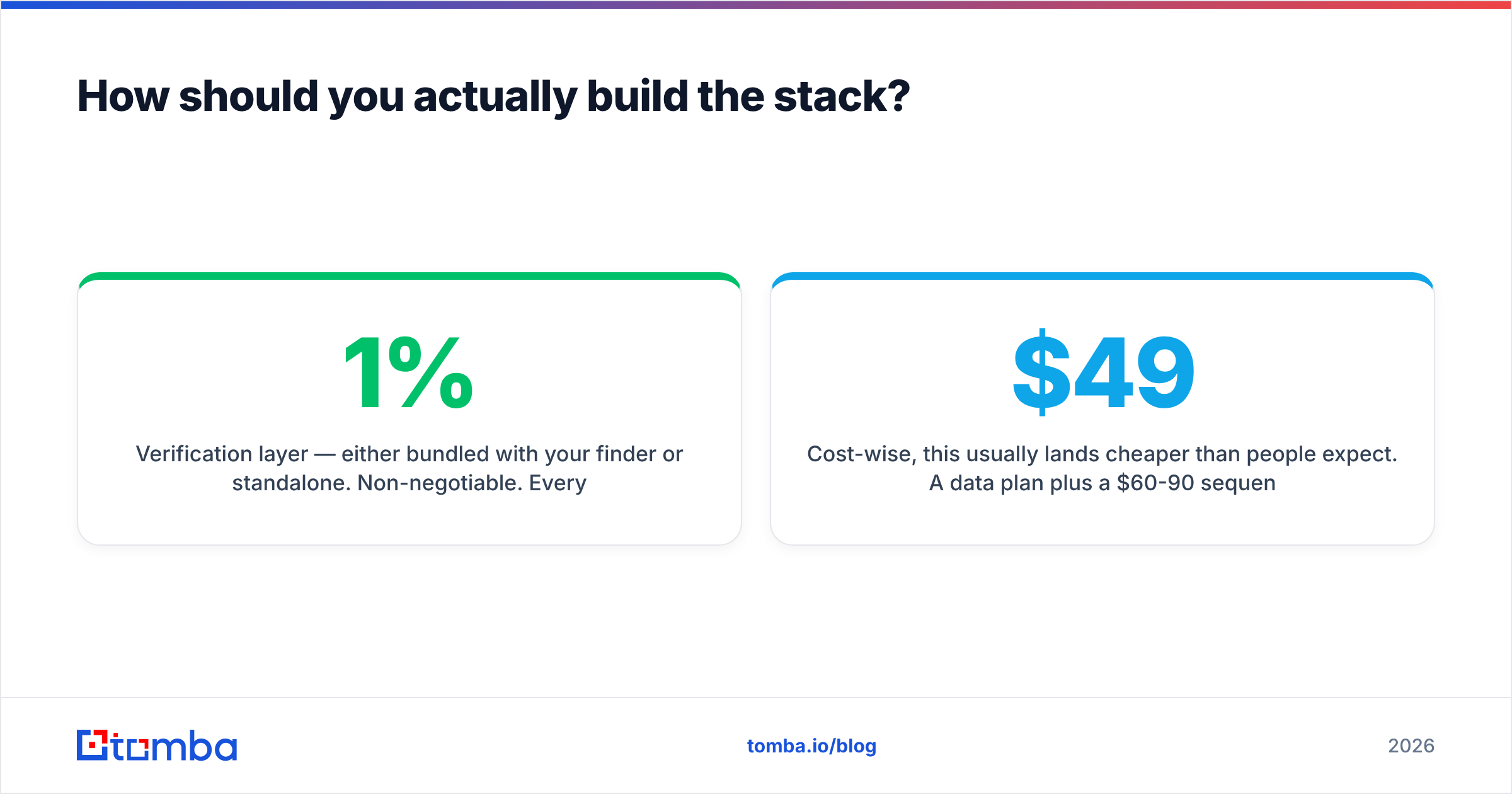
- Verification layer — either bundled with your finder or standalone. Non-negotiable. Every 1% of bounces you avoid protects your sender reputation compounding forward.
- Sending layer — a real sequencer with warmup, inbox rotation, and reply detection. SalesBlink is a defensible choice here, as are Instantly, Smartlead, or Reply.io depending on volume.
- CRM sync — bidirectional, so enriched contacts don't fork into two truths. Native HubSpot integration or Salesforce sync beats a nightly CSV.
- Measurement — reply rate and meeting rate per source, not open rate. Since Apple Mail Privacy Protection, open rate is noise; G2's software review data reflects the same shift in what buyers evaluate.
Cost-wise, this usually lands cheaper than people expect. A $49/mo data plan plus a $60-90/mo sequencer runs about $110-140/mo — comparable to a single mid-tier all-in-one plan, with materially better output on both halves. Compare that against Tomba pricing tiers if you want to model your own volume.
What are the honest dealbreakers for each tool?#
Skip FindThatLead if:
- You need more than ~2,000 verified contacts a month. Credit costs climb faster than dedicated finders at volume.
- Your ICP is outside Western Europe and North America. Coverage thins noticeably.
- You need an audit trail for GDPR requests — the data-source transparency isn't there. (For contrast, see how a vendor should document data sources.)
- You want the sender to be your primary sequencer. It isn't built for that.
Skip SalesBlink if:
- You need it to be your data source. The finder is supplementary.
- You run high-complexity sequences with heavy CRM branching — enterprise sequencers still outclass it there.
- Your team is one person. The per-seat model and feature depth are aimed at agencies and 3+ rep teams.
- You need SOC 2 and enterprise procurement paperwork on day one.
Skip both if you just need clean emails wired into a stack you already like. That's a data problem, and it's cheaper to solve with a tool that only does data.
What's the verdict?#
If you force a single winner: SalesBlink is the better product, because it does a harder job (sequencing and deliverability) more completely than FindThatLead does its job (data). But "better product" is not the same as "right purchase."
The correct decision tree:
| Your situation | Buy this |
|---|---|
| Need contacts, already have a sequencer | Dedicated email finder |
| Need sequencing, already have data | SalesBlink |
| Solo founder, under 300 emails/mo, want one bill | FindThatLead |
| Agency running 5+ client campaigns | SalesBlink + dedicated data source |
| Building data into a product or workflow | Finder with a real API |
Notice that in three of five rows, the answer involves a dedicated data tool rather than either of the two headline products. That's not a rhetorical trick — it's the actual structure of the market in 2026. Sequencers have commoditized. Accurate, verified, well-sourced contact data has not.
Before you sign anything annual, run the 100-row benchmark from earlier against your real ICP. Thirty minutes of testing beats a year of assuming.
Getting your data layer right first
Whichever sequencer you land on, the emails feeding it decide whether the campaign works. The Tomba Email Finder gives you domain-based search, per-contact confidence scoring, built-in verification, and real catch-all resolution — with a free tier of 25 searches a month so you can benchmark it against FindThatLead and SalesBlink on your own list before spending anything. Paid plans start at $49/mo, and the Tomba API plugs into whatever sending stack you choose. Test it on 100 rows from your CRM and let the bounce rate decide.
Related guides#
Ready to find emails that actually work?
Join 150,000+ professionals who stopped guessing and started sending. Free credits on signup — no credit card required.
Get the Tomba newsletter
Practical outbound tactics and product updates — once every two weeks.
About the author