Findymail vs Global Database (2026): Which Data Tool Wins
Findymail sells verified email discovery. Global Database sells company intelligence. They solve different problems — and picking the wrong one costs you a quarter of pipeline. Here is the honest breakdown.
TL;DR
- Findymail is a focused email-finding and verification tool built for cold outreach volume. Global Database is a company-intelligence platform built for research, credit checks, and account planning.
- If your bottleneck is "I have a list of people and I need their work emails," Findymail is the closer fit. If your bottleneck is "I don't know which companies to target," Global Database is the closer fit.
- Findymail's pricing is credit-based and transparent (roughly $49/mo entry). Global Database sells annual, quote-driven access — expect a sales call before you see a number.
- Neither replaces a verification layer for catch-all domains. That is where most bounce rates come from, and both tools handle it differently.
- Most teams under 20 reps end up wanting one tool that does discovery and verification and enrichment through an API. That is a third category, and it's worth pricing before you commit to either.
What are Findymail and Global Database, actually?#
They get compared because both sell "B2B contact data." That's where the similarity stops.
Findymail is an email finder. You give it a name plus a company (or a LinkedIn URL, or a CSV, or a Sales Navigator export) and it returns a work email address that it claims to have verified. Its pitch is bounce protection: the company markets a bounce guarantee and refunds credits for emails that fail. It is built for one persona — the SDR or founder running cold email who cares about one number, deliverability.
Global Database is a business intelligence platform. It aggregates company records across roughly 195 countries: registration data, financials, credit scores, technology stack, import/export records, and contact details for decision-makers inside those companies. Its pitch is depth of the company record, not the reachability of one inbox.
The practical difference: Findymail assumes you already know who you want to contact. Global Database assumes you don't, and helps you build a target list from firmographic and financial filters first.
That distinction decides the entire evaluation. Everything below is downstream of it.
How do they compare on the things that matter?#
Here is the side-by-side. Prices move — always confirm on the vendor's own page before you buy.
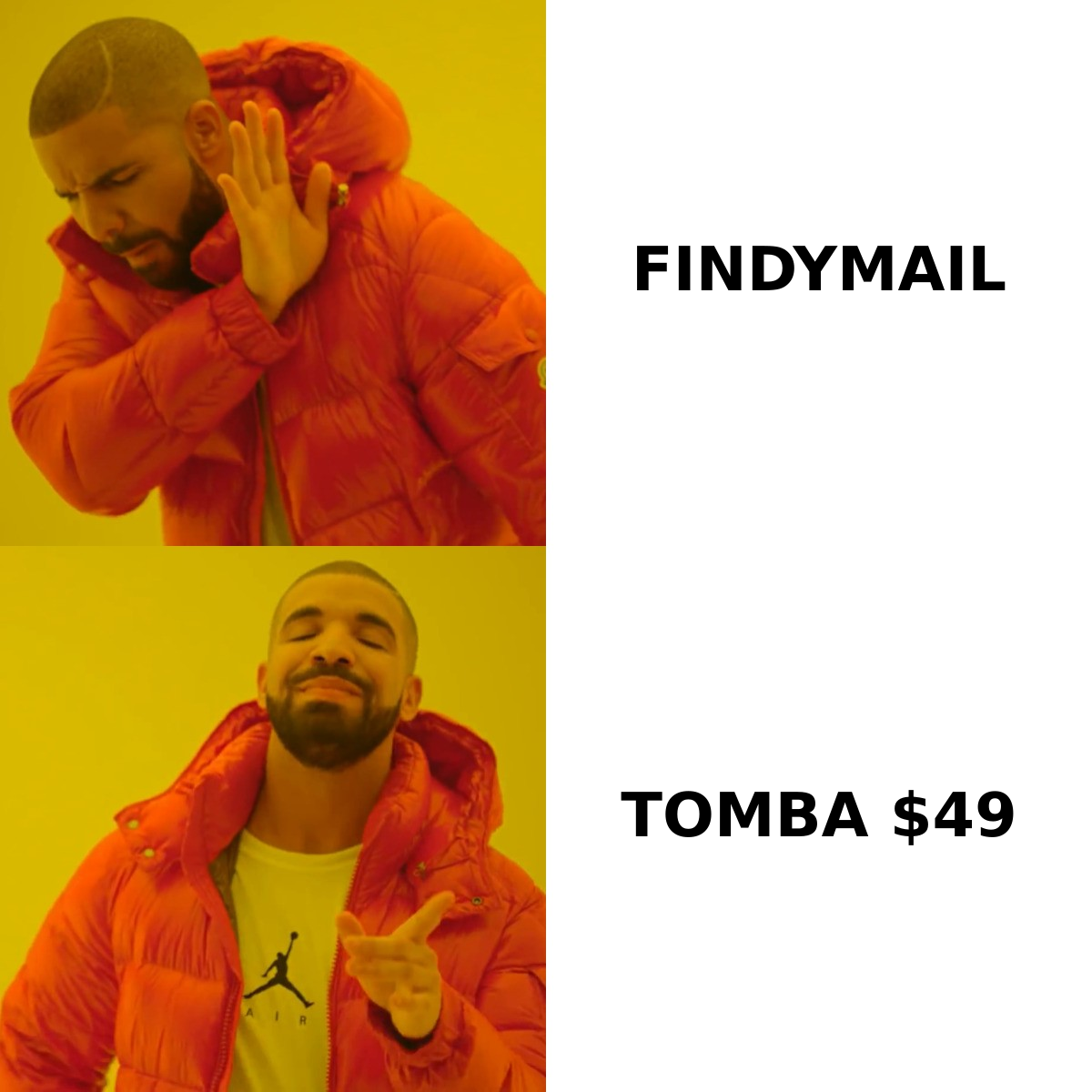
| Dimension | Findymail | Global Database | Tomba |
|---|---|---|---|
| Primary job | Find + verify work emails | Company intelligence & firmographics | Find, verify, and enrich contacts |
| Entry price | ~$49/mo (credit-based) | Quote-based, typically annual | $49/mo Starter |
| Free tier | Limited trial credits | Demo / trial on request | 25 searches per month, no card |
| Bulk CSV enrichment | Yes | Yes (export-driven) | Yes, via bulk tools |
| Public API | Yes | Yes, on higher tiers | Yes, on all paid tiers |
| Catch-all handling | Partial — flagged, not resolved | Not a focus | Dedicated catch-all verifier |
| Company financials / credit data | No | Yes — core strength | No |
| Phone numbers | Limited | Yes | Yes, phone finder + validator |
| LinkedIn / Sales Nav workflow | Strong | Weak | Chrome extension + LinkedIn finder |
| Best for | Outbound email volume | Account research, ICP discovery | Outbound teams that need both |
Read that table as three different buying decisions rather than one ranking. A credit team at a lender needs Global Database. An SDR with a Sales Navigator list needs Findymail. A RevOps lead wiring enrichment into HubSpot needs an API-first option with predictable per-credit cost.
Which one has better data accuracy?#
Accuracy is the only claim in this category that vendors consistently inflate, so define it before you test.
There are three separate numbers people conflate:
- Hit rate — of 100 contacts you submit, how many come back with any email at all. Findymail typically performs well here on SaaS and tech domains, weaker on SMB and non-English markets.
- Bounce rate — of the emails returned, how many hard-bounce on send. This is the number Findymail optimises for and markets against.
- Correctness — of the emails that don't bounce, how many actually belong to the person you asked for. Nobody publishes this, and it's the one that quietly wrecks reply rates. A generic
info@that accepts mail is not a bounce, but it is not your prospect either.

Global Database is not really playing the same accuracy game. Its contact records are attached to company records sourced from registries and filings, so the company data ages slowly and stays reliable, while individual contact records age at the speed of job changes — roughly 25–30% churn a year in B2B roles. You get depth on the account and staleness risk on the person.
The honest way to test: pull 200 contacts you already have confirmed emails for, strip the emails, run both tools, and score all three numbers. Two hours of work beats a month of guessing. Do the same for any tool you're considering, including the Tomba email finder — a vendor that resists a blind test is telling you something.
What does each one actually cost?#
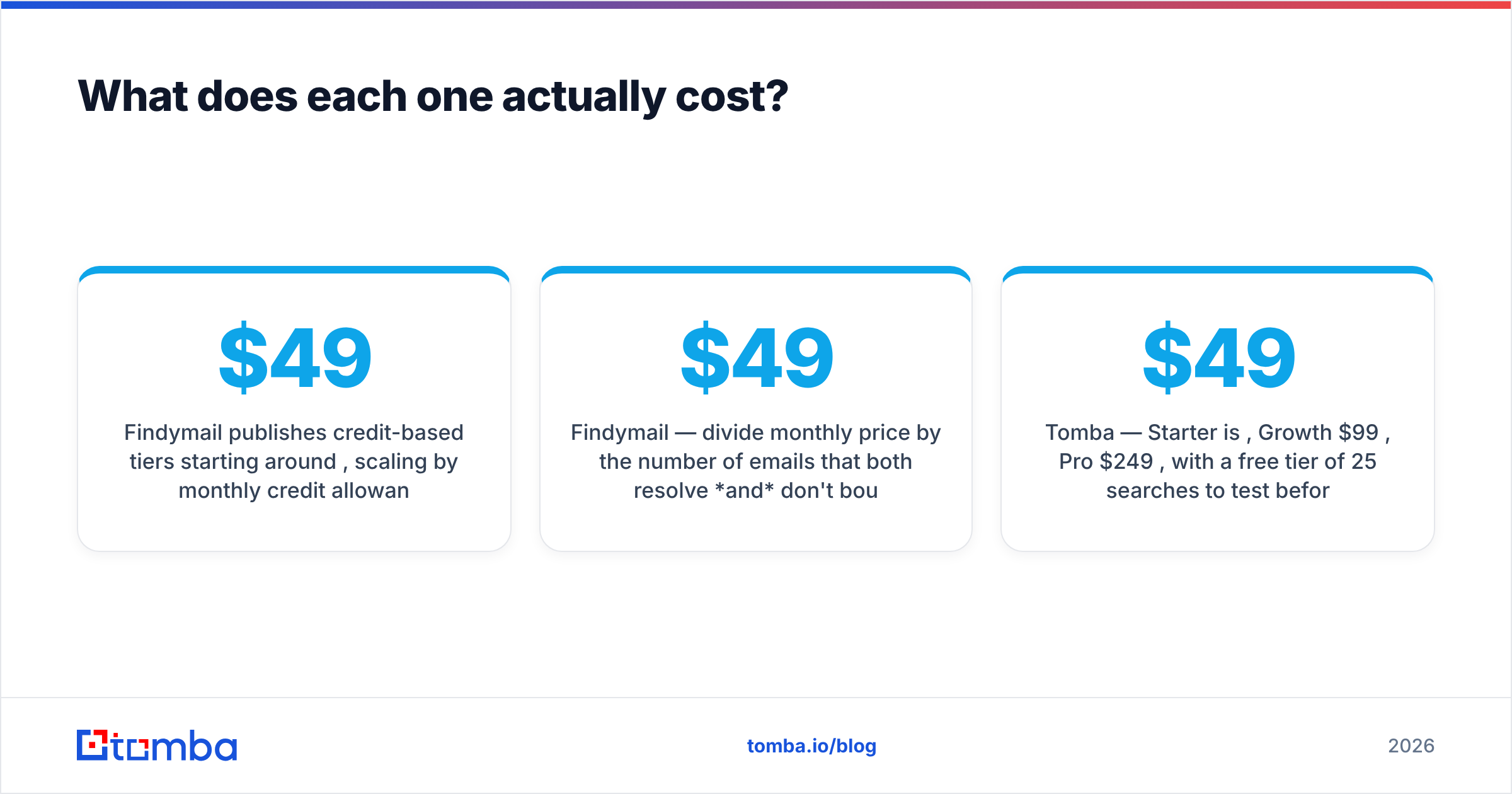
Findymail publishes credit-based tiers starting around $49/mo, scaling by monthly credit allowance. Credits burn on found emails, and the bounce guarantee means failed sends can be refunded back into your balance. Costs are predictable, which matters when finance asks you to forecast.
Global Database sells access, not credits. Plans are typically annual, scoped by module (company data, contact data, financials, technology data) and by geography. You will talk to a rep. That is normal for intelligence platforms and it's not a knock — it's just a slower procurement cycle and a harder pilot.
The comparison that actually matters is cost per usable contact, not cost per credit:
- Findymail — divide monthly price by the number of emails that both resolve and don't bounce. A $49 plan returning 700 usable contacts from 1,000 credits is roughly $0.07 each.
- Global Database — divide annual contract value by the number of accounts you actually work, not the number of records you can technically export. Most teams export 50x more than they use, which flatters the math.
- Tomba — Starter is $49/mo, Growth $99/mo, Pro $249/mo, with a free tier of 25 searches to test before spending. Full Tomba pricing is public, so you can model cost per usable contact before a sales call.

One more line item people forget: verification. If your finder returns "risky" or "catch-all" statuses and you send anyway, you pay for it in sender reputation, not dollars. Budget a verification pass — either bundled or through a standalone email verifier — into whichever tool you pick.
Is Findymail better than Global Database for cold outreach?#
For pure cold email, yes — and it isn't close.
Findymail is designed around the outbound loop: scrape or export a list, enrich it, push to a sequencer, send. Its LinkedIn and Sales Navigator integrations mean the list you built in the morning is enriched by lunch. Its bounce guarantee directly protects the metric that kills cold email campaigns.
Global Database can support outbound, but it's built for a slower motion. You use it to decide which 300 companies deserve a campaign — filtering on revenue band, employee count, technology installed, or import volume — then you hand that account list to an email tool to get the contacts. It is a targeting layer, not a sending layer.
Where teams get burned is buying Global Database expecting Findymail's output, or buying Findymail expecting account intelligence. Both then look like bad products. Neither is.

What are the real limitations of each?#
Findymail's constraints:
- Narrow scope. It finds and verifies emails. It doesn't do firmographics, intent, technographics, or org charts. If your list-building starts upstream of "here are the people," you need a second tool.
- Catch-all ambiguity. Roughly one in five business domains accepts all mail. Every finder struggles here. Findymail flags them; it doesn't fully resolve them. That's where a dedicated catch-all verifier earns its keep.
- Geographic skew. Coverage is strongest in North America and Western Europe, thinner in APAC, LATAM, and non-Latin-script markets.
- Credit anxiety. Credit models push teams toward hoarding rather than testing. You end up over-planning lists instead of running experiments.
Global Database's constraints:
- Procurement friction. No self-serve number, annual commitment, and a demo before pricing. That's a hard sell for a five-person team that wants to test this week.
- Contact freshness. Company records are durable. Person records decay. If you're emailing, you'll want to re-verify before sending regardless of what the record says.
- Not built for sequencers. Exports work, but the workflow is manual compared with a native Chrome extension or API-first enrichment.
- Overkill for SMB outbound. If you sell $500/mo software, you don't need credit scores and import/export filings on your prospects.
What else should you look at before deciding?#
Three categories worth a look, depending on what you're solving:
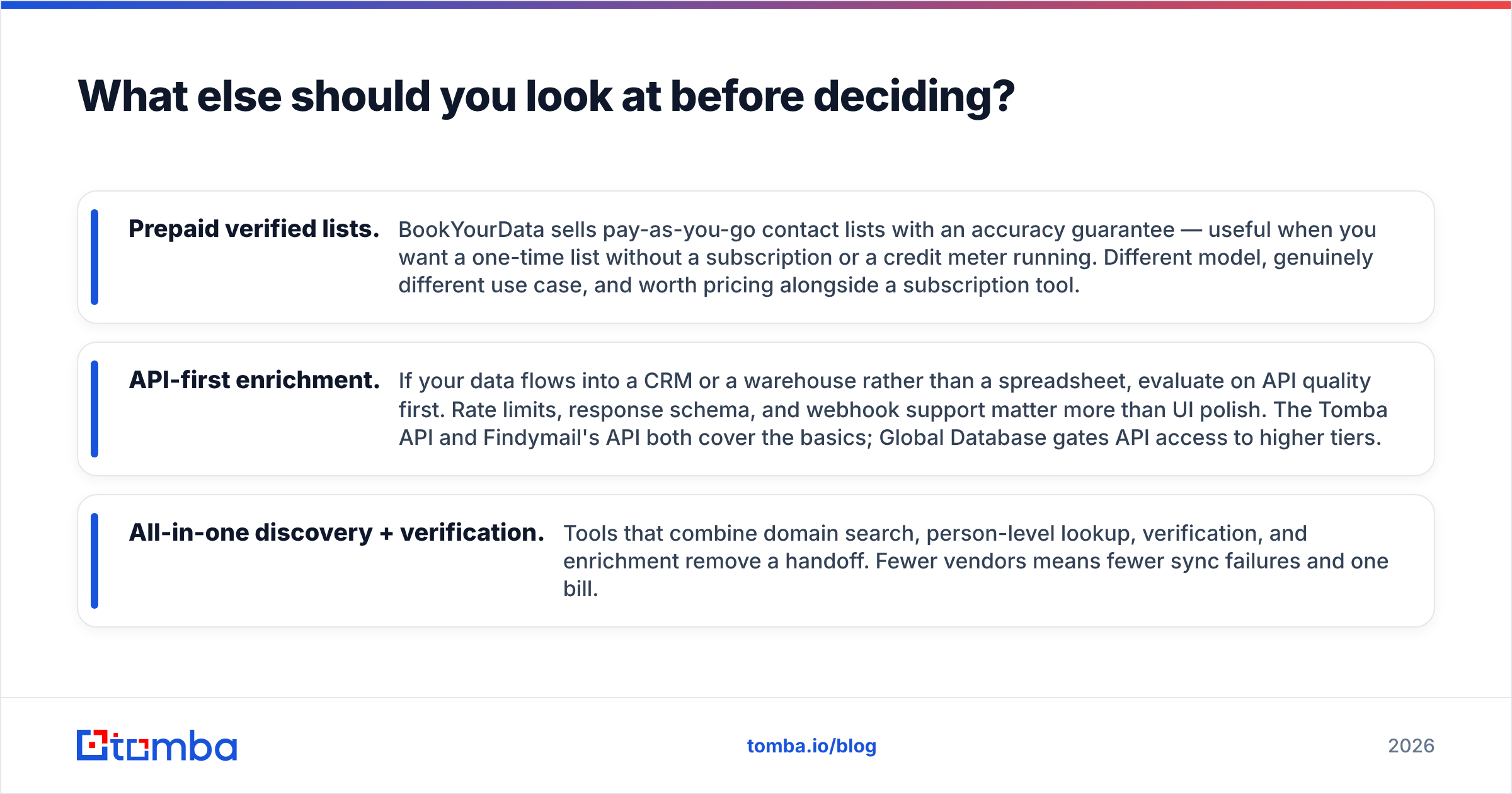
- Prepaid verified lists. BookYourData sells pay-as-you-go contact lists with an accuracy guarantee — useful when you want a one-time list without a subscription or a credit meter running. Different model, genuinely different use case, and worth pricing alongside a subscription tool.
- API-first enrichment. If your data flows into a CRM or a warehouse rather than a spreadsheet, evaluate on API quality first. Rate limits, response schema, and webhook support matter more than UI polish. The Tomba API and Findymail's API both cover the basics; Global Database gates API access to higher tiers.
- All-in-one discovery + verification. Tools that combine domain search, person-level lookup, verification, and enrichment remove a handoff. Fewer vendors means fewer sync failures and one bill.
Cross-check whatever you shortlist against real reviews on G2 — filter to your company size band, because a 500-seat enterprise review tells you nothing about the five-seat experience.
How should you run the evaluation?#
A clean 10-day test beats any comparison post, including this one.
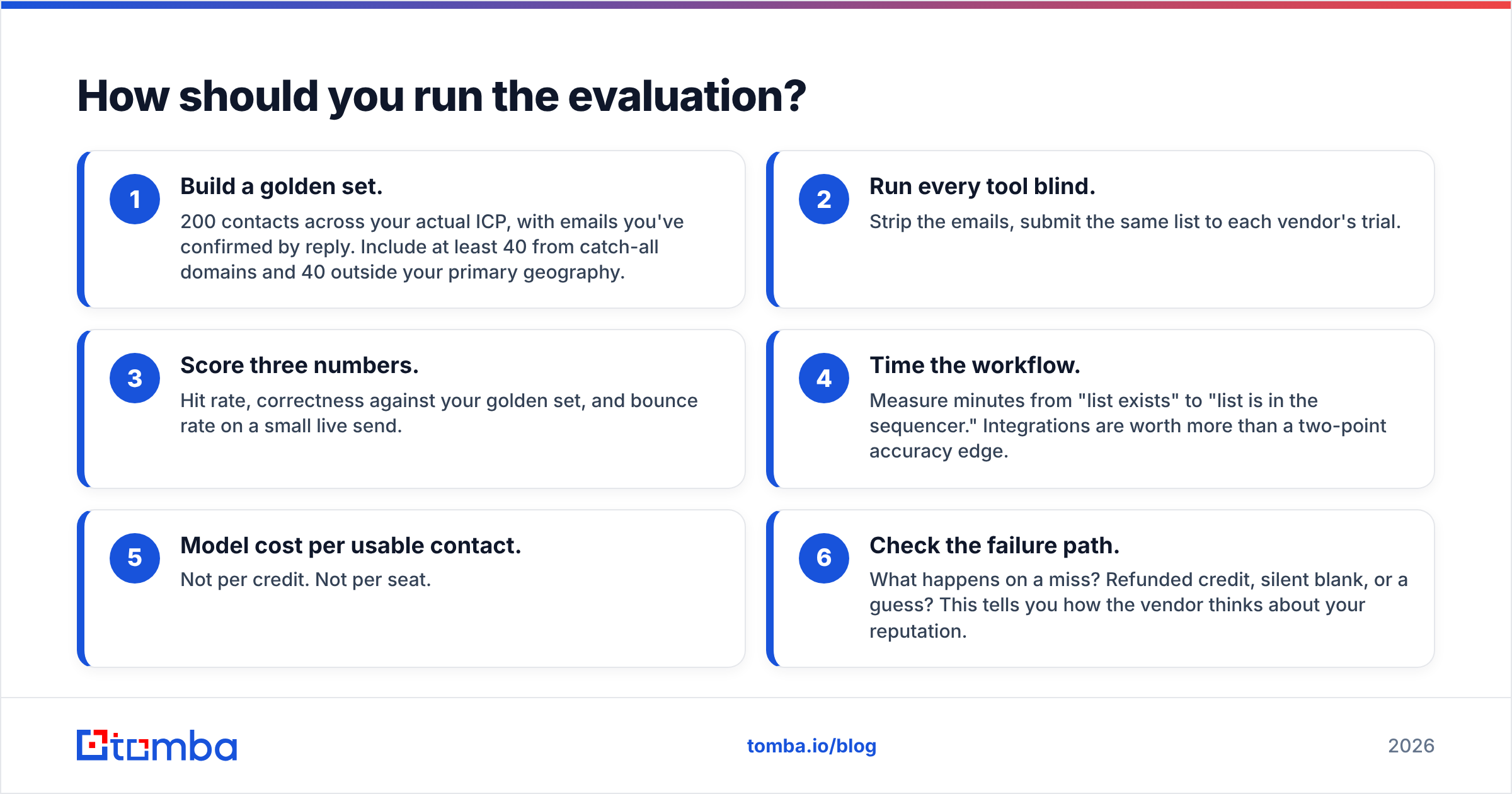
- Build a golden set. 200 contacts across your actual ICP, with emails you've confirmed by reply. Include at least 40 from catch-all domains and 40 outside your primary geography.
- Run every tool blind. Strip the emails, submit the same list to each vendor's trial.
- Score three numbers. Hit rate, correctness against your golden set, and bounce rate on a small live send.
- Time the workflow. Measure minutes from "list exists" to "list is in the sequencer." Integrations are worth more than a two-point accuracy edge.
- Model cost per usable contact. Not per credit. Not per seat.
- Check the failure path. What happens on a miss? Refunded credit, silent blank, or a guess? This tells you how the vendor thinks about your reputation.
Teams that run this test almost always end up somewhere different from where they started. Findymail wins on speed-to-inbox. Global Database wins on account depth. And a meaningful share of teams find that a single tool covering find, verify, and enrich — with public pricing and a real free tier — makes both purchases unnecessary.
The bottom line#
Findymail vs Global Database isn't a winner-takes-all matchup. It's a question about which half of the outbound problem you haven't solved. If you know your accounts and need inboxes, Findymail. If you need to find the accounts in the first place, Global Database. Check Findymail and Global Database directly for current terms — both change pricing more often than review sites update.
If what you actually need is one tool that finds the email, verifies it against catch-all domains, and enriches the record through an API your CRM can call — start with the Tomba Email Finder. The free tier gives you 25 searches a month with no card, Starter is $49/mo, and every search runs through verification before it reaches your list. Run your golden set through it alongside the other two, and let the bounce numbers decide.
Related guides#
Ready to find emails that actually work?
Join 150,000+ professionals who stopped guessing and started sending. Free credits on signup — no credit card required.
Get the Tomba newsletter
Practical outbound tactics and product updates — once every two weeks.
About the author