Findymail vs Jet Leads Pro: Which Email Finder Wins in 2026?
Findymail built its name on low-bounce B2B emails. Jet Leads Pro sells volume at a lower entry price. We break down accuracy, credit math, API depth, and the hidden costs that decide which one actually belongs in your stack.
Findymail vs Jet Leads Pro comes down to one trade-off: clean lists or big lists. Findymail returns fewer emails, but they bounce less. Jet Leads Pro returns more rows at a lower entry price. Here is how the two compare on accuracy, credit math, and the costs that never reach a pricing page.
TL;DR
- Findymail is the safer default if your only metric is bounce rate. It refuses to return a guess it can't stand behind, which keeps lists clean but shrinks coverage on smaller domains.
- Jet Leads Pro competes on entry price and raw volume. You get more rows per dollar, but you inherit more verification work downstream.
- The real cost difference is not the sticker price — it's wasted credits on unverifiable contacts and the separate verification tool you end up buying anyway.
- If you need finding and verification and an API in one bill, a bundled platform like Tomba (Free tier, then $49/mo Starter) usually beats stitching two point tools together.
- Run a 200-contact bake-off on your own ICP before committing. Vendor-published accuracy numbers rarely survive contact with a niche domain list.
Findymail vs Jet Leads Pro: what does each tool do?#
Both tools solve the same narrow problem: you have a name and a company, and you need a working business email address.
Findymail launched with a specific promise — every email it returns is verified, and it will return nothing rather than return a maybe. That positioning attracted agencies and outbound teams who had been burned by tools that padded results with pattern guesses. Its integrations lean heavily toward sales engagement platforms and LinkedIn workflows, and it's commonly paired with Sales Navigator list exports.
Jet Leads Pro sits in the newer wave of lower-cost lead platforms that bundle finding, exporting, and light enrichment into one dashboard. The pitch is volume and price: more credits at the entry tier, fewer restrictions on bulk exports, and a broader database sweep that includes pattern-derived addresses. It is a younger product, so its pricing and feature set move faster than Findymail's. Always check the live pricing page before you budget.
The strategic difference in one line: Findymail optimizes for precision, Jet Leads Pro optimizes for recall. Neither is wrong. Which one is right depends entirely on whether your bottleneck is deliverability or list size.

How do these tools actually find an email address?#
Understanding the mechanics tells you exactly where each tool will fail you.
- Pattern inference. The tool learns that Acme uses
first.last@acme.comfrom known contacts, then applies that pattern to new names. Cheap, fast, and wrong whenever a company runs mixed formats after an acquisition. - Crawled and sourced records. Public web pages, press releases, GitHub commits, conference speaker lists, and partner data. High confidence when a hit exists, zero coverage when it doesn't.
- SMTP validation. The tool opens a conversation with the receiving mail server and asks whether the mailbox exists — without sending anything. This is what separates "probably valid" from "confirmed valid."
Two more steps decide whether a result is safe to send:
- Catch-all handling. Roughly a third of B2B domains accept mail to any address. That makes SMTP checks useless. Some tools mark these rows risky, some drop them, and some quietly return them as valid. That last habit is where surprise bounces come from.
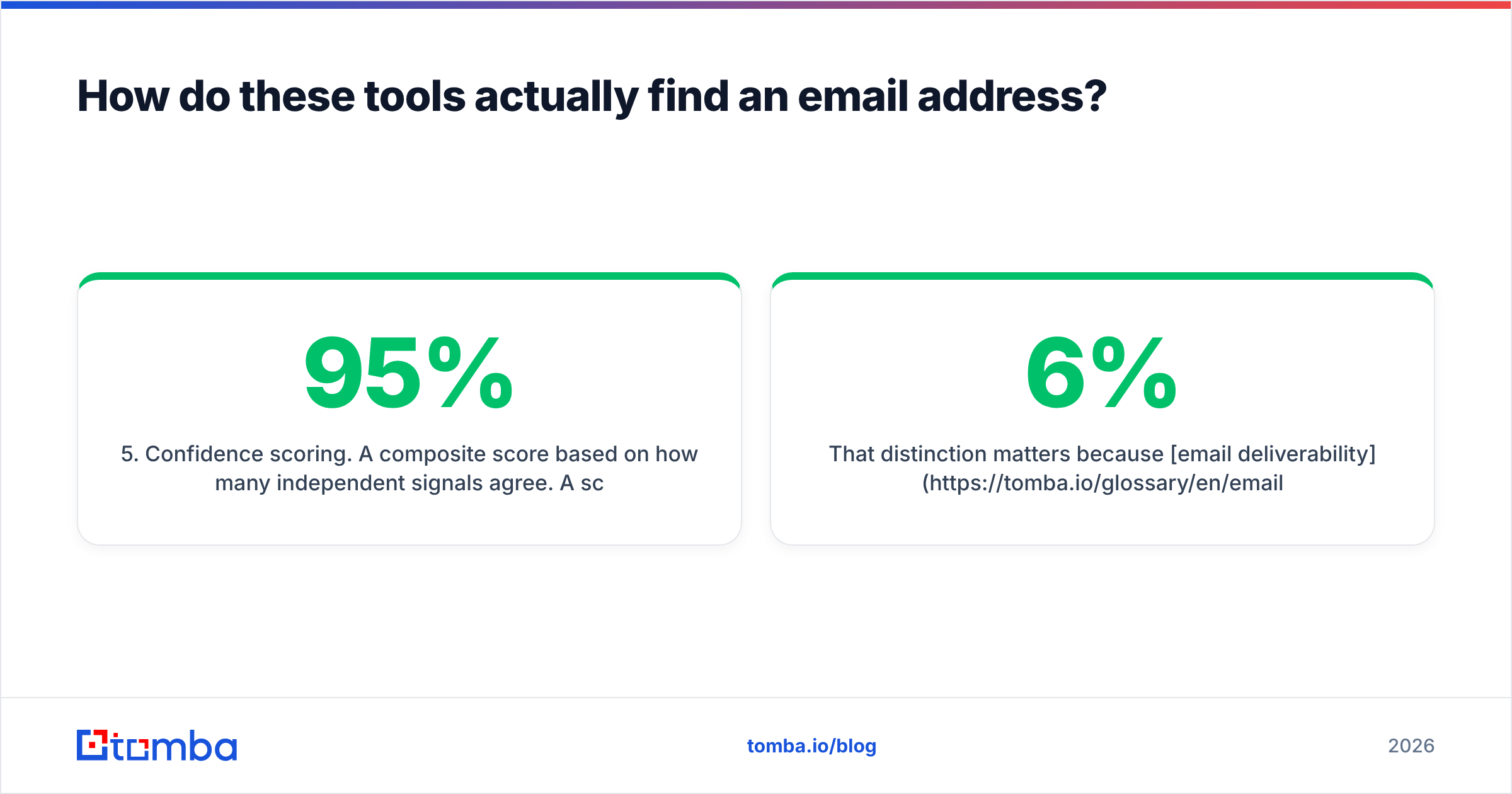
- Confidence scoring. A composite score based on how many independent signals agree. A 95% score built from three sources means something; a 95% built from one pattern guess does not.
Findymail leans on steps 2 and 3 and is aggressive about discarding anything that fails. Jet Leads Pro leans on steps 1 and 5, returning more rows with a score attached and leaving the accept/reject threshold to you. If you don't set that threshold deliberately, you send to it by default.
That gap matters because email deliverability adds up. A 6% bounce rate costs you more than one bad week. It drags your sender reputation down for the next month of sending.
Which one is more accurate?#
Vendor accuracy claims mean little, because every vendor measures on a different sample. What you can compare is methodology. Then you test on your own list.

Here's how the two behave in practice on a mixed B2B list:
- On large, well-indexed companies (500+ employees): both perform well. Coverage lands in a similar band, and bounce differences are small. This is the easy case, and no tool differentiates here.
- On mid-market and SMB domains (10–200 employees): the gap opens. Findymail returns fewer rows but the rows it returns bounce less. Jet Leads Pro returns noticeably more rows, and a meaningful slice of the extra rows are pattern guesses on catch-all domains.
- On non-English or regional domains: both degrade. Neither is a strong choice for APAC or LATAM-heavy ICPs without a verification layer on top.
- On freshly-hired contacts (started within 90 days): crawled-source tools lag. Expect misses regardless of vendor.
The honest test protocol: pull 200 contacts from your real ICP, run them through both tools, then run every returned address through an independent email verifier before you send. Compare four numbers — hit rate, verified-valid rate, catch-all rate, and cost per verified-valid contact. That last number is the only one that matters, and it is almost never the one the pricing page advertises.
How do pricing and credits compare?#
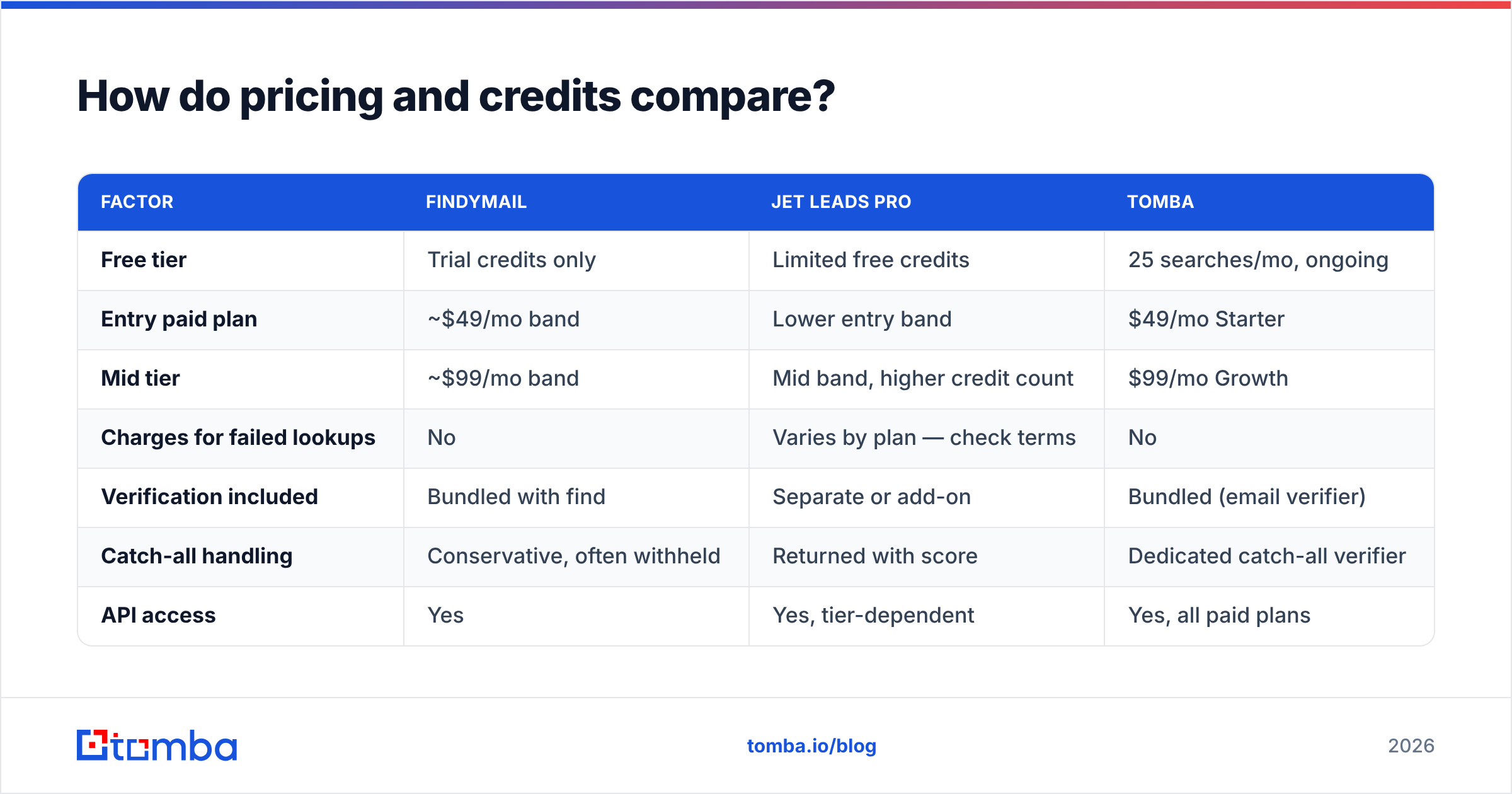
Sticker price is the wrong comparison. Credit consumption rules are where budgets die.

| Factor | Findymail | Jet Leads Pro | Tomba |
|---|---|---|---|
| Free tier | Trial credits only | Limited free credits | 25 searches/mo, ongoing |
| Entry paid plan | ~$49/mo band | Lower entry band | $49/mo Starter |
| Mid tier | ~$99/mo band | Mid band, higher credit count | $99/mo Growth |
| Charges for failed lookups | No | Varies by plan — check terms | No |
| Verification included | Bundled with find | Separate or add-on | Bundled (email verifier) |
| Catch-all handling | Conservative, often withheld | Returned with score | Dedicated catch-all verifier |
| API access | Yes | Yes, tier-dependent | Yes, all paid plans |
| Bulk CSV enrichment | Yes | Yes, headline feature | Yes (bulk email finder) |
| Phone numbers | No | Add-on | Yes, phone finder |
| Best fit | Low-bounce agency sending | High-volume list building | Teams wanting find + verify + API in one bill |
Pricing bands move. Treat the table as a shape, not a quote, and confirm against each vendor's live page — including Tomba pricing, where the Starter plan is $49/mo, Growth is $99/mo, and Pro is $249/mo.
Three credit traps worth checking in the fine print of any contract:
- Do failed searches burn credits? On a list with 40% coverage, a tool that charges for misses is effectively 1.6× its listed price.
- Do credits roll over? Outbound is lumpy. Non-rolling credits punish you for a slow month.
- Is verification a separate meter? If you pay to find and pay again to verify, your true cost per contact is the sum — compare that number, not the headline.
Which fits your workflow better?#
Tool choice is 40% data quality and 60% whether it fits the way your team already works.
Choose Findymail if:
- You run agency outbound where a single burned sending domain costs more than a month of credits.
- Your ICP skews enterprise and well-indexed, so coverage gaps are rare.
- You'd rather have 60 confirmed contacts than 100 maybes.
Choose Jet Leads Pro if:
- You're building top-of-funnel lists at volume and already own a verification step.
- Budget is the hard constraint and you have the ops discipline to filter by confidence score.
- You need broad exports more than you need per-record certainty.
Choose a bundled platform if:
- You want finding, verification, catch-all handling, and enrichment on one invoice.
- Engineering needs a stable email finder API rather than a CSV round-trip.
- You'd rather not renegotiate two vendor contracts every renewal cycle.

What are the hidden costs nobody puts on the pricing page?#
The verification tax. If your finder doesn't verify to your standard, you buy a verifier. That's a second subscription, a second integration, and a second place for data to go stale between steps.
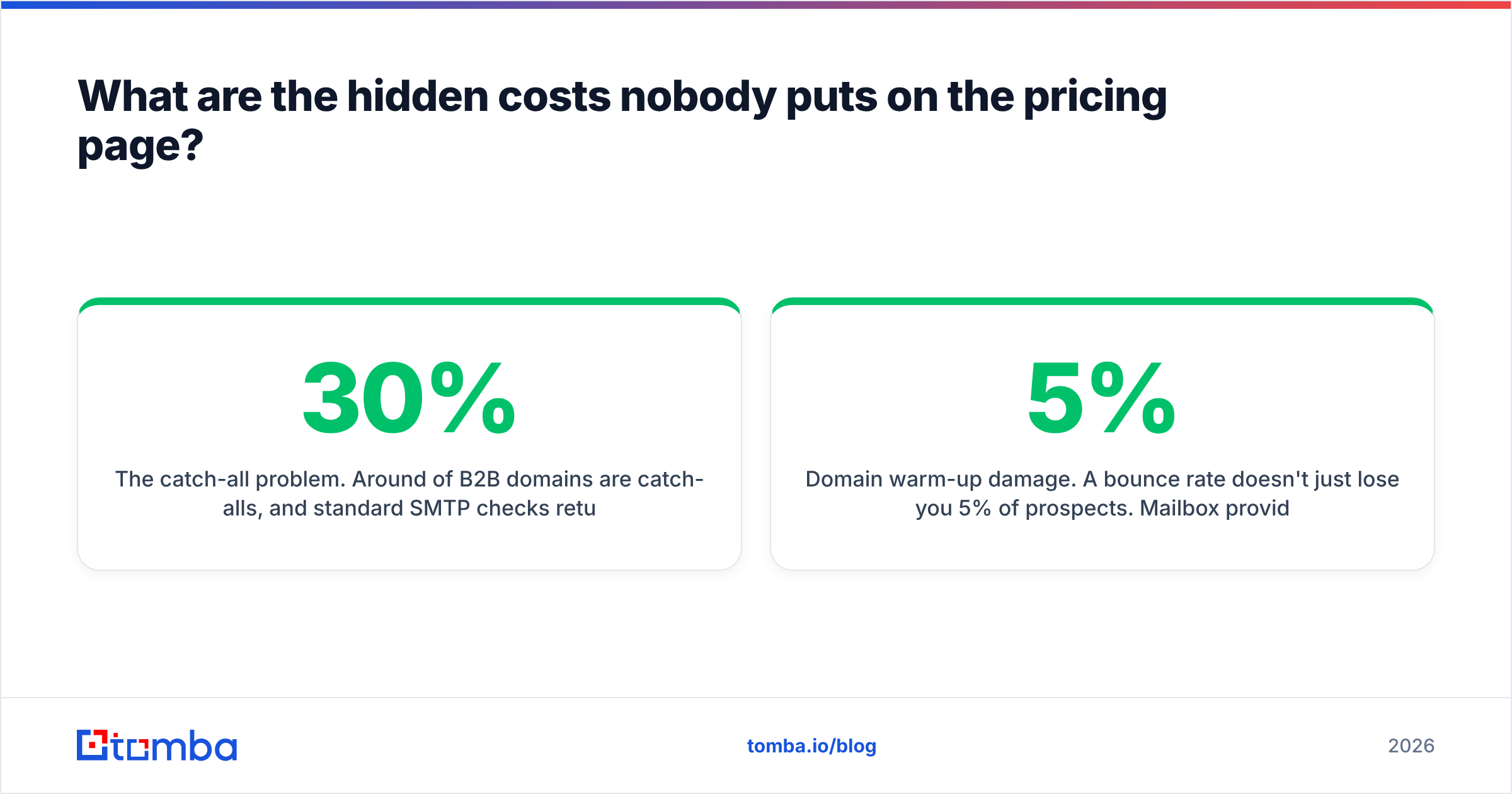
The catch-all problem. Around 30% of B2B domains are catch-alls, and standard SMTP checks return "valid" for every address on them — including addresses that don't exist. Unless your tool has a dedicated catch-all verifier, those rows are unmeasured risk sitting in your sequence.
Domain warm-up damage. A 5% bounce rate doesn't just lose you 5% of prospects. Mailbox providers read it as a signal that you're sending to a purchased list, and inbox placement drops for the good addresses too. G2 reviews for this category are full of teams who discovered this after the fact.
CRM pollution. Every unverified contact you push into the CRM becomes a permanent reporting problem — inflated pipeline counts, broken sequence logic, and a data-hygiene project someone inherits in six months. HubSpot's own data quality guidance is blunt about the compounding cost.
Engineering time. A finder without a documented, rate-limit-honest API means someone on your team maintains a CSV shuttle. That's a recurring cost you'll never see on an invoice.
What does a fair head-to-head test look like?#
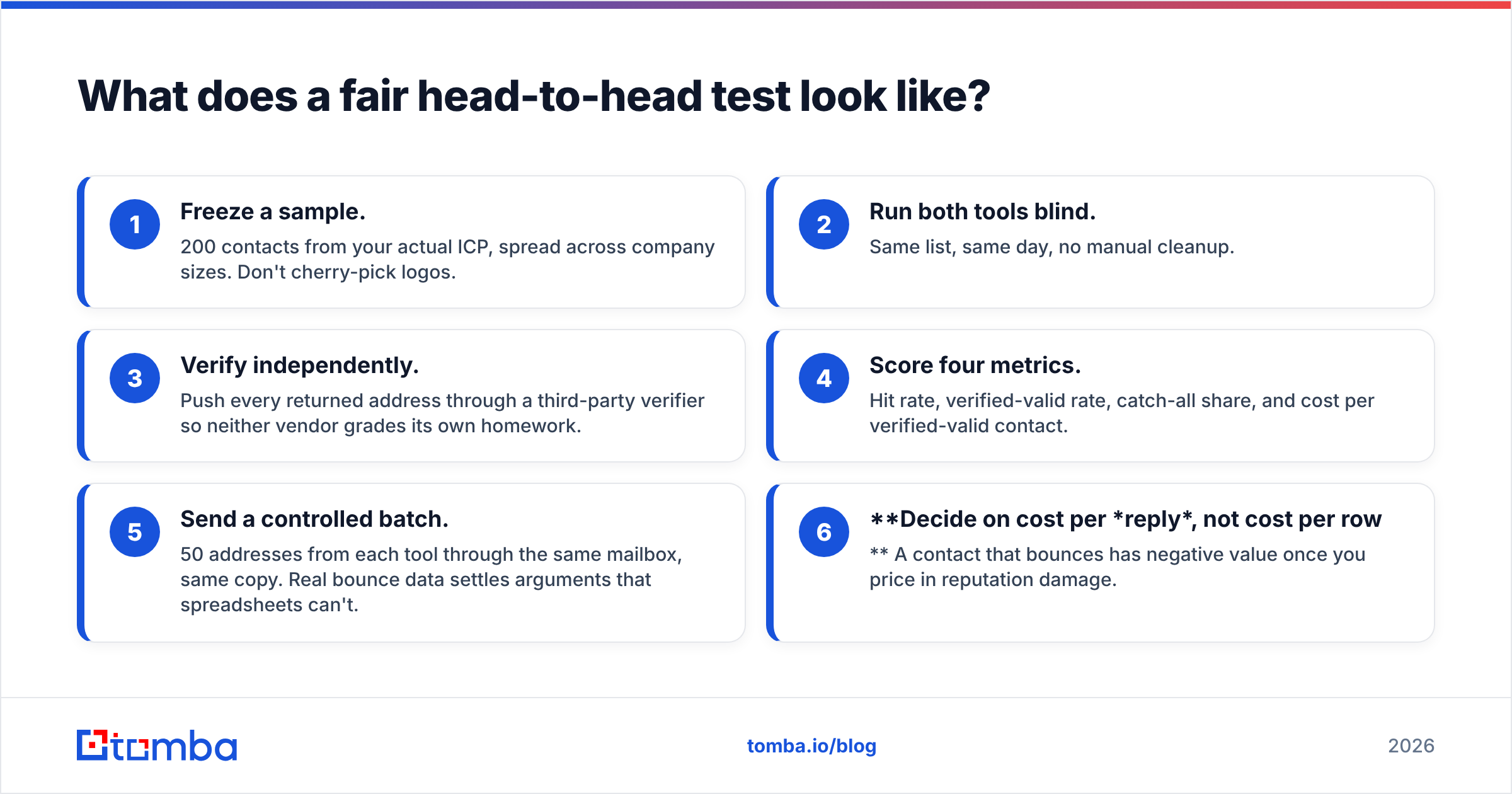
No Findymail vs Jet Leads Pro comparison beats your own data, including this one. Run the bake-off:
- Freeze a sample. 200 contacts from your actual ICP, spread across company sizes. Don't cherry-pick logos.
- Run both tools blind. Same list, same day, no manual cleanup.
- Verify independently. Push every returned address through a third-party verifier so neither vendor grades its own homework.
- Score four metrics. Hit rate, verified-valid rate, catch-all share, and cost per verified-valid contact.
- Send a controlled batch. 50 addresses from each tool through the same mailbox, same copy. Real bounce data settles arguments that spreadsheets can't.
- Decide on cost per reply, not cost per row. A contact that bounces has negative value once you price in reputation damage.
Most teams that run this honestly find the price gap between tools is smaller than it looked, and the quality gap is larger.
Findymail vs Jet Leads Pro: which should you pick in 2026?#
Pick Findymail if deliverability is your binding constraint and you sell into well-documented companies. Its conservatism is a feature, and you should not try to talk yourself out of it to save credits.
Pick Jet Leads Pro if you're volume-constrained, price-sensitive, and already operate a verification step you trust. Set a confidence threshold before your first export, not after your first bounce report.
Pick a consolidated platform if you're tired of the seam between finding and verifying. That seam is where most B2B data quality problems live — a contact found on Monday and verified on Friday is a contact that may have changed jobs on Wednesday.
That last case is where Tomba fits. The email finder runs against the same domain and pattern signals the specialists use, but verification, catch-all checks, domain search, and enrichment sit on the same credit pool and the same API — so you're not paying two vendors to pass a CSV back and forth. The Free tier gives you 25 searches a month, which is enough to run the bake-off above before you spend anything.
Start with the Tomba Email Finder on 25 free searches, benchmark it against whatever you're using now, and let the verified-valid rate on your own ICP make the decision. If it doesn't win on your list, you've lost nothing but an afternoon — and you'll finally have real numbers instead of vendor claims.
Related guides#
Ready to find emails that actually work?
Join 150,000+ professionals who stopped guessing and started sending. Free credits on signup — no credit card required.
Get the Tomba newsletter
Practical outbound tactics and product updates — once every two weeks.
About the author