Findymail vs Kitt AI (2026): Which Tool Actually Finds Emails?
Findymail and Kitt AI get compared constantly, but they solve different halves of the outbound problem. Here is where each one wins, where each one leaves you exposed, and what a lean 2026 data stack actually costs.
TL;DR
- Findymail is a focused B2B email finder built around LinkedIn and Sales Navigator exports, with a hard promise of low bounce rates. Kitt AI sits in the AI-assistant layer — conversational automation and agent workflows — not raw contact discovery.
- Comparing them head-to-head only makes sense if you are trying to decide where your budget goes first: the data layer or the automation layer. Data wins that argument almost every time.
- Findymail publishes transparent self-serve pricing. Kitt AI, like most AI-agent vendors, routes you through a demo before quoting — budget for a longer procurement cycle.
- If what you actually need is verified work emails at predictable cost, a dedicated finder plus verifier stack (Tomba, Findymail, BookYourData) beats bolting an AI layer onto unverified data.
- Rule of thumb: no AI agent, sequencer, or dialer can outperform a list that is 30% invalid. Fix the data first.
Why do people compare Findymail vs Kitt AI at all?#
Because the two names surface in the same searches, not because they do the same job.
Findymail is a prospecting data tool. You feed it a name and a domain, a LinkedIn profile, or a Sales Navigator search, and it returns work email addresses that it claims are verified against bounce risk. That is the entire product surface, and the narrowness is the point.
Kitt AI belongs to the wave of AI-agent and conversational-automation tooling that has flooded the go-to-market category since 2024. Products in that bucket promise to draft, qualify, route, and sometimes speak — layered on top of whatever contact data you already have. They do not generate the underlying contact records themselves.
So the honest framing of findymail vs kitt ai is not "which is better." It is: given a fixed budget, which layer do you buy first, and what happens if you get the order wrong?
If you buy the AI layer first, you get a very articulate machine sending very well-written messages to addresses that bounce. If you buy the data layer first, you get a smaller but working pipeline that any automation tool can amplify later.

What does Findymail actually do well?#
Findymail's reputation was built on one metric: bounce rate. The pitch is that it would rather return nothing than return a guess, and it verifies before it hands an address back. For teams running high-volume cold email on domains they cannot afford to burn, that conservatism is worth paying for.
Where it is strongest:
- LinkedIn and Sales Navigator exports. Its browser extension and list-export flow are the primary reason most users sign up. You run a Sales Navigator search, export, and get enriched contacts without touching a scraper.
- Bounce protection as a product promise. Verification is baked in rather than sold as a separate SKU, which simplifies the mental model.
- Simplicity. There is no sprawling CRM, no sequencer, no dashboard you have to learn. It finds emails.
Where it gets thin:
- Coverage outside its sweet spot. If your ICP is not well represented on LinkedIn — trades, local services, non-US SMBs, academic or media contacts — hit rates drop noticeably.
- Narrow enrichment. You get emails. Firmographics, technographics, and phone data are limited or absent compared to broader platforms.
- Credit economics at scale. Per-contact pricing is fine at 2,000 lookups a month and gets uncomfortable at 50,000.
You can read a fuller breakdown of where it fits on our Findymail alternative page, and check the vendor's own claims at findymail.com.
What does Kitt AI actually do?#
Kitt AI is an automation and conversational-AI layer, not a contact database. Products in this class typically cover some mix of AI-drafted outreach, inbound qualification, meeting booking, and agentic follow-up across channels.
That is genuinely valuable — but only downstream of data. A useful test: ask any AI-agent vendor "where do the contact records come from?" If the answer is "you bring them" or "we integrate with a provider," you are looking at a layer, not a source. That answer determines your buying order.
Two practical cautions when evaluating this category in 2026:
- Pricing opacity. Most AI-agent vendors do not publish self-serve tiers. Expect a discovery call, a scoped quote, and an annual commitment. Findymail, by contrast, lets you swipe a card and start.
- Attribution difficulty. When an AI layer sits between your list and your replies, it becomes hard to tell whether a bad week was caused by weak copy, a deliverability problem, or a list that was 22% invalid. Isolate variables by fixing data quality first.
Before you sign anything in this category, sanity-check the reviews on G2 and confirm that the vendor's integration list includes whatever CRM you actually run.
How do Findymail, Kitt AI, and Tomba compare on the things that matter?#
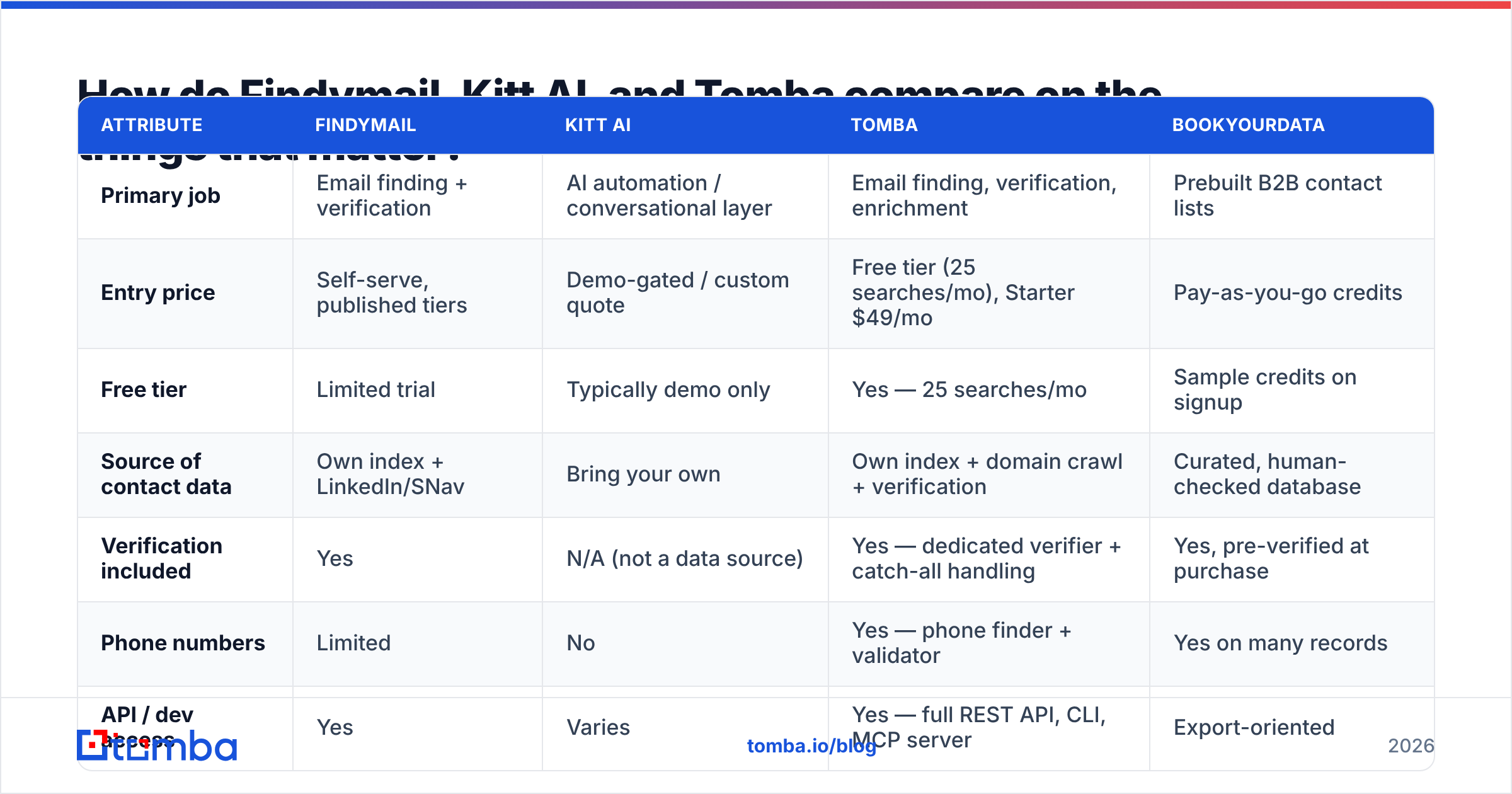
Here is the honest side-by-side. Note that these are different product categories — the table is meant to show what you get for your money at each layer, not to declare a single winner.
| Attribute | Findymail | Kitt AI | Tomba | BookYourData |
|---|---|---|---|---|
| Primary job | Email finding + verification | AI automation / conversational layer | Email finding, verification, enrichment | Prebuilt B2B contact lists |
| Entry price | Self-serve, published tiers | Demo-gated / custom quote | Free tier (25 searches/mo), Starter $49/mo | Pay-as-you-go credits |
| Free tier | Limited trial | Typically demo only | Yes — 25 searches/mo | Sample credits on signup |
| Source of contact data | Own index + LinkedIn/SNav | Bring your own | Own index + domain crawl + verification | Curated, human-checked database |
| Verification included | Yes | N/A (not a data source) | Yes — dedicated verifier + catch-all handling | Yes, pre-verified at purchase |
| Phone numbers | Limited | No | Yes — phone finder + validator | Yes on many records |
| API / dev access | Yes | Varies | Yes — full REST API, CLI, MCP server | Export-oriented |
| Bulk workflows | CSV + SNav export | Depends on integrations | Bulk finder, Sheets, Excel, Airtable | Native list download |
| Best for | LinkedIn-led SDR teams | Teams with clean data already | Teams wanting one data layer + API | One-time list purchases |
The pattern is clear. Findymail and Tomba compete directly on the data layer. BookYourData solves the same problem from the list-purchase angle — a genuinely good fit when you want a finished list rather than a lookup tool. Kitt AI is not competing with any of them; it consumes their output.

Does accuracy actually differ that much between email finders?#
Yes, and it is the single largest driver of outbound ROI.
Two vendors both claiming "95% accuracy" can produce wildly different results on your list, because accuracy is measured differently by each of them:
- Hit rate — of 1,000 rows submitted, how many returned an address at all?
- Validity rate — of the addresses returned, how many survive SMTP verification?
- Bounce rate in production — the only number that touches your sender reputation.
A tool can post an excellent validity rate by refusing to answer most queries. Another can post a high hit rate by guessing patterns. Neither number alone tells you anything. Run both on the same 500-row sample and compare valid addresses returned per dollar spent.
Catch-all domains are where most comparisons quietly fall apart. A large share of enterprise domains accept every address at the SMTP layer, so naive verification marks them "valid" and your bounce rate spikes weeks later. Tools that handle catch-alls explicitly — via a dedicated catch-all verifier — give you a materially different risk profile than tools that lump them into "unknown" and move on.
If you are hitting bounce trouble already, understanding how bounce messages are classified will save you a week of guesswork.
How should you actually run the bake-off?#
Do not buy on marketing claims. Run this five-step test — it takes an afternoon and settles the argument permanently.
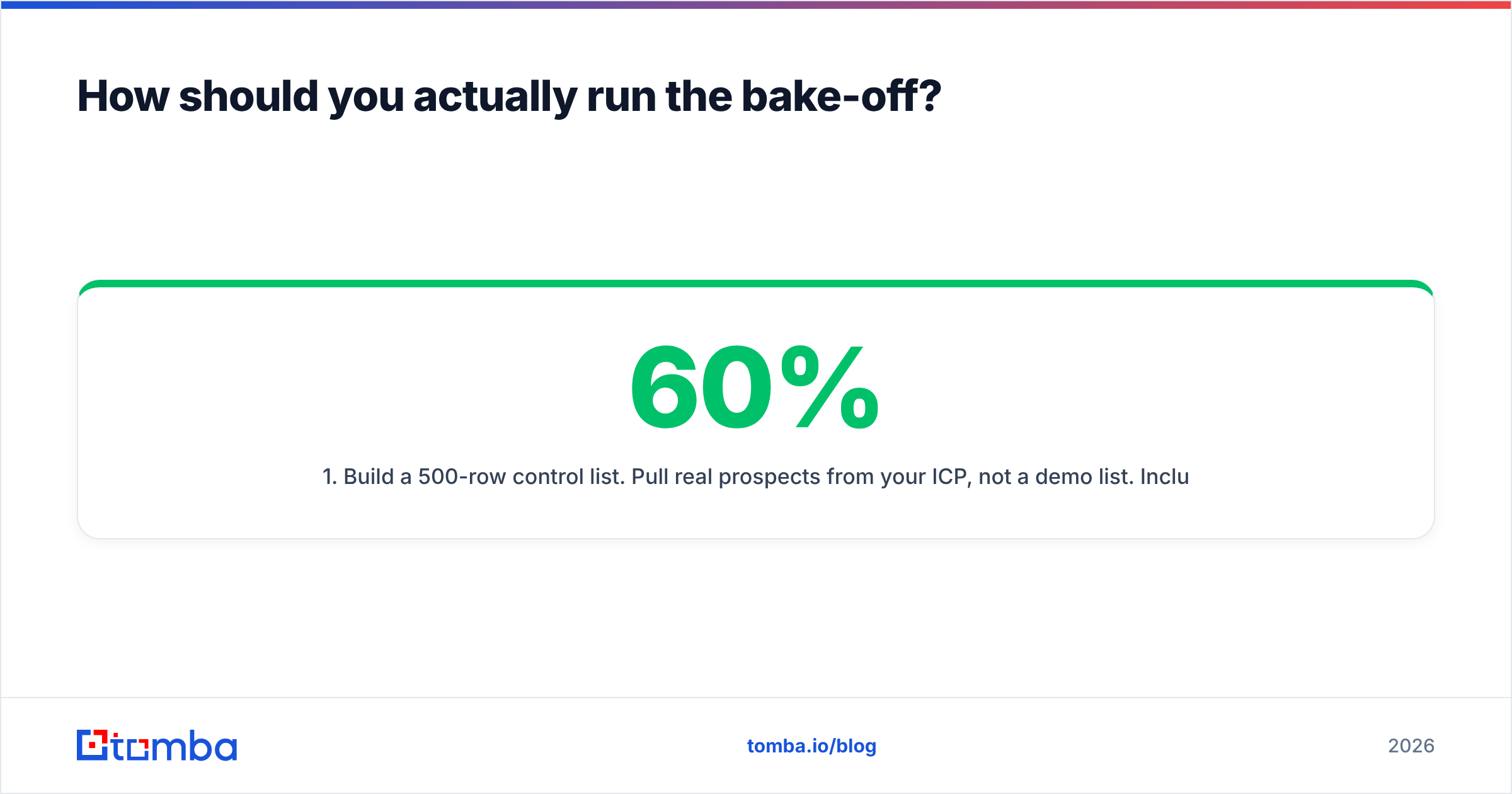
- Build a 500-row control list. Pull real prospects from your ICP, not a demo list. Include a deliberate mix: 60% mid-market, 20% enterprise, 20% SMB.
- Run the same list through each finder. Record hit rate, cost in credits, and processing time. Do not let any vendor pre-clean the file for you.
- Verify every returned address with a neutral third party. Use a verifier you did not buy from the finder — otherwise you are grading the exam with the answer key. A separate email verifier pass keeps the test honest.
- Send a low-volume real campaign. 100 addresses per tool, same copy, same sending domain, staggered by a week. Track hard bounces, spam complaints, and reply rate.
- Compute cost per verified reply. Not cost per credit. Not cost per contact. Cost per verified reply is the only metric that maps to revenue.
Teams that run this test are frequently surprised: the tool with the lowest headline hit rate sometimes wins on cost per verified reply, because it wasted fewer credits on garbage.

Where does Tomba fit in this comparison?#
Tomba sits on the same layer as Findymail — contact discovery and verification — but with a wider surface and more transparent economics.
The practical differences:
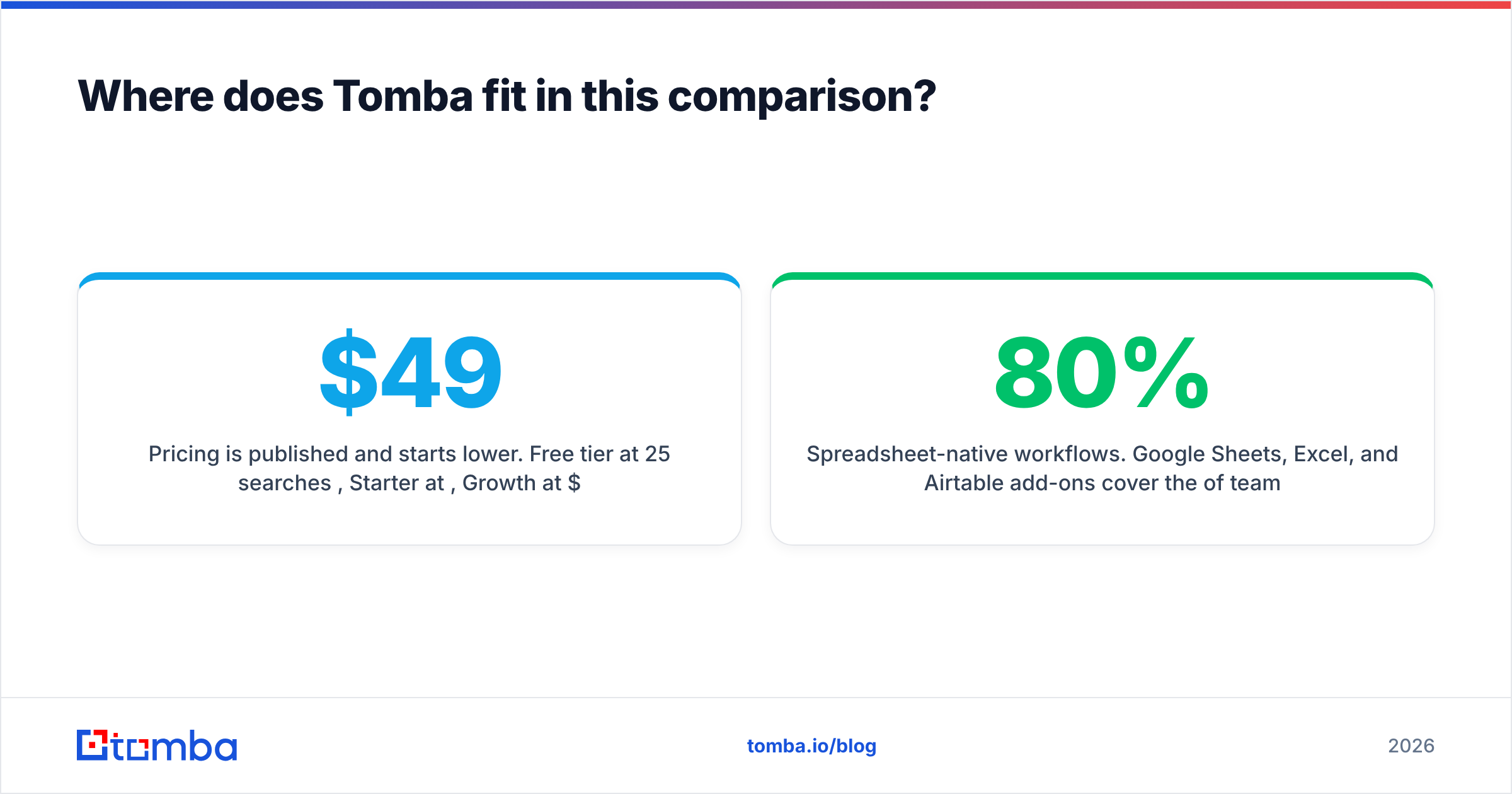
- Pricing is published and starts lower. Free tier at 25 searches/month, Starter at $49/mo, Growth at $99/mo, Pro at $249/mo, Enterprise custom. Full Tomba pricing is on the site — no demo required to see a number.
- More than one primitive. The email finder is the core, but domain search, catch-all handling, reverse lookup, phone finding, and enrichment sit alongside it. You are not stitching four vendors together.
- Developer-first access. A documented Tomba API, a CLI, and an MCP server mean you can wire lookups directly into your own agents — including, ironically, whatever AI layer you end up buying. That is the correct integration order.
- Spreadsheet-native workflows. Google Sheets, Excel, and Airtable add-ons cover the 80% of teams whose real CRM is a spreadsheet.
None of that makes Findymail a bad tool. If your entire motion is Sales Navigator exports and you value radical simplicity, it does that job well. The argument for Tomba is breadth at a lower entry price, plus an API you can build on.
Which one should you buy in 2026?#
Decide by motion, not by feature list.
- You run LinkedIn-led outbound and want one simple tool. Findymail is a reasonable pick. Test hit rate on your ICP before committing to annual billing.
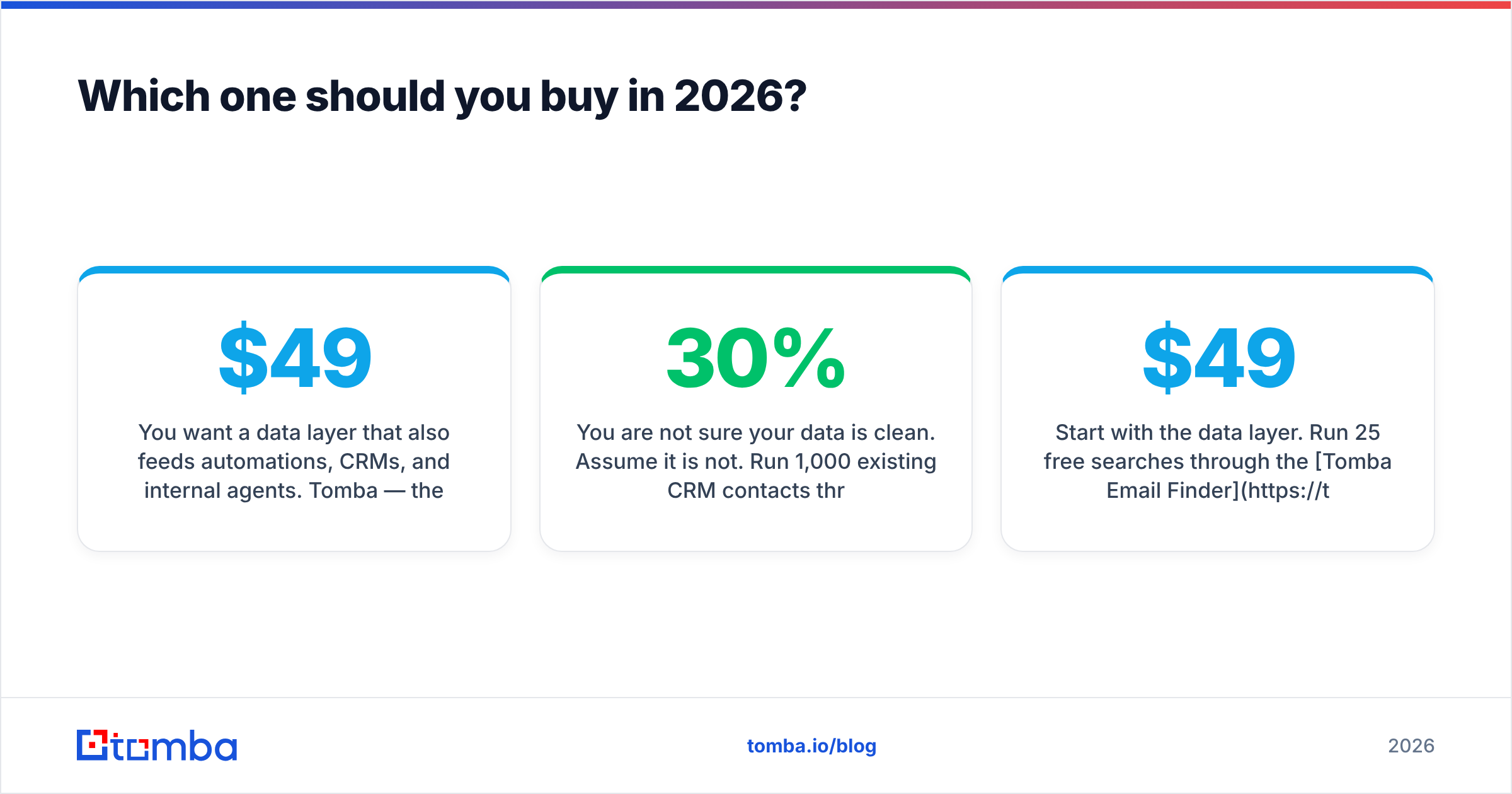
- You want a data layer that also feeds automations, CRMs, and internal agents. Tomba — the API, bulk tooling, and $49 entry point make it the cheaper foundation to build on.
- You want a finished list without running lookups. BookYourData is the cleanest path; it is a purchase, not a workflow.
- You already have clean, verified data and your bottleneck is human follow-up capacity. That is the moment an AI layer like Kitt AI starts to pay back. Not before.
- You are not sure your data is clean. Assume it is not. Run 1,000 existing CRM contacts through a verifier this week; most teams find 15–30% decay per year, which is consistent with what HubSpot and other CRM vendors report on database degradation.
The failure mode we see most often is teams buying the exciting layer before the boring one. AI agents are the exciting layer. Verified contact data is the boring one. The boring one determines whether anything else works.
Start with the data layer. Run 25 free searches through the Tomba Email Finder, drop the results into the same test list you would give any other vendor, and compare cost per verified reply — not cost per credit. If the numbers hold up, Starter is $49/mo and the API is included from day one. Fix the list first; the automation layer will still be there next quarter, and it will work far better on top of contacts that actually exist.
Related guides#
Ready to find emails that actually work?
Join 150,000+ professionals who stopped guessing and started sending. Free credits on signup — no credit card required.
Get the Tomba newsletter
Practical outbound tactics and product updates — once every two weeks.
About the author